
9 Best PPC Optimization Software for Agencies in 2026
This guide compares nine PPC optimization software options for agencies, judged on multi-account handling, bulk editing and automation, reporting, and pricing that scales. It explains how each tool fits into a stack so agencies can cut time spent on search term reviews, audits, and monthly reports.


If you run Google Ads for several clients, you already know where the hours go: search term reviews, negative keyword cleanup, account checks, and monthly reports. The tools below are picked for agency fit, meaning multi-account handling, bulk editing or automation, reporting, pricing that holds up as your client list grows, and how much each one changes your daily workflow. They do different jobs, so read them as parts of a stack rather than rivals for a single slot.
Quick Comparison of the Tools
- Keywordme: agencies that spend hours on search term review; $12/month per user; works inside the native Google Ads Search Terms Report with no export.
- Optmyzr: mid-size and large agencies; tiered pricing, see website; the deepest library of customizable automation rules and optimizations here.
- Adalysis: agencies wanting ongoing audits; pricing on website; pairs automated ad testing with continuous account-health alerts.
- Google Ads Editor: agencies needing free bulk structural changes; free; a first-party draft-and-review workflow for offline edits.
- Google Ads Scripts and Manager Accounts: technical agencies; free; fully custom automation with no software cost.
- WordStream: small agencies and teams; pricing on website; guided, prioritized recommendations for less-technical users.
- SEMrush: agencies doing competitor research; subscription tiers, see website; competitive ad and keyword intelligence next to SEO data.
- Supermetrics: agencies consolidating multi-channel reporting; pricing on website; the widest connector coverage for pushing ad data into reporting tools.
- Looker Studio: agencies building client dashboards; free; shareable dashboards with native Google connectors.
1. Keywordme
Keywordme is our own product, so weigh this entry with that in mind. It's a Chrome extension that adds one-click actions to the Search Terms Report inside Google Ads. A quick definition for anyone newer to this: a search term is what a person actually typed, while a keyword is what you bid on. The report shows the former, and the job is deciding which terms become keywords and which become negative keywords.
Keywordme's distinct advantage is that the whole job happens in the native Google Ads interface. You don't export a CSV, sort it in a spreadsheet, and upload it back. You review terms where they already appear and act on them in place. The company describes this as up to 10x faster optimization; that is Keywordme's own claim, not an independent benchmark, and your results will depend on account size and how disciplined your review process is.
- One-click negative keywords and keyword additions straight from the Search Terms Report, so junk queries get cut without leaving the page.
- Match type application, so you choose how a new keyword or negative behaves as you add it.
- Keyword clustering, which helps you group related terms and build tighter keyword lists faster.
- Bulk editing for applying changes across many terms at once.
- Multi-account and team support, so several people at an agency can use it across client accounts.
Setup is light: install the extension in Chrome and open Google Ads. The person who owns search term reviews at your agency, usually a PPC specialist or account manager, runs it day to day. It works with Google Ads through Chrome and that's all.
The limits are plain. It is Google Ads only. It isn't a reporting platform, a bidding tool, or a cross-platform suite, and it doesn't audit accounts or run rules on a schedule. If you need those, you'll pair it with something else on this list. Every action is a click you make yourself, which keeps a human in control but means it doesn't run unattended.
Pricing is $12/month per user with a 7-day free trial, as of November 2026 (confirm on the site before buying). Cost scales with the number of users, not clients or ad spend.
Best for: Agencies that spend hours on search term review and negative keyword cleanup.
2. Optmyzr
Optmyzr is a PPC management platform built around rule-based automation and optimization suggestions. It's aimed at agencies running many accounts that want repeatable checks and fixes applied consistently, rather than rebuilt by hand for each client.

What sets it apart on this list is breadth of customizable automation. Where Keywordme speeds up one task, Optmyzr covers a wide range of routine optimizations and lets you tune the rules to your own standards. That matters when you have a playbook and want it enforced across thirty accounts.
- Rule-based automation that runs your checks and adjustments on a schedule you define.
- One-click optimization suggestions you can review and apply, rather than hunting for issues manually.
- Bulk management tools for making changes across many campaigns or accounts.
- Client reporting, so analysis and deliverables live in one place.
- Multi-account management designed around agency structures.
It connects to Google Ads and Microsoft Advertising; check the site for current platform support, since coverage changes. Expect real setup time: you'll configure rules, test them, and decide what's safe to automate. Someone senior usually owns that setup, with account managers using the outputs.
The trade-off is the learning curve and cost. Small agencies or freelancers with a handful of accounts may find it more than they need. Automation also needs supervision, since a badly tuned rule can make a bad change at scale, so keep a review habit in place.
Pricing is tiered; see the website for current plans, as of November 2026. Tiers generally reflect the size of what you manage, so confirm what your account count and ad spend would cost.
Best for: Mid-size and large agencies wanting rule-based automation at scale.
3. Adalysis
Adalysis is an auditing and monitoring tool. It watches client accounts, flags problems, runs ad tests, and sends alerts, so you hear about a broken ad or a drifting metric before the client does.
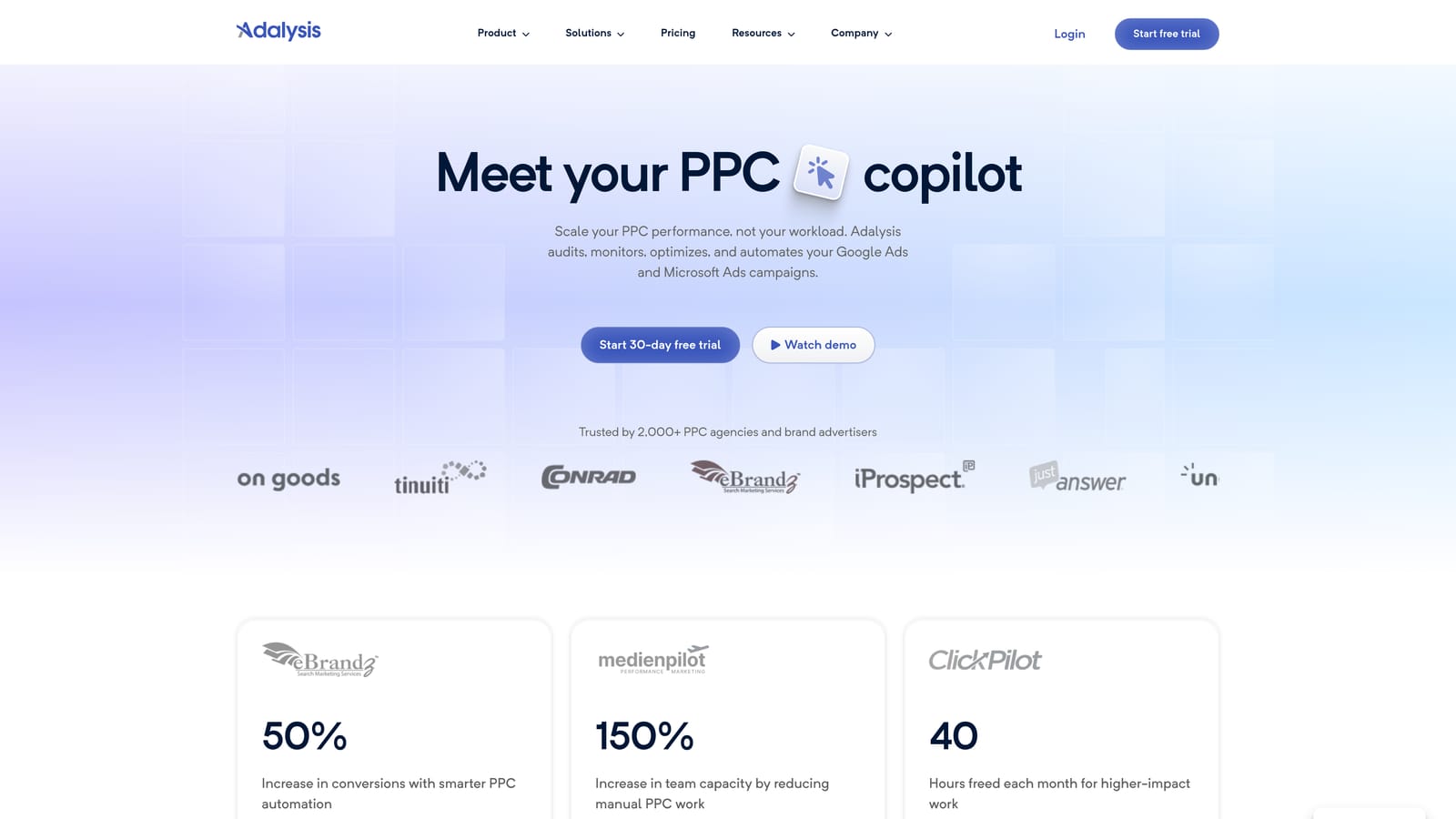
Its distinct strength is combining automated ad testing with continuous account-health monitoring. Many tools do one or the other. If your agency struggles to test ad copy consistently across accounts, or things slip between monthly reviews, this is the gap it fills.
The main features:
- Automated account audits and alerts that surface issues without a manual walkthrough of each account.
- Ad copy testing that tracks which variations win, so testing doesn't depend on someone's memory.
- Quality and performance checks that point to weak spots in ads, keywords, and settings.
- Multi-account monitoring, so one dashboard covers your client list.
It supports Google Ads and Microsoft Advertising; verify current coverage on the site. Setup means connecting accounts and tuning which alerts matter, otherwise you'll drown in notifications. Account managers or a PPC lead typically work through the flagged items.
The limitation is its focus. It's about monitoring and testing, so it isn't built for fast search term editing in the interface. Think of it as the smoke detector, not the tool you use to fix the room. You'll still need a way to act on what it finds.
Pricing isn't listed here; see the website, as of November 2026. Expect it to depend on the scale of what you monitor, and ask for a quote that matches your client count.
Best for: Agencies that want ongoing account audits and ad testing.
4. Google Ads Editor
Google Ads Editor is Google's free desktop application for managing accounts in bulk. You download account data, make changes offline, review them, and post them back. It's the baseline tool for structural work.

It stands out because it's free, first-party, and built around a draft-and-review workflow. You see the changes before they go live, which is useful when you're restructuring campaigns, rolling out new ad groups, or fixing settings across many campaigns at once.
- Bulk editing for changing many keywords, ads, or settings in one pass.
- Offline drafting, so you can build out work without being tied to the web interface.
- Multi-account management, letting you switch between client accounts in one app.
- A change review step, so you can check edits before posting them.
- Copy and paste across campaigns, which speeds up building similar structures for new clients.
Setup is a download and a sign-in. Anyone on the team who builds or restructures campaigns can use it, and the learning curve is modest if you're comfortable with spreadsheets.
Its limits are clear. There's no automation, no alerts, and no reporting. It does what you tell it to, when you tell it to. It also isn't the quickest route for search term review, since that work happens in the web interface. Treat it as the workhorse for builds and big edits, not a monitoring layer.
It's free, with no tiers or seat charges.
Best for: Agencies needing free bulk structural changes.
5. Google Ads Scripts and Manager Accounts
Manager accounts are Google's way of organizing many client accounts under one login. You may know them as MCC accounts, short for My Client Center. Alongside them, Google Ads offers automated rules and scripts, which are snippets of JavaScript that run inside an account to perform checks or changes.
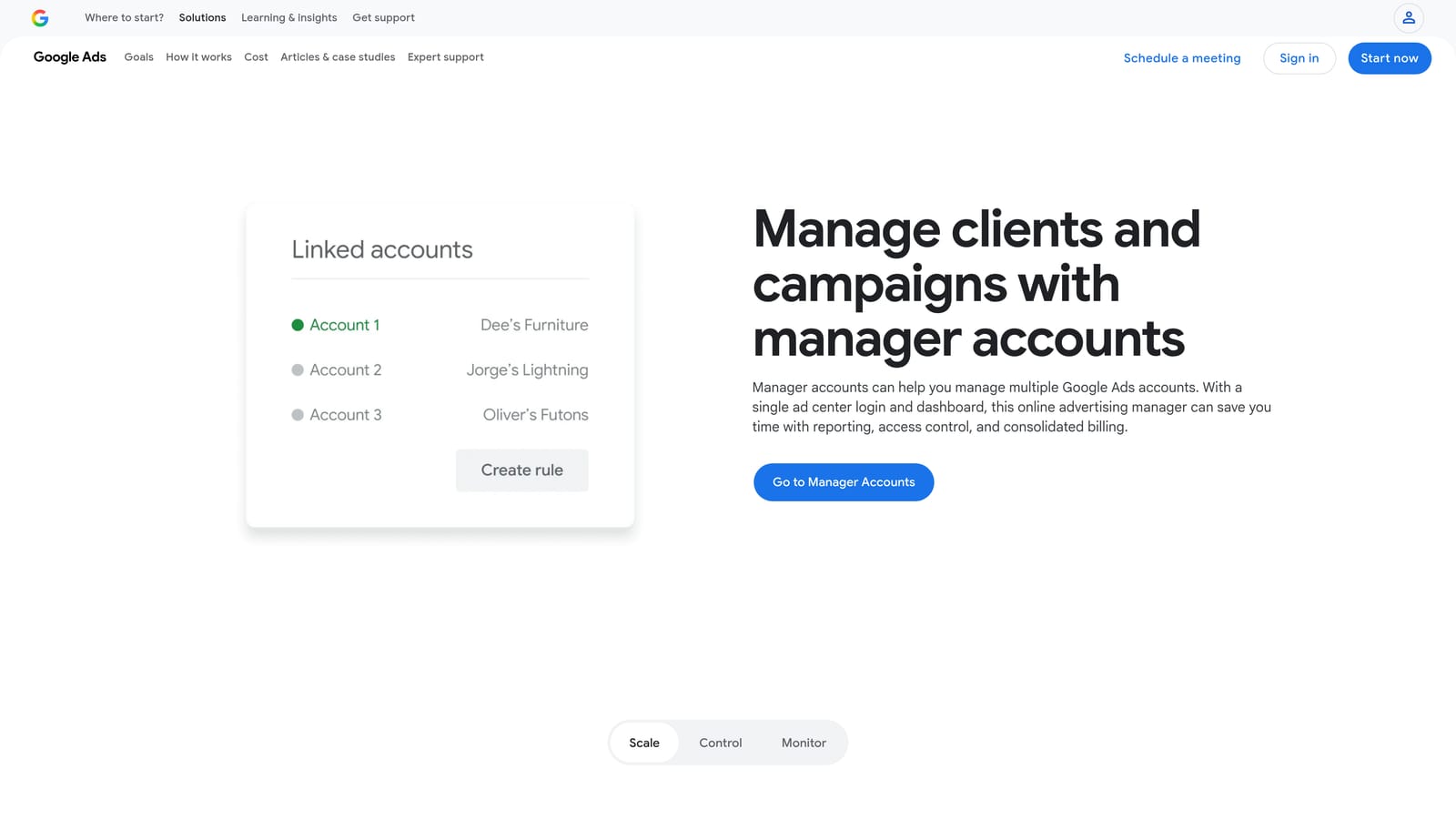
The standout here is total flexibility at no software cost. If you can describe a check, such as pausing ads that meet certain conditions or emailing you when spend spikes, a script can probably do it. Nothing else on this list offers that much customization for free.
- Manager (MCC) account structure that puts every client under one umbrella.
- Automated rules for simple scheduled actions without code.
- JavaScript scripts for custom checks and reports that fit your own process.
- Account-level access management, so you control who sees which client.
It works with Google Ads only. Setup is easy for the manager account itself and much harder for scripts, which need someone who can write and debug code. That person also has to maintain them, because scripts can break when Google changes things or when account structures shift.
That's the catch: it requires coding skills and ongoing upkeep, and the cost simply moves from licenses to staff time. If nobody on your team can own it, it won't get used. Test scripts carefully before letting them change live accounts.
The features are free to use.
Best for: Technical agencies that want custom automation.
6. WordStream
WordStream, from LocaliQ, is a PPC advisor and management platform aimed at small-business advertisers. Its strength is guidance: it tells you what to look at and in what order, which helps people who don't live in ad accounts all day.
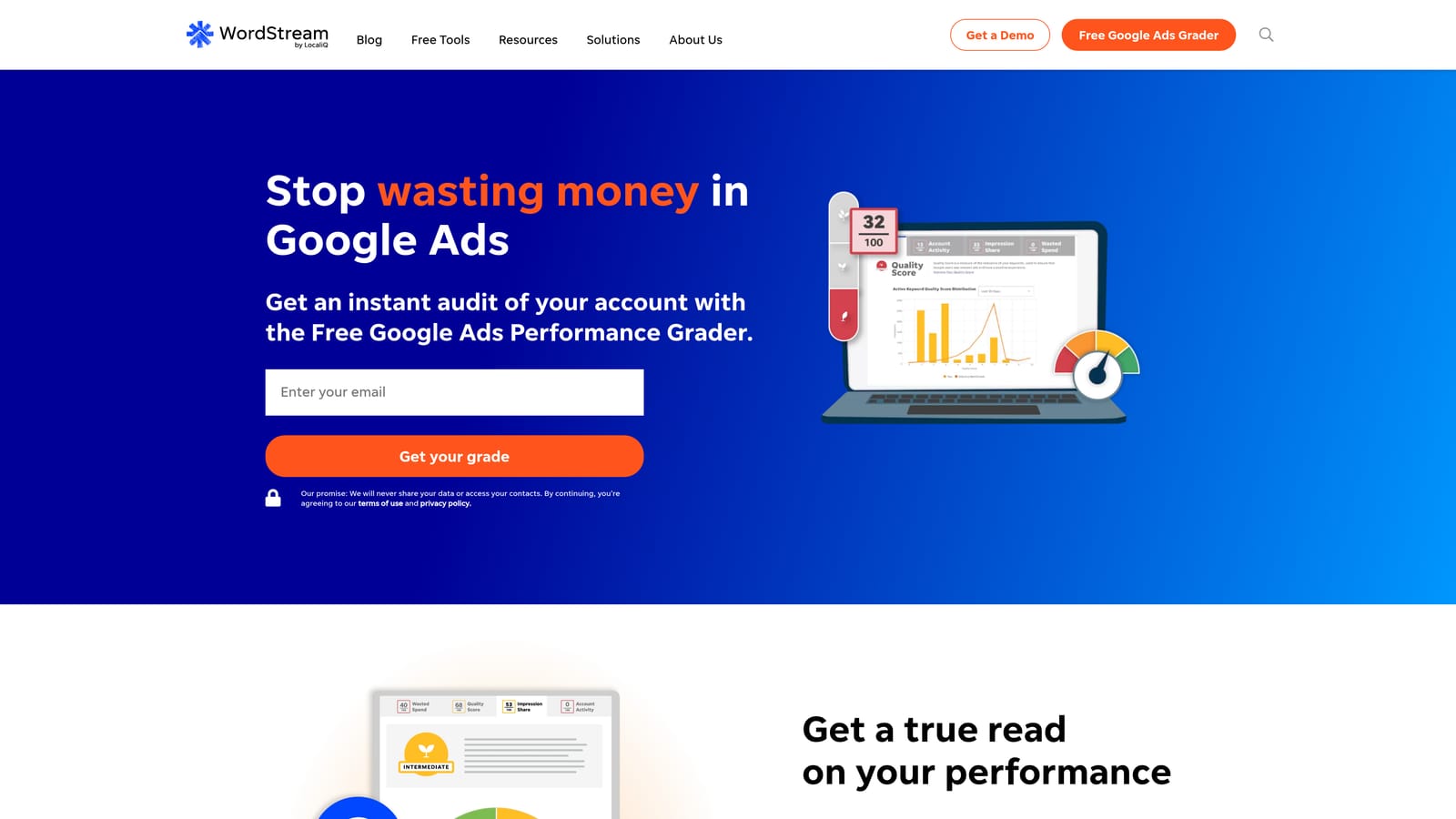
Compared with the rest of this list, the distinct value is prioritized, guided recommendations. Tools like Optmyzr hand you a large toolbox. WordStream tries to narrow it to the next few things worth doing, which suits teams without a deep PPC bench.
- Optimization recommendations that point to likely improvements instead of leaving you to hunt.
- A performance grader that gives a quick read on how an account is doing, useful in pitches and audits.
- Campaign management tools for handling day-to-day changes.
It has covered Google Ads, Microsoft Advertising, and Meta; verify current platform support before you commit. Setup is relatively simple, and the guided style means junior staff can get value quickly.
The limitations matter for agencies. It's less flexible for advanced teams who want fine control, and its offering has been oriented toward small-business advertisers, so confirm directly that current plans suit an agency managing many clients. Recommendations are also starting points: they should be checked against each client's goals, not applied blindly.
Pricing isn't covered here; see the website, as of November 2026, and ask what changes the cost for multi-client use.
Best for: Small agencies or teams wanting guided recommendations.
7. SEMrush
SEMrush is a broad marketing suite, and its advertising toolkit is the part relevant here. It's a research tool, not an account-management tool: you use it to understand the market before and between optimization cycles.
What it does distinctively is put competitor ad and keyword intelligence beside SEO data in one subscription. For an agency pitching a new client or planning a keyword expansion, seeing what competitors bid on and how organic and paid overlap is useful context you won't get from the other tools here.
- PPC keyword research to find terms worth testing before you spend on them.
- Competitor ad research that shows how rivals position their ads.
- Keyword gap analysis, revealing terms competitors target that you don't.
- SEO and PPC data under one subscription, handy when you serve both channels.
It connects with Google Looker Studio and Google Analytics; check current integrations on the site. Setup is minimal since it's mostly a research interface, and strategists or account leads tend to use it more than day-to-day account managers.
The key limitation: it doesn't edit live Google Ads accounts. It informs decisions, and you'll carry them out elsewhere. The suite is also large, so if you only want PPC research, you may be paying for a lot you won't touch.
Pricing is by subscription tier; see the website, as of November 2026. Tier and the add-ons you choose drive the cost.
Best for: Agencies doing competitor research and keyword planning.
8. Supermetrics
Supermetrics is a data connector. It pulls numbers from ad platforms and other marketing sources and sends them to the places where you build reports. It doesn't analyze or optimize anything itself.
Its edge is connector coverage. Agencies reporting across Google Ads, Meta, and other channels often struggle to get everything into one view, and this is built to solve that. If your clients run on several platforms, that breadth matters more than any single-platform feature.
- Connectors for many ad platforms, so multi-channel data lands in one place.
- Destinations including Looker Studio, Google Sheets, and Excel, so you report in tools your team already knows.
- Scheduled data refreshes that keep dashboards current without manual exports.
It also works with BigQuery for larger data needs. Setup involves connecting each client's accounts and building or adapting report templates, and whoever owns reporting, often an analyst or senior account manager, handles it. Expect some time on first-run configuration.
The limit is that it's a pipeline only. It won't suggest a negative keyword or fix a campaign. You also add a cost layer on top of whatever reporting tool you use, so check that the connectors you need are included in your plan.
Pricing isn't listed here; see the website, as of November 2026. Cost typically depends on which connectors and destinations you use and how many data sources you connect.
Best for: Agencies consolidating multi-channel client reporting.
9. Looker Studio
Looker Studio is Google's free dashboard and reporting tool. It has a native Google Ads connector, which makes it the default starting point for client-facing reports.
Its distinct strength is that it's free and shareable, with native Google connectors. You can build a template once, duplicate it for each client, and send a link instead of a PDF. For many agencies that alone replaces a paid reporting product.
- A native Google Ads connector, so campaign data flows in without extra software.
- Shareable dashboards that clients can open at any time.
- Report templates, which let you standardize reporting across accounts.
- Scheduled report delivery, so updates land in inboxes without manual sending.
It also connects to Google Analytics, Google Sheets, and BigQuery. Setup is easy for the basics, and a template-builder on your team can roll out reports to everyone else. Non-Google sources usually need a connector, which is where a tool like Supermetrics comes in.
It's reporting only, so nothing in it changes an account. Dashboards can also run slowly with large datasets or many data sources, which becomes noticeable on big accounts. And a dashboard shows what happened; it doesn't tell you what to do next.
It's free to use.
Best for: Agencies building free client dashboards.
Matching Tools to the Job Your Agency Needs Done
No single tool here covers everything, and most agencies end up combining two or three. Whichever you choose, keep a person reviewing the output, because automation and recommendations work best as a second pair of eyes, not a replacement for judgment.
- Fast search term cleanup: Keywordme, if your accounts are Google Ads and search term review eats your week.
- Rule-based automation at scale: Optmyzr for a ready-made library, or Google Ads Scripts if you have the technical skill.
- Account auditing and ad testing: Adalysis.
- A free baseline: Google Ads Editor, manager accounts, and Looker Studio cost nothing and cover a lot.
- Guided help for a lean team: WordStream.
- Competitive research: SEMrush.
- Multi-channel reporting: Supermetrics feeding Looker Studio.
A sensible starting stack for many agencies is a free baseline plus one tool aimed at your biggest time sink. If that time sink is search terms, Keywordme is a cheap place to test the idea. Optimize Google Ads Campaigns 10X Faster. Without Leaving Your Account. Keywordme lets you remove junk search terms, build high-intent keyword lists, and apply match types instantly, right inside Google Ads. No spreadsheets, no switching tabs, just quick, seamless optimization. Start your free 7-day trial (then just $12/month) and take your Google Ads game to the next level.
