
9 Best PPC Optimization Software Tools for Google Ads Management in 2026
A practical guide to ppc optimization software comparison.


If you run Google Ads for yourself, for clients, or for an agency, you already know how much of the job is repetitive: sorting through search terms, adjusting bids, checking reports, and chasing down wasted spend. The software that promises to fix this does very different things, so comparing it feature for feature gets you nowhere. This list is for marketers, freelancers, and agency owners who want to match a tool to a specific job. Each tool was judged on which part of the workflow it improves (search term cleanup, rules and automation, auditing, bulk editing, reporting, or research), how clear its pricing is, which team size it suits, and where it falls short.
Quick Comparison of the PPC Optimization Tools
- Keywordme: freelancers and agencies doing frequent search term cleanup; $12/month per user; takes actions inside the native Google Ads Search Terms Report with no exports.
- Optmyzr: agencies and in-house teams with many accounts; see website for pricing; deep rule-based automation and bulk optimization.
- Adalysis: teams wanting ongoing audits; see website for pricing; ad testing analysis that shows which variations are winning.
- Google Ads Recommendations and Scripts: budget-conscious advertisers with some technical skill; free; custom automation logic through JavaScript scripts.
- WordStream by LocaliQ: small business owners without a PPC specialist; quote-based; guided recommendations written for non-specialists.
- Google Ads Editor: advertisers restructuring large accounts; free; offline bulk edits with a review step before posting.
- Semrush: marketers planning keyword strategy; see website for pricing; competitor ad and keyword intelligence.
- Looker Studio: agencies and freelancers needing client-ready reports; free; fully customizable, shareable dashboards.
- Acquisio: larger agencies managing budgets across channels; quote-based; cross-channel bid and budget management built around agency workflows.
1. Keywordme
Keywordme is our own product, so weigh this section with that in mind. It is a Chrome extension that adds one-click actions to the Search Terms Report inside Google Ads. A search term is what someone actually typed; a keyword is what you bid on. Keywordme sits in the gap between them, so you can add a search term as a keyword or as a negative keyword without leaving the report.
The distinctive part is where it works. Most tools on this list pull your data into their own dashboard or ask you to export a CSV. Keywordme works in the native interface, so there are no exports or spreadsheets, and you keep making each decision yourself. It does not change campaigns on its own.
- Add a search term as a keyword or as a negative with one click, so triage is a quick pass through the report rather than a copy-and-paste session.
- Apply match types instantly, so you don't have to type brackets or quotation marks by hand.
- Keyword clustering groups related terms, which helps when building tighter keyword lists from a big report.
- Bulk editing lets you act on many terms at once instead of one row at a time.
- Multi-account and team support suits agencies where several people touch the same client accounts.
Setup is installing the extension in Google Chrome and opening Google Ads as usual. The person who does search term cleanup runs it day to day, and there is no separate platform to administer.
The limits are plain. It is focused on search terms and keywords in Google Ads only. It has no automated bidding, no reporting dashboards, and no cross-channel support, and it requires Chrome. If you need an audit layer or client reports, you will pair it with something else.
Pricing is $12/month per user on a flat rate, with a 7-day free trial (as of November 2026; check the site for current terms).
Best for: Freelancers and agencies who do frequent search term cleanup and keyword list building.
2. Optmyzr
Optmyzr is a PPC management suite built around rule-based automation, audits, and bulk optimization across multiple ad platforms. It is designed for people who manage a lot of accounts and need to apply the same logic to all of them.

What it does well
Its strength is scale. You can set rules that flag or act on conditions across accounts, then push bulk changes instead of editing campaign by campaign. Compared with the rest of this list, that combination of automation depth and multi-account handling is the main reason to choose it.
- 1-click optimizations turn identified issues into changes you can apply quickly.
- A rule engine and automation let you codify your own routines, such as checking budgets or pausing underperformers.
- Account audits surface problems without a manual review of each campaign.
- Bulk changes let you update many campaigns or accounts in one pass.
- Client reporting packages results for the people paying for them.
Setup, limits, and cost
It connects to Google Ads, Microsoft Advertising, and Amazon Ads. Expect a learning curve: rules are only as good as the thinking behind them, and someone on your team needs to own them. That someone is usually a senior PPC manager. More automation is not always better, so review what the rules do before trusting them on client budgets.
It is more than a small single account needs. Pricing is tiered, generally based on ad spend, so cost scales as the accounts you manage grow. See the website for current pricing.
Best for: Agencies and in-house teams running large, multi-account programs.
3. Adalysis
Adalysis is an account auditing and ad testing platform for Google and Microsoft Ads. It looks across your accounts, flags issues and opportunities, and tells you where to spend your attention.
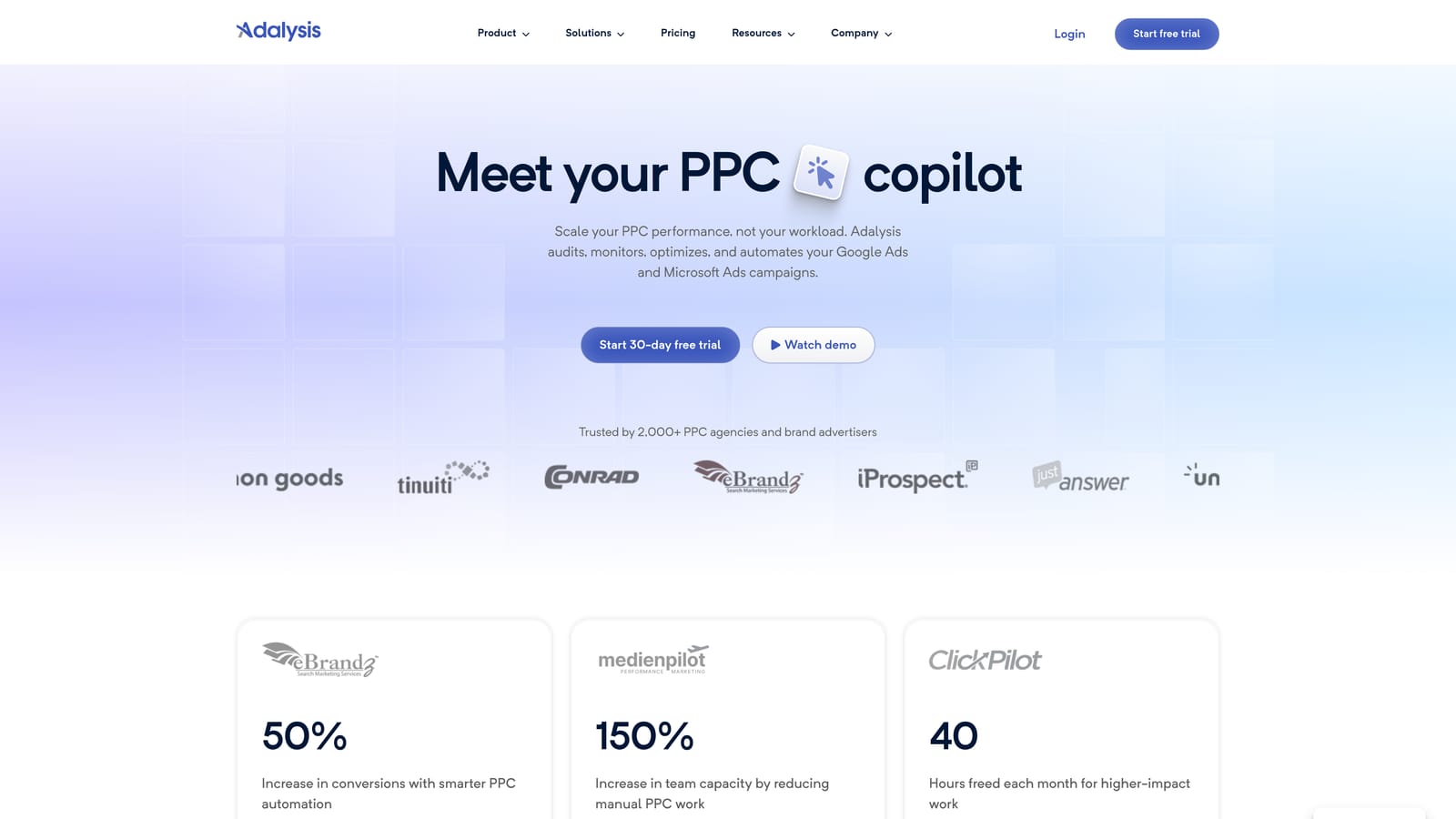
Its distinctive feature on this list is ad testing analysis. Rather than eyeballing click-through rates across ad variations, you get a view of which ads are actually winning, which matters if you run responsive search ads and want evidence before pausing assets.
- Automated account audits check for common problems on a schedule, so you don't rely on remembering to look.
- Ad copy testing analysis shows which variations are performing better and which are not worth keeping.
- Alerts notify you when something changes or breaks, which is useful for accounts you don't open daily.
- Quality and performance reports give you something concrete to share with a client or manager.
It integrates with Google Ads and Microsoft Advertising. Setup is connecting accounts, and the day-to-day user is typically the PPC manager reviewing audit output weekly.
The main limitation is that it is diagnostic-first. It tells you what to fix, but changes still need manual execution, whether in the interface or with another tool. It is also less suited to daily search term triage, where you want to act on rows of data quickly.
Pricing is tiered by number of accounts or spend. See the website for current figures.
Best for: Teams that want ongoing audits and ad copy test insights.
4. Google Ads Recommendations and Scripts
Google's own optimization features, available at Google Ads, cost nothing and are already in your account. They include the Recommendations tab, the optimization score, Smart Bidding (bid strategies that use Google's machine learning to set bids for each auction), and scripts, which are JavaScript snippets for custom automation.
Free, native automation with custom logic is the standout. Scripts can do things the interface cannot, such as checking conditions on a schedule or writing data to Google Sheets, and no third-party vendor is involved.
- The Recommendations tab suggests changes to bids, budgets, keywords, and ads, so you get a starting list of ideas.
- Smart Bidding strategies handle bid-setting against your conversion goals so you don't set every bid by hand.
- Scripts let you build tailored automation, like alerts or reports, to fit your own account setup.
- The optimization score gives a quick read on how many suggestions are open, though it is a prompt to review, not a grade to chase.
Setup is minimal for recommendations and bidding, but scripts need coding skill. If nobody on your team writes JavaScript, that part is out of reach.
Treat recommendations as suggestions to evaluate. They serve Google's objectives as well as yours, and applying them blindly can raise spend or broaden targeting in ways you did not intend. Smart Bidding also needs enough conversion data to work well.
Everything is included with Google Ads at no extra cost.
Best for: Budget-conscious advertisers with some technical skill.
5. WordStream by LocaliQ
WordStream is a small-business-oriented advertising platform that pairs performance grading with guided optimization recommendations. It is written for people who run ads but are not PPC specialists.
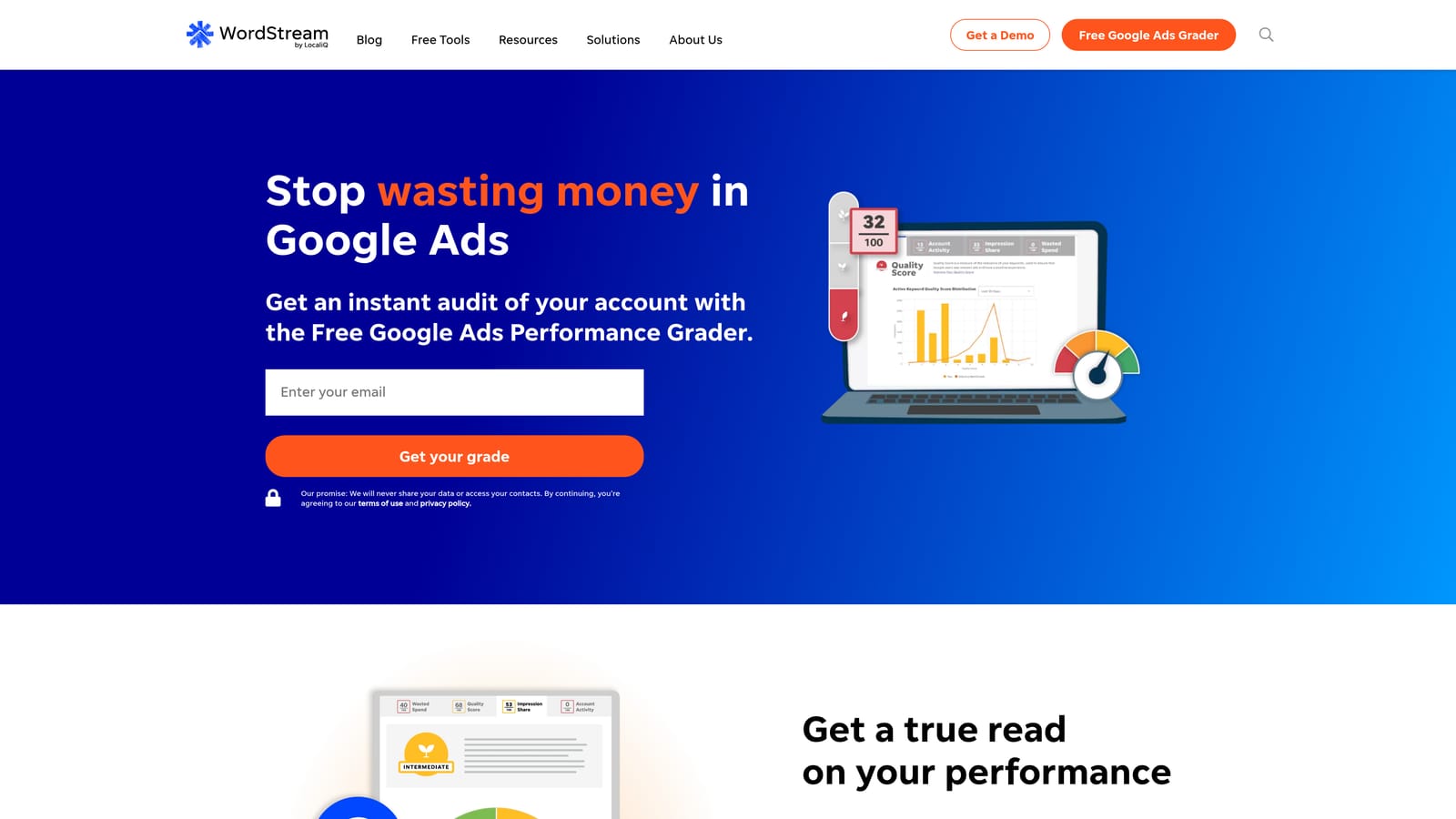
The standout is the guidance. Instead of presenting a pile of data, it walks you through suggested next steps in plain language, which is a different proposition from the agency-grade tools above.
- Guided optimization suggestions tell you what to change and why, without assuming expert knowledge.
- Performance grading gives a quick sense of how an account compares to where it should be.
- Multi-platform ad management covers Google Ads, Microsoft Advertising, and Facebook Ads from one place.
- Simplified reporting keeps results readable for an owner who just wants to know how things are going.
The owner or a marketing generalist typically runs it day to day. Setup is connecting your ad accounts.
The trade-off is control. You get less granularity than agency-grade tools, which will frustrate experienced practitioners. Also, WordStream is now part of LocaliQ, and its current standalone availability and packaging should be verified on the website before you plan around it.
Pricing is quote-based, so confirm current packaging directly (as of November 2026).
Best for: Small business owners running their own ads without a PPC specialist.
6. Google Ads Editor
Google's free desktop application, Google Ads Editor, lets you download accounts, make changes offline, and post them after review. It is a different kind of optimization: structural and bulk rather than analytical.

What it does best on this list is large-scale edits with a safety step. You can stage hundreds of changes, look them over, and only then send them live, which beats clicking through the web interface for sweeping edits.
- Offline bulk editing lets you rework many campaigns, ad groups, and ads without waiting on page loads.
- Multi-account management means you can move between client accounts in one application.
- Copy and paste across campaigns speeds up building similar structures.
- Change review before posting lets you catch mistakes before they affect live spend.
It integrates with Google Ads only. Setup is installing the app and downloading your accounts, and whoever restructures accounts (often a senior specialist) uses it.
The limitation is that it is an editing tool only. It has no search term intelligence and no optimization suggestions of its own, so it will not tell you what to change. It is also not suited to quick, repeated search term actions, where a tool inside the report is faster.
It is free.
Best for: Advertisers restructuring large accounts or making sweeping bulk edits.
7. Semrush
Semrush is a broad marketing suite, and its PPC tools cover keyword research and competitor ad analysis. It sits upstream of the other tools here: it helps you decide what to bid on rather than managing what you already run.
Its distinctive value is competitor intelligence. You can see which keywords rivals target and how their ads have changed over time, which informs your own keyword and messaging decisions.
- PPC keyword research suggests terms to target and gives you a sense of their competitiveness.
- Competitor ad research shows the ad copy others are running.
- Ad history reveals how competitor messaging has shifted, which hints at what is working for them.
- Keyword gap analysis highlights terms competitors use that you do not.
It works with Google Ads data for research, Google Analytics, and Looker Studio. Setup is light, and the user is often a strategist or marketer planning campaigns rather than the person doing weekly account hygiene.
The main limit is that it is a research layer. It does not manage or edit your live campaigns, so you still need another tool or the Google Ads interface to act on what you find. Its competitor data is also estimated, so treat it as directional.
It is sold as subscription tiers, and the PPC features sit within a larger suite. Verify current plans on the website (as of November 2026).
Best for: Marketers planning keyword strategy and studying competitors.
8. Looker Studio
Looker Studio is Google's free reporting tool, with a native Google Ads connector for building custom dashboards. It is the tool to reach for when the job is showing results rather than improving them.
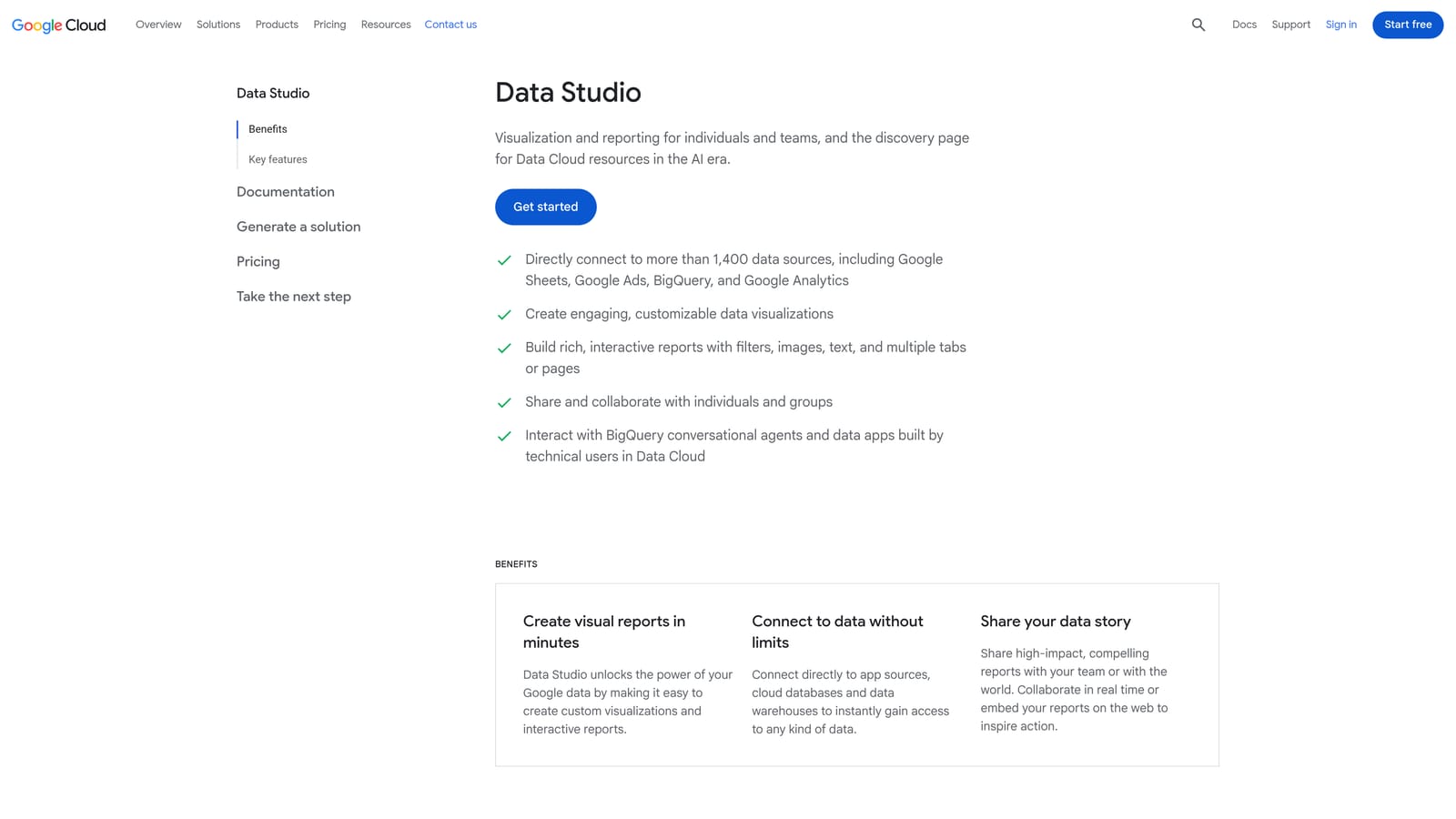
Its edge is flexibility at no cost. You decide exactly which metrics appear, how they are laid out, and who sees them, which is hard to match with fixed reports from a paid platform.
- The native Google Ads connector pulls campaign data in without manual exports.
- Custom dashboards let you build views that match what each client actually cares about.
- Shareable client reports can be sent as links, so clients see current numbers.
- Scheduled report delivery sends reports on a cadence, saving a recurring manual task.
It connects with Google Ads, Google Analytics, Google Sheets, and partner connectors. Setup is where the cost hides: dashboards take time to build and to maintain as accounts change. Someone on the team has to own that.
It reports but does not optimize. Nothing in it changes a campaign, so it complements the action tools above rather than replacing them.
The tool is free, though some partner connectors are paid.
Best for: Agencies and freelancers who need client-ready reporting.
9. Acquisio
Acquisio is an agency-focused campaign management platform known for cross-channel bid and budget automation. Before you shortlist it, confirm on the website that the product is still sold and what it is currently packaged as; availability could not be confirmed for this article, and it may have changed.
If it is available, the standout is cross-channel budget and bid management built around agency workflows: one place to manage spend across several ad platforms for many clients.
- Bid and budget management helps keep spend pacing against client targets.
- Cross-channel campaign management brings several platforms into one view.
- Automation reduces repetitive adjustments across accounts.
- Agency reporting packages results for clients.
It lists Google Ads, Microsoft Advertising, and Meta Ads as integrations. Setup and daily use fall to an agency's account managers or a dedicated ops person.
It is aimed at larger agencies. A freelancer who mainly needs search term cleanup will find it far more than the job requires. As with any bid automation, review what it is doing rather than assuming it is right.
Pricing is quote-based.
Best for: Larger agencies managing budgets across several ad channels.
Matching the Tool to Your Situation
No single tool on this list does everything, and hunting for one usually ends in a bloated subscription you half use. A better setup pairs a tool that acts inside the native interface with a layer for reporting or auditing.
- Solo advertiser or freelancer doing weekly search term cleanup: Keywordme, with Looker Studio for client reports.
- Agency managing many accounts: Optmyzr for rules and bulk work, with Keywordme for fast search term triage on individual accounts.
- Small business owner who wants guided help: WordStream, if its current packaging fits.
- Team that needs reporting: Looker Studio, plus Adalysis if you also want audits and ad test insights.
- Team that needs research: Semrush, paired with whichever tool you use to act on what you learn.
Whichever you pick, keep a human in the loop on anything that changes bids or budgets.
If search term cleanup is where your hours go, Start your free 7-day trial (then just $12/month) and see how much faster optimization gets when you can remove junk search terms, build high-intent keyword lists, and apply match types right inside Google Ads. No spreadsheets, no switching tabs, just quick, seamless optimization that lets you optimize Google Ads campaigns 10X faster without leaving your account.
