
9 Best PPC Optimization Platforms With a Free Trial in 2026
This guide compares nine PPC optimization platforms that offer a free trial or free tier, covering Google Ads and multi-channel tools for marketers, freelancers, and agencies. Each pick is judged on trial length, card requirements, and how much useful work you can finish, so you can choose a PPC optimization platform trial before committing budget.


You want to test a PPC optimization platform before you hand over budget, but trial lengths, card requirements, and what you can actually do during the trial vary a lot. This list covers tools for Google Ads and multi-channel PPC. They were picked for a real trial or free tier, fit for marketers, freelancers, and agencies, and how much useful work you can finish inside the trial window. Trial terms and prices change often, so confirm them on each official site before you sign up (details below reflect what we could confirm as of October 2026, and anything we couldn't is flagged).
Quick Comparison of the Platforms
- Keywordme: solo advertisers and agencies who want faster search term cleanup; $12/month per user with a 7-day free trial; it works inside the native Google Ads Search Terms Report with no separate dashboard.
- Optmyzr: agencies and in-house teams wanting configurable automation; pricing on its website; rule-based automation with deep customization across accounts.
- Adalysis: agencies monitoring many accounts; pricing on its website; automated ad testing and account-health alerts at scale.
- Opteo: advertisers who want a guided to-do list; pricing on its website; prioritized plain-English recommendations you review.
- Google Ads Editor: anyone needing a free bulk-editing baseline; free; official offline bulk editing from Google.
- WordStream Advisor: small business owners running their own ads; pricing on its website; small-business-friendly guidance and a free account grader.
- Swydo: agencies that need fast client reporting; pricing on its website; automated client reporting instead of optimization.
- Semrush: marketers researching new keywords and competitors; pricing on its website; competitor keyword and ad research data.
1. Keywordme
Keywordme is a Chrome extension that adds one-click actions directly inside the Google Ads Search Terms Report. It is built for people who spend a lot of time sorting through search terms (what users actually typed before seeing your ad) and deciding which ones deserve to become keywords (what you bid on) and which should become negative keywords (terms you block).
Its main advantage on this list is where it lives. There is no separate dashboard to log into and no spreadsheet export. You work in the native Google Ads interface you already use. Keywordme describes the result as optimizing up to 10x faster; that is the company's own claim, not an independent benchmark, so test it against your own routine during the trial.
What you get
- One-click negative keywords from the Search Terms Report, so junk queries get blocked without copying and pasting.
- Search terms added as keywords with your chosen match type applied (broad, phrase, or exact), which saves the manual formatting step.
- Keyword clustering, which helps you group related terms when building new keyword lists.
- Bulk editing for applying changes to many terms at once.
- Multi-account and team support, useful when several people manage several clients.
Setup, limits, and cost
Setup is light: install the extension in Chrome and open Google Ads. It integrates with Google Ads only, and the person doing search term reviews is the one who runs it day to day. Because it is focused on search term and keyword work, it has no bid automation and no cross-channel reporting. If you want a tool to manage bids or produce client dashboards, look elsewhere on this list.
Pricing is $12/month per user, so cost scales with the number of seats rather than ad spend. It offers a 7-day free trial; verify current terms on the site before you start. A week is short, but search term cleanup is a task you can finish in a day, which suits it well.
Best for: Solo advertisers and agencies who want faster search term cleanup.
2. Optmyzr
Optmyzr is a PPC management platform built around rule-based optimizations, audits, and bulk tools. It targets agencies and in-house teams that want to define how their accounts get managed rather than accept a fixed set of recommendations.

Its standout trait is the rule engine. You can set up your own logic and apply it across accounts, which is powerful when you manage a lot of similar campaigns and want consistent handling.
- Optimization suggestions that point out where an account can improve.
- A rule engine for building your own automated checks and actions.
- Bulk editing for making changes across many campaigns quickly.
- Reporting so you can show results without a separate tool.
- Account audits that give you a structured health check.
It connects to Google Ads and Microsoft Advertising; check the site for other supported platforms. Expect real setup effort: rules need thought, and someone has to own them. That is the main limitation. Pricing and the learning curve can feel heavy for small accounts, and a short trial may not be long enough to build and observe rules properly.
Pricing is listed on the Optmyzr website, and it typically depends on the scale of ad spend and accounts managed. Verify whether a trial is currently offered and how long it runs before committing time to it.
Best for: Agencies and in-house teams wanting configurable automation.
3. Adalysis
Adalysis is a PPC audit and testing platform that flags issues across ad accounts. It is designed for teams that need something watching many accounts and surfacing what has gone wrong or stalled.
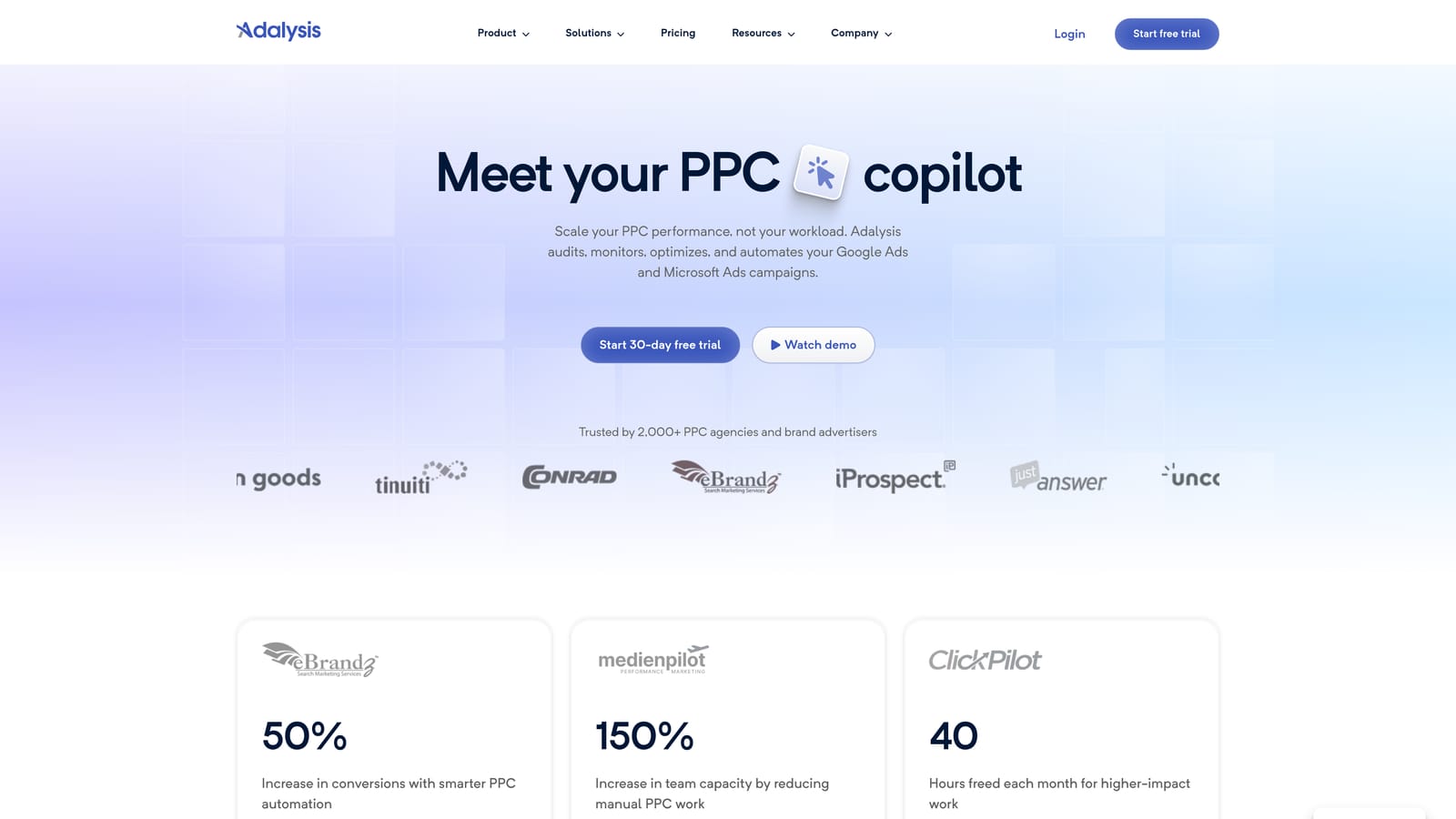
What it does best compared with the rest of this list is automated ad testing paired with account-health alerts. Instead of you remembering to check ad variations, it keeps tabs and tells you when something needs attention.
- Automated audits that scan accounts for problems you might miss.
- Ad testing that helps you see which ad variations are winning.
- Alerts that notify you when performance or settings change.
- Quality Score tracking so you can watch relevance trends over time.
- Reporting for sharing progress with clients or stakeholders.
It supports Google Ads and Microsoft Advertising; verify current coverage on the site. A trial will mostly show you the audit output, since ad tests need time and traffic to reach conclusions. That is worth keeping in mind when judging it in a short window.
It is built for multi-account teams, so a solo advertiser with one or two accounts may find it more than they need. Pricing is on the Adalysis website and generally tracks how many accounts or how much spend you manage. Verify trial availability before you plan around it.
Best for: Agencies monitoring many accounts.
4. Opteo
Opteo is a Google Ads improvement tool that surfaces prioritized suggestions. Rather than handing you a toolbox, it gives you a list of things to look at, with explanations in plain English, and you decide what to act on.
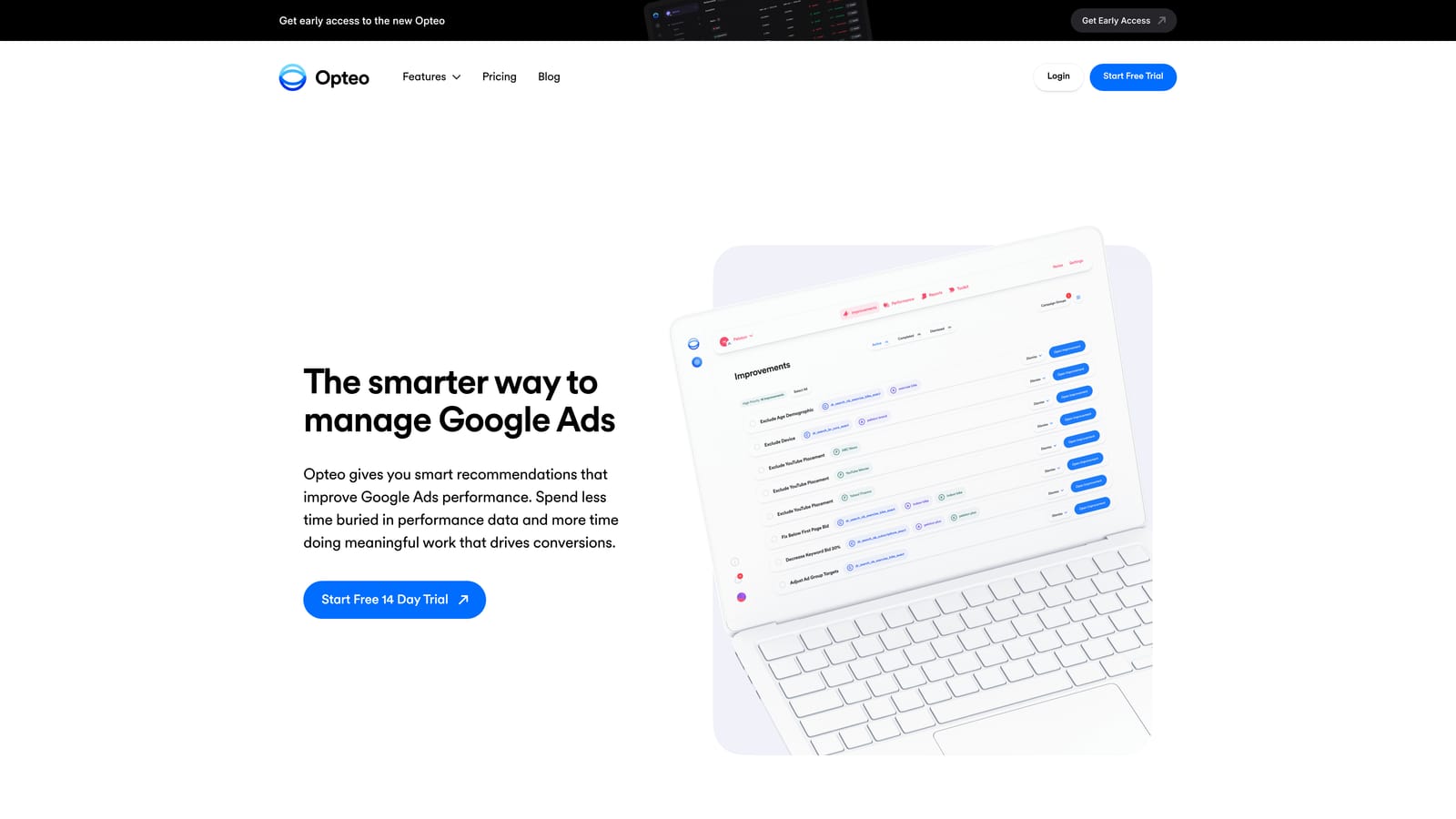
That review-first approach is its distinguishing trait. Nothing is meant to run on autopilot, which suits advertisers who want guidance without handing over control.
- Improvement suggestions ranked so you know what to tackle first.
- Account monitoring that keeps watching between your visits.
- Reporting to summarize performance.
- Budget tools (verify the current set on the site).
It centers on Google Ads; check the website for any other platform support. Setup is simple, since you connect an account and read the suggestions. The person who owns the account day to day can run it without a technical background.
The limitation is that it is suggestion-led, not bulk-edit focused. If your pain is processing thousands of rows or search terms quickly, you will still do that work elsewhere. Pricing is on the Opteo website; verify trial terms there, since they are the kind of detail that changes.
Best for: Advertisers who want a guided to-do list.
5. Google Ads Editor
Google Ads Editor is a free desktop app from Google for bulk campaign editing. There is no trial to run out, which makes it the lowest-risk way to test whether bulk editing speeds up your work.
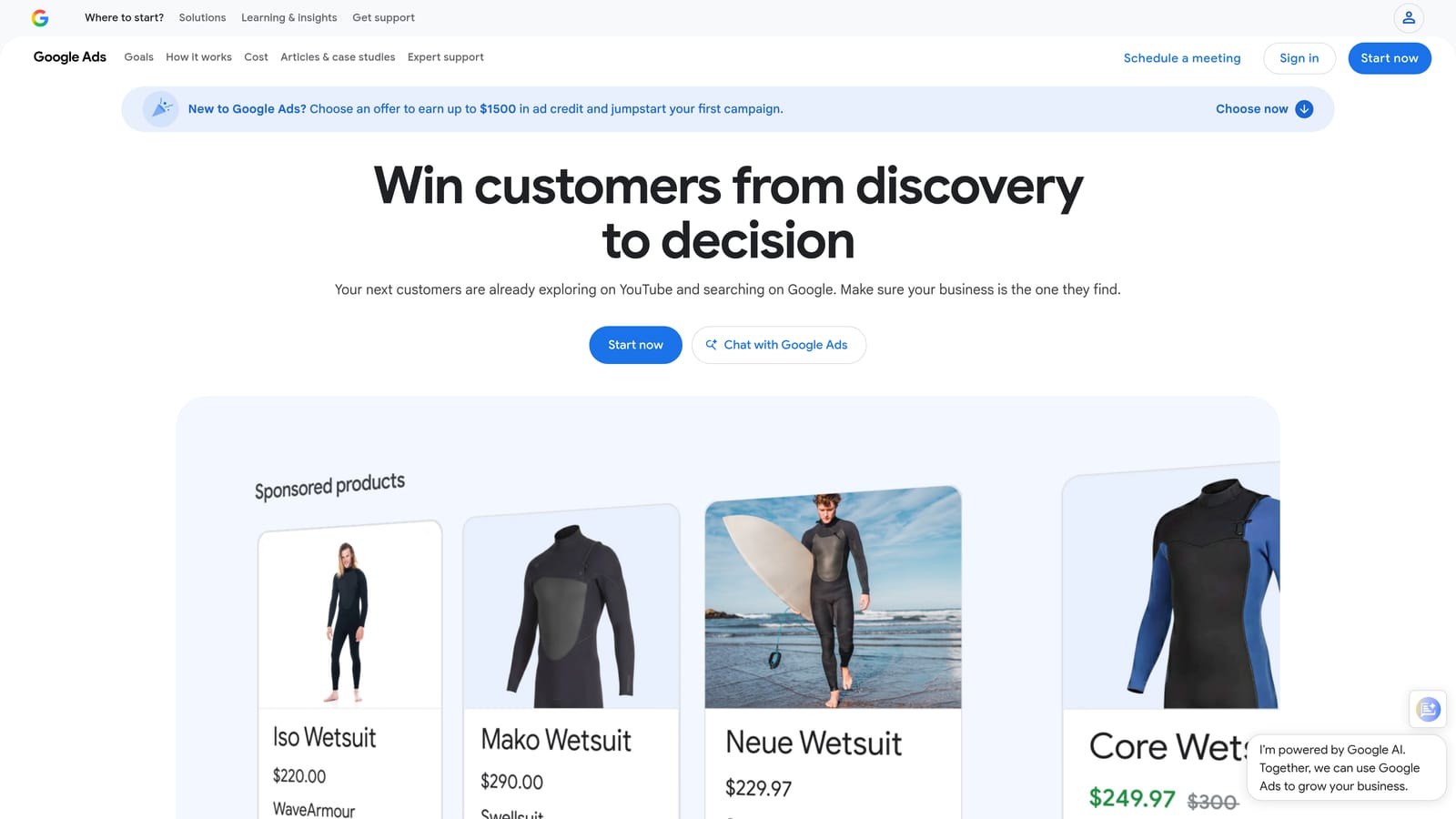
Its distinguishing strengths are that it is official and free, and that it lets you work offline. You download your account data, make many changes, and review them before posting.
- Bulk edits across campaigns, ad groups, keywords, and ads in one pass.
- Offline editing, so you can prepare changes without being connected.
- Copy and paste across campaigns to replicate structures quickly.
- Change review before posting, so you see what will go live.
It works with Google Ads only. Setup means installing the app and downloading account data, and whoever builds or restructures campaigns will use it most.
The limitations are plain: it offers no recommendations and no search-term workflow. It will not tell you what to change, and sorting through search terms is not its strength. It is a way to execute changes, not decide on them. Cost is nothing.
Best for: Anyone needing a free bulk-editing baseline.
6. WordStream Advisor
WordStream Advisor is a small-business PPC management and guidance tool from LocaliQ. It is aimed at owners who run their own ads and want direction without hiring an agency.
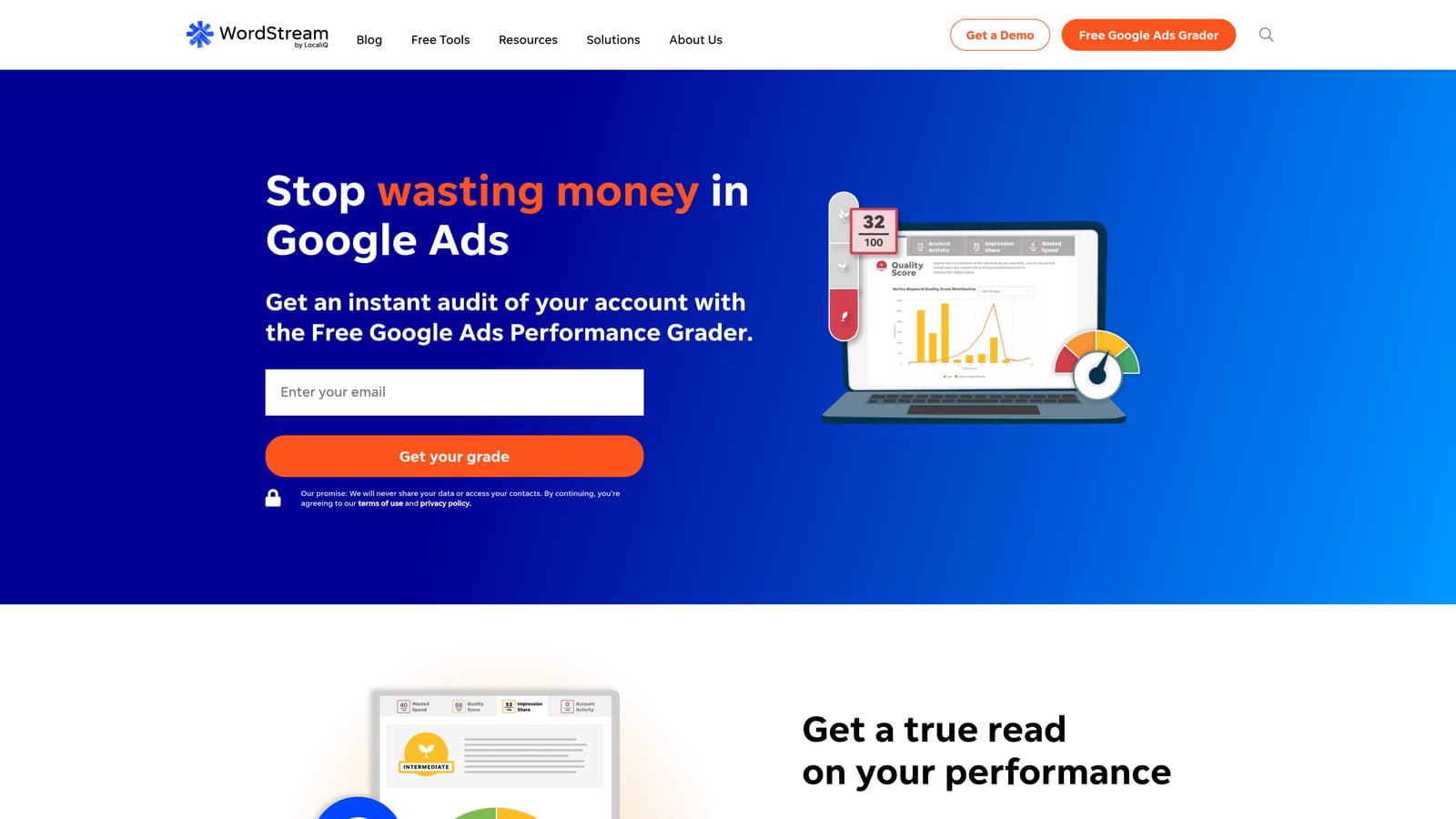
Its notable strength is accessibility. Guidance is written for people who are not full-time PPC specialists, and the free Google Ads Grader (verify it is still offered) gives you a quick read on an account before you pay anything.
- Account recommendations that point to what to fix or try.
- A free Google Ads Grader for a no-cost starting assessment.
- Performance tracking so you can see whether changes help.
It supports Google Ads and Microsoft Advertising; confirm current coverage on the site. Setup is geared to a single owner connecting their account and following the guidance.
It is less suited to agencies wanting deep customization. If you want to build your own rules or manage dozens of client accounts with bespoke logic, other tools here fit better. Pricing is on the WordStream website, and it may be shaped by ad spend or plan; verify whether a trial is available and what it includes.
Best for: Small business owners running their own ads.
7. Swydo
Swydo is automated PPC and marketing reporting for agencies. It is the one tool on this list whose job is to communicate results, not change campaigns.
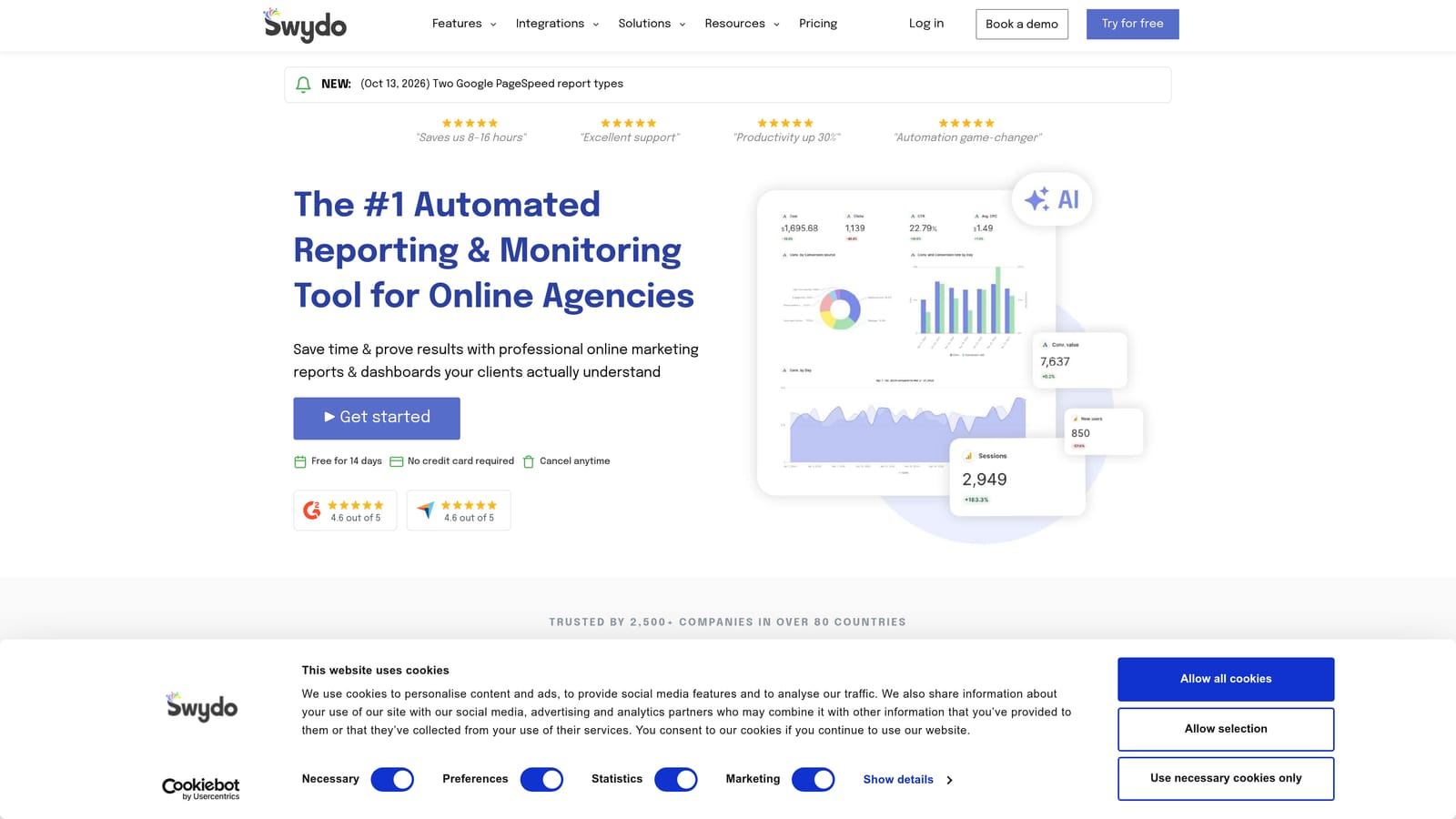
That focus is the point. If your week is eaten by building client reports by hand, Swydo targets that specific drain, and a trial gives you a fast way to see whether it saves time.
- Client report templates that cut down on building from scratch.
- Multi-platform data connections so one report can cover several channels.
- Scheduled reports that go out without manual effort.
- White-label options for branding reports as your own (verify current availability).
It connects to sources such as Google Ads, Meta Ads, and Google Analytics; verify the full list. Setup mostly involves connecting client accounts and tailoring a template, and an account manager usually owns it.
Be clear on the limit: it does not change or optimize campaigns. Pair it with an optimization tool rather than expecting it to improve performance. Pricing is on the Swydo website and commonly depends on how many clients or data sources you report on; verify the trial terms.
Best for: Agencies that need fast client reporting.
8. Semrush
Semrush is a marketing suite that includes PPC keyword and competitor research tools. It sits at the research end of the workflow, helping you decide what to bid on before you build or expand campaigns.
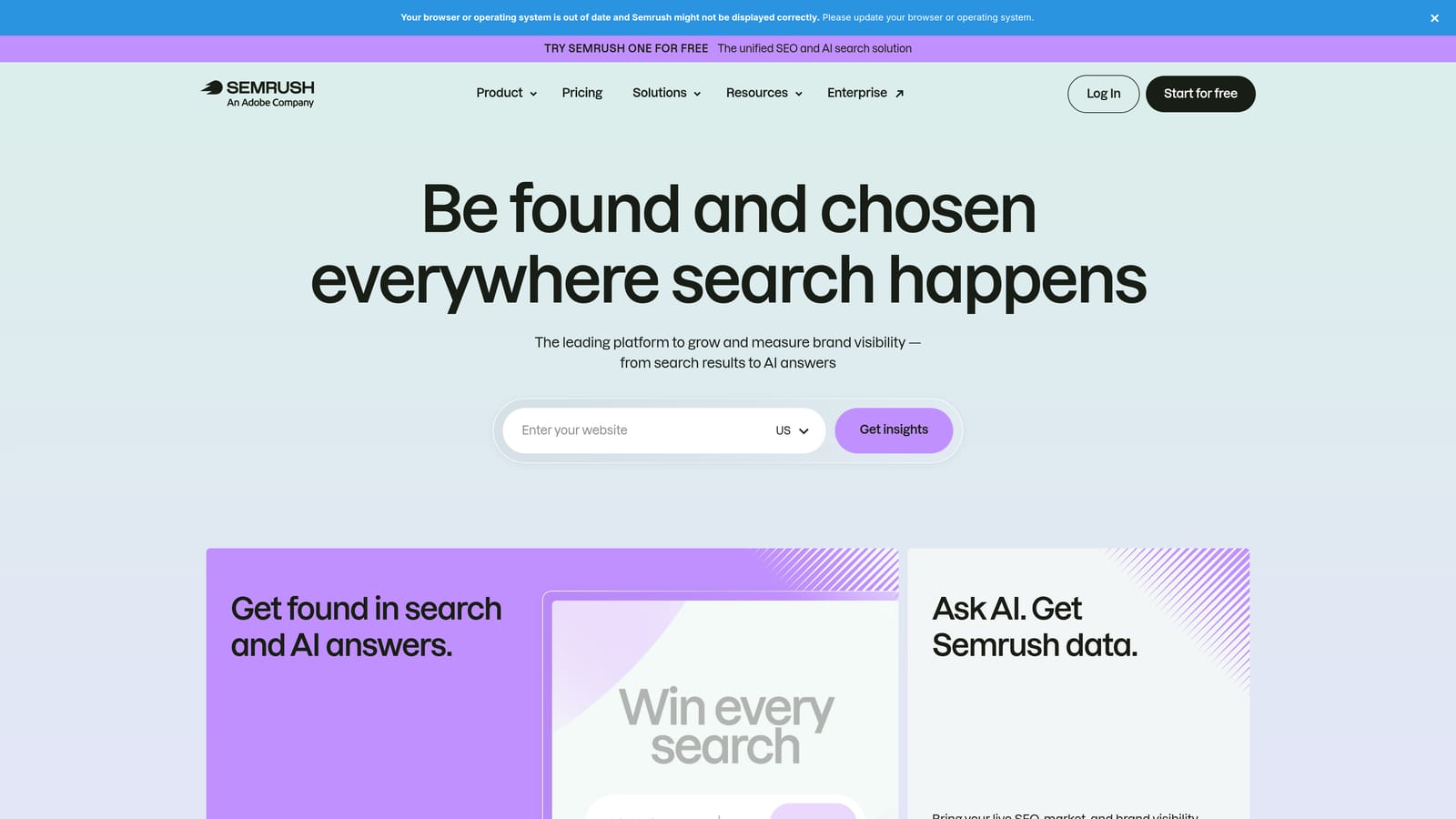
Its distinguishing advantage is competitor data. You can look at what other advertisers in your space are targeting, which no other tool here is built to do.
- A PPC Keyword Tool for finding new keyword ideas.
- Competitor ad research to see how rivals position themselves.
- Keyword gap analysis to spot terms competitors use that you do not.
- Domain analytics for a broader view of a competitor's presence.
It lists Google Ads and Google Analytics integrations; verify what is currently supported. Because it is a broad suite, setup and learning take longer than for a single-purpose tool, and the person doing keyword planning will use it most.
It is research-focused and does not edit campaigns, so you will still need another tool or the Google Ads interface to act on what you find. Pricing is on the Semrush website and varies by plan; verify trial availability and limits, since they have shifted over time.
Best for: Marketers researching new keywords and competitors.
Matching a Platform to Your Situation and Running the Trial Well
Three picks cover most situations. If your biggest time sink is combing through search terms, Keywordme fits, and a 7-day trial is plenty for a cleanup. If you manage many accounts and want automation or monitoring, Optmyzr and Adalysis are the heavier options built for that. If you run your own small account and want guidance, Opteo or WordStream Advisor will feel friendlier. Reporting needs point to Swydo, research needs point to Semrush, and Google Ads Editor is the free baseline for bulk changes.
Whichever you choose, a trial proves nothing without a defined test. Run it like this:
- Pick one account to test on, ideally one with enough search term volume to give you real work.
- Set a baseline before day one: how long the task takes you now, and current wasted spend or key metrics.
- Define success in advance, such as hours saved or negative keywords added.
- Finish a real task inside the window, not a demo.
- Compare against your baseline before the trial ends and the card is charged.
Optimize Google Ads Campaigns 10X Faster. Without Leaving Your Account. Keywordme lets you remove junk search terms, build high-intent keyword lists, and apply match types instantly, right inside Google Ads. No spreadsheets, no switching tabs, just quick, seamless optimization. Start your free 7-day trial (then just $12/month) and take your Google Ads game to the next level.
.svg)