
9 Best PPC Optimization Platforms for Agencies in 2026
This guide compares nine tools to help you choose a PPC optimization platform for agencies, sorted by the job each does best. Each is judged on how it handles multiple client accounts, how it charges, and where it falls short, so agency owners, PPC leads, and freelancers can cut repetitive weekly work like search term review, budget checks, ad tests, and reporting while keeping control of their accounts.


Running paid search for a roster of clients means the same chores come back every week: search term review, budget checks, ad tests, reports. This guide is for agency owners, PPC leads, and freelancers who want to cut that repetitive work without handing over control of the accounts. The tools below are sorted by the job each does best, then judged on how they handle multiple client accounts, how they charge, and where they fall short.
Quick Comparison of the Tools
- Keywordme: agencies and freelancers who spend hours on search term review; $12/month per user; one-click negatives, keywords, and match types inside the native Google Ads Search Terms Report.
- Optmyzr: mid-size agencies wanting automation across many accounts; tiered, see website; the deepest PPC-specific rule building here.
- Adalysis: agencies that need systematic monitoring; see website; automated ad copy testing and issue alerts.
- Google Ads Editor: account builds and large edits; free; first-party offline bulk editing with change review before posting.
- Google Ads Manager Accounts and Scripts: technical agencies building bespoke automation; free; custom scripts at no software cost.
- Acquisio: agencies prioritizing budget control; see website; budget pacing across client accounts.
- Opteo: small agencies and freelancers wanting guided improvements; see website; prioritized recommendations a reviewer can apply.
- Swydo: agencies needing polished client reports; see website; white-label client-facing reporting.
- Search Ads 360: large agencies with enterprise requirements; quote-based; enterprise governance across search engines.
1. Keywordme
Keywordme is our own product, so weigh this section with that in mind. It's a Chrome extension that adds one-click actions to the Search Terms Report inside Google Ads. A quick refresher on the vocabulary: a keyword is what you bid on, a search term is what a person actually typed, and a negative keyword tells Google not to show your ad for matching searches. Keywordme sits at the point where you turn search terms into either keywords or negatives.
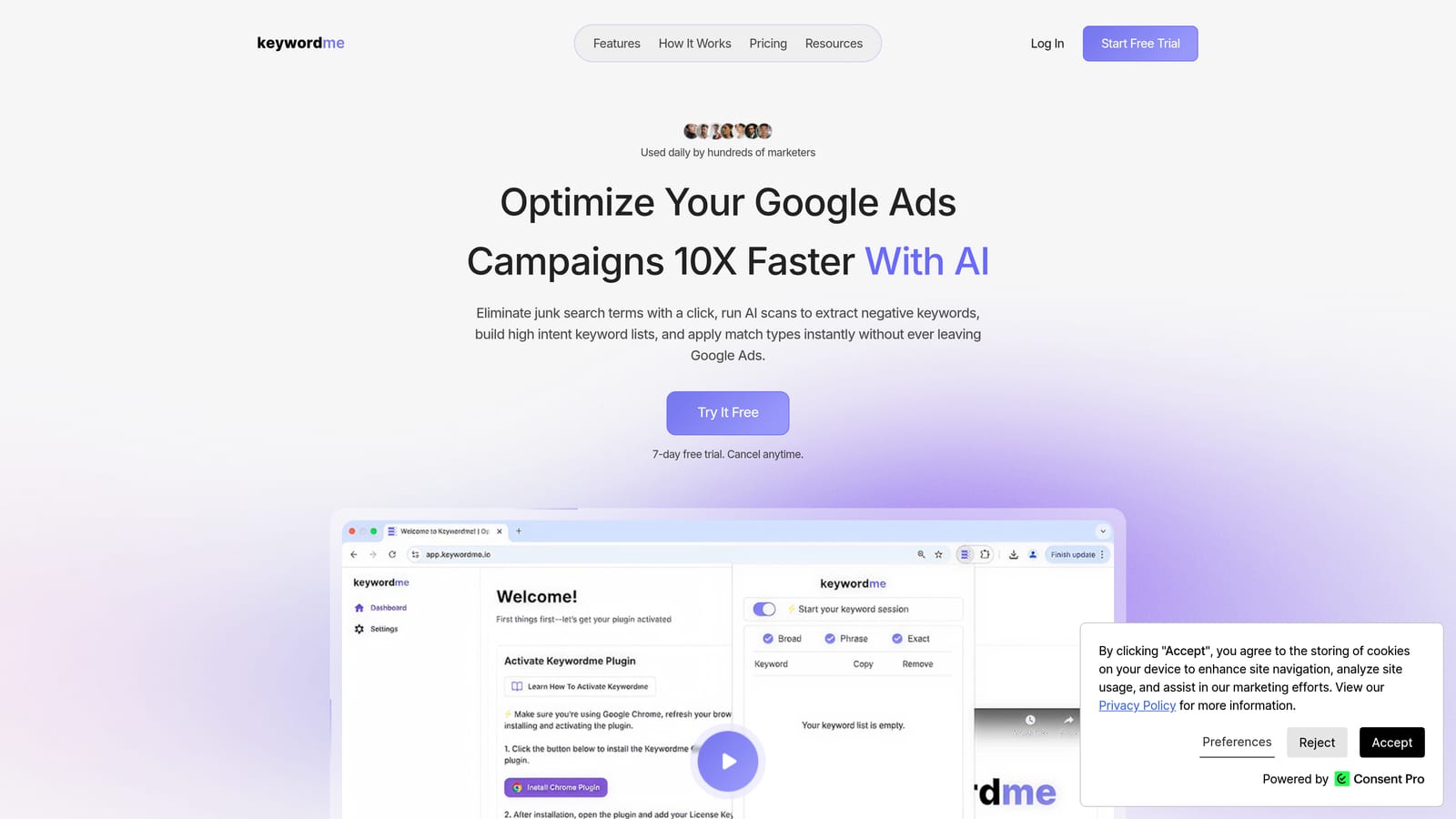
What it does well compared with the rest of this list is staying out of the way. You work in the native Google Ads interface, so there are no exports, no spreadsheets, and no separate dashboard to log into. For agencies, search term review is often the single most repeated task across accounts, and shaving clicks off it adds up.
- One-click negative keywords and keyword adds straight from the Search Terms Report, so junk queries get dealt with as you read them.
- Match type application, so you choose how a term gets added without retyping it.
- Keyword clustering, which groups related terms so you can build tighter keyword lists faster.
- Bulk editing for handling many terms at once.
- Multi-account and team support, so several people at an agency can use it across client accounts.
Setup is installing the extension in Chrome and opening Google Ads. Whoever reviews search terms day to day, usually a PPC specialist or account manager, is the person who uses it.
The limits are real. It's focused on search term and keyword work in Google Ads. It has no bid automation, no reporting, and no support for other ad channels. It also doesn't change campaigns on its own: you review terms and click, so a human stays in control. If you need dashboards for clients or rule-based automation, you'll pair it with something else below.
Pricing is $12 per month per user, with a 7-day free trial (as of November 2026; confirm on the Keywordme site). The cost scales with the number of users, not accounts or ad spend.
Best for: Agencies and freelancers who spend hours on search term review.
2. Optmyzr
Optmyzr is a PPC management suite built around optimization tools, scripts, and automation, aimed squarely at agencies. Where most tools here do one job, Optmyzr tries to cover many: audits, rule-driven changes, and reporting in one place.

Its standout trait is the depth of its PPC-specific automation and rule building. If you want logic like "when X happens in an account, do Y," this is the strongest option on this list for non-coders.
- One-click optimizations that let you apply suggested changes quickly after review.
- A rule engine for building your own automated checks and actions across accounts.
- Account audits that surface issues without manual digging.
- Reporting so you can share results without leaving the platform.
- Multi-platform support covering Google Ads, Microsoft Advertising, and Meta Ads.
Because it connects to the ad platforms directly, setup involves authorizing each client account, and someone on the team needs to own the rules and keep them tuned. That's the learning curve people mention: there's a lot of surface area, and a small team may not use most of it.
It's a weaker fit for solo freelancers or very small agencies, who can end up paying for capability they don't use. Pricing is tiered, and Optmyzr doesn't list a simple starting figure here, so check its pricing page for current plans (as of November 2026). Expect cost to move with plan tier and the scale of what you manage.
Best for: Mid-size agencies wanting automation across many accounts.
3. Adalysis
Adalysis is an audit and alert platform for paid search. It watches accounts and tells you what needs attention, rather than making the change for you. That makes it analysis-heavy by design.
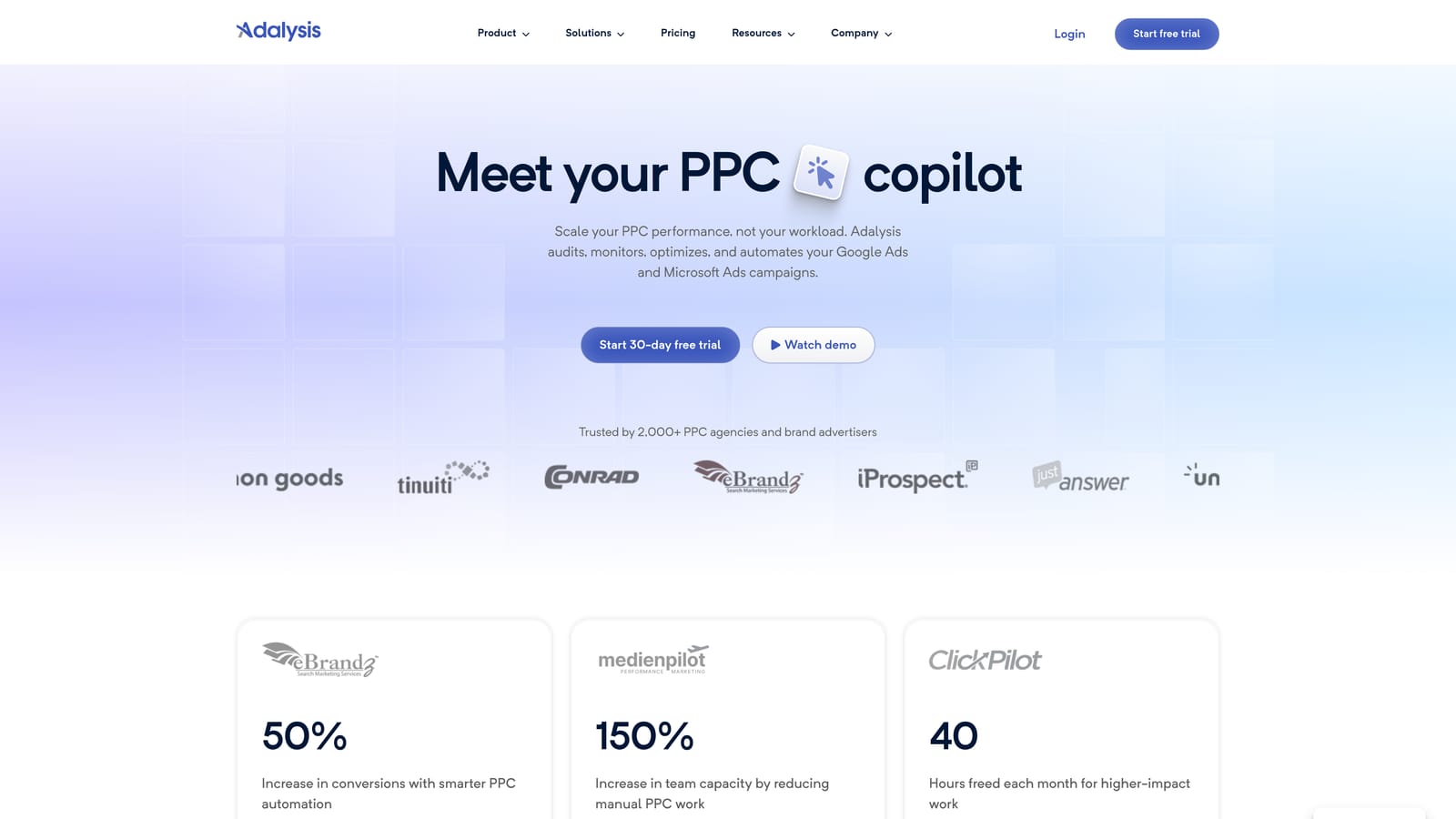
The limitation comes first because it shapes the buying decision: alerts need triage. With many client accounts, you'll get a steady stream of flags, and someone has to decide which ones matter and then go fix them elsewhere. If nobody owns that review, the alerts become noise.
What it does distinctively well is automated ad copy testing and issue alerts. Many agencies struggle to run ad tests consistently across clients, and this gives the process some structure.
- Automated audits that check accounts against a set of common problems.
- Ad testing that compares ad variations so you can see which copy is winning.
- Alerts that flag changes or problems so you catch them sooner.
- Quality Score tracking to watch the keyword-level signal over time.
- Reporting for sharing findings with clients or the team.
It integrates with Google Ads and Microsoft Advertising, so it won't help with Meta or other channels. A PPC lead or senior account manager typically runs it, since interpreting the output takes judgment. Pricing isn't listed here; see the Adalysis website for current plans (as of November 2026).
Best for: Agencies that need systematic account monitoring and ad testing.
4. Google Ads Editor
Let's go to the free end of the list. Google Ads Editor is Google's own desktop app for making bulk changes to accounts. Google Ads Help documents it as a free download, and it's the default tool for big structural work.
Its edge over everything else here is price and trust: it's first-party, free, and lets you build or restructure large accounts quickly, then review every change before posting. That review step is valuable when you're touching hundreds of ad groups.
- Bulk edits across campaigns, ad groups, keywords, and ads, so large changes don't mean endless clicking.
- Offline editing, so you can draft changes and post them when ready.
- Copy and paste across accounts, handy when building similar structures for different clients.
- Change review before posting, which lets a second person check the work.
It's Google Ads only and installs on a desktop, so setup is a download and signing in to your accounts. A specialist or account builder uses it, usually in bursts rather than daily.
The limitation: there's no automation and no insights. It won't tell you what to change, and it's a poor fit for search term mining, because the work of reading queries and deciding what to do with them is still manual. Treat it as a power tool for execution, not a decision-maker. Pricing is free (as of November 2026).
Best for: Account builds and large-scale edits.
5. Google Ads Manager Accounts and Scripts
Google Ads manager accounts (often called MCCs) let you access and manage many client accounts from one login. Scripts, Google's JavaScript-based automation feature, add the ability to program your own checks and changes. Both are free and documented in Google Ads Help.
The distinctive value is custom automation at no software cost. If your agency has someone who can write code, you can build exactly the alert, report, or rule your workflow needs rather than adapting to a vendor's idea of it.
- Centralized access, so your team reaches every client account without separate logins.
- Cross-account views for seeing performance across clients in one place.
- Scripts that automate custom tasks, such as flagging anomalies or running recurring checks.
The catch is that nothing here is turnkey. Scripts require JavaScript skill, someone has to maintain them as accounts and Google's platform change, and when the one person who wrote them leaves, you may inherit a mess. It also covers Google Ads only.
In practice, almost every agency uses manager accounts for structure, whether or not it touches scripts. Treat the scripting side as an option for technically inclined teams. Pricing is free (as of November 2026).
Best for: Technical agencies building bespoke automation.
6. Acquisio
Acquisio has been a cross-channel bid and budget management platform for agencies. Verify its current availability and feature set on its website before planning around it, since this is the tool on the list we're least able to confirm for 2026.
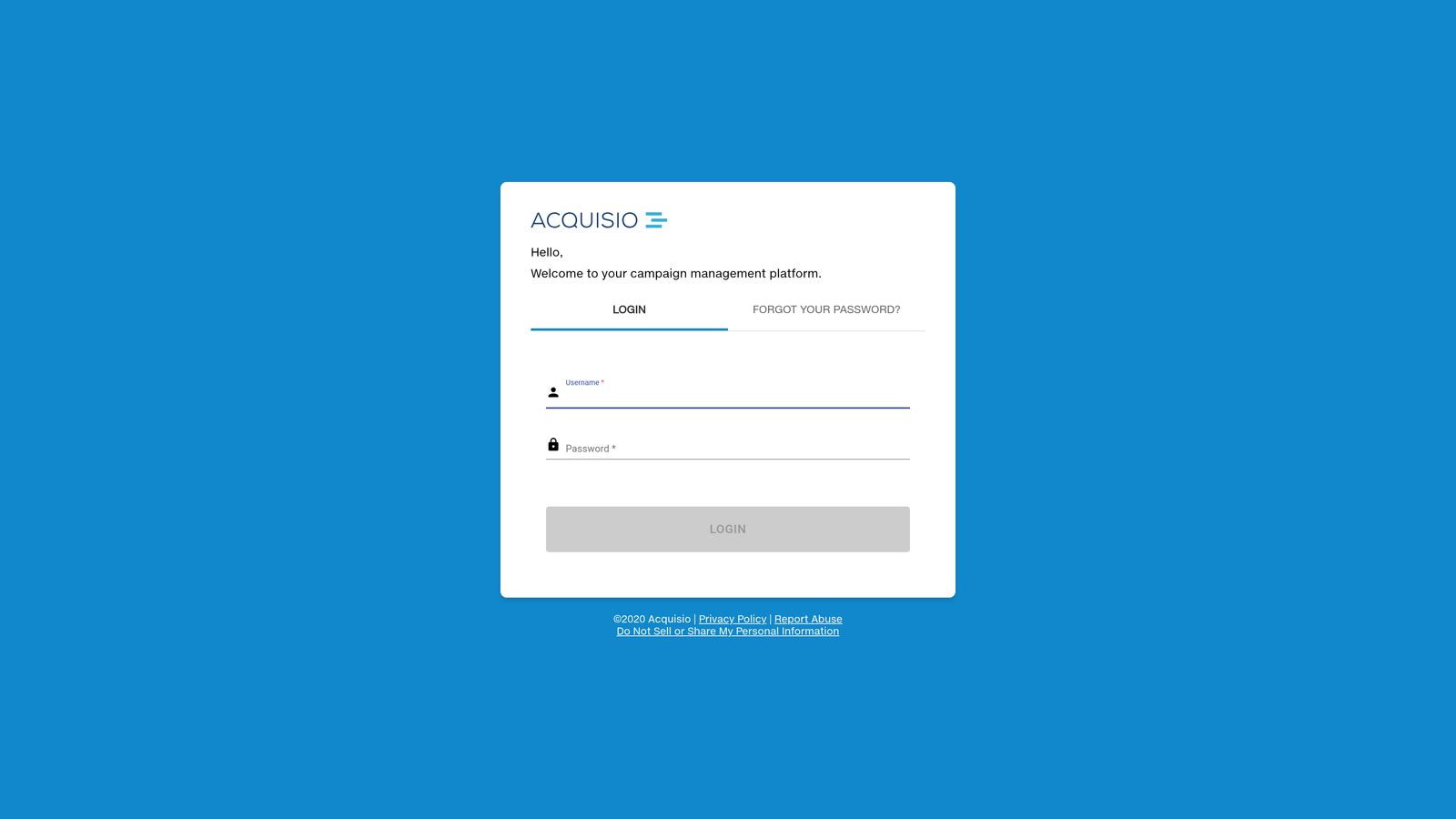
Its distinctive angle is budget pacing across client accounts. Agencies that get burned by overspending or underspending against monthly client budgets care about this more than about fancy optimization.
- Budget pacing that helps you track spend against each client's target.
- Bid management so you can adjust bidding across accounts from one place.
- Reporting to show clients how spend and results line up.
Listed integrations are Google Ads, Microsoft Advertising, and Meta Ads. Setup means connecting each client account, and a campaign manager or operations lead would typically watch pacing day to day.
The main limitation is uncertainty: confirm that it's still sold and that the features above are current before you commit. If you can't get a clear answer, skip it. Also remember that Google Ads has its own bidding and budget controls, so you're paying for convenience across accounts rather than a capability you can't get elsewhere. Pricing isn't listed here; see the Acquisio website (as of November 2026).
Best for: Agencies prioritizing budget control.
7. Opteo
Opteo reviews your paid ad accounts and gives you a prioritized list of suggested improvements, plus automated reporting. It's built for the person who wants guidance on what to do next rather than a blank rule builder.
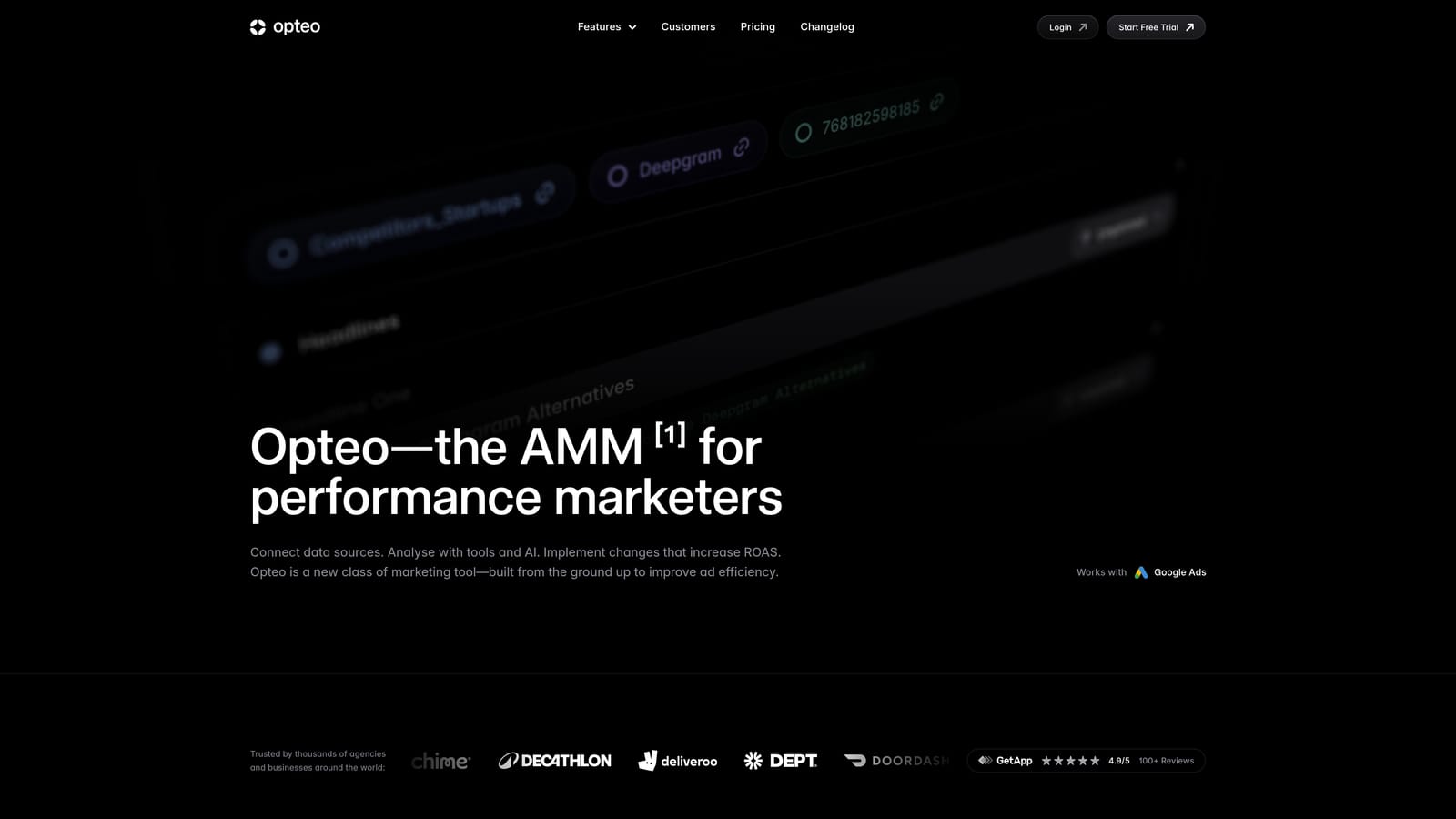
What sets it apart on this list is clarity. The suggestions are laid out so a reviewer can read them, decide, and apply, which suits smaller teams without a dedicated automation specialist.
- Prioritized suggestions that rank what to fix first so limited time goes to the right place.
- Automated reporting that saves the manual work of pulling numbers each month.
- Account monitoring that keeps an eye on accounts between your reviews.
It works with Google Ads, Microsoft Advertising, and Meta Ads. Setup means connecting accounts, and the person managing each account usually works through the suggestions as part of routine reviews.
The trade-off is depth. It has less automation than Optmyzr, so agencies that want to build elaborate rules will outgrow it. Suggestions are also still suggestions: they need human judgment, since a recommendation that fits one client may be wrong for another. Pricing isn't listed here; check the Opteo website for current plans (as of November 2026).
Best for: Small agencies and freelancers wanting guided improvements.
8. Swydo
Swydo is a reporting platform. It doesn't change your campaigns; it makes the results look good and arrive on time. For agencies, that's its own job, because client retention often depends on reports people actually read.
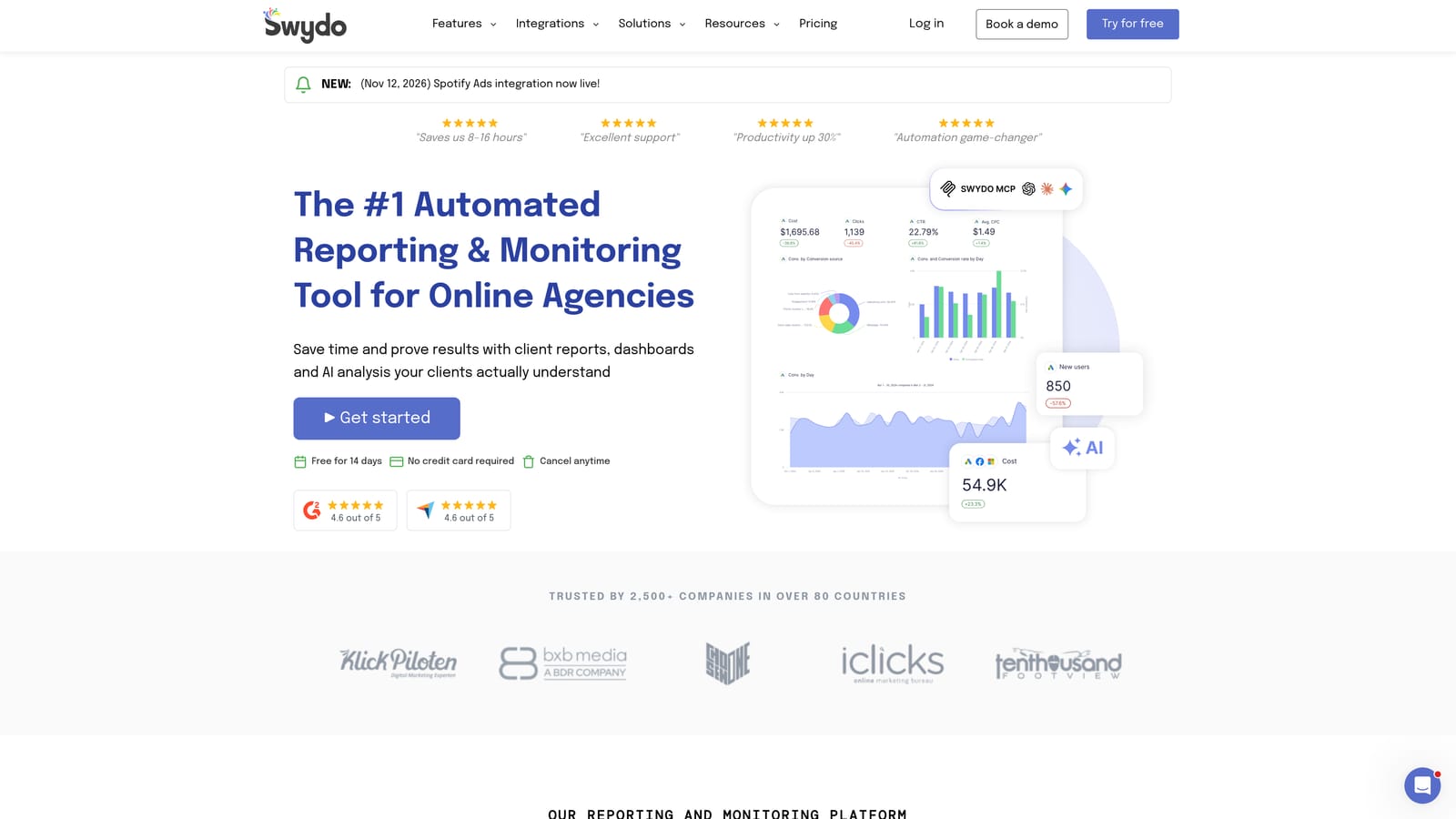
Its standout feature is client-facing white-label reporting, meaning reports and dashboards carry your agency's branding rather than the vendor's.
- White-label reports that present your agency's brand to clients.
- Dashboards that give clients or your team a live view of performance.
- Many data source integrations, so one report can combine several channels.
Integrations include Google Ads, Meta Ads, and Google Analytics, among others. Setup is connecting each client's data sources and building or reusing report templates. An account manager or reporting specialist typically owns it, and templates keep the effort low once they're built.
The limitation is plain: it does not optimize or edit campaigns. It tells the story but doesn't improve the outcome, so you'll need execution tools alongside it. Pricing isn't listed here; see the Swydo website for current plans (as of November 2026), and expect it to vary with how many clients or data sources you connect.
Best for: Agencies that need polished client reports.
9. Search Ads 360
Search Ads 360 is part of Google Marketing Platform, an enterprise tool for managing search campaigns across engines. It's built for organizations where governance, permissions, and scale matter more than quick wins.

Its distinctive strength is enterprise-scale governance across engines. Large agencies with strict approval workflows, many teams, and big budgets can standardize how campaigns are run.
- Cross-engine campaign management so you can run Google Ads and Microsoft Advertising from one place.
- Bid strategies that apply across engines.
- Reporting that consolidates results at scale.
- Governance controls that set who can do what across large teams.
It integrates with Google Ads, Microsoft Advertising, and the wider Google Marketing Platform. Setup is a bigger project than anything else here, and it usually needs dedicated staff to run.
For most small and mid-size agencies, it's overkill and expensive. Pricing is quote-based, so you'll talk to Google or a partner, and the cost reflects scale. If you aren't sure you need it, you almost certainly don't.
Best for: Large agencies with enterprise requirements.
Matching Tools to the Job: Which Pairing Fits Your Agency
No single platform here replaces the others, and most agencies end up running two. Pick by the job that eats the most hours.
- Search term cleanup: Keywordme, because it works inside the Search Terms Report.
- Audits and alerts: Adalysis for monitoring and ad tests, or Opteo for simpler guided suggestions.
- Automation across accounts: Optmyzr for rule building without code.
- Reporting: Swydo for white-label client reports.
- Bulk edits: Google Ads Editor, plus manager accounts for access.
- Enterprise management: Search Ads 360, only if your scale demands it.
A sensible starting pair for a small agency is Keywordme plus Google Ads Editor, with Swydo added once client reporting becomes a time sink. Mid-size shops often combine Keywordme with Optmyzr or Adalysis. Confirm current pricing on each vendor's site before you commit.
Optimize Google Ads Campaigns 10X Faster. Without Leaving Your Account. Keywordme lets you remove junk search terms, build high-intent keyword lists, and apply match types instantly, right inside Google Ads. No spreadsheets, no switching tabs, just quick, seamless optimization. Start your free 7-day trial (then just $12/month) and take your Google Ads game to the next level.
