
8 Best PPC Optimization Platforms Compared for Google Ads Managers
This article delivers a hands-on PPC optimization platform comparison of 8 tools built for Google Ads managers, ranging from lightweight Chrome extensions to full agency suites. Each platform is evaluated on what it does best, who it's built for, and what it costs—so you can choose the right fit without sitting through a sales demo.


If you manage Google Ads campaigns and you're still copy-pasting search terms into spreadsheets to find negatives, you're burning time and budget — and the wrong tool is making it worse, not better. This comparison covers 8 PPC optimization platforms, from lightweight Chrome extensions to full-blown agency suites, with one goal: help you find the right fit for your workflow, team size, and budget without sitting through a sales demo. Not all PPC optimization tools are built the same. Some are dashboards that pull in data from everywhere. Others live inside Google Ads and let you act on that data instantly. We've compared each platform on what it actually does well, who it's built for, and what it costs — so you can make a fast, confident call.
1. Keywordme
Best for: Google Ads managers who want to optimize campaigns without leaving the native interface.
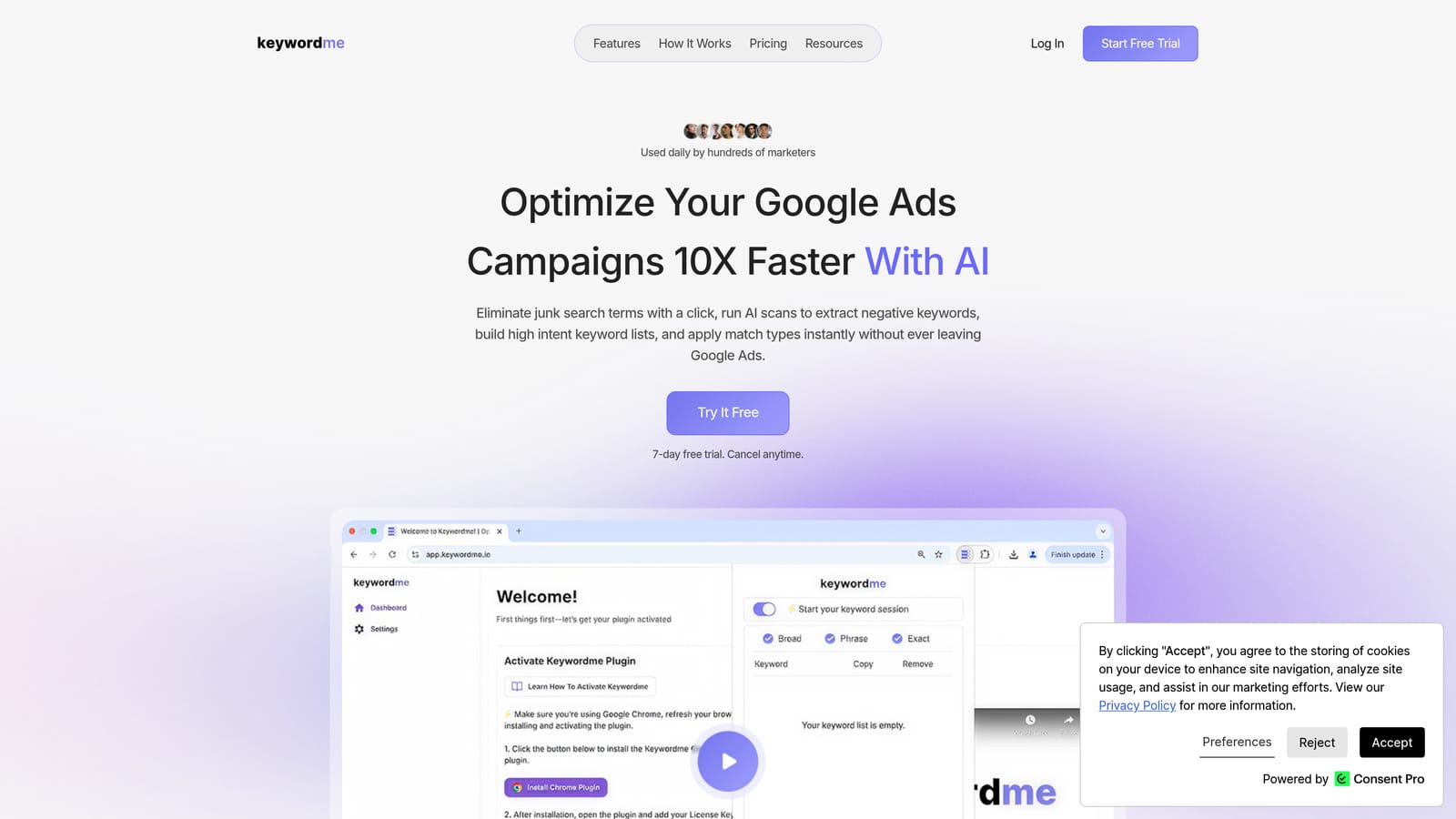
Keywordme is a Chrome extension that plugs directly into the Google Ads Search Terms Report, letting you eliminate junk search terms, add negative keywords, apply match types, and build keyword groups—all with one click, without ever switching tabs.
Where This Tool Shines
The core differentiator here is where it works: inside Google Ads, not outside it. Most PPC tools pull your data into an external dashboard and ask you to manage campaigns from there. Keywordme flips that model entirely. You stay in the interface you already know, and the tool adds a layer of one-click actions directly onto your Search Terms Report.
In most accounts I audit, the Search Terms Report is where the biggest budget leaks live. Keywordme makes it genuinely fast to clean that up—no exporting, no spreadsheet gymnastics, no re-importing. For agencies managing multiple Google Ads accounts, the multi-account and team support makes this a practical fit for day-to-day workflow, not just a solo-user tool.
Key Features
One-Click Negative Keyword Addition: Instantly flag and remove junk search terms directly from the Search Terms Report without leaving Google Ads.
Instant Match Type Application: Apply broad, phrase, or exact match types to keywords in a single click—no manual editing required.
Keyword Clustering: Group related search terms into ad groups automatically, saving hours of manual sorting.
Bulk Editing: Make changes across multiple campaigns at once with no spreadsheet required.
Multi-Account and Team Support: Built for agency workflows where multiple users manage multiple client accounts simultaneously.
Best For
Freelancers, in-house Google Ads managers, and agency teams who want to move faster inside Google Ads without adding another external dashboard to their stack. Particularly useful for anyone spending meaningful time each week in the Search Terms Report cleaning up wasted spend.
Pricing
$12/month per user. A 7-day free trial is available—no credit card friction to get started.
2. WordStream Advisor
Best for: SMBs and smaller agencies that want guided, structured PPC recommendations across Google and Microsoft Ads.
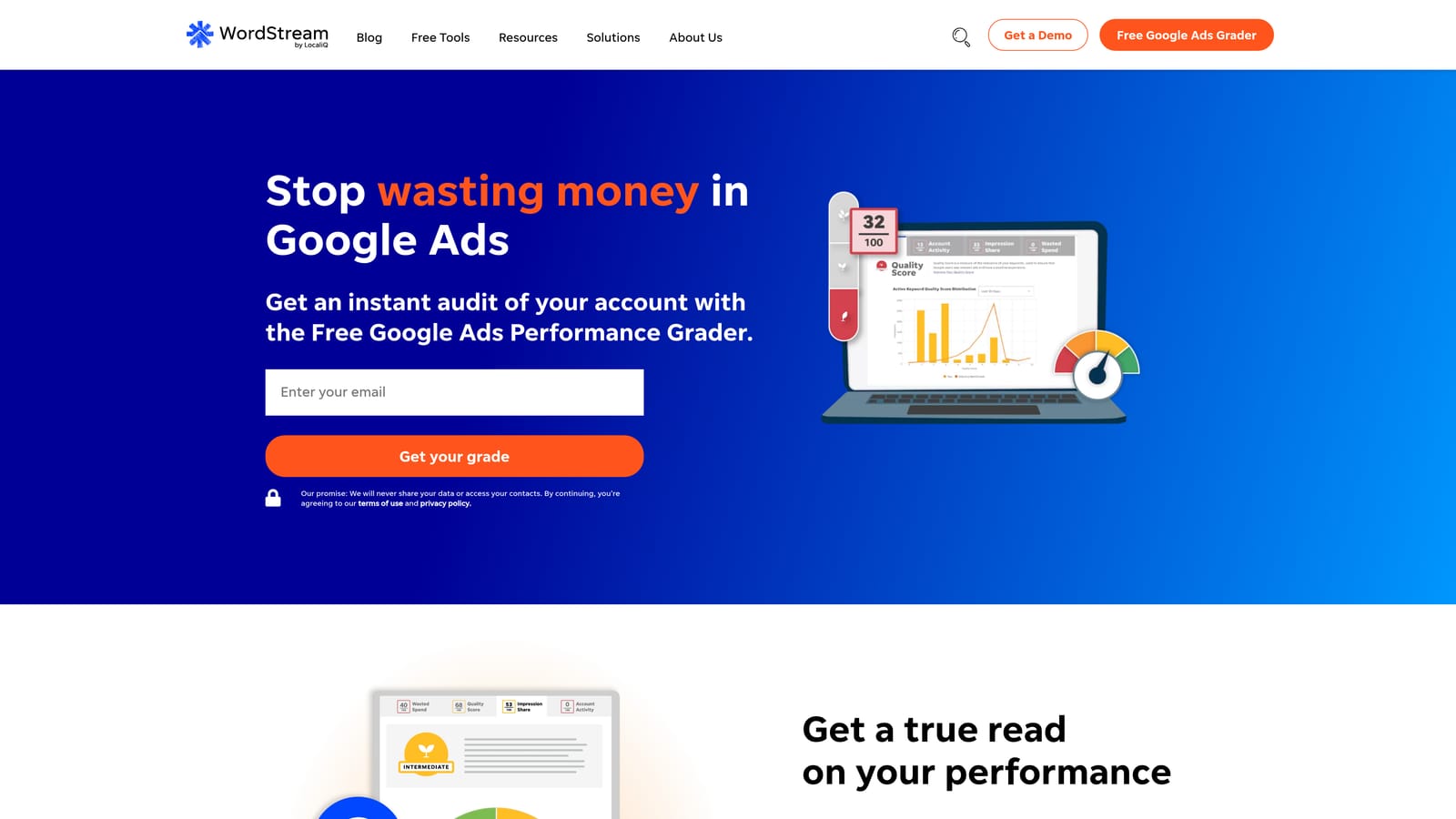
WordStream Advisor is a guided PPC management platform that walks users through weekly optimization tasks using AI-driven recommendations and a structured workflow.
Where This Tool Shines
WordStream built its reputation on the "20-Minute Work Week"—a guided workflow that surfaces the most impactful optimizations for your account and walks you through them step by step. For teams that don't have a dedicated PPC specialist, this structure is genuinely useful. It reduces the guesswork around what to prioritize each week.
The cross-platform support for both Google Ads and Microsoft Ads in a single interface is also a practical advantage for SMBs running campaigns on both networks. That said, WordStream operates as an external dashboard, which means you're managing campaigns from outside the native Google Ads UI—a workflow preference that varies by team.
Key Features
20-Minute Work Week: A guided weekly optimization workflow that prioritizes the highest-impact actions for your account.
AI-Generated Recommendations: Keyword and bid suggestions surfaced automatically based on account performance data.
Cross-Platform Support: Manage Google Ads and Microsoft Ads campaigns from a single interface.
Performance Benchmarking: Compare your campaign metrics against industry averages to identify gaps.
Wasted Spend Alerts: Automated alerts flag underperforming campaigns and budget inefficiencies.
Best For
Small business owners and boutique agencies managing Google Ads and Microsoft Ads who want structured guidance rather than a blank-canvas automation tool. Less suited for experienced PPC managers who prefer direct control over their optimization workflow.
Pricing
Not publicly listed. Pricing requires a demo or direct contact with the WordStream sales team. Budget accordingly for a discovery call before committing.
3. Optmyzr
Best for: Agencies and experienced PPC managers who need rule-based automation and one-click optimizations at scale.
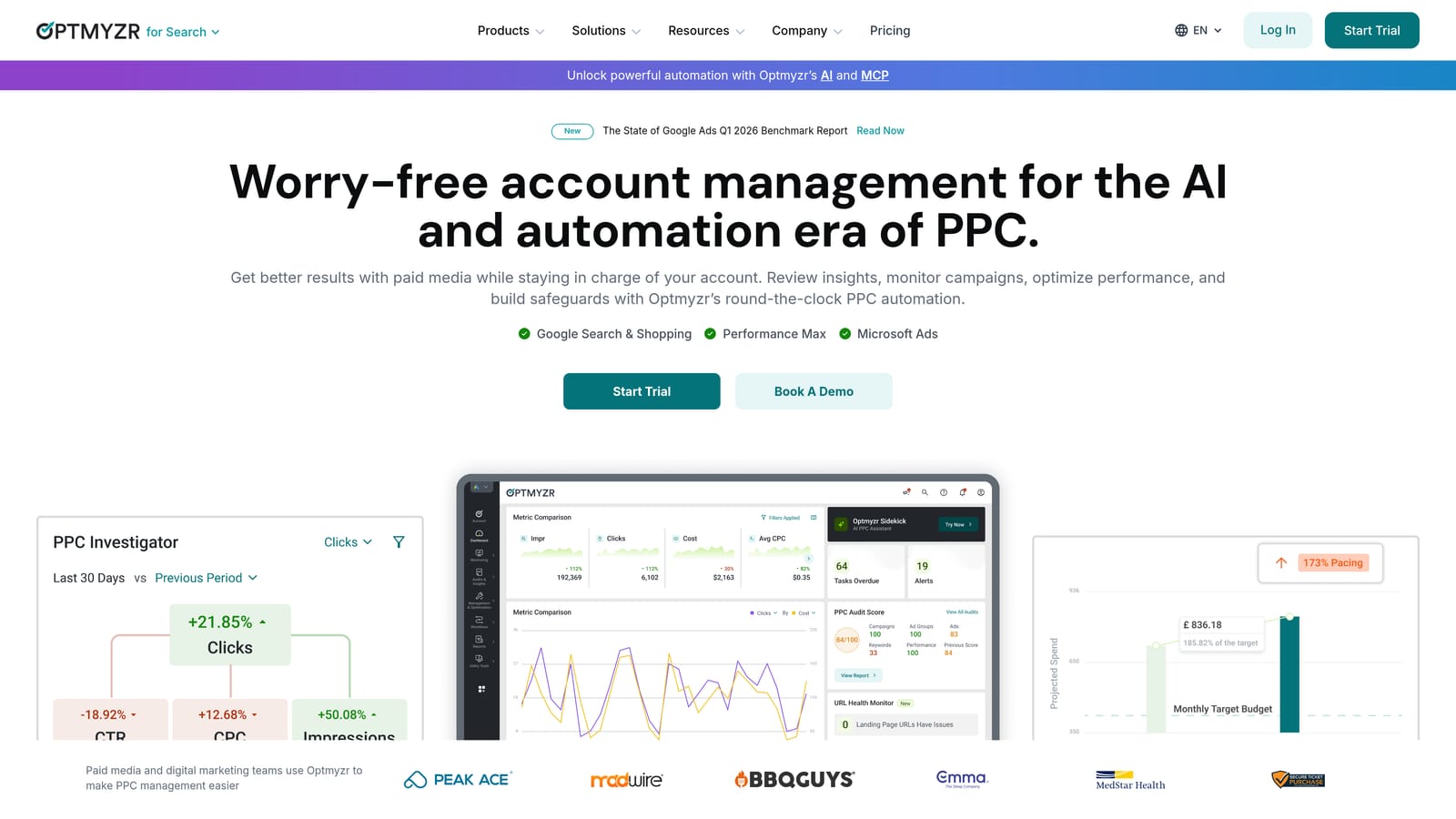
Optmyzr is a powerful PPC automation platform built by former Google AdWords engineers, offering a deep automation engine, transparent change logs, and cross-channel account management.
Where This Tool Shines
Optmyzr is what you reach for when you need to automate complex, repeating optimization tasks—bid adjustments based on custom rules, budget pacing, keyword expansion workflows—without writing scripts from scratch. The rule-based engine is genuinely flexible, and the one-click optimization suggestions come with clear explanations of what's changing and why, which matters when you're presenting changes to a client.
The breadth of channel support (Google Ads, Microsoft Ads, Amazon Ads) makes it one of the stronger options for agencies running multi-channel paid search programs. Shopping campaign management is also a notable strength that many competitors don't handle as well.
Key Features
Rule-Based Automation Engine: Build custom automation rules for bids, budgets, and keyword management without coding.
One-Click Optimizations with Change Logs: Apply suggested optimizations with full transparency into what's being changed and why.
Multi-Channel Support: Manage Google Ads, Microsoft Ads, and Amazon Ads campaigns from a single platform.
Shopping Campaign Management: Dedicated tools for managing and optimizing Google Shopping and feed-based campaigns.
Account Health Dashboards: Monitor campaign performance and structural issues across all managed accounts.
Best For
Mid-to-large agencies and experienced PPC managers handling significant ad spend across multiple channels. The learning curve and price point make it less practical for solo freelancers or small accounts with limited monthly spend.
Pricing
Starts around $208/month billed annually for smaller accounts; pricing scales with total managed ad spend. A free trial is available on their website.
4. Search Ads 360 (SA360)
Best for: Enterprise advertisers and large agency holding companies managing high-spend cross-engine search campaigns.
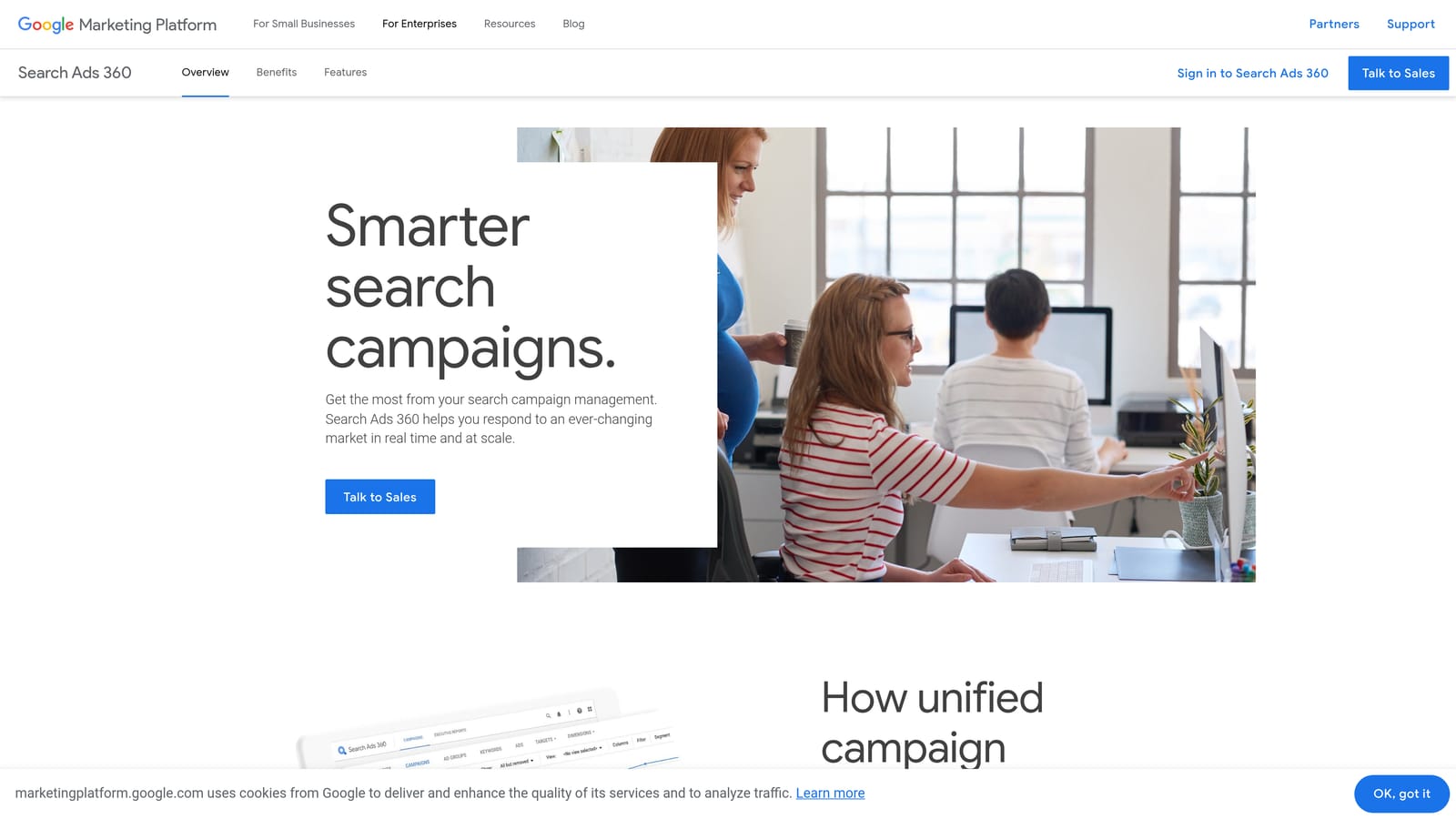
Search Ads 360 is Google's enterprise-grade search campaign management platform, offering unified bid management, advanced audience integration, and consolidated reporting across multiple search engines.
Where This Tool Shines
SA360 is built for a specific problem: managing very large, very complex search programs that run across Google, Microsoft, and other search engines simultaneously. The unified reporting layer and cross-engine Smart Bidding integration are genuinely powerful at that scale. If you're coordinating search campaigns across dozens of markets with custom attribution models and Floodlight tracking, SA360 is built for exactly that.
The tight integration with the broader Google Marketing Platform—including DV360, Campaign Manager 360, and Google Analytics 4—is a meaningful advantage for enterprise teams running full-funnel programs. Outside of that context, the cost and complexity are hard to justify.
Key Features
Cross-Engine Campaign Management: Unified management of Google Ads, Microsoft Ads, and other search engine campaigns from one platform.
Unified Reporting and Attribution: Consolidated performance reporting across all connected search engines with custom attribution modeling.
Advanced Smart Bidding Integration: Enhanced bidding capabilities connected to the full Google Marketing Platform data stack.
Audience List Management: Cross-channel remarketing and audience segment management at enterprise scale.
Custom Floodlight Tracking: Advanced conversion tracking and modeling for complex customer journeys.
Best For
Enterprise brands and large agency holding companies managing significant search spend across multiple engines and markets. Not appropriate for SMBs, freelancers, or agencies below enterprise-tier spend levels.
Pricing
Priced as a percentage of managed ad spend. Enterprise pricing—contact Google directly for a quote. Expect a meaningful investment.
5. Adalysis
Best for: PPC managers focused on ad copy testing, quality score monitoring, and systematic account auditing.
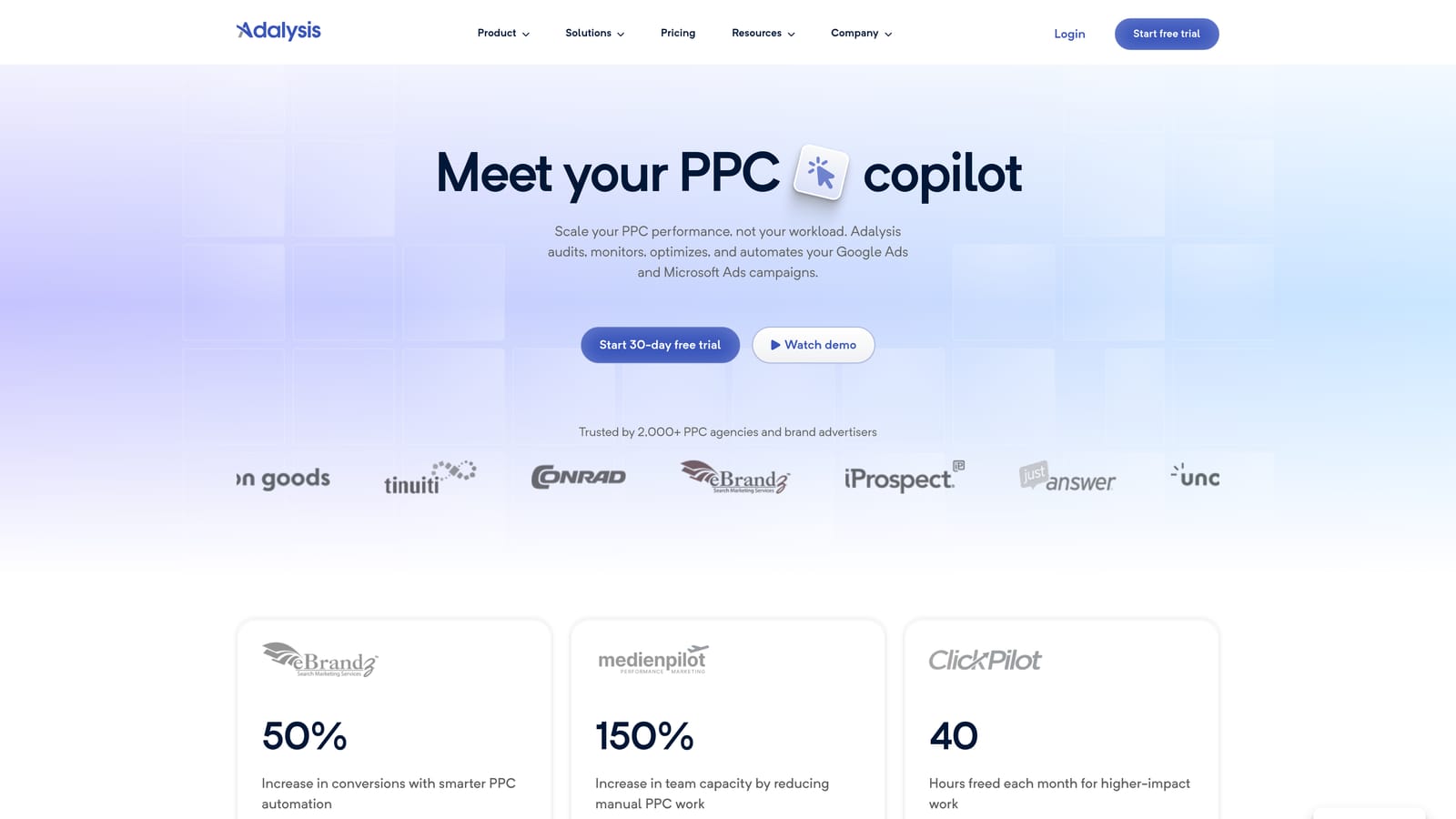
Adalysis is a PPC analysis and testing platform built specifically around ad copy optimization, quality score tracking, and automated account health auditing for Google Ads and Microsoft Ads.
Where This Tool Shines
Most PPC tools treat ad testing as an afterthought. Adalysis treats it as the core use case. The automated A/B testing engine tracks statistical significance so you're not pausing ads based on gut feel or insufficient data—a mistake that's more common than most agencies would admit. The quality score monitoring is also more granular than what you get natively in Google Ads, with trend alerts that help you catch deteriorating scores before they hit your CPCs.
The account audit functionality is particularly useful when onboarding new clients. It surfaces structural issues, wasted spend patterns, and keyword conflicts quickly—the kind of analysis that would otherwise take hours of manual digging.
Key Features
Automated A/B Ad Testing: Run statistically significant ad copy tests with automated alerts when a winner emerges.
Quality Score Monitoring: Track quality score trends over time with alerts for meaningful changes.
Account Audit Tools: Automated audits that flag structural issues, wasted spend, and optimization opportunities.
Keyword Performance Analysis: Detailed keyword-level performance reporting with search term insights.
Google Ads and Microsoft Ads Support: Cross-platform coverage for teams running campaigns on both networks.
Best For
PPC managers and agencies who run systematic ad testing programs and want quality score visibility beyond what Google Ads provides natively. Also strong for agency teams doing new client onboarding audits.
Pricing
Starts around $99/month; pricing scales with monthly ad spend. Check their website for current tier details as pricing is updated periodically.
6. SpyFu
Best for: PPC managers who need competitive keyword intelligence before building or expanding campaigns.
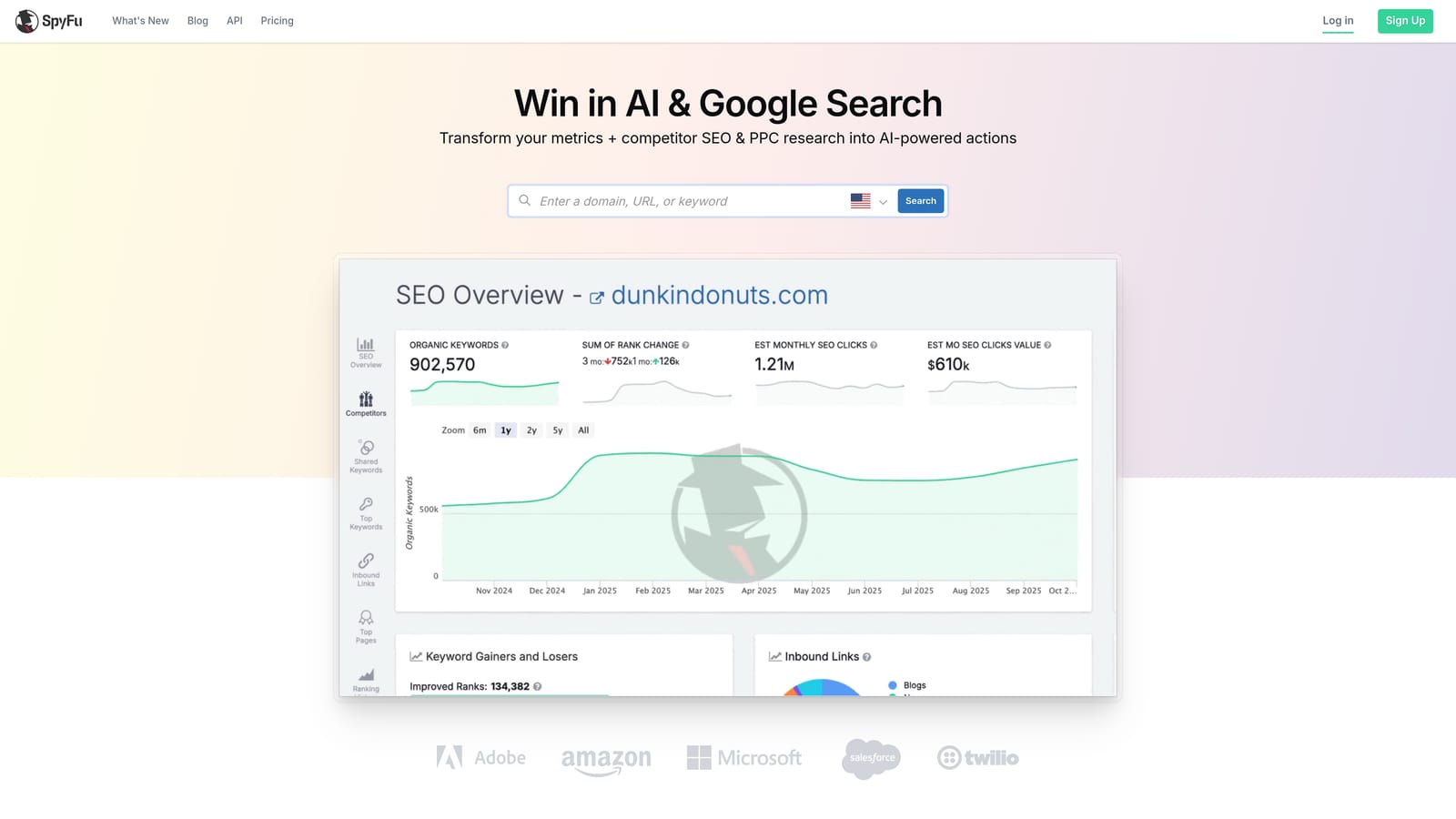
SpyFu is a competitive intelligence tool that surfaces competitor PPC keyword history, ad copy, and estimated spend—giving you a data advantage when entering new markets or auditing existing keyword strategy.
Where This Tool Shines
SpyFu's historical data is the real draw. You can look up a competitor's domain and see which keywords they've been bidding on for years, what ad copy they've tested, and roughly how much they're spending. That kind of context is invaluable when you're building a new campaign from scratch or trying to understand why a competitor is outperforming you on specific terms.
The keyword overlap and gap analysis is a practical starting point for identifying terms you're missing. What usually happens here is that you find a cluster of high-intent keywords your competitors are capturing that aren't on your radar yet. SpyFu makes that gap visible quickly.
Key Features
Competitor PPC Keyword History: Access years of historical keyword data for any competitor domain.
Ad Copy Analysis: Review competitor ad copy and get visibility into what variations they've tested over time.
Keyword Overlap and Gap Analysis: Compare your keyword coverage against competitors to find gaps and opportunities.
Estimated Competitor Ad Spend: Get a directional view of how much competitors are investing in paid search.
Combined PPC and SEO Research: Keyword intelligence for both paid and organic search in a single tool.
Best For
PPC managers doing competitive research, new campaign builds, or market entry analysis. Less useful as a day-to-day campaign management tool—it's a research and intelligence layer, not an execution platform.
Pricing
Starts at $39/month for the Basic plan. Strong value for the depth of competitive data provided at that price point.
7. Semrush PPC Toolkit
Best for: Teams running integrated paid and organic strategies who want keyword and competitive data in one subscription.
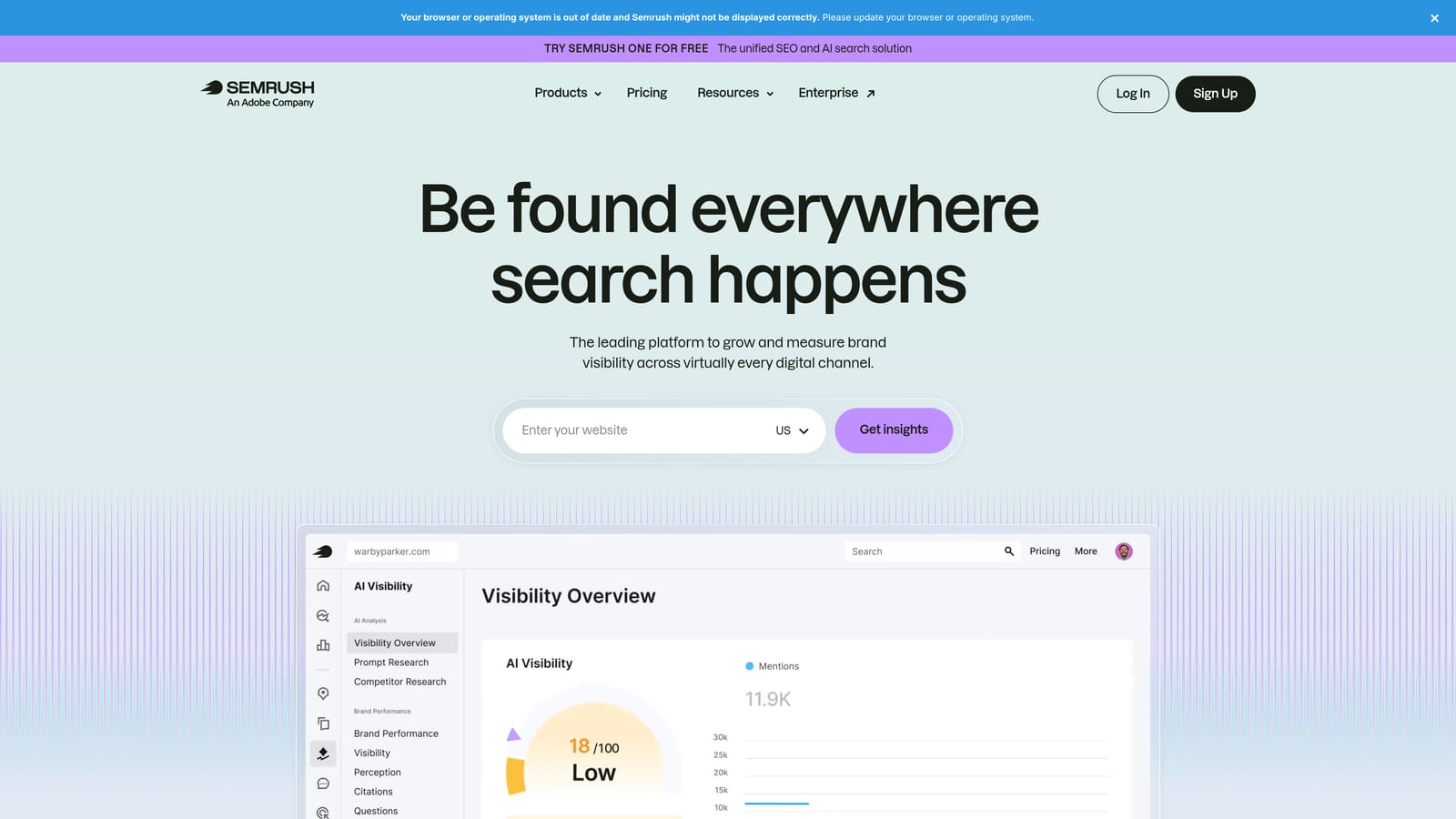
Semrush's PPC Toolkit is part of the broader Semrush platform, offering paid keyword research, CPC data, competitor ad copy analysis, and keyword gap identification alongside its well-known SEO feature set.
Where This Tool Shines
The main case for Semrush's PPC features is consolidation. If your team is already paying for Semrush for SEO and content work, the PPC Toolkit is included—and it's genuinely capable for keyword research and competitive analysis. The ability to cross-reference paid and organic keyword data in the same interface helps teams make smarter decisions about where to invest budget versus where organic already has coverage.
The competitor ad copy research and Shopping (PLA) ad analysis are solid for campaign planning. Where Semrush falls short is on the execution side—it's a research and planning tool, not a campaign management or optimization platform. You'll still need to take your findings into Google Ads to act on them.
Key Features
PPC Keyword Research: Keyword data with CPC estimates, competition levels, and volume trends for paid campaigns.
Competitor Ad Copy Research: Analyze competitor text ads and Shopping ads to inform your own creative strategy.
Keyword Gap Analysis: Identify terms competitors are capturing in paid search that you're currently missing.
Negative Keyword Suggestions: Surface irrelevant terms to exclude before they waste budget.
Integrated SEO and PPC Data: Cross-reference paid and organic keyword performance in a single platform.
Best For
Digital marketing teams or agencies already using Semrush for SEO who want to extend that data into paid search planning. Less compelling as a standalone PPC tool if you're not already in the Semrush ecosystem.
Pricing
Starts at $139.95/month for the Pro plan; PPC Toolkit features are included across all subscription tiers.
8. Google Ads Editor
Best for: Any Google Ads manager who needs to make large-scale structural changes quickly and for free.
Google Ads Editor is Google's free desktop application for offline bulk editing of campaigns, ad groups, keywords, and ads—the go-to tool for large-scale structural changes without web interface slowdowns.
Where This Tool Shines
Google Ads Editor has been a staple in PPC workflows for years, and it still earns its place. When you need to restructure a large account—renaming hundreds of ad groups, duplicating campaigns across geographies, doing a find-and-replace on ad copy across the entire account—Editor is significantly faster than working through the web interface. The offline capability also means you can work through changes without a live connection and upload when ready.
The CSV import and export functionality is particularly useful for large keyword uploads or when migrating campaign structures from one account to another. It's not a sophisticated optimization platform, but for bulk structural work, nothing beats it—especially at the price point of free.
Key Features
Offline Bulk Editing: Download your account, make changes offline, and upload in bulk—no live connection required during editing.
Find-and-Replace: Apply text changes across the entire account in seconds—useful for ad copy updates and keyword modifications.
CSV Import and Export: Handle large-scale keyword uploads and campaign migrations via spreadsheet.
Multi-Account Management: Manage multiple Google Ads accounts from a single desktop application.
Free for All Google Ads Users: No subscription, no per-seat cost, no catch.
Best For
Every Google Ads manager, full stop. It's free and handles bulk structural work better than any paid alternative. The limitation is that it's not built for real-time optimization or analysis—it's an editing tool, not an insights platform.
Pricing
Free. Available to all Google Ads users with no subscription required.
Which PPC Optimization Platform Is Right for You?
Which PPC Optimization Platform Is Right for You?
The honest answer: the best tool is the one that fits where you actually work—not the one with the longest feature list.
Here's a quick way to think through the decision based on your situation.
If you're a freelancer or small agency focused on Google Ads efficiency: Start with Keywordme. At $12/month per user, it's the lowest-friction way to meaningfully speed up your Search Terms Report workflow without adding another dashboard to your stack. The in-interface approach is a genuine differentiator—you're not learning a new tool, you're just moving faster inside the one you already use.
If you need cross-channel automation at scale: Optmyzr is the strongest mid-market option, especially for agencies managing significant spend across Google and Microsoft Ads. For enterprise-level cross-engine programs, SA360 is the appropriate fit—but only if the budget and complexity justify it.
If ad testing and account auditing are your priority: Adalysis fills a specific gap that most general-purpose tools don't cover well. It's worth the investment if systematic A/B testing and quality score monitoring are part of your regular workflow.
If you're doing competitive research or building new campaigns: SpyFu is the most cost-effective option for pure competitive intelligence. Semrush makes more sense if you're already in their ecosystem and want to consolidate paid and organic research under one subscription.
For bulk structural edits: Google Ads Editor is non-negotiable and free. There's no reason not to have it installed.
One pattern worth noting: in most accounts, you'll end up using more than one of these tools. Keywordme for ongoing Search Terms cleanup, Google Ads Editor for structural changes, and SpyFu or Semrush for quarterly competitive research is a practical combination that covers most use cases without breaking the budget. Beyond these campaign management platforms, it's also worth evaluating audience and data tools—our guide to solutions for optimizing ad targeting covers tools like Google Audience Manager, AdRoll, and Segment that complement your PPC stack.
If you haven't tried Keywordme yet, the free trial is a low-risk way to see how much time you're currently spending on tasks that could be one click. Start your free 7-day trial and see how much faster your weekly optimization workflow can actually be—then just $12/month to keep it running.
.svg)