
8 Best PPC Optimization Chrome Plugins for Google Ads in 2026
This guide compares 8 tools that speed up repetitive Google Ads work, from search term cleanup to audits and bulk edits. Because few true PPC optimization chrome plugin options exist, each entry is labelled as an extension, platform, or desktop app, with pricing and best-fit users so marketers, freelancers, and agencies can choose quickly.


Most Google Ads work is repetitive: reviewing search terms, adding negatives, checking tracking, pulling keyword ideas. A browser extension can shave real time off those jobs. This list is for marketers, freelancers, and agency owners who want that speed. Tools were picked for how much actual PPC work they speed up, whether they work inside the Google Ads interface, how clearly they're priced, and who they suit. Few true "PPC optimization" Chrome plugins exist, so some entries are platforms or desktop apps, and each is labelled for what it is.
Quick Comparison of the Tools
- Keywordme: freelancers and agencies cleaning up search terms; $12/month per user (as of November 2026); acts on search terms directly inside the native Search Terms Report.
- Google Ads Editor: anyone making large structural edits; free; offline drafting with review before posting.
- Optmyzr: agencies wanting a full platform; pricing on its website, tiered by ad spend; rule-based optimization across many accounts.
- Adalysis: teams focused on ad testing and audits; pricing on its website; automated ad testing and monitoring alerts.
- Keyword Surfer: budget keyword idea checks; free; keyword ideas shown right on search results pages.
- Keywords Everywhere: judging PPC viability of keyword ideas; credit-based, see website; CPC and competition data while you browse.
- Semrush browser extension: competitive research before building campaigns; requires a Semrush subscription; competitor paid-search data tied to a wider marketing suite.
- Google Tag Assistant: verifying conversion tracking; free; confirms tags fire before you optimize against the data.
1. Keywordme
Keywordme is a Chrome extension that adds one-click actions to the Search Terms Report inside Google Ads. It's built for freelancers, in-house marketers, and agency teams who spend a big chunk of each week going through what people actually typed. Keywordme is our own product, so here's the honest version, strengths and limits both.
A quick definition first: a search term is what a user typed into Google, while a keyword is what you bid on. Keywordme works on the gap between the two. What sets it apart on this list is that you act on search terms where you already see them, in the native report, with no export, spreadsheet, or second dashboard. Keywordme says it helps users optimize up to 10x faster; that's the company's own claim, not an independent benchmark.
- Add search terms as keywords with the match type you choose, so you decide exact, phrase, or broad on each one instead of accepting a default.
- Add negative keywords in one click, which cuts the manual work of blocking irrelevant queries.
- Keyword clustering groups related terms so you can build tighter keyword lists.
- Bulk editing lets you apply changes to many terms at once.
- Multi-account and team support suits agencies running several client accounts.
Setup is a Chrome extension install, and it works with Google Ads. Day to day it's run by whoever reviews search terms, usually the PPC manager or freelancer.
The limits are real. Keywordme is focused on keyword and search term workflows. It doesn't automate bids, and it doesn't do cross-channel reporting. It's Chrome only. You still make the call on every term, so the speed comes from fewer clicks, not from skipping judgment. A common mistake with any tool like this is adding search terms as broad match without review; the one-click speed makes that easy, so choose match types deliberately.
Pricing: $12/month per user, with a 7-day free trial, as of November 2026. Cost scales with the number of users on your team.
Best for: Freelancers and agencies cleaning up search terms fast.
2. Google Ads Editor
Google Ads Editor is Google's free desktop application for editing campaigns in bulk, including offline. To be clear, it's not a Chrome plugin. It earns a spot because it's the standard answer when the job is big structural change rather than quick cleanup.

Its distinctive strength on this list is scale with a safety net: you download accounts, make hundreds or thousands of edits offline, and review every change before posting it live. Nothing else here gives you that kind of staged workflow.
- Bulk edits across campaigns and accounts, so renaming, bid changes, or URL updates happen in one pass.
- Offline drafting lets you work on changes without being connected, then post when ready.
- Copy and paste between campaigns speeds up building new structures from existing ones.
- Review changes before posting catches mistakes before they cost money.
It integrates with Google Ads only, and setup means installing the desktop app and downloading your accounts. Whoever owns account structure, often a senior PPC manager, tends to run it.
The limitation: it's slower for quick search term cleanup. Reviewing queries and adding negatives is a task you do in the live interface, and a download, edit, post cycle is overkill for it. It also has a learning curve for newer users.
Pricing: Free, as of November 2026.
Best for: Large structural edits across many campaigns.
3. Optmyzr
Optmyzr is a PPC management platform with optimization tools, built mainly for agencies and in-house teams running many accounts. It's a platform first. Research notes mention a browser extension, but verify the current extension's details on Optmyzr's site and the Chrome Web Store before relying on it for your workflow.

What it does distinctively well here is rule-based optimization across many accounts: you set up checks and workflows once and apply them over a whole book of business, which a lightweight extension can't do.
- Rule-based optimization checks flag issues and opportunities against criteria you define.
- Cross-account management lets an agency handle many clients from one place.
- Reporting helps package results for clients or stakeholders.
- A browser extension is listed (verify its current scope before buying for it).
It integrates with Google Ads and Microsoft Advertising. Setup means connecting accounts and configuring rules, which takes more effort than installing an extension. It usually needs an owner who maintains the rules over time.
The trade-off is weight and cost. It's costlier and heavier than a lightweight extension, so a solo advertiser with one or two accounts may never use most of it.
Pricing: See the Optmyzr website. Pricing is tiered by ad spend, so your managed spend moves the price.
Best for: Agencies managing many accounts that want a full platform.
4. Adalysis
Adalysis is a PPC auditing and ad testing platform. Verify extension availability before assuming it works as a Chrome plugin; it's platform-first and may not be a true Chrome plugin at all.
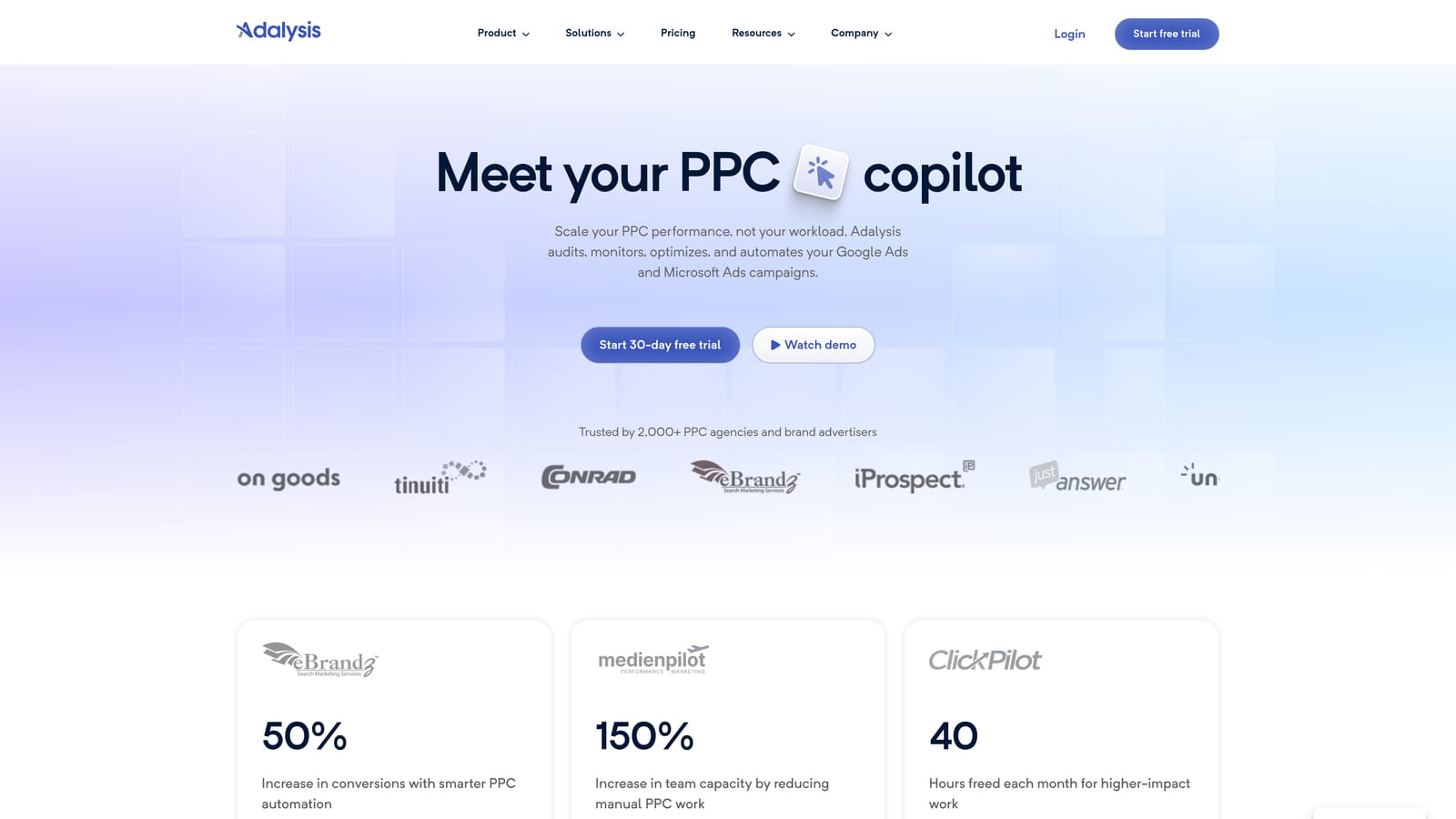
Its edge is the combination of automated ad-copy testing and monitoring alerts. Where most tools here help you act on keywords, Adalysis watches ad performance and tells you when something needs attention.
- Automated ad-copy testing surfaces which ad variations are winning, saving manual comparison.
- Account alerts notify you when something changes or breaks.
- Audits check accounts for issues so you can prioritize fixes.
- Reporting summarizes performance for clients or internal teams.
It integrates with Google Ads and Microsoft Advertising. Setup means connecting accounts to the platform, and it suits a team with someone responsible for reviewing alerts and acting on test results.
It isn't an in-interface tool, so don't expect one-click edits inside the Google Ads screens. If your main bottleneck is search term review or keyword building, it won't address that directly.
Pricing: See the Adalysis website for current plans; confirm what moves the price (likely account size or spend) before you commit.
Best for: Teams focused on ad testing and ongoing audits.
5. Keyword Surfer
Keyword Surfer is a free Chrome extension that shows search volume and related keyword ideas directly on Google results pages. It's SEO-oriented, so treat it as a quick idea generator rather than a PPC tool.
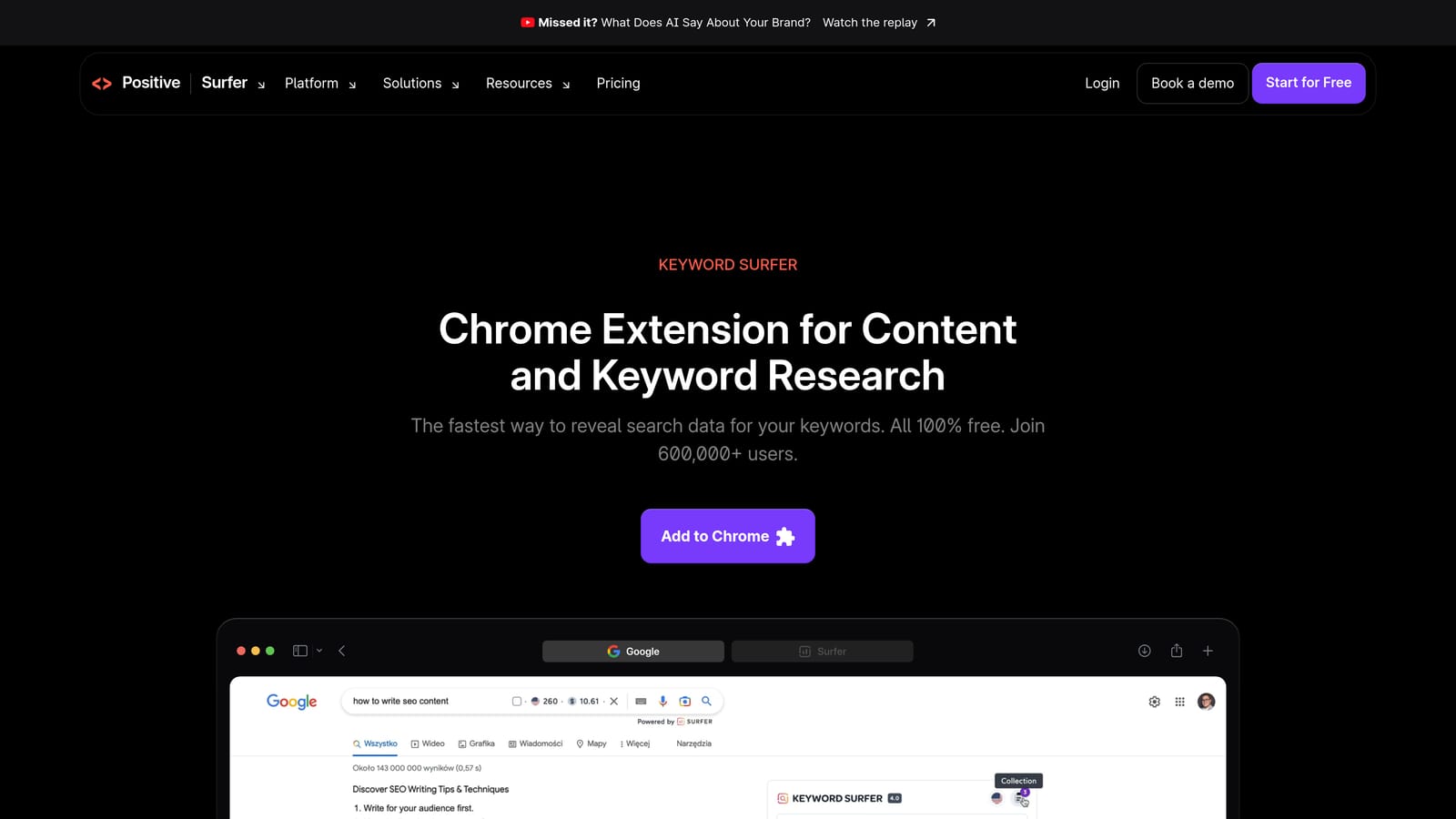
Its distinctive value is cost and convenience: free keyword ideas appear while you browse, with nothing to set up beyond installing it.
- Search volume on results pages lets you gauge demand without leaving the search.
- Related keyword ideas give you candidates to test as positive keywords.
- Free to install, so there's no budget conversation needed.
It works with Google Search only. Setup takes seconds, and anyone on the team can use it.
The gap is plain: the data is SEO-oriented, with no PPC cost data and no Google Ads editing. You won't see CPC here, so you can't judge whether a keyword is affordable to bid on. Treat volume figures as estimates, not as numbers from your account.
Pricing: Free as of November 2026; confirm on the Chrome Web Store, as free tiers can change.
Best for: Quick keyword idea checks on a budget.
6. Keywords Everywhere
Keywords Everywhere is a browser extension that overlays search volume, CPC, and competition data on search pages. Unlike Keyword Surfer, it includes cost-per-click figures, which makes it more useful when you're judging paid viability.
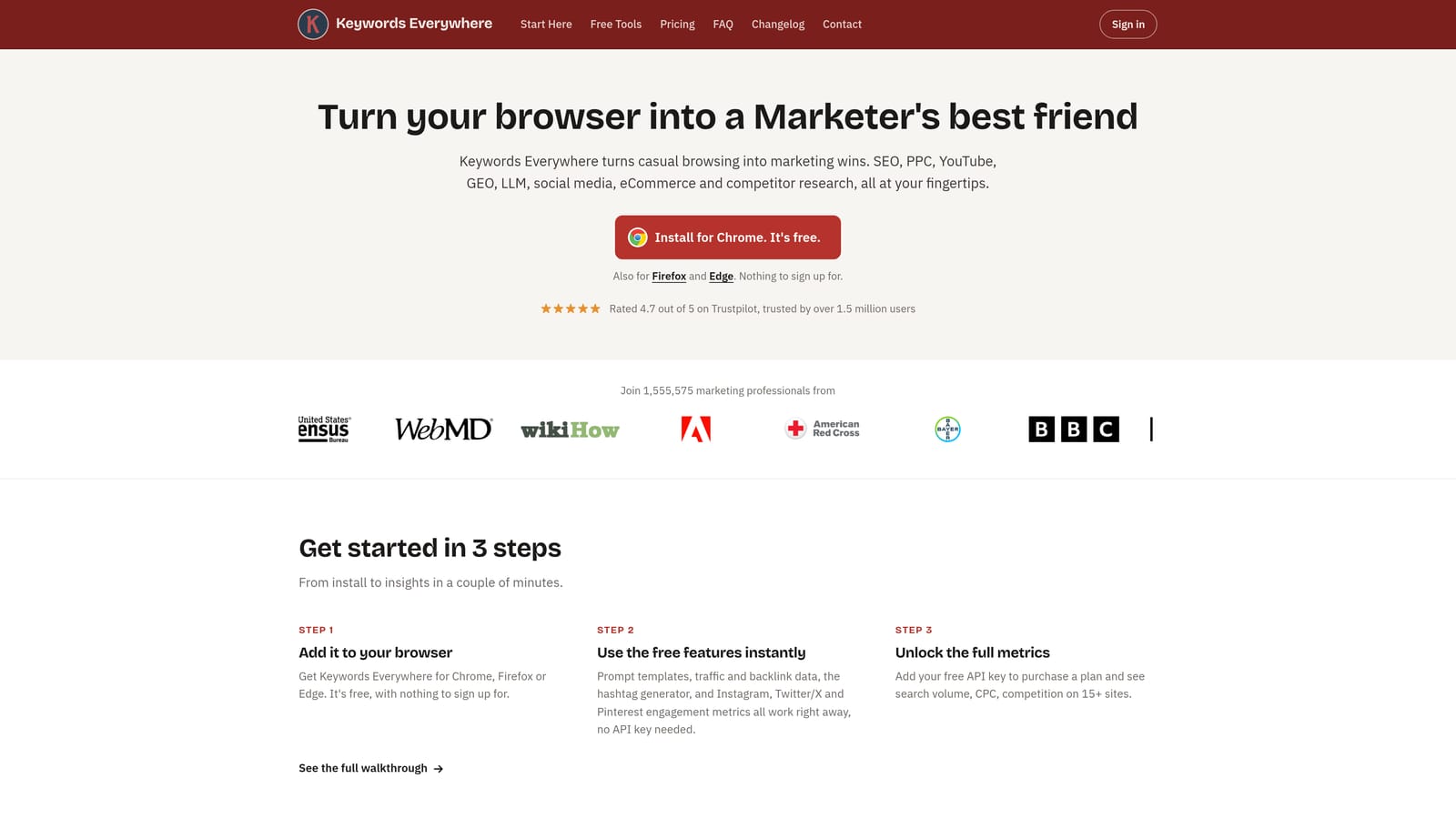
Its distinctive strength is showing CPC and competition metrics during everyday browsing, so a quick search doubles as a rough budget check.
- Search volume shows how much demand a term has.
- CPC data gives a rough idea of what a click may cost before you build ad groups.
- Competition metrics hint at how crowded the paid auction is.
- Related keywords expand your list of candidates.
It works on Google Search and, per the research notes, possibly other sites (verify which). Setup is an extension install plus an account, and anyone doing research can use it.
The key limitation: the numbers are third-party estimates, not your account performance. Your own Google Ads data will always be the better guide to what a keyword costs you and whether it converts. Don't treat estimated CPC as a forecast.
Pricing: See the Keywords Everywhere website. It's credit-based, so usage volume drives cost.
Best for: Judging PPC viability of keyword ideas during research.
7. Semrush browser extension
The Semrush browser extension surfaces keyword and competitor data from the Semrush suite while you browse. Confirm the extension's current feature set on Semrush's site and the Chrome Web Store, since page-level analysis details may differ from what's described here.
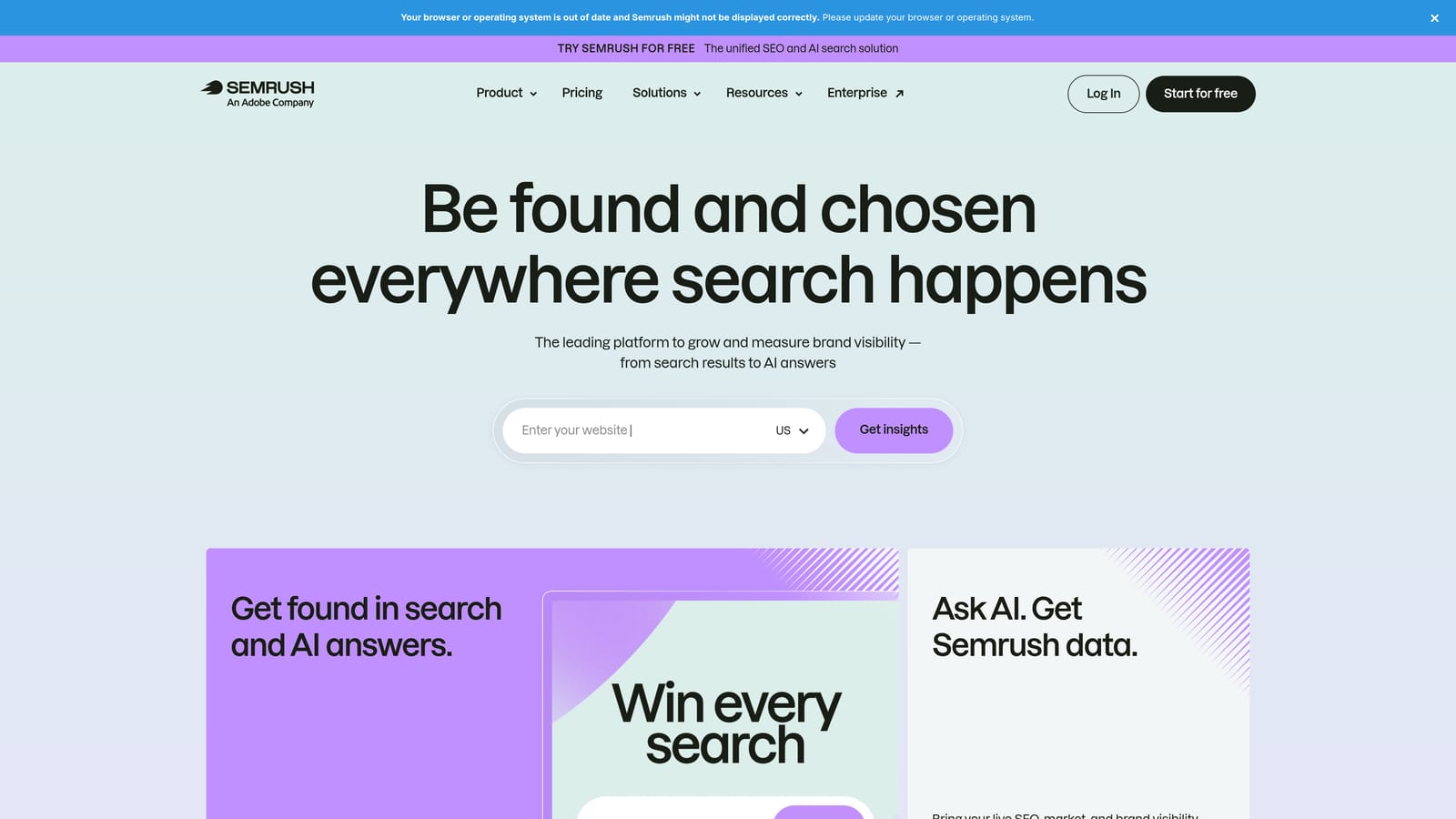
What it does best on this list is competitor paid-search research tied to a wider marketing suite. If you want to see how competitors approach paid search before you build, this is the deepest research option here.
- Competitor keyword data shows which terms rivals target.
- Paid search insights help you understand competitor ad activity.
- Page-level analysis (verify) can inform landing page and content decisions.
It integrates with Semrush itself, so you need an account and the suite behind it. Setup is quick if you already use Semrush; otherwise it's a larger commitment. Marketers and researchers are typically the day-to-day users.
It doesn't edit Google Ads, and it requires a paid subscription. Like other third-party tools, its data is estimated, not drawn from your own campaigns.
Pricing: Requires a Semrush subscription; see the website for current plans, which vary by tier.
Best for: Competitive research before building campaigns.
8. Google Tag Assistant
Google Tag Assistant is Google's tool for verifying that tags and conversion tracking fire correctly. It doesn't optimize anything directly, but it protects everything else: if conversion tracking is broken, every optimization decision rests on bad data.
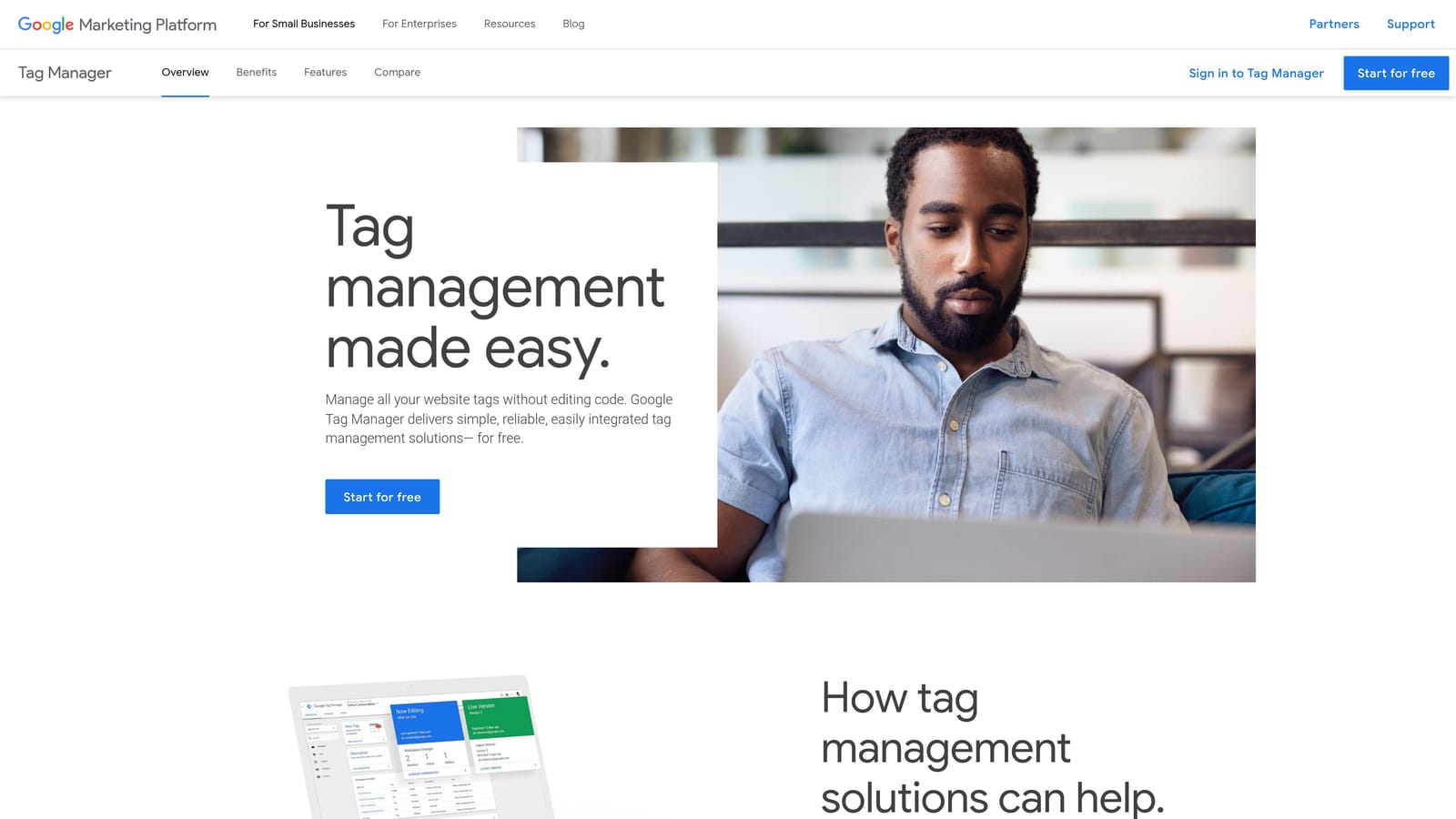
Its distinctive job is confirming tracking works before you optimize against it, something none of the other tools here do.
- Tag debugging shows whether tags load and fire as expected.
- Conversion tag verification confirms the actions you bid toward are being recorded.
- Free to use, so there's no reason to skip the check.
It works with Google Ads, Google Analytics, and Google Tag Manager. Setup is light, though interpreting results can need some technical comfort. Whoever owns tracking, often an analyst or PPC manager, runs it.
It's diagnostic only. There's no keyword or search term editing, so it won't speed up routine optimization. Think of it as a periodic check, not a daily tool.
Pricing: Free as of November 2026.
Best for: Verifying conversion tracking setups.
Which Tool to Pick for Each Job
Match the tool to the job rather than hunting for one that does everything:
- Search term cleanup: Keywordme, since it works inside the Search Terms Report.
- Bulk editing: Google Ads Editor, for large changes you want to review before posting.
- Agency-scale management: Optmyzr, or Adalysis if ad testing and audits are the priority.
- Keyword research: Keywords Everywhere for CPC context, Keyword Surfer for free ideas, Semrush for competitor research.
- Tracking verification: Google Tag Assistant.
Most advertisers pair one in-interface tool with one research or diagnostic tool. A search term tool plus Tag Assistant, or plus a research extension, covers a lot of ground without piling up subscriptions.
Optimize Google Ads Campaigns 10X Faster. Without Leaving Your Account. Keywordme lets you remove junk search terms, build high-intent keyword lists, and apply match types instantly, right inside Google Ads. No spreadsheets, no switching tabs, just quick, seamless optimization. Start your free 7-day trial (then just $12/month) and take your Google Ads game to the next level.
.svg)