
8 Best PPC Optimization Browser Extensions for Google Ads in 2026
This guide compares eight tools, including each ppc optimization browser extension, platform, and desktop app, that help marketers, freelancers, and agencies work faster in Google Ads. Each entry is judged on time saved, fit with the native interface, cost, and suitability for solo advertisers or teams, so you can pick the right one.


This list is for marketers, freelancers, and agency owners who live in Google Ads and want to cut the clicking without moving everything into a separate dashboard. The tools were chosen on four things: how much they speed up real optimization work, how well they fit the native interface, what they cost, and whether they suit a solo advertiser or a team. Some are true browser extensions. Others are platforms or desktop apps included because you'll compare them with extensions anyway, and each entry says which is which.
Quick Comparison of the Tools
- Keywordme: freelancers and agencies cleaning up search terms fast; $12/month per user with a 7-day free trial (as of October 2026); runs inside the Google Ads Search Terms Report with no exports.
- Google Ads Editor: anyone making large structural changes or building accounts; free; Google's own bulk editor with offline drafting and change review.
- Optmyzr: agencies wanting automated audits at scale; pricing on its website; rule-based optimization across many accounts and several ad platforms.
- Adalysis: teams focused on ad copy testing; pricing on its website; automated evaluation of ad copy tests.
- Google Tag Assistant: anyone verifying conversion tracking before optimizing; free; confirms that Google tags actually fire.
- Keywords Everywhere: quick keyword idea research; credit-based pricing on its website; shows volume and CPC data right in search results.
- SEMrush browser extension: competitor ad and keyword research; subscription pricing on its website; competitive PPC intelligence while you browse.
1. Keywordme
Keywordme is a Chrome extension that adds one-click actions to the Search Terms Report inside Google Ads. It's built for people who review search terms (the actual queries users typed) and turn them into decisions about keywords (what you bid on), without exporting anything to a spreadsheet. It's our own product, so here's the honest version of what it does and doesn't do.
What it does well is stay out of your way. You work in the normal Google Ads screen, and the extension puts the actions next to the data. Nothing happens on its own: you choose which terms to add or exclude, which keeps human review in the loop. That matters because the classic mistake is adding search terms as broad match without checking them, or adding negatives at the wrong level (campaign, ad group, or shared list).
- Add search terms as keywords straight from the report, so promising queries don't sit unreviewed.
- Build negative keyword lists from junk queries without copying and pasting between tabs.
- Apply match types as you add, so you decide exact, phrase, or broad deliberately.
- Cluster keywords to group related terms into tighter themes.
- Bulk edit and share work across a team, which helps when several people touch the same accounts.
Setup is installing the extension in Chrome and opening Google Ads. Whoever already reviews search terms runs it day to day, whether that's you or a junior on your team.
The limitations are real. It focuses on search terms and keywords. It isn't a bid manager, a reporting tool, or a multi-platform suite, and it works only in Chrome. If you need automated audits or cross-channel dashboards, pair it with something else on this list.
Pricing: $12/month per user, with a 7-day free trial (as of October 2026; confirm on the site). Cost scales with the number of users, not ad spend.
Best for: Freelancers and agencies cleaning up search terms fast.
2. Google Ads Editor
Google Ads Editor is not a browser extension. It's Google's free desktop application, included here as the baseline every other tool gets measured against. You download your account data, make changes in bulk, review them, and post them back.

Its real strength is scale and safety. You can restructure dozens of campaigns, copy ad groups across accounts, or build a new account from a spreadsheet-style workflow, and see every pending change before it goes live. Nothing else on this list is as thorough for structural work, and nothing beats the price.
- Bulk edit keywords, ads, bids, and settings across many campaigns in one pass.
- Draft changes offline and post them when you're ready.
- Copy and paste between campaigns and accounts, which speeds up account builds and client onboarding.
- Review a change list before posting, so you catch mistakes before they spend money.
It connects to Google Ads only. Setup means installing the app, signing in, and downloading accounts. Expect a learning curve if you've never used it, and it's usually a power user or account manager who runs it.
Where it falls short is speed on small, frequent tasks. Reviewing search terms means downloading data, switching windows, and posting changes, which is slow when all you want is to exclude ten junk queries. It also doesn't live inside the web interface, so you can't act on what you're looking at in the browser.
Pricing: free.
Best for: Large structural changes and account builds.
3. Optmyzr
Start with the caveat: Optmyzr is primarily a PPC management platform, not a lightweight extension. It may offer a Chrome extension, but check its current scope on the site before you count on it. The product is built around audits and rule-based optimization for people managing many accounts.

The standout is automation at scale. You can set rules and run audits across accounts instead of checking each one by hand, which is where agencies save the most time. It also covers more than Google Ads, with support for Microsoft Advertising and Meta Ads.
What you get
- Account audits that flag issues across campaigns, so you start from a list of problems instead of hunting.
- Rule-based optimizations that apply your logic consistently across accounts.
- Reporting you can use for client updates.
- Cross-account management for agencies juggling a portfolio.
Setup and limits
You connect your ad accounts to the platform, then configure rules and audits. That's more setup than installing an extension, and it pays off when you have enough accounts to justify it. A solo advertiser with one or two accounts will likely find it heavier and costlier than needed, and you'll want to review any automated rule before trusting it with budget.
It also isn't a click-in-the-interface tool. You work in Optmyzr's environment, not on top of the Google Ads Search Terms Report.
Pricing: subscription, and the starting price is on its website. Cost typically depends on plan and the amount of ad spend or accounts you manage, so get a current quote for your portfolio.
Best for: Agencies wanting automated audits at scale.
4. Adalysis
Adalysis is a web-based PPC audit and ad testing platform. Treat it as a platform rather than an in-interface extension. If an extension is available, confirm what it covers before you plan around it.
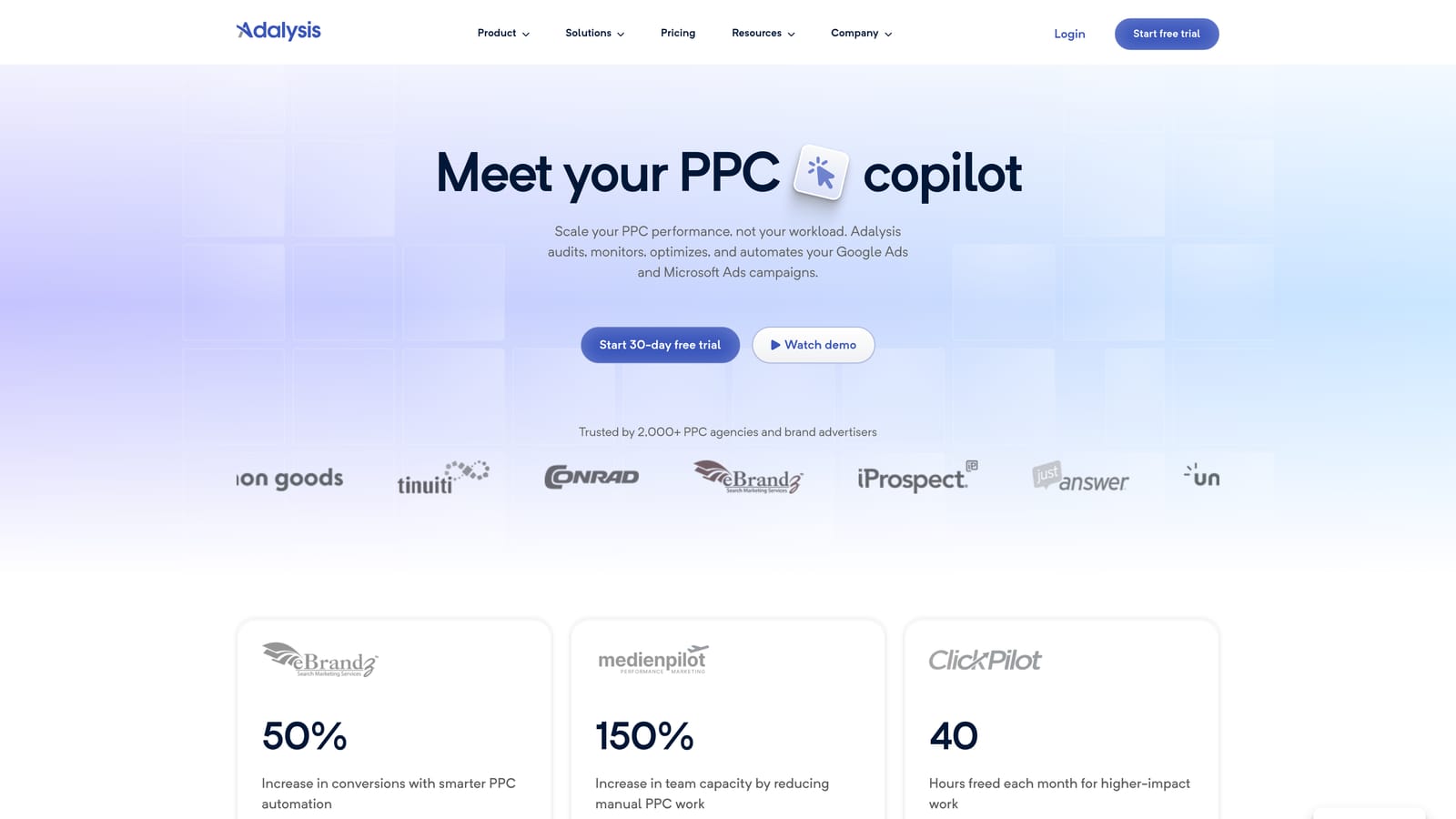
Its distinctive strength is ad copy testing. Instead of eyeballing which responsive or text ad variation is winning, Adalysis evaluates tests automatically and tells you which versions are worth keeping. If your account runs many ad groups and copy testing keeps slipping off your to-do list, that's the pain it removes.
- Ad test evaluation that judges variations for you, so testing doesn't depend on manual spreadsheet checks.
- Account alerts that flag changes and problems before they linger.
- Audits that surface issues across campaigns.
- Reporting for sharing results with clients or stakeholders.
It supports Google Ads and Microsoft Advertising. Setup is connecting your accounts, and it's usually run by a PPC manager or team lead who reviews alerts and test results regularly.
It doesn't help with the quick search term cleanup workflow, and it isn't built to edit your account from inside the Google Ads screen. Smaller advertisers with few ads may not get enough from automated test evaluation to justify a subscription.
Pricing: subscription, with the starting price on its website. Pricing generally scales with account size or spend, so check the current plans.
Best for: Teams focused on ad copy testing.
5. Google Tag Assistant
Google Tag Assistant won't optimize a keyword, and that's the point. It checks that your Google tags and conversion tracking are installed and firing correctly. It connects to a Chrome companion extension for testing, so it earns a place on a list about browser-based PPC tools.
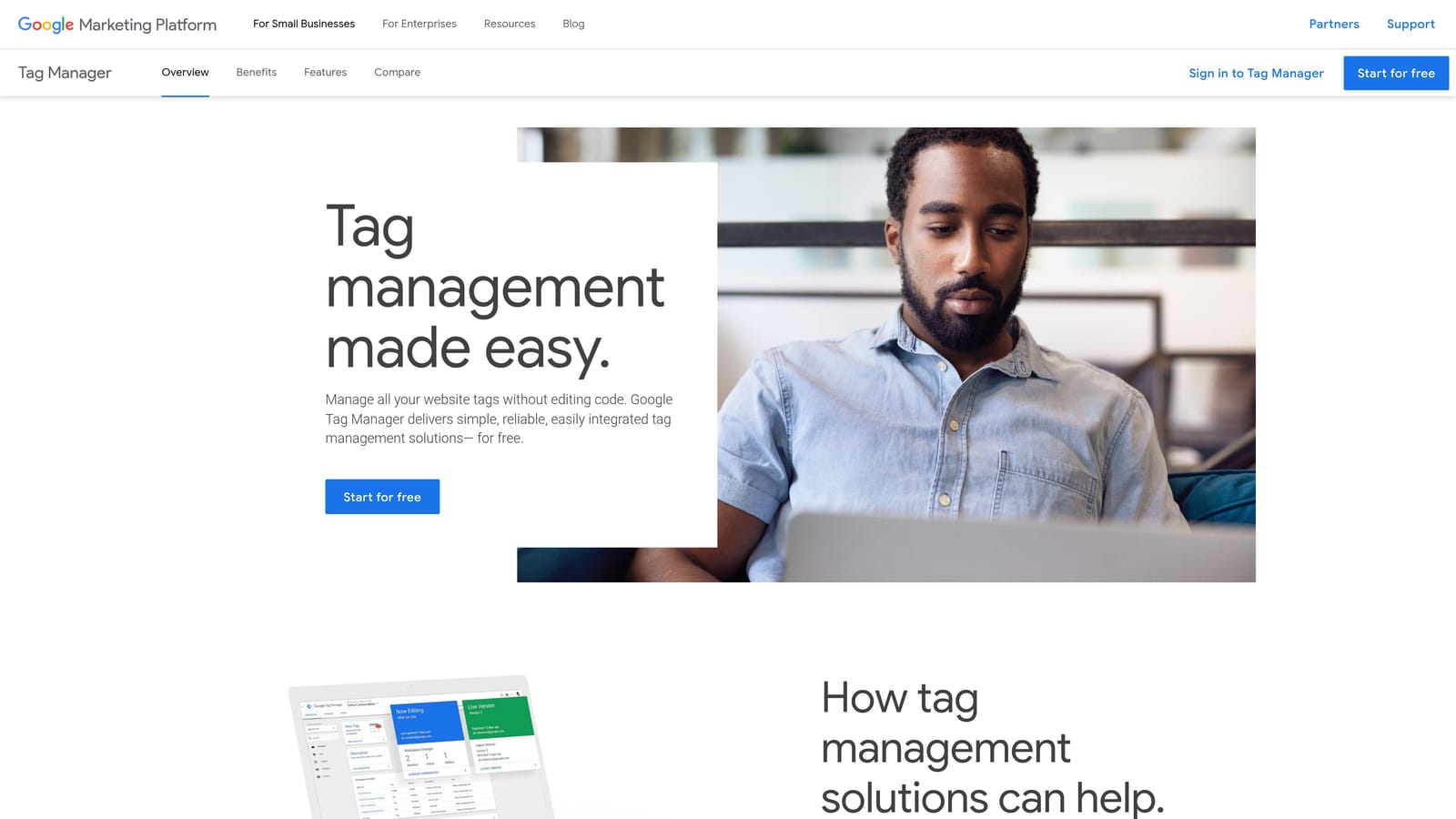
The reason to include it is that every other optimization decision depends on trustworthy conversion data. If you add keywords or exclude search terms based on conversions that aren't tracking properly, you'll optimize toward the wrong signal. Tag Assistant is the quick sanity check before you start.
- Verify tags so you know Google Ads, Analytics, and Tag Manager tags are present and behaving.
- Debug conversion tracking when a conversion count looks off.
- Test tags live on your site, so you catch problems before they distort reporting.
It works across Google Ads, Google Analytics, and Google Tag Manager. Setup is light, though interpreting what it shows takes some tag knowledge. Often a developer or technically minded marketer runs it, especially after site changes or a new conversion action.
It's diagnostic only. It won't touch keywords, bids, or search terms, so it complements the other tools rather than replacing any of them. Running it once and forgetting it also isn't enough, since site updates can break tags later.
Pricing: free.
Best for: Verifying conversion tracking before optimizing.
6. Keywords Everywhere
Keywords Everywhere is a genuine browser extension, available for Chrome and Firefox, but it's for keyword research rather than account editing. It displays search volume and CPC data on the search pages you're already looking at, and it won't change anything in your Google Ads account.
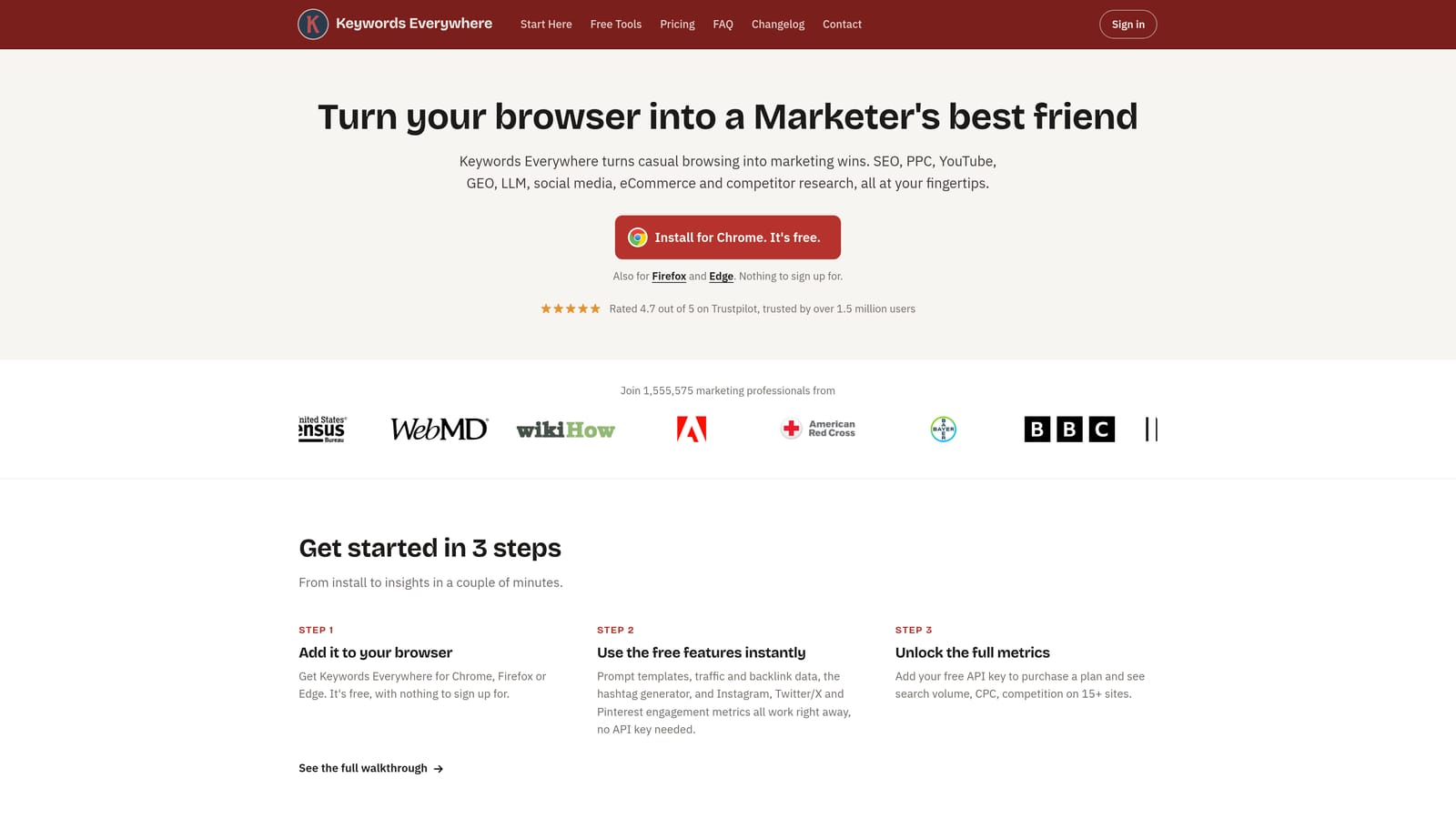
What it does that the others here don't is put keyword data in your normal browsing. Search a phrase on Google and you can see related keywords and People Also Search For ideas alongside the results. It also works on YouTube, which helps if video is part of your mix.
- Search volume and CPC figures appear next to searches, so you can sanity-check an idea in seconds.
- Related keyword suggestions help you expand a list without opening a separate planner.
- People Also Search For data reveals adjacent topics worth testing.
- Chrome and Firefox support covers teams that don't all use the same browser.
Setup is installing the extension and adding an API key or account details per its instructions. Anyone doing keyword planning can use it, with no training needed.
The limits are clear. It's research only, so you still add keywords in Google Ads yourself. Treat volume and CPC as estimates for direction, not as promises about your own account's performance. It also isn't a substitute for reviewing what real users typed in your search terms.
Pricing: credit-based, with current rates on its website. What moves your cost is how many keyword lookups you run.
Best for: Quick keyword idea research.
7. SEMrush Browser Extension
The SEMrush browser extension brings parts of the SEMrush platform into your browsing, with a focus on competitive keyword and ad insights. Features and plan requirements change, so verify what the extension currently includes before you buy anything for it.
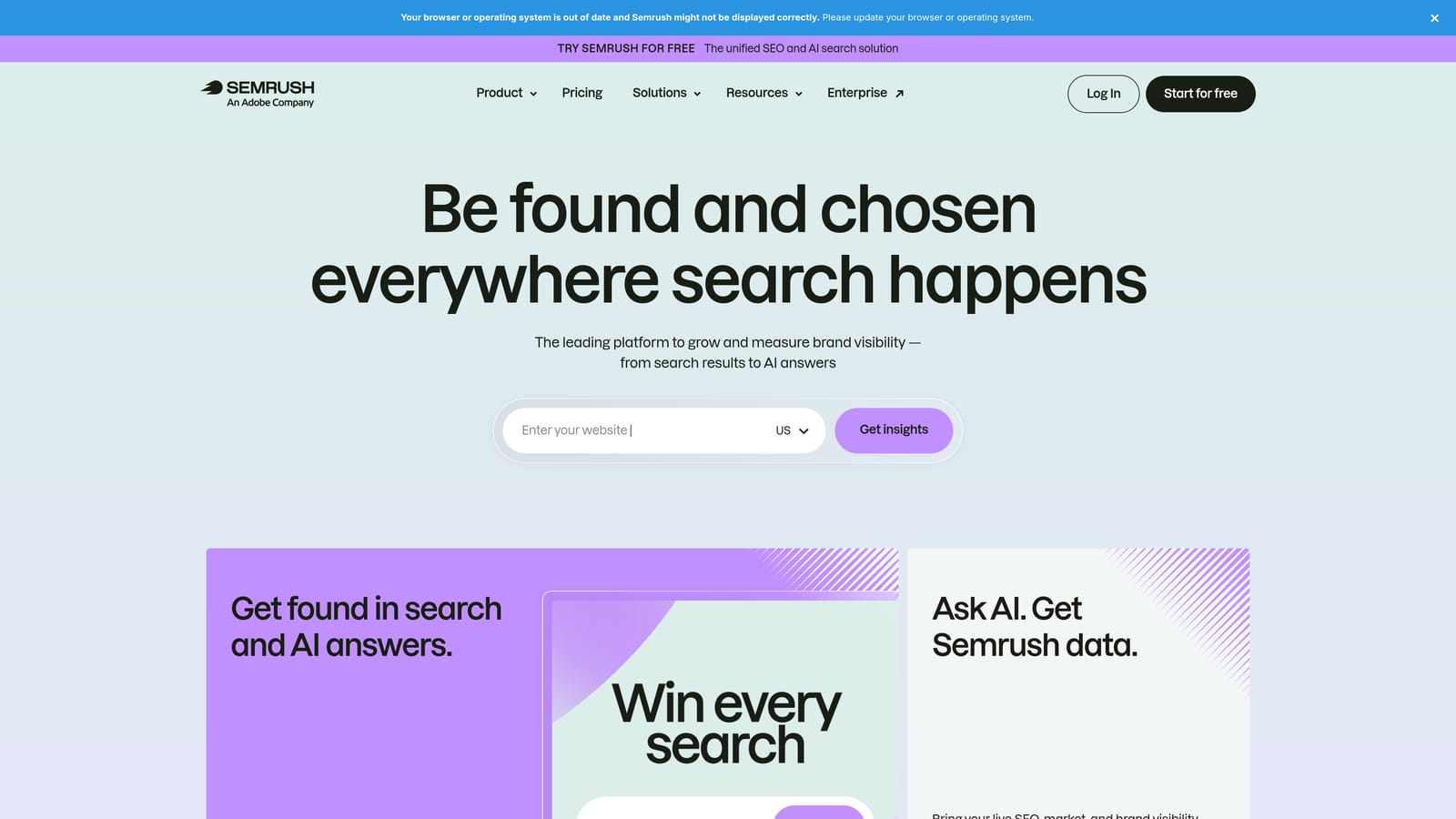
Its edge is competitive intelligence. While you browse a rival's site or a results page, you can pull up information about the keywords they target and how they advertise. None of the other tools here help you see what competitors are doing, so it fills a different gap.
- Competitor keyword insights show which terms a rival's site appears to rank or bid for.
- Ad intelligence gives you a view into how competitors approach paid search.
- On-page data adds context while you're looking at a page.
It connects to the SEMrush platform, so you need an account, and full data generally depends on your plan. Setup is easy, and it's mostly used by strategists, SEOs, and PPC managers doing planning rather than daily account maintenance.
Two limits matter. The figures are modeled estimates, not your competitor's actual spend or results, so use them for direction. And a paid plan is required for full data, which makes it a poor fit if you only want a cheap extension for search term cleanup. It doesn't edit your Google Ads account at all.
Pricing: subscription, with current plans on the SEMrush website. Price depends on the plan tier and the features and data limits you need.
Best for: Competitor ad and keyword research.
Which Tool to Pick for Your Situation
These tools don't compete as much as they look like they do. Most solve different jobs, and a sensible stack is two or three of them.
- Search term cleanup inside Google Ads: Keywordme, since it works on the Search Terms Report itself.
- Bulk edits and account builds: Google Ads Editor, free and thorough.
- Rule-based audits at scale: Optmyzr, or Adalysis if ad copy testing is the priority.
- Keyword research: Keywords Everywhere for fast ideas right in search results.
- Tracking checks: Tag Assistant, before you trust any conversion data.
If you only add one, start with the task you repeat most. For most freelancers and agency teams, that's reviewing search terms every week.
Optimize Google Ads campaigns 10X faster, without leaving your account. Keywordme lets you remove junk search terms, build high-intent keyword lists, and apply match types instantly, right inside Google Ads. No spreadsheets, no switching tabs, just quick, seamless optimization. Start your free 7-day trial (then just $12/month) and take your Google Ads game to the next level.
.svg)