
9 Best PPC Negative Keyword Software Tools for Google Ads in 2026
This guide compares nine PPC negative keyword software tools for Google Ads, including Keywordme, Optmyzr, Adalysis, Opteo, and Negator.io. It evaluates each on how directly it handles negative keyword work, how well it fits solo, in-house, and agency setups, and how clear its pricing and limits are, so you can pick a tool and clean up search terms faster.


If you run Google Ads for yourself, a boss, or a roster of clients, you already know the routine: export the Search Terms Report, scan it line by line, and sort the junk from the good. This list is for you. The tools below were picked for how directly they handle negative keyword work, how well they fit solo, in-house, and agency setups, and how clear their pricing and limits are.
Quick Comparison of the Negative Keyword Tools
- Keywordme: solo advertisers and agencies who want faster Search Terms Report cleanup; $12/month per user; adds negatives and keywords with clicks inside the native Google Ads interface.
- Optmyzr: agencies running many accounts; pricing tiered by ad spend, see website; cross-account rules and optimization well beyond negatives.
- Adalysis: teams wanting ongoing monitoring; tiered pricing, see website; audit-style alerts that flag wasted spend.
- Opteo: in-house marketers who like guided tasks; spend-based pricing, see website; a prioritized suggestion feed that works like a to-do list.
- Negator.io: advertisers wanting a negative-keyword-first tool; pricing on website; built around excluding irrelevant search terms as its main job.
- Google Ads Editor: budget-conscious advertisers applying negatives in bulk; free; first-party bulk editing with offline work and import/export.
- Google Ads Scripts and Shared Negative Lists: technical advertisers; free; fully customizable logic with no software cost.
- Microsoft Advertising Editor: advertisers running Microsoft campaigns; free; the only tool here built for Bing-side negatives.
1. Keywordme
Keywordme is a Chrome extension that layers one-click actions onto the Search Terms Report inside Google Ads. It's built for people who do search term reviews often and are tired of exporting to spreadsheets just to decide what to block. It's our own product, so weigh this section with that in mind.
What sets it apart on this list is where it works: the native Google Ads interface. There's no separate dashboard to log into and no export-and-reimport loop. You read the search terms (what users actually typed), act on them in place, and move on.
- Works inside the Search Terms Report, so your review and your action happen on the same screen.
- Adds negative keywords with one click, which cuts the repetitive part of cleanup.
- Applies match types as you add keywords or negatives, so you don't hand-type brackets and quotes.
- Offers keyword clustering and bulk editing to group related terms and handle many at once.
- Supports multiple accounts and team use, which suits agencies juggling client accounts.
Setup is installing the extension in Chrome and opening Google Ads. Whoever does the search term review runs it day to day, whether that's a freelancer, an in-house marketer, or an account manager.
The limits are real. It speeds up manual review; it does not decide anything for you and is not an autonomous negative keyword engine. You still judge each term yourself. It also only works in Chrome and only with Google Ads, so Microsoft Advertising users and people on other browsers are out of luck.
Pricing is $12/month per user, with a 7-day free trial. Cost scales with the number of users, not ad spend. Confirm current terms on the Keywordme site before you buy.
Best for: Solo advertisers and agencies who want faster Search Terms Report cleanup without leaving Google Ads.
2. Optmyzr
Optmyzr is a PPC management suite with rules, script-style tools, and optimization suggestions that run across many accounts. It's designed for agencies and larger teams who want to systematize account work, with negative keywords as one piece of a bigger picture.

Its distinctive strength is scale. You can set rules and run optimizations across a whole portfolio of accounts rather than repeating the same review in each one, which none of the lighter tools here can match.
- Rule-based automation lets you codify recurring checks so they don't depend on someone remembering.
- Search term and negative keyword tooling surfaces candidates for blocking.
- Cross-account optimization applies a workflow to many clients at once.
- Reporting helps you show clients what changed and why.
It connects to Google Ads and Microsoft Advertising. Expect a longer setup than a browser extension, since rules and reports need configuring, and it usually suits someone who owns the account management process.
The drawback is weight. If all you need is faster negative keyword cleanup, a broad suite is more than you need to learn and pay for. Smaller advertisers may never use most of it.
Pricing is tiered by ad spend; see the Optmyzr website for current plans and any trial.
Best for: Agencies managing many accounts who want automation well beyond negatives.
3. Adalysis
Adalysis starts from the audit rather than the click. Adalysis is a Google Ads audit and monitoring platform that watches your accounts, raises alerts, and analyzes search terms along the way.
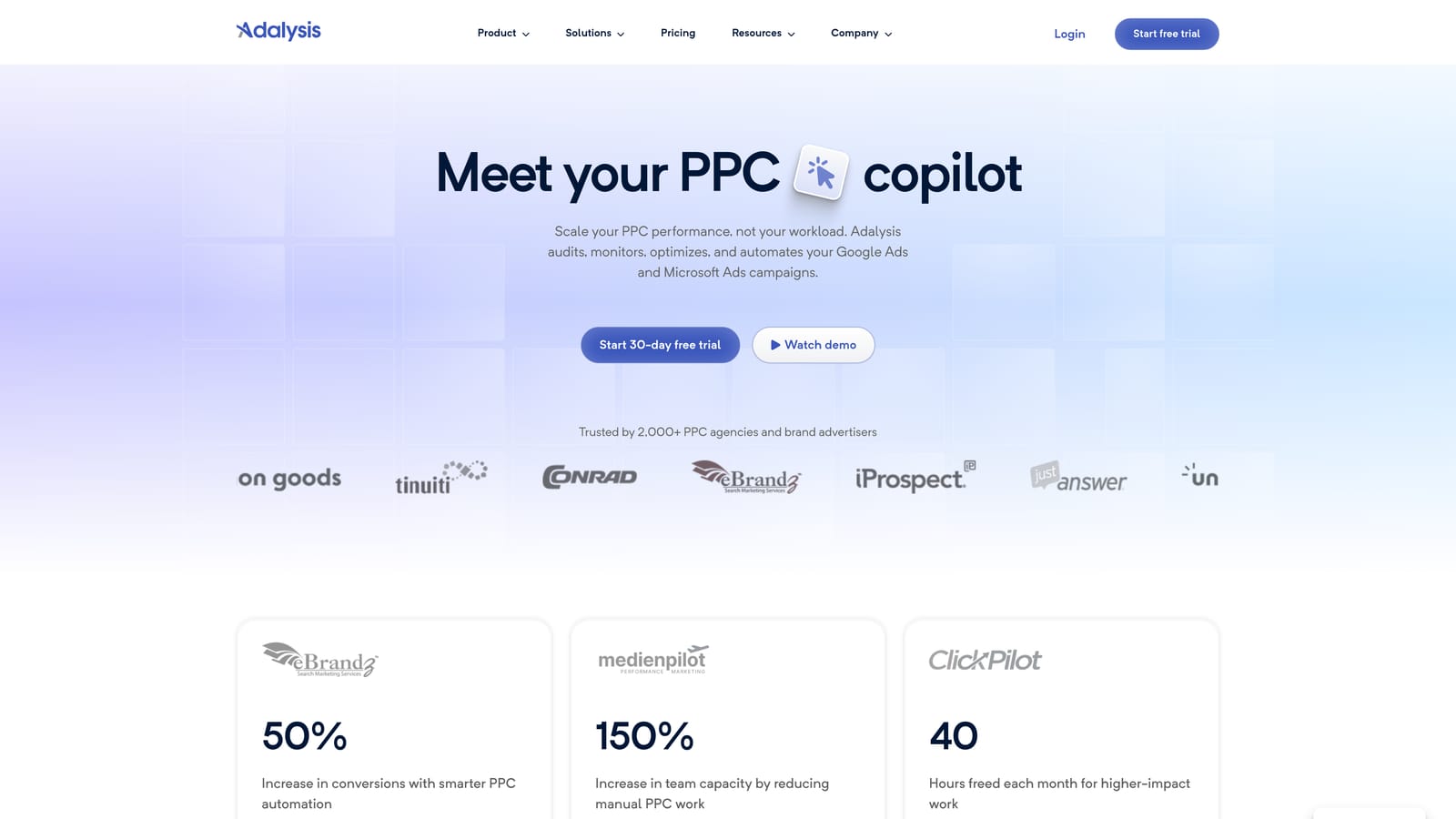
Its advantage is that it tells you when something has gone wrong without you having to look. Audit-style alerts surface wasted spend and other account issues, which makes negative keyword gaps one of several things it flags rather than a task you remember to do.
The limitation is workflow. It is analysis-first, not a click-to-apply negative workflow, so you'll typically find the problem in Adalysis and then fix it elsewhere or through its own steps. If you want to sweep through a Search Terms Report and block terms quickly, a tool that acts in the interface will feel faster.
- Automated audits and alerts point you to problems on a schedule.
- Search term analysis shows which queries are pulling spend.
- Account monitoring keeps an eye on changes between your reviews.
- Reporting packages findings for clients or stakeholders.
It supports Google Ads and Microsoft Advertising. Setup means connecting accounts and tuning alerts, and it tends to be run by a specialist or team that owns ongoing account health.
Pricing is tiered; see the Adalysis website for current plans and trial options.
Best for: Teams that want ongoing account monitoring with negative keyword insight.
4. Opteo
Opteo is a Google Ads suggestion platform. It scans your account and gives you a prioritized list of improvements, including search term and negative keyword recommendations, aimed at in-house marketers who want direction on what to do next.
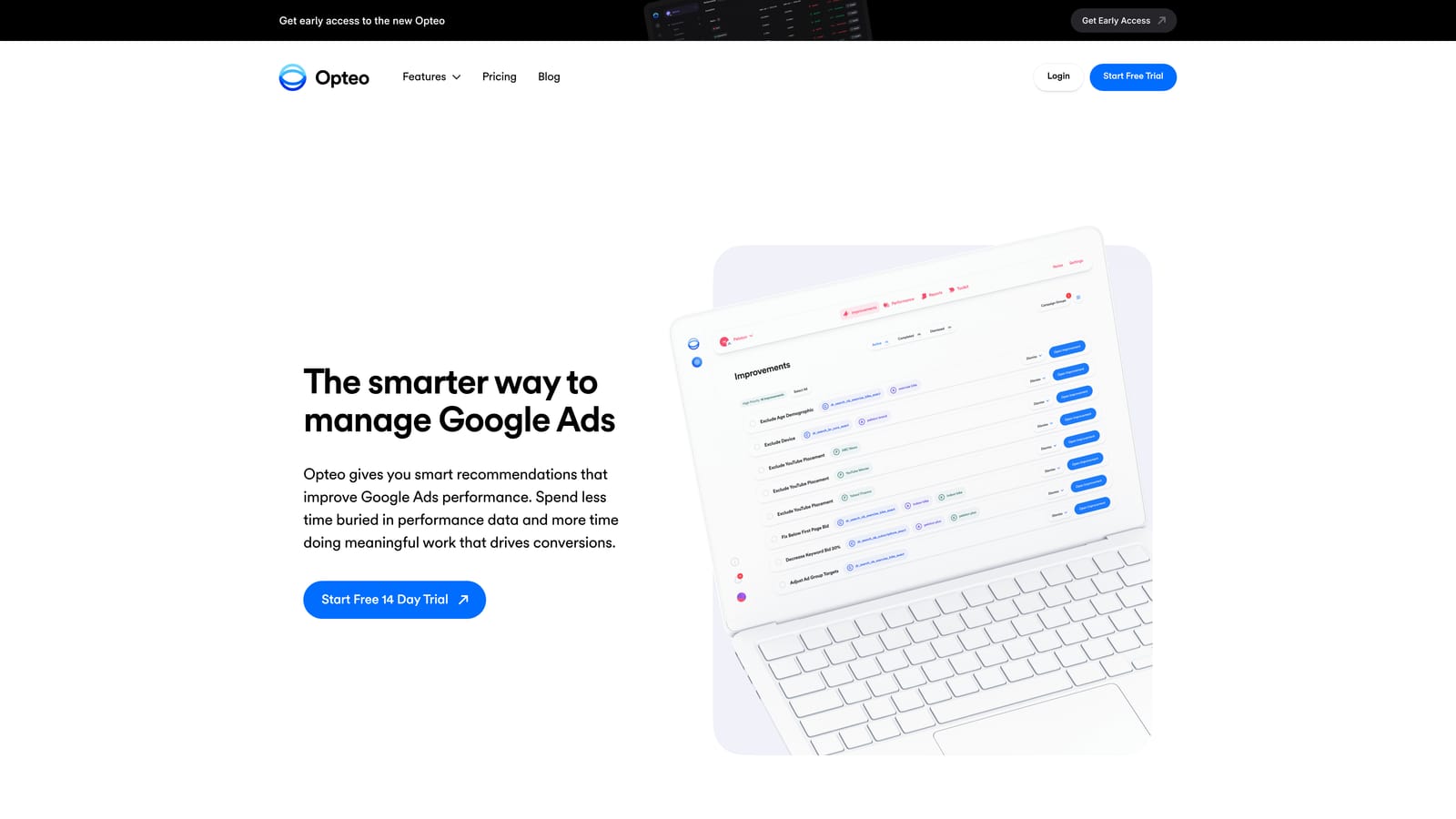
The standout is the feed itself. Suggestions arrive ranked, like a to-do list, so a daily check-in becomes a short run of tasks instead of an open-ended hunt through reports.
- Prioritized improvement suggestions tell you what to tackle first.
- Search term recommendations highlight queries worth adding or excluding.
- A guided apply flow walks you through making the change.
It connects to Google Ads only. Setup is light, and one person, usually the in-house marketer, works through the feed.
The trade-off is that it is recommendation-led. If you prefer to read every search term yourself and decide from scratch, a suggestion feed can feel like it's steering you. As with any recommendation, check each suggested negative against your own conversion data before applying it.
Pricing is spend-based; see the Opteo website for current rates and trial details.
Best for: In-house marketers who want guided daily optimization tasks.
5. Negator.io
Negator.io is a tool focused on identifying and excluding irrelevant search terms. Of everything here, it's the one most singularly about negative keywords.
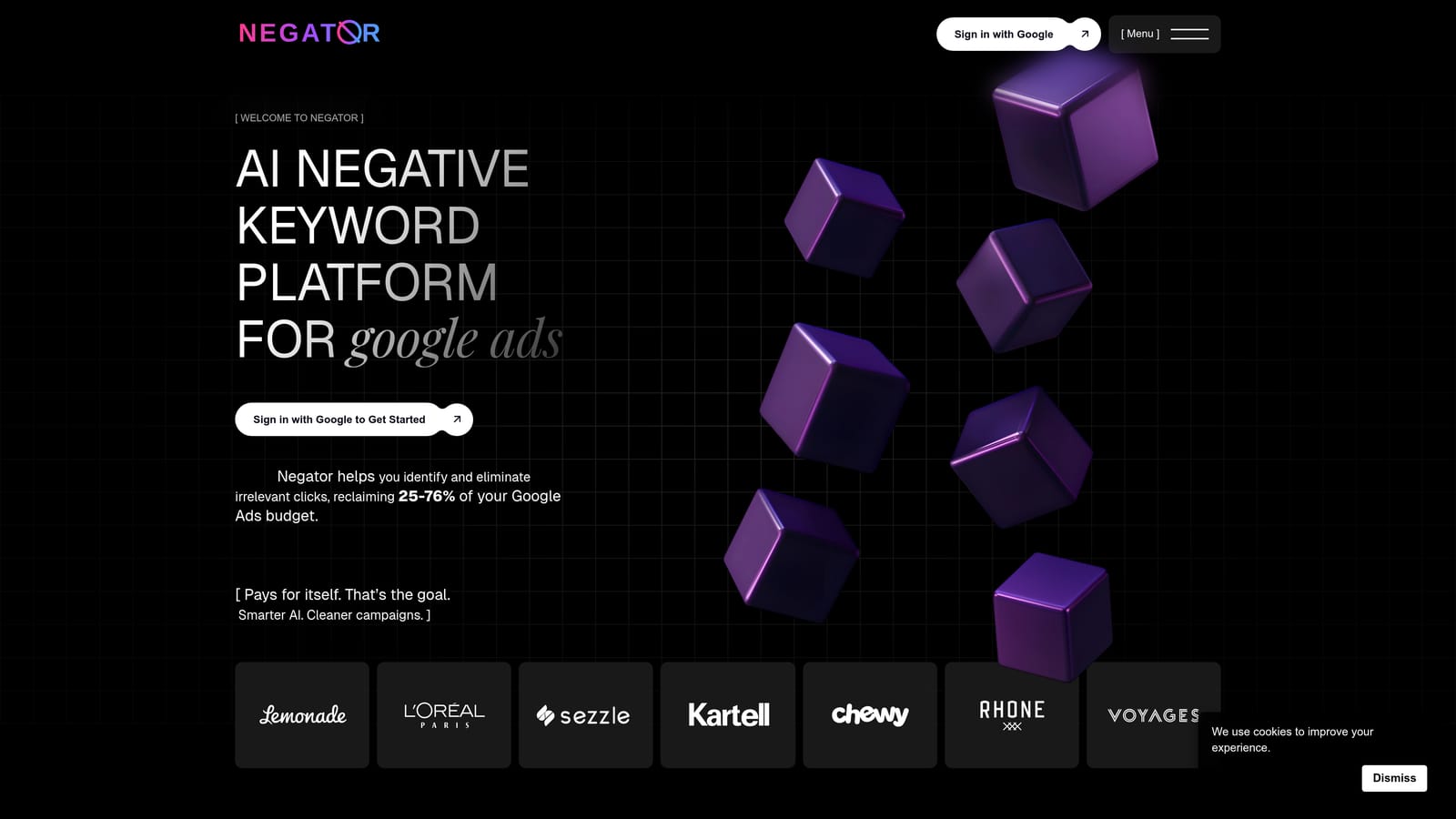
That focus is its pitch. Where suites treat negatives as one feature among many, Negator.io is built around the job, which can appeal if blocking junk queries is your main pain and you don't want to pay for anything else.
- Search term review focused on irrelevant queries keeps attention on waste.
- Negative keyword suggestions give you candidates to block.
- A Google Ads connection lets it read your account data.
It integrates with Google Ads. Setup is connecting your account, and the person who runs your search term reviews would use it.
The caveat is scope and maturity. It is narrow by design, so it won't help with bidding, ads, or reporting, and it's worth verifying how established it is and exactly what it does before committing. Check the details yourself rather than assuming.
Pricing details are on the Negator.io website; confirm current plans and any trial there.
Best for: Advertisers who want a dedicated negative-keyword-first tool.
6. Google Ads Editor
Google Ads Editor is Google's free desktop app for bulk-editing campaigns. For negative keywords, it's the practical way to apply a long list across many campaigns or accounts at once.

What it does better than anything else here is cost and control: it's free, first-party, and handles bulk changes across accounts. If you already have your list of negatives, it's hard to beat for getting them in.
- Bulk add and edit negative keywords so a hundred blocks don't take a hundred clicks.
- Shared negative list management keeps list-level exclusions tidy.
- Offline editing lets you prepare changes and post them when ready.
- Import and export fits spreadsheet-based workflows.
Setup is a desktop install and signing in to your accounts. A campaign manager or analyst typically drives it.
The big limit: it has no search term analysis. You supply the negatives, which means finding them still happens in the Search Terms Report or another tool, and often in a spreadsheet. It's an applier, not a finder.
Pricing: free.
Best for: Budget-conscious advertisers applying negative lists in bulk.
7. Google Ads Scripts and Shared Negative Lists
Google offers shared negative keyword lists natively, and Google Ads Scripts let you write custom automation on top. Together they're the do-it-yourself route.

The appeal is flexibility. Because you write the logic, you can build exactly the checks you want, such as flagging terms that meet your own spend and conversion thresholds, at no software cost.
- Shared negative keyword lists let one list protect many campaigns.
- Custom scripts automate checks and reports to your own rules.
- Cross-campaign application keeps exclusions consistent across the account.
It lives entirely inside Google Ads. Setup effort is the catch: you need coding skill (scripts are written in JavaScript), and someone has to maintain them when things change.
It also offers no review interface. A script can surface or act on terms, but you have to build any way of looking at them, and a poorly written rule can block converting traffic without warning. Test carefully.
Pricing: free.
Best for: Technical advertisers who want custom automation.
8. Microsoft Advertising Editor
Microsoft Advertising Editor is Microsoft's free desktop tool for bulk edits, including negative keywords, in Microsoft Advertising accounts.
It earns its spot for one reason: coverage. Every other tool here is aimed at Google Ads (a few also cover Microsoft), and this one handles the Bing side directly.
- Bulk negative keyword edits let you apply large lists quickly.
- Offline editing means you can prepare changes before posting them.
- Import and export connects to spreadsheet workflows.
It works with Microsoft Advertising only. Setup is a desktop install, run by whoever manages the Microsoft campaigns.
If you only advertise on Google, skip it. Like Google Ads Editor, it has no search term analysis, so you bring the list of negatives yourself.
Pricing: free.
Best for: Advertisers running negatives on Microsoft Advertising.
Matching the Tool to the Way You Work
Three picks cover most situations. If your pain is the Search Terms Report itself and you want to stay in Google Ads, Keywordme is the most direct fit, especially for freelancers and agencies paying per user. If you manage many client accounts and want rules that run across them, Optmyzr is the heavier but more powerful option. If you'd rather have a ranked task list than a blank report, Opteo does that well.
Free tools fill gaps. Google Ads Editor pairs well with any finder when you have a big list to apply, and Scripts suit those with coding skills. Add Microsoft Advertising Editor only if you run Bing campaigns.
One rule holds whichever you choose: review every suggested negative against conversion data before applying it. A term that looks irrelevant can still convert, and a broad negative can quietly cut good traffic. Tools speed up the work, but the judgment stays with you.
Optimize Google Ads Campaigns 10X Faster. Without Leaving Your Account. Keywordme lets you remove junk search terms, build high-intent keyword lists, and apply match types instantly, right inside Google Ads. No spreadsheets, no switching tabs, just quick, seamless optimization. Start your free 7-day trial (then just $12/month) and take your Google Ads game to the next level.
.svg)