
9 Best PPC Negative Keyword List Builders for Google Ads in 2026
This guide compares 9 of the best PPC negative keyword list builder tools for Google Ads, covering options for in-platform cleanup, bulk editing, and competitor research. It helps advertisers quickly turn messy search terms reports into clean, applied negative keyword lists without hours of manual spreadsheet work.


If you manage Google Ads accounts, you know the drill: the search terms report fills up with junk queries, and turning that mess into a clean negative keyword list means hours of scanning, copying, and pasting into spreadsheets. A negative keyword blocks your ads from showing on a specific search term, which is different from a keyword (what you bid on) or a search term (what someone actually typed into Google). Mixing those three up is one of the most common mistakes new PPC managers make. The tools below were chosen for how directly they help you find, group, and apply negatives, whether that means acting right inside Google Ads, automating the discovery process, or researching competitor terms before you even launch.
Quick Comparison
- Keywordme: best for solo advertisers and agencies who want negative keyword cleanup done in-platform; starts at $12/month per user; only tool here that builds and applies negatives without ever leaving the Google Ads Search Terms Report.
- Google Ads Editor: best for advertisers who already know what to negate and need fast bulk execution; free; native Google bulk-edit tool with no third-party account access.
- Optmyzr: best for agencies managing several accounts who want rule-driven automation; quote-based pricing; custom rules can act on search term waste across many accounts at once.
- Adalysis: best for advertisers who want ongoing automated audits, not a one-time cleanup; quote-based pricing; n-gram analysis surfaces recurring junk word patterns.
- WordStream Advisor: best for small business marketers who want a simple guided routine; quote-based pricing; bundles negative suggestions into a 20-minute weekly workflow.
- SEMrush PPC Keyword Tool: best for marketers who also need SEO/competitor research; quote-based pricing; builds a negative starting point from competitor data before you launch.
- SpyFu: best for freelancers researching a new niche or client industry; quote-based pricing; historic competitor keyword data gives a head start on negatives.
- Search Term Insights: best for budget-conscious freelancers who don't mind manual work; free; n-gram analysis inside Google Sheets with no subscription required.
- Grouped: best for accounts with huge search term volume; pricing varies, check site; automatically clusters search terms by theme to speed up review.
1. Keywordme
Keywordme is a Chrome extension that layers negative keyword building directly onto the Google Ads Search Terms Report, so you never have to export a report or open a spreadsheet to act on what you find. It's built for PPC managers, whether solo advertisers or agency teams, who want to turn search term cleanup into a handful of clicks instead of a recurring chore.
What sets it apart on this list is that it's an action tool that lives where the work already happens. Most of the other options here either analyze your search terms and hand you a list to act on elsewhere, or they let you execute bulk changes but don't help you spot what's junk in the first place. Keywordme does both in the same interface.
- Removes junk search terms from within the native Search Terms Report with a single click, no exporting required
- Builds negative keyword lists and applies match types on the spot, so a term goes from "flagged" to "blocked" in seconds
- Clusters related search terms together before you decide on negatives, so you're making one decision for a group of similar queries instead of dozens of individual calls
- Supports multiple accounts and team members, which matters for agencies juggling several clients from one login
- Allows bulk editing across many search terms in a single session, cutting down on repetitive clicking
Setup is just installing the Chrome extension and connecting it to your Google Ads account; there's no separate dashboard to learn since it overlays the interface you already use. It's built for whoever already owns search terms report cleanup, whether that's a freelancer running their own accounts or an account manager on an agency team.
The tradeoff is scope: this is a focused tool for Google Ads search terms, not a full keyword research suite or a cross-platform competitor analysis tool. If you need deep competitor keyword history or SEO data, you'll want to pair it with something else. As of September 2026, pricing is a flat $12 per month per user, with a 7-day free trial.
Best for: Solo advertisers and agencies who want negative keyword cleanup done in-platform, in minutes, without spreadsheets.
2. Google Ads Editor
Google Ads Editor is Google's own free desktop application for making bulk changes to an account offline, then syncing them back live. For negative keywords specifically, it's the tool you reach for once you already know which terms or lists you want to add across a large number of campaigns or ad groups.

Its advantage over everything else here is that it's first-party, free, and requires no separate login or account access beyond your existing Google Ads credentials. If you're comfortable with the interface, it's the fastest way to push the same negative keyword list to fifty ad groups at once.
- Adds or edits negative keywords across many campaigns and ad groups in one pass
- Works offline, so you can stage large changes before pushing them live
- Includes copy/paste and find-and-replace functions built for managing long lists
- Costs nothing and doesn't require granting a third party access to your account
Anyone already managing a Google Ads account can download and use it; there's a learning curve around its offline/sync model, but no billing or vendor relationship to set up. It's typically run by whoever already has account access, PPC manager, freelancer, or in-house marketer.
The catch is that Ads Editor has no analysis layer. It won't tell you which search terms are wasting spend; it just executes the changes you already decided on. You'll need another source, whether that's manual review, Keywordme, or one of the audit tools below, to identify the negatives before you open Ads Editor to apply them at scale.
Best for: Advertisers who already know what to negate and just need fast, free bulk execution across many campaigns.
3. Optmyzr
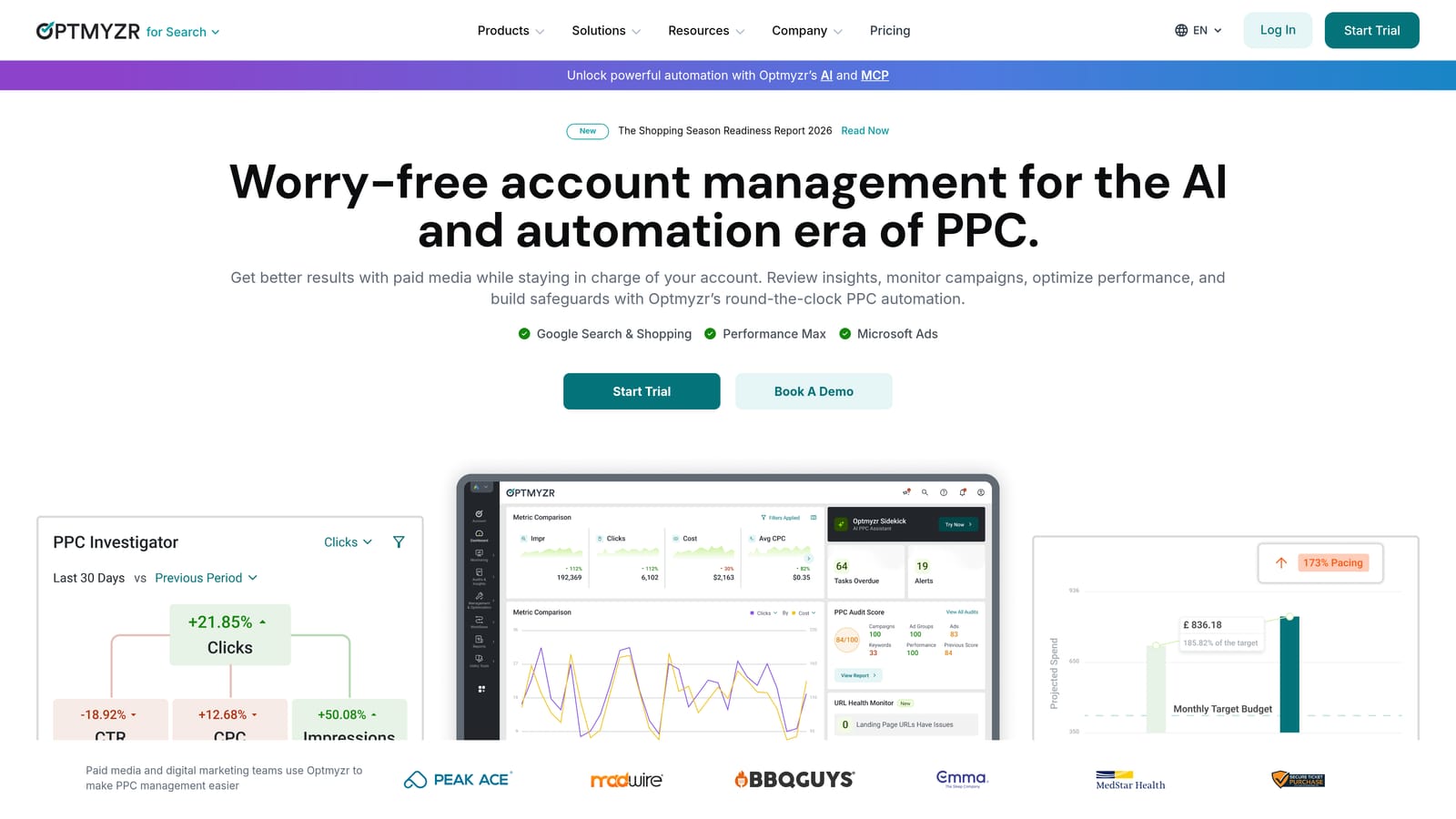
Optmyzr is a PPC management platform built around rule-based automation, and its Search Term Automator is designed specifically to flag and act on underperforming search terms based on rules you define. It's aimed at agencies and larger in-house teams managing more than a handful of accounts.
Where it fits in the workflow
Optmyzr sits on the analysis and automation side of the spectrum rather than the in-platform action side. You set rules, for example flagging any search term with a certain number of clicks and no conversions, and the tool surfaces or acts on matches across every connected account at once. That cross-account view is its real differentiator versus single-account tools.
- Search Term Automator flags or acts on wasteful search terms by custom rule instead of manual review
- Rule Engine automates other recurring PPC tasks beyond just negative keywords
- Cross-account reporting gives agencies a consolidated view across every client
- Additional one-click campaign management tools extend beyond negative keyword cleanup
Setup involves connecting your Google Ads and Microsoft Advertising accounts and configuring rules, which takes more upfront time than a plug-and-play extension. It's generally run by a PPC lead or account manager who's comfortable building and maintaining automation rules rather than someone looking for a five-minute setup.
The tradeoff is cost and complexity relative to account size. Pricing scales with the number and size of accounts you manage, which can make Optmyzr expensive overhead for a freelancer with one small account. Check the official site for current pricing, as it's not published as a flat rate and changes based on volume.
Best for: Agencies managing several accounts who want rule-driven automation, not just a single-account cleanup tool.
4. Adalysis
Plainly stated up front: Adalysis lives outside the Google Ads interface, so you're switching between two dashboards rather than working in one. That's the tradeoff for what it offers, which is ongoing automated auditing that flags negative keyword candidates continuously rather than just once.
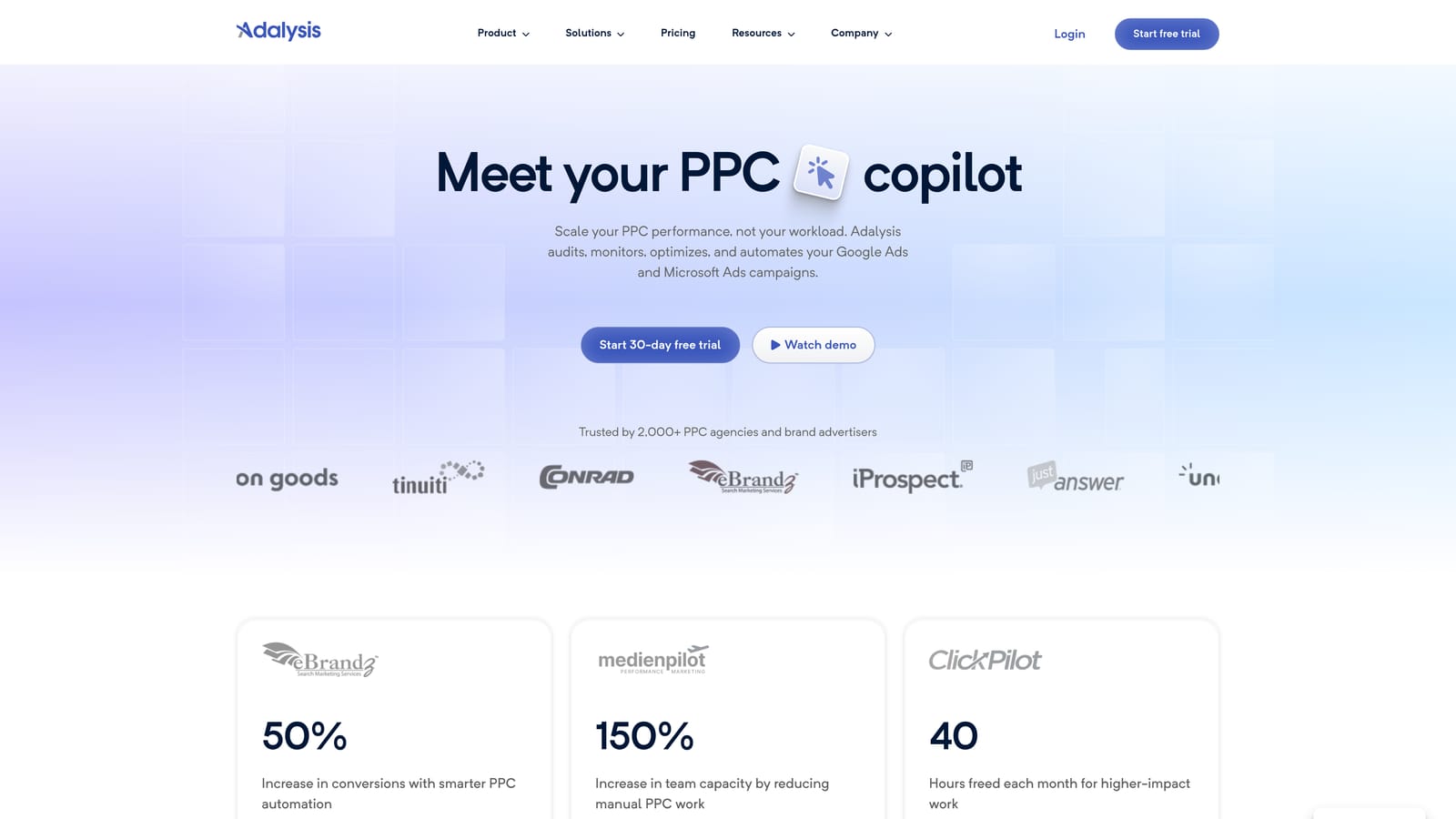
Adalysis runs scheduled checks on your account and uses n-gram analysis, breaking search terms down into recurring word fragments, to spot patterns of waste that might not be obvious term by term. If "free," "cheap," or "jobs" keeps showing up across dozens of otherwise unrelated search terms, n-gram analysis catches that pattern faster than scanning rows manually.
- Runs automated account checks that flag underperforming search terms on an ongoing basis
- Breaks search terms into n-grams to surface recurring junk word patterns across the whole report
- Includes ad testing and quality score monitoring alongside its keyword tools
- Sends alerts when an account needs review, so cleanup doesn't rely on you remembering to check
It connects to both Google Ads and Microsoft Advertising, and setup means linking accounts and letting the audit rules run before you see useful flags. It's built for a PPC manager who wants recurring maintenance built into the workflow rather than a one-time pass, which matters since negative keyword lists need continuous upkeep, not a single cleanup session.
Pricing is tiered by ad spend and not published as a flat number, so confirm current rates on their site before committing. If you want a tool that acts on negatives directly rather than flagging them for you to apply elsewhere, Adalysis alone won't close that loop.
Best for: Advertisers who want ongoing automated audits flagging negative keyword candidates, not just a one-time cleanup.
5. WordStream Advisor
WordStream Advisor, from LocalIQ, is built for small business owners and generalist marketers rather than specialist PPC managers. Its signature feature is the "20-Minute Work Week," a guided workflow that surfaces suggested fixes, including negative keyword suggestions, in a simplified checklist format.

The appeal here is accessibility. You don't need deep PPC expertise to work through the suggestions, which makes it a reasonable fit for a business owner running their own ads without a dedicated marketing hire.
- Guided weekly workflow surfaces suggested account fixes, including negative keyword ideas, in one place
- Simplified recommendations designed for non-specialist marketers rather than PPC veterans
- Cross-channel reporting covers Google Ads, Microsoft Advertising, and Facebook Ads together
- Alerts flag budget pacing and performance issues alongside keyword suggestions
Setup involves connecting your ad accounts and working through the guided prompts; it's designed to be run by the business owner or marketer directly, without needing a specialist. That accessibility is also its limit: the negative keyword suggestions are simplified compared to dedicated tools, so a specialist PPC manager may find them too generic for accounts with nuanced search term patterns.
Pricing is quote-based as of September 2026; contact WordStream sales for current rates rather than expecting a published flat fee.
Best for: Small business marketers who want a simple guided routine rather than a specialist keyword tool.
6. SEMrush PPC Keyword Tool
SEMrush is best known as a broad SEO and content platform, but its PPC Keyword Tool pulls competitor keyword and keyword gap data that's genuinely useful for building a negative list before your campaign has generated any real search term data of its own.
That's the distinction worth noting: this is a pre-launch or planning tool more than a live-account cleanup tool. If you're entering a new market or launching a client's first campaign, SEMrush can help you anticipate irrelevant traffic before it costs you money, rather than reacting to it after the fact.
- Competitor keyword and keyword gap analysis shows what terms competitors bid on and where overlaps or gaps exist
- Keyword lists export cleanly, so you can build a pre-emptive negative list before launch
- Bundled SEO and content tools give you value beyond PPC if you also handle organic search
- Organizes terms by search intent, which helps separate commercial queries from informational ones early
Setup is a standard subscription signup; day-to-day use fits naturally into a marketer's existing research routine rather than requiring a new workflow. The catch is that you're paying for a large multi-purpose suite. If negative keyword research is your only goal, you'll be paying for SEO and content features you may never touch. Check semrush.com for current tiered pricing.
Best for: Marketers who also need broader SEO/competitor research and want negative keyword ideas as a bonus, not the main event.
7. SpyFu
SpyFu specializes in competitor research, showing historic PPC and organic keyword data for any domain you plug in. For negative keyword purposes, that history is useful for spotting terms worth excluding before they ever show up in your own search terms report.
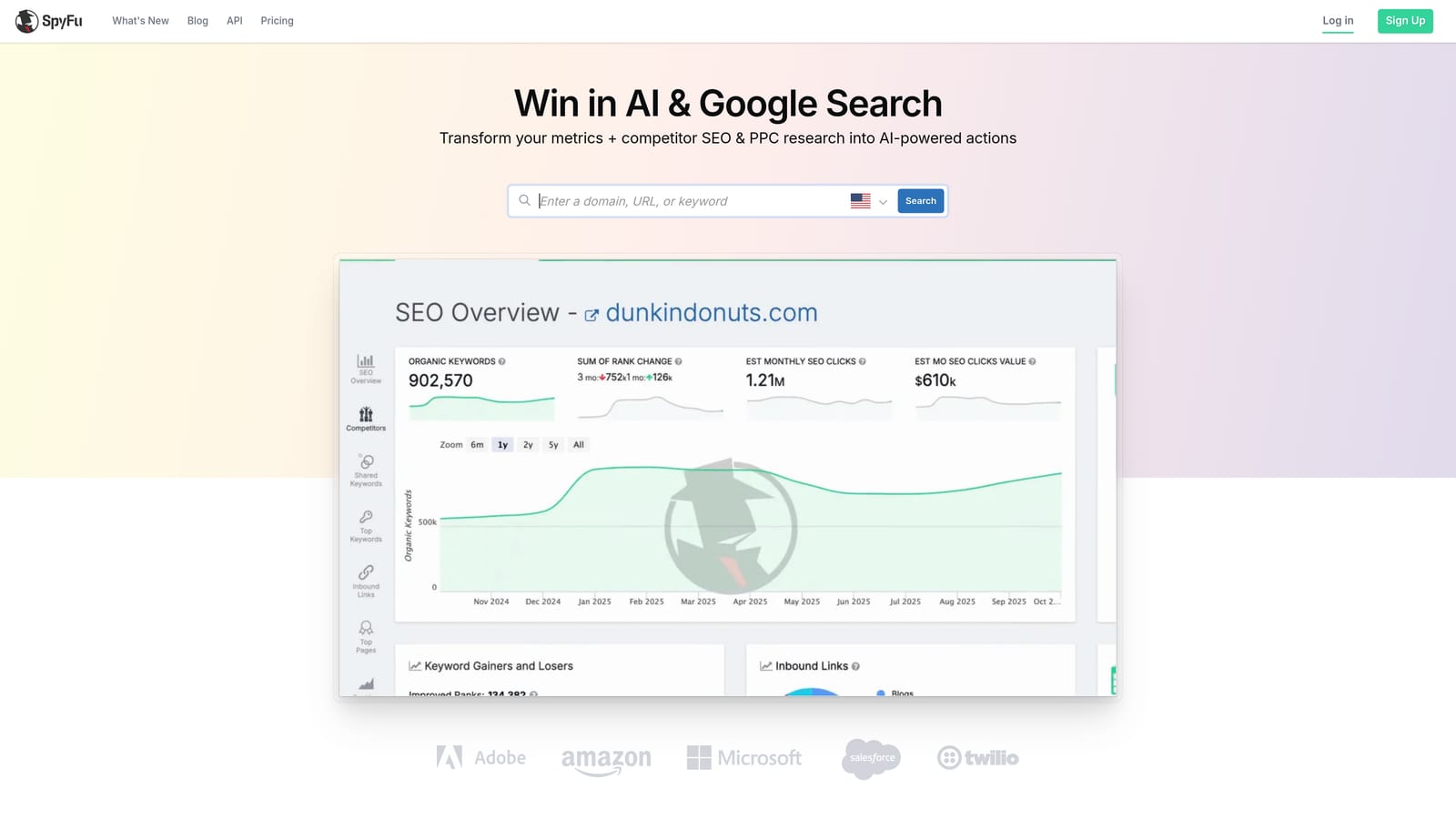
Freelancers taking on a new client in an unfamiliar industry get the most value here. Instead of guessing at irrelevant queries, you can look at what a competitor has bid on historically and reasonably infer which adjacent terms are worth blocking from day one.
- Shows competitor keyword history across both paid and organic search
- Groups and exports keyword data for use in your own planning documents
- Tracks ad history for competing domains, useful for spotting patterns over time
- Offers lower-cost entry plans compared to full PPC management suites
It's a research tool you export data from, so integration with Google Ads is manual: you pull the data out and build your negative list in a spreadsheet or directly in the platform. That manual step is also its biggest limitation for this use case. SpyFu doesn't touch your live search terms report at all, so it won't catch junk traffic that's already hitting your account; it only helps you get ahead of it before launch.
Pricing is tiered and subscription-based; check spyfu.com for current rates as of 2026.
Best for: Freelancers researching a new niche or client industry who want competitor-informed negative ideas upfront.
8. Search Term Insights
Search Term Insights is a free Google Sheets add-on that pulls your search term report data directly into a spreadsheet and runs n-gram analysis to help you spot recurring waste patterns. It's a manual workflow tool, but the price point makes it worth including for anyone watching every dollar.
Its main strength is being free while still offering genuine analytical value, the n-gram breakdown works similarly to what paid audit tools like Adalysis offer, just without the automation or ongoing monitoring layer.
- Pulls Google Ads search term data straight into Google Sheets, no manual export/import needed
- Breaks search terms into n-grams to spot repeated junk word patterns across the whole report
- Costs nothing to use as a spreadsheet add-on
- Lets you filter by spend, clicks, and conversions to focus on the terms actually costing money
Setup means installing the add-on in Google Sheets and connecting your Google Ads account; it's built for a freelancer or solo marketer comfortable working in spreadsheets rather than a dedicated dashboard. That's also its core limitation: it finds the junk but doesn't add negatives for you. You still have to copy the flagged terms back into Google Ads manually, which brings back some of the spreadsheet friction this whole category is trying to avoid.
It's free as of September 2026; confirm current terms on the official site since add-on pricing models can change.
Best for: Freelancers on a tight budget who don't mind a spreadsheet-based manual workflow.
9. Grouped
Grouped takes a different approach to the same problem: instead of reviewing search terms one by one, it automatically clusters them into themes so you can make decisions about a whole group of related queries at once. That's a meaningful time-saver for accounts generating thousands of search terms a month.
Where it stands out is scale. A small account might have a few hundred search terms to review each month, manageable by hand or with a simple extension. A large ecommerce or lead-gen account can generate tens of thousands, and reviewing those one at a time just isn't realistic. Grouped's clustering is built for that volume.
- Automatically clusters search terms into themes based on similarity
- Lets you review and act on entire clustered groups instead of individual terms
- Exports grouped lists in a format ready for negative keyword building
- Built specifically to handle high search term volume accounts
Setup involves connecting or exporting your search term data for clustering, then reviewing groups and exporting your decisions back to Google Ads. It's suited to an account manager or analyst handling large-volume accounts rather than a freelancer with a handful of small campaigns.
One honest limitation: Grouped's pricing and feature depth aren't as widely documented as the bigger names on this list, so it's worth confirming current plan details directly on their site before committing.
Best for: Accounts with high search term volume where reviewing terms one by one just isn't realistic.
Matching the Tool to Your Workflow
If you want speed without leaving Google Ads, Keywordme is built exactly for that: one-click negative keyword building, junk removal, and match type changes inside the Search Terms Report you're already looking at. If you already know what needs to go and just need to push changes across dozens of campaigns fast, Google Ads Editor's free bulk-edit tools handle that cleanly. For agencies running several accounts that need rule-based automation and recurring audits, Optmyzr and Adalysis are worth the higher price and setup time. And if budget is the constraint and you don't mind spreadsheet work, Search Term Insights gets you real n-gram analysis for free.
Remember that negative keyword lists aren't a one-and-done project. New junk search terms show up every week as Google's matching evolves, so whichever tool you pick, plan for ongoing maintenance rather than a single cleanup pass.
Optimize Google Ads campaigns 10x faster without leaving your account. Keywordme lets you remove junk search terms, build high-intent keyword lists, and apply match types instantly, right inside Google Ads. No spreadsheets, no switching tabs, just quick, seamless optimization. Start your free 7-day trial (then just $12/month) and take your Google Ads game to the next level.
.svg)