
9 Best PPC Management Tools for Small Business
This guide reviews the 9 best PPC management tools for small business in 2026, evaluating each on ease of use, value for money, and real-world campaign performance. Whether you're a solo advertiser, freelancer, or small agency, it helps you find the right tool to save time and reduce wasted ad spend.


TL;DR: The best PPC management tools for small business in 2026 are ones that save time, reduce wasted spend, and don't require a massive learning curve or budget. This list covers nine tools, from in-interface Google Ads optimizers to full-stack PPC platforms, so you can find the right fit whether you're a solo advertiser, freelancer, or small agency.
Running paid search on a tight budget is unforgiving. Every wasted click costs real money, and most small businesses don't have the luxury of a dedicated PPC team. The good news: there are purpose-built tools that make Google Ads management faster, smarter, and less painful, without requiring enterprise-level spend or a steep learning curve.
We've rounded up the nine best PPC management tools for small business, evaluated by ease of use, value for money, and real-world impact on campaign performance. Let's get into it.
1. Keywordme
Best for: In-interface Google Ads optimization without spreadsheets or external dashboards.
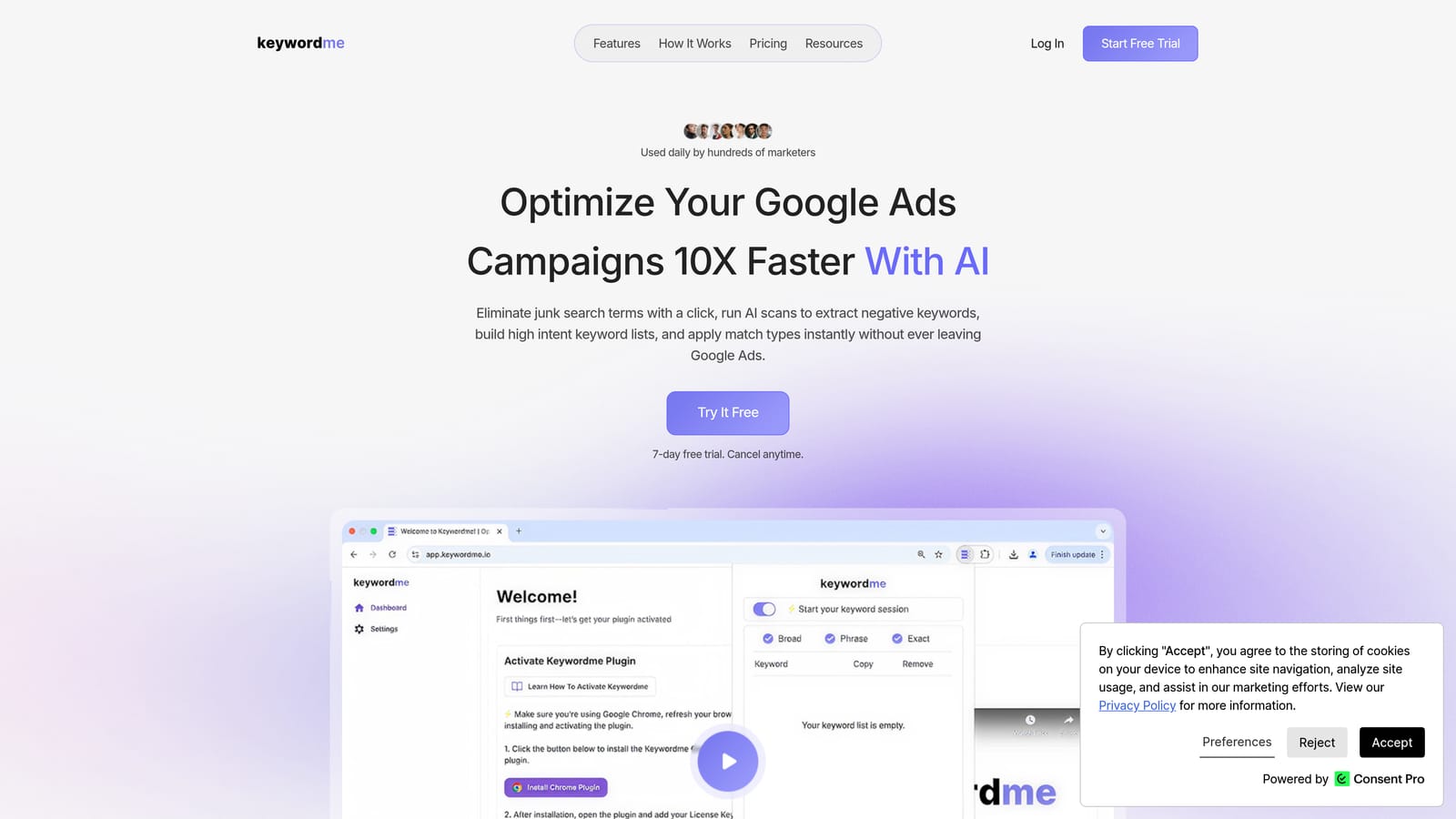
Keywordme is a Chrome extension that plugs directly into your Google Ads Search Terms Report and turns what's normally a slow, manual process into a series of fast, one-click actions.
Where This Tool Shines
In most accounts I audit, the Search Terms Report is either ignored or managed through a painful copy-paste-into-spreadsheet workflow. Keywordme eliminates that entirely. You stay inside Google Ads, and the extension surfaces actions right where you need them: add a negative, apply a match type, cluster related terms, or push a keyword to a new ad group, all without switching tabs.
What usually happens with other tools is that the friction of context-switching causes teams to skip the Search Terms Report altogether. Keywordme removes that excuse. For small businesses managing their own accounts, or freelancers handling multiple clients, this kind of workflow compression is genuinely valuable. If you're curious why negative keywords matter so much to account health, this is the tool that makes managing them feel effortless.
Key Features
Native Interface Integration: Works directly inside Google Ads, so there's no external dashboard to log into or maintain.
One-Click Negative Keyword Addition: Flag a junk search term and add it as a negative in seconds, with match type selection built in.
Keyword Clustering: Groups related search terms so you can build tighter ad groups and keyword lists faster.
Bulk Editing: Apply changes across multiple terms at once instead of handling them one by one.
Multi-Account and Team Support: Useful for small agencies managing several client accounts under one workflow.
Best For
Solo advertisers, freelancers, and small agency teams who manage Google Ads directly and want to cut the time spent on Search Terms Review without adding another platform to their stack. If your biggest pain point is wasted spend from irrelevant queries, start here.
Pricing
$12/month per user, with a 7-day free trial. One of the most affordable flat-rate options on this list, especially for what it replaces in terms of manual time.
2. Google Ads Editor
Best for: Bulk offline editing and large-scale campaign restructuring at no cost.
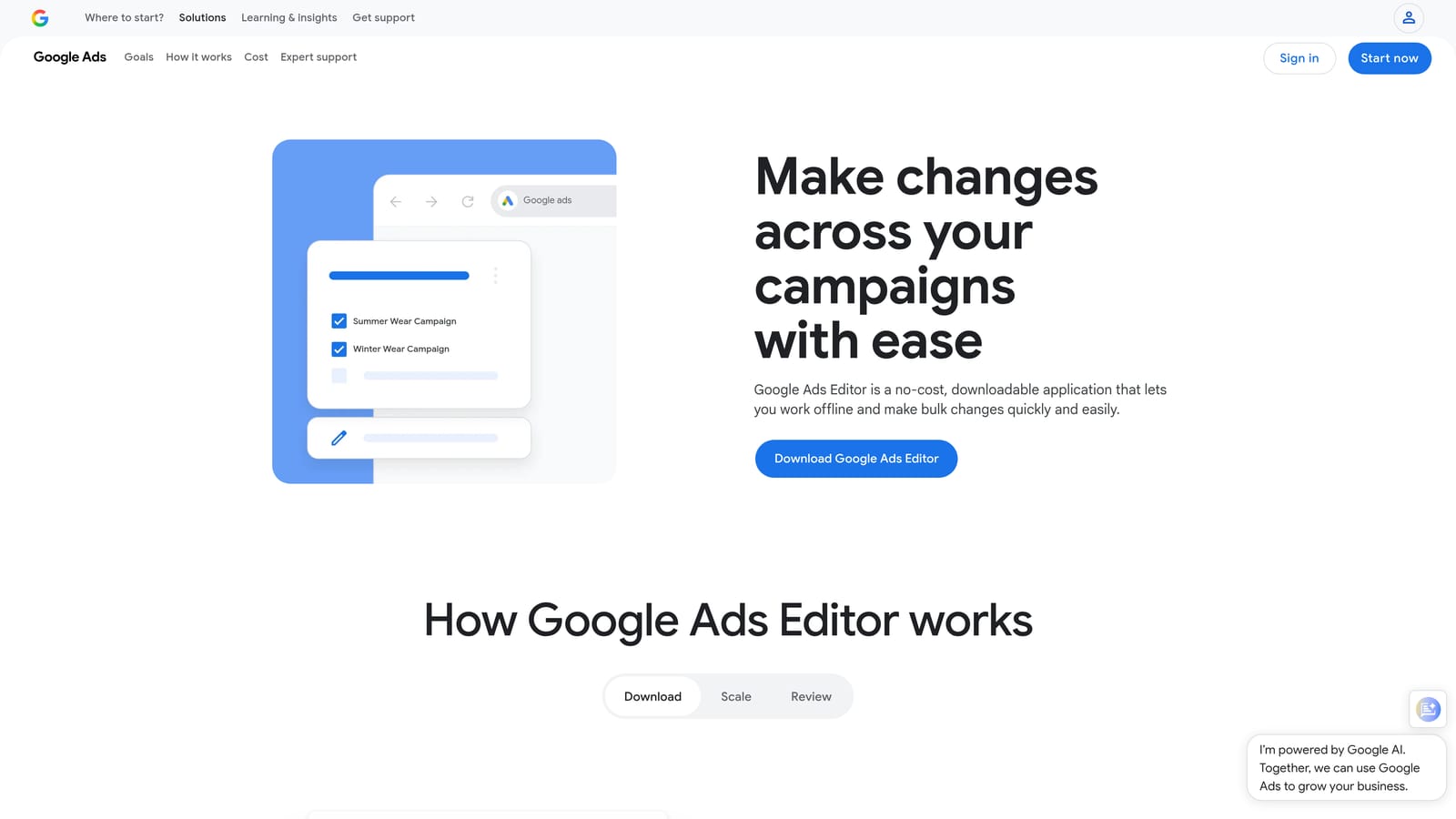
Google Ads Editor is Google's own free desktop application for managing campaigns offline and uploading changes in bulk.
Where This Tool Shines
If you've ever needed to rename 50 ad groups, copy a campaign structure to a new account, or do a find-and-replace across hundreds of keywords, Google Ads Editor is the right tool. It's not glamorous, but it handles bulk operations that would take hours inside the native web interface.
The offline workflow is also practical: download your account, make changes without burning through live time, review everything before it goes live, then upload. For restructuring projects or large keyword uploads, this is still the most reliable free option available. Check out more on bulk editing in Google Ads if you want to understand when this approach makes the most sense.
Key Features
Bulk Find-and-Replace: Update ad copy, URLs, or keyword text across campaigns in seconds.
Offline Editing: Make changes without an internet connection, then review before uploading.
Campaign Copy and Paste: Duplicate campaigns or ad groups across accounts quickly.
Multi-Account Management: Switch between accounts in one desktop application.
Completely Free: No subscription, no trial, no catch.
Best For
Any Google Ads user who needs to do bulk edits, restructure campaigns, or manage multiple accounts without paying for a third-party platform. It's a baseline tool every PPC manager should have installed.
Pricing
Free. No subscription required.
3. WordStream Advisor
Best for: Small business owners who want guided, step-by-step PPC management without deep technical expertise.
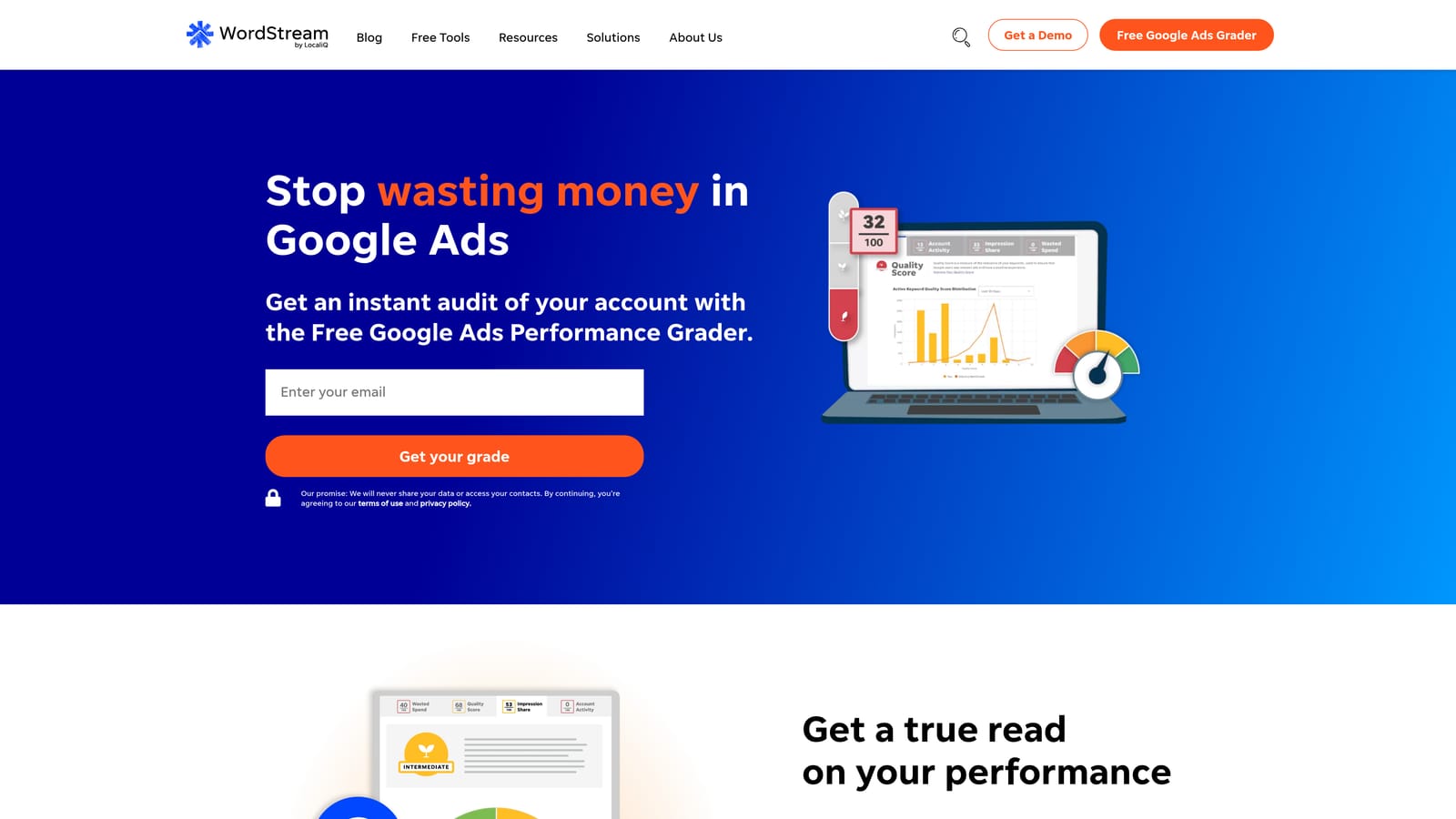
WordStream Advisor is a guided PPC management platform that walks users through weekly optimization tasks across Google Ads and Microsoft Ads using AI-driven recommendations.
Where This Tool Shines
The standout feature is the "20-Minute Work Week," a structured workflow that tells you exactly what to do each week to improve your campaigns. For small business owners who don't live and breathe PPC, this kind of guided approach removes the guesswork. You're not staring at a dashboard wondering what to fix; the platform surfaces the highest-priority actions for you.
WordStream also covers both Google Ads and Microsoft Advertising from one interface, which matters if you're running campaigns on both platforms. If you're evaluating whether WordStream is the right fit or looking for alternatives, there's a useful WordStream alternative comparison worth reading before you commit.
Key Features
20-Minute Work Week Workflow: A prioritized action list that structures your weekly optimization tasks.
Automated Alerts: Notifies you when campaigns are underperforming so you don't miss issues.
Cross-Platform Management: Handles both Google Ads and Microsoft Ads from one interface.
Performance Benchmarking: Compares your metrics against industry averages for context.
Client Reporting Dashboard: Useful for agencies presenting results to clients.
Best For
Small business owners managing their own PPC without a dedicated specialist, and small agencies that want a structured workflow for client accounts. Less suited for advanced users who prefer full manual control.
Pricing
Pricing is available on request. WordStream has historically offered SMB-focused tiers, so it's worth getting a quote based on your ad spend level.
4. Optmyzr
Best for: PPC managers and agencies who want rule-based automation and one-click optimizations without writing scripts from scratch.
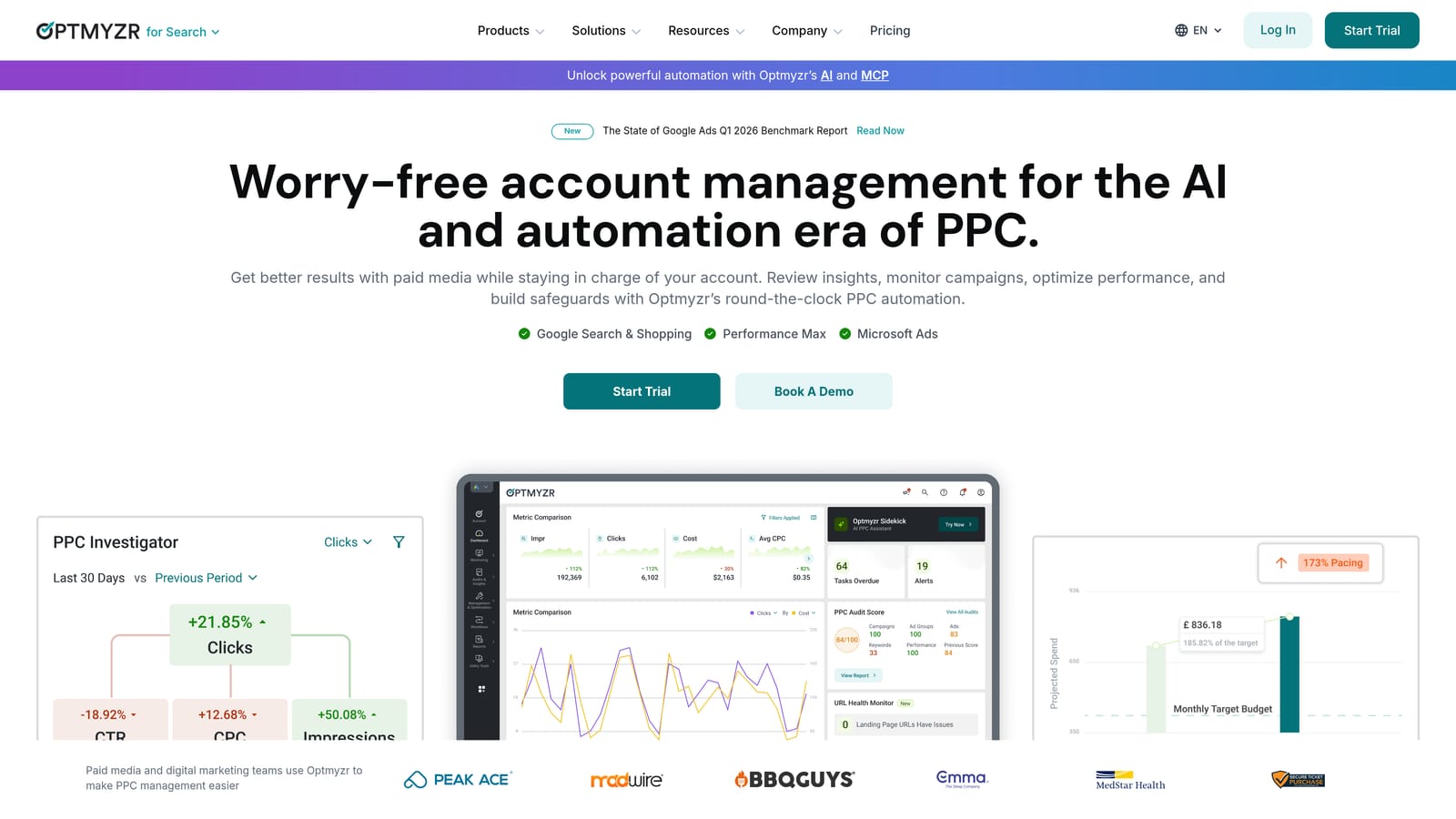
Optmyzr is a rules-based PPC automation platform built by former Google engineers, offering one-click optimizations, automation workflows, and PPC audit reports.
Where This Tool Shines
Optmyzr sits at the intersection of automation and control. You can set up rules that automatically adjust bids, pause underperforming keywords, or flag budget pacing issues, without needing to write Google Ads scripts from scratch. The one-click optimization suggestions are based on actual account data, not generic recommendations.
The PPC audit tool is particularly useful if you're inheriting a new account or want a structured way to identify waste. It surfaces issues across campaigns, ad groups, keywords, and settings in a format that's easy to act on. If you're thinking about why automating keyword management matters at scale, Optmyzr is one of the more capable platforms for doing it without heavy technical overhead.
Key Features
One-Click Optimizations: Data-driven suggestions you can apply instantly without manual analysis.
Rule-Based Automation: Set conditions for bid adjustments, budget changes, and keyword pausing.
PPC Audit Tool: Structured account review with actionable recommendations.
Shopping Campaign Management: Feed optimization and bid management for e-commerce advertisers.
Multi-Account Dashboard: Agency-friendly interface for managing multiple client accounts.
Best For
PPC managers, freelancers, and small agencies who want automation without losing oversight. Better suited for users with some Google Ads experience who want to scale their workflow rather than be guided through basics.
Pricing
Starts at approximately $208/month billed annually. A free trial is available. Higher price point than most tools on this list, but the automation capabilities can justify it for agencies managing significant ad spend.
5. SEMrush PPC Toolkit
Best for: Competitive intelligence and keyword research before launching or expanding paid search campaigns.
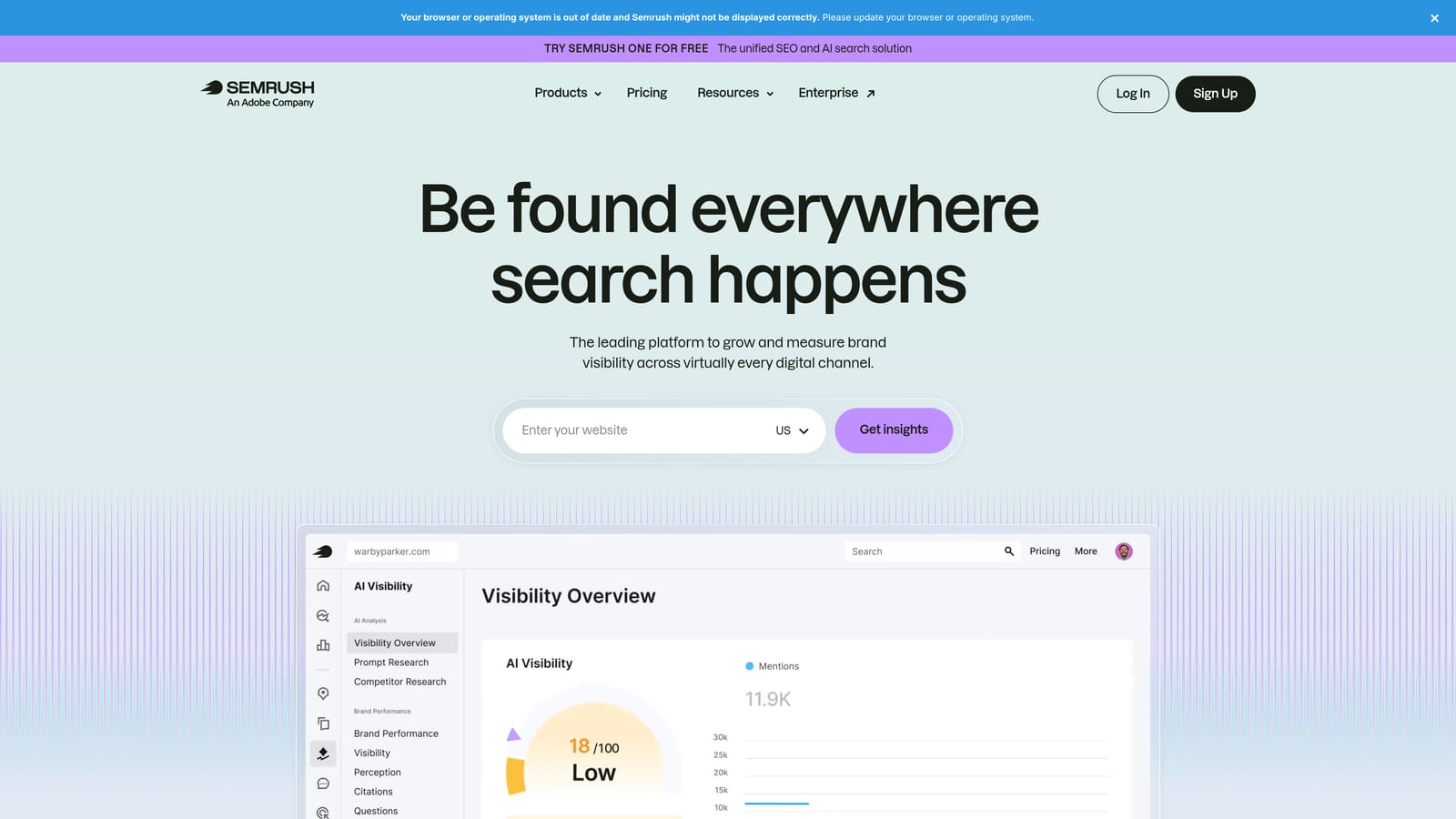
SEMrush is a full-stack digital marketing platform, and its PPC Toolkit gives small businesses a clear picture of what competitors are bidding on, what ads they're running, and where keyword gaps exist.
Where This Tool Shines
The Advertising Research tool is the real draw here. You can enter any competitor's domain and see their active and historical Google Ads, the keywords they're targeting, estimated traffic, and how their ad copy has evolved. For small businesses entering a competitive market, this is invaluable intelligence before you spend a dollar.
The Keyword Gap tool is also genuinely useful. It lets you compare your keyword list against multiple competitors and surface terms they're buying that you're not, which is a faster way to find expansion opportunities than starting from scratch.
Key Features
Advertising Research: View competitors' live and historical Google Ads campaigns and keyword targets.
Keyword Gap Analysis: Identify paid search keywords competitors rank for that you're missing.
Ad Builder: Draft ad copy informed by what's already working in your competitive landscape.
PPC Keyword Management: Build and organize keyword lists with CPC estimates built in.
Google Ads Integration: Export keyword lists directly to Google Ads.
Best For
Small businesses doing competitive research before launching campaigns, or advertisers looking to expand into new keyword territory without guessing. Less useful as a day-to-day campaign management tool.
Pricing
SEMrush plans start at $139.95/month. PPC features are included across all tiers. The broader platform also covers SEO and content, so the cost can be justified if you're using it across channels.
6. SpyFu
Best for: Affordable competitor keyword and ad history research focused specifically on paid search.
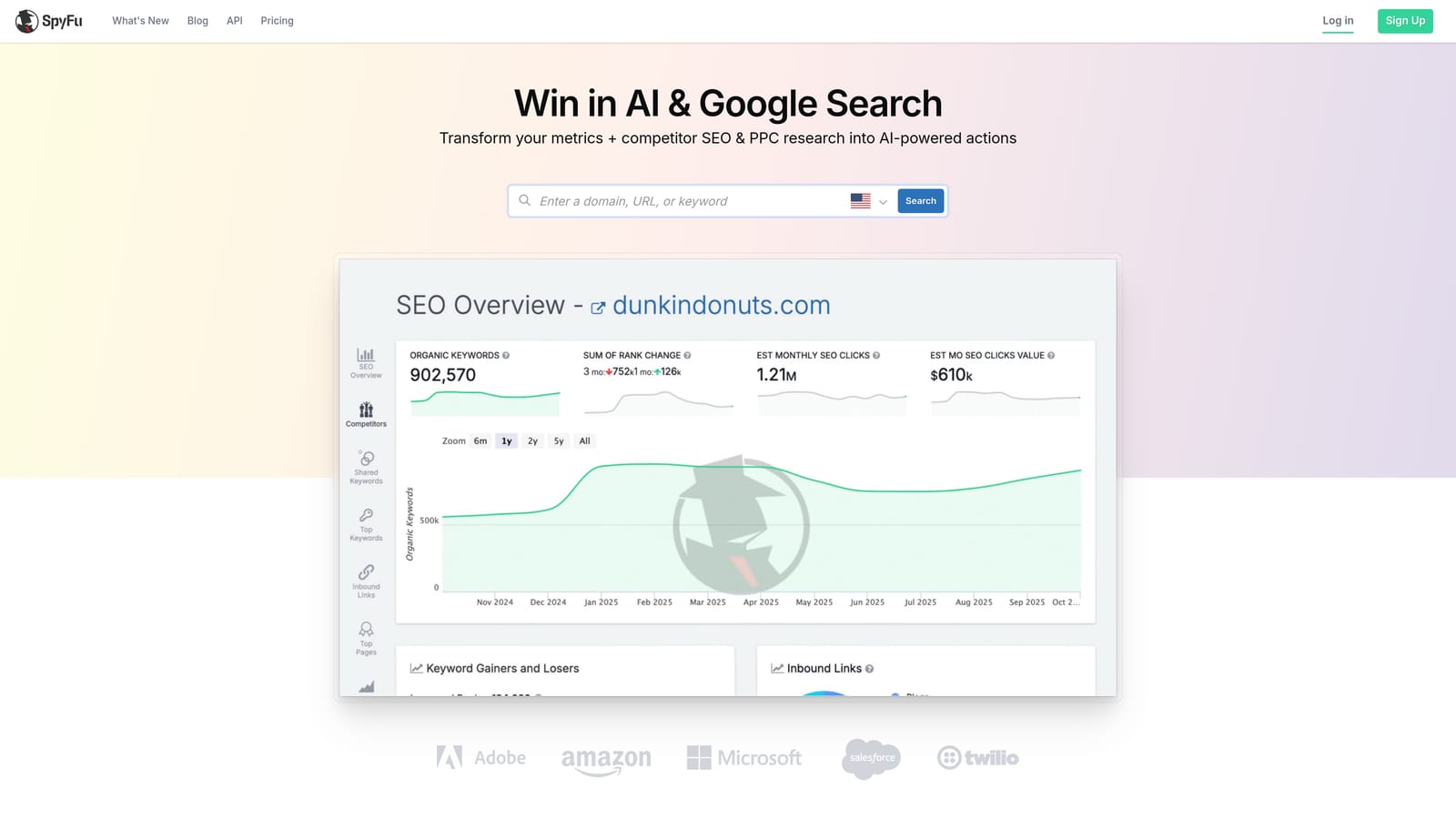
SpyFu is a competitor intelligence tool that shows which keywords any domain has historically bought on Google Ads, estimated spend, and ad copy variations over time.
Where This Tool Shines
SpyFu does one thing really well: it shows you the full paid search history of any domain. Enter a competitor's URL and you can see every keyword they've ever bought, how long they've been running those keywords, estimated monthly ad spend, and the actual ad copy they've tested. The longevity data is particularly useful. If a competitor has been bidding on a keyword for two or three years, that's a strong signal it's converting for them.
The Kombat tool is a nice bonus: it lets you compare three domains simultaneously and see where keyword overlap exists, which is a fast way to prioritize your own targeting decisions.
Key Features
Historical Google Ads Data: See every keyword any domain has ever bought, with timeline data.
Estimated Competitor Spend: Get a rough sense of how aggressively competitors are investing in paid search.
Ad History Viewer: See every ad copy variation a competitor has tested over time.
Kombat Tool: Three-way keyword overlap comparison between domains.
PPC Difficulty Scores: Keyword research with paid search competition context.
Best For
Small businesses and freelancers who need competitive intelligence but don't want to pay for a full-suite platform like SEMrush. SpyFu is narrower in scope but more affordable, making it a smart choice if paid search research is your primary need.
Pricing
Plans start at $39/month, making it one of the more budget-friendly options on this list for what it delivers.
7. Adalysis
Best for: Systematic ad testing, quality score monitoring, and RSA performance analysis.
Adalysis is a Google Ads-focused tool built specifically for ad creative testing and quality score tracking, filling a gap that Google's native interface handles poorly.
Where This Tool Shines
Here's the thing: Google's native interface gives you almost no useful data for systematic ad testing. You can see which RSA assets are rated "low," "good," or "best," but there's no automated alerting, no statistical significance tracking, and no structured way to manage a testing roadmap across multiple ad groups. Adalysis fixes all of that.
The quality score tracking is another underrated feature. Quality score changes can signal issues with landing page relevance, expected CTR, or ad relevance, but Google doesn't surface historical quality score data natively. Adalysis tracks it over time, which makes diagnosing account health problems significantly easier.
Key Features
Automated A/B Ad Testing: Alerts you when a test reaches statistical significance so you can act on results confidently.
Quality Score Tracking: Historical quality score data across keywords and campaigns.
RSA Asset Performance Analysis: Deeper insight into which ad components are driving results.
Paused Ad Recommendations: Flags underperforming ads for review based on performance data.
Account Health Dashboard: Prioritized action items to address the most impactful issues first.
Best For
PPC managers and agencies who run systematic ad tests and want data-driven creative decisions. Also valuable for anyone who wants to monitor quality score trends without building custom reports manually.
Pricing
Plans start at $99/month based on ad spend level. A free trial is available. Worth the investment if ad testing is a core part of your optimization workflow.
8. Microsoft Advertising
Best for: Extending existing Google Ads campaigns to Bing, Yahoo, and DuckDuckGo with minimal additional setup.
Microsoft Advertising is the native paid search platform covering Bing, Yahoo, and DuckDuckGo, with a direct Google Ads import feature that makes setup fast.
Where This Tool Shines
The mistake most small businesses make is treating Microsoft Advertising as an afterthought. In many industries, CPCs on Bing are noticeably lower than Google because there's less advertiser competition for the same audiences. If you're already running Google Ads, importing those campaigns to Microsoft takes minutes and immediately puts you in front of an additional search audience.
The LinkedIn profile targeting is a genuinely unique feature for B2B advertisers. You can layer LinkedIn data, including job title, company, and industry, onto your Microsoft Ads targeting, which isn't available anywhere else in paid search.
Key Features
One-Click Google Ads Import: Bring your entire Google Ads campaign structure into Microsoft Advertising quickly.
Multi-Network Reach: Ads appear across Bing, Yahoo, and DuckDuckGo from one campaign.
Lower CPCs in Many Industries: Less advertiser competition often translates to more affordable clicks.
LinkedIn Profile Targeting: Layer professional demographic data for B2B campaigns.
Native Conversion Tracking: Full reporting and conversion tracking built into the platform.
Best For
Any small business already running Google Ads who wants to extend reach without building campaigns from scratch. Particularly valuable for B2B companies and industries where Bing's audience skews toward higher-income, professional demographics.
Pricing
No platform fee. You pay only for clicks, the same model as Google Ads. There's no reason not to test it.
9. Unbounce
Best for: Building high-converting PPC landing pages and optimizing post-click experience without a developer.
Unbounce is a landing page builder with AI-powered Smart Traffic that automatically routes PPC visitors to the highest-converting page variant.
Where This Tool Shines
Most small businesses focus entirely on the click and ignore what happens after. If your PPC traffic is landing on a generic homepage or a slow-loading product page, you're leaving conversion rate on the table regardless of how well your campaigns are optimized. Unbounce addresses this directly.
The Smart Traffic feature is the differentiator. Instead of a traditional A/B test where you wait weeks to declare a winner, Smart Traffic uses machine learning to route individual visitors to the variant most likely to convert based on their attributes. For small businesses without large traffic volumes, this is more practical than waiting for statistical significance in a manual split test.
Key Features
Drag-and-Drop Landing Page Builder: PPC-optimized templates you can customize without touching code.
Smart Traffic AI: Automatically routes visitors to the best-performing page variant based on visitor data.
A/B Testing: Traditional split testing with conversion rate reporting for when you want full control.
Google Ads Integration: UTM parameter support and conversion tracking that connects back to your campaigns.
Popups and Sticky Bars: Additional lead capture tools for pages that need a secondary conversion path.
Best For
Small businesses running PPC campaigns to a website that wasn't designed for conversion. If your click-through rates are solid but conversion rates are disappointing, this is likely where the problem lives. Also useful for agencies building dedicated landing pages for each client campaign.
Pricing
Plans start at $99/month. A 14-day free trial is available.
Which Tool Should You Start With?
The right PPC management tool depends entirely on where your biggest pain point is right now. Here's a quick breakdown to help you match the tool to the problem.
In-interface optimization and negative keyword management: Start with Keywordme. It's the fastest way to clean up wasted spend in the Search Terms Report without adding complexity to your workflow. At $12/month, the cost-to-impact ratio is hard to beat for small teams.
Bulk editing and campaign restructuring: Google Ads Editor is free and should already be installed. Use it for any large-scale changes before you consider paying for anything else.
Guided management for non-specialists: WordStream Advisor is built for business owners who don't have a PPC background and need structure to stay consistent with optimization.
Automation and rules-based management: Optmyzr is the right call for agencies or power users who want to systematize bid management and account hygiene at scale.
Competitive research before launching: SEMrush PPC Toolkit gives you the broadest view of the competitive landscape. SpyFu is the more affordable option if you specifically need historical ad and keyword data.
Ad testing and quality score tracking: Adalysis fills a gap that Google's native interface genuinely doesn't cover. If creative testing is part of your strategy, it's worth the investment.
Expanding beyond Google: Microsoft Advertising costs nothing to set up and can open up a lower-CPC audience with a single import. There's no reason to skip it.
Post-click conversion optimization: Unbounce addresses the part of the funnel that most small businesses ignore. If your campaigns are generating clicks but not conversions, the landing page is usually the culprit.
Don't try to implement all nine at once. Pick the tool that solves your most urgent problem, get comfortable with it, and layer in others as your workflow matures. If wasted spend from junk search terms is eating your budget right now, start your free 7-day trial of Keywordme and see how much time you can cut from your weekly Search Terms Review.
.svg)