
9 Best PPC Management Tools for Freelancers in 2026
A practical guide to ppc management tools for freelancers.


Running paid search solo means several client accounts, thin margins, and nobody to hand the busywork to. Every tool in your stack has to earn its fee in saved hours. These nine were picked on price per seat, setup time, fit for a one-person workflow, how many accounts they handle, and whether they speed up real jobs like search term cleanup, reporting, or competitive research. Most are Google Ads focused, and they solve different problems, so expect to mix a few rather than find one that does it all.
Quick Comparison of the Tools
- Keywordme: freelancers who spend the most time on weekly search term cleanup; $12/month per user; works inside the native Search Terms Report with no export step.
- Google Ads Editor: freelancers building or restructuring many campaigns; free; official bulk editing and campaign copying across client accounts.
- Optmyzr: freelancers scaling to a bigger multi-account portfolio; see website for pricing; cross-account optimization checks that surface issues across many accounts at once.
- Semrush: freelancers who pitch new clients; see website for pricing; broad competitor paid-search intelligence inside a full marketing suite.
- SpyFu: budget-conscious freelancers hunting competitor keyword ideas; see website for pricing; historical ad and keyword data for competitor domains.
- Looker Studio: freelancers who want custom reports without a reporting fee; free; fully customizable dashboards you can reuse per client.
- Swydo: freelancers who want hands-off branded monthly reports; see website for pricing; templated, scheduled reports built for recurring delivery.
- Adalysis: freelancers who run frequent ad copy tests; see website for pricing; test tracking with alerts when a test reaches a decision point.
- Google Ads Scripts: technically inclined freelancers who want custom alerts; free; scheduled, fully customizable automation inside Google Ads.
1. Keywordme
Keywordme is a Chrome extension that adds one-click actions to the Search Terms Report inside Google Ads. It is built for people who open that report every week and want to act on it without exporting anything. A quick refresher on terms: search terms are what people actually typed, keywords are what you bid on, and negative keywords block searches you don't want. Keywordme sits right at that boundary.
Its standout trait on this list is that the work happens in the native report. You don't export to a spreadsheet, sort, and re-upload. You review the terms yourself and click, so you stay in control of every change; nothing is applied on its own.
- Add a search term as a keyword or a negative keyword in one click, which turns a long review session into a quick pass.
- Apply match types directly in the Google Ads interface, so you don't retype terms with brackets and quotes.
- Keyword clustering groups related terms, which helps you build tighter keyword lists from what is already converting.
- Bulk editing lets you act on many terms at once instead of one row at a time.
- Multi-account and team support suits a freelancer juggling clients, and lets you bring in a helper later.
Setup is light: install the extension and open a Search Terms Report. The person running it is you, in the same screen you already use daily.
The limits are plain. It works with Google Ads only and focuses on keyword and search term work. There is no reporting and no bid management, so you will still need other tools for those jobs. If your week is mostly reporting or structural builds, it won't be your main tool.
Pricing is a flat $12/month per user, with a 7-day free trial (as of November 2026). The price moves with the number of users, not account count or ad spend.
Best for: Freelancers who spend the most time on weekly search term cleanup.
2. Google Ads Editor
Google Ads Editor is Google's free desktop application for managing and bulk-editing campaigns. You download your account data, make changes offline, review them, and post when ready. It is aimed at anyone who builds or restructures campaigns at scale.

What it does better than anything else here is structural work. Launching a campaign for a new client, or copying a proven structure from one account to another, takes a fraction of the time it takes in the browser. And it costs nothing.
- Bulk edit across campaigns and accounts, so a change to hundreds of ads or keywords is one operation.
- Edit offline and review before posting, which lets you catch mistakes before they go live.
- Copy and paste campaigns between accounts to reuse a structure for a new client.
- Manage multiple accounts in one place without logging in and out.
- Import and export via spreadsheet when you want to build in a sheet first.
Setup is a download and a login. You run it yourself, and it works with Google Ads only.
The trade-offs: there is no insights or reporting layer, so it won't tell you what to change, only help you change it. Newcomers also face a steeper learning curve than the web interface, and it is not built for the quick, in-context search term review that a browser extension handles.
Pricing is free.
Best for: Freelancers building or restructuring many campaigns at once.
3. Optmyzr
Where Google Ads Editor changes things you've already decided on, Optmyzr helps you decide what to change. It is a PPC optimization platform with audits, rule-based automation, and one-click optimizations for Google Ads and Microsoft Ads.

Its distinctive strength is cross-account checking. It can surface issues across many accounts at once, which matters once you are past a handful of clients and can't eyeball everything each week.
- One-click optimizations apply suggested fixes after you review them, saving manual edits.
- Account audits flag problems so you know where to look first.
- Rule-based automation handles recurring tasks to your own conditions.
- Bid and budget management tools help you adjust spend without living in spreadsheets.
- Reporting tools cover client updates inside the same platform.
It connects to Google Ads and Microsoft Ads. Expect more setup than a browser extension, since you will connect accounts, configure rules, and learn the platform. You are the day-to-day operator.
The main limitation is fit. The cost and depth can be too much for a freelancer with a few small accounts, where a lighter tool would pay back faster. It is a better match once your portfolio grows.
Pricing is tiered, based on the ad spend you manage. See the website for current plans (as of November 2026).
Best for: Freelancers scaling to a larger multi-account portfolio.
4. Semrush
Semrush is a full marketing suite, and for PPC freelancers its value is in the advertising research tools. You can see which paid keywords competitors target, how their ad copy has changed, and where keyword gaps exist.
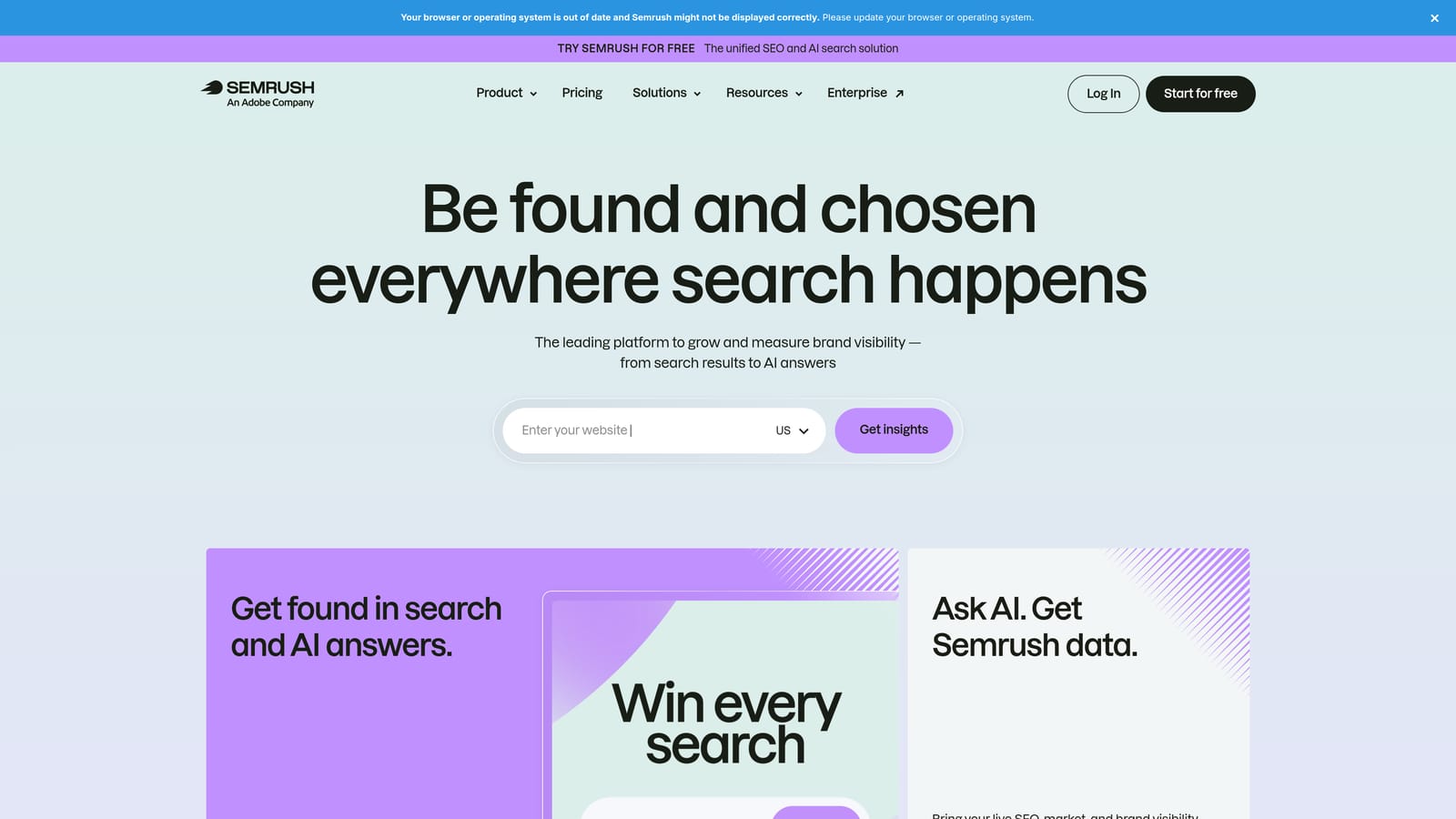
That breadth is the standout. Few tools on this list give you competitor paid-search intelligence alongside SEO, site audits, and keyword research in one subscription.
- Advertising Research shows a competitor's paid keywords and ads, handy for pitches and account planning.
- The PPC Keyword Tool helps you build keyword ideas and plan campaigns.
- Competitor ad copy history shows what messaging rivals have tested over time.
- Keyword gap analysis reveals terms competitors bid on that you aren't covering.
- Site audit and SEO tools help when a client's landing page or organic presence needs attention.
It integrates with Google Ads, Google Analytics, Google Search Console, and Looker Studio. Setup is mostly learning where things live, and you run it yourself.
Know what it isn't: it is research-focused, not a campaign management tool, so it won't edit your accounts. Its data is modeled estimates, not exact figures from a competitor's account, so treat numbers as directional. A suite this broad can also be more than you need if you only want paid data.
Pricing is by subscription tier. See the website for current plans (as of November 2026).
Best for: Freelancers who pitch new clients and need competitor keyword research.
5. SpyFu
SpyFu is a competitor keyword and ad research tool that shows the paid and organic terms a domain has used over time. It is a leaner, more focused alternative to a full suite.
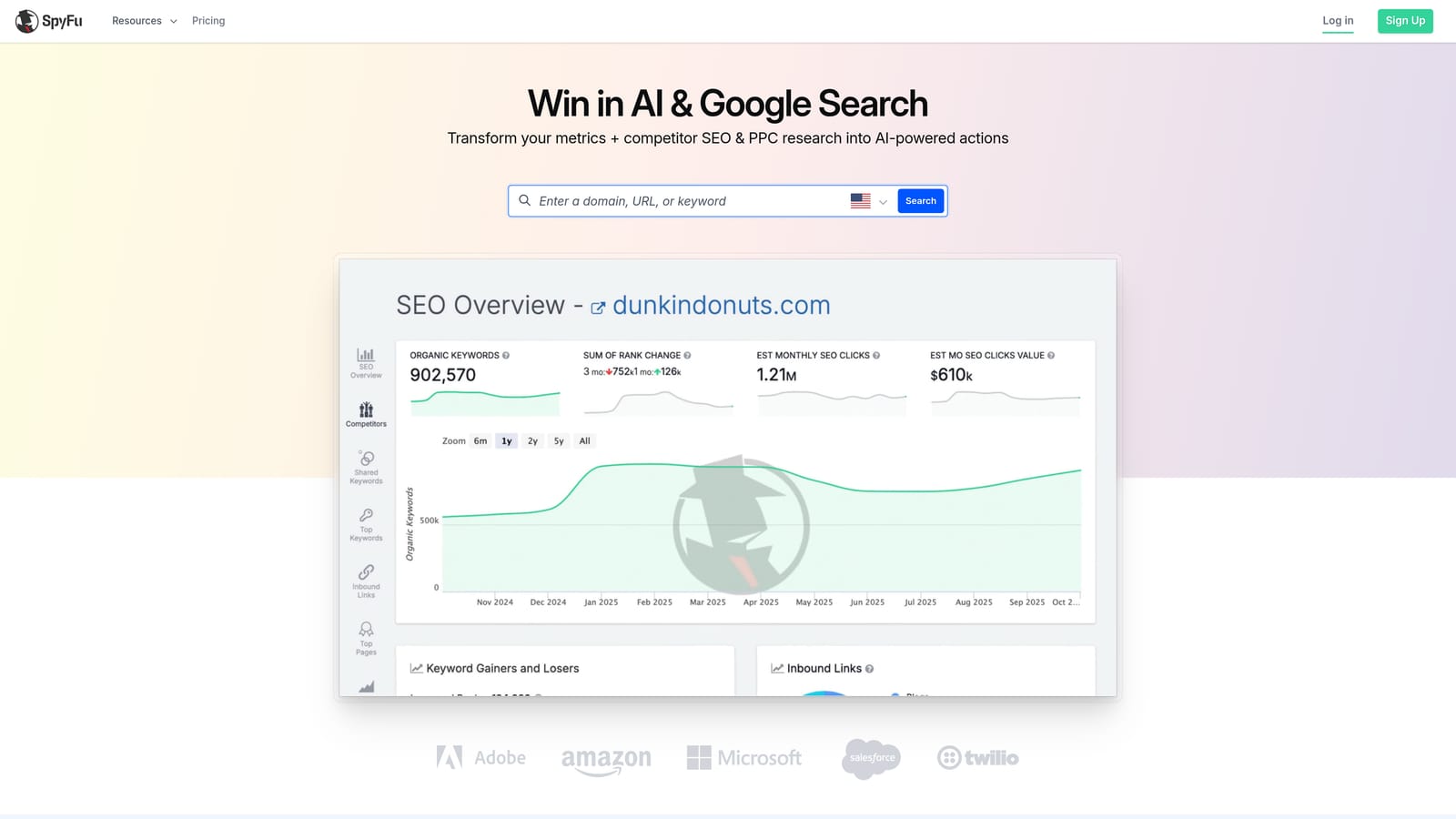
The history is what sets it apart. Seeing how a competitor's keywords and ads have shifted over months gives you a sense of what they kept running, which is a useful hint at what might be working for them.
- Competitor paid keyword research gives you ideas to test in a new campaign.
- Ad history by domain shows past ad variations without you tracking them manually.
- Keyword research supports building out lists from scratch.
- The Kombat tool compares keywords across domains to find overlaps and gaps.
- Domain reports bundle a competitor's footprint in one view.
It is a web tool with no account connection needed, and it exports to CSV and PDF reports, which is useful for pitch decks. Setup is minimal and you run it solo.
Limits: it has no campaign editing, and coverage is strongest for US searches, so freelancers serving other markets should check data quality for their region first. Like other research tools, its figures are estimates and shouldn't be quoted as exact.
Best for: Budget-conscious freelancers who want competitor keyword ideas.
6. Looker Studio
Looker Studio is Google's free dashboard and reporting tool. With its native Google Ads connector, you can build live reports that clients open any time instead of waiting for a PDF.
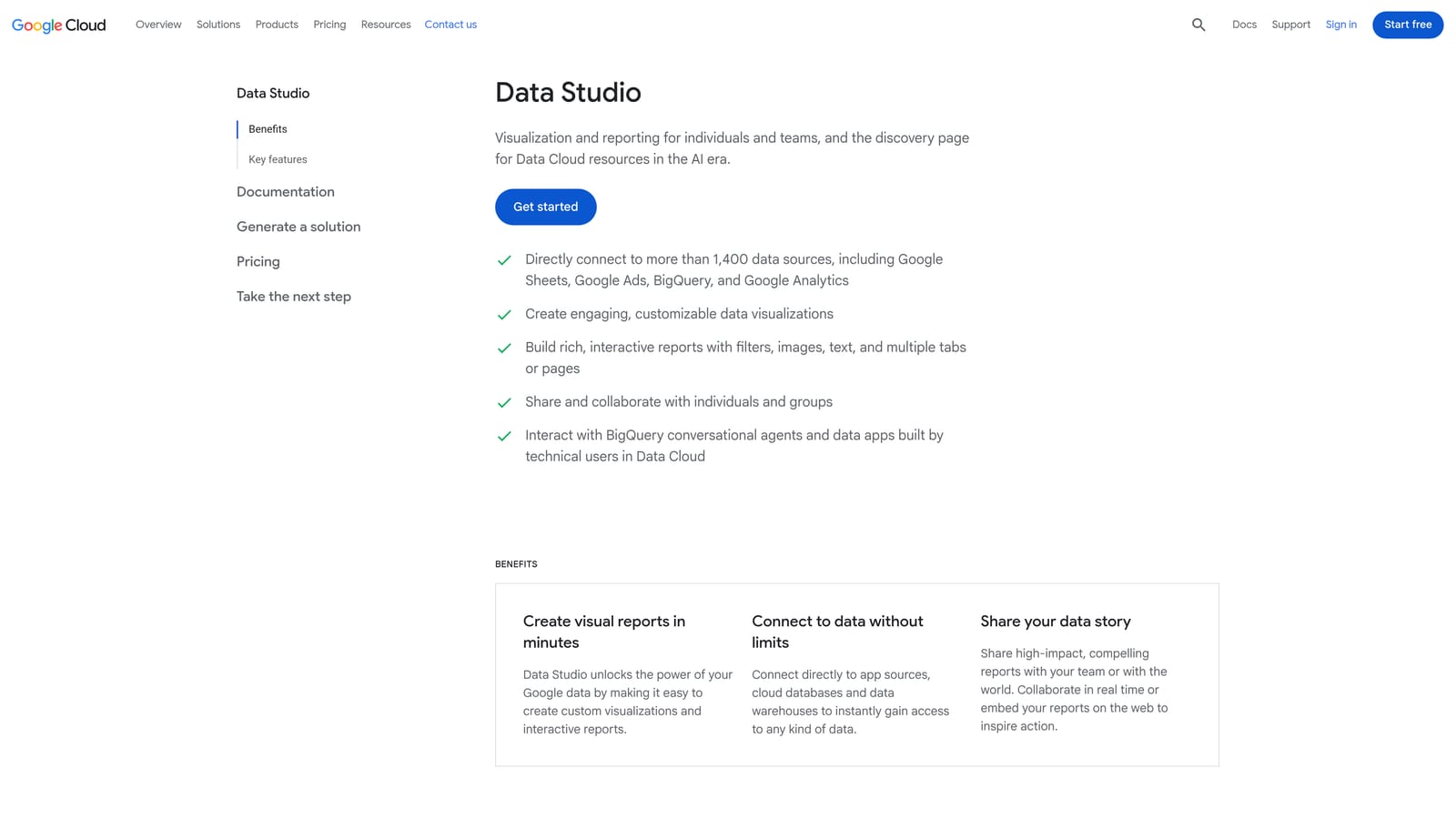
The real advantage is reuse. Build one good template, duplicate it per client, and swap the data source. You get fully customizable dashboards with no reporting fee.
- A native Google Ads connector pulls campaign data without exports.
- Duplicable templates turn one good report into a repeatable client deliverable.
- Shareable live dashboards let clients check performance on their own.
- Data blending combines sources, such as ads and analytics, in one view.
- Many partner connectors extend it to other platforms.
It connects to Google Ads, GA4, Google Search Console, Google Sheets, and BigQuery. You will build and maintain everything yourself.
The cost is time. Setup and design take effort up front, and blending data can be fiddly. It reports on performance but doesn't change anything in your accounts.
It is free, though some partner connectors are paid (as of November 2026).
Best for: Freelancers who want custom reports without paying for a reporting tool.
7. Swydo
Swydo is an automated reporting tool made for agencies and freelancers. You set up templates once, and it delivers reports on a schedule.
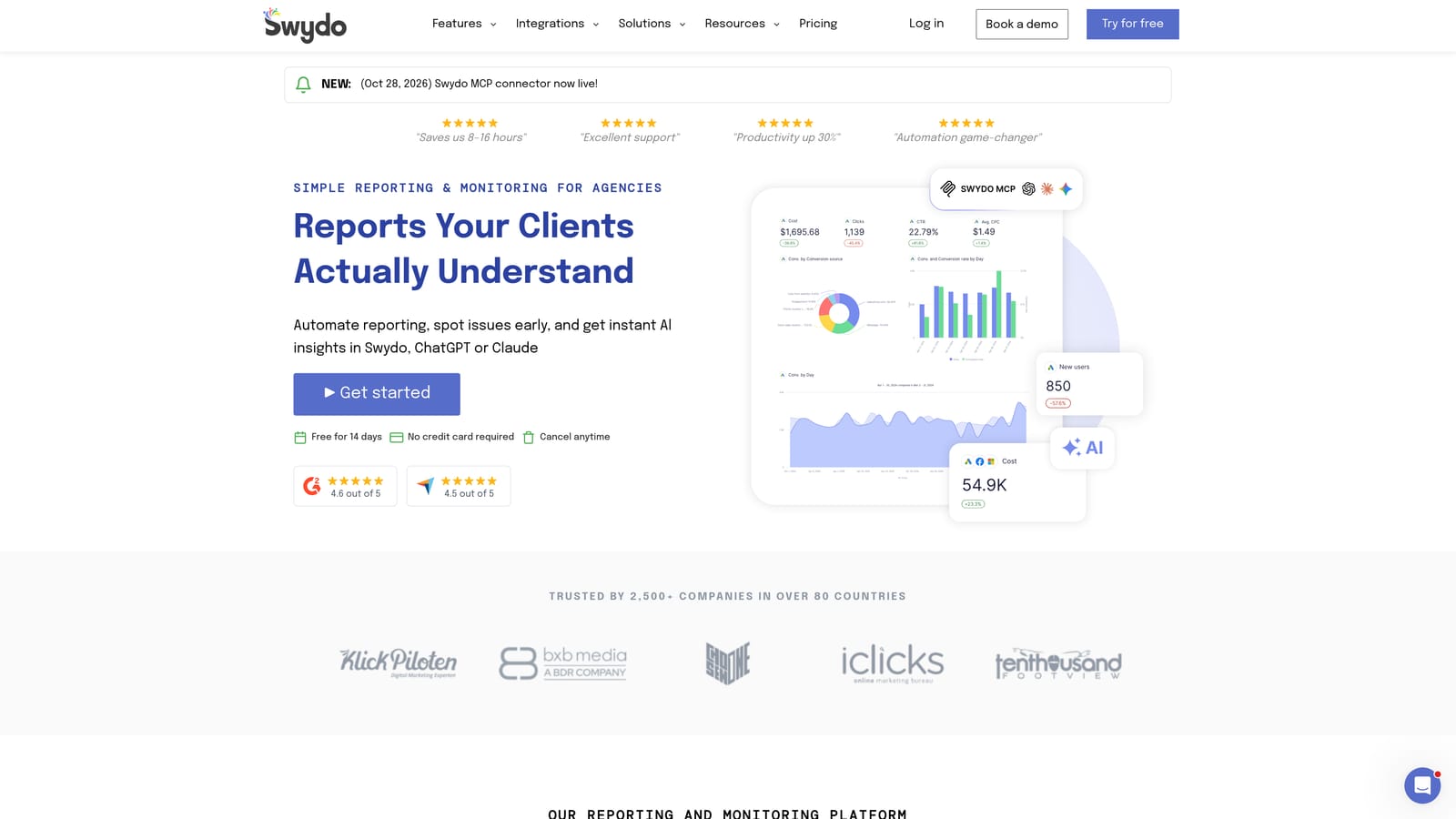
That recurring, hands-off delivery is its edge over Looker Studio. You trade some design flexibility for a faster path to a polished, repeatable monthly report.
- Report templates get a new client's report going quickly.
- Scheduled delivery sends reports automatically, so month-end isn't a scramble.
- White-label options put your branding on what clients receive.
- Multiple marketing data sources let one report cover ads and analytics together.
- Client dashboards give an always-available view between reports.
It integrates with Google Ads, Microsoft Ads, Meta Ads, and Google Analytics. Setup involves connecting each client's accounts and picking a template, which is quick compared with building from scratch. You manage it alone.
It is reporting only, and it cannot make changes in ad accounts. If you already enjoy building in Looker Studio, you may not need to pay for it.
Pricing is tiered by data sources. See the website for current plans (as of November 2026).
Best for: Freelancers who want hands-off, branded monthly reports.
8. Adalysis
Adalysis is an audit and testing platform for Google Ads and Microsoft Ads. It centers on ad testing, alerts, and automated account checks.
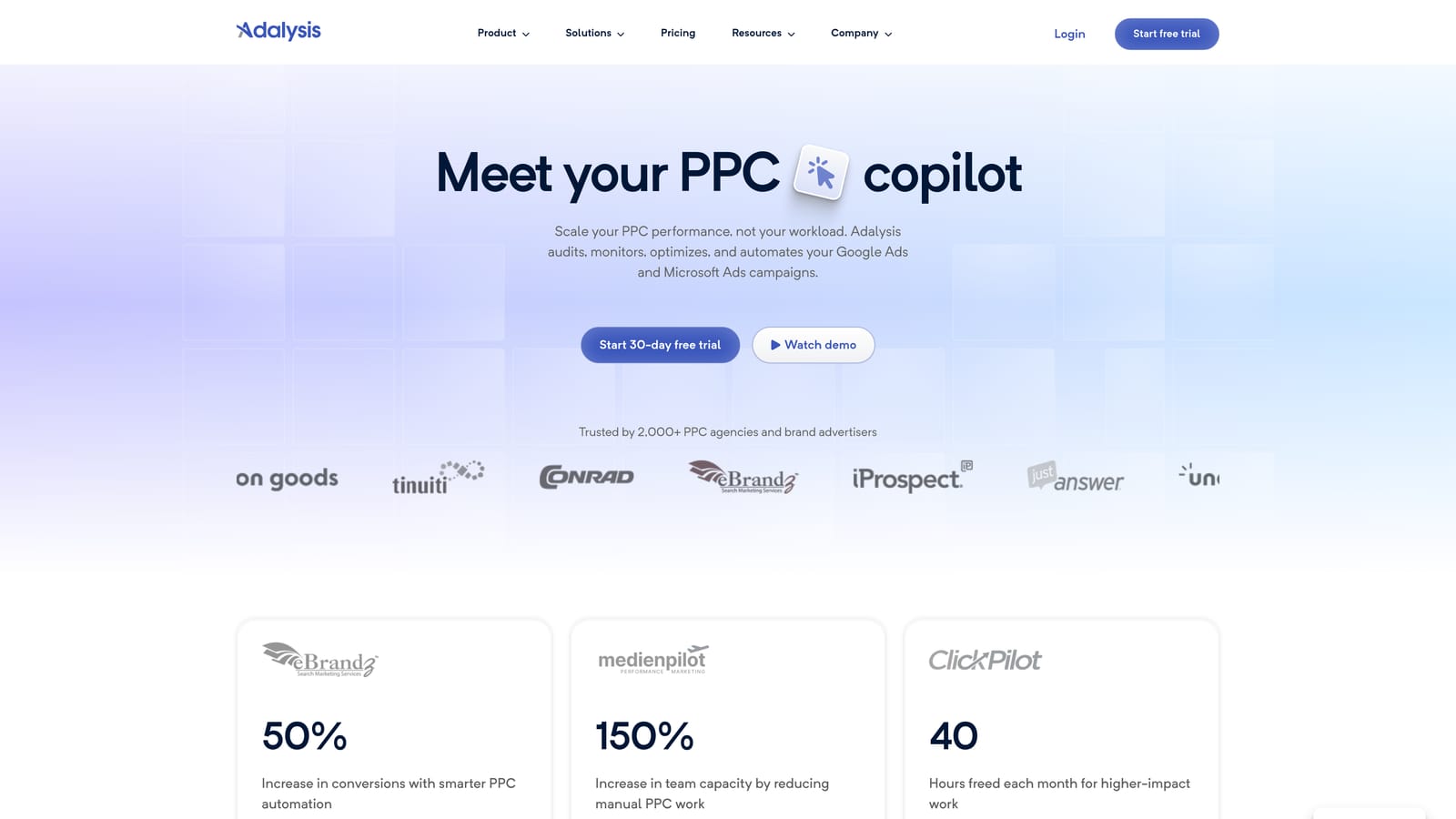
Its sharpest feature is test tracking. It alerts you when an ad copy test reaches a decision point, so you don't have to remember to check each account's experiments.
- Ad copy test tracking keeps experiments organized across accounts.
- Automated audits scan accounts for issues on a schedule.
- Alerts tell you when something needs attention, so you don't hunt for it.
- Bid and budget tools help with day-to-day adjustments.
- Reporting covers client updates from the same platform.
It connects to Google Ads and Microsoft Ads. Expect an onboarding period to link accounts and tune alerts. You will be the one acting on what it finds.
That last point is the limit: it flags issues you still have to fix. It can also feel heavy for a very small portfolio, where a quick manual review may be enough.
Best for: Freelancers who run frequent ad copy tests across accounts.
9. Google Ads Scripts
Google Ads Scripts lets you automate tasks with JavaScript built into Google Ads. Think of it as a free, do-it-yourself alternative to paid alerting and checking tools.
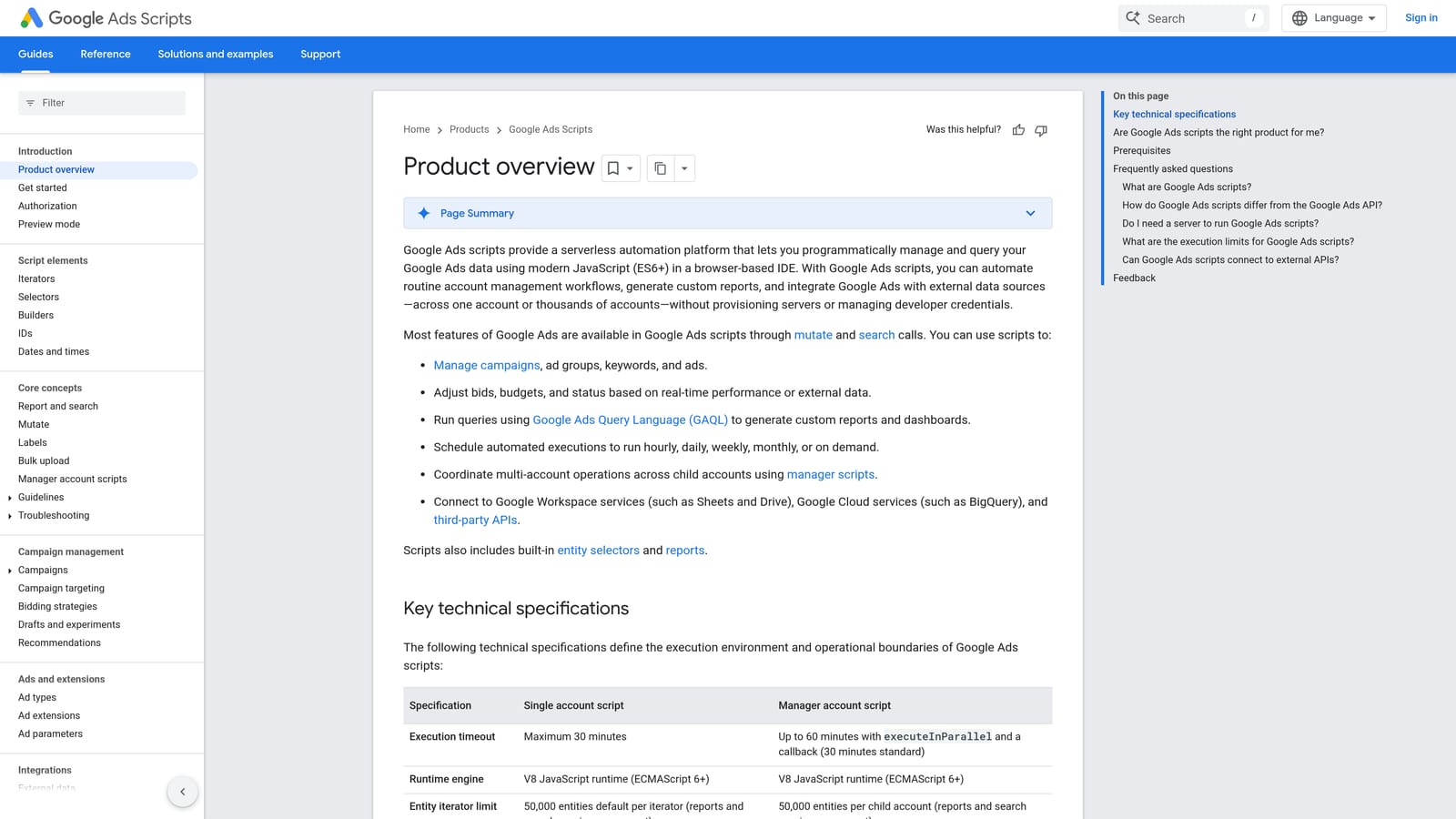
Nothing else here is as customizable at no cost. You decide exactly what to check and when, and the script runs on a schedule.
- Budget and spend alerts warn you before a campaign overspends.
- Broken URL checks catch dead landing pages that waste clicks.
- Custom reports to Google Sheets feed your own tracking or dashboards.
- Scheduled runs mean checks happen without you remembering.
- Manager account support lets one script cover multiple client accounts.
It works with Google Ads, Google Sheets, and Gmail. Setup means writing or adapting a script, and you are also the maintenance team when something breaks.
That is the catch: it requires JavaScript comfort, and scripts need upkeep. If you don't code, the time you spend may cost more than a paid tool.
It is free.
Best for: Technically inclined freelancers who want custom alerts at no cost.
Matching Tools to Your Weekly Workload
No single tool covers everything here, so choose by the job that eats your week:
- Search term cleanup: Keywordme, since it handles review and match types inside the report.
- Bulk edits and builds: Google Ads Editor.
- Competitor research: SpyFu on a tighter budget, Semrush if you want a broader suite for pitches.
- Reporting: Looker Studio if you'll build it yourself, Swydo if you want scheduled, branded delivery.
- Audits and automation: Optmyzr or Adalysis as portfolios grow, Google Ads Scripts if you code.
For a solo freelancer on a budget, a lean stack works: Keywordme for weekly search term work, Google Ads Editor for bulk changes, and Looker Studio for reporting. Total cost is $12/month, and it covers the three tasks that fill most weeks. Add research or audit tools only when a specific need shows up, not because a larger platform looks impressive.
Optimize Google Ads Campaigns 10X Faster. Without Leaving Your Account. Keywordme lets you remove junk search terms, build high-intent keyword lists, and apply match types instantly, right inside Google Ads. No spreadsheets, no switching tabs, just quick, seamless optimization. Start your free 7-day trial (then just $12/month) and take your Google Ads game to the next level.
