
9 Best PPC Management Tools for Agencies in 2026
This guide compares nine PPC management tools for agencies, chosen for multi-account support, depth in a specific job like optimization, audits, bulk editing, reporting, or research, and pricing clarity. It helps agency owners and PPC leads match tools to their size and cut manual hours while improving client reporting.


If you run Google Ads for a handful of clients or a few dozen, you already know that no single tool covers the whole job. This list is for agency owners and PPC leads who want fewer manual hours and cleaner client reporting. Tools were picked for agency fit: multi-account support, real depth in one job (optimization, audits, bulk editing, reporting, or research), pricing clarity, and how well they suit different agency sizes. Pricing and features change often, so check each vendor's site before you commit.
Quick Comparison of the Tools
- Keywordme: agencies that spend hours each week on search term review; $12/month per user; works inside the native Google Ads Search Terms Report.
- Optmyzr: agencies wanting deep automation across many accounts; pricing on its website, tiered and typically tied to managed ad spend; prebuilt rule-based optimization workflows.
- Adalysis: agencies wanting systematic quality checks on every account; pricing on its website; automated audits with ad testing analysis.
- Google Ads Editor: agencies doing large structural edits and builds; free; change review before posting, with offline editing.
- Looker Studio: agencies wanting flexible, low-cost client reporting; free (some connectors paid); fully customizable dashboards.
- Supermetrics: agencies building custom multi-channel reporting; pricing on its website; broad connector coverage feeding the destination of your choice.
- Swydo: small and mid-size agencies needing quick branded reports; pricing on its website; white-label reports on a schedule.
- Google Ads Manager Accounts and Scripts: technical agencies wanting free, flexible control; free; custom scripts that automate across managed accounts.
- Semrush Advertising Toolkit: agencies pitching and planning PPC alongside SEO; pricing on its website; competitor ad and keyword intelligence next to SEO data.
1. Keywordme
Keywordme is a Chrome extension that adds one-click actions to the Search Terms Report inside Google Ads. It's built for the person who reviews what users actually typed (search terms) and decides what to block or promote, without exporting anything to a spreadsheet. That's our own product, so here's the straight version: it does one job, and it does that job inside the interface you already work in.
The distinctive part is where it lives. Most tools on this list pull you into a separate dashboard. Keywordme sits on top of the native Google Ads screen, so search term cleanup happens in the same tab where you see the data. Keywordme claims it makes optimization up to 10x faster; treat that as the vendor's own figure and test it against your own workflow.
Main features:
- One-click negative keywords from the Search Terms Report, so junk queries stop costing you money without copy-pasting lists.
- Add high-intent search terms as keywords with match types applied instantly, instead of typing brackets and quotes by hand.
- Keyword clustering, which groups related terms so you can spot themes and build tighter keyword lists.
- Bulk editing for applying the same change to many terms at once.
- Multi-account and team support, so several people can work across client accounts.
Setup is light: install the extension, connect it to the Google Ads accounts you already use, and whoever does search term reviews day to day is the user. It works with Google Ads only. It focuses on search terms and keywords, so it has no reporting and no bid automation, and you still decide what gets added or excluded. If you need dashboards, audits, or Microsoft Ads coverage, pair it with something else here.
Pricing is a flat $12 per user per month, with a 7-day free trial. Cost moves with the number of seats, not ad spend or account count. Confirm current terms on the Keywordme site.
Best for: Agencies that spend hours each week on search term review across client accounts.
2. Optmyzr
Optmyzr is a PPC optimization platform with rules, audits, and bulk tools that work across many accounts. It's aimed at agencies that want to systematize routine account maintenance and have the patience to configure it properly.

What it does well
Its strength is rule-based automation paired with prebuilt optimization workflows. Instead of designing every check from scratch, you start from templates and adjust them to each client. That makes it more of an operating layer for account management than a single-task tool.
Features
- Rule-based automation that handles recurring checks and adjustments on your schedule.
- Optimization suggestions and audits that point to where an account needs attention.
- Bulk management across accounts, so one change can roll out to many clients.
- Reporting, which covers basic client updates without a separate tool.
- Microsoft Ads support alongside Google Ads, useful if clients split budget between the two.
Fit and limits
Expect real setup time. Someone senior should own the rules, because automation applied carelessly across accounts can cause problems at scale. The learning curve is the common complaint, and because pricing is tiered and typically based on managed ad spend, costs can climb for agencies handling large budgets. It's overkill for a freelancer with two or three small accounts.
Starting price is listed on the Optmyzr website (as of 2026, check for current tiers). A free trial has been offered; verify before planning around it.
Best for: Agencies wanting deep automation across many accounts.
3. Adalysis
Adalysis is a PPC audit and testing platform. It scans accounts, flags issues and opportunities, and gives you a prioritized view of what to fix, which is handy when you're responsible for dozens of accounts and can't eyeball them all weekly.
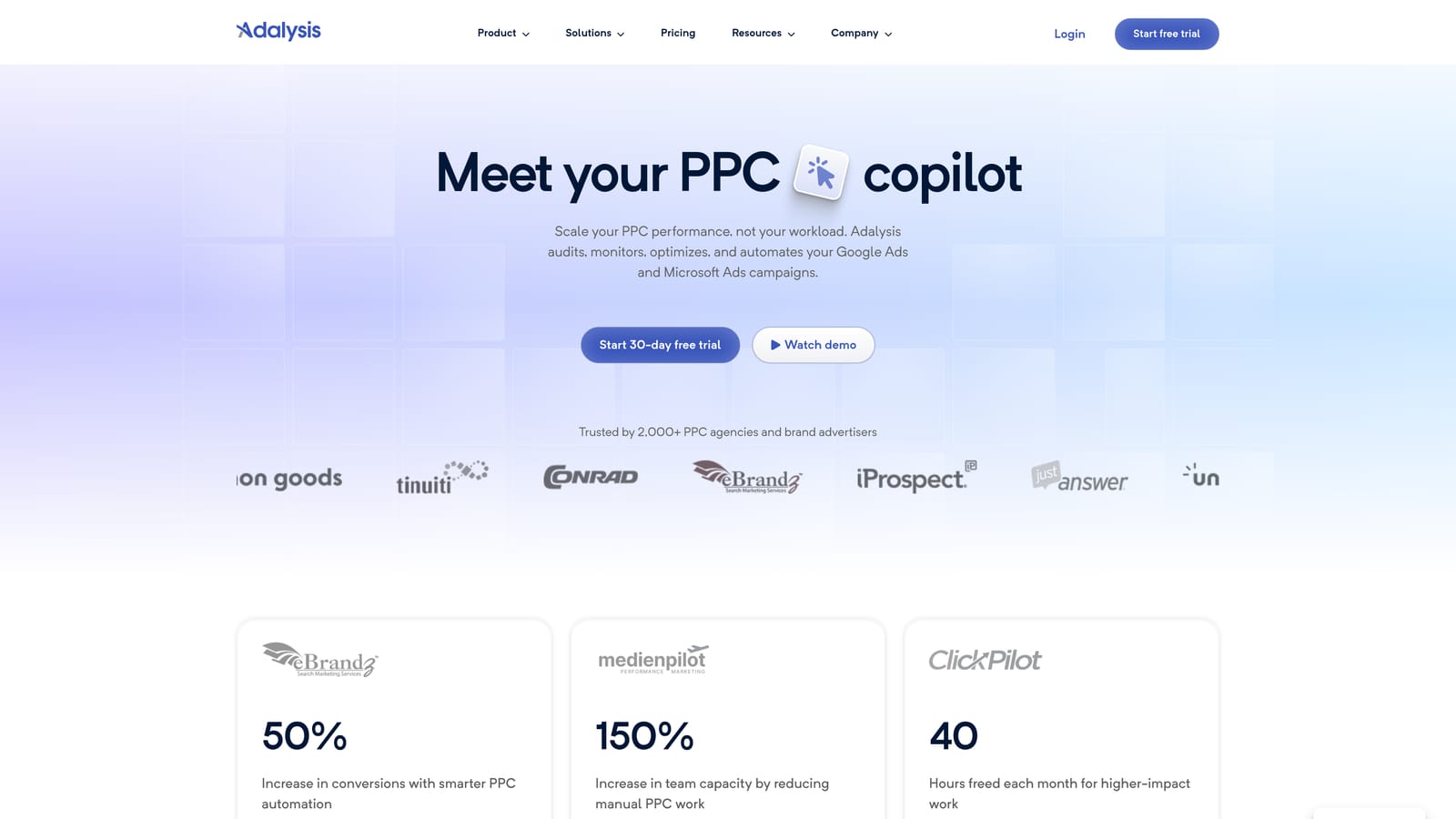
Compared with the rest of this list, its edge is automated audits plus ad testing analysis. Ad testing is where many agencies lose rigor: results get judged by gut feel. Adalysis helps evaluate which ad variations are actually performing, so decisions aren't based on a quick glance at CTR.
- Automated account audits that surface problems you'd otherwise find only on a manual review.
- Ad testing analysis that helps you pick winners and retire weak copy.
- Alerts that tell you when something changes or breaks between reviews.
- Bulk changes so you can act on findings without leaving the platform.
- Reporting for sharing results with clients.
It connects to Google Ads and Microsoft Ads. Setup means linking accounts and tuning alerts, and the day-to-day user is usually the account manager or a QA-minded PPC lead. The main limitation: it's audit-focused. It isn't a cross-channel platform and it isn't a full reporting suite, so you'll likely still need a reporting tool for client-facing dashboards.
Pricing is tiered and listed on the Adalysis site, with a trial offered as of 2026 (verify current details). Plan level generally depends on the scale of what you manage.
Best for: Agencies that want systematic quality checks on every client account.
4. Google Ads Editor
Google Ads Editor is Google's free desktop application for managing campaigns in bulk. You download account data, make edits locally, review them, then post the changes back. It's the workhorse for builds and restructures.

The standout versus everything else here is the price (nothing) combined with the review step. You see every pending change before it goes live, which is a real safeguard when you're touching hundreds of ad groups. Offline editing also means you can prepare a big build without being tied to the web interface.
- Bulk edits across campaigns, ad groups, keywords, and ads, which saves hours on structural work.
- Offline editing, so you can draft changes anywhere and post later.
- Copy and paste across accounts, handy for replicating a proven structure for a new client.
- Change review before posting, so mistakes get caught before they cost budget.
- Multi-account management from one app.
Setup is a download and a sign-in. Anyone who builds or restructures campaigns will use it. The limitation is that it's entirely manual: no automation, no reporting, no recommendations. It also won't tell you which search terms deserve attention, so it pairs naturally with a tool built for that.
It's free, with no cost tiers.
Best for: Agencies doing large structural edits and campaign builds.
5. Looker Studio
Looker Studio is Google's free dashboard and reporting tool. You connect data sources, drag in charts and tables, and share the result with clients as a live link.

Its edge is flexibility at no software cost. You control the layout, metrics, and branding of the dashboard, and the same report template can be reused across clients by swapping the data source. That's hard to match for the price.
- Custom dashboards, so each client sees the metrics they care about.
- Report templates that cut build time when you onboard similar clients.
- Shareable links, so clients check performance without emailing PDFs.
- A Google Ads connector for pulling campaign data directly.
- Many third-party connectors for bringing in other channels.
It integrates with Google Ads, Google Analytics, and Google Sheets, plus third-party connectors. The cost is time. Dashboards need to be built, and then maintained when metrics, naming, or clients change. Someone on the team has to own that. It's also reporting only: it shows what's happening and does nothing to fix it.
The tool is free. Some connectors, especially third-party ones, are paid, so the real cost depends on what data you need to pull in.
Best for: Agencies wanting flexible, low-cost client reporting.
6. Supermetrics
Supermetrics is a data connector. It pulls numbers from ad platforms and other sources and sends them to wherever you analyze or report on them. It doesn't build the dashboard itself, which is why it often sits behind another tool on this list.
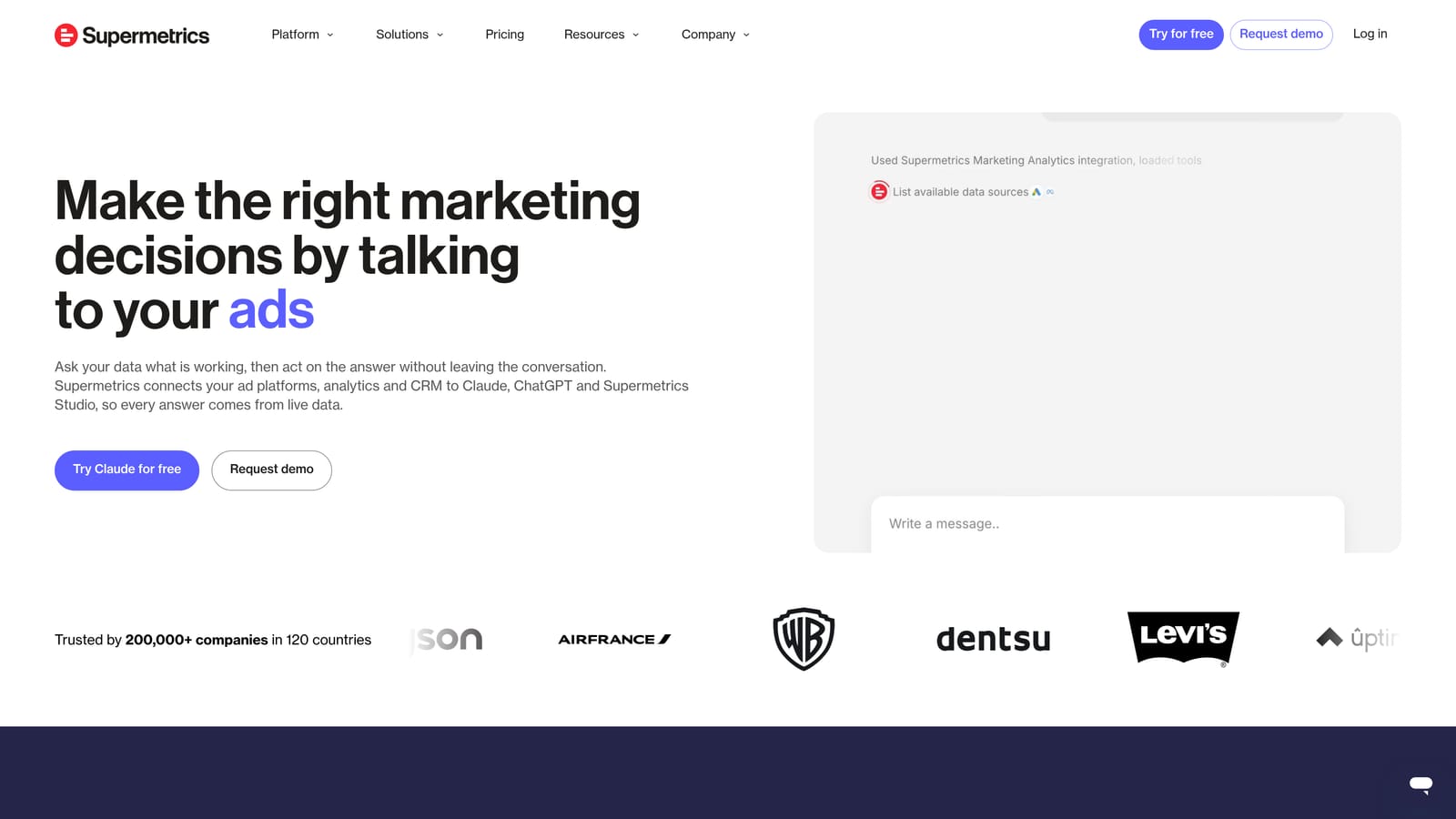
What sets it apart is connector breadth. If you're running Google Ads, Meta, LinkedIn, and more for the same client and want one combined view, a connector layer makes that practical without manual exports.
- Ad platform connectors that remove the copy-paste work of exporting from each channel.
- Scheduled data refresh, so reports update without anyone touching them.
- Destinations including Looker Studio, Google Sheets, and Excel, so you work in tools your team already knows.
- Multi-account data pulls, so one setup can cover many client accounts.
- Data warehouse destinations for agencies with more advanced reporting stacks.
Setup depends on how elaborate your stack is. A Sheets connection is quick; a warehouse pipeline needs someone with data skills. The limitation is clear: it moves data and nothing more. There's no optimization, no recommendations, and costs scale with usage.
Pricing is a subscription that varies by plan and destination; see the Supermetrics site for current numbers (as of 2026, verify before budgeting). More sources and destinations generally cost more.
Best for: Agencies building custom multi-channel reporting.
7. Swydo
Swydo is a reporting platform built for agencies. It produces branded, automated client reports so you're not rebuilding the same monthly deck every time.
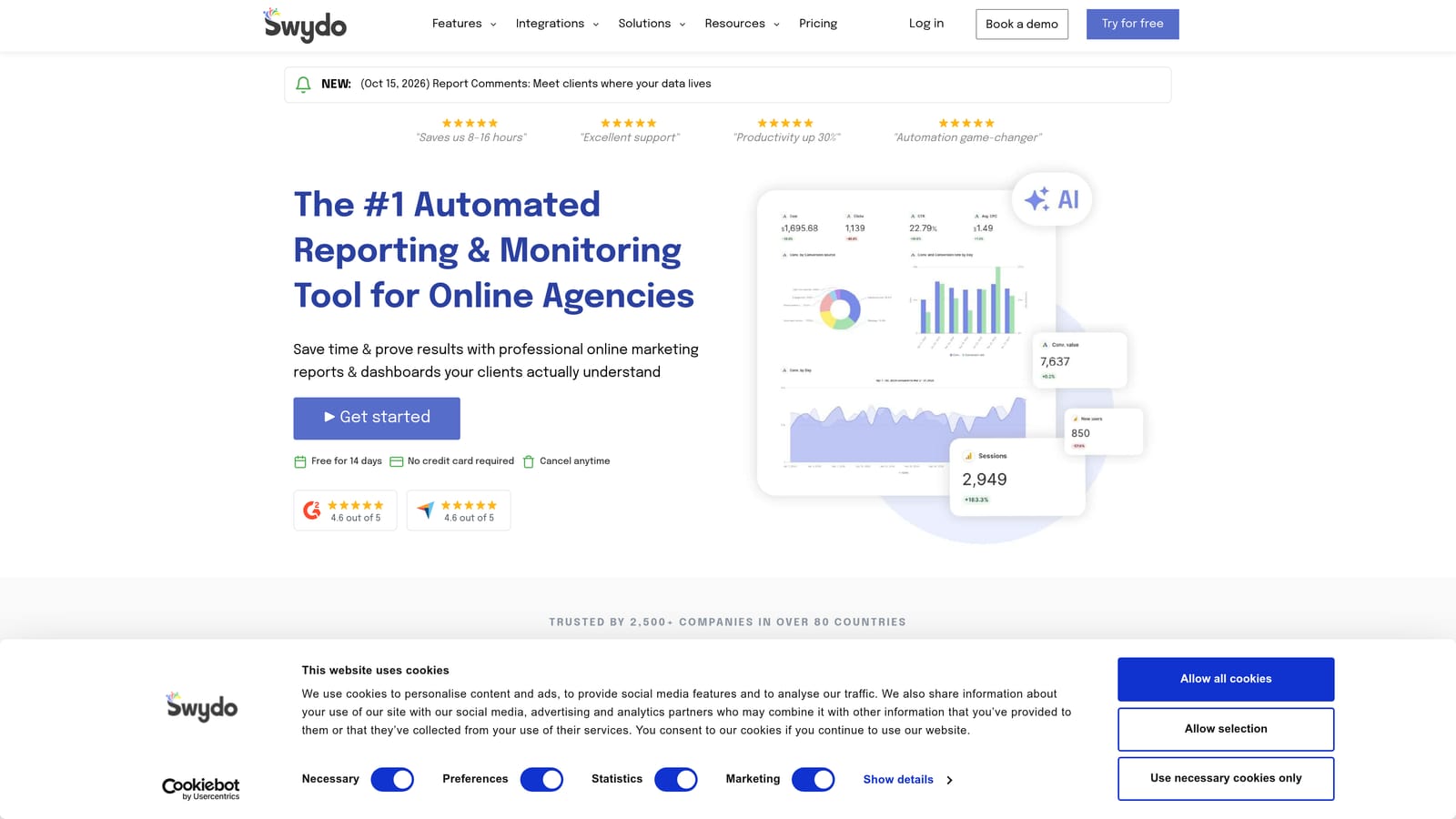
Where Looker Studio gives you a blank canvas, Swydo gives you agency-ready structure. White-label output and scheduled delivery are the headline items, which makes it a faster route to a polished report for teams without a dedicated analyst.
- White-label reports that carry your agency's branding, not the vendor's.
- Report templates that get new clients set up quickly.
- Automated delivery, so reports land in client inboxes on schedule.
- KPI tracking against the goals you've agreed with each client.
- Ad and SEO integrations so one report can cover paid and organic.
It integrates with Google Ads, Meta Ads, Google Analytics, and Search Console. Setup is light compared with building custom dashboards, and an account manager can usually run it. Its limit is scope: reporting only, no campaign editing. If a report reveals a problem, you fix it elsewhere. Highly bespoke reporting needs may also outgrow its templates.
Plans are tiered; check the Swydo site for current pricing (as of 2026, verify details).
Best for: Small and mid-size agencies needing quick branded reports.
8. Google Ads Manager Accounts and Scripts
Google Ads manager accounts (often called MCCs) let you access and manage many client accounts from one login. Scripts add a layer of custom automation written in JavaScript. Together they form a free, flexible control layer.
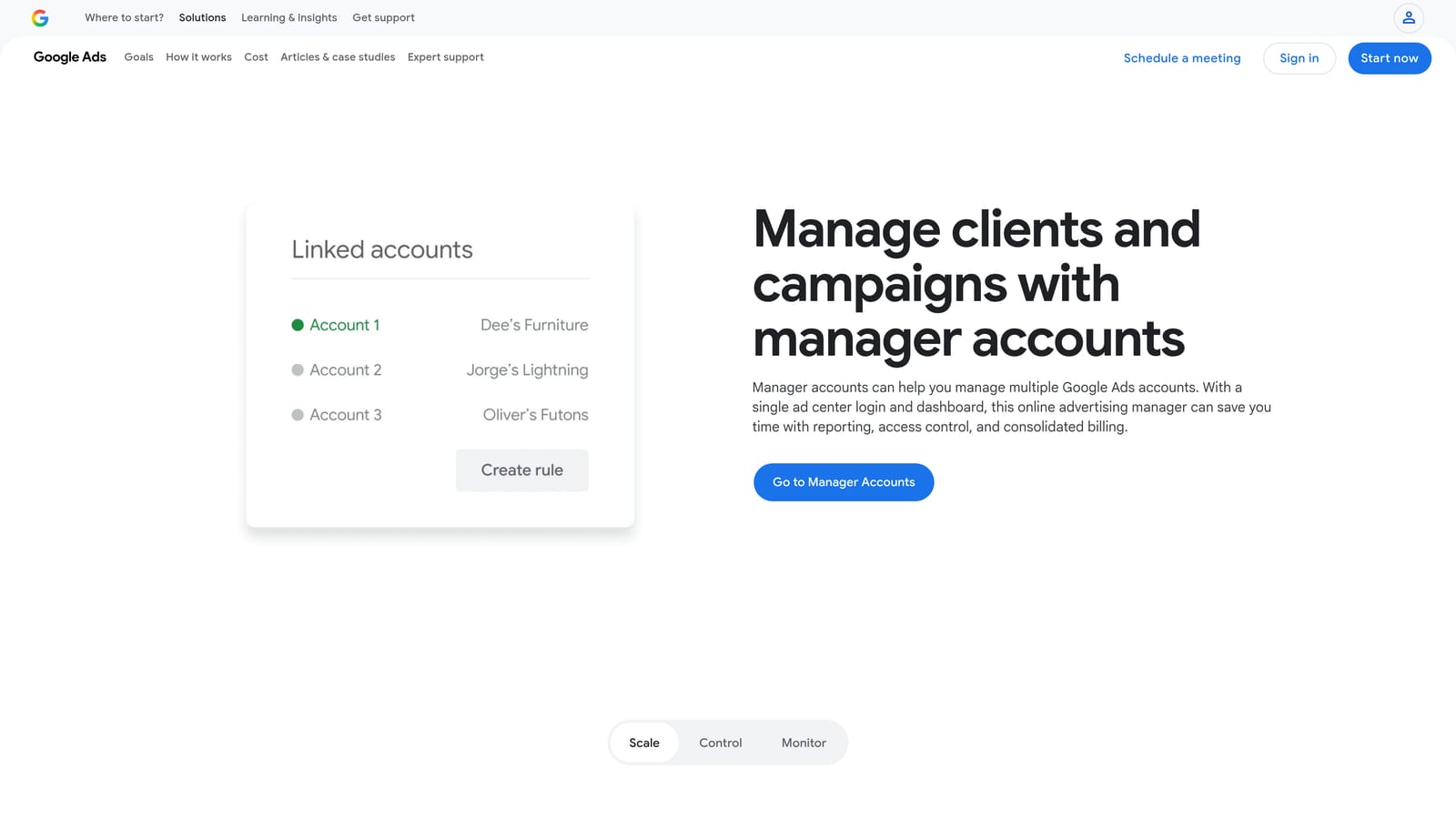
What's distinctive is the price-to-power ratio. If you have someone who can write code, scripts can handle alerts, checks, and routine tasks across every managed account, with no subscription.
- Centralized multi-account access, so your team isn't juggling logins.
- Cross-account views that show what needs attention across clients.
- Shared negative keyword lists, which let you apply exclusions across campaigns (verify scope in Google's documentation for how widely they can apply).
- Custom scripts for alerts and automation, such as flagging budget or performance anomalies.
Setup for the manager account is simple. Scripts are not: they need JavaScript skills and ongoing maintenance, because a script that worked last quarter may break when something changes. That makes the real cost your developer's time. Agencies without a technical person will find this frustrating. It also covers Google Ads only.
It's free.
Best for: Technical agencies wanting free, flexible control.
9. Semrush Advertising Toolkit
Semrush is a broad SEO and marketing suite, and its advertising toolkit adds competitive ad and keyword research. It's less about running live campaigns and more about deciding what to run.
Its unique angle on this list is competitor intelligence alongside SEO data. That helps when you're pitching a prospect, building a keyword plan, or checking whether a client's organic and paid strategies overlap or leave gaps.
- Competitor ad research that shows what rivals are advertising and how.
- Keyword research to size up opportunities before you build campaigns.
- PPC keyword tools for planning paid targeting.
- Position tracking to monitor visibility over time.
It integrates with Google Ads, Google Analytics, and Search Console. Setup is easy since it's a web app, and the main users are strategists and anyone writing proposals. The limitation: it's research and planning, not live campaign management. You can't use it to clean up search terms or edit accounts. It's also a full suite, so you may pay for SEO features you won't use if PPC is your only focus.
Pricing is by subscription plan; see the Semrush site for current tiers (as of 2026, verify). Plan level and added seats or projects usually move the price.
Best for: Agencies pitching and planning PPC alongside SEO.
Matching Tools to the Job You Need Done
PPC management is several jobs, and more tools don't automatically mean better results. A reporting tool, for instance, shows performance but won't improve it. Pick by the job that's costing you the most hours, then add only what fills a real gap. Most agencies end up with two or three tools.
- Search term cleanup: Keywordme, for reviewing search terms and acting on them inside Google Ads.
- Audit and automation: Optmyzr for rules and automated workflows, Adalysis for audits and ad testing, or scripts if you have the technical skill.
- Bulk editing: Google Ads Editor for builds and restructures.
- Reporting: Looker Studio for flexible dashboards, Swydo for fast branded reports, Supermetrics when you need to combine channels.
- Competitive research: Semrush for pitches and planning.
A sensible starting stack for a small agency: Google Ads Editor, Looker Studio, and a search term tool, all free or low cost. Add automation or audits once the account count justifies it.
Optimize Google Ads Campaigns 10X Faster. Without Leaving Your Account. Keywordme lets you remove junk search terms, build high-intent keyword lists, and apply match types instantly, right inside Google Ads. No spreadsheets, no switching tabs, just quick, seamless optimization. Start your free 7-day trial (then just $12/month) and take your Google Ads game to the next level.
.svg)