
9 Best PPC Management Tool Subscriptions for Google Ads Teams in 2026
A practical guide to ppc management tool subscription.


Paying monthly for a PPC tool only makes sense if it saves more time or wasted spend than it costs, and plans run from a flat $12 per user to custom agency contracts. This list is for freelancers, agency owners, and in-house marketers running Google Ads. The tools are sorted by what the subscription actually covers, how pricing scales with users or ad spend, how well each fits a Google Ads workflow, and who it suits. Two entries are native Google features, included so you can see what you already have before you pay for more.
Quick Comparison of the Tools
- Keywordme: freelancers and agencies who review lots of search terms; $12/month per user; works inside the native Search Terms Report with no separate dashboard.
- Optmyzr: agencies managing many accounts; tiered pricing, check the site; customizable automation rules across several ad platforms.
- WordStream by LocaliQ: small business owners who want guidance; pricing on the website; prioritized recommendations aimed at non-specialists.
- Adalysis: practitioners who want ongoing testing and audits; pricing on the website; depth of ad testing and automated audits.
- Google Ads Editor: anyone doing large structural edits; free; official bulk editing with offline drafts.
- Google Ads Scripts and Automated Rules: technical advertisers; free; fully customizable scheduled automation.
- SEMrush PPC Toolkit: marketers who want competitor research and SEO together; tiered pricing, check the site; paid search intelligence next to SEO data.
- SpyFu: keyword ideas from competitors; pricing on the website; historical view of rivals' paid keywords and ads.
- Google Ads Smart Bidding: advertisers with solid conversion tracking; free, included in Google Ads; auction-time bid automation.
1. Keywordme
Keywordme is our own product, so weigh this entry with that in mind. It's a Chrome extension that adds one-click actions to the Search Terms Report inside Google Ads. A search term is the actual query someone typed; a keyword is what you bid on. Keywordme sits between the two, letting you turn good search terms into keywords and bad ones into negative keywords without exporting anything.
The standout is where it works. There's no spreadsheet and no separate dashboard, so you review terms in the interface you already use and act on them on the spot. That's the whole pitch, and it's why it suits people who spend hours each week on search term review.
- One-click negative keywords straight from the Search Terms Report, so junk queries stop costing you money faster.
- Add keywords with match types applied instantly, which removes the manual formatting step.
- Keyword clustering to group related terms and build tighter keyword lists.
- Bulk editing for handling many terms in one pass.
- Multi-account and team support, useful when several people work across client accounts.
Setup is installing the extension in Chrome, and it integrates with Google Ads through that extension. Whoever reviews search terms day to day runs it; no admin or developer is needed.
The limits are real. Its focus is narrow: search terms and keywords. It works only in Chrome and only with Google Ads, so there's no cross-channel reporting, no bidding, no audits, and no automation. It also doesn't act on its own; you review and click. If you want a full optimization suite, this isn't one.
Pricing is a flat $12/month per user, with a 7-day free trial. Cost scales with headcount, not ad spend, so a client account spending ten times more doesn't change your bill. Confirm current terms on the site.
Best for: Freelancers and agencies who spend lots of time on search term review.
2. Optmyzr
Optmyzr is a PPC optimization suite built for agencies and in-house teams that manage a lot of accounts. Its distinctive strength on this list is breadth: a rule engine, one-click optimizations, account audits, and reporting under one login, with automation rules you can customize rather than a fixed set of recommendations.

It connects to Google Ads, Microsoft Advertising, and Meta Ads, which matters if your clients split budgets across platforms. Where Keywordme handles one task well, Optmyzr tries to cover the routine work of running many accounts.
- One-click optimizations that apply suggested changes after you review them.
- A rule engine for automating recurring checks and adjustments to your own logic.
- Account audits that flag issues across campaigns without manual digging.
- Reporting to produce client-ready summaries.
- Bulk editing tools for changes across many campaigns.
Expect more setup than a lightweight extension. You connect accounts, configure rules, and decide what to automate, so someone on the team needs to own it. Automation still needs review; a rule is only as good as the logic you give it.
The main drawback is fit. It carries more setup and cost than a solo advertiser usually needs, and if your actual problem is junk search terms, a suite is likely overkill.
Pricing is tiered, and I haven't confirmed the current plan details. As of October 2026, check the Optmyzr site for current prices, and note that tiers generally depend on the scale of accounts and spend you manage.
Best for: Agencies managing many accounts that need automation and reporting.
3. WordStream by LocaliQ
WordStream by LocaliQ offers advertising software and services aimed at small businesses and agencies. Its edge over the rest of this list is that it tells you what to do next. Recommendations are guided and prioritized, so someone who isn't a PPC specialist can work through them in order.
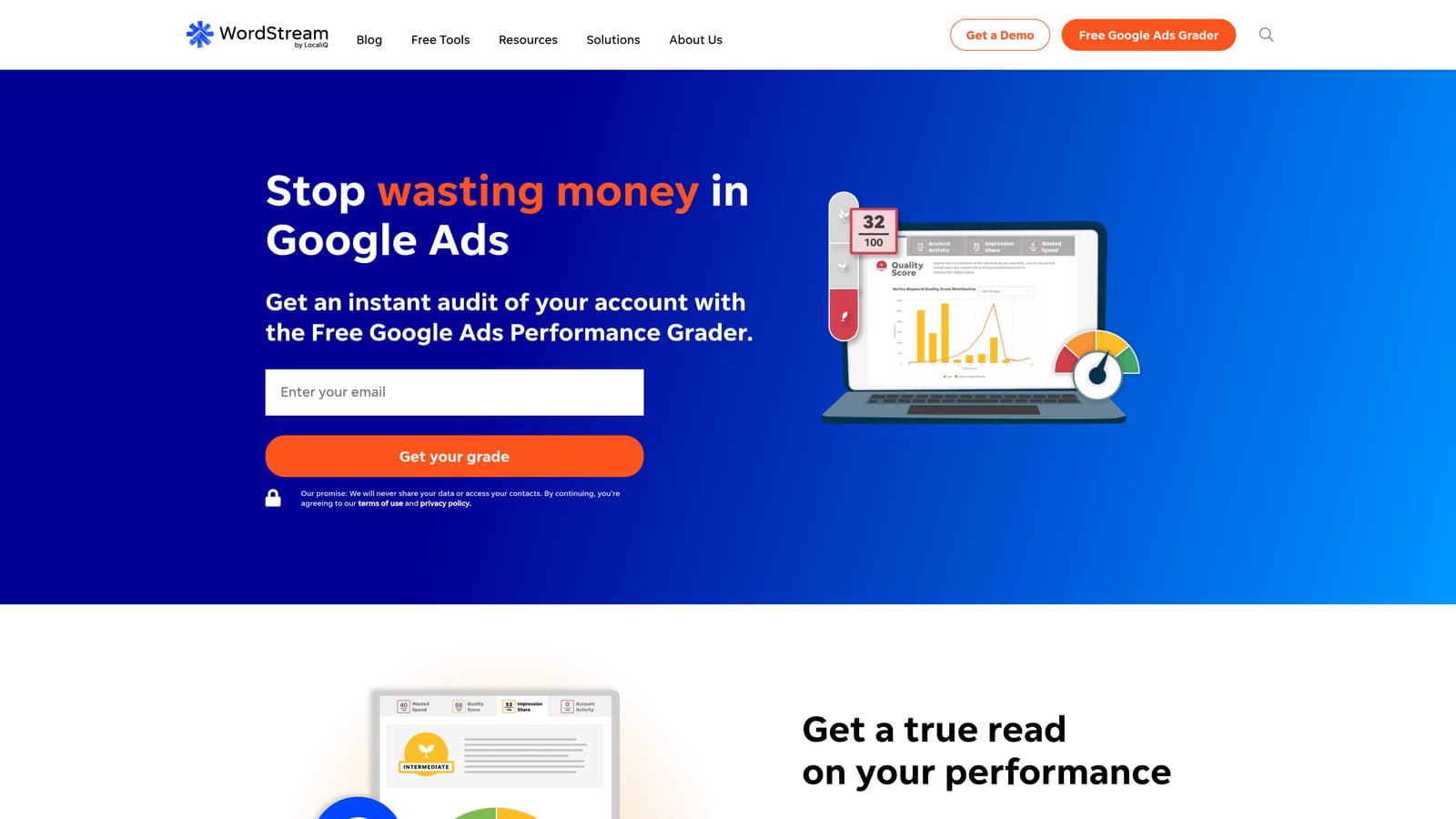
That's a different philosophy from tools like Keywordme or Google Ads Editor, which assume you know what you want to change and make it faster. WordStream assumes you want to be pointed at the changes.
- Guided optimization recommendations that rank what to fix first.
- A performance grader that gives a quick read on account health.
- An account management workflow to keep routine tasks organized.
- Reporting to share results with stakeholders or clients.
It integrates with Google Ads, Microsoft Advertising, and Meta Ads. Setup is generally a matter of connecting accounts, and the day-to-day user can be a business owner or a marketing generalist.
The tradeoff is control. Experienced practitioners who want granular, hands-on changes may find a guided approach limiting. Also treat recommendations as suggestions to evaluate against your goals, not instructions to follow blindly.
Pricing isn't something I can state with confidence. As of October 2026, check the WordStream website for current plans and what drives cost, since software and service offerings can be priced differently.
Best for: Small business owners wanting guidance over manual control.
4. Adalysis
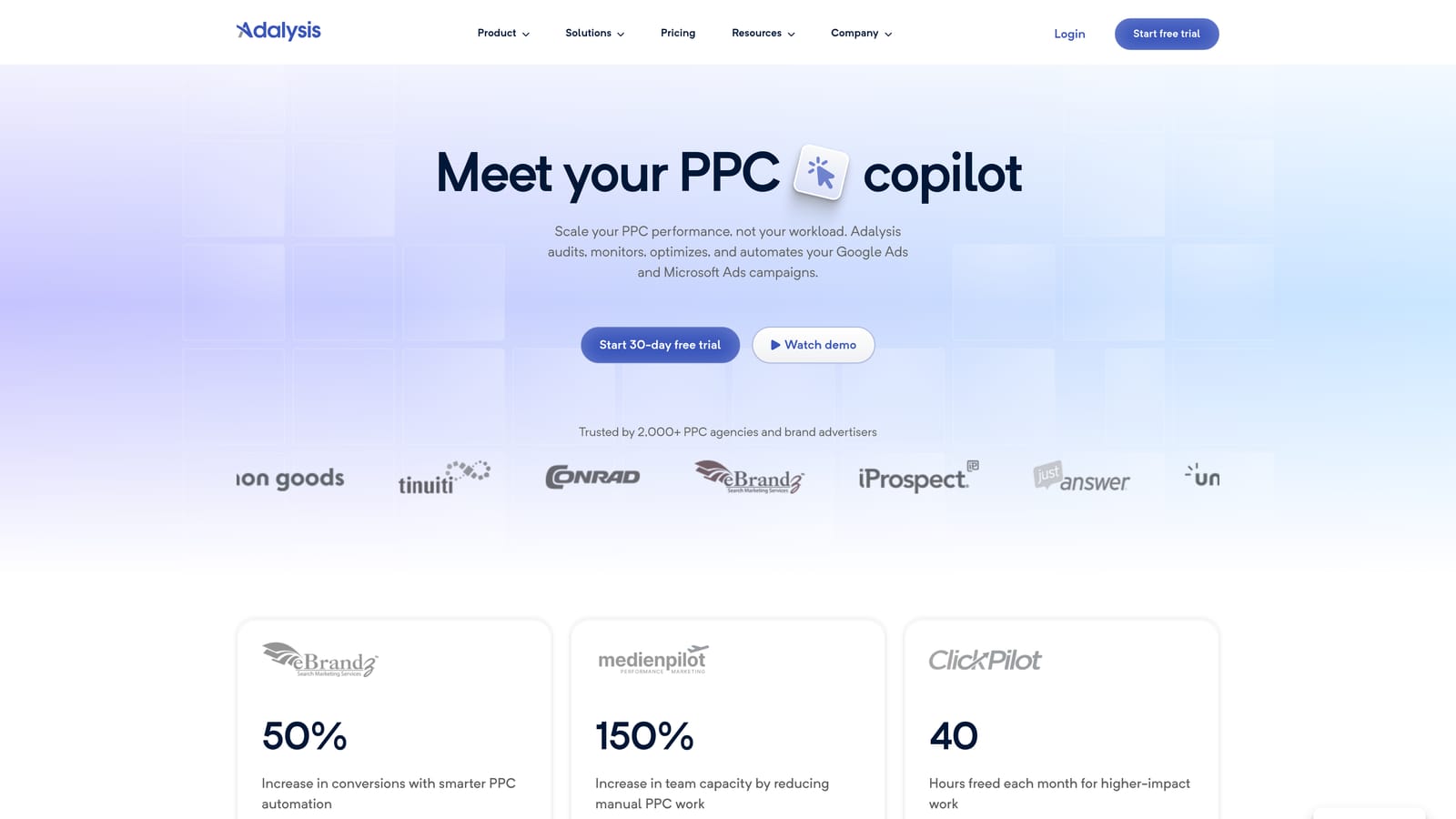
Adalysis is a PPC auditing and testing platform for Google and Microsoft Ads. Its depth in ad testing and automated account audits is what sets it apart here. Where others emphasize bulk changes or automation, Adalysis focuses on finding what's underperforming and testing improvements over time.
What it does for you
- Automated audits that scan accounts for problems you'd otherwise find by hand.
- Ad copy testing to compare variations and identify winners.
- Alerts that flag changes or issues as they happen.
- Reporting for sharing performance and findings.
- Quality checks across the account structure.
Fit and limits
It supports Google Ads and Microsoft Advertising only, so Meta-heavy teams will need something else. Setup means connecting accounts, and the person using it should be comfortable reading audit output and acting on it.
That's also the limitation: the audit-heavy interface can overwhelm beginners. If you're new to PPC, a lot of flagged items without clear priorities can be paralyzing. It doesn't replace a fast workflow for search term cleanup either.
Pricing isn't confirmed here. As of October 2026, check the Adalysis website for current plans and what scales the price, which typically relates to the number of accounts or spend managed.
Best for: Practitioners who want ongoing ad testing and account audits.
5. Google Ads Editor
Google Ads Editor is Google's free desktop application for bulk editing campaigns. It isn't a subscription, but it's the baseline any paid tool should beat, so know what it does before you pay for something that overlaps.
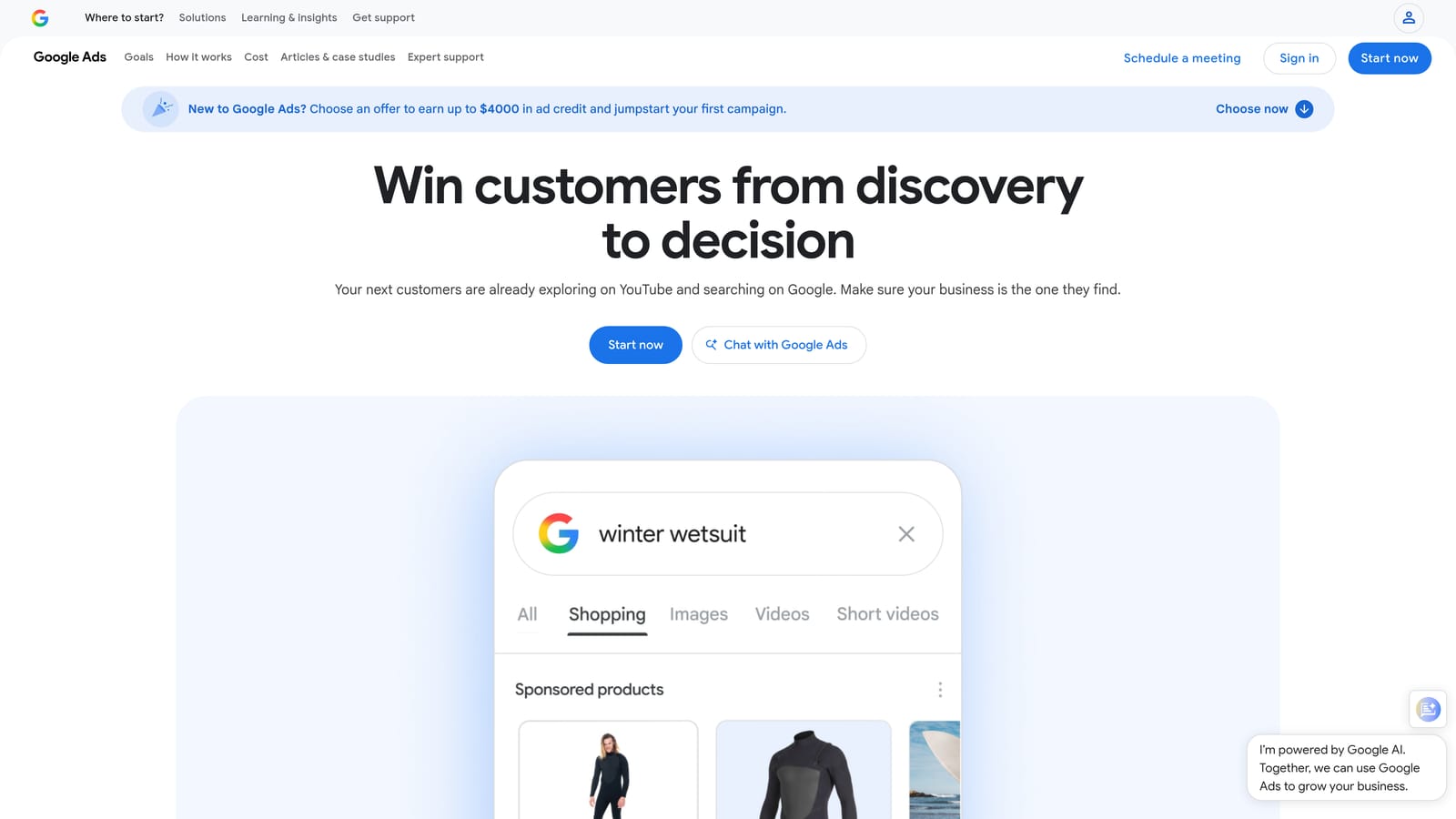
Its standout is being official, free, and able to work offline. You download account data, make changes in drafts, review them, and post when ready.
- Bulk edits across many campaigns, ad groups, keywords, and ads at once.
- Offline editing so you can prepare changes without being in the browser interface.
- Copy and paste across campaigns and accounts to reuse structures.
- Import and export via CSV for spreadsheet-based workflows.
- Change review before posting, so you can check edits before they go live.
It integrates with Google Ads only. Setup is a desktop install and signing in to your accounts. The user is whoever builds or restructures campaigns.
The limitation is that it's an editor, nothing more. It has no automation, audits, or alerting, and it won't tell you which search terms to add or exclude. Reviewing search terms is still a separate job.
Pricing: free.
Best for: Large structural edits and bulk uploads without a subscription.
6. Google Ads Scripts and Automated Rules
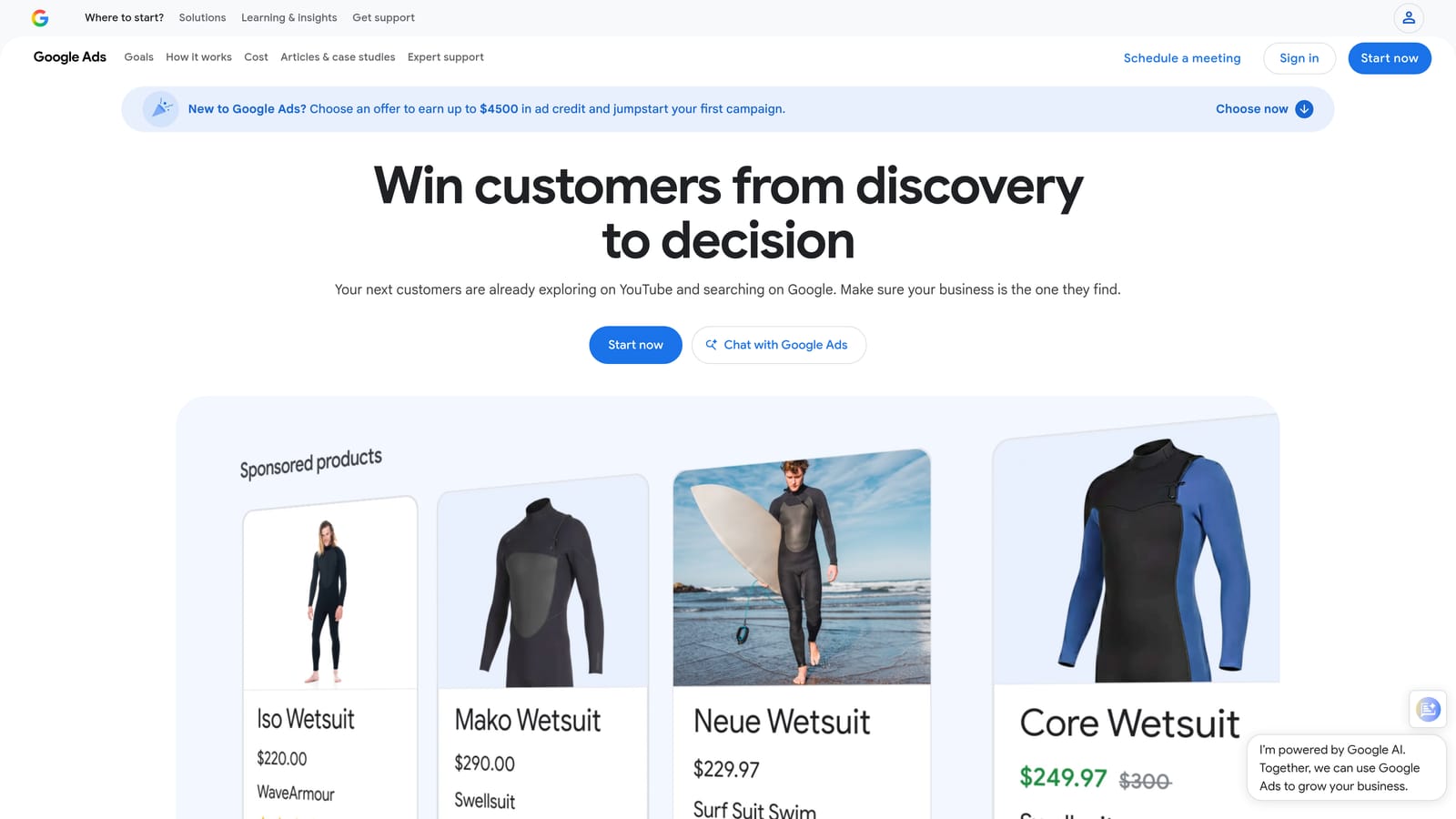
Google Ads Scripts and Automated Rules are native automation features inside Google Ads. Automated rules cover simple scheduled actions; scripts are JavaScript programs that can do much more. The distinctive point is that customizable, scheduled automation costs nothing.
- Automated rules to make routine changes on a schedule, such as pausing or adjusting based on conditions you set.
- Scripts in JavaScript for custom logic that rules can't express.
- Scheduled changes so work happens without you logging in.
- Alerts that notify you when something looks off.
- Custom reporting, including output to Google Sheets.
It integrates with Google Ads and Google Sheets. Setup effort is the catch: rules are quick, but scripts need someone who can write and debug JavaScript, and they need upkeep when accounts or Google's behavior change. Automation also isn't a substitute for review; a badly written rule can pause the wrong things quietly.
It doesn't suit non-technical users who want a point-and-click interface, and it offers no support layer if a script breaks.
Pricing: free.
Best for: Technical advertisers wanting custom alerts and automation.
7. SEMrush PPC Toolkit
SEMrush is a marketing platform whose paid search tools sit alongside its SEO products. What sets it apart is competitive intelligence combined with organic data, so one subscription informs both channels.
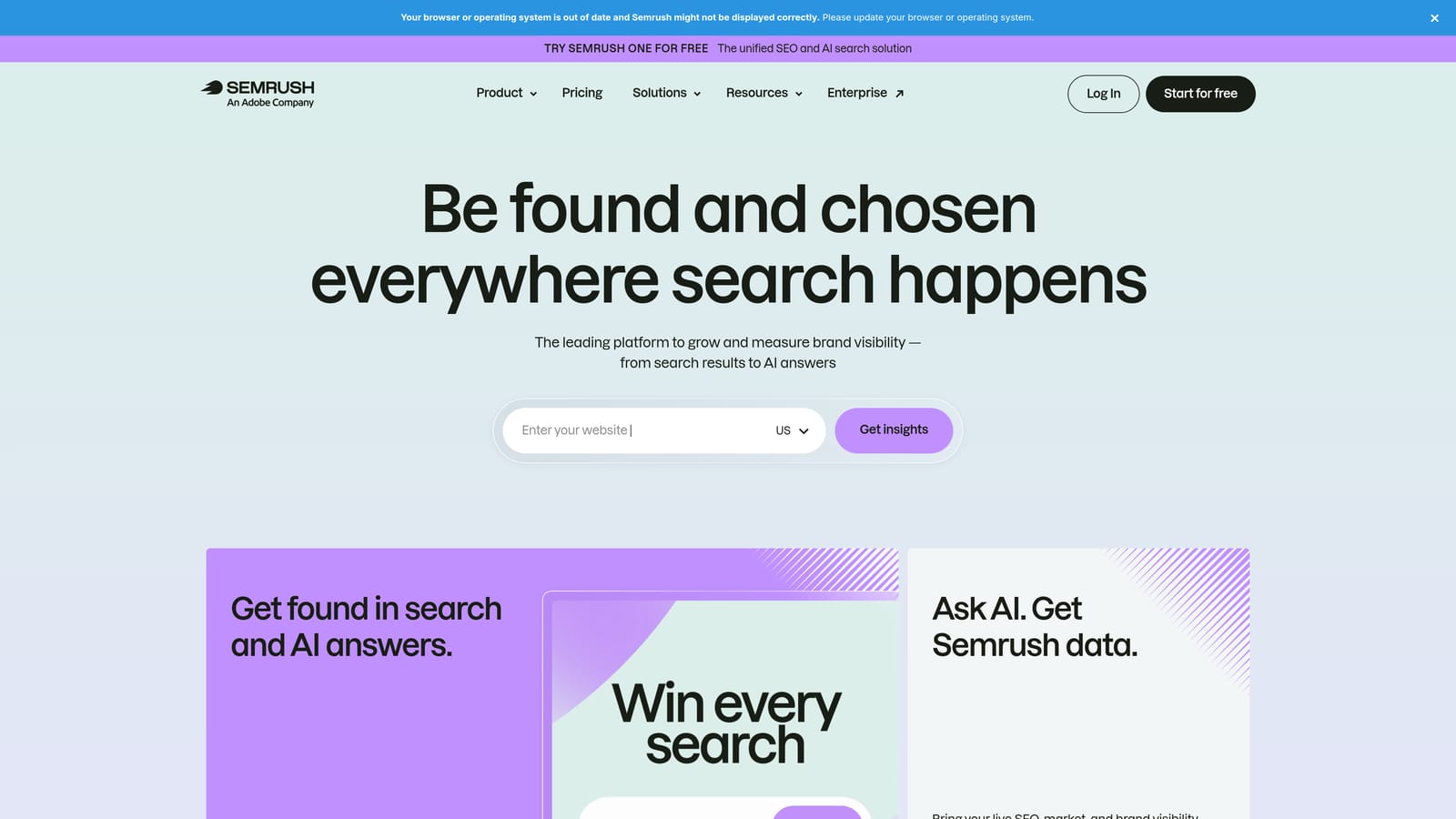
- Competitor ad research to see how rivals position their paid search ads.
- PPC keyword research to find terms worth bidding on.
- Keyword gap analysis to spot terms competitors target that you don't.
- Ad copy ideas to inform your own messaging.
It connects with Google Ads, Google Analytics, and Google Search Console. Setup is light, and the daily user is typically a strategist or SEO and content marketer rather than whoever manages the live account.
The key limit: it's research-focused and not built for editing live campaigns. You'll still need another tool or the Google Ads interface to act on what you learn. If you only run paid search, you may be paying for SEO features you won't use.
Pricing is by tiered subscription. As of October 2026, check the SEMrush site for current plans; features and limits generally increase with tier.
Best for: Marketers who want competitor research and SEO in one subscription.
8. SpyFu
SpyFu is a competitor keyword and ad research tool. Its distinguishing feature is history: you can see which keywords and ads a competitor has run over time, not only what's live today.
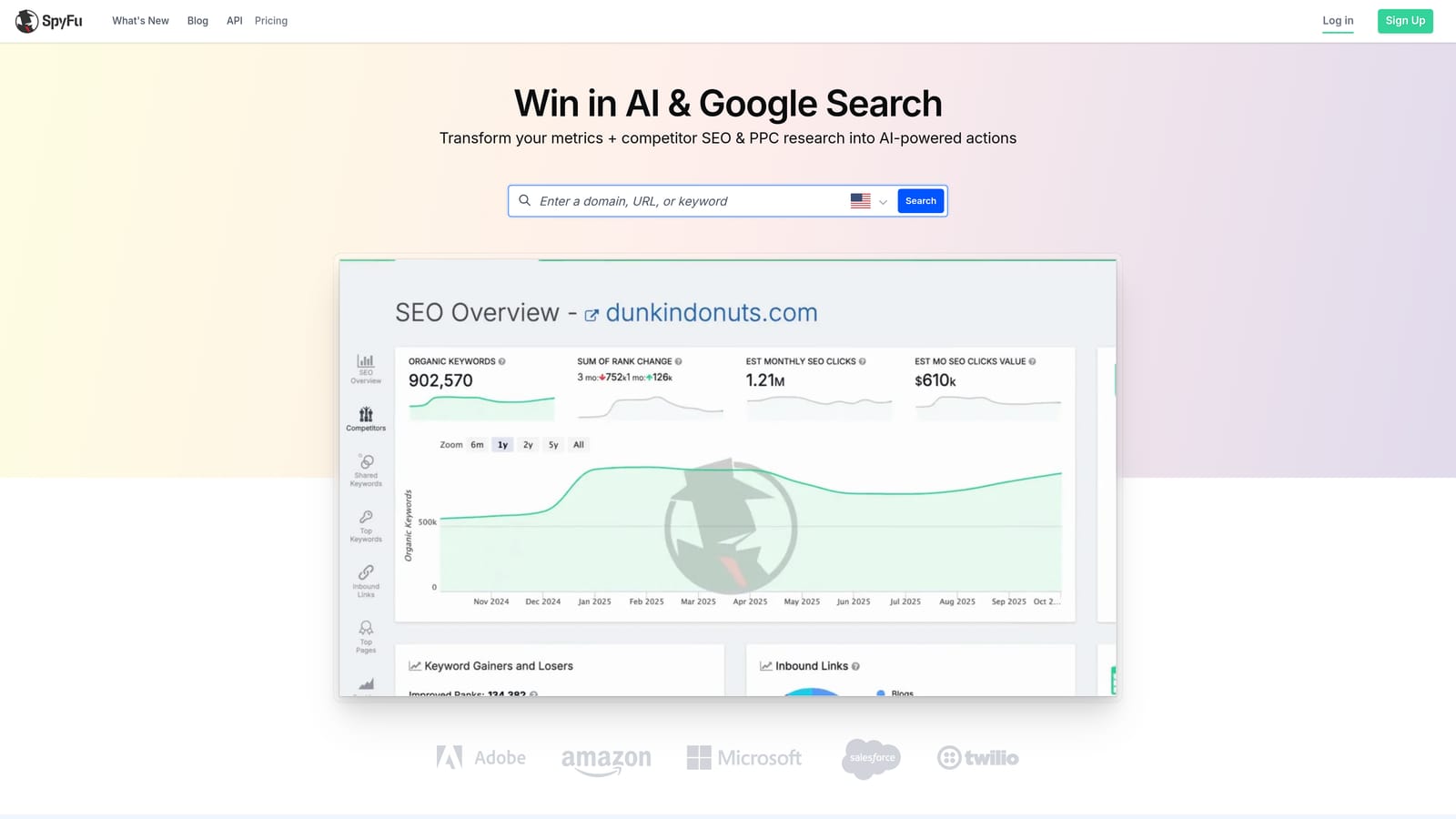
- Competitor PPC keyword lists to see what rivals bid on.
- Ad history to study how competitors' messaging evolved.
- Keyword research for building your own lists.
- Domain comparison to find overlap and gaps between sites.
I haven't confirmed its integrations, so check the website. Setup is minimal: enter a domain and explore. A strategist or account manager would normally use it during planning rather than daily.
It does no campaign management or optimization, so it won't clean up search terms or change bids. Treat competitor data as a source of ideas, since it can't tell you what's profitable for your business.
Pricing isn't confirmed here. As of October 2026, check SpyFu's site for current plans and what affects the price.
Best for: Building keyword ideas from competitors' paid search activity.
9. Google Ads Smart Bidding
Google Ads Smart Bidding is a set of built-in automated bidding strategies. It's included for completeness, because it's the automation most advertisers already have access to. Its distinct trait is auction-time bid decisions using Google's signals, which no manual process can match.
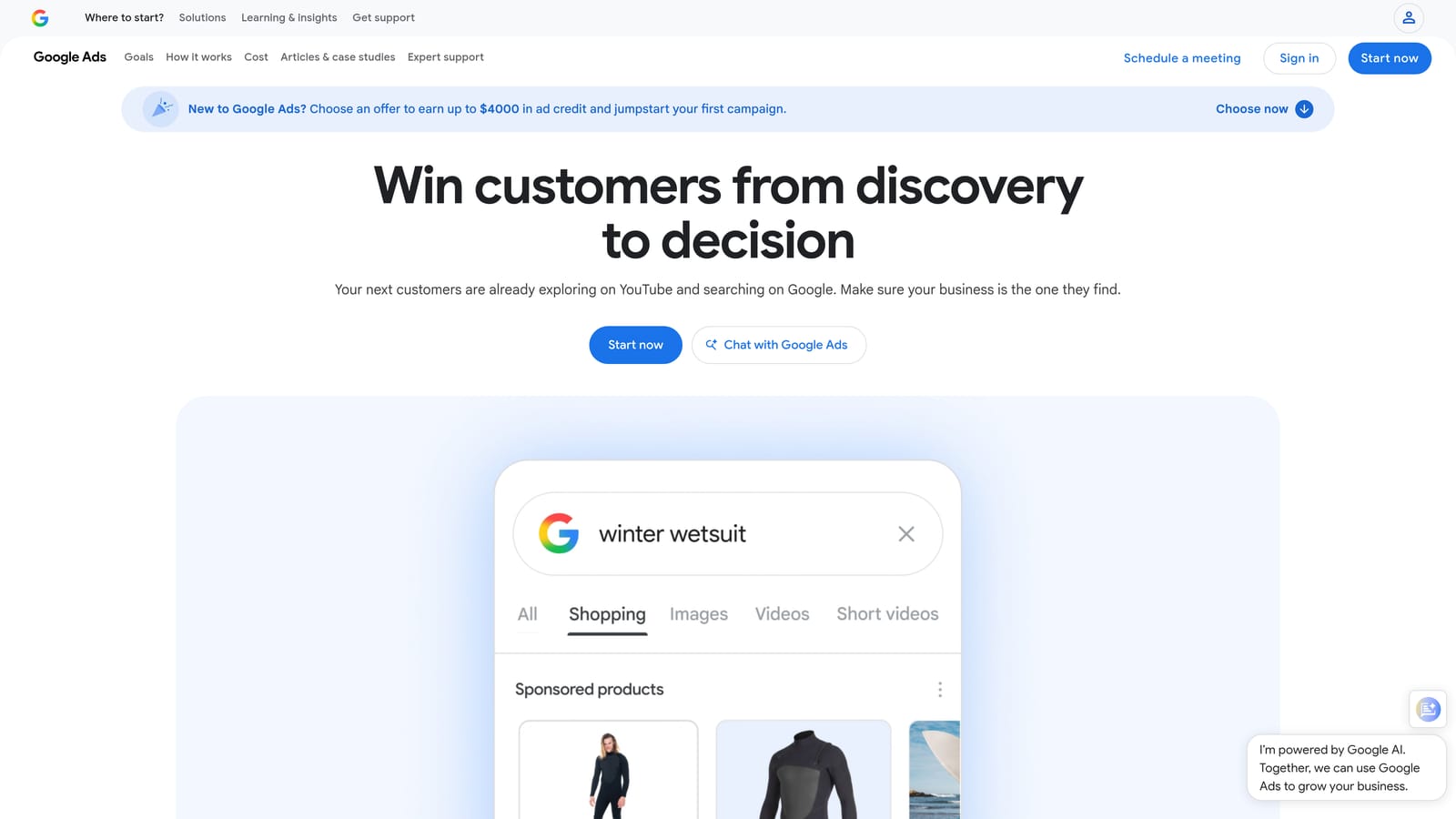
- Target CPA to aim for a cost per acquisition you set.
- Target ROAS to aim for a return on ad spend.
- Maximize conversions to get the most conversions from your budget.
- Maximize conversion value to prioritize higher-value conversions.
It lives entirely in Google Ads, with no extra setup beyond choosing a strategy. The catch is data: it needs reliable conversion tracking to work well, so bad tracking means bad bidding.
It also doesn't clean up search terms. Smart Bidding adjusts how much you bid, not which queries trigger your ads, so junk search terms still need negative keywords. Don't assume automation means you can stop reviewing.
Pricing: free, included in Google Ads (you pay for clicks as usual).
Best for: Advertisers with solid conversion tracking who want automated bidding.
Matching a Subscription to Your Situation
Start by naming the problem. If wasted spend from junk search terms is it, a focused tool like Keywordme (our pick, so take that with a grain of salt) at $12 per user is a much smaller commitment than a full suite. Solo advertisers and freelancers usually land there, paired with free options like Google Ads Editor.
Agencies running many accounts across platforms should look at Optmyzr or Adalysis, where automation, audits, and reporting justify a bigger bill. Small businesses that want direction over control should look at WordStream. Teams that need competitor research can pair SEMrush or SpyFu with whichever tool handles the live account.
Before you commit, use free trials and compare two costs: price per user for flat-rate tools, and price relative to ad spend for tools that scale with it. A tool that costs a few percent of a small budget can be a poor deal, while the same fee on a large account may barely register.
If search term cleanup is your bottleneck, Start your free 7-day trial (then just $12/month). Keywordme lets you remove junk search terms, build high-intent keyword lists, and apply match types instantly, right inside Google Ads. No spreadsheets, no switching tabs, just quick, seamless optimization, so you can optimize Google Ads campaigns 10X faster without leaving your account.
.svg)