
9 Best PPC Management Tools for Teams: Pricing, Features & Honest Comparisons (2026)
This guide compares the 9 best PPC management tools for teams, breaking down pricing, multi-user support, and real workflow value to help agencies and in-house teams find the right Google Ads solution for their size and budget.


TL;DR: Managing Google Ads as a team without the right tool is a slow, expensive mess. This list covers the best PPC management tools built for team workflows, with honest pricing breakdowns and a clear picture of what each tool actually does well. We focused specifically on tools with multi-user support, transparent pricing, Google Ads compatibility, and real workflow value. Whether you're a two-person agency or a 20-person in-house team, there's a setup here that fits.
Selection criteria: multi-user support, transparent pricing, Google Ads compatibility, and genuine workflow impact. Tools are grouped loosely by use case, from lightweight in-interface helpers to full enterprise platforms.
1. Keywordme
Best for: Agencies and freelancers who live inside Google Ads and want faster Search Terms Report workflows.
Keywordme is a Chrome extension that plugs directly into Google Ads' Search Terms Report, letting teams take action on keywords without ever leaving the native interface.

Where This Tool Shines
In most accounts I audit, the Search Terms Report is where the most time gets wasted. People are exporting to spreadsheets, cross-referencing negative lists, and manually re-uploading changes. Keywordme eliminates that entire loop. You're clicking directly inside Google Ads to add negatives, apply match types, or cluster keywords into groups.
For agencies managing multiple client accounts, the flat-rate pricing model is a real advantage. You're not paying more because a client's budget scaled up. It's predictable, which matters when you're building team tooling costs into your service pricing.
Key Features
One-click negative keyword adding: Remove junk search terms directly inside the Search Terms Report without exporting or using a separate tool.
Match type application: Apply exact, phrase, or broad match types to keywords instantly, right in the native Google Ads UI.
Keyword clustering and bulk editing: Group and organize keywords at scale without spreadsheets or manual sorting.
Multi-account and team support: Built for agency workflows with multiple accounts and multiple users collaborating.
Native Search Terms Report integration: Works where you already work, no separate dashboard to manage or log into.
Best For
Freelancers, small-to-mid agencies, and in-house PPC managers who spend significant time in the Search Terms Report and want to cut optimization time without adding another platform to their stack. Especially strong for teams billing by efficiency rather than by platform cost.
Pricing
$12/month per user. 7-day free trial included. Flat rate regardless of ad spend or number of accounts managed.
2. Optmyzr
Best for: Mid-size agencies that need rule-based automation across multiple Google Ads accounts.
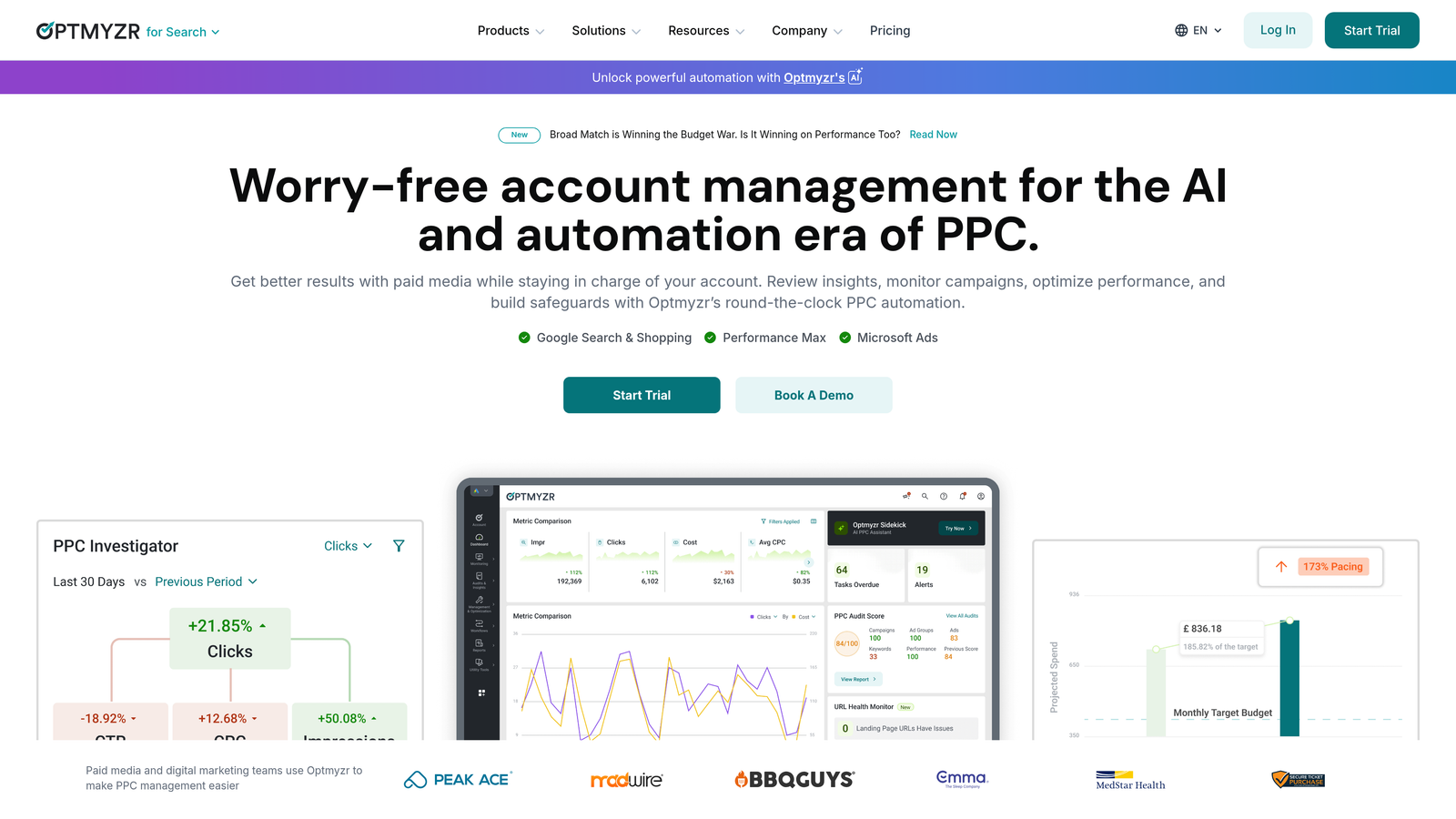
Optmyzr is a rule-based PPC automation and optimization platform built for agencies managing multiple accounts at scale.
Where This Tool Shines
What usually happens with agencies managing 10+ accounts is that bid adjustments and budget pacing become a full-time job on their own. Optmyzr's rule-based automation engine handles a lot of that without requiring custom scripts. The PPC Investigator tool is genuinely useful for diagnosing why an account dropped, which is the kind of thing that normally takes an analyst an hour to piece together manually.
The multi-account dashboard is solid for team workflows. You can see performance across accounts in one place and assign work across team members without jumping between tabs.
Key Features
Rule-based automation: Set up scriptless automation for bids, budgets, and keyword changes based on performance thresholds.
PPC Investigator: Diagnostic tool that pinpoints the cause of performance drops across accounts.
Shopping campaign management: Dedicated features for managing Google Shopping campaigns at scale.
Multi-account dashboard: Centralized view of all client accounts for agency teams.
Custom client reporting: Build and schedule client-facing performance reports.
Best For
Mid-size to larger agencies managing multiple accounts who want automation without writing custom scripts. Teams that need a shared dashboard and client reporting built into the same tool.
Pricing
Tiered pricing starting around $208/month for entry-level accounts. Scales based on accounts managed. Verify current pricing at optmyzr.com.
3. WordStream Advisor
Best for: SMB-focused agencies that want guided optimization workflows and performance grading for client reporting.
WordStream Advisor is a guided PPC management platform known for its structured optimization workflow and built-in performance grading features.

Where This Tool Shines
The "20-Minute Work Week" workflow is what made WordStream popular with smaller agencies. It surfaces the most impactful optimization opportunities and walks you through them in a structured sequence, which is helpful for teams where not everyone is a senior PPC specialist. The Google Ads Performance Grader is frequently used as a client-facing audit tool.
Cross-platform management across Google and Microsoft Ads in one interface is a practical advantage for agencies running campaigns on both networks without wanting to manage them separately.
Key Features
20-Minute Work Week: Guided optimization workflow that surfaces the highest-impact actions for the week.
Google Ads Performance Grader: Account audit tool commonly used for client onboarding and reporting.
Negative keyword tools: Keyword research and negative keyword management built into the platform.
Cross-platform management: Manage Google Ads and Microsoft Ads from a single interface.
Client reporting: Report templates designed for agency-client communication.
Best For
SMB-focused agencies and smaller in-house teams who want structured guidance rather than open-ended automation. Useful when team members have varying levels of PPC experience.
Pricing
Pricing has evolved following the LocaliQ acquisition. Verify current plans and availability at wordstream.com.
4. Adalysis
Best for: Teams running systematic ad testing and quality score monitoring at scale.
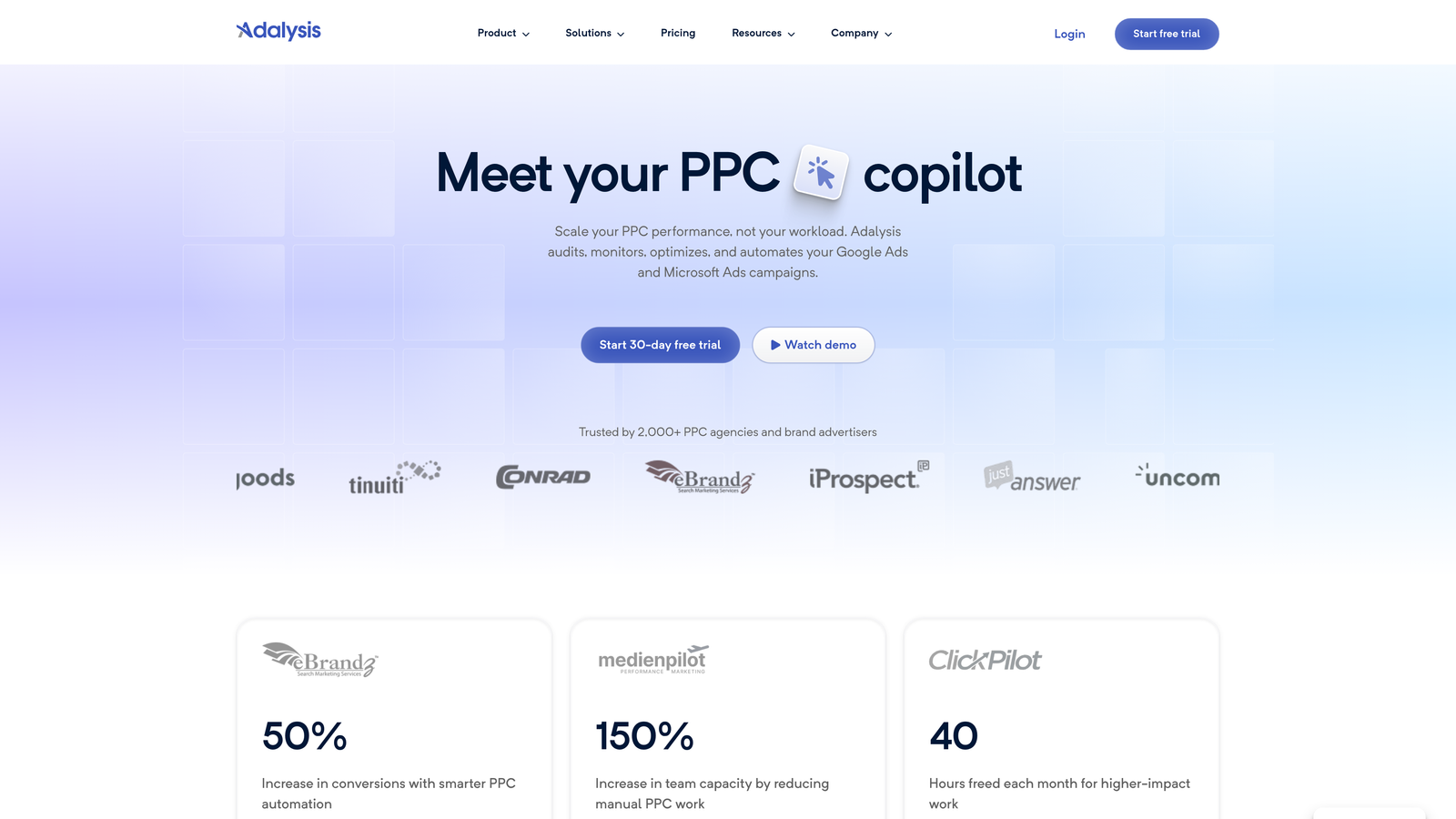
Adalysis is a PPC management tool built specifically around ad testing workflows, quality score tracking, and performance-based automation rules.
Where This Tool Shines
The mistake most agencies make with ad testing is running tests without statistical significance tracking, which means they're making creative decisions on noise. Adalysis automates the significance calculation and surfaces winners when the data is actually reliable. That alone saves a lot of bad creative decisions.
The pause/enable rules based on performance thresholds are practical for teams managing large ad sets. You can set quality score alerts so underperforming ads don't quietly drain budget while no one's watching.
Key Features
Automated A/B ad testing: Tracks statistical significance across ad variations and flags winners automatically.
Quality score monitoring: Alerts and dashboards for tracking quality score changes across accounts.
Performance-based pause/enable rules: Automate creative decisions based on defined performance thresholds.
Account audit tools: Systematic account health checks built into the platform.
Multi-account management: Agency-level view across multiple client accounts.
Best For
Teams with heavy creative testing workflows and accounts where ad copy quality and quality score directly impact performance. Strong fit for agencies where testing discipline is a core part of the service offering.
Pricing
Tiered by number of accounts and campaigns. Check current pricing at adalysis.com.
5. Search Ads 360 (SA360)
Best for: Enterprise teams running large-scale, cross-engine campaigns with complex attribution requirements.
Search Ads 360 is Google's enterprise search campaign management platform, part of the Google Marketing Platform stack.

Where This Tool Shines
SA360 is built for situations where you're running campaigns across Google, Microsoft, and other search engines simultaneously and need unified bid management and attribution across all of them. The deep integration with GA4, DV360, and Campaign Manager is the main reason enterprise teams choose it. If your attribution model involves cross-channel data and Floodlight conversion tracking, SA360 is purpose-built for that complexity.
For large teams, the enterprise-level reporting and data export capabilities matter. You're not limited by what the native Google Ads interface can display.
Key Features
Cross-engine bid management: Unified bidding across Google, Microsoft, and additional search engines.
Google Marketing Platform integration: Deep native integration with GA4, DV360, and Campaign Manager 360.
Advanced attribution modeling: Floodlight conversion tracking and custom attribution across channels.
Enterprise reporting and data exports: Large-scale reporting beyond what native Google Ads supports.
Audience management: Advanced audience targeting and segmentation across campaigns.
Best For
Enterprise marketing teams and large agencies managing significant ad spend across multiple search engines with complex attribution requirements. Not appropriate for small agencies or accounts below enterprise spend thresholds.
Pricing
Custom pricing based on ad spend percentage. Requires direct contact with Google sales. Not suitable for small or mid-size accounts.
6. Skai
Best for: Enterprise brands running omnichannel paid campaigns across search, social, and retail media.
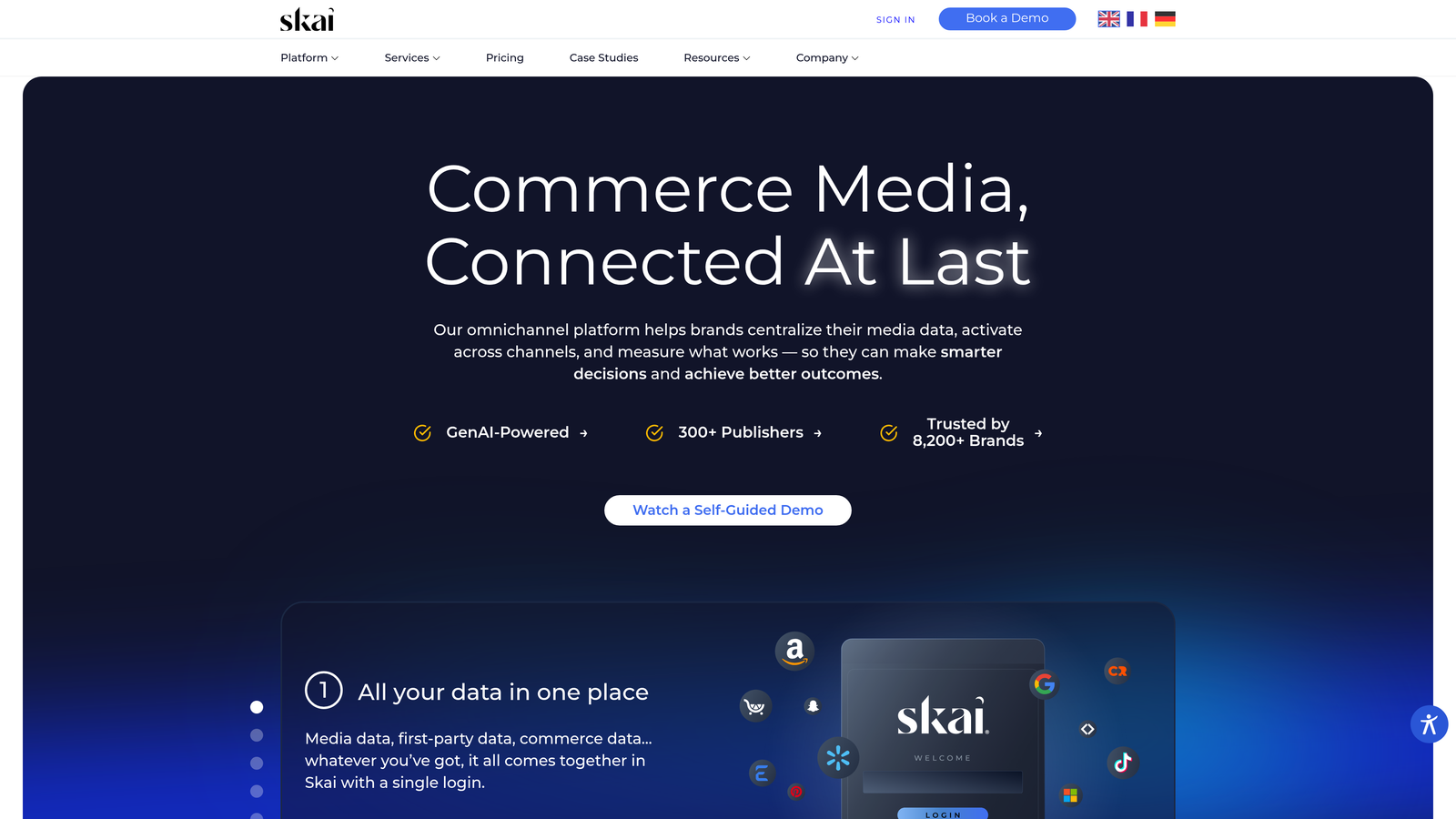
Skai (formerly Kenshoo) is an enterprise omnichannel advertising platform covering search, social, and retail media in a single unified platform.
Where This Tool Shines
If your team is managing paid search alongside Amazon, Walmart, and social channels simultaneously, Skai's unified platform is genuinely useful. The AI-powered budget forecasting and allocation across channels is the feature that differentiates it from tools that handle one channel well but require manual reconciliation across others.
The incrementality testing tools are a strong addition for brands that need to prove channel-level contribution rather than just reporting on attributed conversions. Enterprise team collaboration features and permissions controls make it workable for large, distributed teams.
Key Features
Unified omnichannel platform: Manage search, social, and retail media (Amazon, Walmart) from one interface.
AI-powered budget forecasting: Cross-channel budget allocation and scenario forecasting tools.
Cross-channel performance reporting: Unified reporting across all managed channels.
Incrementality testing: Tools for measuring true channel contribution beyond last-click attribution.
Enterprise team permissions: Role-based access controls and collaboration features for large teams.
Best For
Large brands and enterprise agencies managing significant spend across search, social, and retail media simultaneously. Not a practical option for smaller agencies or single-channel operations.
Pricing
Custom enterprise pricing. Contact Skai sales directly. Designed for organizations with substantial multi-channel ad spend.
7. Marin Software
Best for: Mid-to-large agencies managing cross-publisher campaigns across Google, Meta, Amazon, and Microsoft simultaneously.
Marin Software is a cross-publisher PPC management platform focused on budget pacing, cross-channel forecasting, and unified reporting.
Where This Tool Shines
Marin's strength is budget pacing across publishers. When you're managing a single client's spend across Google, Meta, and Amazon with a unified monthly budget, keeping pacing aligned without a dedicated tool is genuinely difficult. Marin handles that coordination and provides cross-channel attribution to go with it.
The unified dashboard for teams managing multiple publishers is practical. Access controls and team collaboration features are built for agencies where different team members own different channels but need shared visibility.
Key Features
Cross-publisher budget pacing: Unified budget management and pacing across Google, Meta, Amazon, and Microsoft Ads.
Cross-channel forecasting: Budget scenario planning across publishers.
Bid management automation: Automated bidding across connected publisher accounts.
Custom reporting and attribution: Cross-channel attribution and custom report building.
Team access controls: Role-based permissions for agency team collaboration.
Best For
Mid-to-large agencies and brand teams running meaningful spend across multiple publishers who need unified budget pacing and cross-channel attribution in one place.
Pricing
Custom pricing. Contact Marin sales for current rates. Verify current product offerings at marinsoftware.com.
8. SpyFu
Best for: Teams researching competitor keyword strategies and ad copy history during strategy and onboarding phases.
SpyFu is a competitive PPC intelligence tool built around competitor keyword research, ad copy history, and estimated spend analysis.
Where This Tool Shines
SpyFu isn't a campaign management tool, and it's important to be clear about that. What it does well is competitive intelligence. When you're onboarding a new client or building a keyword strategy from scratch, seeing years of competitor ad copy history and which keywords they've consistently bid on is genuinely useful signal. It tells you what's working for them, which is a faster starting point than building from zero.
The keyword gap analysis against competitors is practical for identifying terms your client is missing. Most teams use SpyFu alongside a primary management tool rather than as a replacement for one.
Key Features
Competitor PPC keyword history: See which keywords competitors have bid on over time and for how long.
Ad copy analysis: View competitor ad copy history across Google Ads campaigns.
Estimated competitor spend data: Rough estimates of competitor ad spend by keyword and account.
Keyword gap analysis: Identify keywords competitors rank or bid on that you're missing.
Exportable keyword lists: Export competitor keyword data for use in campaign builds.
Best For
Agencies and strategists in the research, onboarding, or competitive analysis phase. Works best as a complement to a primary PPC management tool rather than a standalone solution.
Pricing
Free tier available with limited access. Paid plans in the $39 to $79 per month range. Verify current pricing at spyfu.com.
9. Semrush PPC Toolkit
Best for: Full-service agencies where SEO and PPC teams share a single research and planning workspace.
Semrush's PPC Toolkit is part of the broader Semrush platform, offering keyword research, competitor ad analysis, and PPC planning tools integrated with organic data.
Where This Tool Shines
The real value of Semrush's PPC features isn't the PPC tools in isolation. It's the fact that your PPC keyword research sits in the same platform as your organic keyword data. For full-service agencies, that means SEO and PPC teams can share keyword intelligence, avoid cannibalizing each other's strategies, and build unified content and campaign plans from the same data set.
The advertising research tool is solid for competitor ad copy and keyword analysis. It's not as deep as SpyFu for pure competitive PPC intelligence, but for agencies already paying for Semrush for SEO, the PPC features add meaningful value without additional cost.
Key Features
PPC keyword research: Keyword data with volume, CPC, and competition metrics for paid campaign planning.
Advertising research tool: Competitor keyword and ad copy analysis across Google Ads.
Keyword gap analysis: Cross-channel gap analysis covering both organic and paid keywords.
PPC campaign planning tools: Keyword grouping and campaign structure planning features.
Full platform integration: PPC data sits alongside SEO, content, and competitive intelligence in one workspace.
Best For
Full-service agencies and in-house teams where SEO and PPC functions overlap and share keyword strategy. Less useful as a standalone PPC tool if you don't need the broader Semrush suite.
Pricing
Included in Semrush Pro at $139/month and above. Not available as a standalone tool. Verify current plans at semrush.com.
Which Tool Is Actually Right for Your Team?
Here's the honest breakdown by use case, because feature lists only tell part of the story.
If you're a freelancer or small agency and you spend most of your day inside Google Ads, start with Keywordme. At $12/month per user, it's the lowest-friction, most cost-predictable option on this list, and it works exactly where you already work. No new dashboard to learn, no platform switching, just faster actions on the Search Terms Report you're already reviewing.
If your agency needs rule-based automation across 10 or more accounts, Optmyzr is the natural next step. The PPC Investigator and automation engine are genuinely useful at that scale, and the pricing reflects a mid-market positioning that makes sense for agencies with established client bases.
For teams running heavy creative testing workflows, Adalysis fills a gap that most other tools ignore. Systematic A/B testing with statistical significance tracking is the kind of discipline that separates agencies with real performance cultures from those just guessing at creative.
Enterprise teams with cross-engine campaigns and complex attribution requirements belong in SA360 or Skai. These aren't tools you evaluate on a free trial. They require sales conversations and significant spend to justify, but for the right organization they're purpose-built for the complexity involved.
One thing worth noting on pricing structure: flat-rate per-user tools like Keywordme stay predictable as your client revenue grows. Spend-percentage models can get expensive fast when a client scales their budget, which is worth factoring into your tooling decisions early.
The right tool depends less on which has the longest feature list and more on where your team actually spends their time. If that's the Search Terms Report, Start your free 7-day trial of Keywordme and see how much faster your optimization workflow gets.
.svg)