
9 Best PPC Management Software Options With a Free Trial in 2026
A practical guide to ppc management software free trial.


Testing PPC management software before you pay is smart, but a trial only helps if the tool matches the job you actually need done. This list is for solo advertisers, freelancers, and agency owners running Google Ads. Every tool here offers a free trial, a free plan, or free access, based on what each vendor has offered historically. Tools were picked for how well they handle day-to-day Google Ads work, who they suit, and how clearly they price things. Trial terms and prices change often, so confirm them on each vendor's pricing page (details below are accurate as of October 2026 only where stated).
Quick Comparison of the Tools
- Keywordme: freelancers and agencies who clean search terms all day; $12/month per user with a 7-day free trial; works inside the native Search Terms Report.
- Optmyzr: agencies automating repeatable optimizations; see website for pricing; deep rule-based automation across accounts.
- Adalysis: teams that need continuous audits; see website for pricing; automated ad-testing analysis.
- Google Ads Editor: anyone needing free bulk edits; free; offline editing from Google itself.
- WordStream (LocaliQ): small business owners who want guidance; see website for pricing; a free Google Ads Grader.
- Semrush: marketers who also do SEO; see website for pricing; PPC research bundled with SEO and content tools.
- SpyFu: advertisers mining competitor keywords; see website for pricing; historical competitor ad and keyword data.
- Swydo: agencies drowning in client reports; see website for pricing; white-label client reporting.
- Google Ads Scripts and Automated Rules: technical advertisers; free; fully customizable automation at no software cost.
1. Keywordme
Keywordme is a Chrome extension that adds one-click actions to the Search Terms Report inside Google Ads. It's our own product, so weigh it with that in mind. It's built for people who review search terms constantly and want to stop exporting them to spreadsheets.
A quick vocabulary check, since this tool lives in that gap. A keyword is what you bid on. A search term is what someone actually typed. A positive keyword tells Google what to show ads for; a negative keyword blocks searches you don't want. Keywordme helps you move search terms into one bucket or the other fast.
Its standout trait is that everything happens in the native Google Ads interface. There's no export, no second dashboard, and no re-uploading. Keywordme says it helps users optimize up to 10x faster; that's the company's own claim, and your results will depend on your accounts and habits.
- Add a search term as a keyword or a negative keyword in one click, so a review pass takes minutes instead of a spreadsheet session.
- Apply match types instantly, so you don't retype brackets and quotes by hand.
- Cluster keywords and edit in bulk, which helps when you're grouping related terms into tighter ad groups.
- Multi-account and team support, so an agency can run it across clients and staff.
Setup is light: install the extension, open Google Ads in Chrome, and work from the Search Terms Report. The person doing search term review day to day is the one who uses it, so there's little admin overhead. It integrates with Google Ads through Chrome only.
The limits are real. It focuses on the search term and keyword workflow. It has no bid automation, no reporting, and no support for non-Google platforms, and it requires Chrome. If you need dashboards or rule-based automation, pair it with another tool on this list. You still review each term yourself; it speeds up your decisions rather than making them.
Pricing is a flat $12/month per user, with a 7-day free trial. Cost scales with the number of users, not ad spend or accounts.
Best for: Freelancers and agencies who spend most of their time cleaning search terms.
2. Optmyzr
Optmyzr is a PPC optimization platform that combines rule-based automation, bulk tools, and client reporting. It's designed for agencies and in-house teams managing many accounts who want repeatable work to run on rules instead of manual checks.

What sets it apart on this list is depth of automation across accounts. You can define rules once and apply them broadly, which is where agencies save the most time.
- One-click optimizations that surface suggested changes you can apply after review.
- A rule engine with scripts-style automation, so recurring checks run without you.
- Bulk management across campaigns and accounts, which cuts repetitive edits.
- Client reporting, so you can show results without building them elsewhere.
It connects to Google Ads and Microsoft Advertising, and it lists other ad platforms too (verify which ones on the vendor's site). Setup takes longer than a browser extension, since you connect accounts and configure rules. Expect an account manager or senior PPC lead to own it.
The limitations: spend-based pricing can be heavy for small accounts, and there's a learning curve. A freelancer with two modest accounts may find it more than they need. As with any automation, review what rules do before trusting them.
Pricing isn't something to guess at: see the website for current plans. Spend is the main factor that moves the price. A free trial has historically been offered, so confirm current terms before you sign up.
Best for: Agencies that want to automate repeatable optimization across many accounts.
3. Adalysis
Adalysis is an auditing and monitoring platform for Google and Microsoft Ads. Think of it as a second set of eyes that keeps checking accounts while you work on other things.
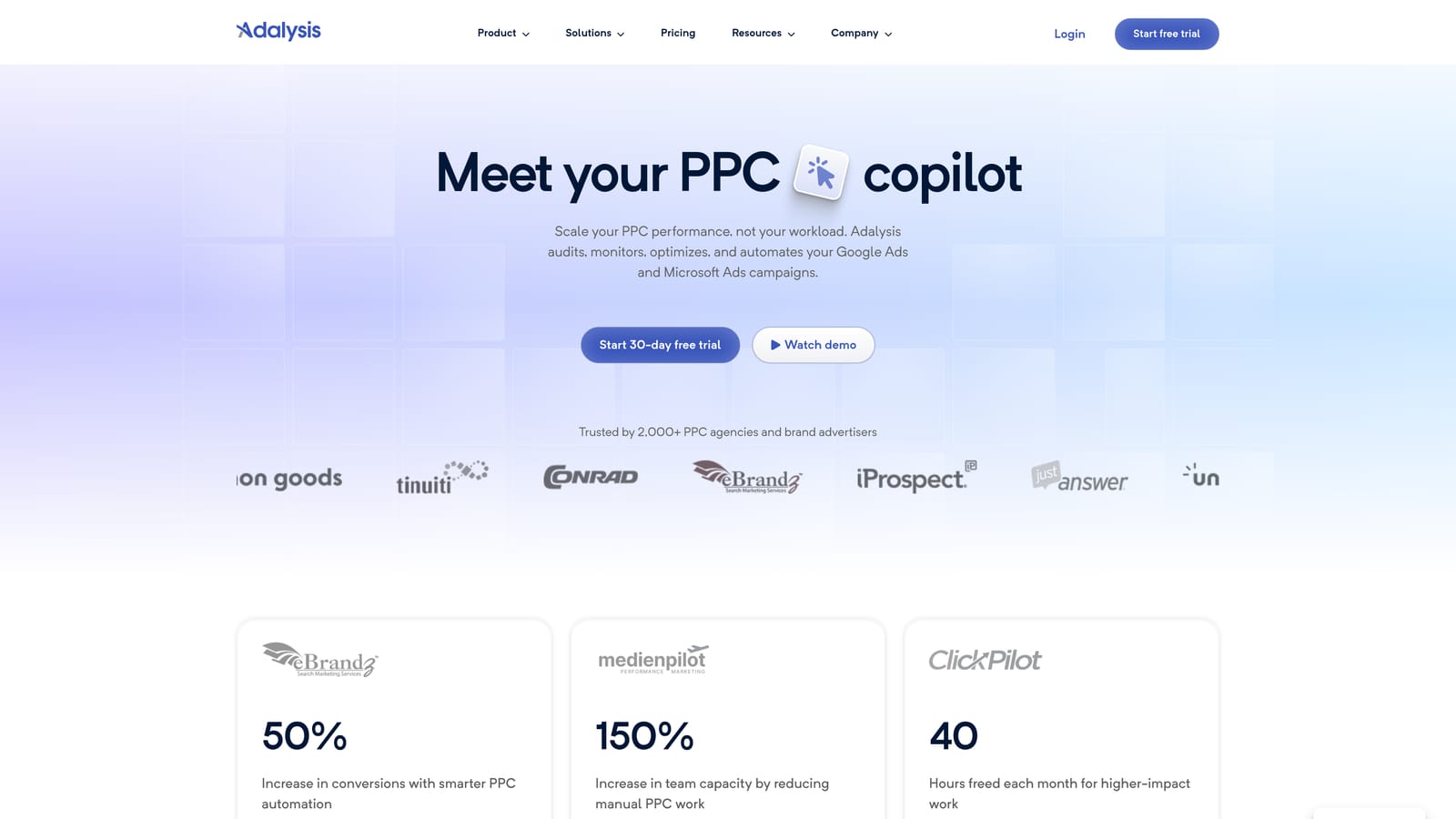
Its strongest area is automated ad-testing analysis. Instead of eyeballing which responsive or expanded text variations are winning, you get structured analysis, plus audits that flag problems across an account.
- Automated account audits that catch structural issues you'd otherwise find by hand.
- Ad testing analysis that shows which creative is outperforming.
- Alerts for wasted spend and other issues, so problems don't sit for weeks.
- Reporting to share findings with clients or stakeholders.
It works with Google Ads and Microsoft Advertising. Setup means connecting accounts and letting it gather data, so a trial needs enough time for audits to be meaningful. A PPC manager or analyst typically reviews its findings.
It's more of an auditing layer than a hands-on editing tool. If your main pain is cleaning search terms or making bulk edits quickly, it won't replace those tools. It also tells you what to look at rather than doing the work.
See the website for pricing; the number of accounts and spend are the usual levers. A free trial has historically been offered, so verify current terms.
Best for: Teams that need continuous audits and ad test insights.
4. Google Ads Editor
Google Ads Editor is Google's free desktop application for managing campaigns in bulk. It's the baseline every paid tool here should beat for your particular workflow.

Its distinctive strength is simple: it's free, it's from Google, and it lets you work offline. You download account data, make a pile of changes, and post them when ready.
- Bulk edits across campaigns, ad groups, keywords, and ads, so large changes aren't done one row at a time.
- Offline editing, so you can build and revise without being in the browser interface.
- Copy and paste between accounts, handy for replicating structures across clients.
- Review changes before posting, which gives you a checkpoint against mistakes.
It only works with Google Ads. Setup is a desktop install and an account sign-in, and the person managing the campaigns runs it. Learning it takes a bit of time if you're used to the web interface.
The limitation is that it's an editor only. There's no automation, scoring, or reporting layer, and it doesn't tell you what to change. Search term review still means working from reports yourself.
It's free, with no tiers to compare.
Best for: Anyone who needs free bulk edits and a baseline to compare paid tools against.
5. WordStream (LocaliQ)
WordStream, now part of LocaliQ, is a small-business PPC platform built around guided recommendations. It's aimed at owners and generalist marketers who aren't full-time PPC specialists.
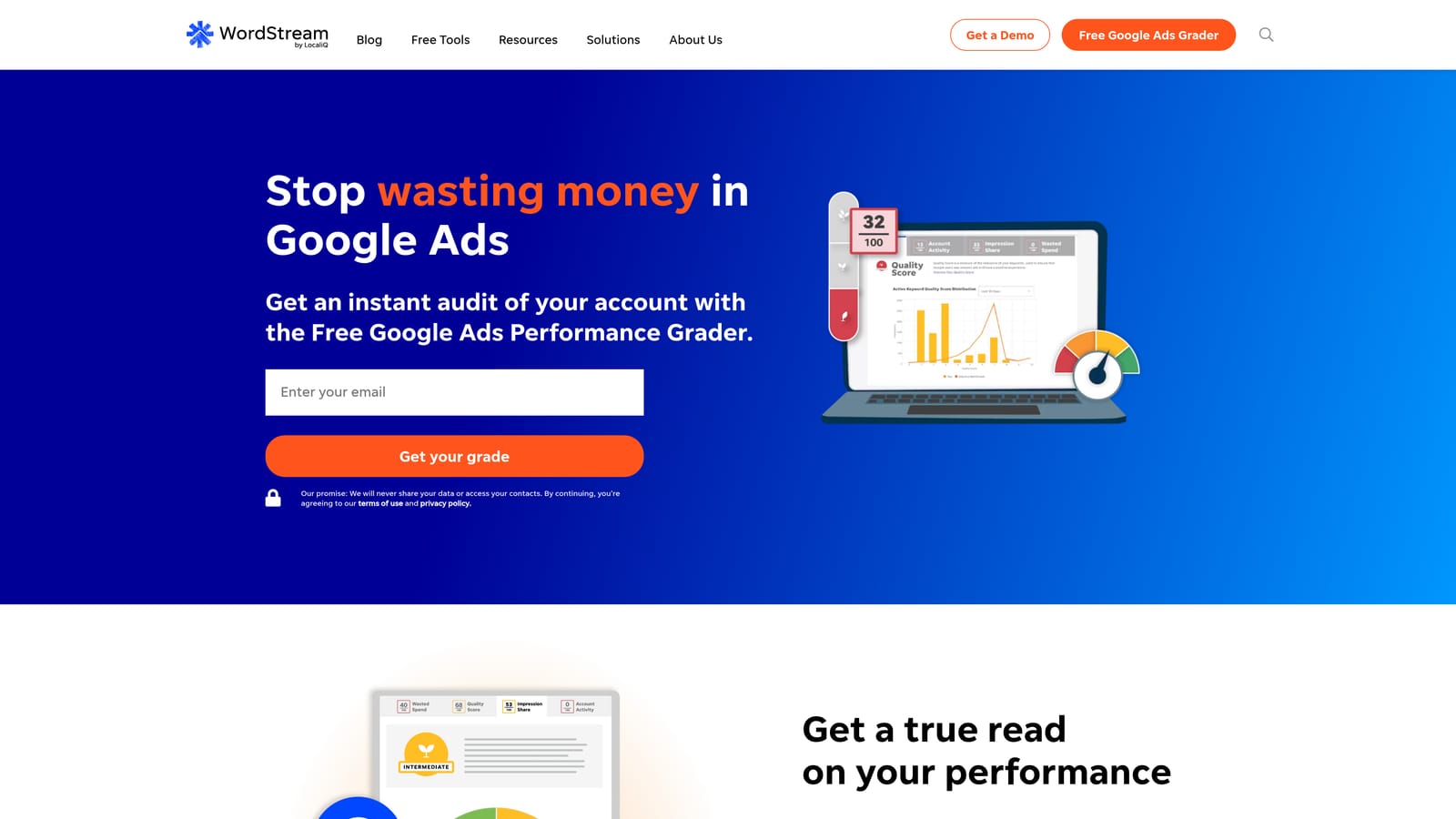
What sets it apart is beginner-friendly guidance, along with a free Google Ads Grader that gives you a quick read on an account before you commit to anything.
- Google Ads Grader that scores an account and highlights areas to improve, useful as a free first look.
- Guided recommendations that explain what to change, lowering the barrier for non-specialists.
- Multi-platform campaign management, so you aren't limited to one channel.
- Performance reporting to see how campaigns are doing.
It connects to Google Ads and Microsoft Advertising, and possibly Meta (verify on the site). Setup is built for non-technical users, and the business owner or a marketing generalist usually runs it.
The limitation: it's geared to small business owners rather than agencies that need granular control. Experienced practitioners may find the guidance too basic, and any recommendation deserves your review before you act on it.
See the website for pricing and verify whether a trial or free tools are currently offered, since packaging changes. Budget and managed-service levels commonly affect cost.
Best for: Small business owners who want guided recommendations.
6. Semrush
Semrush is an all-in-one marketing suite with PPC research and ad tools alongside SEO and content features. It doesn't manage your live campaigns, so it's a research companion more than a management tool.
Its edge is bundling. If you already research organic keywords and competitors, you can do PPC research in the same place.
- PPC keyword research to find terms worth bidding on.
- Competitor ad research, showing how rivals advertise.
- Ad copy tools to help draft and refine messaging.
- Position tracking to monitor where you show up.
Integrations with Google Ads and Google Analytics are listed, but verify exactly what connects. Setup is account creation plus project configuration, and a marketer or SEO lead typically owns it.
PPC is only part of a broad suite, so you may pay for features you never use. It can't edit live accounts, so you'll still need a separate tool for changes.
See the website for pricing. Plan tier and add-ons move the cost. A trial has historically been offered on paid plans, so check current terms.
Best for: Marketers who also do SEO and want one research suite.
7. SpyFu
SpyFu is a competitor keyword and ad research tool. You enter a domain and see which keywords it has bought and what ads it has run.
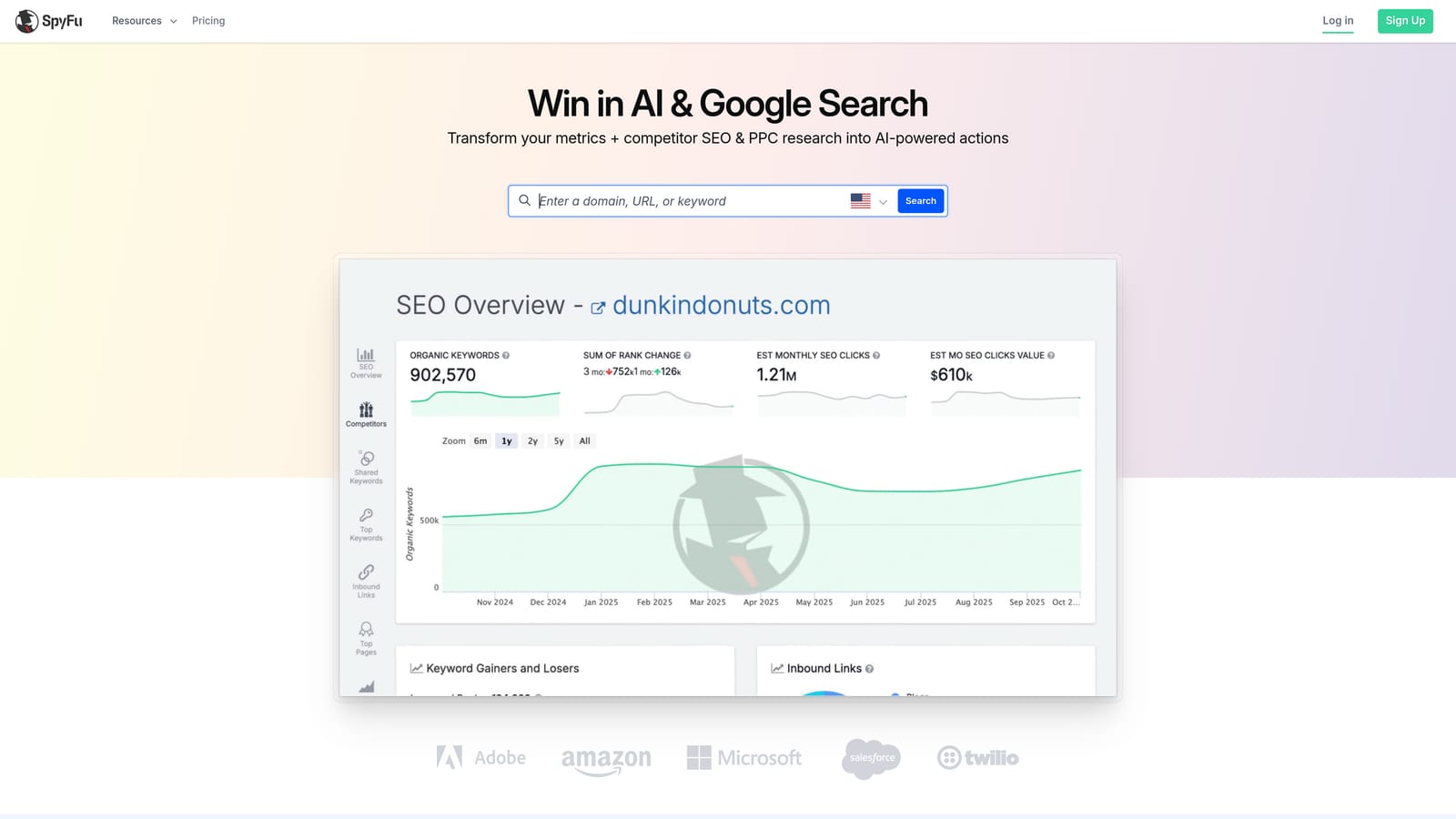
Its distinctive feature is historical data. Seeing how a competitor's ads and keywords changed over time can show you what they've kept paying for, which is a hint about what works.
- Competitor PPC keyword data to seed your own lists.
- Ad history that shows how rivals' messaging evolved.
- Keyword research for new angles and ideas.
- Domain comparisons to find overlap and gaps.
Integration is mostly through exports (verify specifics). Setup is minimal, since it's search-driven, and anyone doing keyword planning can use it.
It's research only. The data is estimated, so treat it as direction rather than truth, and it can't edit campaigns. Use it to build ideas, then validate in your own account.
See the website for pricing, and verify the current free search limits. Plan level is the main driver of cost.
Best for: Advertisers building keyword lists from competitor activity.
8. Swydo
Swydo is an automated PPC reporting platform built for agencies. It pulls performance data into client-ready reports so you stop assembling them by hand each month.
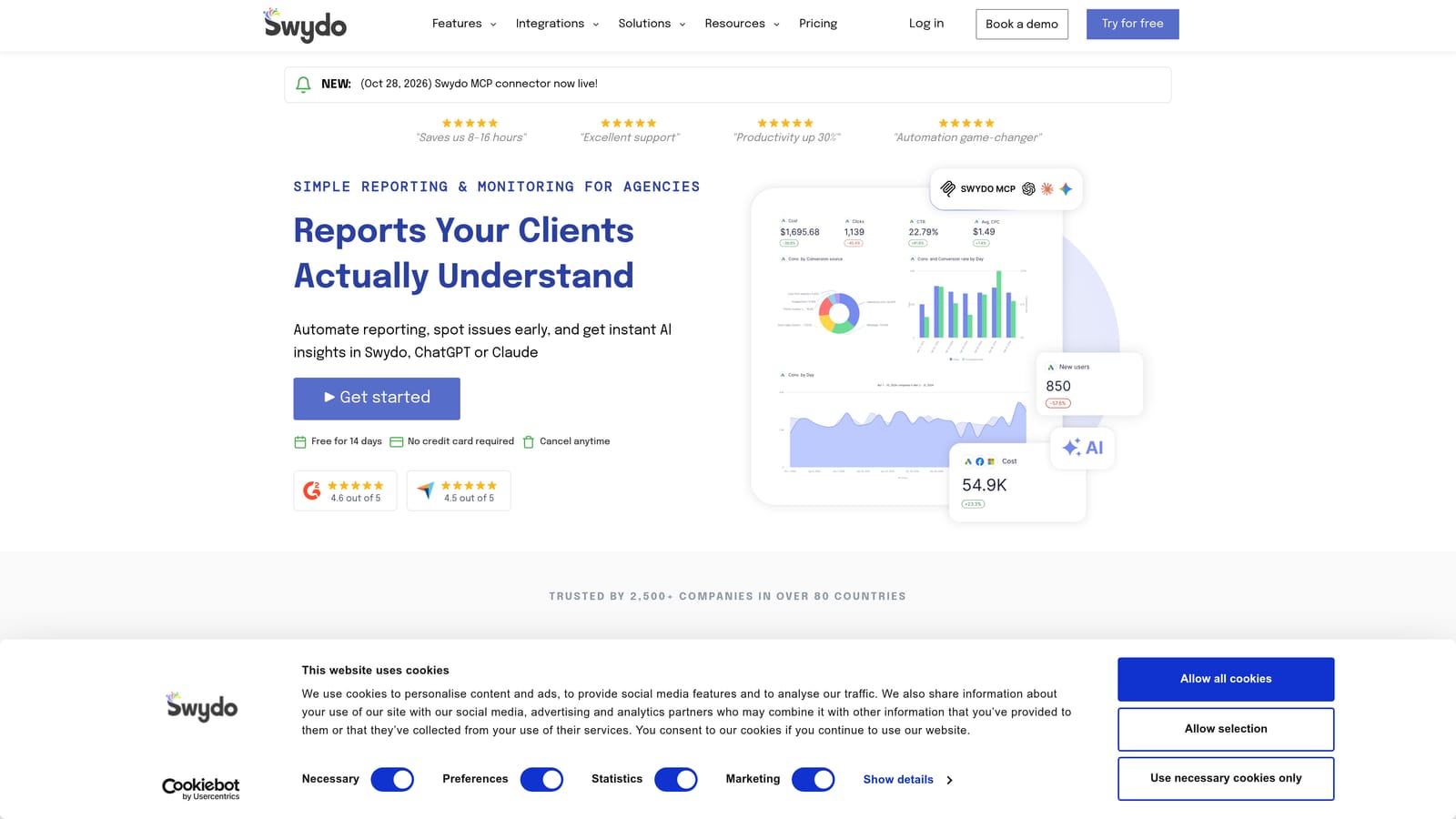
Its standout is white-label reporting: reports carry your branding, which matters when clients see your deliverables.
- White-label reports that present under your agency's brand.
- Dashboards for a live view of performance.
- Report templates so each client doesn't need a fresh build.
- Multi-platform data sources, so one report covers several channels.
It lists Google Ads, Microsoft Advertising, Meta Ads, and Google Analytics (verify the current connectors). Setup involves connecting each client's data sources and building templates once. An account manager or reporting lead usually runs it.
It reports on performance but doesn't change campaigns, and it won't help with search term cleanup or bid decisions. Solo advertisers with few clients may not need it.
See the website for pricing; the number of clients or data sources commonly shapes it. A free trial has historically been offered, so confirm current terms.
Best for: Agencies that spend too long building client reports.
9. Google Ads Scripts and Automated Rules
Google Ads Scripts and automated rules are the free automation options built into Google Ads. Scripts are JavaScript programs that run in your account; automated rules apply simple conditions on a schedule.
Their edge is flexibility at no software cost. If you can describe a check or change precisely, you can probably automate it.
- JavaScript-based scripts for custom logic, such as alerts or reports.
- Automated rules that apply routine changes on conditions you set.
- Scheduled tasks so jobs run without you.
- A Recommendations page for Google's suggestions, which you should review rather than accept blindly.
It works with Google Ads and Google Sheets. Setup ranges from a few clicks for rules to real coding for scripts, and whoever owns it also owns the maintenance when something breaks.
It requires coding comfort and ongoing upkeep, and there's no support desk. A misconfigured script or rule can cause damage, so test on small scopes first. Non-technical users will likely be happier elsewhere.
It's free.
Best for: Technical advertisers who want custom automation for free.
Matching the Tool to the Job, and Getting the Most From a Trial
These tools do different jobs, so pick by the problem you have:
- Search term cleanup: Keywordme, with Google Ads Editor as the free baseline for bulk edits.
- Agency auditing and automation: Adalysis for continuous audits, Optmyzr for rule-based automation.
- Client reporting: Swydo.
- Keyword research: SpyFu or Semrush, depending on whether you also do SEO.
- Free custom automation: Google Ads Scripts and automated rules.
Whichever you try, connect a real account on day one, since a trial that lapses on a demo account tells you nothing. Write your checklist first: the tasks you do every week, how long they take now, and what output you expect. Judge on time saved and accuracy, not dashboard polish, and review any automated recommendation before it touches live campaigns.
If search terms eat most of your week, Keywordme is the quickest to test: install it, open your Search Terms Report, and see how many decisions you can make in one sitting. Optimize Google Ads Campaigns 10X Faster. Without Leaving Your Account. Keywordme lets you remove junk search terms, build high-intent keyword lists, and apply match types instantly, right inside Google Ads. No spreadsheets, no switching tabs, just quick, seamless optimization. Start your free 7-day trial (then just $12/month) and take your Google Ads game to the next level.
.svg)