
9 Best PPC Management Software Options for Every Budget in 2026 (With Real Cost Breakdowns)
This guide compares nine PPC management tools for Google Ads, explaining how pricing models differ and who each tool suits, so freelancers, agencies, and in-house marketers can understand PPC management software cost before choosing. Keywordme's $12/month per-user price is confirmed, while readers are pointed to vendor pages for the rest.


If you're budgeting for PPC management software, the hard part is that pricing pages mix flat fees, percent-of-ad-spend tiers, and quote-only plans, so the numbers don't line up. This list is for freelancers, agency owners, and in-house marketers running Google Ads. The tools were chosen by comparing pricing model, what each does for Google Ads work, who it suits, and how transparent the cost is. Only Keywordme's price is confirmed here. For every other tool, check the vendor's pricing page, since plans change often.
Quick Comparison: Who Each Tool Suits and What It Costs
- Keywordme: solo advertisers and agencies who want fast search term cleanup; $12/month per user; works inside the native Google Ads Search Terms Report.
- Optmyzr: agencies and in-house teams with larger multi-account spend; see website; deepest rule-based automation on the list.
- Adalysis: agencies and consultants auditing many accounts; see website; scheduled audits and alerts across a portfolio.
- WordStream Advisor: small business owners new to paid search; quote-based; guided, beginner-friendly workflow.
- SEMrush: marketers who want paid and organic intelligence together; see website; PPC research bundled with a full SEO suite.
- SpyFu: freelancers and small teams on tight budgets; see website; historical view of competitor ad copy and keywords.
- Google Ads Editor: advertisers needing free bulk edits; free; Google's own offline bulk-editing app.
- Google Ads scripts and automated rules: technical advertisers wanting free custom automation; free; native data access with no license fee.
- Marin Software: large advertisers spending across several channels; quote-based; enterprise cross-channel management.
How PPC Management Software Is Priced
Three models cover almost everything here. Flat per-user pricing charges the same amount per seat no matter how much you spend. Tiered pricing scales with the number of accounts or your managed ad spend. Quote-based pricing means you talk to sales before you see a number.
Software cost is also separate from agency management fees, which are what an agency charges you to run campaigns, usually a percentage of spend or a flat retainer. If you're an agency owner, software is a line item in your own costs. If you're hiring an agency, it's not what you're paying for.
The common mistakes: comparing sticker prices while ignoring spend-based tiers that climb as you grow, paying for a full suite when you only need search term cleanup, and mixing up keywords (what you bid on) with search terms (what people actually typed). Each tool below is judged on cost against what you get.
1. Keywordme
Keywordme is a Chrome extension that adds one-click actions to the Search Terms Report inside Google Ads. It's built for solo advertisers, freelancers, and agency teams who spend a lot of time sorting through search terms and want to stop exporting them to spreadsheets.
Its edge over everything else here is that it works inside the native Google Ads interface. You review a search term, then act on it right there. There's no separate dashboard to learn and no copy-paste cycle.
- One-click negative keywords straight from the Search Terms Report, so junk queries stop costing you money faster.
- Add a search term as a positive keyword with the match type you choose, without retyping anything.
- Keyword clustering to group related terms and build keyword lists more quickly.
- Bulk editing for applying the same change across many items at once.
- Multi-account and team support, which helps agencies handling several clients.
Setup is installing the extension in Chrome and opening Google Ads; the day-to-day user is whoever reviews search terms. It integrates with Google Ads only, through the extension.
Be clear about the limits. This is not a full management suite. It has no cross-channel reporting and no bid automation, and it only works on Google Ads in Chrome. If you need client reports, audits, or Microsoft Advertising support, you'll pair it with something else, or pick a different tool.
Pricing is flat: $12 per month per user, with a 7-day free trial. Cost moves only with the number of seats, not with ad spend.
Best for: Solo advertisers and agencies who want low-cost, faster search term cleanup.
2. Optmyzr
Optmyzr is a PPC optimization platform built around rule-based automation, one-click optimizations, and reporting. It targets agencies and in-house teams running many accounts who want repeatable processes instead of manual checks.
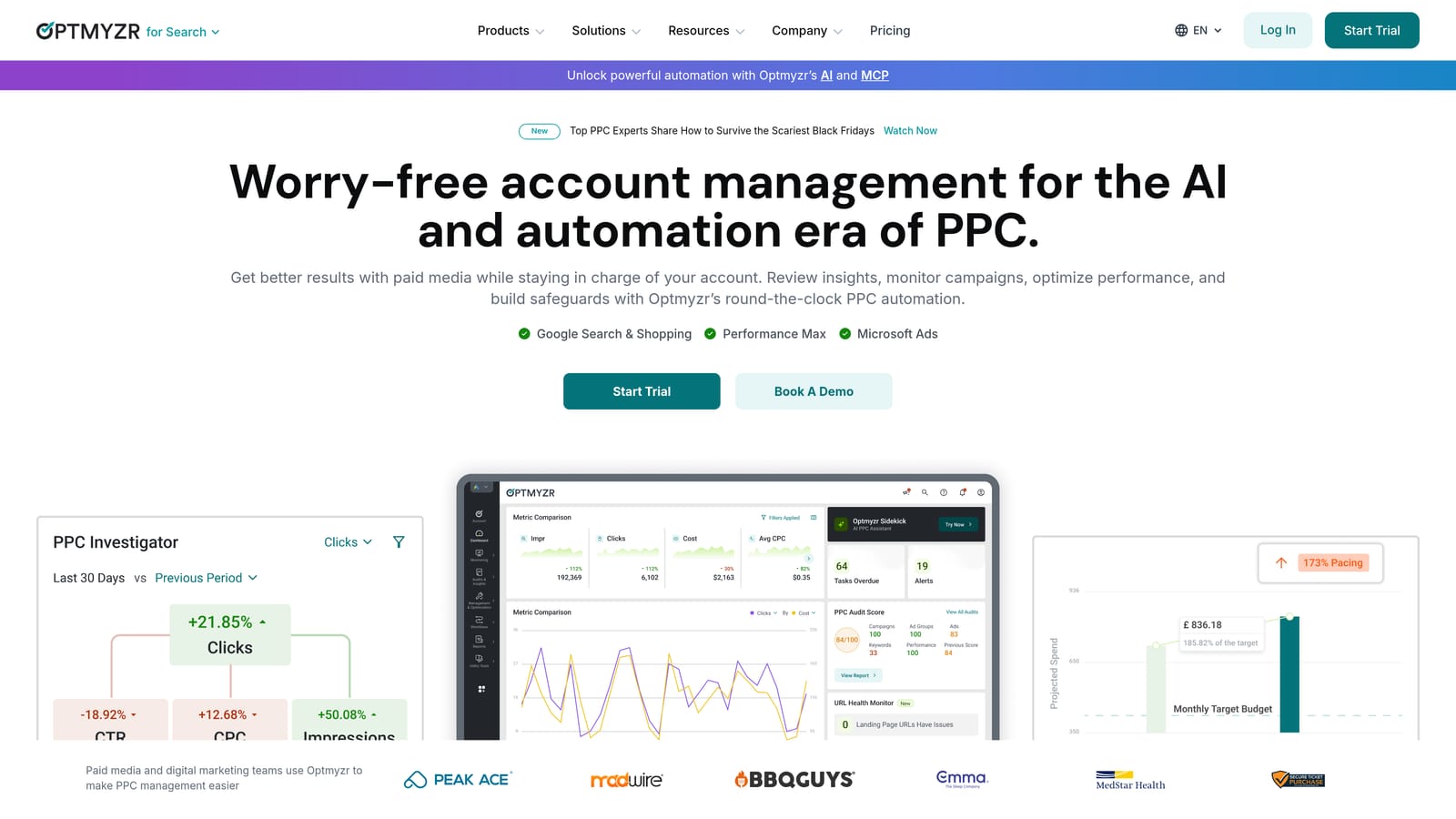
What sets it apart on this list is depth. Few tools here let you build as many rules and optimization workflows in a single platform.
- Rule-based optimization tools that apply your own logic to accounts on a recurring basis.
- One-click optimizations that turn flagged opportunities into changes without manual editing.
- Client reporting so agencies can send results without building decks by hand.
- Multi-platform support beyond Google Ads, so one tool can cover more of your channels.
- Account management tools for handling a portfolio from one place.
It supports Google Ads, Microsoft Advertising, and Meta Ads; confirm the current integration list on the vendor's site. Expect a real onboarding period. Someone on your team needs to own the rules, because automation set up badly can do as much harm as no automation.
The main drawbacks are the learning curve and a price that rises with managed spend. If you manage one small account, you'll be paying for capability you won't use.
Pricing is a tiered subscription. The starting price isn't confirmed here, so see the website for current plans, and expect managed spend to be the main factor moving your tier.
Best for: Agencies and in-house teams managing larger multi-account spend.
3. Adalysis
Adalysis is an automated auditing and alerting platform focused on ad testing and account quality. It watches your accounts on a schedule and tells you what needs attention.
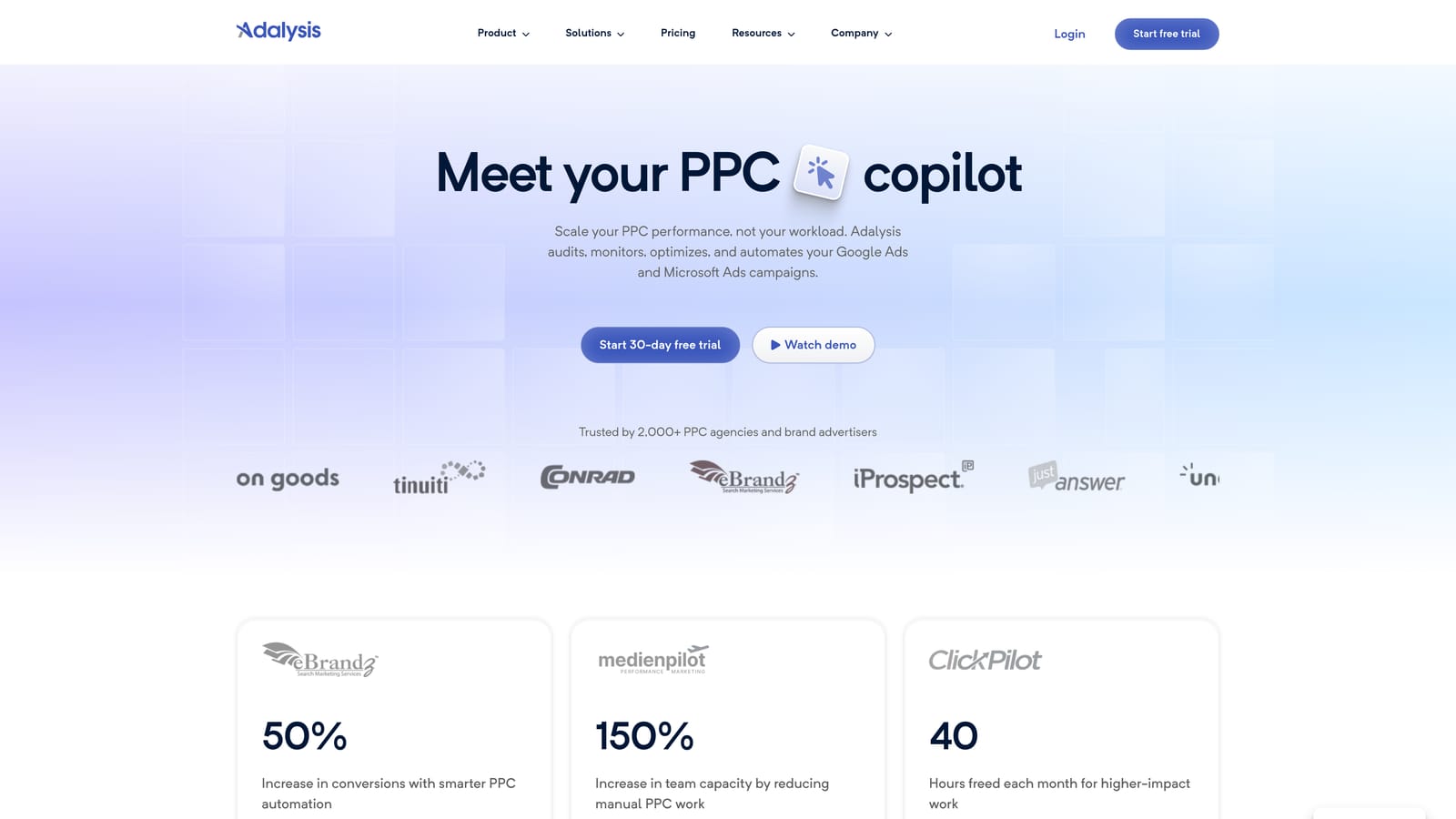
That portfolio-wide monitoring is the point. If you manage dozens of accounts and can't open each one daily, scheduled audits catch problems you'd otherwise find late.
- Automated account audits that surface structural and quality issues without manual review.
- Ad testing analysis to show which ad variations are actually winning.
- Alerts for wasted spend and other issues, so problems reach you instead of waiting to be found.
- Reporting to share findings with clients or stakeholders.
It connects to Google Ads and Microsoft Advertising (verify the current list). Setup means authorizing your accounts, and an account manager or consultant usually reviews the alerts daily or weekly.
It's more of an audit layer than a hands-on editing tool. It tells you what to look at, but you'll make many of the actual changes elsewhere. If you want to clean up search terms quickly or bulk edit, you'll need another tool alongside it.
Pricing is tiered, based on accounts or spend. See the website for current plans, since no starting price is confirmed here.
Best for: Agencies and consultants auditing portfolios of accounts.
4. WordStream Advisor
WordStream Advisor, from LocaliQ, is a guided PPC management tool aimed at small business advertisers. It's the most hand-holding option on this list.
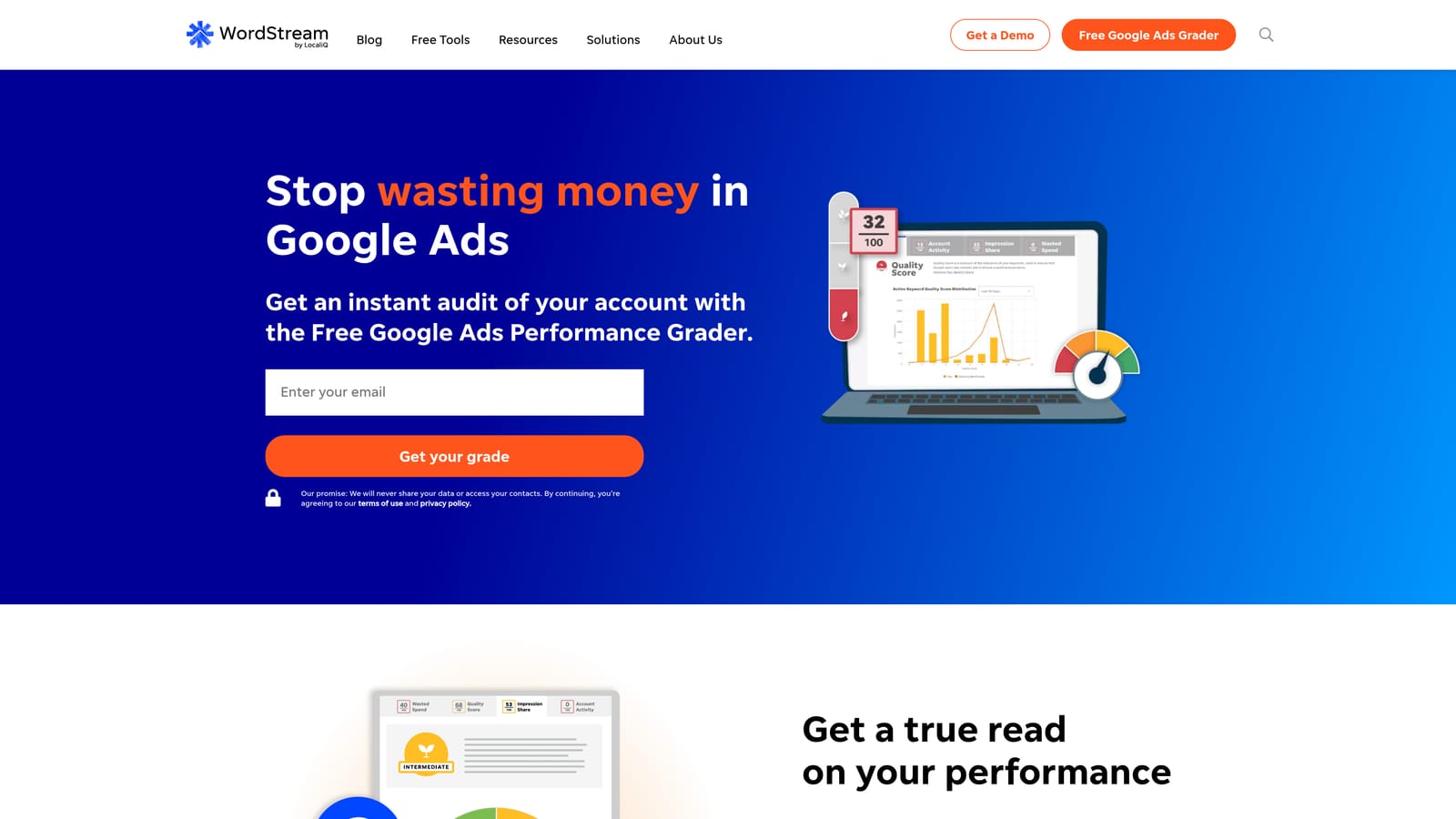
The beginner-friendly workflow is its strength. It grades account performance and recommends what to change next, which helps owners who don't have a PPC background and don't want to build their own process.
- Guided optimization recommendations that tell you what to do instead of leaving you to work it out.
- Account performance grading, giving a quick read on how an account is doing.
- Campaign management aimed at small businesses, so the interface assumes less expertise.
It works with Google Ads, Microsoft Advertising, and Meta Ads (verify current support). Setup is light, and the business owner or a generalist marketer can run it.
The tradeoff is control. Agencies and experienced advertisers will find it less granular than the other platforms here. Check minimums and contract terms before signing, since packaging has varied.
Pricing is quote-based or spend-based. Verify current packaging with the vendor, and ask what happens to your cost if your ad spend grows.
Best for: Small business owners new to paid search.
5. SEMrush
SEMrush is an SEO and marketing suite with a PPC research toolkit for looking at competitor ads and keywords. It's a research and planning tool, not a place where you run campaigns.
The distinctive part is the bundle. You get paid search research alongside a full set of SEO tools, so one subscription covers competitive intelligence for both channels.
- Competitor ad research to see what rivals are running.
- Keyword research to find terms worth bidding on.
- PPC keyword and ad history data, showing how competitors' campaigns have changed.
- Broader SEO tooling you can use if organic search is also on your plate.
It lists Google Ads and Google Analytics connections (verify what's current). Setup is mostly creating projects and entering domains. It's run by whoever does planning and research, often a strategist or SEO lead.
It has no in-account editing, so it won't clean up search terms or change bids. If PPC is all you do, you may be paying for a lot of SEO features you don't use.
Pricing is tiered monthly subscriptions; see the website for current prices. Higher tiers generally add more usage and features.
Best for: Marketers who want paid and organic competitive intelligence together.
6. SpyFu
SpyFu is a competitor research tool covering keywords and ad history for paid and organic search. It's closer to a lookup tool than a management platform.
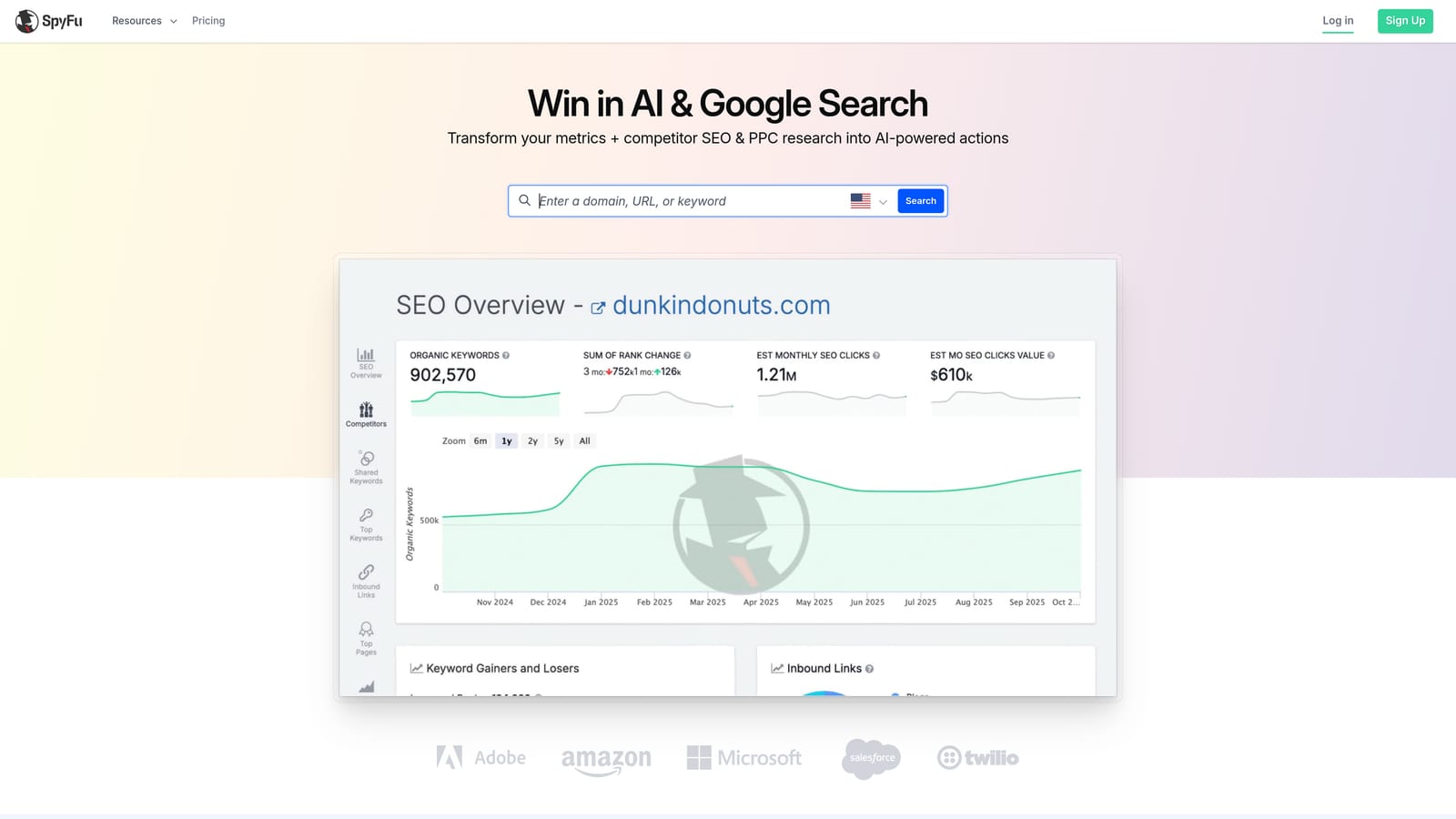
The historical view is what makes it useful. You can see how a competitor's ad copy and keyword choices have shifted over time, which tells you what they've kept running and what they dropped.
- Competitor PPC keyword data to see which terms rivals bid on.
- Ad copy history, so you can study messaging that has lasted.
- Keyword research to build your own lists.
- Domain comparisons to see how you stack up against competitors.
Check the website for current integrations. Setup is minimal, since you mostly type in domains. A single freelancer or marketer can use it without any onboarding.
It's research only, with no campaign management. You'll still need other tools to make changes in your accounts, and competitor data is an estimate, not a view into their real account.
Pricing is tiered monthly plans; see the website for current prices. It's among the cheaper ways to get competitive data, which suits a tight budget.
Best for: Freelancers and small teams on tight budgets doing competitor research.
7. Google Ads Editor
Google Ads Editor is Google's free desktop application for bulk editing and offline campaign work. You download your account, make changes, and post them back when you're ready.
It's the official free option for large-scale edits, direct from Google, so you don't pay anyone for the ability to change many things at once.
What it handles well
- Bulk editing across many campaigns, ad groups, and keywords at once.
- Offline drafting, so you can plan changes without touching the live account.
- Copy and paste across campaigns and accounts, which speeds up building similar structures.
- Review of changes before posting, so you can catch mistakes.
Where it falls short
It gives you no automated recommendations and no reporting. It tells you nothing about what to change, only helps you make the change. The interface also takes time to learn, and it's a separate app from the Google Ads web interface, so you're switching contexts for search term work.
It works with Google Ads only and is easy to set up: download it and sign in. A hands-on account manager runs it.
Pricing is free.
Best for: Advertisers who need free bulk edits across large accounts.
8. Google Ads Scripts and Automated Rules
Google Ads scripts and automated rules are native automation options built into Google Ads. Rules run scheduled actions you set up in the interface. Scripts are JavaScript programs that can check accounts, send alerts, and build reports.
Its advantage is custom automation with native data access and no license fee. If you can describe a check you want, you can often build it, and there's no vendor in the middle.
- Automated rules that run scheduled actions, such as pausing or adjusting items when conditions are met.
- Scripts for custom alerts and reports tailored to your accounts.
- A Recommendations page with Google's own suggestions, which you review and choose whether to apply.
- No separate vendor, so there's nothing extra to buy or integrate.
Scripts can write to Google Sheets, which is handy for custom reporting. The catch is skills and upkeep. Scripts require JavaScript, and someone has to maintain them when something breaks or Google changes how things work. If nobody on your team codes, this isn't for you.
Rules are more approachable but far less flexible. Test either one carefully, because an automation with a bad condition can pause the wrong things.
Pricing is free within Google Ads.
Best for: Technical advertisers wanting free custom automation.
9. Marin Software
Marin Software is a cross-channel digital advertising management platform for large advertisers. It's the enterprise example on this list, and its status and offering should be verified with the vendor before you plan around it.
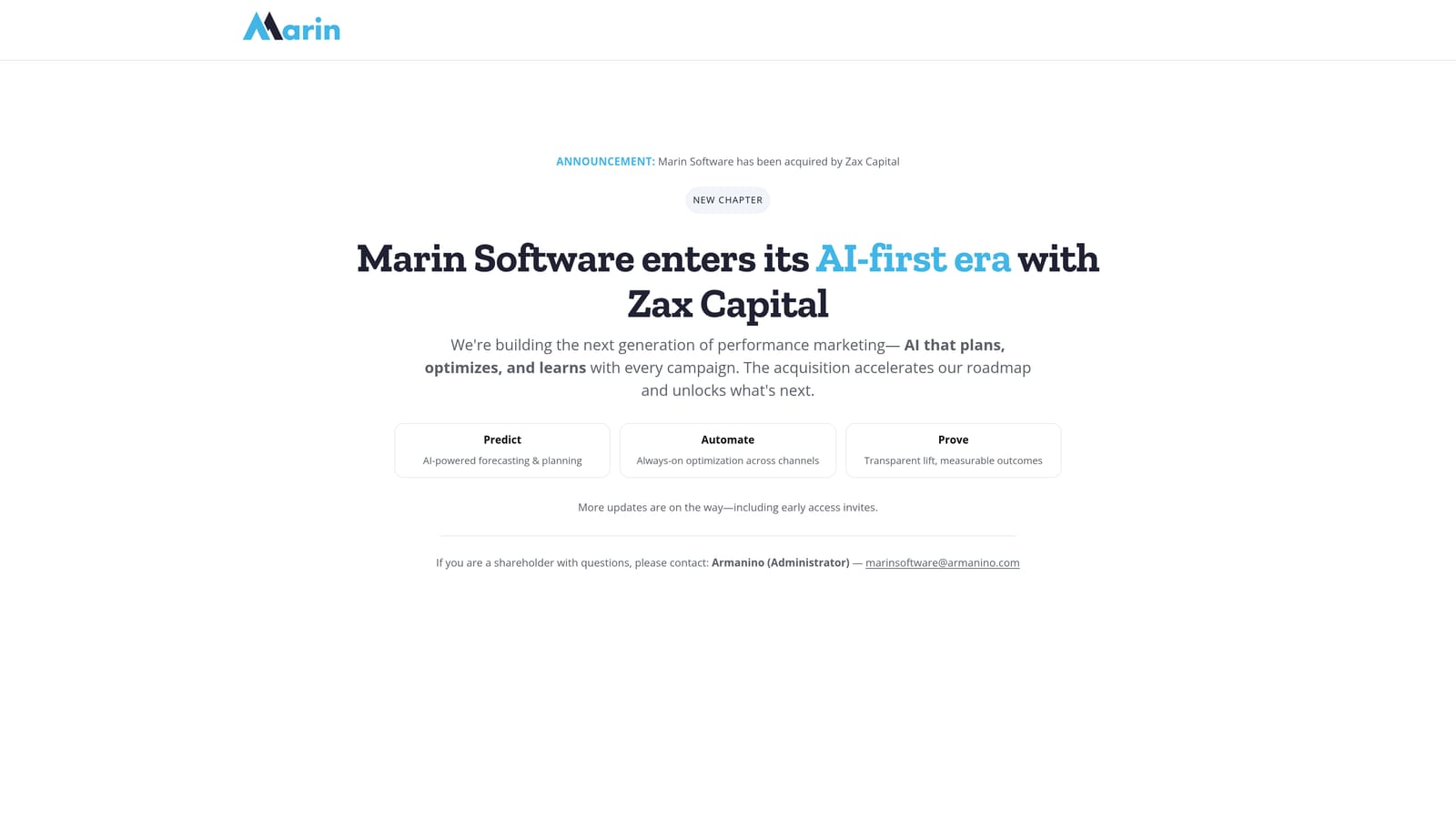
Its difference is scale. It's built for managing large budgets across several channels from one platform, which none of the smaller tools here attempt.
- Cross-channel bid and budget management, so spend decisions can be made across platforms.
- Enterprise reporting for stakeholders who need consolidated views.
- Workflow automation for repeating tasks at high volume.
Check the website for integrations. Setup is a sales-led process involving onboarding, and a dedicated team usually runs it day to day.
It's not suited to small budgets. You'll go through a sales process and sign a contract, so it makes little sense unless your spend and channel mix justify it.
Pricing is quote-based. Because the vendor's current offering should be confirmed, ask directly what's included and what drives your cost.
Best for: Large advertisers with high spend across several channels.
Matching a Tool to Your Budget and Setup
Three picks cover most situations. If search term cleanup is eating your hours, Keywordme at $12 per month per user is the cheapest way to speed that up, and it's the only flat-rate price confirmed here. If you manage many accounts and need monitoring and automation, Optmyzr and Adalysis are the agency-grade options. If you want free, Google Ads Editor and scripts cost nothing but your time.
- Solo advertiser on a tight budget: Keywordme plus Google Ads Editor.
- Freelancer: Keywordme, with SpyFu for competitor research.
- Agency: Keywordme for search terms, with Optmyzr or Adalysis for automation and audits.
- In-house team: Optmyzr, with SEMrush if organic research matters too.
- Enterprise: Marin Software or a similar quote-based platform.
Before signing with any vendor, ask whether price changes as your ad spend or account count grows, what the contract length and cancellation terms are, which platforms are included, and whether there's a free trial. Flat per-user, tiered, and quote-based plans each hide different surprises, and those questions flush them out.
Optimize Google Ads Campaigns 10X Faster. Without Leaving Your Account. Keywordme lets you remove junk search terms, build high-intent keyword lists, and apply match types instantly, right inside Google Ads. No spreadsheets, no switching tabs, just quick, seamless optimization. Start your free 7-day trial (then just $12/month) and take your Google Ads game to the next level.
