
9 Best PPC Management Software Tools: A Comparison Guide
This PPC management software comparison guide breaks down 9 top tools by automation depth, learning curve, and price, helping advertisers match a solution to their account size instead of overpaying for unused capacity.


Most PPC managers don't outgrow their tools — they never chose the right ones in the first place. If you're still exporting Search Terms Reports to Google Sheets every Monday morning, filtering for junk, copying negatives, pasting them back in, and repeating next week, that's not a workflow problem. That's a software problem. PPC management software exists to shrink or eliminate that loop — but the tools below don't all solve it the same way. Some are narrow, fast, and built for search term cleanup. Others are full cross-channel platforms priced for agency or enterprise spend. This comparison groups them by automation depth, learning curve, and price so you can match a tool to your account size instead of paying for capacity you'll never use.
Quick Comparison
- Keywordme: best for advertisers who want faster search term cleanup without leaving Google Ads; starting at $12/month per user; the only tool here that works entirely inside the native Search Terms Report with no export step.
- Optmyzr: best for agencies managing multiple clients across platforms; pricing scales with managed spend; its Custom Rule Engine automates bid and budget actions without manual review.
- Adalysis: best for advertisers running rigorous, ongoing ad copy tests; pricing based on ad spend; the only tool with built-in statistical significance testing for ad variations.
- WordStream Advisor: best for small businesses without a dedicated PPC specialist; quote-based pricing; its 20-Minute Work Week turns optimization into a guided, time-boxed routine.
- Google Ads Editor: best for fast bulk edits on large accounts; free; it's the only first-party Google tool with no third-party data handling at all.
- Semrush PPC Toolkit: best for teams already using Semrush for SEO; pricing included in Semrush plans; it pairs competitor ad research with campaign tools in one subscription.
- Skai: best for large enterprise advertisers managing high spend across channels; quote-based; its predictive analytics model budget allocation across search, social, and retail media.
- Marin Software: best for large advertisers with in-house PPC teams; quote-based; it has the longest track record here in large-scale search bid optimization.
- Revealbot: best for advertisers running one automation layer across Google, Meta, and TikTok; pricing tiered by spend; it's built specifically for cross-platform rule parity.
1. Keywordme
Keywordme is a Chrome extension that adds one-click optimization actions directly into the Google Ads Search Terms Report. Instead of exporting data to a spreadsheet to decide which search terms are wasting spend, you review and act on them right where they appear, which matters if you're the one person on your team actually touching the account weekly.
What sets it apart from the other tools on this list is that there's no separate dashboard to log into and no data sync to wait on. It layers directly onto the interface you're already using, so the learning curve is closer to "learn three new buttons" than "learn a new platform."
- Removes junk search terms from the report with a single click instead of manual filtering and exclusion
- Builds negative keyword lists without leaving the Search Terms Report
- Applies match types to search terms instantly, cutting out the copy-paste step into the keyword list
- Groups related search terms into clusters and supports bulk editing across many terms at once
- Supports multiple accounts and team members, which agencies use to standardize search term cleanup across client accounts
It's a Chrome extension, so setup is installing it and connecting it to your Google Ads account, no IT ticket required. It's built for whoever already owns search term review, whether that's a solo advertiser or an account manager at an agency.
The trade-off is scope. Keywordme is focused specifically on search term and keyword hygiene, not full campaign management, bid automation across channels, or cross-platform reporting. If you need budget pacing across Meta and TikTok too, you'll pair it with something else rather than replace your whole stack.
Pricing is a flat $12/month per user as of 2026, with a 7-day free trial. There's no spend-based tier to calculate, which makes budgeting for it simple regardless of account size.
Best for: Advertisers and agencies who want faster search term cleanup without leaving Google Ads.
2. Optmyzr
Optmyzr is built for agencies juggling many client accounts across multiple ad platforms, and its core strength is the Custom Rule Engine, which lets you define conditions and let the platform act on them automatically rather than flagging them for you to review one by one.

Compared with the other agency-oriented tools here, Optmyzr leans harder into automation that executes rather than just alerts. That's useful when you're managing dozens of accounts and can't manually check each one daily.
- Automates bid and budget adjustments through custom rules based on performance conditions you set
- Manages campaigns across Google, Microsoft, and Amazon Ads from one place
- Produces white-label reports you can hand to clients without extra formatting work
- Flags account-level issues and anomalies through built-in audits and alerts
It integrates with Google Ads, Microsoft Advertising, and Amazon Ads, and it's generally run by whoever manages PPC operations at an agency rather than a single account owner. Setup involves connecting each ad account and configuring rules, which takes real time upfront.
The learning curve is steeper than most tools on this list, and pricing scales with the ad spend you manage through it, which can make it costly for a single small account. It's not built for someone running one modest campaign who just wants quick keyword cleanup.
Optmyzr's pricing is tiered based on ad spend under management. Check the website for current tiers, since these shift periodically.
Best for: Agencies managing multiple clients across several ad platforms.
3. Adalysis
Adalysis focuses on two things: catching account errors before they burn budget, and testing ad copy with actual statistical rigor. If you've ever paused a "winning" ad variation too early based on a small sample, this is the tool built to stop that.
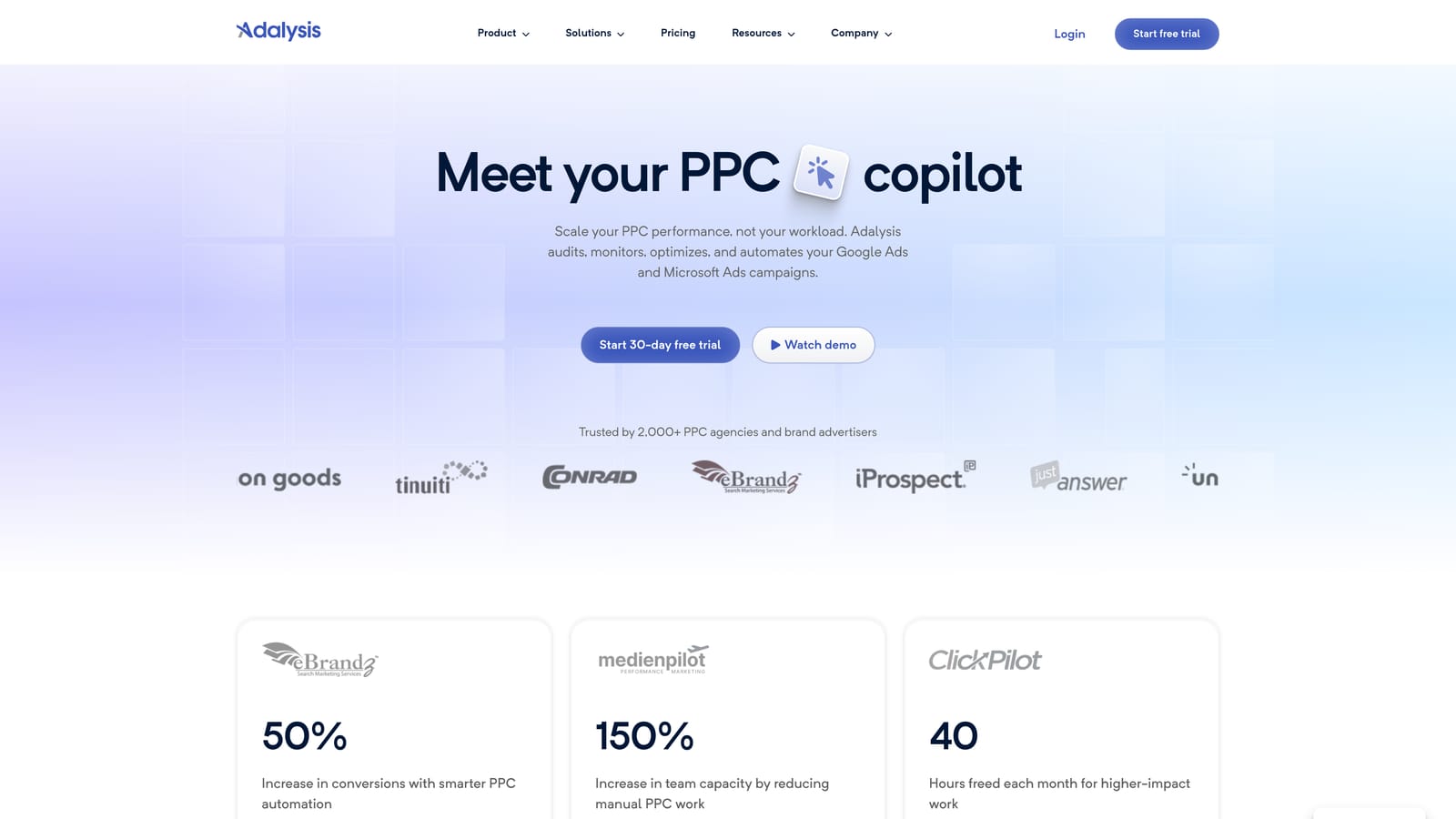
Its standout feature is the built-in statistical significance engine for ad A/B tests. Rather than eyeballing click-through rate differences, Adalysis tells you when a result is actually reliable, which changes how confidently you can act on test data.
- Runs ad copy tests and tracks statistical significance so you know when a result is trustworthy
- Scans accounts continuously for errors and anomalies, from broken URLs to disapproved ads
- Tracks Quality Score trends over time so you can catch declines before they hit cost-per-click
- Analyzes search term n-grams to surface patterns worth adding as negative keywords
It connects to Google Ads and Microsoft Advertising. Day-to-day, it's typically run by whoever owns ad copy and account quality, often a dedicated PPC specialist rather than a generalist marketer.
The interface is data-dense. If you prefer clean visual dashboards over tables and numbers, it can feel like a lot to parse at first. It's also not a bid automation or budget management tool, so it complements rather than replaces something like Optmyzr for agencies that need both.
Pricing is based on ad spend under management. Check the Adalysis website for current tiers, since spend-based pricing structures get adjusted over time.
Best for: Advertisers who want rigorous, ongoing ad copy testing and account error-checking.
4. WordStream Advisor
Small businesses running PPC without a dedicated specialist tend to gravitate toward WordStream Advisor, LocaliQ's all-in-one platform built around a guided weekly routine rather than open-ended dashboards.

Its signature feature, the 20-Minute Work Week, batches optimization tasks into a structured checklist you work through on a schedule. That structure is the differentiator versus tools like Optmyzr or Adalysis, which assume you already know what to prioritize.
- Walks you through a guided 20-Minute Work Week so optimization becomes a routine, not a research project
- Runs a free Google Ads Performance Grader that scores your account against benchmarks in minutes
- Suggests new keywords and negative keywords based on account performance
- Manages search and social ad campaigns from a single combined interface
It integrates with Google Ads, Microsoft Advertising, and Facebook Ads. Setup is handled through LocaliQ's onboarding process, and it's designed to be run by a marketer wearing multiple hats, not necessarily a PPC specialist.
The trade-off is depth. WordStream's automation is far less granular than agency-focused platforms, so if you need custom rule logic or cross-channel budget pacing at scale, you'll outgrow it. It's built for guided simplicity, not fine-tuned control.
Pricing is quote-based, so you'll need to contact WordStream directly for current rates.
Best for: Small business advertisers who want a structured routine rather than building custom rules.
5. Google Ads Editor
Google Ads Editor is Google's own free desktop application for making bulk changes offline before pushing them live. It's less a "management platform" and more a heavy-duty bulk editor, which is exactly why it earns a spot here despite lacking automation.

Why it's still relevant in 2026
No third-party tool touches your account data when you use it, since it's a first-party Google product. For agencies handling sensitive client accounts, that alone can matter more than any feature list.
- Lets you edit campaigns, ad groups, and keywords in bulk while working offline
- Copies and pastes changes across multiple accounts at once, saving time on repetitive setups
- Syncs directly with the Google Ads API when you're ready to upload changes
- Costs nothing to use, with no subscription or spend threshold
Where it falls short
It has no alerting, no reporting dashboard, and no automation rules. It won't tell you which search terms are wasting budget or flag a Quality Score drop. You still need a separate process, spreadsheet, or tool like Keywordme or Adalysis, for the analysis side. It's run by whoever handles bulk campaign builds, often the same person managing daily account changes.
Pricing: free, no tiers, no catch.
Best for: Advertisers who need fast bulk edits across large accounts but already have a separate reporting process.
6. Semrush PPC Toolkit
The Semrush PPC Toolkit lives inside the broader Semrush suite, which means it's aimed at teams that already use Semrush for SEO and want PPC research without adding another vendor.
Its edge over dedicated PPC platforms is competitive intelligence: you can see competitor ad copy, landing pages, and keyword gaps alongside your organic search data, which none of the pure-play PPC tools on this list offer natively.
- Surfaces competitor ad copy and landing pages so you can benchmark your own creative
- Runs keyword gap analysis against competitor accounts to find terms you're missing
- Builds keyword lists through the PPC Keyword Tool for new or expanding campaigns
- Manages ad copy and campaigns within the same suite you use for SEO
It connects to Google Ads and to Semrush's own SEO and content tools, which is the whole appeal for marketing teams that want one login instead of three. Setup is straightforward if you're already a Semrush subscriber; day-to-day use fits whoever owns both search channels.
The catch is that PPC-specific automation here is lighter than what you'd get from Optmyzr or Adalysis. It's a research and management add-on to a broader marketing suite, not a dedicated PPC ops platform, so heavy rule-based bid management isn't its strength.
PPC features are included in Semrush subscription plans. Check the website for current tier pricing, since Semrush periodically adjusts its plan structure.
Best for: Teams already using Semrush for SEO who want combined PPC competitive research.
7. Skai
Skai, formerly known as Kenshoo, is an enterprise marketing platform built for advertisers spending heavily across search, social, and retail media simultaneously.
Its differentiator is predictive analytics for budget allocation, essentially modeling where marginal ad dollars will perform best across channels before you spend them. That kind of forward-looking budget modeling isn't something the SMB or mid-market tools on this list attempt.
- Manages campaigns across search, social, and retail media from one platform
- Models predicted performance to guide budget allocation decisions across channels
- Provides enterprise-grade reporting and dashboards built for stakeholder visibility
- Includes dedicated account support and onboarding assistance
It integrates with Google Ads, Microsoft Advertising, Amazon Ads, and Meta Ads. Given the complexity, it's typically run by dedicated PPC or media buying teams, not a single marketer, and onboarding involves working directly with Skai's team rather than self-serve setup.
This is not a tool for solo advertisers or small agencies. The pricing and onboarding complexity only make sense at high spend levels, and smaller accounts will find the platform far more than they need.
Pricing is quote-based and typically structured as enterprise contracts, so there's no public starting price to reference.
Best for: Large enterprise advertisers or holding-company agencies managing high spend across many channels.
8. Marin Software
Marin Software targets large advertisers running search, social, and e-commerce campaigns together, with a particular focus on bid and budget management at scale.
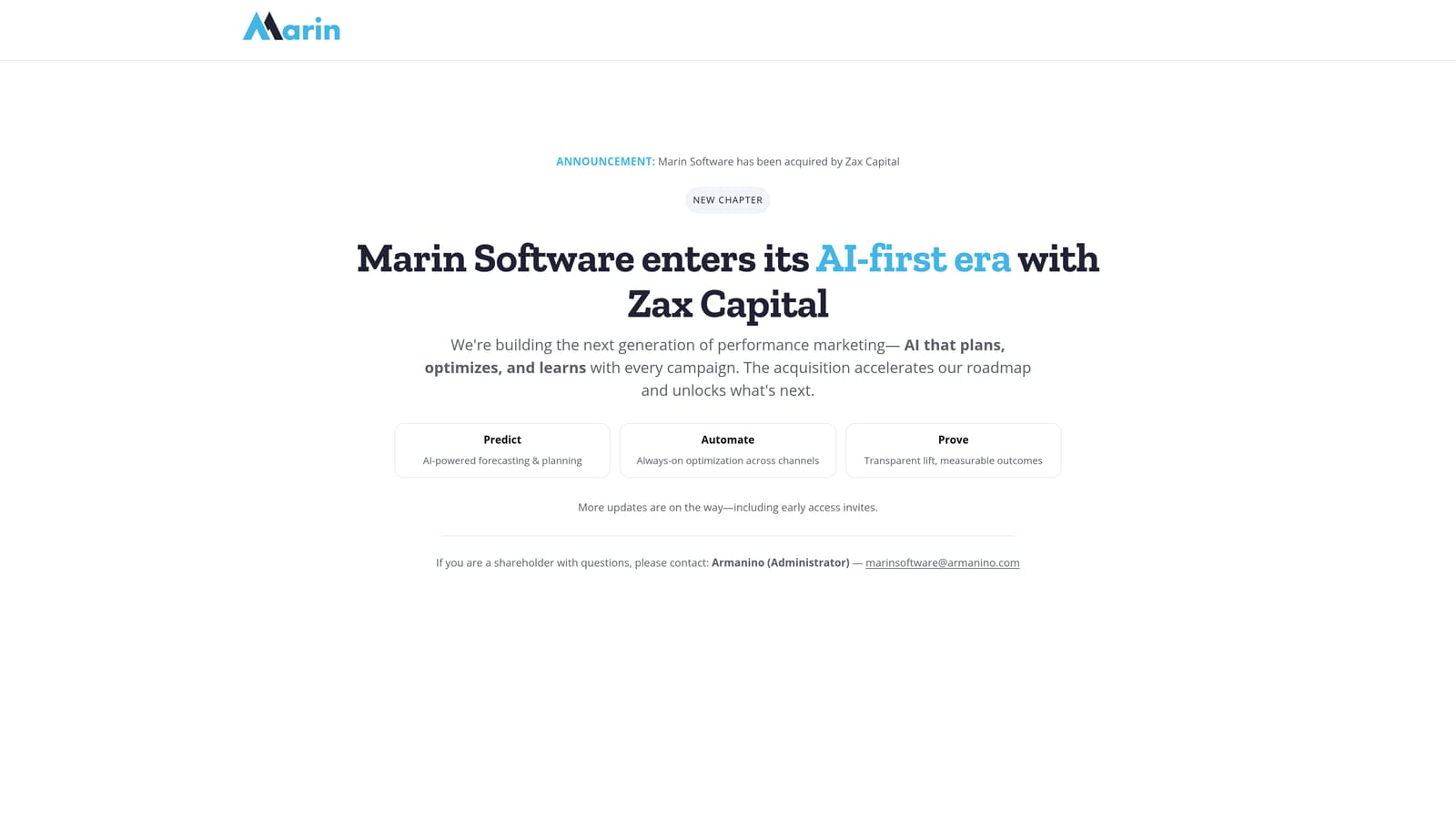
Where Marin distinguishes itself is its long history in large-scale search bid optimization specifically, having built that core capability well before cross-channel management became standard in the category.
- Manages bids across search and social campaigns from a single interface
- Paces budgets across high-spend accounts to avoid overspend or early exhaustion
- Consolidates reporting across multiple ad platforms into unified views
- Applies bid optimization logic refined over years of large-scale search campaign management
It integrates with Google Ads, Microsoft Advertising, and Meta Ads. It's built to be run by an in-house PPC operations team, and implementation tends to involve a formal onboarding process given the scale it's designed for.
Marin isn't a fit for freelancers, solo advertisers, or small teams. It assumes dedicated PPC staff and significant monthly spend, so the cost and complexity won't be justified for a lean account.
Best for: Large advertisers with in-house PPC teams managing significant monthly spend.
9. Revealbot
Revealbot is built for advertisers who run campaigns on Google, Meta, and TikTok Ads at the same time and want one automation layer controlling all three, rather than juggling separate rule systems per platform.
That cross-platform rule parity is its main advantage over this list's other automation tools, most of which are either Google-focused or built primarily for search and shopping campaigns.
- Builds custom automation rules that trigger actions based on performance conditions you define
- Applies those rules consistently across Google, Meta, and TikTok Ads from one dashboard
- Sends automated reports and alerts so you're not manually checking each platform
- Creates campaigns in bulk to speed up launches across accounts
It integrates with Google Ads, Meta Ads, and TikTok Ads. It's typically run by a performance marketer or media buyer managing multi-platform budgets, and setting up rules well takes genuine upfront time, since poorly configured rules can make unwanted changes at scale.
Its Google Ads-specific depth is lighter than single-platform tools like Optmyzr or Adalysis. If most of your budget lives in Google Ads and you want granular search term or Quality Score tools, Revealbot isn't built for that level of detail there.
Pricing is a tiered monthly subscription based on ad spend. Check the website for current pricing tiers.
Best for: Advertisers managing budgets across multiple ad platforms who want one automation layer.
Matching the Tool to Your Account Size
If your work is mostly search term cleanup and keyword hygiene inside Google Ads, Keywordme and Google Ads Editor cover that lean, in-platform workflow, one with one-click automation, the other with free bulk-editing when you already have reporting sorted elsewhere. If you're running an agency that needs rules to fire automatically or ad tests to hold up statistically, Optmyzr and Adalysis are built for that heavier lifting. Small businesses without dedicated PPC staff tend to do better with an all-in-one dashboard like WordStream or Semrush, especially if Semrush already handles your SEO. And if you're managing enterprise-level spend across search, social, and retail media, Skai and Marin are priced and built for that scale, not for a single mid-size account.
For most marketers and agencies still doing manual search term review inside Google Ads, that's the workflow worth fixing first since it eats time every single week. Start your free 7-day trial of Keywordme, then just $12/month, and remove junk search terms, build keyword lists, and apply match types instantly without ever leaving your Google Ads account.
.svg)