
9 Best PPC Management Platforms: Honest Reviews for 2026
A practical guide to ppc management platform reviews.


If you run Google Ads for yourself, clients, or an agency roster, the "best" platform depends on which job eats your week. Some tools clean up search terms, some automate bids and budgets, some audit accounts, and some only build reports. These nine were picked for how they handle real Google Ads work (search term cleanup, bulk edits, automation, reporting, and multi-account management), plus pricing transparency and who each one suits. Pricing for most paid tools changes often, so check each official site before you buy.
Quick Comparison of the Platforms
- Keywordme: advertisers and agencies who spend hours on search term cleanup; $12/month per user; works inside the native Google Ads interface, so no spreadsheet exports.
- Optmyzr: agencies managing many accounts; pricing on its website; automation, audits, and client reporting in one suite.
- Adalysis: teams that want to know what to fix across many accounts; pricing on its website; automated ad-copy testing analysis with account-wide alerts.
- WordStream (Advisor by LocaliQ): small business owners without a PPC specialist; pricing on its website; a guided workflow built for beginners.
- Semrush Advertising Toolkit: marketers researching competitors before building campaigns; pricing on its website; competitor keyword and ad intelligence.
- Google Ads Editor: anyone doing big structural edits on no budget; free; offline drafts with review before posting.
- Google Ads Scripts and Smart Bidding: technical advertisers who want custom checks; free; code-based automation you control.
- Swydo: agencies sending monthly client reports; pricing on its website; branded, automated white-label reporting.
- Madgicx: ecommerce brands running mostly paid social; pricing on its website; Meta-first audience and creative tooling.
1. Keywordme
Keywordme is our own product, so weigh this section with that in mind. It's a Chrome extension that adds one-click actions inside the Search Terms Report in Google Ads. It's built for advertisers and agency teams who spend a big chunk of their time sorting what people actually typed.
That distinction matters. A search term is the exact query a person typed. A keyword is what you bid on. A negative keyword blocks queries you don't want, while a positive keyword is one you add to target them. Keywordme sits right at that boundary: you review search terms, then act on them without leaving the page.
What it does better than anything else on this list is stay inside the native interface. There's no export to a spreadsheet, no re-import, and no separate dashboard to learn. You're still the one reviewing every term and deciding what to do with it. Keywordme doesn't make changes on its own.
- Add negative keywords straight from the Search Terms Report, so junk queries stop costing you money faster.
- Add search terms as keywords with your chosen match type applied in place, which saves the copy, paste, and format step.
- Cluster keywords so you can build tighter, more relevant groups from a pile of terms.
- Bulk edit across many terms at once instead of handling them one by one.
- Share work across multiple accounts and team members, which helps agencies handling several clients.
It runs in Chrome and works with Google Ads, so setup is mostly installing the extension and signing in. Whoever owns search term review day to day uses it, whether that's a solo advertiser or a few people on an agency team.
The limits are real. It's Google Ads only and focused on search term and keyword work. It has no reporting dashboards and no automated bidding, so you'll need other tools for those jobs. Pricing is a flat $12/month per user, with a 7-day free trial (confirm current terms on the site). Cost scales with the number of users, not ad spend or accounts.
Best for: Advertisers and agencies who spend lots of time cleaning search terms.
2. Optmyzr
Optmyzr is a PPC optimization suite covering Google and Microsoft Ads. It's designed for agencies and in-house teams that want automation, audits, and reporting under one login.

Its edge over the rest of this list is breadth. Few tools here combine rule-based automation, one-click optimization suggestions, and client-ready reporting in a single product.
What you get
- Rule-based automation, so routine checks and adjustments run on your conditions instead of by hand.
- Account audits that flag problems you'd otherwise find by scrolling through campaigns.
- Budget pacing, which helps you catch overspend or underspend before month end.
- Bulk optimization tools for making the same change across many campaigns or accounts.
- Client reporting, so the same platform that does the work also documents it.
Setup, cost, and catches
It connects to Google Ads and Microsoft Advertising. Expect a learning curve: there's a lot of surface area, and getting value means someone on your team needs to own configuration. Smaller advertisers may find it more than they need.
Pricing is tied to ad spend. As of October 2026, check Optmyzr's website for current plans, since the tiers and thresholds change.
Best for: Agencies managing many accounts that want automation and reporting together.
3. Adalysis
Most tools on this list help you do things. Adalysis mostly tells you what needs doing. It's an auditing and alerting platform for Google and Microsoft Ads, aimed at teams who manage a lot of accounts and need to find problems fast.
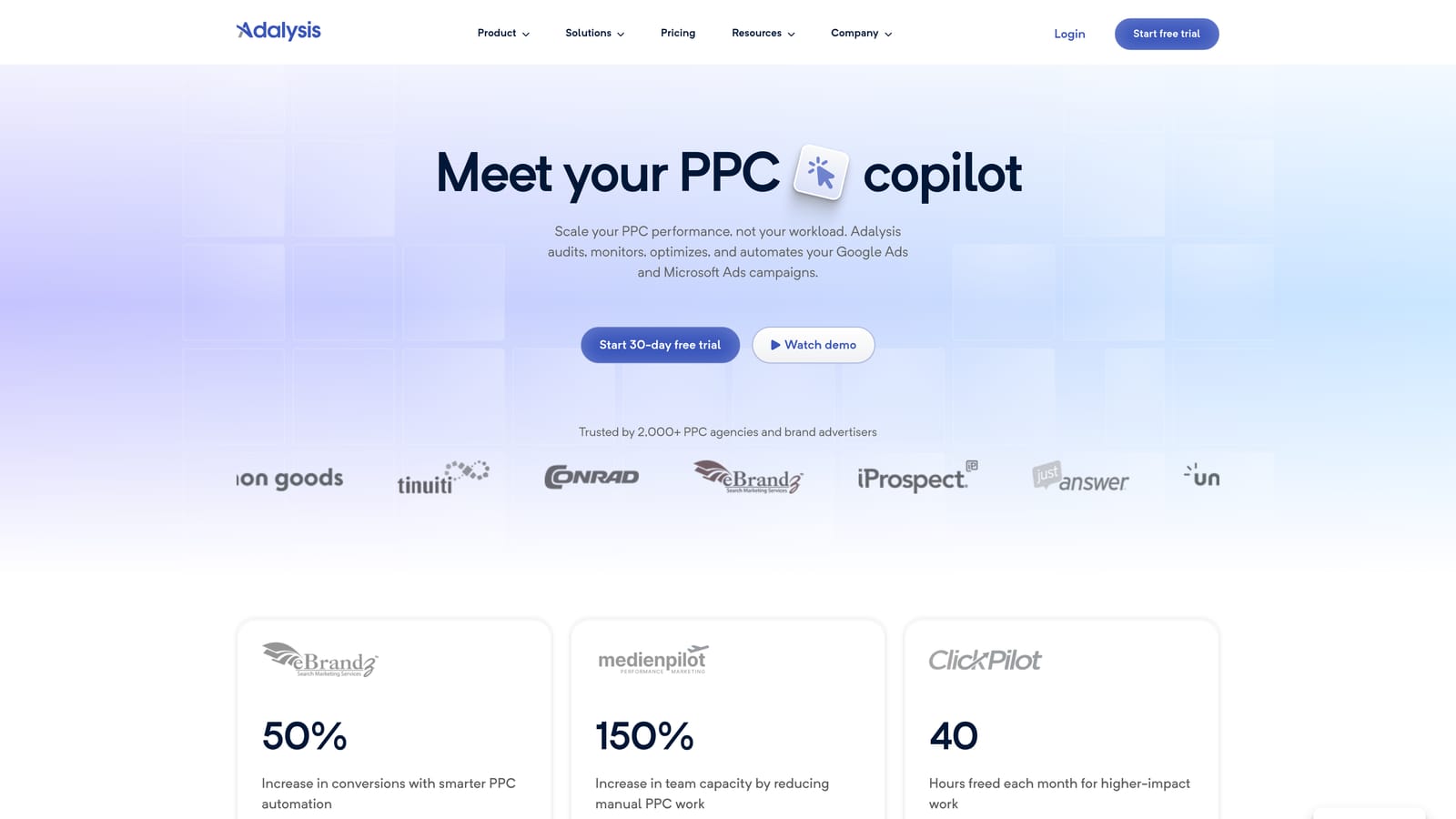
Its strongest area is automated ad-copy testing analysis. Instead of eyeballing which responsive or expanded ad variation is winning, it evaluates the tests for you. Account-wide alerts add a safety net, surfacing issues across your whole portfolio.
- Automated ad testing analysis, so you can see which copy is actually winning.
- Alerts and issue detection that point at broken or underperforming areas.
- Quality Score tracking, to watch trends over time instead of checking by hand.
- Account audits that give a structured to-do list for each account.
It connects to Google Ads and Microsoft Advertising. The main limitation is in the design: it's more diagnostic than hands-on editing. You'll often find the issue in Adalysis and then fix it elsewhere, whether in the Google Ads interface, Editor, or another tool. That's fine if you have someone to act on the findings, but frustrating if you wanted a single place to do the work.
Pricing isn't something to guess at. As of October 2026, see Adalysis's website for current plans and what scales the cost.
Best for: Teams that want to know what to fix across many accounts.
4. WordStream (Advisor by LocaliQ)
WordStream, now offered as Advisor by LocaliQ, is a guided PPC management tool for small businesses. It assumes you don't have a dedicated PPC specialist and walks you through what to improve.
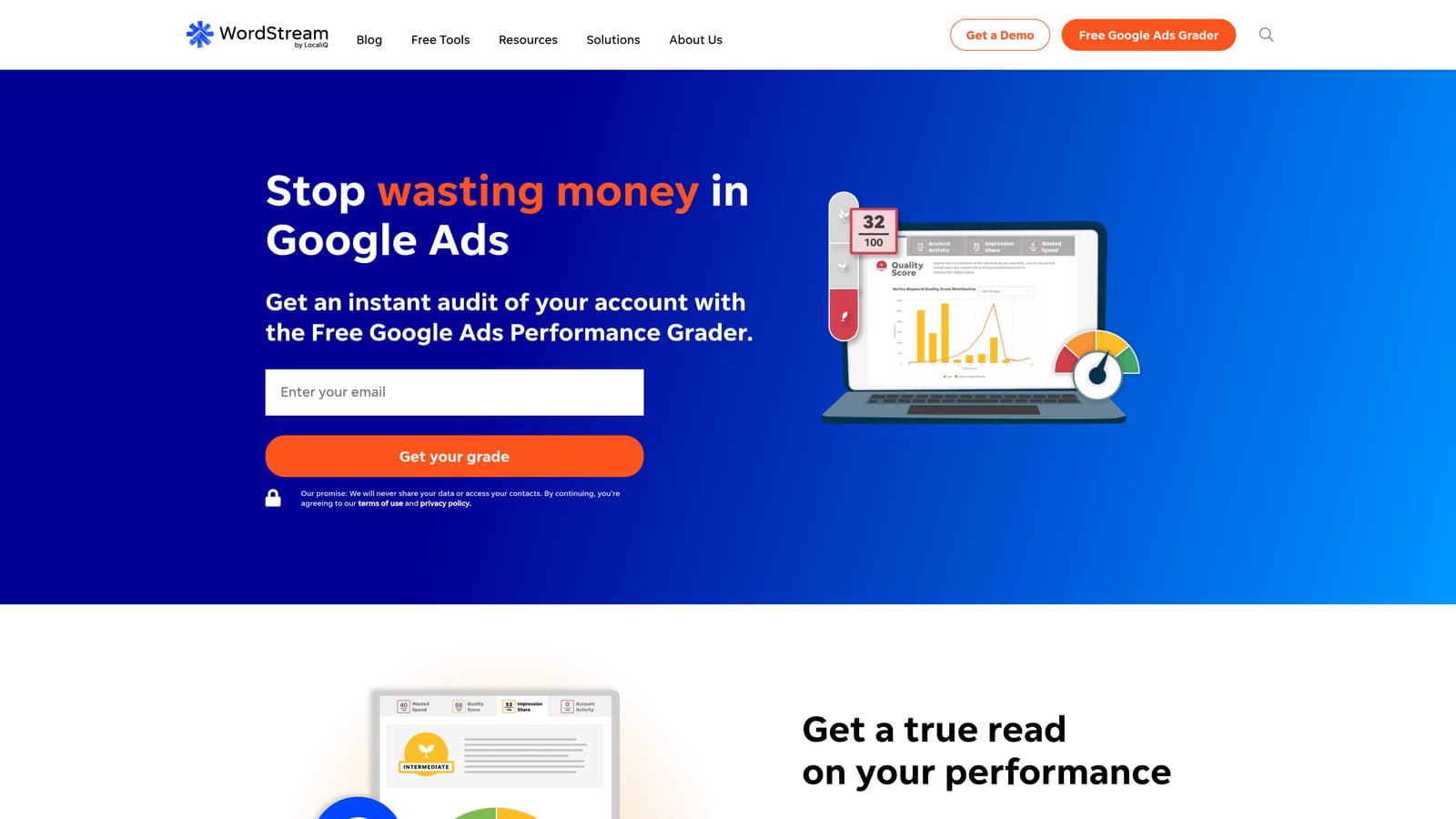
The standout is the beginner-friendly workflow. Recommendations are laid out step by step, which suits an owner who wants direction more than a toolbox of knobs.
- Guided recommendations that tell you what to change next, instead of leaving you to interpret raw data.
- Multi-platform campaign management across Google Ads, Microsoft Advertising, and Meta.
- Performance grading, giving a quick read on how an account is doing.
- An optional managed service if you'd rather hand the work off.
Setup is meant to be light, and the person running it is typically the business owner or a generalist marketer. The tradeoff is less granular control. Experienced advertisers who want to manage match types, structure, and search term filtering with precision will likely feel boxed in.
Pricing and the managed service terms change, so as of October 2026 check the official site for current figures. Review any recommendation before applying it, as with any guided tool.
Best for: Small business owners without a PPC specialist.
5. Semrush Advertising Toolkit
This one is about knowing the landscape before you spend. The advertising tools inside Semrush focus on competitor ad research and PPC planning rather than running your live campaigns.
What it does that the others here don't is competitor intelligence: seeing which keywords rivals bid on and how their ads read. That's useful when you're entering a new market or trying to find gaps.
- Competitor ad research, so you can see how others position their offers.
- PPC keyword research to build a starting list grounded in demand.
- Ad copy analysis for spotting patterns in competitor messaging.
- Campaign planning tools that help structure what you build before launch.
It works alongside Google Ads, and setup is mostly an account login, but the toolkit sits within a larger suite, so expect more menus than a single-purpose tool. The person using it is usually a strategist or marketer in the planning phase.
The limitation is clear: it's research and planning, not live campaign management. It won't clean your search terms or adjust bids. Treat competitor data as directional, not exact. Pricing depends on the Semrush plan and which toolkits you add, so verify on the official site as of October 2026.
Best for: Marketers researching competitors before building campaigns.
6. Google Ads Editor
Google Ads Editor is Google's free desktop app for editing campaigns in bulk. Nothing else on the list matches it on price, and it's a first-party tool, so it's built for how Google Ads is structured.
Its strength is large structural work: building out many campaigns, changing lots of ads, or copying setups between accounts. You make changes offline, review them, then post when you're ready.
- Bulk editing across campaigns, ad groups, keywords, and ads in one pass.
- Offline changes, so you can draft without touching the live account.
- Copy between accounts, which speeds up launching similar structures for multiple clients.
- Review before posting, so mistakes get caught before they go live.
Setup means downloading the app and syncing your accounts. Whoever builds and restructures campaigns uses it day to day. It's comfortable for people who like spreadsheet-style editing.
The limitation is scope. It has no automation, no alerts, and no reporting. It also doesn't show you search terms the way a cleanup workflow wants, so you'll pair it with something else for that. Cost: free.
Best for: Large structural edits on a zero budget.
7. Google Ads Scripts and Smart Bidding
This entry bundles two native Google Ads capabilities rather than one product, so it's worth reading as a category: Google Ads scripts and Smart Bidding. Both live inside your account and cost nothing extra.
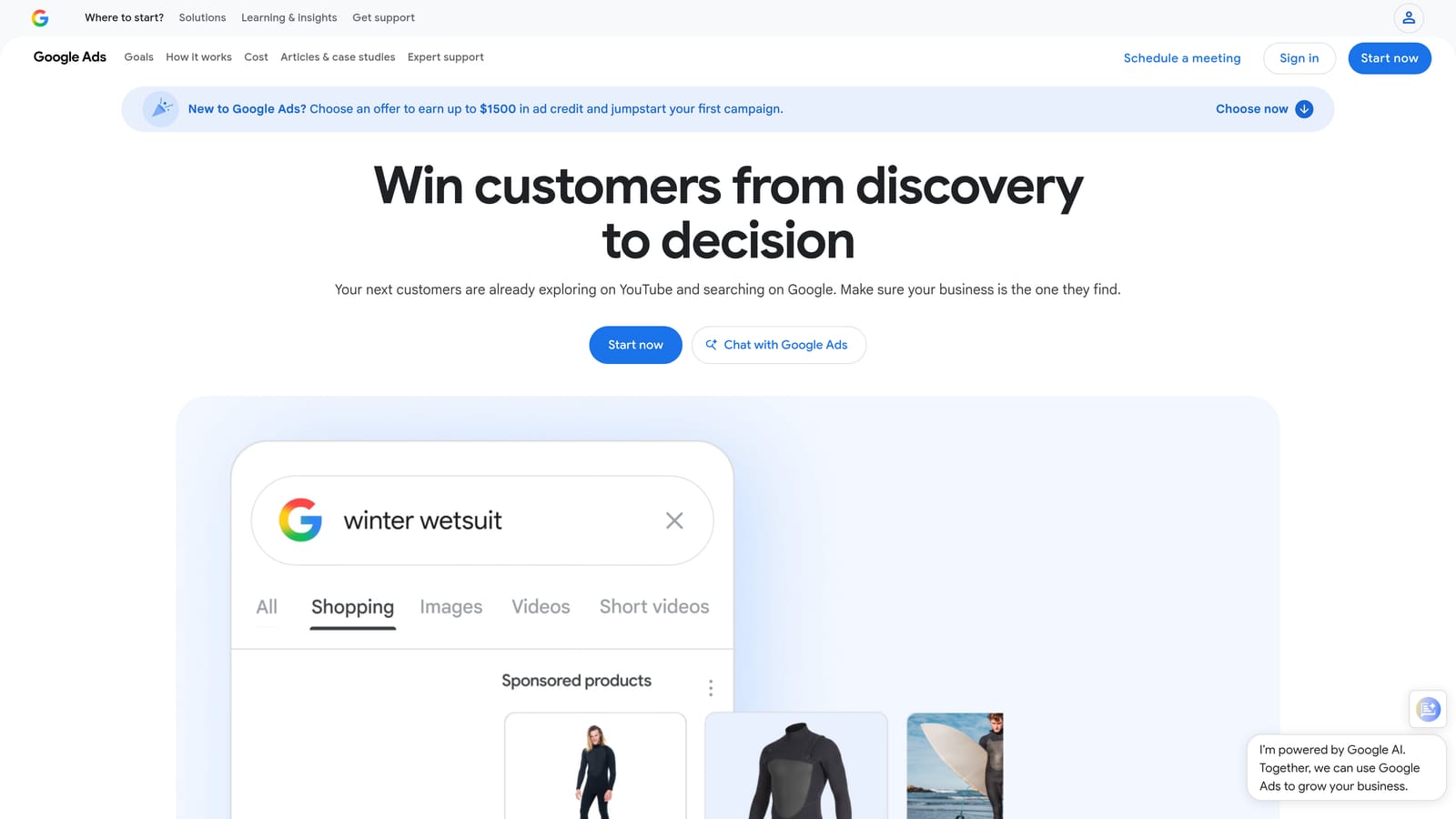
The distinctive part is custom, code-based automation. If you can describe a check or action precisely, a script can run it on a schedule, from flagging a sudden spend spike to pulling data into a sheet.
- JavaScript scripts that apply your own rules, so you automate exactly what your accounts need.
- Smart Bidding strategies, which use Google's bid automation toward goals you set.
- Alerts built through scripts, so you can be notified about the issues you care about.
Setup depends on skill. Scripts require someone who can write or adapt JavaScript, and they need testing before you trust them. Smart Bidding is easier to switch on, but it's a bid strategy, not a full management platform. It needs good conversion tracking and your ongoing review, and it won't replace search term hygiene.
Both are free to use, though ad spend still applies, of course.
Best for: Technical advertisers who want custom checks.
8. Swydo
Swydo does one job: automated, white-label reporting for agencies. If your monthly routine involves screenshots and slide decks, this is the fix.
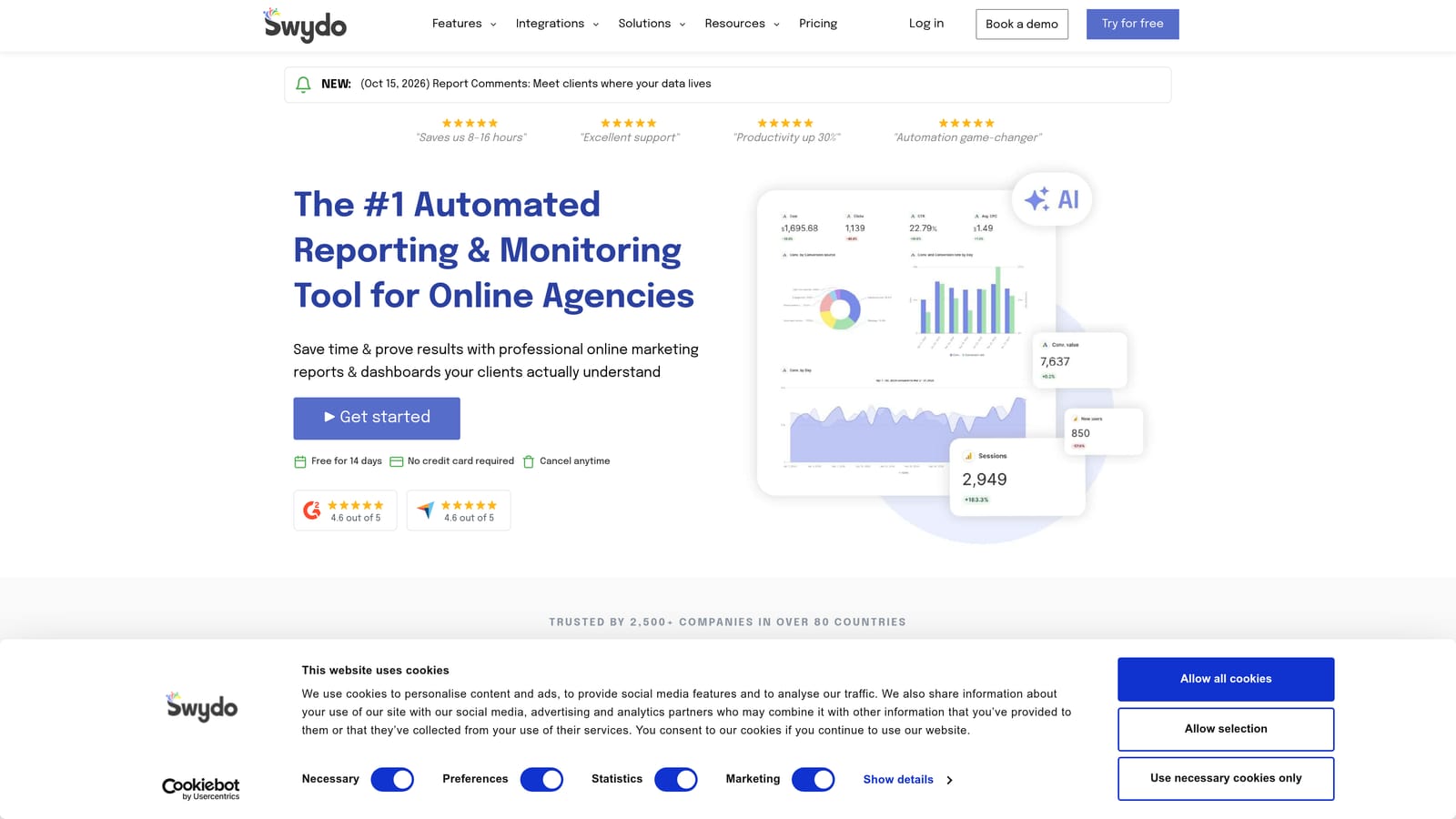
What sets it apart is branded, automated client reporting. Reports carry your agency's look, pull data on their own, and go out on a schedule.
- White-label reports that look like yours, not the tool's.
- Multi-source data from Google Ads, Meta Ads, and Google Analytics in one report.
- Scheduled delivery, so reports reach clients without manual sending.
- Dashboards for clients or teams who want a live view.
Setup is connecting data sources per client and building or reusing templates. An account manager or reporting lead typically owns it. After the initial template work, it runs largely on its own.
The limit is that it's reporting only. It can't edit campaigns, clean search terms, or automate bids. It's a communication layer on top of the work done elsewhere. Pricing varies, so as of October 2026 confirm the current plans and what drives cost on the official site.
Best for: Agencies that send monthly client reports.
9. Madgicx
Madgicx is an AI-assisted ad tool that leans heavily toward Meta Ads. It's on this list mainly to flag a mismatch: if your work is Google Search, it's probably not your tool.
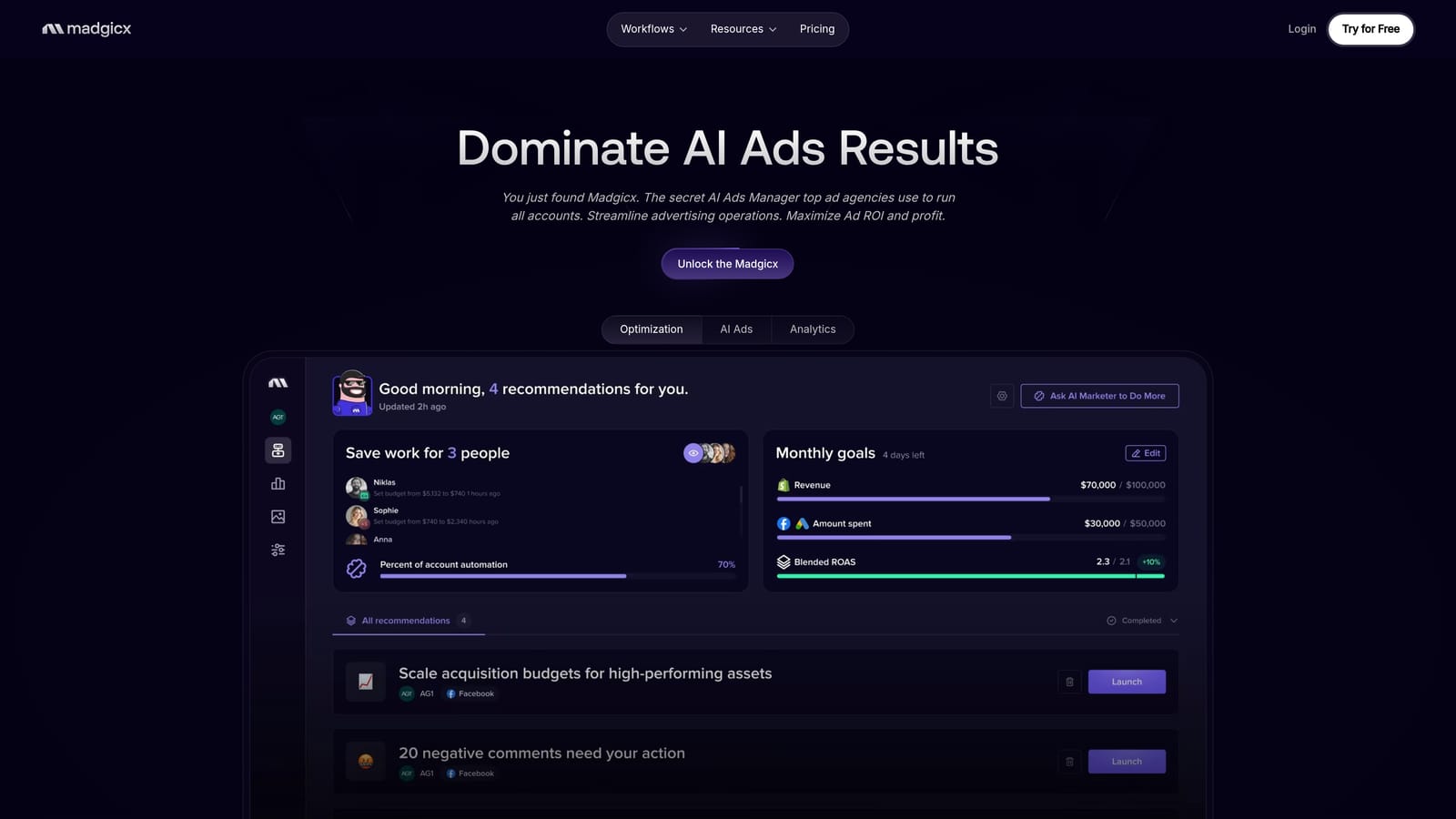
Where it stands apart is Meta-first audience and creative tooling aimed at ecommerce brands, which is a different job from search term and keyword management.
- Audience tools for building and refining targeting on paid social.
- Creative insights that show which ads and visuals are working.
- Automation rules so you can act on performance conditions without manual checks.
- Reporting to track results in one place.
It connects to Meta Ads and Google Ads, with the Meta side being the core. Setup is connecting ad accounts, and a paid social manager or ecommerce marketer would run it. As with any AI-assisted tool, review suggestions before relying on them.
The limitation is fit: it isn't built around Google Search workflows like query review and negatives. Pricing isn't fixed in stone, so verify current plans on the official site as of October 2026.
Best for: Ecommerce brands running mostly paid social.
Matching the Tool to the Job You Actually Have
No single platform covers everything here, and expecting one to is the most common way people end up disappointed. Match the tool to the bottleneck.
- Search term and keyword cleanup: Keywordme, since it keeps you inside Google Ads and cuts the spreadsheet step.
- Agency auditing and automation: Optmyzr for breadth, Adalysis if diagnosis and alerts matter most.
- Client reporting: Swydo.
- Small-business guidance: WordStream (Advisor by LocaliQ).
- Competitor research: Semrush Advertising Toolkit.
- Free native options: Google Ads Editor for bulk edits, scripts and Smart Bidding for custom automation.
Plenty of teams pair two tools, such as Keywordme for daily search term work alongside Optmyzr or Swydo for automation and reporting. Whatever you pick, keep a human reviewing changes.
If search term cleanup is where your hours go, Optimize Google Ads Campaigns 10X Faster. Without Leaving Your Account. Keywordme lets you remove junk search terms, build high-intent keyword lists, and apply match types instantly, right inside Google Ads. No spreadsheets, no switching tabs, just quick, seamless optimization. Start your free 7-day trial (then just $12/month) and take your Google Ads game to the next level.
.svg)