
9 Best PPC Management Chrome Tools to Streamline Your Ads in 2026
Discover the 9 best PPC management Chrome tools that help advertisers optimize campaigns, analyze competitors, and audit tracking directly within their browser—eliminating costly context-switching. Whether you're a freelancer or agency manager, these extensions streamline Google Ads workflows and save hours of manual work each week.


TL;DR: If you're managing Google Ads campaigns, the right Chrome extensions can save you hours of tedious work every week. PPC management Chrome tools let you optimize search terms, spy on competitors, audit landing pages, and verify tracking tags—all without leaving your browser. Whether you're a solo freelancer or an agency running dozens of accounts, there's something in this list for you. Let's get into it.
Context-switching is one of the biggest time drains in PPC management. You're in Google Ads, then you're in a spreadsheet, then you're in a separate dashboard, then back to Google Ads. By the time you've done one round of search term cleanup, an hour has disappeared. Chrome extensions solve this by bringing the tools to you, right inside your browser where you're already working.
In most accounts I audit, PPC managers are running at least two or three Chrome extensions without even thinking about it. The good ones become invisible—they just make your workflow faster. The bad ones add friction. This list focuses on the ones that genuinely earn their place in your browser toolbar.
1. Keywordme
Best for: Search term optimization and negative keyword management directly inside Google Ads
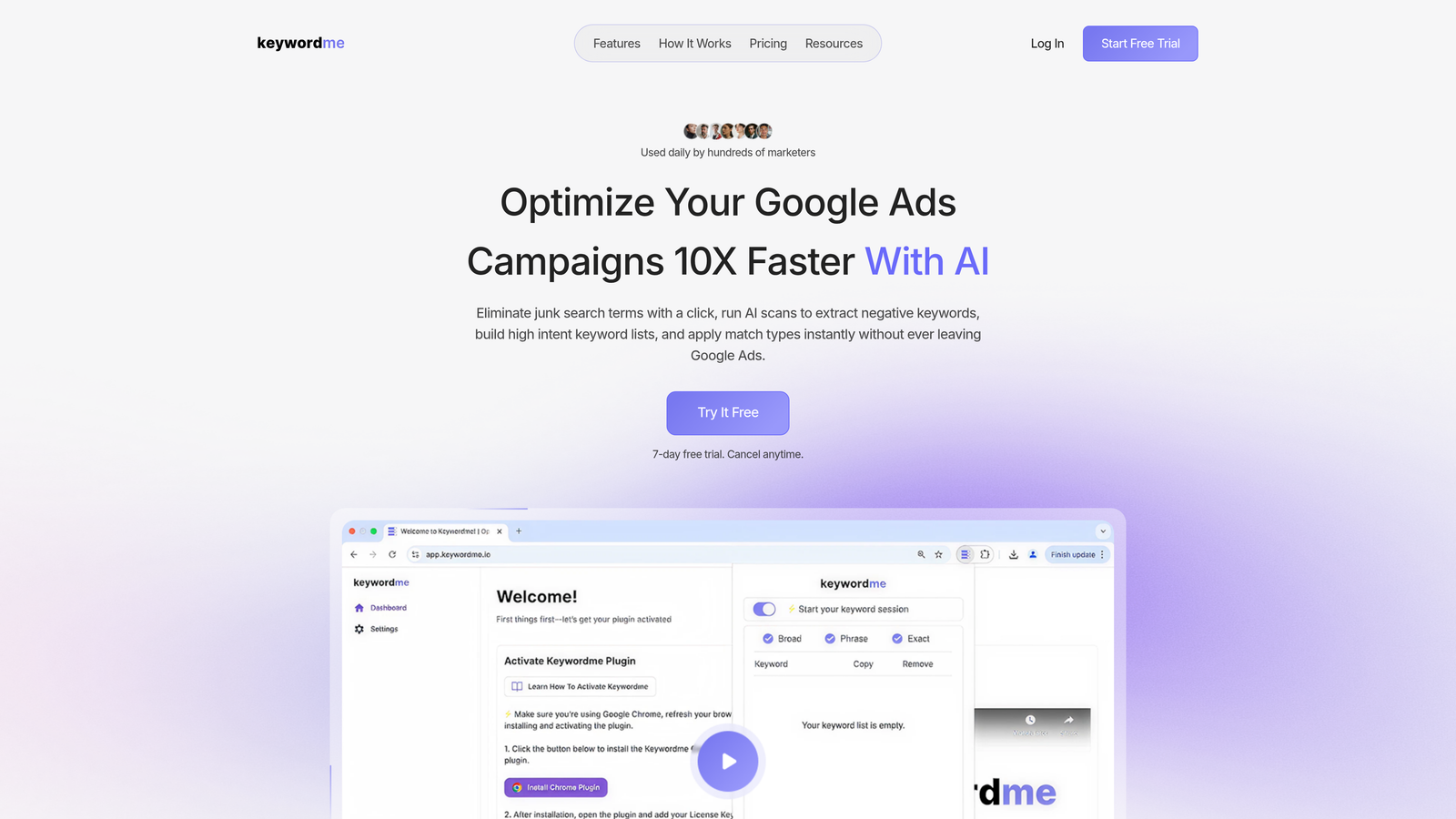
Keywordme is a Chrome extension that works as an overlay inside Google Ads' native Search Terms Report, letting you clean up junk keywords, add negatives, apply match types, and build keyword lists with one-click actions—no spreadsheets or external dashboards needed.
Where This Tool Shines
What usually happens with search term reviews is this: you export to a spreadsheet, spend 30 minutes filtering and color-coding, build a negative keyword list, then manually import it back into Google Ads. Keywordme cuts that entire loop out. You're working directly in the interface you're already in, clicking to exclude terms, apply match types, and cluster keywords without ever opening Excel.
For agencies managing multiple accounts, the team and multi-account support means you're not working in silos. Everyone on the team can work from the same workflow, which matters a lot when you're onboarding new account managers or handing off accounts.
Key Features
One-Click Negative Keyword Addition: Flag and exclude junk search terms directly from the Search Terms Report without exporting or switching tabs.
Bulk Match Type Application: Apply broad, phrase, or exact match to keywords in bulk without leaving the Google Ads interface.
Keyword Clustering and Grouping: Organize high-intent terms into logical groups as you review search terms, speeding up ad group builds.
Multi-Account and Team Support: Built for agencies managing multiple clients, with shared workflows and team-level access.
Native Google Ads Integration: Works as an overlay inside the Google Ads UI—no separate dashboard to log into or manage.
Best For
Keywordme is the right pick for Google Ads managers, freelancers, and agency teams who spend meaningful time on search term reviews. If you're managing even a handful of active campaigns, the time savings add up fast. Agencies managing multiple clients will get the most out of the team features.
Pricing
$12/month per user with a 7-day free trial. Flat-rate pricing with no tiers or ad spend thresholds to worry about.
2. Google Ads Editor Assistant
Best for: Quick campaign status checks and lightweight edits alongside Google Ads Editor
Google Ads Editor Assistant is Google's own browser-based companion for reviewing and making quick campaign adjustments alongside the desktop Google Ads Editor application.

Where This Tool Shines
If you're already using Google Ads Editor for bulk edits, this companion tool fills the gap for quick checks you'd otherwise need to open the full Google Ads interface for. It's lightweight, officially supported by Google, and integrates cleanly with the broader Google Ads ecosystem.
The mistake most agencies make is ignoring this tool entirely because it's not flashy. But for verifying that changes made in Editor actually pushed correctly, it's a reliable sanity check that costs nothing.
Key Features
Official Google Support: Maintained and updated by Google, so it stays compatible with platform changes.
Campaign Status Verification: Quickly confirm campaign states, budgets, and ad serving status without navigating deep into the UI.
Lightweight Edits: Make small adjustments directly without loading the full Google Ads interface.
Google Ads Editor Compatibility: Designed to complement desktop Editor workflows, not replace them.
Best For
PPC managers who use Google Ads Editor regularly and want a browser-based companion for quick verification tasks. Less useful as a standalone tool, but valuable as part of a broader workflow.
Pricing
Free. No subscription required.
3. SEMrush AdClarity
Best for: Competitive intelligence across search, display, and video ad channels
SEMrush AdClarity is a competitive intelligence extension that reveals competitor ad strategies, estimated spend, and creative approaches across multiple advertising channels.

Where This Tool Shines
AdClarity goes beyond basic keyword overlap data. You can see estimated spend breakdowns, ad creative samples, and publisher placements for competitors—which is genuinely useful when you're trying to understand why a competitor is dominating a particular channel or placement.
The integration with the broader SEMrush platform is where it gets powerful. If you're already using SEMrush for SEO or keyword research, AdClarity adds a competitive PPC layer without requiring you to log into a separate tool.
Key Features
Competitor Ad Spend Estimates: See estimated budget allocations across search, display, and video channels.
Ad Creative and Copy Analysis: Review actual ad creatives competitors are running, including copy and visual formats.
Publisher and Placement Insights: Understand where competitors are placing display and video ads.
SEMrush Platform Integration: Connects with SEMrush's full suite for combined SEO and PPC competitive analysis.
Best For
PPC managers and strategists who need competitive intelligence beyond keyword data. Particularly useful for accounts in competitive verticals where understanding competitor creative strategy matters. Requires an existing SEMrush subscription to get full value.
Pricing
Included with SEMrush subscriptions starting around $139.95/month. AdClarity add-on pricing varies by plan and data access level.
4. SpyFu Extension
Best for: Instant competitor keyword and ad history data overlaid on Google search results
SpyFu is a lightweight Chrome extension that overlays competitor keyword data, ad history, and estimated clicks directly on Google search results pages as you browse.

Where This Tool Shines
The real value here is the in-SERP overlay. You're searching for a keyword, and SpyFu immediately shows you which competitors are bidding, what their historical ad copy looks like, and estimated click volumes. It turns every Google search into a mini competitive audit.
In most accounts I audit, competitor research is either skipped entirely or done in a separate session using a full dashboard. SpyFu's extension makes it passive—you just see the data as you work, which means you actually use it.
Key Features
SERP Competitor Overlay: Instantly see competitor keyword overlap and bidding activity on any Google search results page.
Historical Ad Copy Data: Access years of competitor ad copy history to spot trends and messaging shifts.
Estimated Click and Cost Data: Get rough estimates of competitor monthly clicks and CPC ranges.
Domain-Level PPC Intelligence: Quickly assess any domain's paid search footprint without leaving Google.
Best For
PPC managers who want passive competitive intelligence baked into their daily browsing. Great for keyword research sessions and competitive analysis without needing to open a separate platform.
Pricing
Free extension with limited data. Full SpyFu plans start at $39/month for complete historical data access.
5. Optmyzr Chrome Extension
Best for: PPC account audits, rule-based automation, and agency-level optimization management
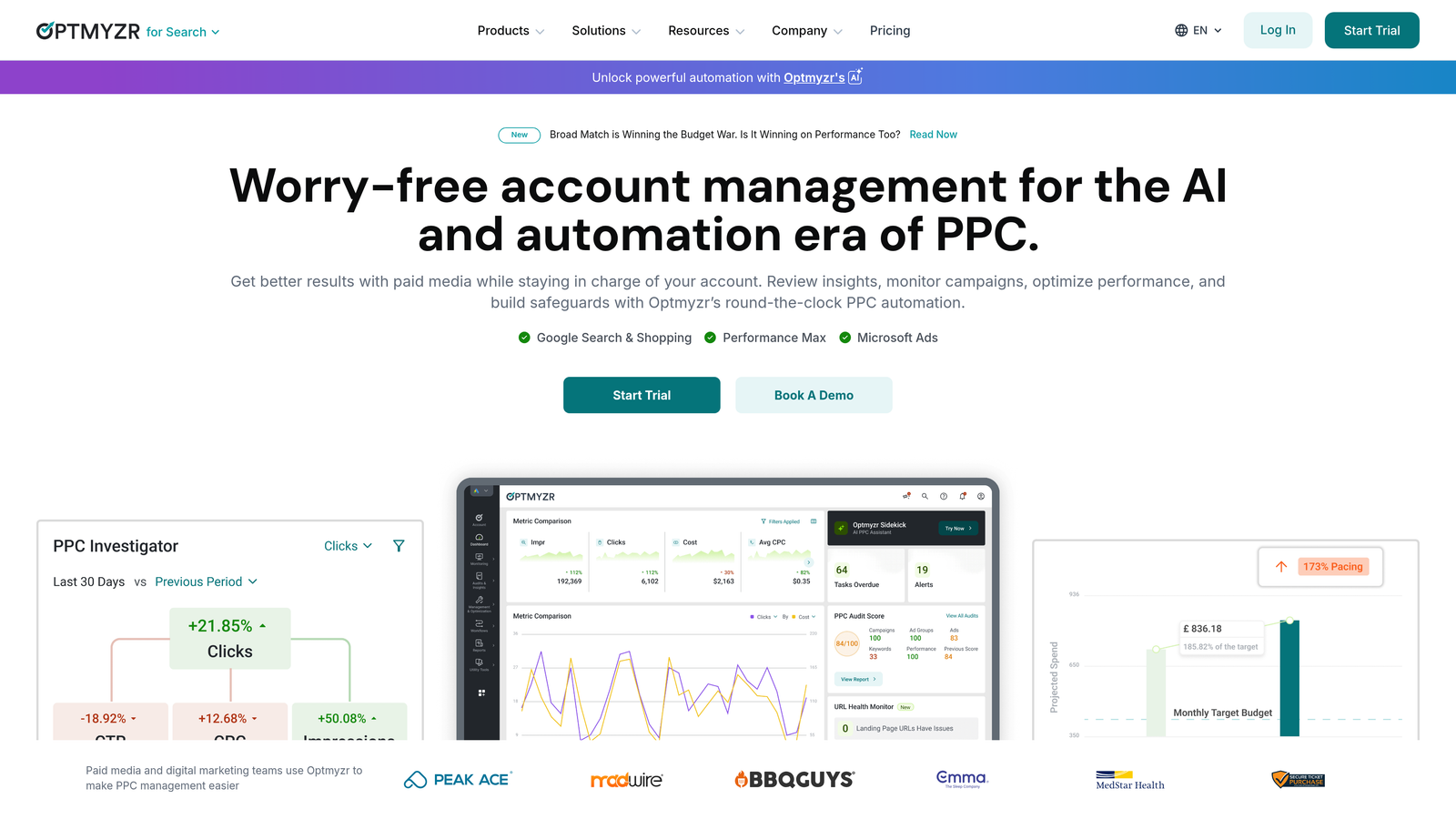
Optmyzr is a PPC audit and optimization platform that offers rule-based automation, account health scores, and actionable recommendations for Google Ads accounts.
Where This Tool Shines
Optmyzr sits in the "heavy lifter" category of PPC tools. The account health scoring gives you a quick read on where an account has gaps, and the rule-based automation engine lets you set up logic-driven optimizations that run on a schedule. For agencies handling multiple accounts, this kind of systematic approach is hard to replicate manually.
The Chrome extension piece connects to the broader Optmyzr platform, so it's really a gateway into a full optimization suite rather than a standalone extension. That's worth understanding before you commit.
Key Features
One-Click PPC Audits: Generate optimization scores and prioritized recommendations for any Google Ads account.
Rule-Based Automation: Set up conditional logic for bid adjustments, budget pacing, and keyword management.
Custom Reporting and Dashboards: Build client-ready reports without manual data pulls.
Multi-Account Management: Manage and monitor multiple client accounts from a unified interface.
Best For
Mid-to-large agencies managing multiple accounts who need systematic automation and audit capabilities. The pricing reflects the power level—this is a tool for teams, not solo freelancers on tight budgets.
Pricing
Plans start around $249/month. Best suited for agencies where the time savings justify the investment.
6. Adalysis
Best for: Ad testing, quality score monitoring, and automated performance alerts
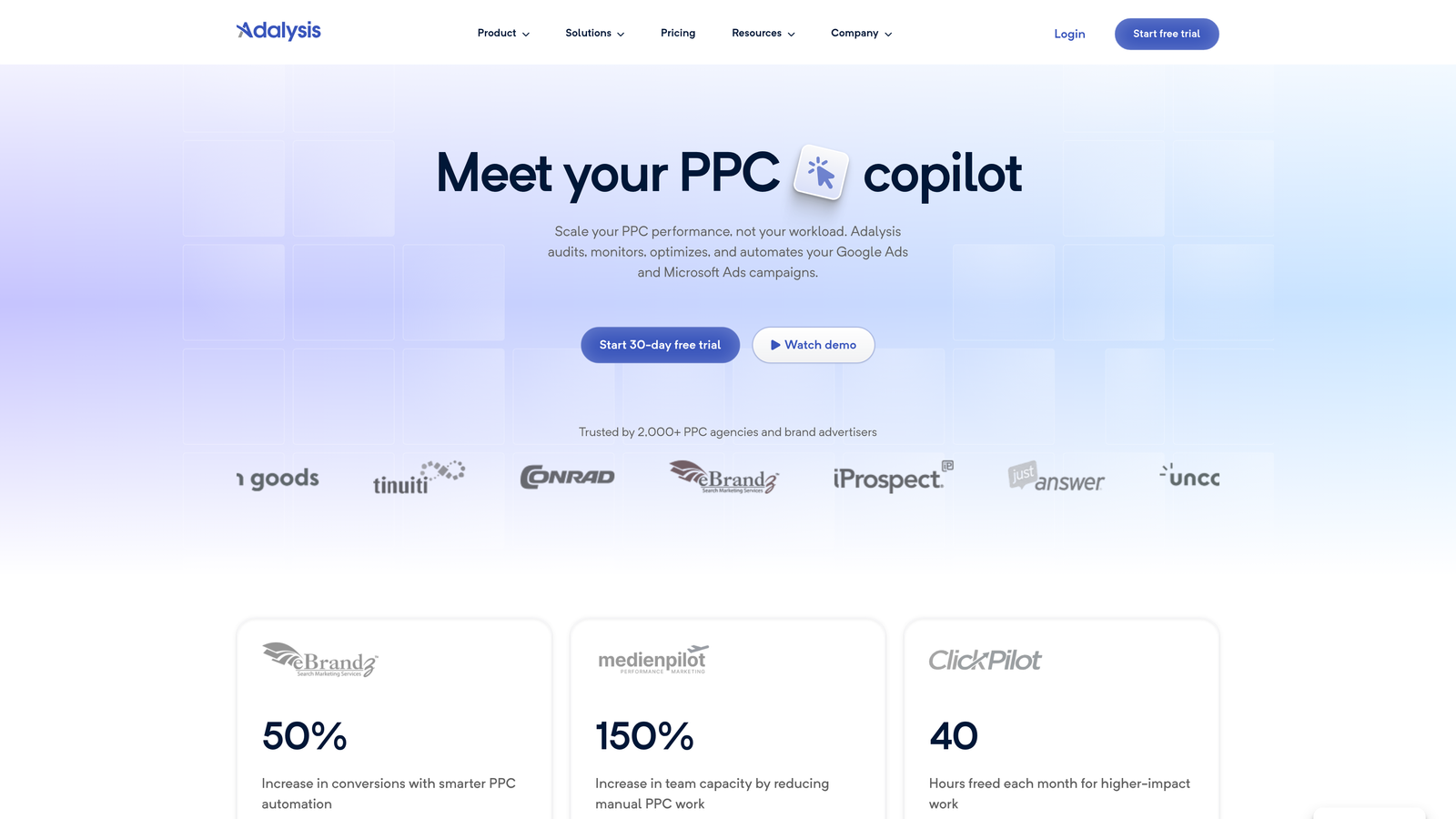
Adalysis is a PPC platform focused on ad testing with statistical significance tracking, quality score monitoring, and automated alerts to help advertisers make data-driven decisions.
Where This Tool Shines
Ad testing is one of those things every PPC manager says they do, but few do rigorously. Adalysis brings statistical discipline to the process, telling you when a test has actually reached significance rather than letting you call a winner based on gut feel after two weeks.
The negative keyword conflict detection is a feature I don't see talked about enough. Negative keyword conflicts—where a negative accidentally blocks a keyword you want to serve—are a common silent killer in larger accounts. Adalysis flags these automatically.
Key Features
Automated Ad Testing: Run statistically valid ad copy tests with automatic winner detection based on significance thresholds.
Quality Score Monitoring: Track Quality Score changes over time with historical data to spot trends and diagnose issues.
Performance Anomaly Alerts: Get automated notifications when key metrics deviate from expected ranges.
Negative Keyword Conflict Detection: Automatically identify cases where negative keywords are blocking intended traffic.
Best For
PPC managers who run active ad testing programs and want data-driven validation rather than manual analysis. Also strong for accounts where Quality Score management is a priority.
Pricing
Plans start around $149/month based on ad spend levels.
7. Google Tag Assistant
Best for: Verifying Google Ads conversion tags, GA4, and GTM are firing correctly
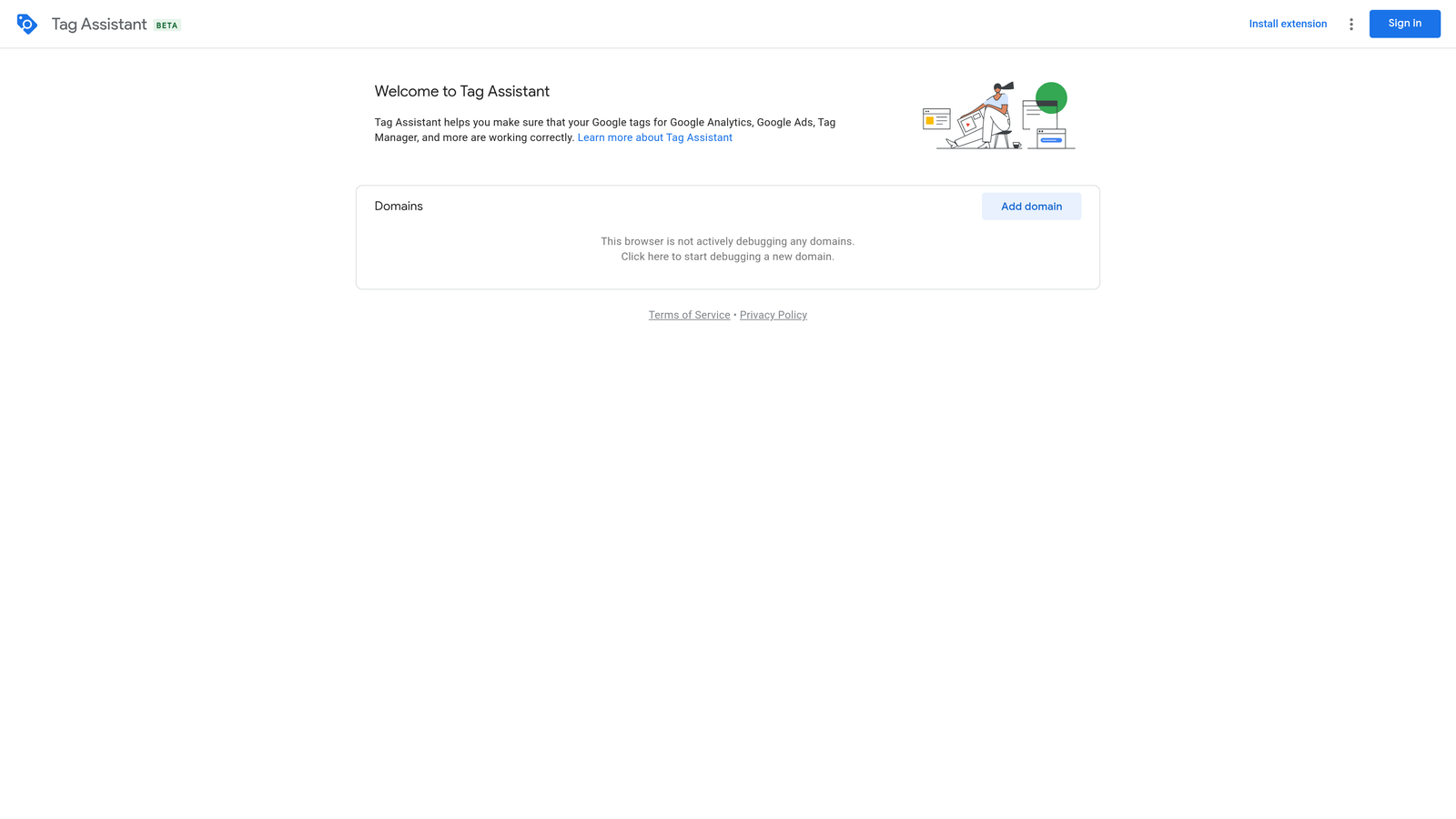
Google Tag Assistant is a free Chrome extension from Google that helps you verify that conversion tags, GA4 tags, and Google Tag Manager containers are firing correctly on your landing pages.
Where This Tool Shines
Conversion tracking issues are one of the most common problems I find in account audits. Tags fire on the wrong page, fire multiple times, or don't fire at all—and without a verification tool, you might not catch it until your conversion data is already corrupted. Tag Assistant catches these problems in real time.
The visual tag firing timeline is particularly useful for debugging complex GTM setups where multiple tags are triggering in sequence. You can see exactly what fired, when, and whether it sent the right data.
Key Features
Real-Time Tag Verification: Confirm that tags are firing as expected on any page without needing developer access.
Conversion Tag Debugging: Identify misfiring or duplicate Google Ads conversion tags before they skew your data.
GA4 and GTM Support: Covers the full Google measurement stack, not just Google Ads tags.
Visual Firing Timeline: See a chronological view of tag events for debugging complex implementations.
Best For
Every PPC manager should have this installed. It's non-negotiable for anyone responsible for conversion tracking accuracy. Especially critical when onboarding new clients or launching new campaigns.
Pricing
Free. Officially maintained by Google.
8. Keyword Surfer
Best for: Quick search volume and CPC validation directly on Google SERPs
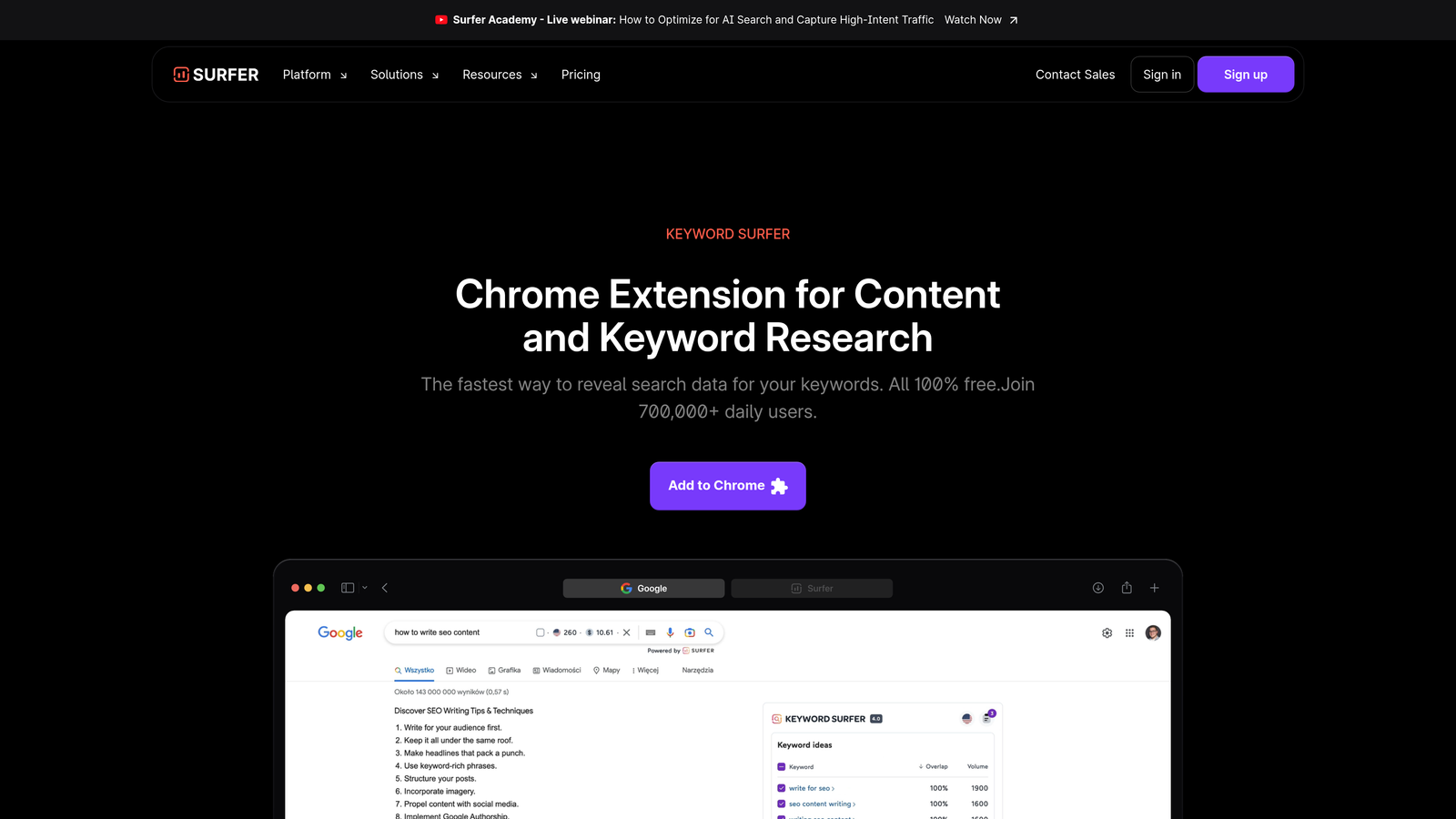
Keyword Surfer is a free Chrome extension by Surfer SEO that displays search volume, CPC estimates, and related keyword suggestions directly on Google search results pages.
Where This Tool Shines
Keyword Surfer is the fastest way to sanity-check a keyword's commercial value without opening a separate tool. You search, you see the volume and CPC estimate right there on the SERP. For quick keyword research sessions or validating a client's suggested terms on the fly, it's genuinely useful.
The related keyword suggestions panel is a nice bonus for PPC keyword expansion. You'll often spot related terms with strong CPC signals that you can add to your keyword list without running a full keyword research session.
Key Features
In-SERP Search Volume Data: See estimated monthly search volume for any query directly on Google results pages.
CPC Estimates: Get quick cost-per-click benchmarks to assess keyword commercial intent at a glance.
Related Keyword Suggestions: Surface related terms with volume data in a sidebar panel alongside search results.
Completely Free: No subscription or account required to access core data.
Best For
PPC managers who want a lightweight, free keyword validation tool for everyday browsing. Works well alongside more comprehensive keyword research tools rather than replacing them.
Pricing
Free. No paid tier required for the Chrome extension.
9. Ghostery
Best for: Analyzing competitor ad tech stacks, tracking pixels, and landing page setups
Ghostery is a privacy-focused Chrome extension that reveals tracking scripts, ad pixels, and tech stacks running on any website—making it useful for auditing competitor landing pages and ad technology setups.
Where This Tool Shines
Most PPC managers don't think of Ghostery as a PPC tool, but it absolutely is. When you're analyzing a competitor's landing page, Ghostery tells you exactly what tracking pixels they're running, which ad networks they're using, and what analytics tools they have installed. That's competitive intelligence you can't get from a keyword tool.
It's also useful for your own landing page audits. Before a campaign goes live, you can verify that the Google Ads conversion pixel, any remarketing tags, and your analytics implementation are all present and accounted for—without needing to dig into page source code.
Key Features
Tracking Pixel Identification: See every ad pixel and tracking script running on any webpage, including Google Ads, Meta, and third-party networks.
Competitor Ad Tech Analysis: Understand which ad platforms and analytics tools competitors are using on their landing pages.
Landing Page Auditing: Verify your own tracking implementations are complete before launching campaigns.
Free Core Extension: Full tracker detection is available without a paid subscription.
Best For
PPC managers who want visibility into competitor ad tech setups and a quick way to audit landing page tracking without developer access. A useful addition to any competitive research workflow.
Pricing
Free core extension. Ghostery Plus available for a small monthly fee for additional privacy features.
Which Tool Is Right for Your Workflow?
Here's the honest breakdown: most experienced PPC managers stack multiple extensions rather than relying on one. The tools in this list cover different parts of the workflow, and the best setup depends on where you're losing the most time.
If search term reviews are eating your week, Keywordme is the most direct fix. It works inside Google Ads rather than pulling you out of it, which means faster reviews and less friction. The flat $12/month pricing makes it easy to justify even on smaller accounts.
For tracking and tag verification, Google Tag Assistant is a must-have—and it's free. There's no reason not to have it installed. Conversion tracking errors are silent and expensive; this extension catches them early.
If competitive intelligence is a priority, SEMrush AdClarity and SpyFu cover different angles. SpyFu is great for passive in-SERP intelligence and is accessible at a lower price point. AdClarity goes deeper on spend and creative data but requires a SEMrush subscription to get real value.
For agencies running systematic optimization across many accounts, Optmyzr and Adalysis are worth the higher price tags. They bring structure and automation to workflows that would otherwise require significant manual effort.
And for quick keyword validation and competitor tech audits, Keyword Surfer and Ghostery are both free and worth keeping installed for the moments when you need them.
If you're not sure where to start, begin with the tools that address your biggest time drain. For most Google Ads managers, that's search term management—which makes Keywordme a natural first stop. Start your free 7-day trial and see how much faster your next search term review goes. No spreadsheets, no tab-switching, just clean, fast optimization right inside Google Ads.
.svg)