
8 Best PPC Management Browser Extensions for Google Ads in 2026
A practical guide to ppc management browser extension.


This list is for Google Ads managers, freelancers, and agency owners who want less tab-hopping in their daily work. I picked tools by four things: how much of the PPC workflow they handle in the browser, how well they fit Google Ads specifically, how clear their pricing is, and who they actually suit. Be warned that genuine campaign-editing extensions are scarce. Several tools here only research or diagnose, and one is a desktop app included as a clearly labeled alternative. Each entry says which kind it is, so you don't expect the wrong thing.
Quick comparison: what each tool does and doesn't do
- Keywordme: freelancers and agencies cleaning up search terms; $12/month per user (as of November 2026); it acts directly inside the native Search Terms Report.
- Google Ads Editor: large structural changes across many campaigns; free; offline editing with staged changes you review before posting (a desktop app, not an extension).
- Optmyzr: agencies wanting a full management platform; see its site for current plans; a broad optimization suite sits behind its extension.
- Semrush browser extension: competitive keyword research; see its site for current plans; competitor and keyword data overlaid on pages as you browse.
- Keywords Everywhere: quick keyword and CPC checks; see its site for current pricing; lightweight volume and CPC overlays in search results.
- Ahrefs SEO Toolbar: landing page and SERP checks alongside paid search; free toolbar, richer data on paid plans; on-page and SERP insight for reviewing landing pages.
- Google Tag Assistant: verifying conversion tracking; free; confirms your conversion tags fire correctly.
1. Keywordme
Keywordme is a Chrome extension that adds one-click actions to the Search Terms Report inside Google Ads. It's our own product, so weigh this section knowing that, and compare it against the others below.
A quick vocabulary check, because the whole tool hinges on it. A search term is what someone actually typed before seeing your ad. A keyword is what you bid on. A negative keyword blocks matching searches, while a positive keyword tells Google what you want to show for. Keywordme works at the point where search terms become either one of those.
What it does distinctively well is stay out of your way. You read the Search Terms Report in the normal Google Ads interface, and the actions appear right there. There is no export to a spreadsheet, no upload to a separate dashboard, and no second login. Keywordme says it can make optimization up to 10x faster; that is the company's own claim, and your speedup will depend on how many search terms you review and how you work today.
- One-click negative keywords straight from search terms, so junk queries get blocked as you spot them.
- Add search terms as keywords with the match type you choose, so good queries become targeted keywords without retyping.
- Keyword clustering to group related terms, which helps when building tighter keyword lists.
- Bulk editing for applying the same action to many terms at once.
- Multi-account and team support, so an agency can run several client accounts and several people.
Setup is installing the extension in Chrome and opening Google Ads. The person doing the search term review runs it day to day; there is no separate platform to administer.
The limits are real. It focuses on search terms and keyword management. It is not a bidding tool, a reporting suite, or a creative tool, and it won't research competitors. It works in Chrome only, so teams standardized on another browser are out of luck. You still decide which terms to add or block; it speeds up the action, not the judgment.
Pricing is a flat $12/month per user as of November 2026, with a 7-day free trial. Cost scales with the number of users, not with ad spend or account count.
Best for: Freelancers and agencies cleaning up search terms fast.
2. Google Ads Editor
Google Ads Editor is not a browser extension. It's Google's free desktop application for editing campaigns in bulk, and it's here as an alternative because it covers a different half of the job: structure rather than search term triage.

Where it beats an extension
You download your account data, make changes offline, and review everything before posting. That staged workflow is the point. If you're restructuring ad groups, rewriting hundreds of headlines, or rolling a new naming convention across campaigns, the Editor handles it far more comfortably than the web interface does. Nobody else on this list gives you a review step before changes go live.
- Bulk edits across campaigns and accounts, so one change can cover hundreds of items.
- Offline editing with a review step, so you can inspect every pending change before it posts.
- Copy and paste between campaigns, which makes building out similar campaigns quick.
- Multi-account management, handy for agencies working across clients from one window.
Where it falls short
It lives outside the browser, so you leave Google Ads to use it, then sync back. It offers no faster search terms workflow; reviewing queries and blocking junk is no quicker here than in the web interface. For daily maintenance, the download, edit, review, and post cycle is heavy compared with a click inside the page.
Setup means installing the app and signing in with your Google Ads access. The person who owns campaign structure usually runs it. Pricing is free as of November 2026, with no tiers to compare.
Best for: Large structural changes across many campaigns.
3. Optmyzr
Optmyzr is a PPC management platform that also offers a browser extension. The platform is the main product, so judge it as a platform with an extension attached, not as a standalone extension.

Its distinguishing trait on this list is breadth. Where Keywordme focuses on search terms and keywords, Optmyzr is built around optimization across accounts: suggestions, rules, and reporting for agencies that manage many clients and want one system behind their work. Exact extension features change, so confirm what the extension currently does on Optmyzr's own pages before you buy, particularly whether it covers the tasks you do daily.
Features to look for, as described in the platform's positioning (verify each on its site):
- Rule-based optimization, so routine checks and adjustments can follow your own logic instead of manual reviews.
- Optimization suggestions that point you to likely issues and opportunities in an account.
- Reporting for client-facing summaries, which saves agencies assembling decks by hand.
- An extension for in-interface use, bringing some of the platform into the Google Ads pages.
It connects to Google Ads and, according to its materials, Microsoft Advertising too, which matters if you run both. Expect a more involved setup than a plain extension: you connect accounts to the platform, configure how it should behave, and someone on the team needs to own that configuration and review its output.
The main limitation is that the extension's value depends on a paid platform plan. If all you want is faster search term cleanup, you'd be paying for a lot you won't use. Smaller advertisers may find the platform more than they need.
Pricing is plan-based, and the price is tied to factors like the ad spend you manage. Check the current pricing page, since plans and tiers change.
Best for: Agencies wanting a full management platform.
4. Semrush browser extension
The Semrush browser extension overlays keyword and competitor data while you browse. It's a research tool, not a campaign editor, and it never touches your Google Ads account.
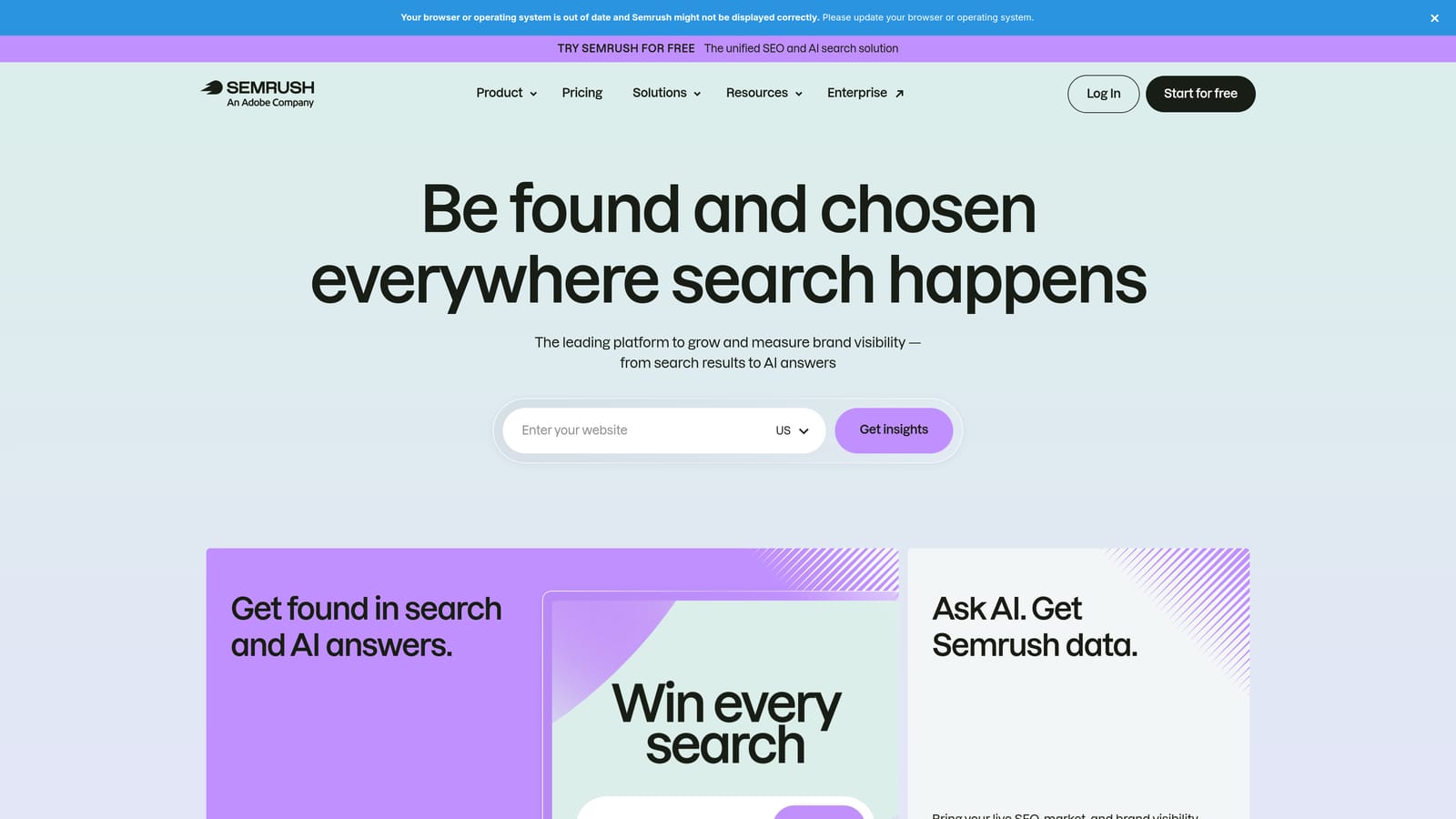
The reason to use it is breadth of competitive data on any page. You can look at a competitor's site or a search result and pull up keyword and traffic context without opening the full Semrush app in another tab. That's useful when you're deciding which keywords to test or sizing up who you're bidding against.
- Keyword data overlays that show metrics next to terms you're researching, so you don't switch to a separate tool (confirm current overlay details in the extension).
- Competitor insights that give context on the sites you're up against.
- Page-level analysis for quickly assessing a page you land on, including competitor landing pages.
It depends on a Semrush account, and what you see depends on your plan. Setup is light: install, log in, browse. Whoever does keyword research and competitor analysis uses it, often a strategist rather than the person doing day-to-day account management.
The limitation to hold onto: it can't add a keyword, block a search term, or change a bid. If your pain point is the Search Terms Report, this won't fix it. It also adds the most value when you already pay for Semrush; buying the subscription just for the extension is a different decision.
Pricing is tied to Semrush's subscription plans, which differ by feature and usage limits. Check the current pricing page, as plans change.
Best for: Competitive keyword research.
5. Keywords Everywhere
Keywords Everywhere is a lightweight extension that shows search volume, CPC, and related keywords right on search pages. It's the simplest tool here, and that's its appeal.
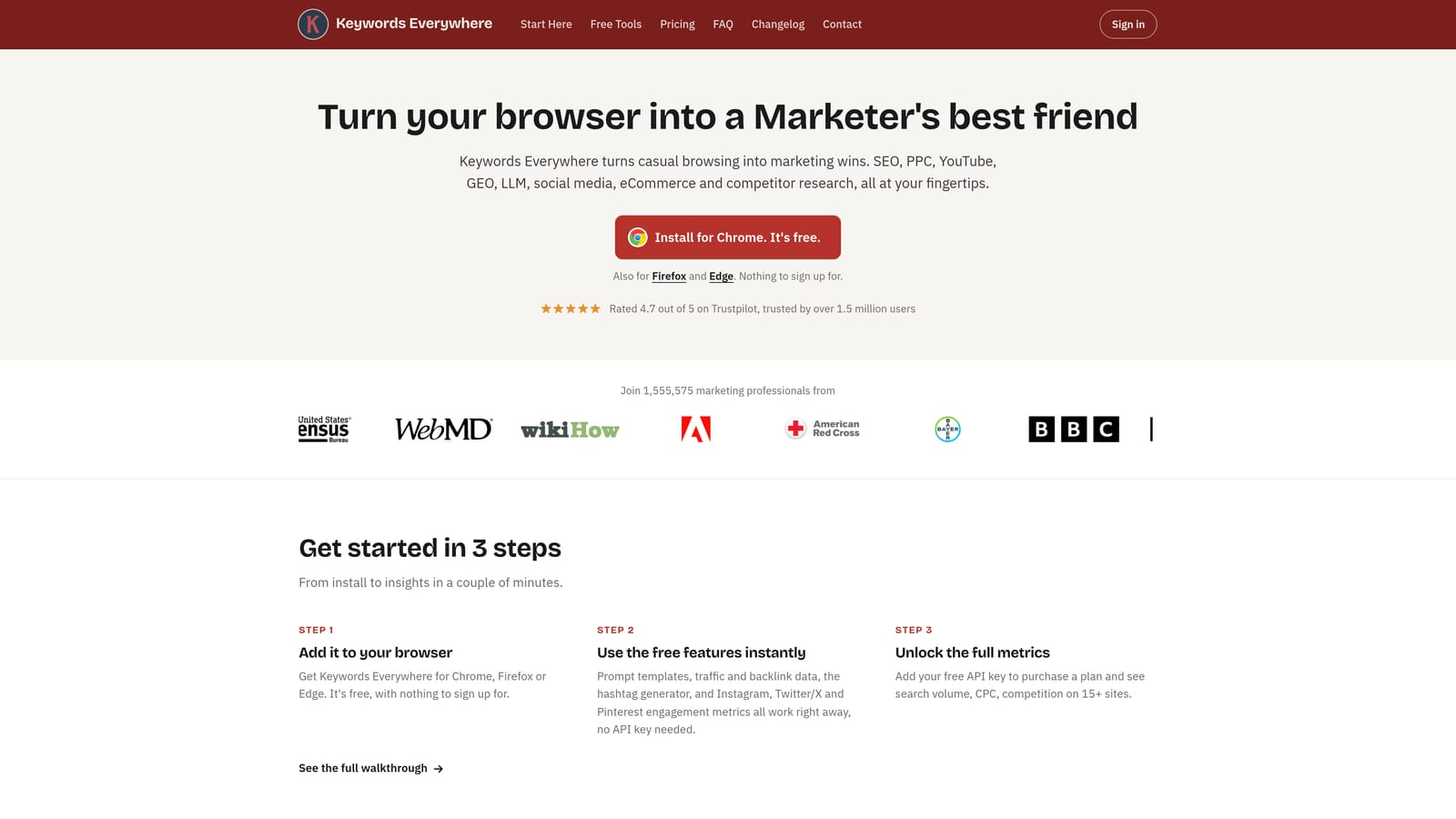
Say you're brainstorming ad groups and want a quick read on whether a phrase has volume and what advertisers pay for it. Run the search, and the data appears beside your results. No dashboard, no export. It's research-grade context at a glance, and it suits anyone who wants a number before deciding whether a keyword deserves a test.
- Search volume display, so you can sanity-check demand without leaving the results page.
- CPC data, which gives a rough sense of how competitive a term is for advertisers.
- Related keywords, to spark ad group ideas and negative keyword candidates.
- Credit-based data access, which means usage, not just a monthly fee, affects what you get (verify the current model).
It works on Google Search and YouTube, and its site indicates other sites too (verify the current list). Setup is a minute: install, add an API key or account as required, and start searching. Anyone doing keyword research can use it without training.
It is research only. It makes no campaign changes and doesn't connect to your Google Ads account. Treat volume and CPC figures as directional estimates and cross-check against Keyword Planner and your own account data before making budget decisions.
Pricing is credit-based and moves with how much data you pull. See the current pricing page for the starting price and credit packs.
Best for: Quick keyword and CPC checks.
6. Ahrefs SEO Toolbar
The Ahrefs SEO Toolbar shows SERP and on-page metrics in your browser. It's an SEO tool, not a PPC one, and it earns a place here for one reason: landing pages.
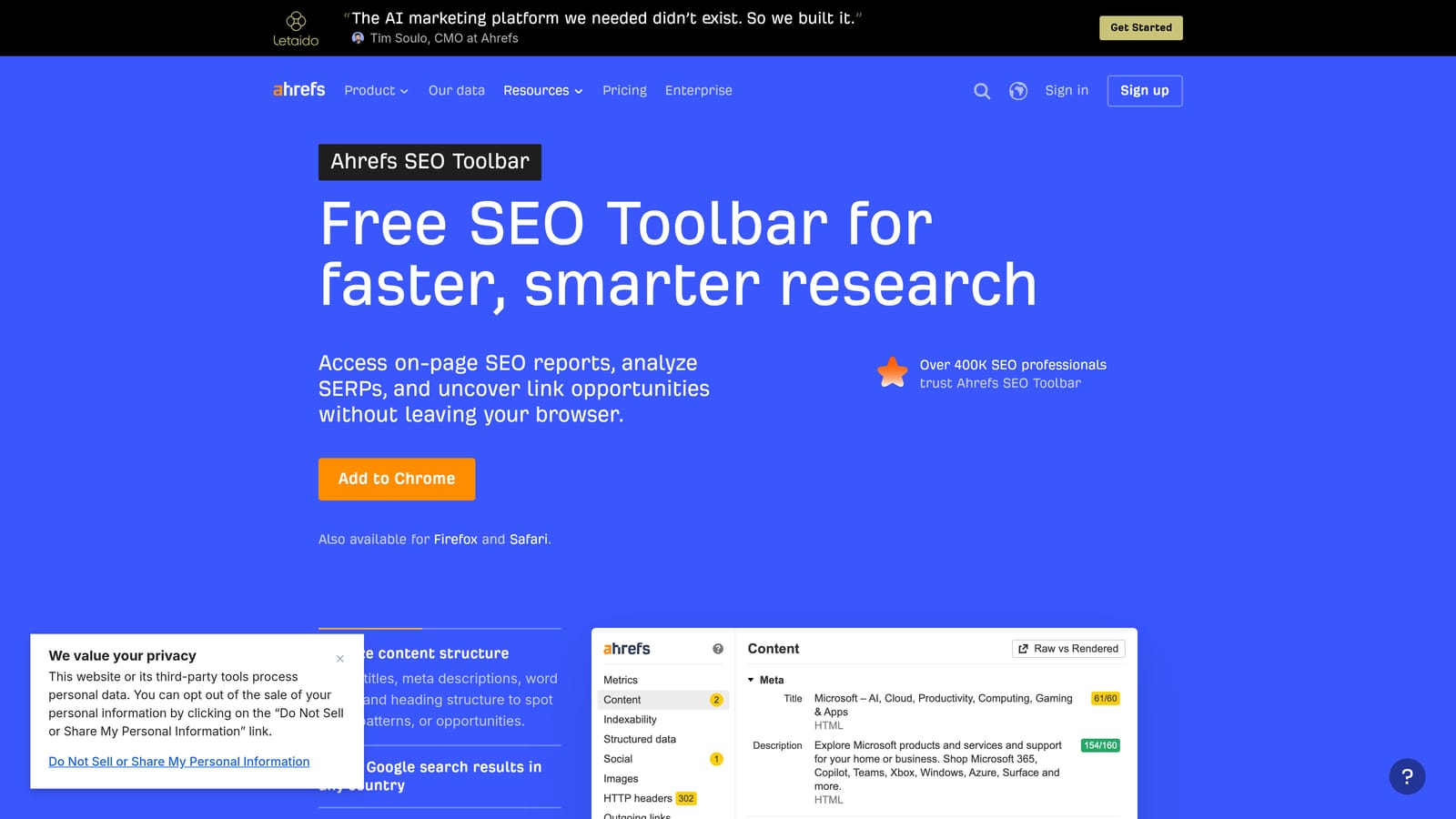
Paid search performance depends heavily on where the click goes. The toolbar lets you open your landing page, or a competitor's, and check on-page elements such as headings, meta data, and links without leaving the page. On a results page, it can overlay metrics on organic listings, which shows you who ranks organically for terms you also bid on. That helps when deciding whether paid coverage is worth it or where a competitor is strong.
- An on-page SEO report that surfaces headings, titles, and other page basics for quick landing page review.
- SERP overlays that add metrics to search results, showing what organic competition looks like around your paid terms (verify what's included at each tier).
- Link metrics for judging the authority of pages you're comparing (verify availability on the free tier).
It ties to an Ahrefs account for the richer data. Setup is a quick install, and it can be used by anyone reviewing pages, whether that's the PPC manager, a CRO specialist, or an SEO on the same team.
Its limits are plain. It does nothing inside Google Ads and offers no search term or campaign tools. Much of its value is SEO insight, so it's an add-on for advertisers who also care about organic results.
The toolbar itself is free, as of November 2026, while richer data typically requires an Ahrefs plan (verify current tiers on their site).
Best for: Landing page and SERP checks alongside paid search.
7. Google Tag Assistant
Google Tag Assistant is Google's free tool for verifying tags and conversion tracking. It's diagnostic, and a different kind of tool from the rest. Its format is worth confirming: Tag Assistant is a web-based tool, and connecting it to a site may involve a companion browser extension, so check Google's current setup instructions.
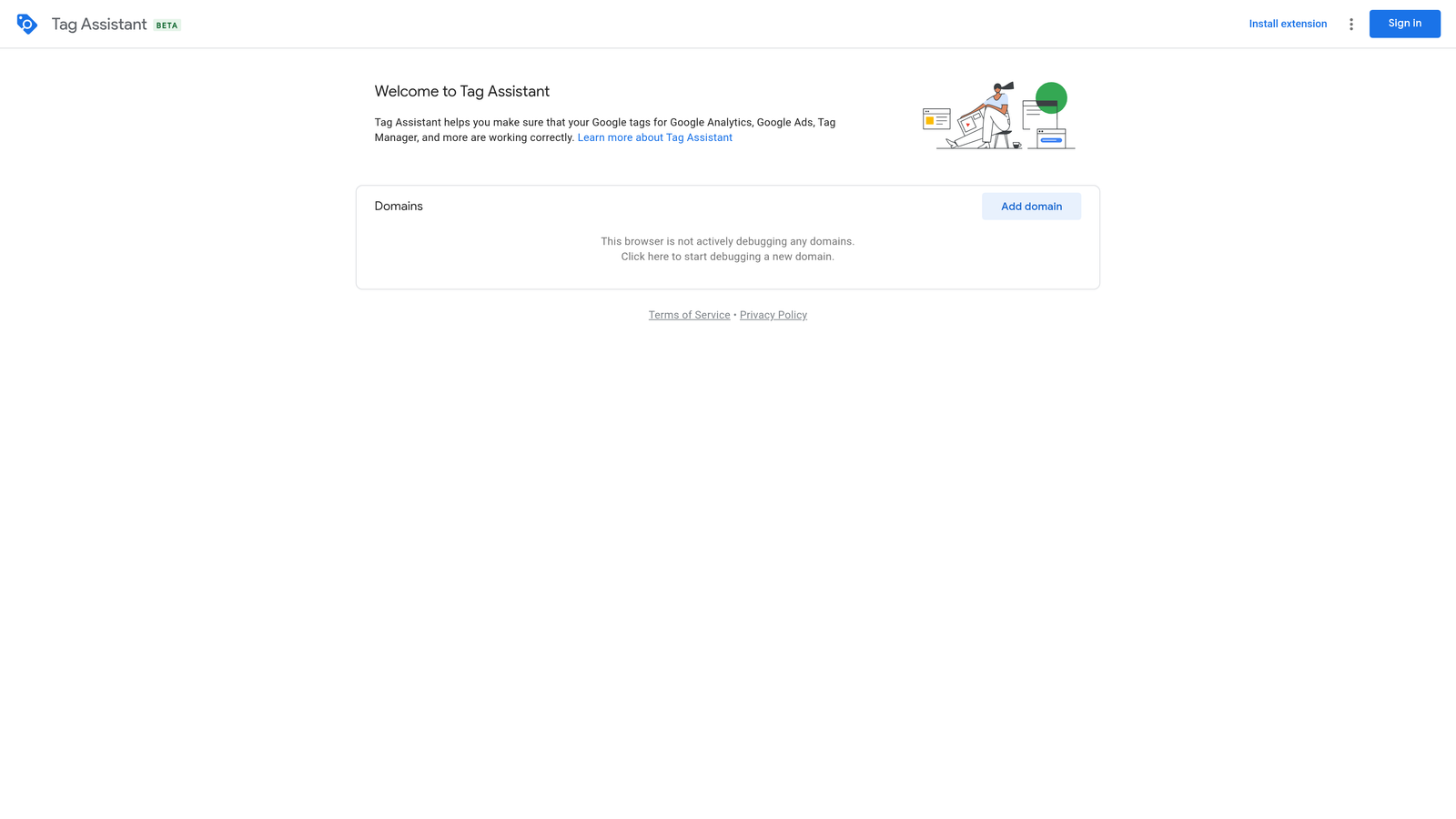
Broken conversion tracking quietly undermines everything else on this list. If conversions aren't recording correctly, search term decisions and bidding signals rest on bad data. Tag Assistant lets you load your site, see which tags fire, and check whether your Google Ads conversion tag triggers on the action you care about, such as a form submission or purchase page.
- Tag debugging, so you can see which tags fire on a page and which don't.
- Google Ads conversion tag checks, confirming your conversion actions are being triggered.
- Tag Manager preview support, so you can test container changes before publishing them.
It works with Google Tag Manager, Google Ads, and Google Analytics. The person who owns tracking, often a PPC manager with some technical comfort or a developer, runs it. Expect a modest learning curve if you've never worked with tags.
It does nothing to optimize campaigns. It tells you whether tracking works, and you act on the answer elsewhere. It's also not a substitute for checking conversion data inside Google Ads over time.
It's free as of November 2026.
Best for: Verifying conversion tracking.
Picking a pair: one optimizer, one research tool
Only some of these tools change anything in your account, so match them to the job instead of stacking them all.
- Search term cleanup and agency workflows: Keywordme. It's the one here that acts inside the Search Terms Report, with team support for multi-client work.
- Big structural changes: Google Ads Editor, free, and good for restructures you want to review before posting. Optmyzr suits agencies that want a broader platform behind their optimization.
- Keyword discovery: Keywords Everywhere for quick checks, Semrush for competitive depth.
- Tracking checks: Tag Assistant, before you trust any conversion-based decision.
Most advertisers do best pairing one in-interface optimizer with one research tool, then adding Tag Assistant when something looks off in their conversion data.
Optimize Google Ads Campaigns 10X Faster. Without Leaving Your Account. Keywordme lets you remove junk search terms, build high-intent keyword lists, and apply match types instantly, right inside Google Ads. No spreadsheets, no switching tabs, just quick, seamless optimization. Start your free 7-day trial (then just $12/month) and take your Google Ads game to the next level.
