
9 Best PPC Keyword Tools for Freelancers in 2026
Managing Google Ads as a freelancer means juggling tight budgets, multiple clients, and limited time—so you need PPC keyword tools that are fast, affordable, and actually deliver results. This guide breaks down the 9 best PPC keyword tools for freelancers in 2026, helping you find profitable keywords, analyze competitors, and optimize campaigns without enterprise-level costs or complexity.


If you're a freelancer managing Google Ads campaigns, you already know the drill: clients expect results, budgets are tight, and your time is stretched across multiple accounts. The last thing you need is a clunky, overpriced keyword tool that requires a PhD to operate or eats into your margins before you've even started optimizing.
The right PPC keyword tool should do three things: save you time, help you find profitable keywords fast, and fit into a freelancer budget. Whether you're cleaning up search term reports, researching competitor strategies, or building negative keyword lists, the tools below will help you work smarter without the enterprise price tag.
Here are the top PPC keyword tools built for freelancers who need speed, affordability, and real results.
1. Keywordme
Best for: Freelancers who want to optimize Google Ads campaigns without leaving the platform
Keywordme is a Chrome extension that integrates directly into your Google Ads Search Terms Report, letting you optimize campaigns up to 10x faster without spreadsheets or tab-switching.

Where This Tool Shines
Most PPC tools force you to export data, manipulate it in spreadsheets, then re-upload changes back into Google Ads. Keywordme eliminates that entire workflow by living inside the platform where you're already working.
You can remove junk search terms with a single click, apply match types instantly, and build negative keyword lists without ever leaving the Search Terms Report. For freelancers juggling multiple client accounts, this means less context-switching and more billable optimization time.
Key Features
One-Click Negative Keywords: Flag and add negative keywords directly from the search terms report without exporting data.
Bulk Match Type Application: Apply exact, phrase, or broad match modifiers to multiple keywords at once instead of editing them individually.
Keyword Clustering: Automatically group related search terms to identify patterns and build better keyword themes.
Multi-Account Support: Switch between client accounts seamlessly without losing your optimization workflow.
Native Integration: Works entirely within the Google Ads interface—no external dashboards or clunky third-party platforms.
Best For
Freelancers and small agency owners managing 3-10 Google Ads accounts who need to optimize search term reports quickly and efficiently. If you're tired of spreadsheet gymnastics and want to cut optimization time in half, this is your tool.
Pricing
$12/month per user with a 7-day free trial. No percentage-of-spend pricing—just a flat rate that doesn't scale with your client budgets.
2. Google Keyword Planner
Best for: Freelancers who need free keyword research with Google's own data
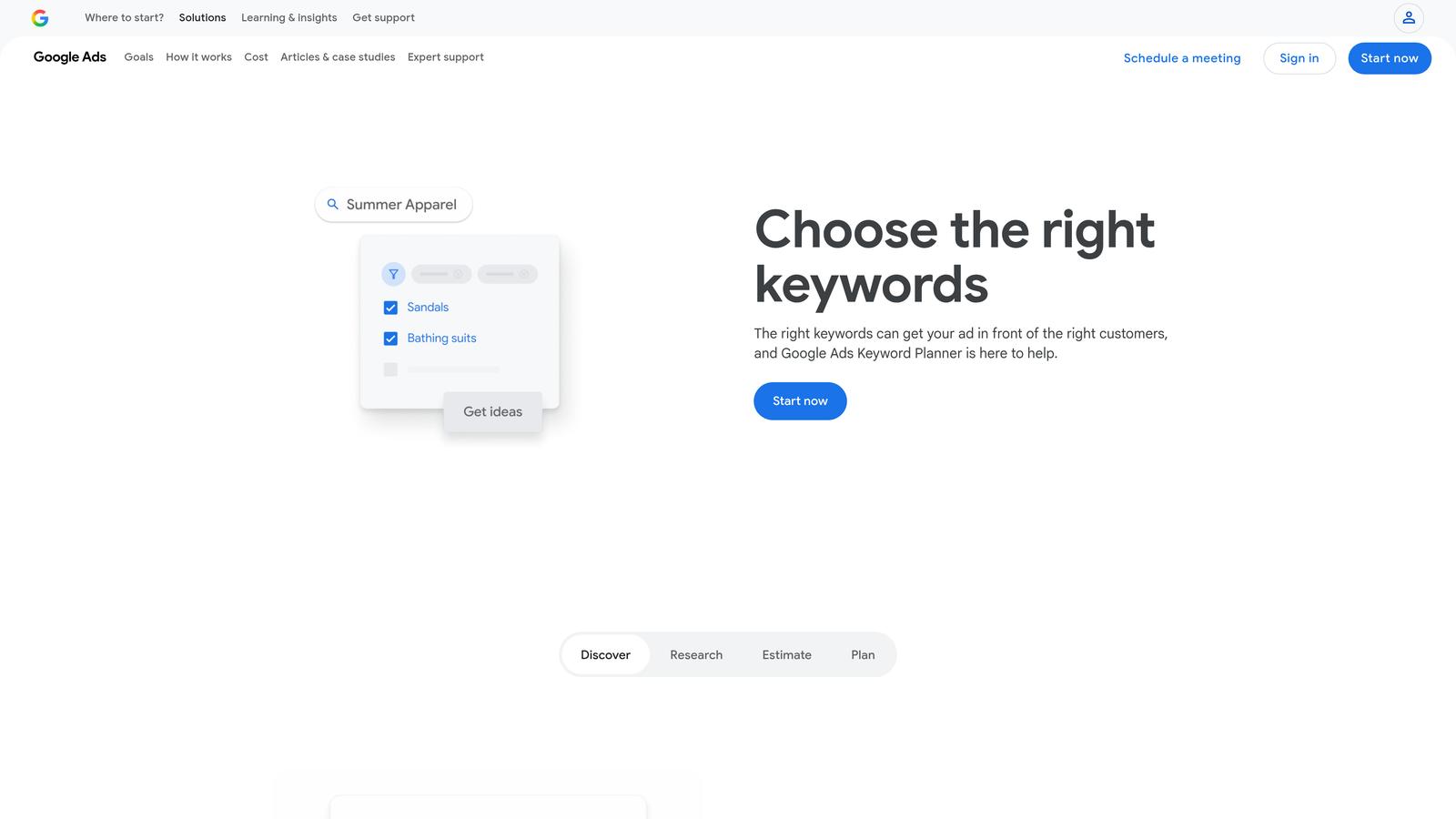
Google Keyword Planner is Google's native keyword research tool built directly into the Google Ads platform, offering search volume data and bid estimates at no cost.
Where This Tool Shines
When you're starting a new campaign or pitching a client, Keyword Planner gives you access to Google's actual search data without requiring a third-party subscription. You can enter seed keywords, see monthly search volume ranges, and get bid estimates based on current auction dynamics.
The tool also suggests related keywords you might not have considered, making it useful for building out initial keyword lists before launching campaigns. Since it's free and already part of your Google Ads account, there's zero barrier to entry.
Key Features
Search Volume Data: See monthly search volume ranges for any keyword, though exact numbers require active campaign spend.
Keyword Suggestions: Enter a seed keyword and get related terms based on Google's autocomplete and search behavior data.
Bid Estimates: View suggested bid ranges to help with budget planning and client proposals.
Historical Metrics: Access year-over-year trends to identify seasonal patterns in search behavior.
Geographic Targeting: Filter keyword data by location to see regional search volume differences.
Best For
Freelancers who need basic keyword research without budget for paid tools, or anyone building initial campaign keyword lists before diving into competitive analysis.
Pricing
Completely free with any Google Ads account. You'll see more detailed data once you start running campaigns, but basic access is always available.
3. SEMrush PPC Toolkit
Best for: Competitive intelligence and understanding what keywords competitors are bidding on
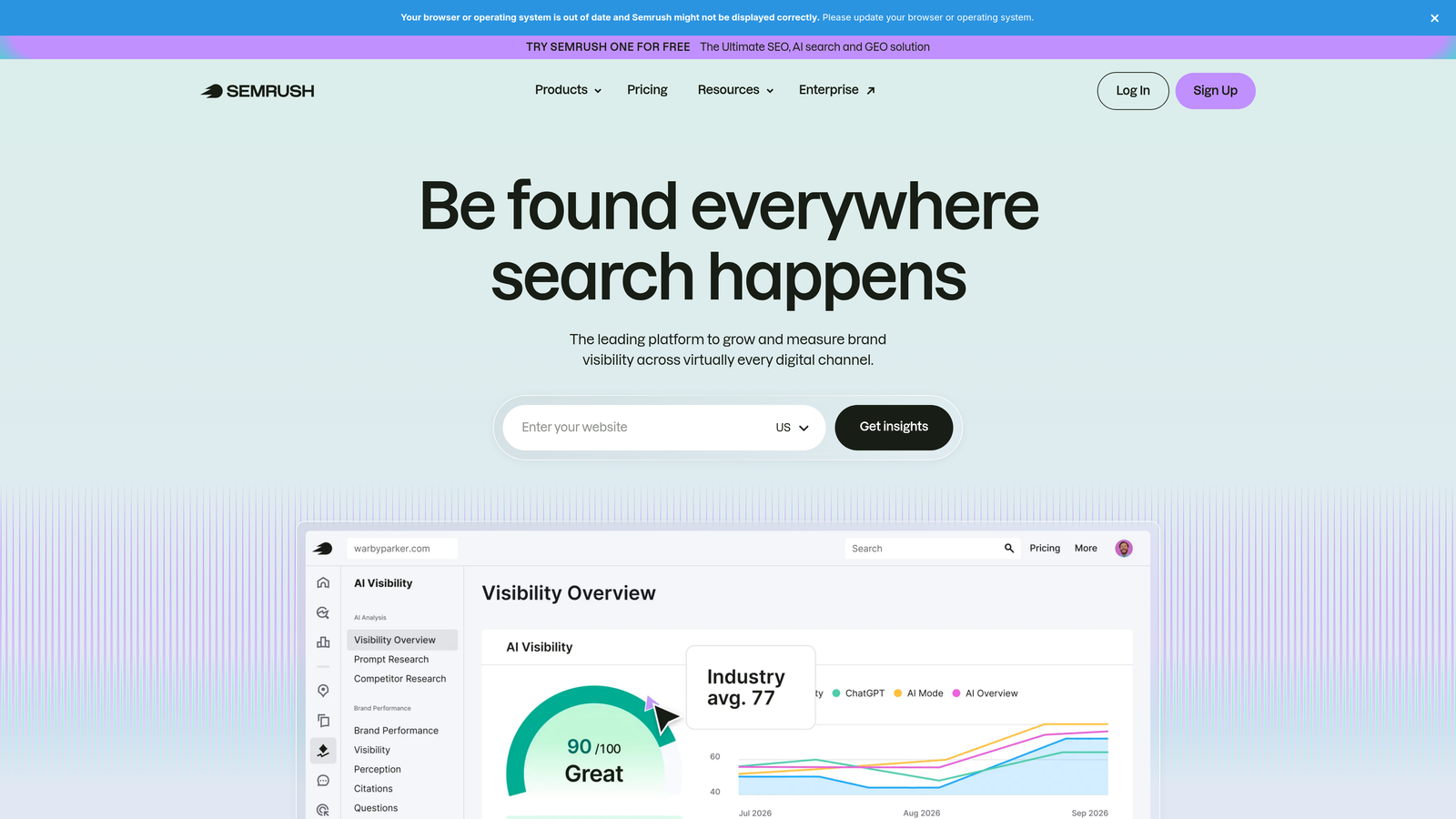
SEMrush is a comprehensive digital marketing platform with dedicated PPC research features that let you reverse-engineer competitor keyword strategies.
Where This Tool Shines
When a client asks "What are our competitors doing?" SEMrush gives you the receipts. You can see which keywords competitors are bidding on, view their actual ad copy history, and track CPC trends over time.
The Keyword Gap tool is especially useful for freelancers—it shows you keywords competitors are ranking for that your client isn't, giving you instant expansion opportunities. You can also track ad spend estimates to understand how aggressively competitors are investing in specific terms.
Key Features
Competitor Keyword Analysis: Enter any domain and see which keywords they're bidding on, along with estimated traffic and CPC.
Ad Copy Research: View competitors' actual ad text, headlines, and landing pages to understand their messaging strategies.
CPC Trends: Track how keyword costs change over time to identify budget opportunities or competitive shifts.
Keyword Gap Analysis: Compare your client's keyword coverage against up to four competitors simultaneously.
Position Tracking: Monitor your ads' positions for target keywords and get alerts when competitors outrank you.
Best For
Freelancers who manage competitive industries where understanding competitor strategies is crucial, or anyone who needs to justify keyword recommendations with competitive data during client presentations.
Pricing
Starts at $139.95/month for the Pro plan, which includes core PPC features. Higher tiers unlock more historical data and larger project limits.
4. SpyFu
Best for: Historical PPC data and building client pitches with competitor insights
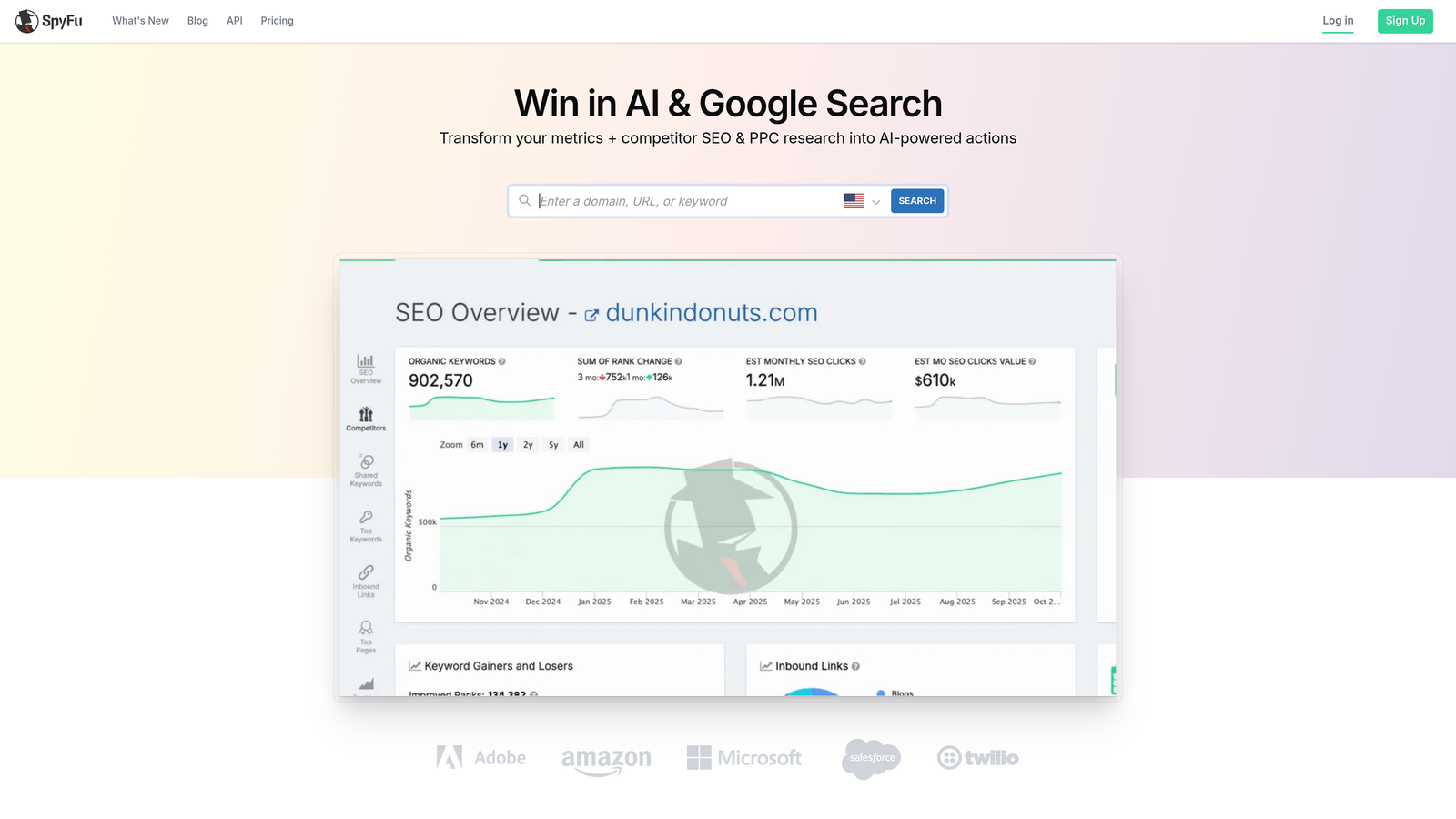
SpyFu specializes in competitive keyword intelligence, with historical ad data going back over a decade for many domains.
Where This Tool Shines
SpyFu's strength is depth of historical data. You can see which keywords a competitor has been bidding on consistently for years versus which ones they've recently added or dropped. This helps you identify proven winners versus experimental terms.
The tool also estimates competitor ad spend, which is incredibly useful during client pitches. You can show a prospect exactly how much their competitors are investing in PPC and which keywords are driving the most value. For freelancers trying to win new business, this kind of intelligence is gold.
Key Features
Historical Ad Data: View competitor ad copy and keyword bids going back years to identify long-term strategies.
Ad Spend Estimates: See estimated monthly PPC budgets for any domain to understand competitive investment levels.
Most Profitable Keywords: Identify which keywords competitors bid on most consistently, indicating profitability.
PPC Keyword Recommendations: Get suggested keywords based on what's working for similar businesses in your client's industry.
Kombat Feature: Compare your client against multiple competitors to find keyword opportunities and gaps.
Best For
Freelancers who need competitive intelligence for client pitches, or anyone managing campaigns in highly competitive niches where understanding competitor behavior is essential.
Pricing
Starts at $39/month for the Basic plan, making it one of the more affordable competitive intelligence tools with serious depth.
5. Optmyzr
Best for: Automating repetitive PPC tasks with rule-based optimization workflows
Optmyzr is a PPC management platform designed to automate optimization tasks that would otherwise eat up hours of manual work.

Where This Tool Shines
If you're managing multiple client accounts, you're probably doing the same optimization checks over and over: pausing low-performing keywords, adjusting bids based on performance, flagging budget overruns. Optmyzr automates these repetitive tasks with customizable rules.
The platform's negative keyword management tools are particularly strong. You can set up rules to automatically flag search terms that meet certain criteria (like high cost, low conversions) and add them to negative keyword lists with a single approval click. For freelancers who bill by results rather than hours, this kind of automation is a margin-saver.
Key Features
Rule-Based Automation: Create custom rules to automatically pause keywords, adjust bids, or flag issues based on performance thresholds.
Negative Keyword Management: Automatically identify and organize negative keywords across multiple campaigns and accounts.
Budget Pacing Alerts: Get notifications when campaigns are overspending or underspending relative to monthly budgets.
One-Click Optimizations: Review automated recommendations and approve changes with a single click instead of manual edits.
Multi-Account Dashboards: Manage multiple client accounts from a single interface with consolidated reporting.
Best For
Freelancers managing 5+ client accounts who need to automate repetitive optimization tasks and reduce time spent on manual campaign maintenance.
Pricing
Starts at $249/month, which is steep for solo freelancers but becomes cost-effective when managing multiple high-budget accounts.
6. WordStream Free Keyword Tool
Best for: Quick keyword suggestions without account setup or subscriptions
WordStream Free Keyword Tool is a no-login-required keyword suggestion tool that gives you instant keyword ideas based on industry and search intent.

Where This Tool Shines
Sometimes you just need a quick list of keyword ideas without logging into a platform or burning through API credits. WordStream's free tool delivers exactly that—enter a seed keyword, select an industry, and get dozens of related terms in seconds.
The tool also provides basic competition and volume indicators, so you can quickly identify low-hanging fruit versus highly competitive terms. You can export results to CSV and import them directly into Google Ads Editor, making it a solid option for fast campaign builds.
Key Features
No Account Required: Use the tool instantly without creating an account or entering payment information.
Industry-Specific Suggestions: Filter keyword ideas by industry to get more relevant results for your client's niche.
Competition Indicators: See basic competition levels (low, medium, high) to prioritize easier wins.
Volume Estimates: Get rough search volume ranges to gauge keyword potential before committing budget.
CSV Export: Download keyword lists and import them directly into campaign builders.
Best For
Freelancers who need fast keyword ideas for new campaigns without the overhead of logging into multiple platforms or waiting for API pulls.
Pricing
Completely free for basic use. WordStream offers paid products, but the keyword tool itself requires no subscription.
7. Ahrefs Keywords Explorer
Best for: Understanding true traffic potential beyond just search volume
Ahrefs Keywords Explorer is a cross-platform keyword research tool that provides click-through rate estimates and traffic potential metrics beyond basic search volume.

Where This Tool Shines
Search volume is a vanity metric if nobody clicks the ads. Ahrefs solves this by showing you estimated clicks per search, which accounts for SERP features, zero-click searches, and ad saturation. This gives you a more realistic picture of actual traffic potential.
The Parent Topic feature is also incredibly useful—it groups keywords by the broader topic they belong to, helping you build comprehensive campaigns instead of targeting isolated terms. You can also see SERP analysis with ad presence data, so you know which keywords have heavy ad competition versus organic-dominated results.
Key Features
Click-Through Rate Estimates: See estimated clicks per search, not just volume, to understand real traffic potential.
Parent Topic Grouping: Automatically identify the broader topic a keyword belongs to for better campaign structure.
SERP Analysis: View current search results with ad presence indicators to gauge competition levels.
Keyword Difficulty Scoring: Get a 0-100 difficulty score based on backlink profiles of ranking pages.
Multi-Platform Support: Research keywords across Google, YouTube, Amazon, and other platforms from one tool.
Best For
Freelancers who need deeper keyword intelligence beyond basic volume data, especially when building campaigns in competitive niches where understanding true traffic potential matters.
Pricing
Starts at $129/month for the Lite plan, which includes keyword research features and limited credits for other Ahrefs tools.
8. Keyword Tool (keywordtool.io)
Best for: Discovering long-tail keywords using Google Autocomplete data
Keyword Tool is a long-tail keyword generator that pulls suggestions from Google Autocomplete and other platform autocomplete features.
Where This Tool Shines
Google Autocomplete reveals what people are actually typing into search bars, which often includes long-tail, high-intent queries that traditional keyword tools miss. Keyword Tool extracts these suggestions at scale, giving you hundreds of keyword variations based on a single seed term.
The question-based keyword discovery feature is particularly useful for content-driven PPC strategies. You can find question keywords like "how to," "where to buy," or "best way to" that indicate strong purchase intent. The tool also supports YouTube, Amazon, and Bing, making it useful for multi-platform campaigns.
Key Features
Google Autocomplete Suggestions: Generate hundreds of long-tail keywords based on what Google suggests to searchers.
Question-Based Discovery: Find question keywords that indicate informational or transactional search intent.
Multi-Platform Support: Research keywords for YouTube, Amazon, Bing, and other platforms beyond Google.
Negative Keyword Suggestions: Get suggestions for negative keywords to exclude irrelevant traffic.
Language and Location Targeting: Generate keywords in 192 countries and 83 languages for international campaigns.
Best For
Freelancers building campaigns around long-tail keywords or anyone targeting question-based queries for content marketing or e-commerce clients.
Pricing
Free tier available with limited results. Pro plans start at $89/month and unlock full keyword lists, search volume data, and competition metrics.
9. PPCexpo Keyword Planner
Best for: Visual keyword clustering and organization inside Google Ads
PPCexpo Keyword Planner is a free Chrome extension that helps you visually organize and cluster keywords directly within Google Ads.
Where This Tool Shines
Building ad groups with tight keyword themes is crucial for Quality Score and ad relevance, but manually sorting hundreds of keywords into logical groups is tedious. PPCexpo automates this with visual keyword clustering that groups related terms based on semantic similarity.
The tool integrates with Google Ads, so you can organize keywords without exporting data or switching platforms. It also provides performance visualization features that help you spot patterns in keyword data faster than scanning spreadsheets. For freelancers who manage large keyword lists, this kind of visual organization saves hours of manual work.
Key Features
Visual Keyword Clustering: Automatically group related keywords into logical themes for better ad group structure.
Google Ads Integration: Work directly inside Google Ads without exporting data to external tools.
Keyword Performance Visualization: View keyword metrics in visual formats to identify patterns and opportunities faster.
Free Chrome Extension: Access core features without subscription costs through the browser extension.
Campaign Structure Recommendations: Get suggestions for optimal ad group organization based on keyword themes.
Best For
Freelancers managing large keyword lists who need to organize them into tight ad groups quickly, or anyone who prefers visual tools over spreadsheet-based workflows.
Pricing
Free Chrome extension with core features. Premium features and advanced analytics available through paid plans.
Making the Right Choice
The best PPC keyword tool depends on what you're trying to accomplish and how much time you have to spend on it.
If you're optimizing existing campaigns and want to cut your workflow time in half, Keywordme is the clear winner. It eliminates the spreadsheet shuffle and lets you optimize directly inside Google Ads with one-click actions. For $12/month, it's the most cost-effective way to speed up search term optimization without changing how you already work.
For competitive intelligence, SEMrush and SpyFu both deliver strong results, but SpyFu's lower price point and historical data depth make it better for freelancers who need to justify keyword strategies during client pitches. SEMrush is worth the extra cost if you're managing highly competitive industries where real-time competitor tracking matters.
If budget is tight, start with Google Keyword Planner for basic research and WordStream's free tool for quick keyword brainstorming. Once you're billing enough to justify a subscription, add Keywordme for optimization speed and either SpyFu or Ahrefs depending on whether you prioritize competitive analysis or traffic potential insights.
For freelancers managing 5+ accounts with repetitive optimization tasks, Optmyzr's automation features can save enough time to justify the higher price tag. But if you're managing fewer accounts or prefer hands-on control, the combination of Keywordme for optimization and Google Keyword Planner for research will cover most of your needs without breaking the bank.
The bottom line: most freelancers need speed and affordability more than enterprise features. Tools that integrate directly into your workflow and eliminate manual busywork will always deliver better ROI than platforms that require you to learn new interfaces or export data constantly.
Optimize Google Ads Campaigns 10X Faster. Without Leaving Your Account. Keywordme lets you remove junk search terms, build high-intent keyword lists, and apply match types instantly—right inside Google Ads. No spreadsheets, no switching tabs, just quick, seamless optimization. Start your free 7-day trial (then just $12/month) and take your Google Ads game to the next level.
.svg)