
9 Best PPC Keyword Refinement Tools for Google Ads in 2026
A practical guide to ppc keyword refinement tools.


If your Google Ads account keeps paying for clicks from searches that have nothing to do with what you sell, the fix is rarely one tool. "Refinement" covers several jobs: pruning junk with negative keywords, expanding from the search terms that convert, fixing match types, and auditing the account for waste. The tools below were judged on how well they handle search term review, negative keywords, match types, and keyword expansion, plus workflow fit, price transparency, and whether they suit a freelancer or an agency running many accounts.
Quick Comparison of the Tools
- Keywordme: freelancers and agencies who want fast search term cleanup; $12/month per user (as of November 2026); works inside the Google Ads interface, so there are no exports or separate dashboards.
- Google Ads Keyword Planner: anyone expanding a keyword list; free with a Google Ads account; first-party Google keyword data and forecasts at no cost.
- Optmyzr: agencies wanting a broad optimization suite; see website for pricing; a wide set of one-click optimizers across many accounts.
- Adalysis: agencies that want continuous audits; see website for pricing; alert-driven audits across keywords, ads, and quality.
- WordStream: small business owners new to PPC; see website for pricing; beginner-friendly guidance on what to fix next.
- SEMrush: keyword research and competitor analysis; see website for pricing; a large keyword database with competitor paid-keyword data.
- SpyFu: budget-conscious competitor research; see website for pricing; historical competitor ad and keyword data.
- Google Ads Editor: large-scale keyword and match type edits; free; official bulk editing with review before changes go live.
- Negator.io: advertisers focused on blocking wasted search terms; see website for pricing; built narrowly for negative keyword discovery.
1. Keywordme
Keywordme is our own product, so weigh this section with that in mind. It's a Chrome extension that adds one-click actions to the Search Terms Report inside Google Ads. A search term is what a person actually typed; a keyword is what you bid on. Keywordme sits at the point where you turn the first into decisions about the second.
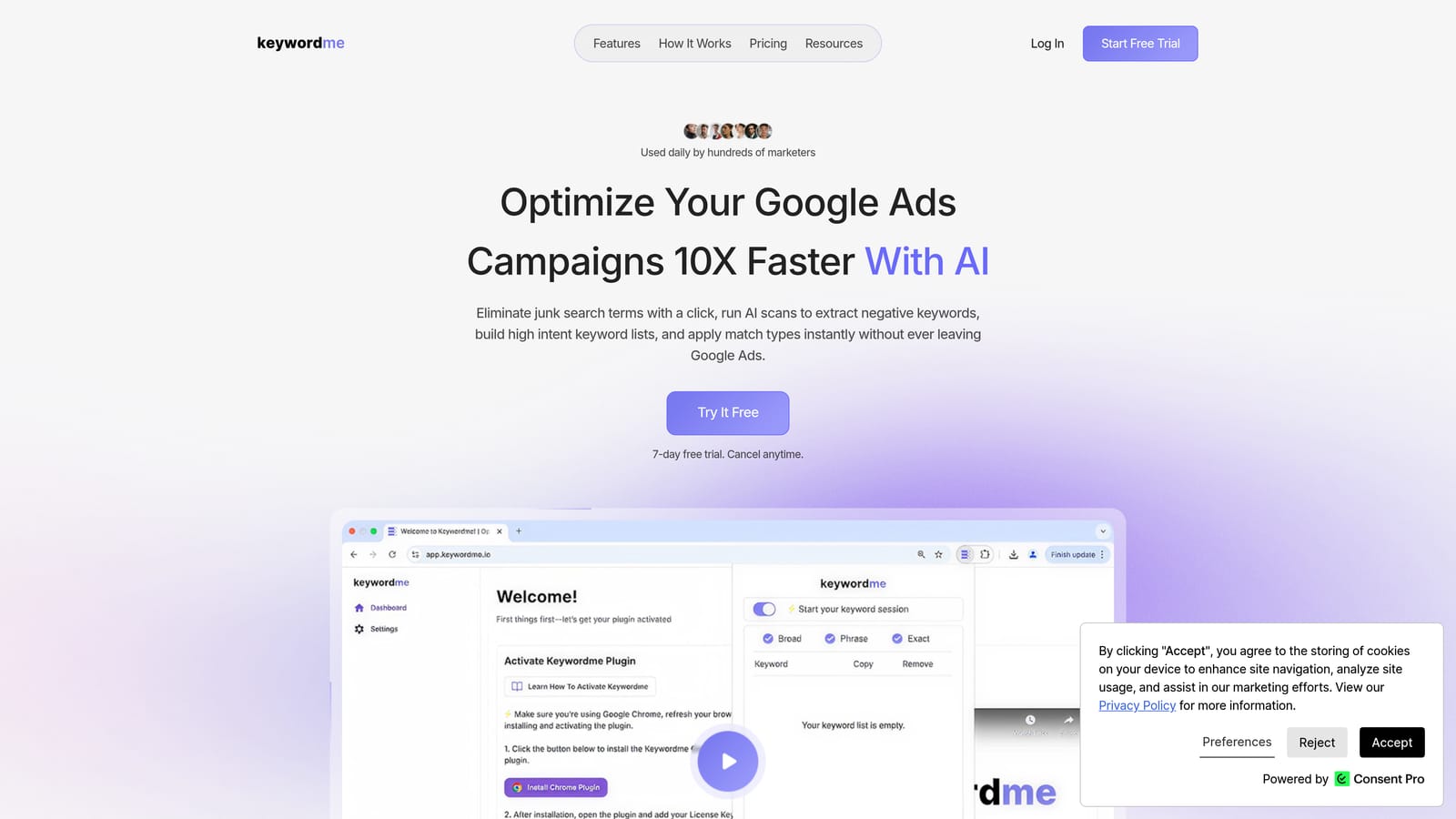
What it does well compared with the rest of this list is stay out of your way. There's no export to a spreadsheet and no separate dashboard to log into. You read the report as usual, then click to block a junk term or add a promising one.
- One-click negative keywords straight from the Search Terms Report, so pruning a long list takes minutes instead of a spreadsheet session.
- Add high-intent search terms as keywords with the match type applied instantly, which saves you from retyping brackets and quotes.
- Keyword clustering to group related terms so you can build tighter lists.
- Bulk editing for applying the same action across many terms at once.
- Multi-account and team support, useful when several people work across client accounts.
Setup is installing the extension in Chrome and opening Google Ads. The person who runs the account day to day is the person who uses it, which suits solo advertisers and small teams.
The limits are real. It works only with Google Ads and only in Chrome. It isn't a bid management tool, a reporting suite, or a cross-platform platform, and it doesn't do competitor research. You still decide what's junk and what's high intent; it speeds up the clicking, not the judgment. Blocking terms without checking intent, or adding every search term as an exact keyword, are mistakes it can't prevent for you.
Pricing is a flat $12/month per user as of November 2026, with a 7-day free trial. Cost scales with the number of users, not ad spend or accounts.
Best for: Freelancers and agencies who want fast search term cleanup without leaving Google Ads.
2. Google Ads Keyword Planner
Google Ads Keyword Planner is Google's free research and forecasting tool inside Google Ads. It's built for advertisers who need new keyword ideas, rough demand figures, and a sense of what traffic might cost before they commit budget.

Its edge over everything else here is that the data comes from Google itself, at no cost. Third-party databases estimate; this is the source, though not always with precision.
- Keyword idea generation from a seed phrase or a website, to find terms you hadn't considered.
- Search volume ranges, so you can compare the relative demand for candidate keywords.
- Forecasts that estimate how a keyword set might perform at a given budget.
- Bid range estimates to sanity-check whether a keyword fits your economics.
It requires a Google Ads account, and setup is minimal. Whoever plans the campaigns usually owns it.
It does nothing about the search terms already costing you money. It won't flag junk, suggest negatives, or fix match types. Volume ranges can also be broad, particularly for accounts with little spend history, so treat them as direction rather than exact counts.
It's free with a Google Ads account as of November 2026, and nothing in it moves the price.
Best for: Expanding a keyword list with free, first-party ideas.
3. Optmyzr
Optmyzr is a PPC management platform with optimization tools, rule-based automations, and reporting across accounts. It's designed for agencies and in-house teams that manage a lot of campaigns and want repeatable processes instead of manual checks.
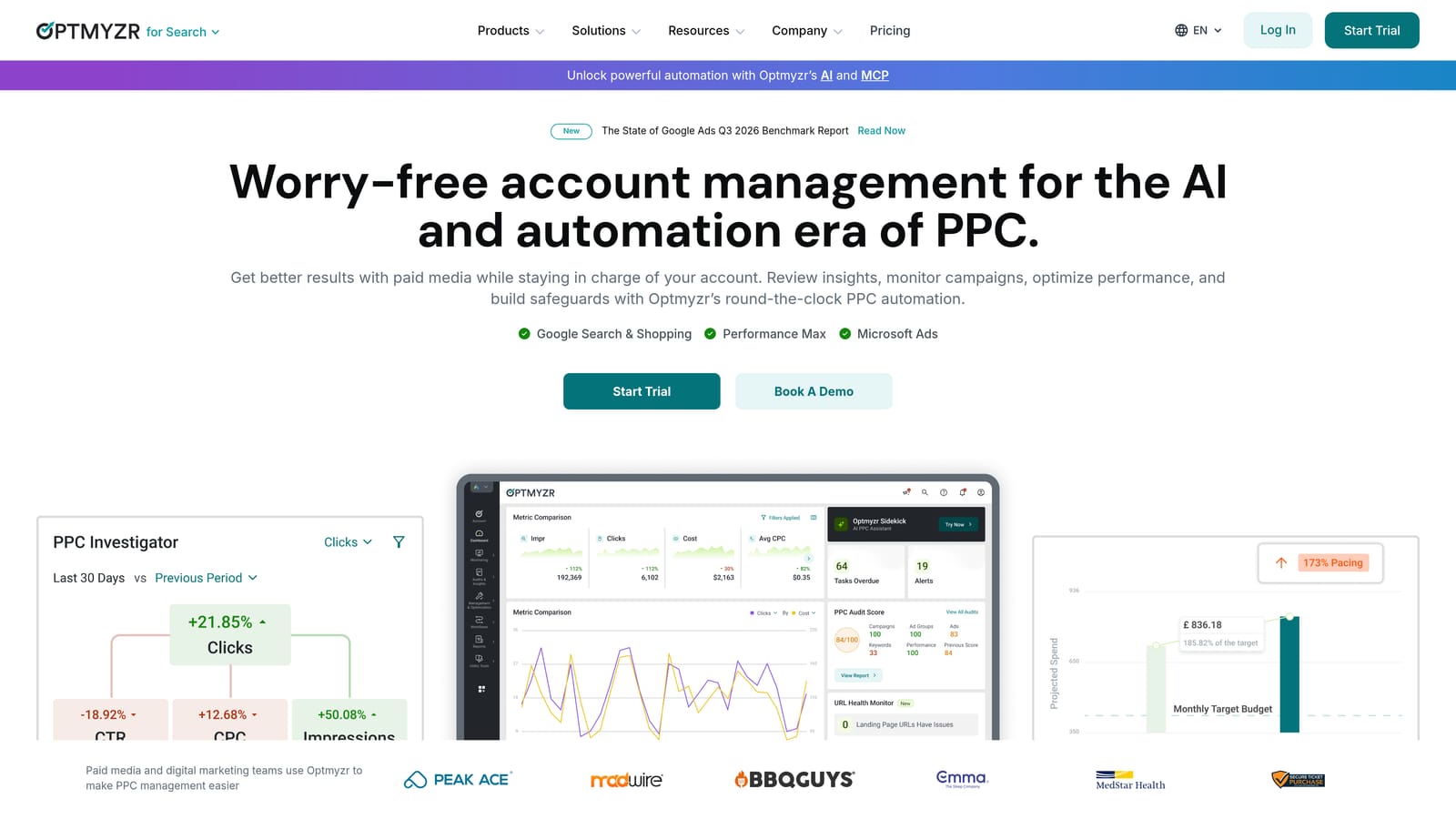
Its distinguishing strength is breadth. Where Keywordme does one workflow quickly, Optmyzr offers a large set of one-click optimizers that you can run across many accounts.
- Search term and negative keyword analysis that surfaces candidates to block or add.
- Rule-based automations so routine checks run on your criteria instead of your calendar.
- Account-level optimization tools for work beyond keywords.
- Reporting for sharing results with clients or stakeholders.
It connects to Google Ads, Microsoft Advertising, and Meta Ads. Expect a real onboarding period: you'll need to learn the tools and decide which automations to trust. Someone with PPC experience should own it, and they should review what rules do before leaving them running.
The learning curve is steeper than a single-purpose tool, and it's likely overkill for one small account. If your only problem is a messy search terms report, you'll pay for a lot you won't use.
Pricing is tiered. See the vendor's website for current plans as of November 2026.
Best for: Agencies wanting a broad optimization suite.
4. Adalysis
Adalysis is an automated PPC audit platform that flags wasted spend and optimization opportunities. It's aimed at agencies and in-house teams who want something watching accounts continuously instead of relying on periodic manual reviews.
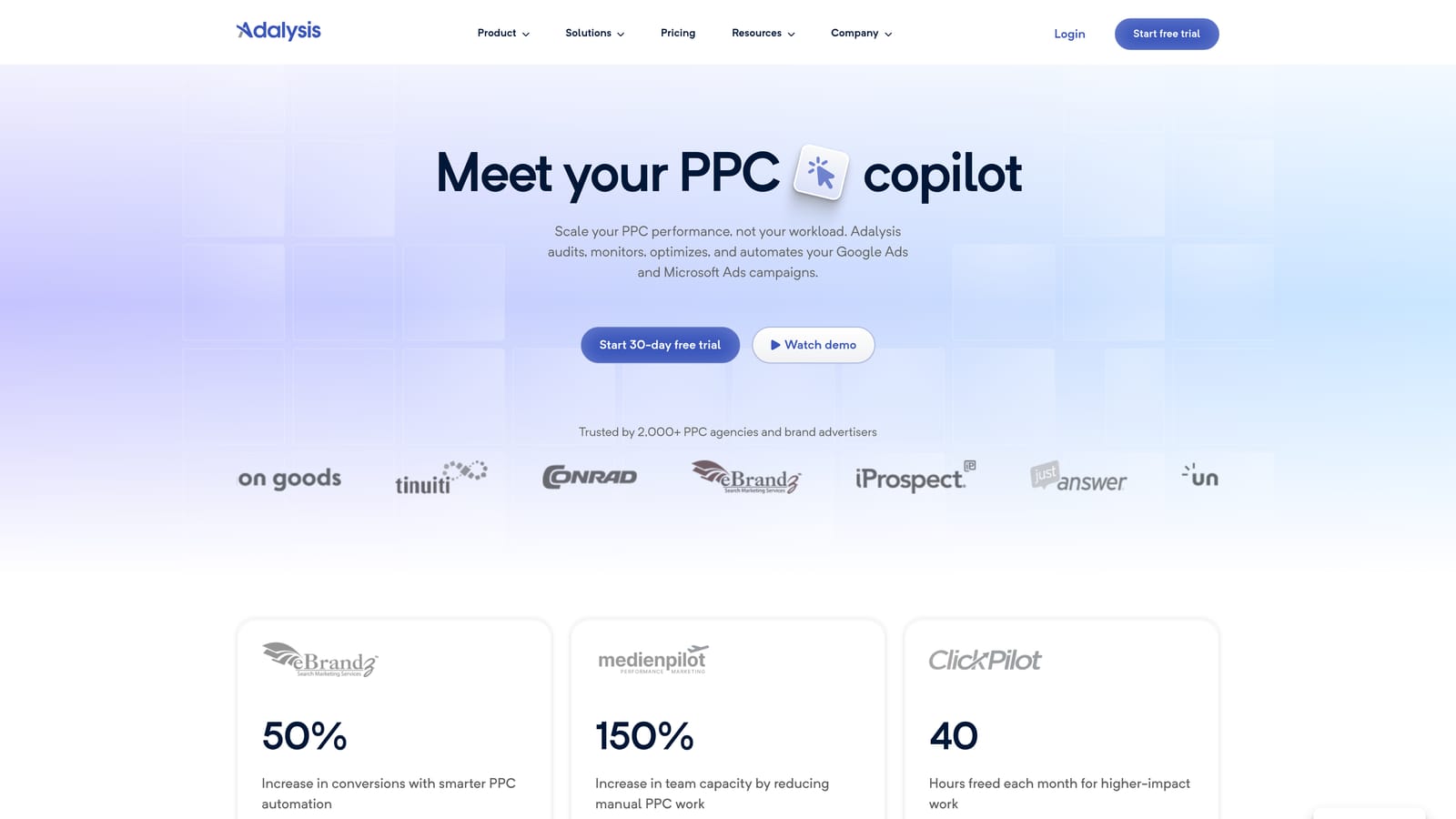
What sets it apart here is the alert-driven approach. Rather than waiting for you to open a report, it surfaces problems across keywords, ads, and quality.
- Automated account audits that check for common issues without a manual pass.
- Search term and keyword alerts that point you at terms worth reviewing.
- Ad testing tools for comparing creative performance.
- Multi-account dashboards for seeing issues across a client portfolio.
It works with Google Ads and Microsoft Advertising. Setup means connecting accounts and tuning which alerts matter; a strategist or account manager typically triages the findings.
The workflow is recommend-then-apply, so you still make the changes manually. That's a sound safeguard, but it means alerts turn into a to-do list. It's also a bigger commitment than a single-purpose tool, and a freelancer with a couple of accounts may find it more than they need.
It's a subscription. See the vendor's website for current pricing as of November 2026.
Best for: Agencies that want continuous audits.
5. WordStream
WordStream is a small-business PPC platform with guided recommendations and a free Google Ads Grader. It's built for owners and generalist marketers who run their own ads and want to be told where to look.
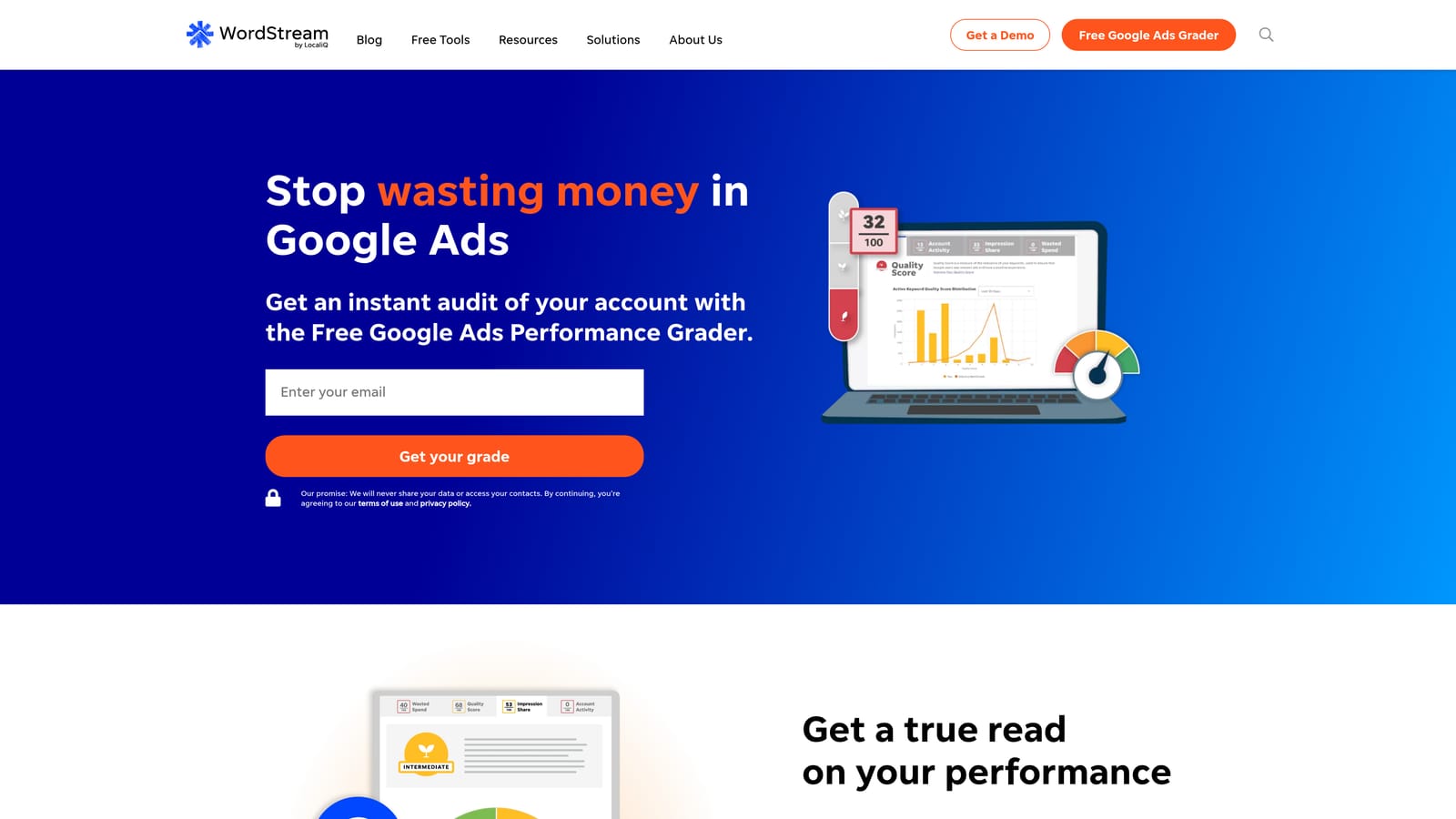
Its strength against this list is hand-holding. Most other tools assume you know what to fix; WordStream suggests what to fix next.
- Google Ads Grader that gives a quick read on account health at no charge.
- Guided optimization recommendations that translate issues into next steps.
- Campaign management tools for handling day-to-day changes in one place.
It connects to Google Ads, Microsoft Advertising, and Meta Ads. Setup is light, and the business owner or a single marketer usually runs it.
The trade-off is control. Advanced users and agencies tend to want more granular handling of search terms and match types than guided recommendations provide. Check any recommendation against your own read of search intent before acting on it.
Pricing isn't something I'd quote here; see the vendor's website for current plans as of November 2026.
Best for: Small business owners new to PPC.
6. SEMrush
SEMrush is an all-in-one marketing platform with keyword research and PPC competitive tools. For this topic, it's a research engine: you use it to find keywords to add and to see what competitors bid on.
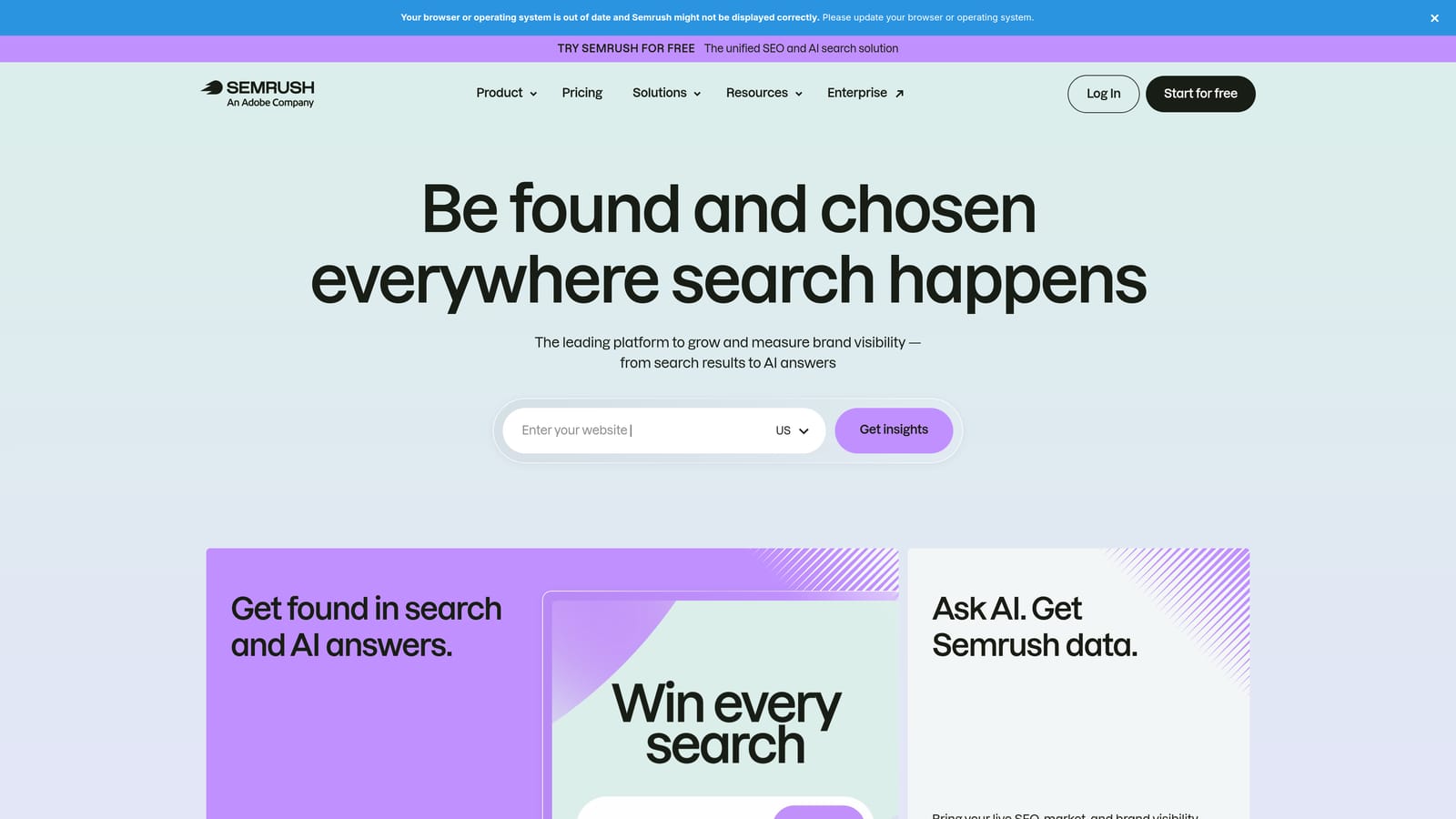
Its standout is the size of its keyword database combined with competitor paid-keyword insights, which few other tools here match for sheer coverage.
- Keyword Magic Tool for generating large lists of related terms from a seed.
- PPC keyword research tuned for paid search decisions.
- Competitor paid keyword data to see what rivals target.
- Keyword grouping to organize big lists into themes before building campaigns.
It integrates with Google Ads, Google Analytics, and Google Search Console. Because it covers SEO and content as well, setup involves picking which modules you need, and it's typically run by a marketer or strategist.
It's research-focused. It doesn't edit your Google Ads search terms or add negatives, so you'll still need a separate way to act on what you learn. Teams who only need PPC refinement may be paying for a lot of unrelated features.
Best for: Keyword research and competitor analysis.
7. SpyFu
SpyFu is a competitor research tool that shows paid keywords and ad history. It's for marketers who want to see what competitors have bid on and how their ads have changed, without a heavy platform around it.
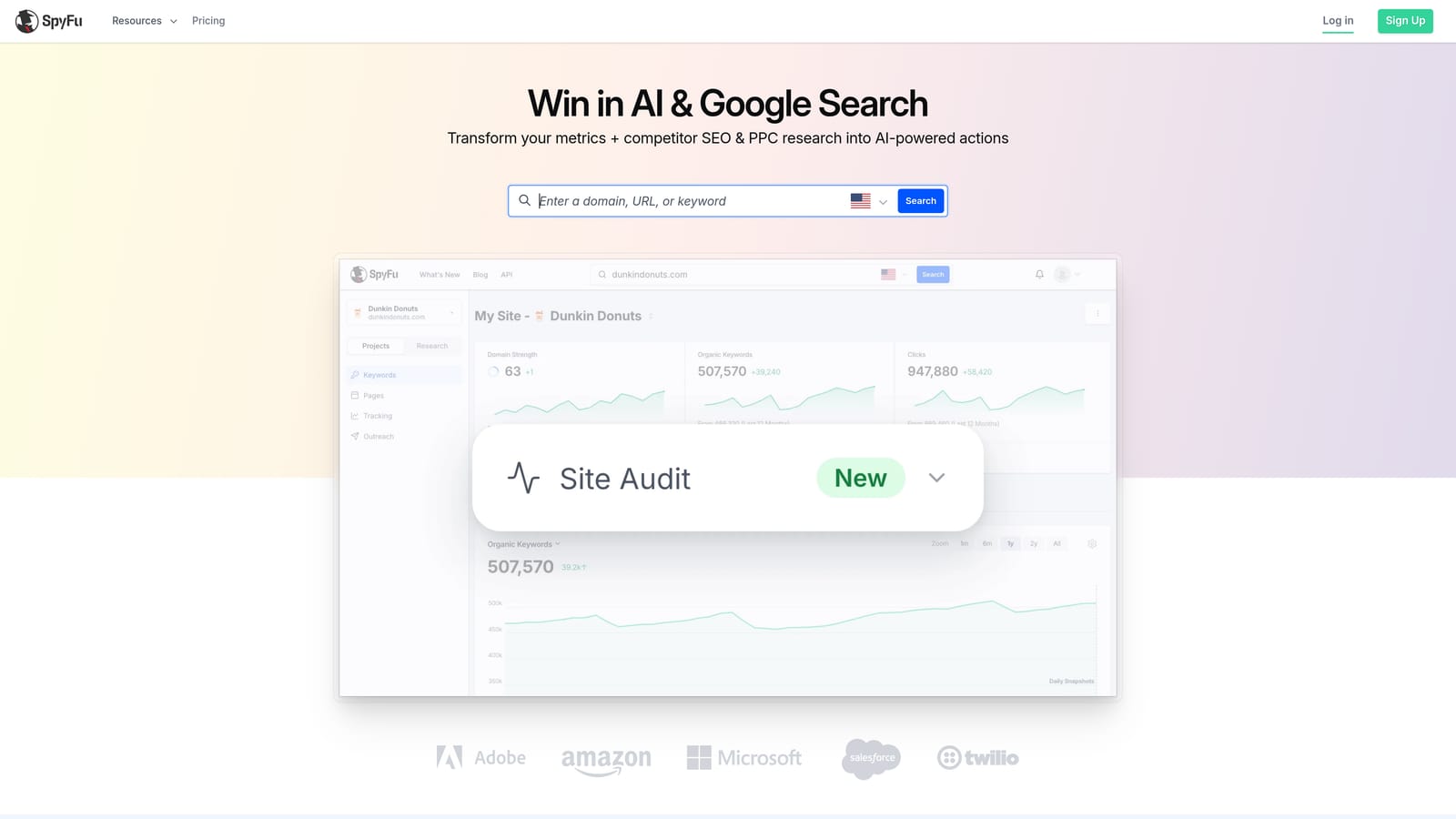
The distinctive piece is the historical view. You can look back at competitor ads and keywords, which helps separate long-running bets from short experiments.
- Competitor paid keyword lists that give you candidate terms to test.
- Ad history showing how rivals' messaging has evolved.
- Keyword research for building out your own lists.
- Domain comparison to see where your keyword set overlaps with a competitor's.
Check the vendor's website for current integrations. Setup is simple since it's research-only, and a marketer or strategist uses it ad hoc rather than daily.
It can't touch your account, so there's no search term cleanup or match type work. Its data is also strongest for the US, which matters if you advertise elsewhere. Competitor keywords are ideas, not proof they're profitable for you.
Best for: Budget-conscious competitor keyword research.
8. Google Ads Editor
Google Ads Editor is a free desktop app from Google for bulk editing campaigns offline. It's for anyone making many changes at once, from freelancers rebuilding a keyword structure to agencies updating dozens of campaigns.

Its distinguishing feature is official bulk editing with a review step, so you see pending changes before they go live.
- Bulk keyword and negative keyword edits, handy for adding or changing hundreds of rows at once.
- Offline editing so you can work on changes before posting them.
- Change review before posting, which lets you catch mistakes before they spend money.
- Multi-account management to work across several accounts from one app.
It integrates with Google Ads, and you download and sign in to use it. It's run by whoever is doing the build or cleanup, and it rewards people comfortable with spreadsheet-style editing.
It offers no recommendations. You pull and analyze search term data yourself, then use Editor to apply the results, which is slower than acting inside the report for small jobs. It's best when the volume of changes justifies the extra step.
It's free as of November 2026.
Best for: Large-scale keyword and match type edits.
9. Negator.io
Negator.io is a tool focused on identifying negative keyword candidates from search terms. It's for advertisers whose main pain is paying for irrelevant queries and who want help spotting them.
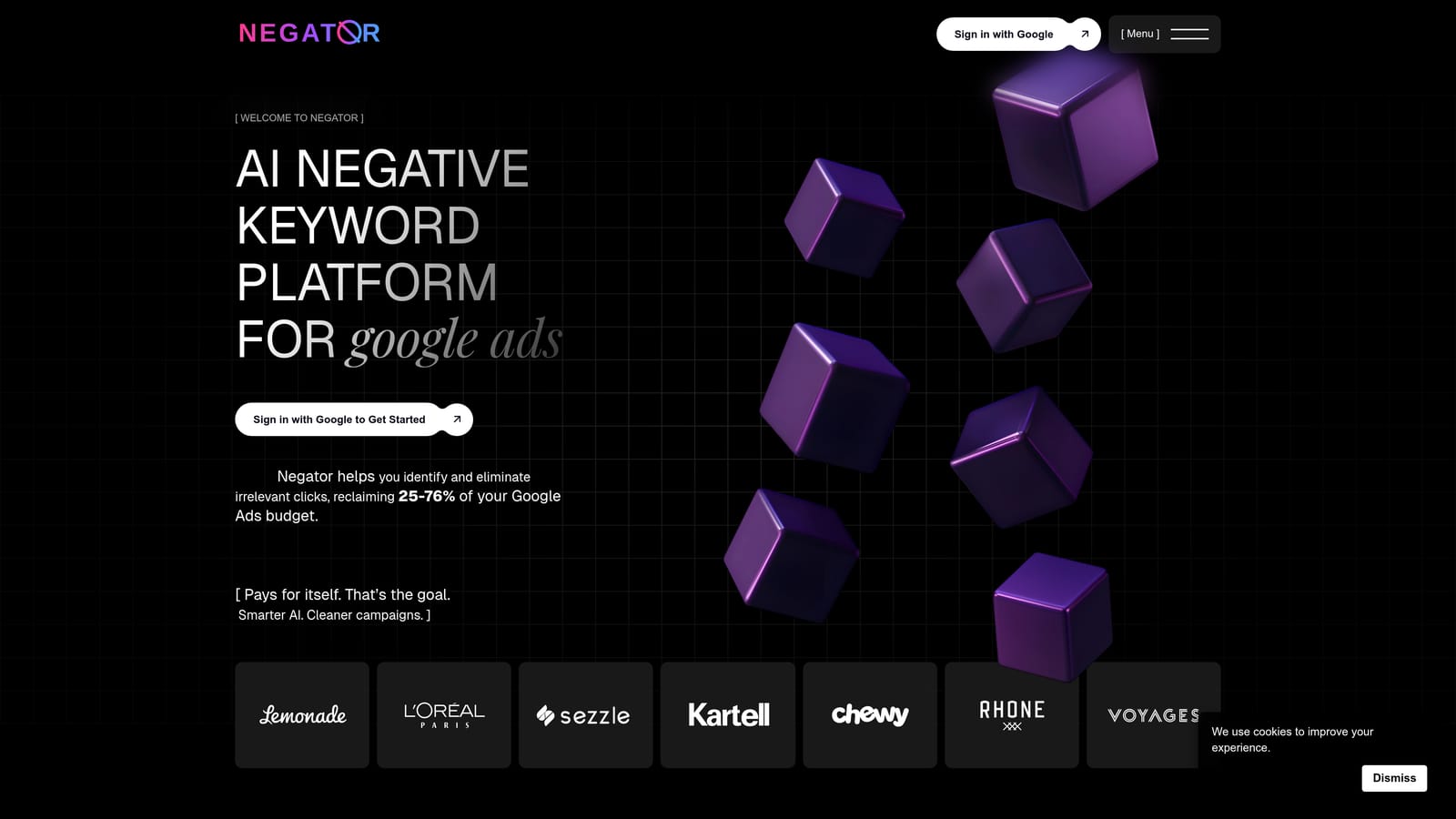
Its narrow design is the point. Unlike the suites above, it's built for one job: finding terms worth blocking.
- Search term analysis that reviews what triggered your ads.
- Negative keyword suggestions so you start from a shortlist, not a blank page.
- Account connection to Google Ads for working from your real data.
It integrates with Google Ads. Setup is connecting the account, and the person managing search terms would run it.
The scope is limited. It offers little help with keyword expansion or match types, so you'll need other tools for those jobs. As with any suggestion engine, review each candidate: a term that looks irrelevant out of context may still convert, and blocking it by mistake costs you traffic.
Best for: Advertisers focused on blocking wasted search terms.
Matching the Tool to Your Situation
No single tool here does everything, and most accounts do best pairing a research tool with a cleanup tool. Three picks stand out depending on your situation.
- Solo advertisers and freelancers: Keywordme for fast in-interface cleanup, paired with Keyword Planner for free expansion ideas. Add Google Ads Editor when a build calls for big bulk edits.
- Agencies managing many accounts: Optmyzr for a broad suite or Adalysis for continuous audits, with a quick cleanup tool for daily search term work.
- Beginners: WordStream for guidance on what to fix next.
- Research and competitor-focused teams: SEMrush for depth, SpyFu for a lighter budget, then act on findings elsewhere.
If wasted spend on search terms is your most immediate problem, start with the cleanup. Optimize Google Ads Campaigns 10X Faster. Without Leaving Your Account. Keywordme lets you remove junk search terms, build high-intent keyword lists, and apply match types instantly, right inside Google Ads. No spreadsheets, no switching tabs, just quick, seamless optimization. Start your free 7-day trial (then just $12/month) and take your Google Ads game to the next level.
