
9 Best PPC Keyword Expansion Tools for Google Ads in 2026
Discover the 9 best PPC keyword expansion tools for Google Ads in 2026, covering both keyword research and Search Terms Report mining to help marketers, freelancers, and agency owners find high-intent search terms faster, cut wasted spend, and scale profitable campaigns more efficiently.


TL;DR: The best PPC keyword expansion tools help you discover new high-intent search terms, eliminate wasted spend, and scale profitable campaigns without drowning in spreadsheets. This list covers 9 tools that actually move the needle for marketers, freelancers, and agency owners running Google Ads in 2026.
Keyword expansion isn't just about adding more keywords. It's about finding the right ones faster and acting on what you find before your budget bleeds out on irrelevant traffic. There's also an important distinction most listicles skip over: keyword research tools and keyword expansion tools are not the same thing. Research tools help you discover new ideas outside your campaigns. Expansion tools help you mine your Search Terms Report and act on it quickly inside the platform. The best workflows use both.
This list covers both categories, evaluated on workflow fit, feature depth, and value for the advertiser type each tool actually serves best.
1. Keywordme
Best for: Google Ads users who want to expand keywords and manage negatives without leaving the platform
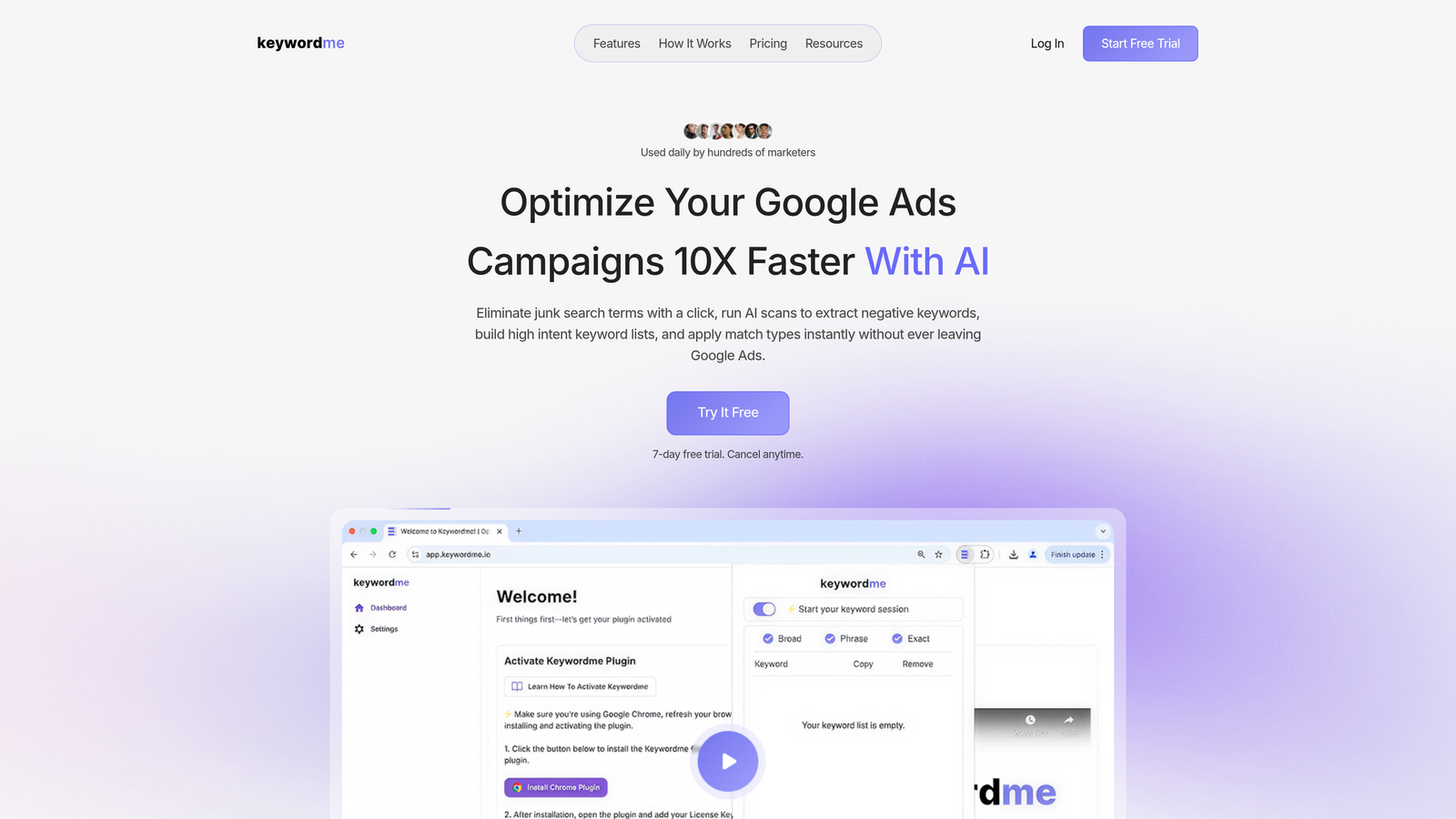
Keywordme is a Chrome extension that plugs directly into Google Ads' Search Terms Report, letting you take action on what you find without ever opening a spreadsheet.
Where This Tool Shines
Most keyword expansion workflows look like this: export Search Terms Report as CSV, open Excel, filter for high-intent terms, copy them into a new keyword list, figure out match types, upload back into Google Ads. It takes forever and it's easy to miss things. Keywordme collapses that entire process into clicks you make right inside the Google Ads UI.
In most accounts I audit, the Search Terms Report is a goldmine that gets checked maybe once a month because the manual process is so painful. Keywordme removes that friction entirely. You can promote a search term to a keyword with the match type already applied, add negatives in bulk, cluster related terms, and manage everything across multiple accounts without context-switching. For agencies running 10 or more client accounts, that time savings compounds fast.
Key Features
One-Click Negative Keyword Addition: Flag and add irrelevant search terms as negatives directly from the Search Terms Report without exporting anything.
Promote to Keyword with Match Type: Turn a high-performing search term into a keyword with your chosen match type applied instantly, right inside Google Ads.
Keyword Clustering: Group related search terms by theme or intent to structure new ad groups more efficiently.
Bulk Editing Inside Google Ads UI: Make large-scale changes without needing a third-party dashboard or spreadsheet workflow.
Multi-Account and Team Support: Designed for agency workflows where multiple users need to work across multiple client accounts simultaneously.
Best For
Freelancers managing multiple client accounts, in-house PPC managers who want faster Search Terms workflows, and agencies looking to cut down the time spent on routine keyword hygiene tasks. If your current process involves exporting CSVs and working in Excel, this tool directly replaces that habit.
Pricing
$12/month per user. A 7-day free trial is available, which is enough time to run it through a real account and see the workflow difference firsthand.
2. Google Keyword Planner
Best for: Initial keyword research and volume estimation using Google's own data
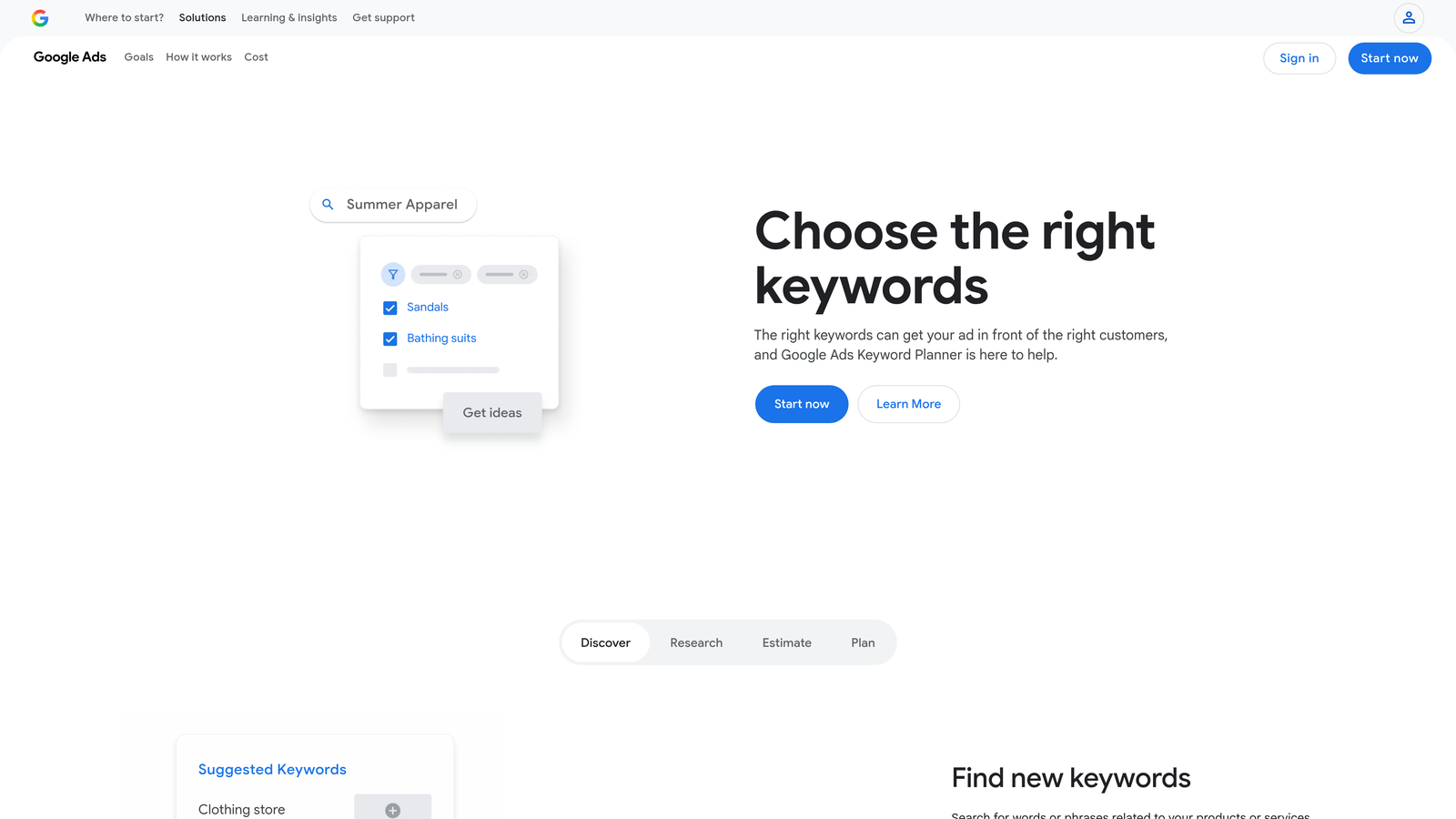
Google Keyword Planner is the native keyword research tool built directly into Google Ads, providing search volume estimates, CPC data, and keyword suggestions sourced from Google's own index.
Where This Tool Shines
The data here comes straight from Google, which makes it the most authoritative starting point for any Google Ads keyword research. When you're building out a new campaign from scratch or entering a new vertical, Keyword Planner gives you a directionally accurate view of what people are searching for and what advertisers are paying to show up there.
One thing to keep in mind: volume data is shown in ranges rather than exact numbers unless your account has active spend history. That's a real limitation for detailed planning, but for broad discovery and ad group structuring, it's still the most reliable free option available.
Key Features
Search Volume and CPC Estimates: Get traffic and cost data sourced directly from Google's search index, the most authoritative source for Google Ads planning.
Keyword Suggestions from Seed Terms or URLs: Enter a product, service, or competitor URL and get a list of related keyword ideas to explore.
Forecasting Tool: Project estimated clicks, impressions, and costs before launching a campaign.
Grouped Keyword Ideas: Keyword suggestions are pre-organized into thematic groups, which helps with ad group structuring.
Completely Free: Available to anyone with a Google Ads account at no additional cost.
Best For
Any advertiser starting a new campaign or expanding into new keyword territory. It's the logical first stop for keyword discovery, especially when budget planning accuracy matters. Not designed for Search Terms Report mining or in-campaign expansion work.
Pricing
Free with any Google Ads account. No subscription required.
3. SEMrush Keyword Magic Tool
Best for: Large-scale keyword research with intent filtering and competitor gap analysis
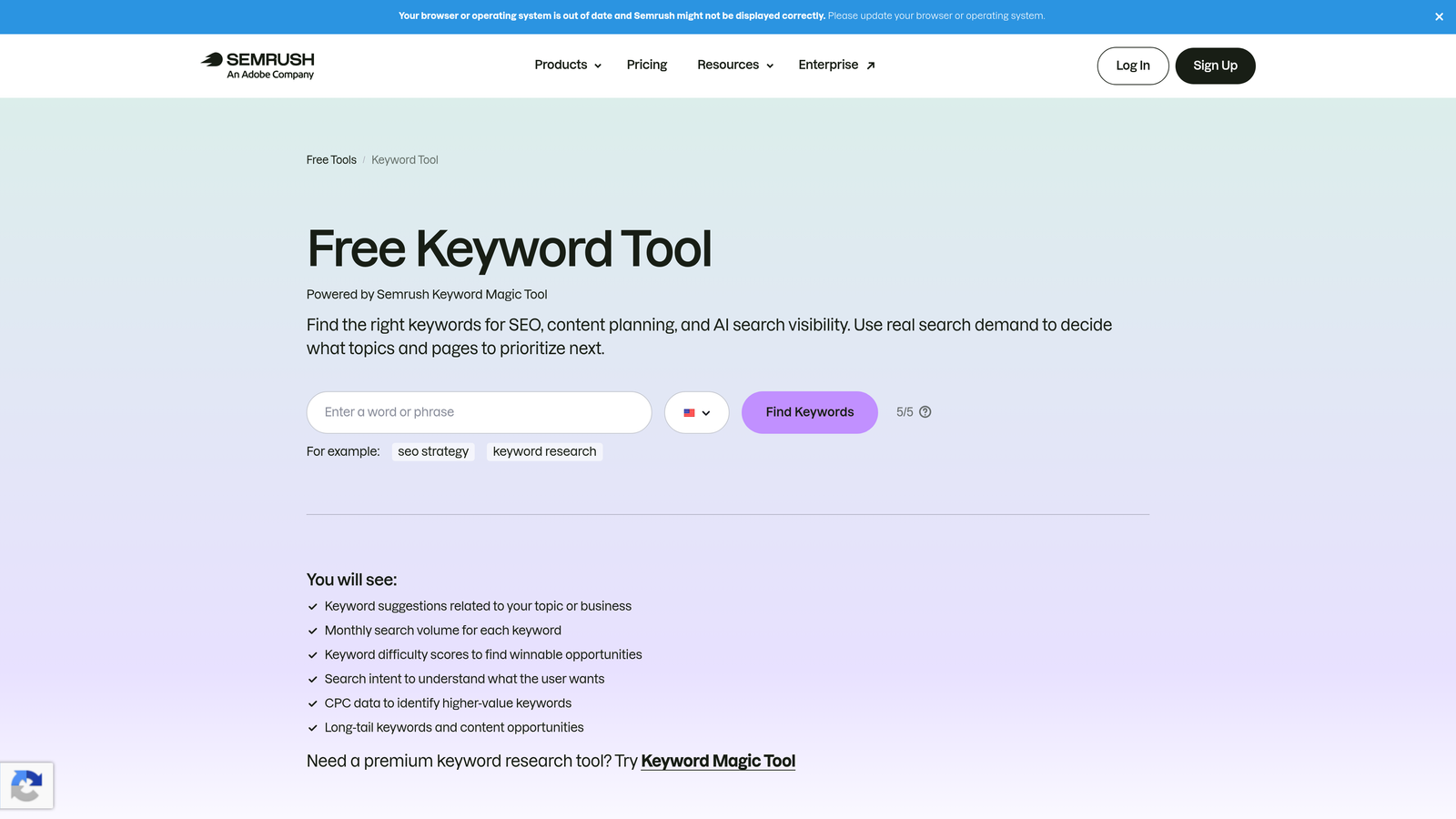
SEMrush Keyword Magic Tool is a comprehensive keyword research platform with one of the largest third-party keyword databases available, built for advertisers who need to go deep on keyword discovery.
Where This Tool Shines
Where Keyword Planner shows you what exists, SEMrush shows you what your competitors are doing with it. The intent filtering is genuinely useful for PPC work: being able to filter a keyword list down to only transactional or commercial terms saves a lot of manual sorting. The Keyword Gap feature is particularly valuable when you're trying to identify terms competitors are bidding on that you're not.
The keyword clustering functionality also helps when you're structuring new ad groups at scale. Instead of manually grouping hundreds of terms, SEMrush can cluster them by topic, which gives you a workable starting structure faster.
Key Features
Intent Classification: Filter keywords by commercial, transactional, informational, or navigational intent to prioritize high-value PPC targets.
Keyword Gap Tool: Compare your keyword coverage against competitors and surface terms they're targeting that you're missing.
Topic Clustering: Group keyword ideas by theme to inform ad group structure and campaign architecture.
CPC and Competition Data: Evaluate keyword cost and advertiser competition levels before committing budget.
Integration with SEMrush Advertising Toolkit: Connects with ad copy analysis, position tracking, and competitor research features within the same platform.
Best For
Agencies and in-house teams doing comprehensive keyword research for new campaigns, competitive analysis, or account restructures. The price point makes it more suited to professional users than solo freelancers managing small accounts.
Pricing
Starts at $139.95/month (Pro plan). Verify current pricing at semrush.com before committing.
4. Ahrefs Keywords Explorer
Best for: Understanding click-through dynamics and identifying where paid ads capture meaningful traffic
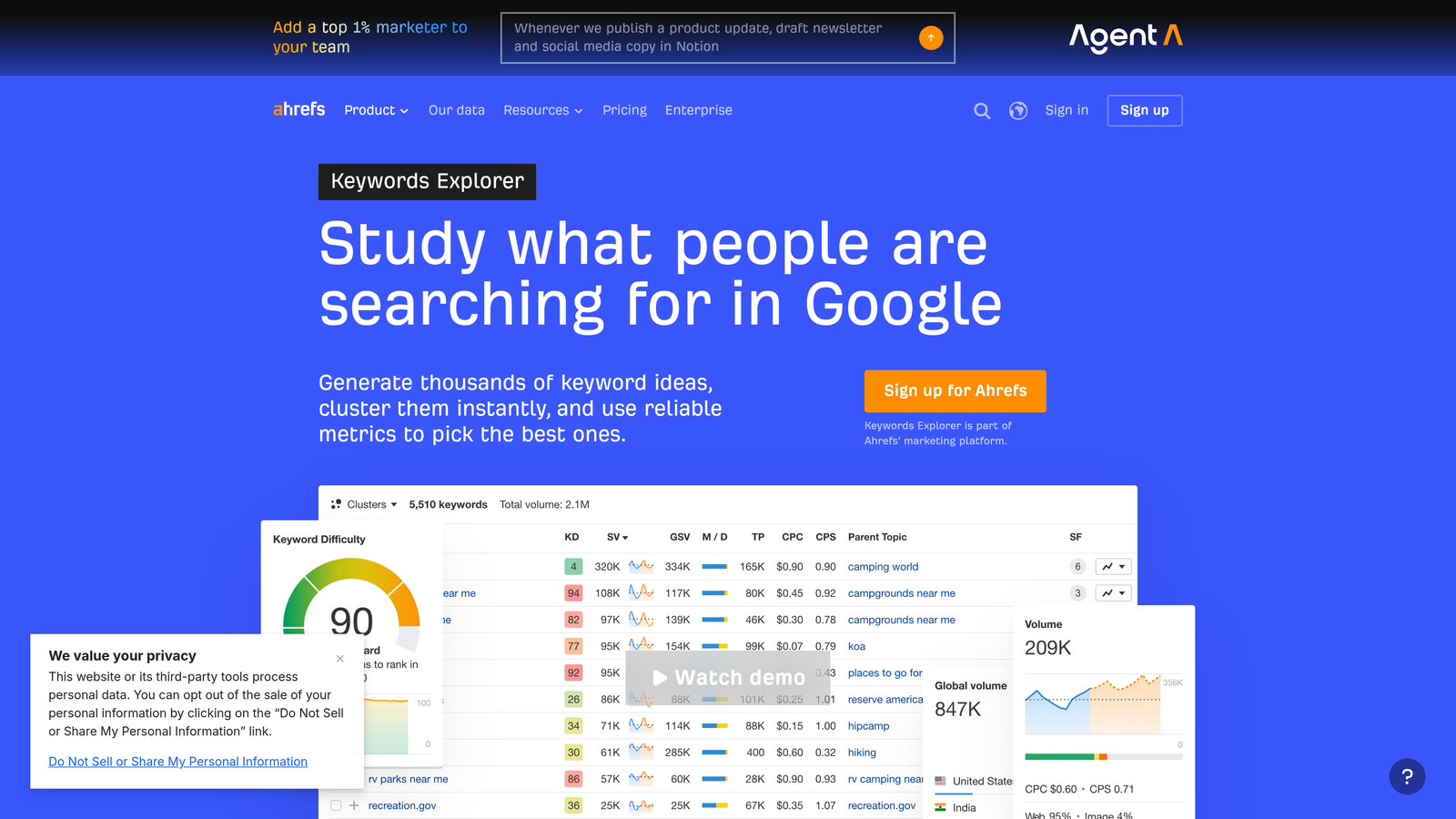
Ahrefs Keywords Explorer is a keyword research tool known for its click-through rate data and SERP analysis, giving PPC advertisers a clearer picture of where ads are likely to drive real results.
Where This Tool Shines
Ahrefs brings something to PPC research that most keyword tools ignore: the paid vs. organic click split. Knowing that a keyword gets a lot of searches but most of those clicks go to organic results changes your bidding calculus significantly. If you're paying for clicks on a term where organic results dominate, you're fighting uphill. Ahrefs surfaces that context clearly.
The SERP overview also shows you which advertisers are currently running ads on a keyword, which gives you a quick read on competitive intensity without having to run your own campaigns to find out.
Key Features
Click-Through Rate Data: See what percentage of searches result in paid clicks vs. organic clicks vs. zero-click results.
Keyword Difficulty and Parent Topic Clustering: Understand keyword competitiveness and how terms group under broader themes for ad group planning.
SERP Overview with Ad Presence: See which advertisers are currently active on a keyword before you commit budget.
Related Keywords and Question-Based Expansion: Surface long-tail variations and question-format terms to expand keyword lists.
Cross-Platform Data: Research keywords across Google, YouTube, Bing, and additional platforms from one interface.
Best For
PPC managers who also handle SEO, or anyone who wants deeper SERP-level context before making keyword decisions. The click-through data is genuinely useful for prioritizing where paid spend will actually convert.
Pricing
Starts at $129/month (Lite plan). Verify current pricing at ahrefs.com.
5. SpyFu
Best for: Competitive PPC intelligence and identifying profitable keywords based on competitor bidding history
SpyFu is a competitive intelligence platform focused on PPC keyword research, showing which keywords competitors have been bidding on and for how long.
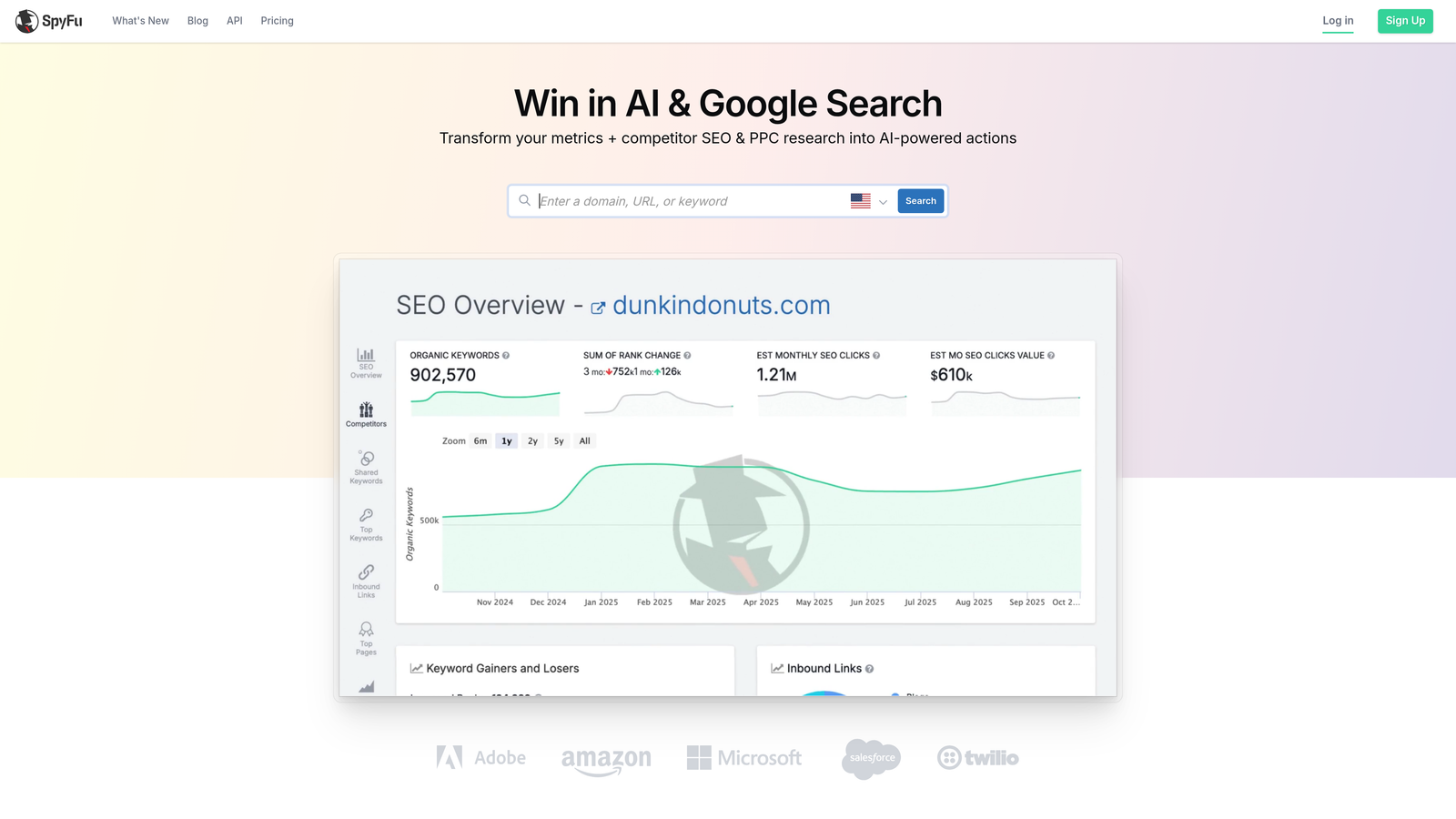
Where This Tool Shines
Here's the thing about competitor keyword history: longevity is a signal. If a competitor has been bidding on the same keyword for 12 months straight, that's a strong indication the term is profitable for them. SpyFu makes that history visible in a way that most tools don't. You're not guessing at what works in your industry. You're looking at what experienced advertisers have already tested and kept.
The keyword gap analysis is equally useful. Pulling a list of terms your top competitors bid on that you don't is one of the fastest ways to identify expansion opportunities that have already been validated by someone else's ad spend.
Key Features
Competitor Keyword History: See how long competitors have been bidding on specific terms, a strong proxy for keyword profitability.
Keyword Gap Analysis: Identify terms competitors target that you're currently missing from your own campaigns.
Estimated Competitor Ad Spend: Get a rough view of how much competitors are investing in specific keywords and overall.
PPC Keyword Grouping and Export: Organize discovered keywords and export them for campaign implementation.
Domain-Level PPC Overview: Pull a full PPC profile for any competitor domain to understand their keyword strategy.
Best For
Advertisers entering competitive markets, agencies doing competitive audits for new clients, or anyone who wants to shortcut keyword discovery by learning from what competitors have already proven works.
Pricing
Starts at $39/month. Verify current pricing at spyfu.com.
6. WordStream Advisor
Best for: Small to mid-sized advertisers who want guided keyword expansion recommendations with minimal manual work
WordStream Advisor is a guided PPC management platform that surfaces keyword expansion opportunities and optimization recommendations through an automated workflow engine.

Where This Tool Shines
The mistake most agencies make with clients who have smaller accounts is spending too much time on manual optimization tasks that a guided tool could handle automatically. WordStream's 20-Minute Work Week feature is designed around exactly that idea: surface the most important actions, let the advertiser take them quickly, and move on. Keyword expansion suggestions are baked into that workflow rather than requiring a separate research process.
It's a different philosophy from pure research tools. WordStream looks at your actual account performance and tells you what to do next, rather than giving you a blank canvas of keyword data to work through yourself.
Key Features
20-Minute Work Week: An automated workflow that surfaces the highest-priority keyword and optimization actions for your account each week.
Keyword Expansion Recommendations: Suggestions based on your existing account performance data, not generic keyword databases.
Automated Negative Keyword Suggestions: Surfaces irrelevant search terms for review without requiring manual Search Terms Report mining.
Cross-Platform Management: Handles both Google Ads and Microsoft Ads from a single interface.
Performance Alerts and Opportunity Scoring: Flags issues and ranks opportunities so you know what to prioritize.
Best For
Small business owners or marketers who manage Google Ads alongside many other responsibilities and want a more guided, less manual optimization experience. Less suited to power users who want granular control over every decision.
Pricing
Contact WordStream directly for current pricing. The platform is owned by LocaliQ/USA Today Network.
7. Keyword Tool (keywordtool.io)
Best for: Long-tail keyword discovery using Google Autocomplete data, without needing an active ad account
Keyword Tool generates keyword suggestions by pulling from Google Autocomplete and other platform autocomplete sources, making it accessible even before you have an active Google Ads account.
Where This Tool Shines
Autocomplete-based keyword tools capture something that database tools sometimes miss: the actual language people use when they're searching. Google Autocomplete reflects real, recent query patterns, which makes it particularly useful for finding long-tail variations and conversational search terms that might not show up prominently in traditional keyword databases.
It's also genuinely useful for expanding into new verticals quickly. When you're onboarding a new client in an unfamiliar industry, running their core service terms through Keyword Tool gives you a fast read on how their customers phrase their searches before you dig into more detailed research.
Key Features
Google Autocomplete-Based Generation: Pulls keyword suggestions directly from Google's autocomplete data for natural, search-pattern-aligned results.
Multi-Platform Support: Research keywords across YouTube, Bing, Amazon, App Store, and other platforms from the same tool.
No Google Ads Account Required: Access basic keyword discovery features without needing an active ad account.
Question-Based Keyword Suggestions: Surfaces how, what, why, and when variations for any seed term.
Free Version Available: Basic keyword generation is accessible without a subscription; paid plans unlock volume and CPC data.
Best For
Freelancers onboarding new clients in unfamiliar verticals, advertisers who want to supplement Keyword Planner data with autocomplete-driven long-tail ideas, or anyone who needs keyword discovery without an active Google Ads account.
Pricing
Free version available. Paid plans start around $89/month. Verify current pricing at keywordtool.io.
8. Optmyzr
Best for: Agency-scale PPC automation with built-in keyword expansion and search term harvesting workflows
Optmyzr is a full-featured PPC management and automation platform with dedicated keyword expansion workflows designed for agencies managing multiple client accounts at scale.
Where This Tool Shines
Optmyzr sits at the intersection of keyword expansion and broader campaign automation. The search term harvesting feature lets you promote high-performing search terms to keywords with one click, similar in concept to Keywordme but within a broader platform that also handles bid management, budget optimization, and reporting. For agencies that want a single platform covering the full optimization workflow, that consolidation has real value.
The rule-based automation is where Optmyzr separates itself from simpler tools. You can set conditions for when search terms should be automatically promoted or flagged for review, which reduces the manual review burden on large accounts significantly.
Key Features
Search Term Harvesting: Review and promote high-performing search terms to keywords with one-click actions.
Rule-Based Automation: Build custom rules that automatically handle keyword expansion and bid adjustments based on performance thresholds.
Match Type Management: Optimize match type distribution across campaigns with dedicated tools for match type analysis and adjustment.
Multi-Account Agency Dashboard: Manage keyword expansion and optimization tasks across all client accounts from a centralized view.
PPC Audit Tools and Reporting: Built-in audit workflows and performance reporting to support client-facing deliverables.
Best For
Mid-to-large agencies managing multiple client accounts who need automation capabilities beyond what native Google Ads offers. The price point reflects the platform's depth and is most justified when managing significant combined ad spend across accounts.
Pricing
Starts at $249/month. Verify current pricing at optmyzr.com.
9. Microsoft Advertising Intelligence
Best for: Keyword research specific to the Microsoft/Bing Ads ecosystem, delivered inside Excel
Microsoft Advertising Intelligence is a free Excel add-in that provides keyword research data specific to the Microsoft Ads ecosystem, including search volume, CPC estimates, and keyword suggestions.
Where This Tool Shines
Most keyword research tools are built around Google data, which means Microsoft/Bing search behavior is often underrepresented in your keyword planning. Microsoft Advertising Intelligence fills that gap directly, pulling data from Microsoft's own search index rather than extrapolating from Google. For advertisers running or expanding into Microsoft Ads, that distinction matters, especially in verticals where Bing has meaningful market share like B2B, finance, and older demographics.
The Excel-based workflow won't appeal to everyone, but if you're already doing keyword planning in spreadsheets, having Microsoft's data feed directly into that environment is genuinely convenient.
Key Features
Microsoft-Specific Search Volume and CPC Data: Keyword data sourced directly from Microsoft's search index rather than estimated from Google data.
Keyword Suggestion Generation in Excel: Pull keyword ideas and volume data without leaving your spreadsheet environment.
Bid Landscape and Traffic Estimation: Model expected traffic and costs at different bid levels before launching campaigns.
Demographic and Device Performance Data: Understand how keyword performance varies by audience segment within the Microsoft network.
Free with Microsoft Advertising Account: No additional cost for advertisers already running Microsoft Ads campaigns.
Best For
Advertisers who run campaigns on both Google and Microsoft Ads and want accurate, platform-specific keyword data for their Bing campaigns. Also useful for anyone planning to expand from Google-only to cross-platform advertising.
Pricing
Free with a Microsoft Advertising account. No additional subscription required.
Which Tool Is Right for Your Workflow?
The honest answer is that most serious PPC managers use more than one of these tools, because keyword research and in-campaign keyword expansion are genuinely different jobs.
For keyword discovery before a campaign launches, Google Keyword Planner is the free, authoritative starting point. If you need competitive intelligence on top of that, SpyFu at $39/month is the most accessible upgrade. For deep research with intent filtering and gap analysis, SEMrush or Ahrefs are the heavy hitters, though the price reflects that.
For in-campaign expansion work, the workflow problem is different. You're not discovering keywords from scratch. You're mining what's already running, promoting what's working, and cutting what's wasting budget. That's where Keywordme is the most practical option for most advertisers. At $12/month, it removes the spreadsheet-and-CSV export workflow entirely and lets you do all of that directly inside Google Ads. For agencies managing multiple accounts, the time savings alone make it an easy decision. For larger agencies that need full automation and multi-client reporting in one platform, Optmyzr covers more ground but at a significantly higher price point.
If you're spending meaningful time each week exporting Search Terms Reports and manually sorting through them, that's the clearest sign you need an in-interface tool. Start your free 7-day trial of Keywordme and run it against a real account. The workflow difference is immediately obvious.
.svg)