
8 Best PPC Keyword Discovery Tools for Google Ads
This guide ranks the 8 best PPC keyword discovery tools for Google Ads in 2026, covering which ones excel at fresh keyword discovery, competitor bid research, or cleaning up live search terms reports. Each tool includes pricing and a clear best-use case to help PPC managers choose the right fit.


If you manage Google Ads accounts for a living, you already know the difference between a keyword and a search term matters more than most people admit. Keywords are what you bid on. Search terms are what people actually typed before your ad showed up. Negative keywords are the terms you exclude so you stop paying for the ones that don't convert. A lot of keyword research tools help with the first part and ignore the other two entirely, which leaves you exporting search terms reports into spreadsheets just to figure out what to cut. The tools below were picked for how directly they help with discovery, cleanup, or both, whether that means mining fresh keyword ideas, sizing up what competitors bid on, or working straight inside a live Google Ads account.
Quick Comparison
- Keywordme: best for PPC managers cleaning and expanding keywords inside live Google Ads accounts; starting at $12/month per user; works directly inside the Search Terms Report without exporting anything.
- Google Keyword Planner: best for building a seed keyword list before launch; free with a Google Ads account; pulls volume estimates straight from Google's own auction data.
- SEMrush: best for agencies needing competitive intelligence across SEO and PPC; pricing on the SEMrush website; combines paid and organic keyword gap analysis in one place.
- Ahrefs Keywords Explorer: best for teams wanting one keyword dataset shared across SEO and paid search; pricing on the Ahrefs website; clickstream-based volume data instead of modeled estimates.
- SpyFu: best for reverse-engineering a named competitor's PPC strategy; pricing on the SpyFu website; shows historical paid keywords and estimated spend by domain.
- Moz Keyword Explorer: best for quickly prioritizing which keyword ideas to chase; pricing on the Moz website; rolls multiple metrics into one Priority Score.
- WordStream Free Keyword Tool: best for freelancers needing a fast, free starter list; free to use; groups results into suggested ad groups automatically.
- KeywordTool.io: best for advertisers researching across multiple platforms at once; free tier available; pulls autocomplete data from Google, YouTube, Bing, and Amazon.
1. Keywordme
Keywordme is a Chrome extension that adds one-click keyword and search term actions directly inside the Google Ads interface. Instead of exporting the Search Terms Report to a spreadsheet, sorting through it, and manually adding negatives or new keywords back into the account, you act on terms right where they appear.
What sets it apart from every other tool on this list is that it doesn't generate keyword ideas from an external database. It works with the search terms your account is already generating in real auctions, which means the "discovery" happens on data specific to your account rather than aggregate estimates.
- Removes junk or wasteful search terms from the report with a single click instead of a multi-step exclusion process
- Adds high-intent search terms as new keywords with the match type applied instantly, skipping the usual copy-paste-format cycle
- Clusters related terms together so you can spot patterns in what's actually converting
- Lets you bulk-edit across multiple search terms at once instead of one at a time
- Supports multiple accounts and team members, which matters once you're managing more than one client
Setup is just installing the Chrome extension and connecting it to your Google Ads account, so a solo freelancer or a PPC lead on an agency team can be using it within minutes. It's not built to replace a keyword research database. If you need search volume, CPC benchmarks, or competitor keyword data before a campaign even launches, you'll still want a tool like Keyword Planner or SEMrush alongside it.
Pricing is a flat $12/month per user as of 2026, with a 7-day free trial. Worth confirming current pricing on the Keywordme site before you commit, since SaaS pricing shifts.
Best for: PPC managers who want to turn a live search terms report into a cleaner, higher-intent keyword list without leaving Google Ads.
2. Google Keyword Planner
Google Keyword Planner is the free keyword research tool built into every Google Ads account. It's usually the first stop for anyone building a seed keyword list before a campaign goes live.
Its main advantage is the source of the data. Because it comes straight from Google's own ad auction system, the volume ranges and forecasts reflect what actually happens in Google Search, not a third-party model trying to estimate it.
- Generates keyword ideas starting from a seed keyword, a landing page URL, or a product category
- Shows search volume as a range along with historical trend data over time
- Forecasts expected clicks, impressions, and cost at different bid amounts before you spend a dollar
- Costs nothing beyond having an active Google Ads account
Anyone with a Google Ads login can use it immediately, no separate setup required. The catch is that volume comes back as broad ranges rather than precise figures, which makes fine-grained prioritization harder. It also has no function for managing or cleaning up search terms once a campaign is running. It's a planning tool, not an account hygiene tool.
It's free, tied to your Google Ads account, with no separate subscription.
Best for: Building an initial seed keyword list before launching a new campaign.
3. SEMrush
SEMrush is a broad SEO and PPC platform, and its Keyword Magic Tool is one of the more comprehensive keyword databases available to advertisers who also care about organic search.
Where it separates itself from a straightforward research tool is competitor keyword gap analysis. You can pull a competitor's domain and see which keywords they rank or bid on that you don't, across both paid and organic results at once.
- Generates broad keyword lists from a seed term, tagged with search intent
- Shows CPC and competition level for each keyword so you can gauge cost before bidding
- Compares your domain against competitors' keyword footprint with the Keyword Gap tool
- Organizes keyword lists into suggested ad groups through the PPC Keyword Tool
It connects with Google Ads, Google Analytics, and Search Console for import/export, and setup involves creating a project and connecting those accounts, typically a 15 to 30 minute job. It's built for someone who's comfortable navigating a dense dashboard with a lot of reports.
That density is also the drawback. For a freelancer running one or two small accounts, SEMrush's price and learning curve can be more than the job calls for.
Pricing is tiered and subject to change, so check current plans on the SEMrush site as of 2026.
Best for: Agencies that need competitive keyword intelligence spanning SEO and PPC in one platform.
4. Ahrefs Keywords Explorer
Ahrefs Keywords Explorer is built on Ahrefs' clickstream-based data, which many practitioners consider more trustworthy than the modeled volume estimates other tools rely on.
Where it fits in a PPC workflow
Ahrefs is primarily an SEO tool, but it includes CPC and paid competition data alongside its core metrics, which makes it useful for advertisers who want one dataset informing both their organic and paid keyword strategy rather than juggling two separate sources.
- Reports search volume and click data sourced from real clickstream panels instead of purely modeled estimates
- Includes CPC and paid competition figures next to standard SEO metrics
- Scores keyword difficulty to help gauge how hard a term is to rank for organically
- Shows a SERP overview with who currently ranks and who's advertising on a given term
Setup and who it doesn't suit
It connects to Google Search Console and is typically run by whoever owns SEO strategy on a team, sometimes the same person handling paid search. The gap is that it has no PPC-specific workflow features. There's no way to touch a live search terms report, apply match types, or manage negatives from inside Ahrefs.
Pricing is tiered; check the Ahrefs site for current plans as of 2026.
Best for: Teams that want one keyword dataset shared consistently across SEO and paid search efforts.
5. SpyFu
The limitation is straightforward: SpyFu's data gets thinner the smaller or newer a competitor's paid search history is. If you're up against a scrappy startup with little ad spend behind them, there's not much to find.
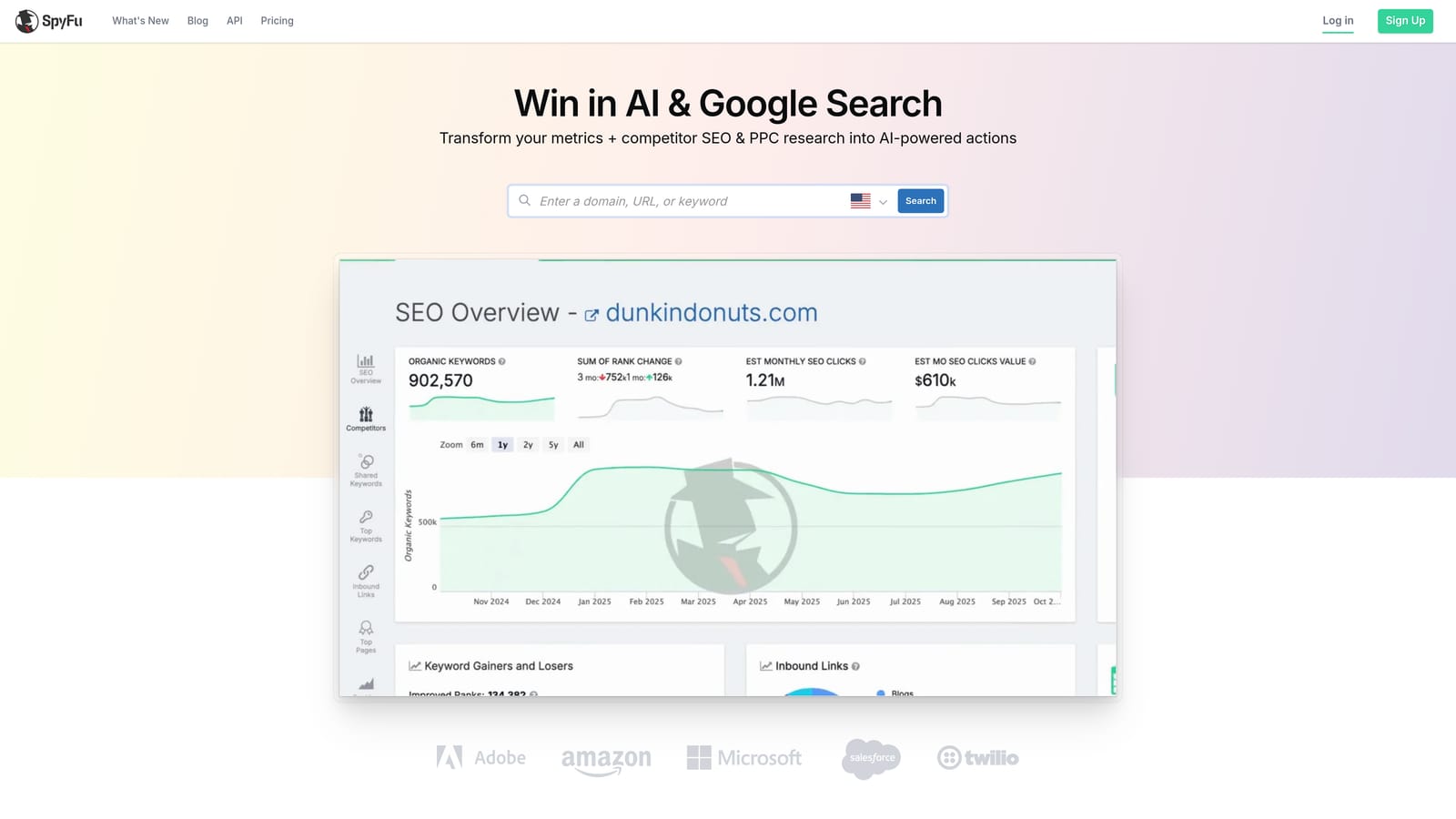
What it does well is reveal exactly what a specific competitor has bid on historically, including their ad copy and estimated monthly spend. That's a different kind of discovery than pulling keyword ideas from a generic database; it's reverse-engineering a real competitor's strategy.
- Pulls historical paid keywords and ad copy for any competitor domain you enter
- Estimates monthly PPC spend and tracks budget changes over time
- Compares multiple competitor domains against each other through its Kombat grouping feature
- Tracks ranking history for both organic and paid positions
It exports to Google Ads but doesn't sync live campaign data or manage search terms directly, so it's a research layer that feeds your account rather than a tool you run inside it. Setup is just entering domains, no account connection required, so it's usable within minutes by whoever owns competitive research on your team.
Pricing is tiered; verify current plans on the SpyFu site as of 2026.
Best for: Advertisers who want to build a keyword list based on what named competitors already bid on.
6. Moz Keyword Explorer
Moz Keyword Explorer, part of the Moz Pro suite, takes a different approach to keyword prioritization than most tools on this list by rolling several metrics into one number.
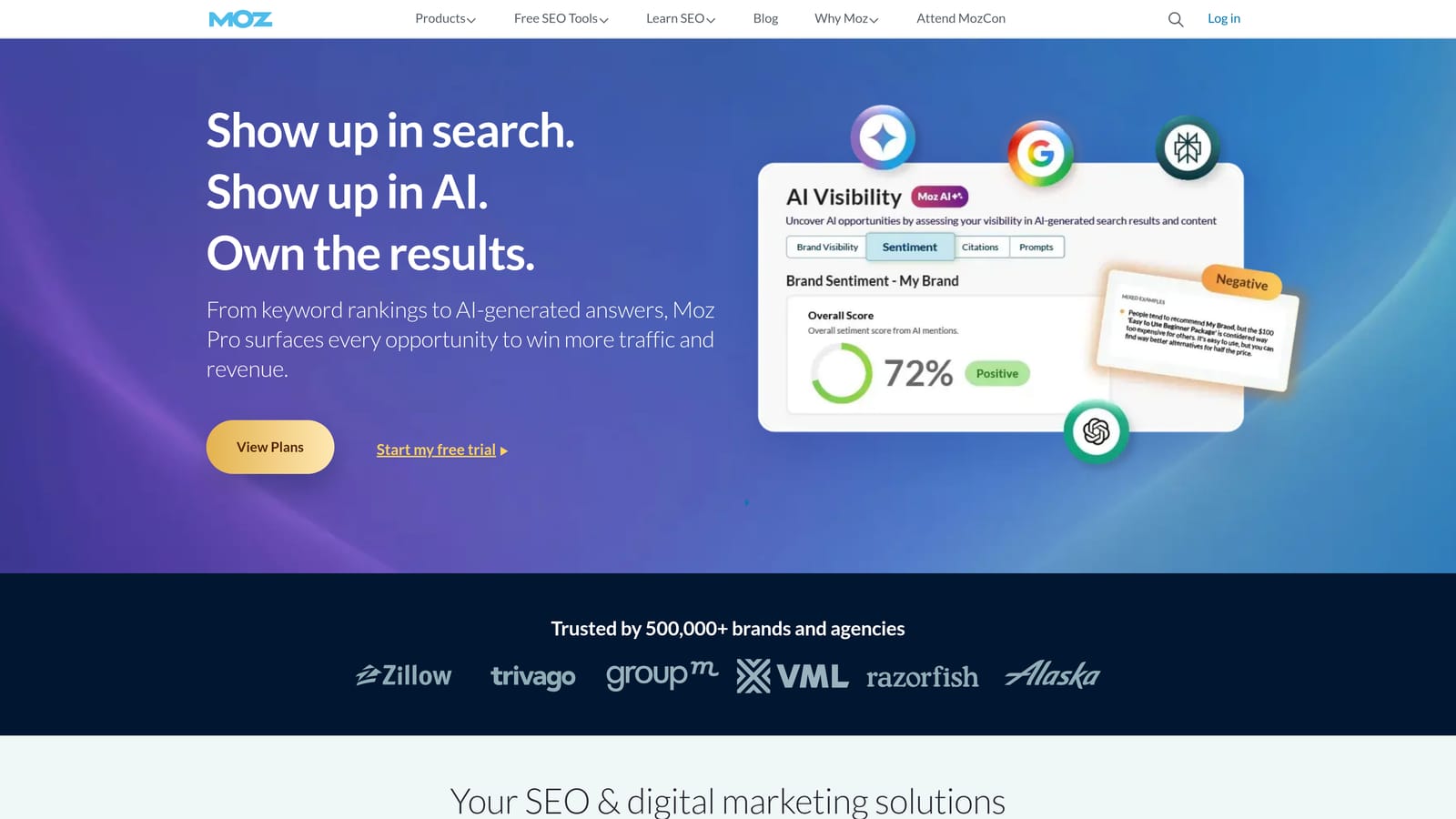
Its Priority Score blends search volume, difficulty, and organic click-through rate into a single ranking, which saves you from manually weighing three or four metrics against each other every time you evaluate a keyword idea.
- Calculates a Priority Score combining volume, difficulty, and organic CTR into one figure
- Suggests related keywords grouped by topic rather than a flat list
- Analyzes the SERP to show who currently ranks or advertises for a term
- Lets you save keyword lists and track them over time
It connects to Google Search Console and suits a marketer who wants a fast way to triage a long list of keyword ideas without digging into granular PPC metrics. That's also its limitation: it offers less depth on CPC and paid competition data than SEMrush or Ahrefs, so it's a weaker fit if paid competitive intelligence is your main goal.
It's sold as part of a Moz Pro subscription; check current plans on the Moz site as of 2026.
Best for: Marketers who want a fast, simplified way to prioritize which keyword ideas to pursue first.
7. WordStream Free Keyword Tool
WordStream's Free Keyword Tool generates niche-specific keyword lists without requiring an account, which makes it one of the fastest ways to get a starter list on the page.

The appeal is simplicity. You type in an industry or niche, and it returns a keyword list already grouped into suggested ad groups, saving a step that most free tools skip.
- Generates keyword lists by industry or niche without needing to sign up
- Groups suggested keywords into ready-made ad group structures
- Exports lists as CSV files for import into Google Ads
- Requires no login for basic use
There's no setup at all, which is part of the draw for a freelancer who just needs a quick list and doesn't want to create another account. The tradeoff is depth. It doesn't offer ongoing account management, ongoing tracking, or refinement over time, and it functions as a lead generator into WordStream's paid Advisor platform, so expect some upsell prompts along the way.
It's free to use as-is.
Best for: Freelancers or beginners who need a quick, free starter keyword list.
8. KeywordTool.io
KeywordTool.io pulls autocomplete suggestions from Google, YouTube, Bing, and Amazon, which makes it useful for anyone whose campaigns extend beyond a single search engine.
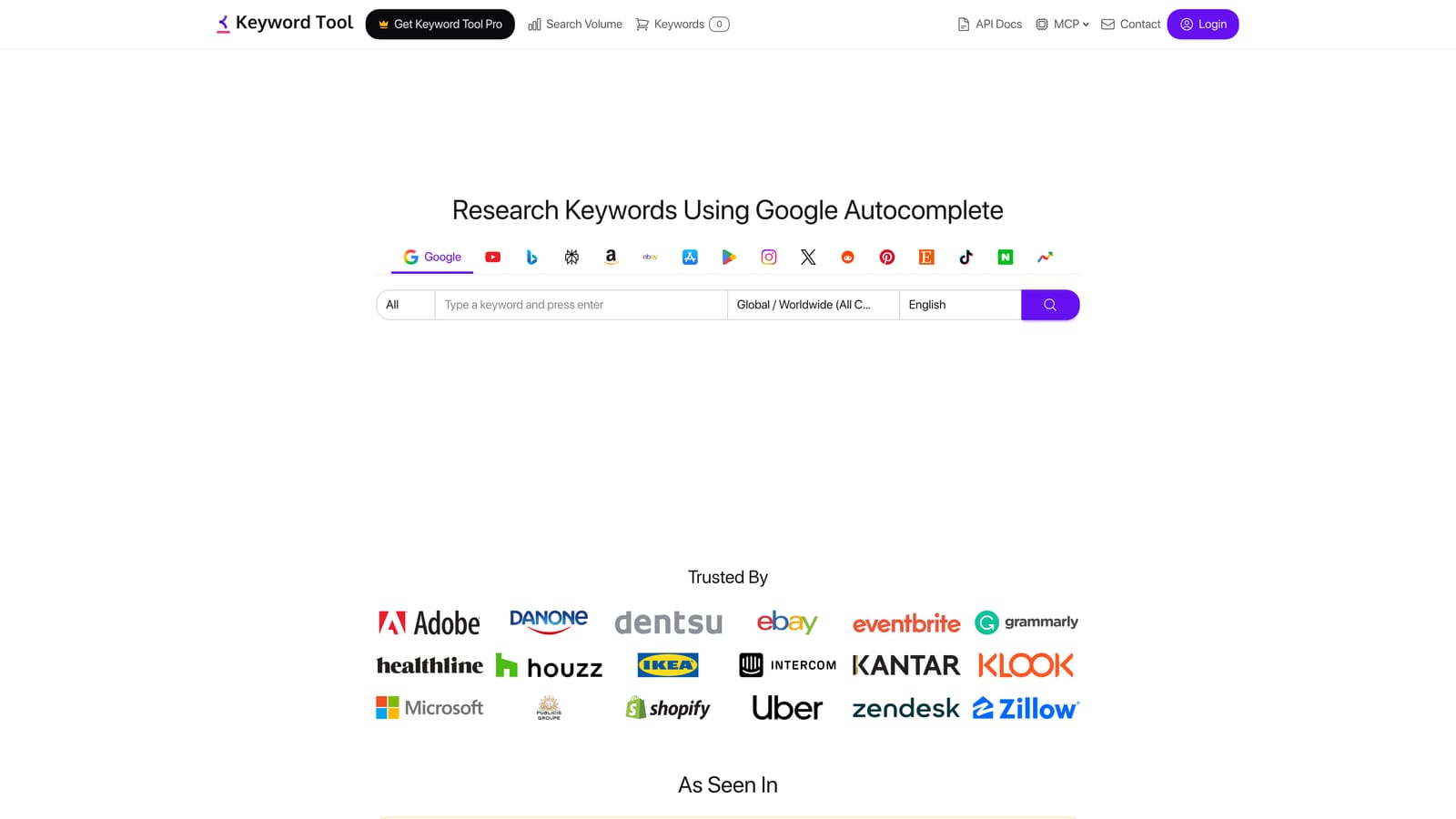
That cross-platform reach is what separates it from the rest of this list. If you're running paid search alongside YouTube ads or need keyword ideas for an Amazon product listing, most of the other tools here won't help; this one covers all four in one pass.
- Suggests keywords based on autocomplete data pulled from four different platforms
- Free tier returns keyword ideas without volume or CPC attached
- Pro tier adds search volume, CPC, and competition metrics for each suggestion
- Filters results down to question-based and preposition-based keyword variants for content or FAQ targeting
There's no native integration with Google Ads beyond manual export, and no functionality for touching live search terms or applying changes to an existing account. Setup is instant since it runs in a browser with no account required for the free tier.
The free tier costs nothing; the Pro tier is a paid subscription, so check current pricing on the KeywordTool.io site as of 2026.
Best for: Advertisers running campaigns across multiple search engines or platforms who need broad keyword ideation.
Which of These Work as a PPC Keyword Generator?
A PPC keyword generator is any tool that turns a seed term, URL, or niche into a list of keyword ideas. Not every tool above does that. Some research competitors, and one works on queries your account has already triggered.
- Generate ideas from a seed term or URL: Google Keyword Planner, SEMrush (Keyword Magic Tool), Ahrefs Keywords Explorer, and Moz Keyword Explorer.
- Generate a quick starter list with no account: WordStream's Free Keyword Tool, which groups results into suggested ad groups, and the free tier of KeywordTool.io, which returns autocomplete ideas without volume or CPC.
- Pull keywords from a named competitor: SpyFu, which shows the paid keywords and ad copy a domain has used.
- Generate keywords from your own live queries: Keywordme, which turns terms in your Search Terms Report into keywords with a match type applied. It does not create ideas from an outside database.
Whichever generator you use, treat the output as a candidate list. Before it goes live, remove terms that don't fit your offer, choose match types deliberately, and plan to review the Search Terms Report once ads start running. That report shows what people actually typed, and it is where your negative keywords come from.
Matching the Tool to the Job in Front of You
If your biggest headache is a bloated Search Terms Report full of junk clicks and missed high-intent terms, Keywordme is the one built for that exact job, since it works inside the live account instead of asking you to export anything. If you're starting a campaign from scratch with no existing data, Google Keyword Planner costs nothing and gives you Google's own volume estimates to build a seed list. For competitive or cross-channel research, SEMrush and Ahrefs both offer deep keyword databases, with SEMrush leaning toward combined paid and organic gap analysis and Ahrefs leaning on clickstream data accuracy. If you want to know exactly what a named competitor bids on, SpyFu is the more direct route. And if your needs are occasional or you're just testing the waters, the free tools from WordStream and KeywordTool.io will get you a usable list without a subscription.
None of these tools do everything, and most PPC accounts end up running two: one for upfront research, one for ongoing account hygiene. If the hygiene side is where you're losing time right now, cleaning up wasted spend and building high-intent keyword lists by hand, Start your free 7-day trial of Keywordme (then just $12/month) and see how much faster the Search Terms Report moves when you're not leaving Google Ads to do it.
.svg)