
9 Best PPC Keyword Clustering Tools for Google Ads in 2026
This guide compares nine options for choosing a PPC keyword clustering tool for Google Ads, sorted by how they cluster (live search terms or research lists, SERP-based or word-based), where the work happens, how much cleanup the groups need, and cost. It helps PPC marketers, freelancers, and agency owners build ad groups, negatives, and campaign structure without spreadsheet marathons.


You've got a pile of keywords or search terms and need to sort them into tight themes for ad groups, negatives, or campaign structure, without losing a weekend to spreadsheets. This list is for PPC marketers, freelancers, and agency owners working in Google Ads. The tools were chosen by how they cluster (live search terms or research lists, SERP-based or word-based), where the work happens, how much cleanup the groups need afterward, and what they cost.
Quick Comparison of the Tools
- Keywordme: advertisers cleaning live search terms; $12/month per user; clusters and acts on search terms inside the Google Ads interface.
- Keyword Insights: SEO-minded marketers grouping big research lists; pricing on its site; clusters by shared ranking URLs.
- Semrush Keyword Strategy Builder: teams already on Semrush; subscription pricing on its site; clustering sits on top of a large keyword and competitor database.
- Google Ads Keyword Planner and Google Ads Editor: budget-conscious advertisers starting campaigns; free; native to Google Ads, with bulk editing offline.
- Optmyzr: agencies wanting one PPC platform; pricing on its site; rule-based optimization across many accounts.
- Adalysis: agencies running regular audits; pricing on its site; recurring automated account checks.
- Google Sheets n-gram analysis: analysts who like spreadsheets; free; fully customizable word-pattern grouping.
1. Keywordme
Keywordme is a Chrome extension that adds actions and grouping directly to the Search Terms Report in Google Ads. It's our own product, so weigh this section with that in mind. It's built for advertisers who work on live accounts and want to sort what people actually typed (search terms) into keywords to add and negatives to block, without exporting anything.
The distinctive part is where it works. Most clustering tools start from a keyword research list. Keywordme starts from your real search term data and lets you act on it in the same screen, so there's no export, upload, or re-import step.
- Works inside the Search Terms Report, so you review terms in the interface you already use.
- One-click negative keywords let you remove junk search terms and build negative lists quickly.
- One-click keyword adds turn high-intent search terms into positive keywords.
- Match type application lets you choose broad, phrase, or exact as you add, rather than fixing them later.
- Keyword clustering and bulk editing group related terms so you can handle them in one pass.
- Multi-account and team support helps agencies and freelancers run several clients.
Setup is installing the extension and opening Google Ads in Chrome. The person doing the account work runs it day to day, and you still review each term and decide what to add or block. Nothing is applied for you.
The limits are clear. It works with Google Ads and Chrome only. It isn't a keyword research tool, and it doesn't do SERP-based clustering, so it won't help you plan structure for keywords you haven't bid on yet. If your work is mostly SEO content planning, look elsewhere.
Pricing is $12 per month per user, with a 7-day free trial. Cost scales with the number of users, not spend or volume. Confirm current terms on the site.
Best for: Advertisers who clean and organize live search terms inside Google Ads.
2. Keyword Insights
Keyword Insights is a platform that clusters keywords by SERP similarity: keywords whose search results share ranking URLs land in the same group. It's designed for people who start with a large research export and need to decide which terms belong together on one page or theme.

That method is its edge. Instead of matching similar words, it asks whether Google treats two queries as the same topic. That catches pairs that look different but mean the same thing, and splits pairs that look alike but don't.
- SERP-overlap clustering groups keywords by how Google ranks them, not by shared words.
- Bulk keyword upload lets you process large research lists in one run.
- Search intent labeling and content brief features are listed for the platform, so check the current plan details before you rely on them.
You'll typically feed it a CSV from a research tool and take the clusters out as a spreadsheet. Plan on someone with SEO or research habits owning it, since the output is aimed at content and site structure.
The main limitation for PPC is that it has no direct Google Ads workflow. It doesn't know about match types, and it doesn't separate positive keywords from negatives. SERP-based groups also reflect organic results, which don't always match how you'd split ad groups for paid intent. Treat the clusters as a starting point and review them before building campaigns.
Pricing is subscription-based and varies by plan and usage. Check the vendor's site for current numbers.
Best for: Building cluster structure from large keyword research lists.
3. Semrush Keyword Strategy Builder
Semrush includes a Keyword Strategy Builder that takes a seed term and organizes related keywords into topic clusters. It suits marketing teams who already pay for Semrush and want grouping in the same place as their research.
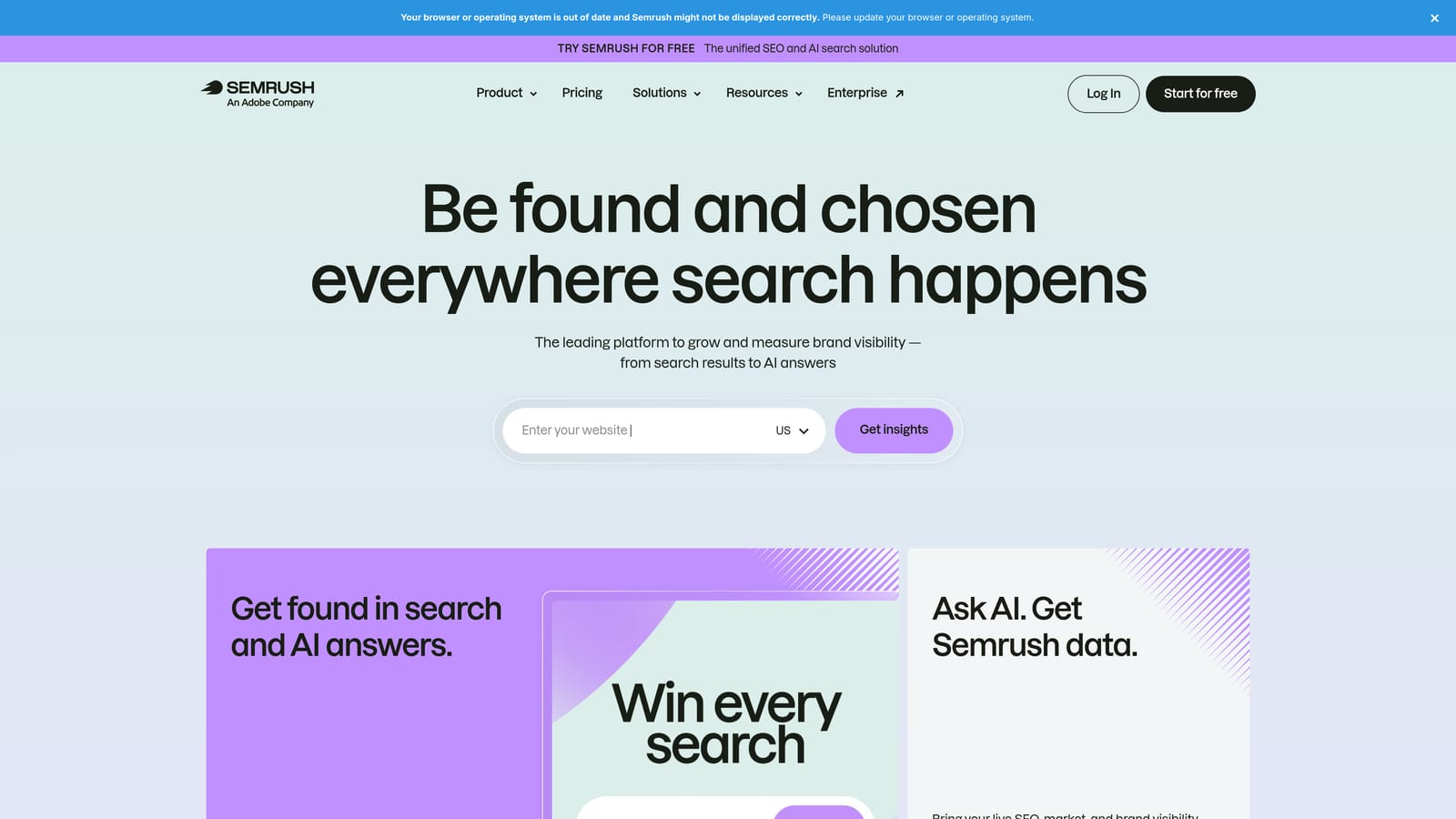
What sets it apart here is the surrounding data. The clustering sits next to a large keyword database and competitor information, so you can group terms and see who else is targeting them without switching products.
- Keyword Strategy Builder turns a seed keyword into grouped topics so you see themes, not a flat list.
- Keyword Manager keeps your lists in one workspace so you can organize and revisit them.
- The keyword research database provides volume and related terms to feed the clusters.
- Competitor data shows what rivals target, which helps you decide which themes deserve their own ad group.
Semrush offers connections to Google Ads and Google Analytics, but verify which are available on your plan. Setup is light if you're already a user. A research or SEO lead typically runs it, and PPC managers pull lists from it.
The drawbacks: it's expensive if clustering is all you need, and access to specific tools depends on your plan. It also works from research data rather than your live search terms, so it won't tell you which queries are wasting spend today. Clusters are topic-based, not match-type-aware, so you'll still apply match types and negatives yourself.
Pricing is a paid subscription that varies by plan and add-ons. Check the current pricing page, since Semrush adjusts tiers.
Best for: Teams already using Semrush for research.
4. Google Ads Keyword Planner and Google Ads Editor
Keyword Planner and Google Ads Editor are Google's own free tools, and they cover two halves of the job. Keyword Planner generates keyword ideas with volume and forecast data. Editor is a desktop app for building and editing campaigns in bulk. Together they suit advertisers launching new campaigns on a tight budget.
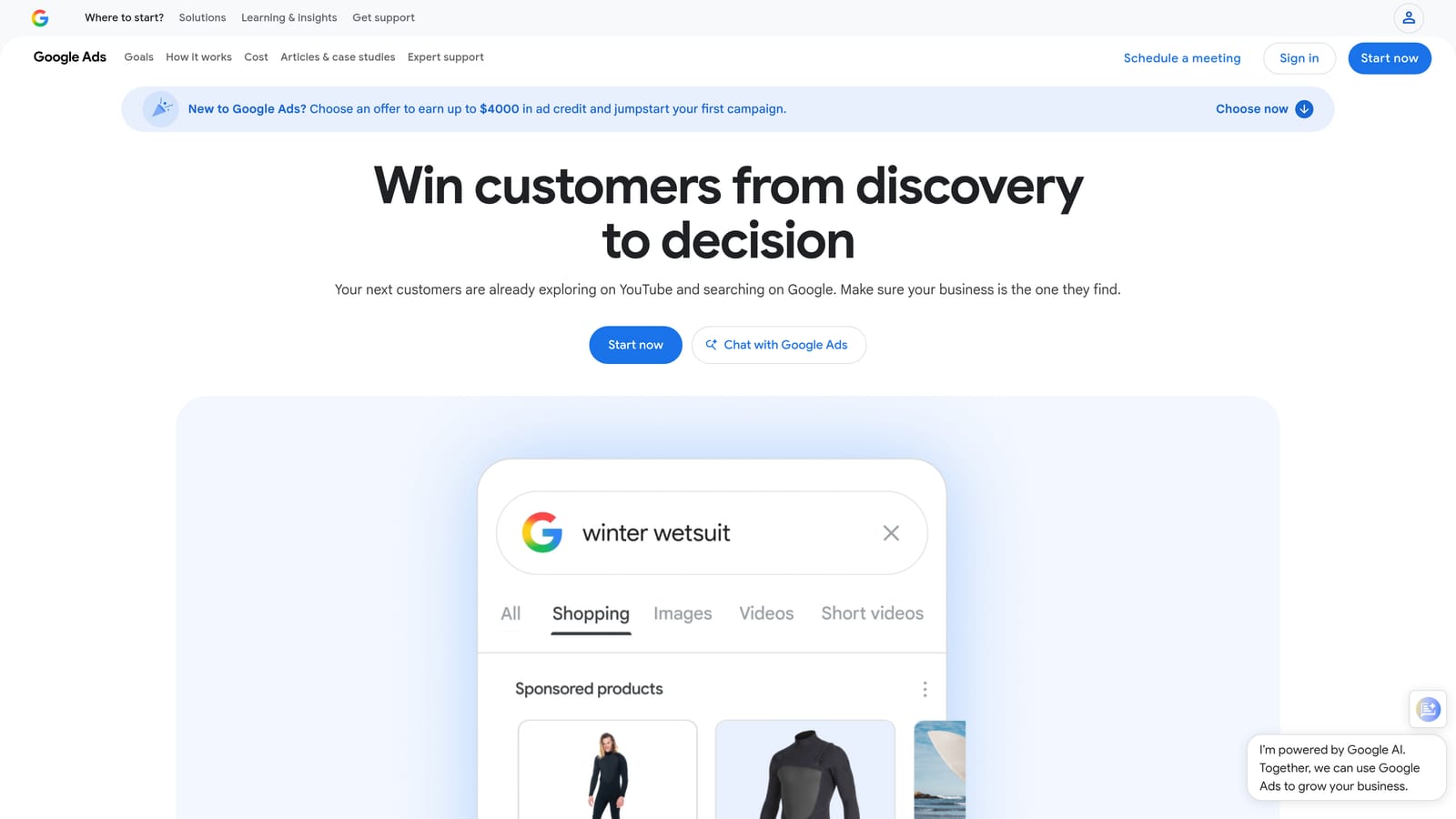
Their distinction is price and nativity: free, made by Google, and connected to the account you're managing.
- Grouped keyword ideas can organize results into themes. Check how this behaves in your account, since Google changes the interface.
- Search volume and forecasts help you judge which themes justify their own ad group.
- Bulk editing in Editor lets you create or change many ad groups and keywords at once.
- Offline account changes mean you can draft work, review it, and post it when ready.
You need a Google Ads account for Keyword Planner and a download for Editor. Learning Editor takes a little time, but nothing here needs a developer.
The weakness is the grouping. It's loose, built around Google's idea of related terms, and you'll rework it by hand. Neither tool clusters your existing search terms, so it won't help you find negatives or consolidate what's already running. If your main problem is a messy live account, this solves a different problem.
Both are free. Keyword Planner requires a Google Ads account, and Editor is a free download.
Best for: Budget-conscious advertisers starting new campaigns.
5. Optmyzr
Optmyzr is a PPC management platform, and clustering is a small part of what it does. It's built for agencies and in-house teams that manage several accounts and want one place for optimizations, audits, and reporting.
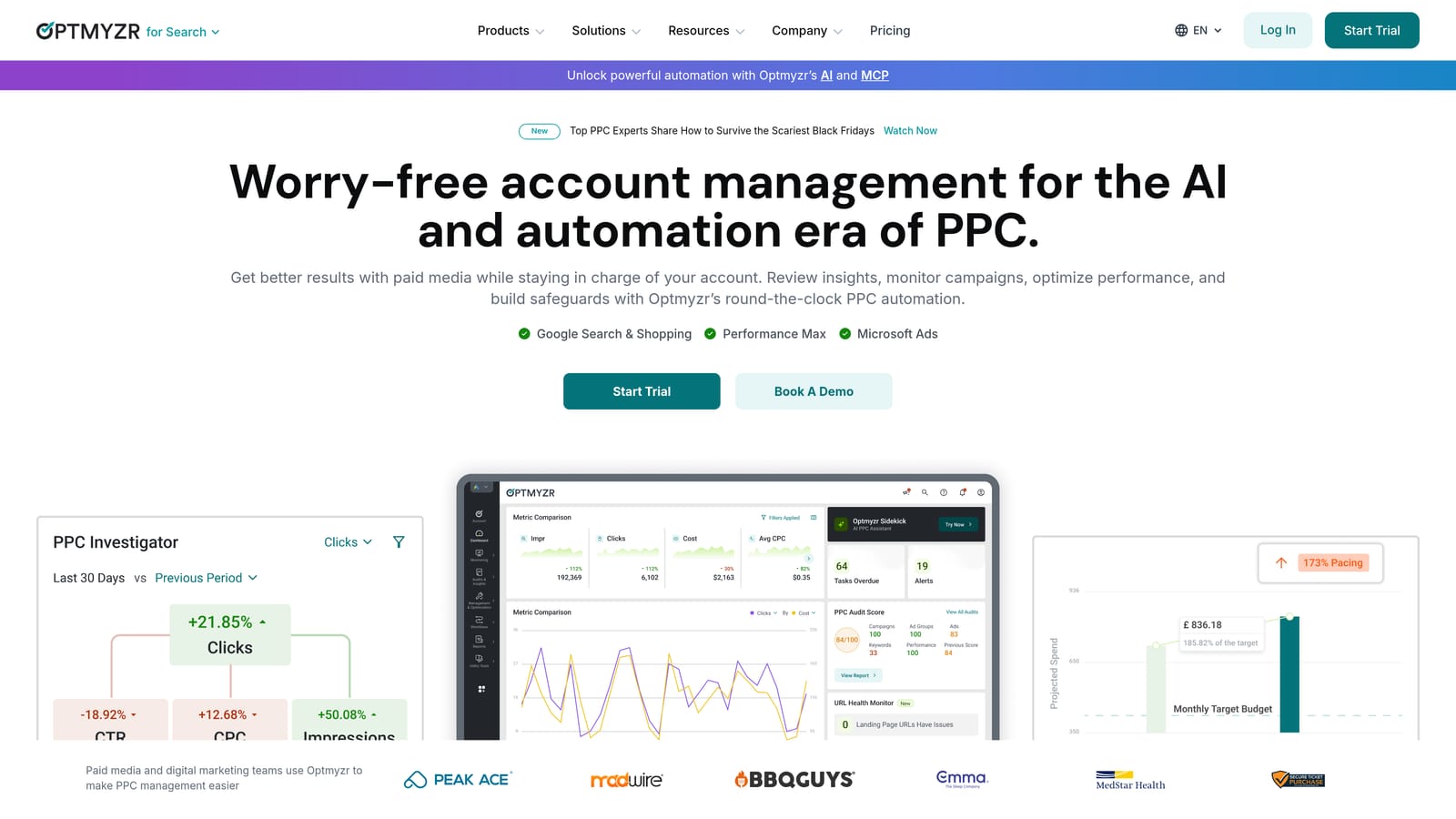
Its distinguishing quality is breadth across accounts. Where other tools on this list solve one step, Optmyzr is a toolkit for repeating the same checks and fixes across many clients.
- Rule-based optimizations let you set conditions once and apply them across accounts.
- Search term analysis tools help you spot patterns in what triggers your ads. Confirm the exact tools available on your plan.
- Account audits flag issues without a manual walkthrough of each account.
- Reporting packages results for clients so you spend less time assembling decks.
It connects to Google Ads and, per its materials, other ad platforms such as Microsoft Advertising, so verify what you need. Setup involves linking accounts and configuring rules, which takes real effort up front. A PPC manager or account lead runs it.
It isn't a dedicated clusterer. If you want a tool whose main job is grouping keywords into ad groups, this is a larger and more involved product than necessary. Pricing is also tiered by ad spend, so costs rise as you manage more budget, which can sting for solo advertisers.
Pricing is on the vendor's site and depends on spend managed.
Best for: Agencies wanting an all-in-one PPC platform.
6. Adalysis
Adalysis is a PPC audit and optimization platform. It runs automated checks across accounts and surfaces issues and opportunities, including search term insights. It's meant for agencies and teams who want a recurring review process instead of one-off cleanups.
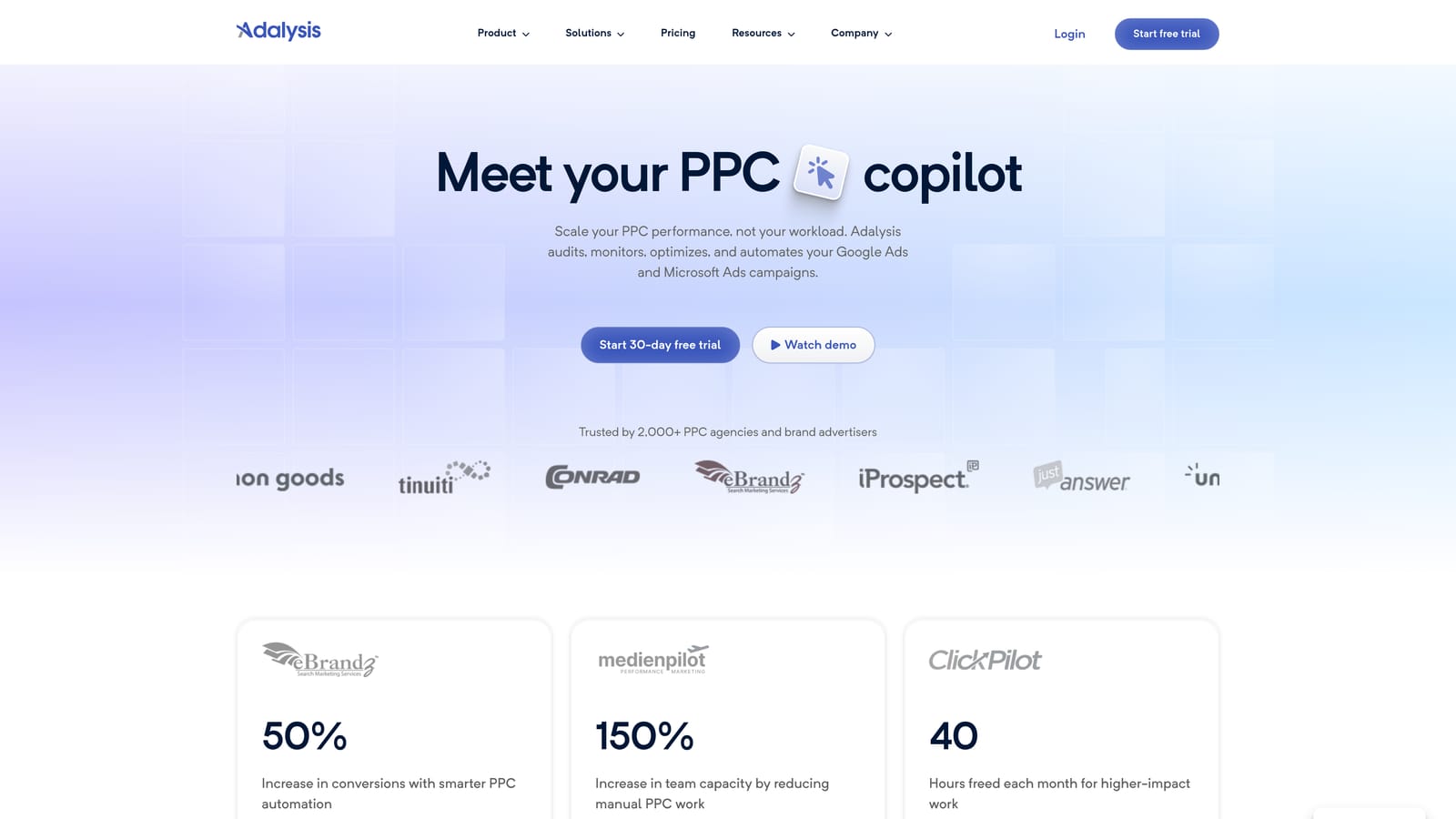
What it does best compared with the rest of this list is repetition. Checks run on a schedule, so problems like wasteful queries get flagged without someone remembering to look.
- Automated audits scan your accounts for common problems so you start each review with a list of issues.
- Search term analysis can help you find queries worth adding or blocking. Confirm what's included in your plan.
- Alerts notify you when something changes, so you catch drift between audits.
- Reporting helps you show clients what was found and fixed.
It connects to Google Ads, and per its materials to Microsoft Advertising as well, so verify the platforms you need. Setup means linking accounts and tuning what gets flagged. The person responsible for account health, often a senior PPC manager, usually owns it.
It wasn't built to cluster. You'll get insights about search terms, but not a workflow that turns them into tidy ad group themes. Expect to take its findings and do the grouping and the edits elsewhere. It can also feel heavy if you manage one or two small accounts.
Pricing is on the vendor's site and varies with the size of what you manage. Check current plans before committing.
Best for: Agencies running regular multi-account audits.
7. Google Sheets n-gram analysis
Google Sheets is the do-it-yourself route. You export your search terms from Google Ads, split them into n-grams (single words, pairs, or triples), and total clicks, cost, and conversions for each pattern. A word like "free" or "jobs" that keeps appearing in wasted spend shows up quickly. It's for analysts comfortable building their own process.
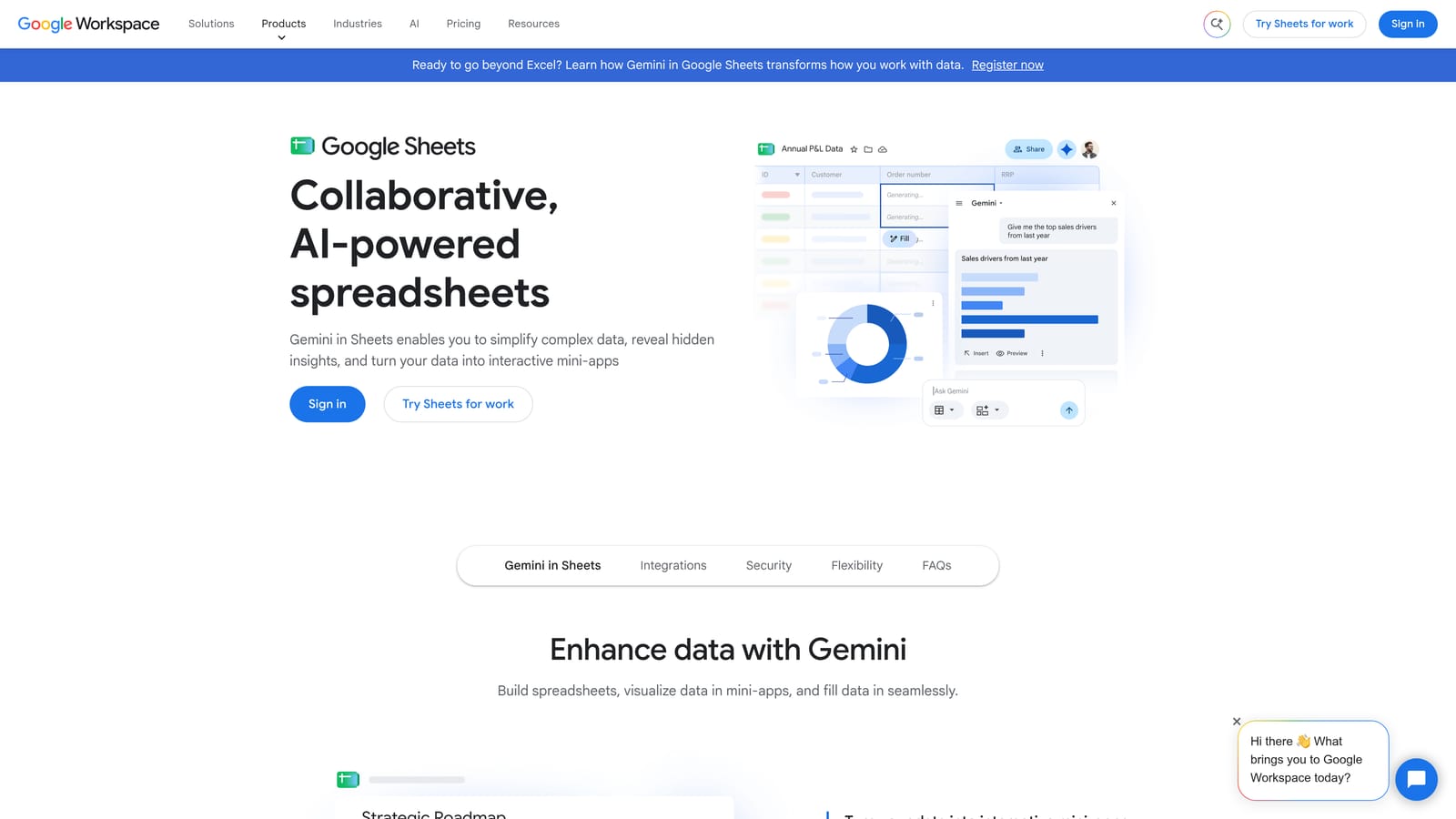
Its advantage is control and cost. You decide how terms are split, what you measure, and which patterns matter, and nothing is locked behind a plan.
- N-gram splitting breaks search terms into word patterns so you see which words drive spend.
- Pivot tables total clicks, cost, and conversions by pattern so you can rank problems by impact.
- Custom formulas let you flag terms that contain certain words or fall below a performance bar.
- Shareable sheets let clients or teammates review the same analysis.
The data arrives through manual exports from Google Ads, and you'll find templates and scripts online. Quality varies, so test any script on a small export first. Setup time depends on your skill, and the person running it needs to be comfortable with formulas.
The cost is your time. Everything is manual, and nothing pushes back to Google Ads, so you still add negatives and keywords by hand in the interface or through Editor. N-gram analysis also finds word patterns, not meaning, so it can lump unrelated terms together. It's best for spotting negative keyword candidates rather than building ad group themes.
It's free with a Google account.
Best for: Analysts comfortable in spreadsheets.
Which Clustering Tool Fits Which Job
Keep the two clustering jobs separate. Grouping research keywords you haven't bought yet is a planning task. Grouping search terms from a live account is a cleanup task, and it comes with match type and negative keyword decisions that SEO clustering tools don't handle.
If you spend most of your time cleaning live search terms, Keywordme is the closest fit, since you can add keywords, block junk, and apply match types in the Search Terms Report. If you're building structure from a big research list, Keyword Insights or Semrush will group it better, and you'll move the results into Google Ads yourself. For agency-scale audits across many accounts, look at Optmyzr or Adalysis. If the budget is zero, combine Keyword Planner, Editor, and a Sheets n-gram workflow.
Optimize Google Ads Campaigns 10X Faster. Without Leaving Your Account. Keywordme lets you remove junk search terms, build high-intent keyword lists, and apply match types instantly, right inside Google Ads. No spreadsheets, no switching tabs, just quick, seamless optimization. Start your free 7-day trial (then just $12/month) and take your Google Ads game to the next level.
