
9 Best PPC Efficiency Tools to Cut Wasted Spend
This guide reviews nine actively maintained PPC efficiency tools that tackle real workflow bottlenecks in 2026—from search term review and negative keyword management to bid automation and reporting—so you can cut wasted spend and spend more time on strategy. Each tool is evaluated for the specific problem it solves, with clear guidance on which fits solo freelancers versus multi-account agencies.


If you're managing Google Ads manually—copying search terms into spreadsheets, hunting for negatives, toggling between tabs—you're burning time that could go toward strategy. PPC efficiency tools exist to automate the tedious stuff, surface what's actually hurting your campaigns, and help you act faster without making more mistakes.
This list covers nine tools that genuinely move the needle on efficiency, from in-interface workflow accelerators to reporting platforms and bid management systems. Each one solves a different bottleneck. Some overlap slightly, but we've noted where each tool is strongest so you can pick what fits your workflow—whether you're a solo freelancer running a handful of accounts or an agency juggling dozens of clients.
Selection criteria: tools had to be actively maintained in 2026, solve a real PPC workflow problem, and offer a clear pricing structure.
1. Keywordme
Best for: Speeding up search term review and keyword management directly inside Google Ads
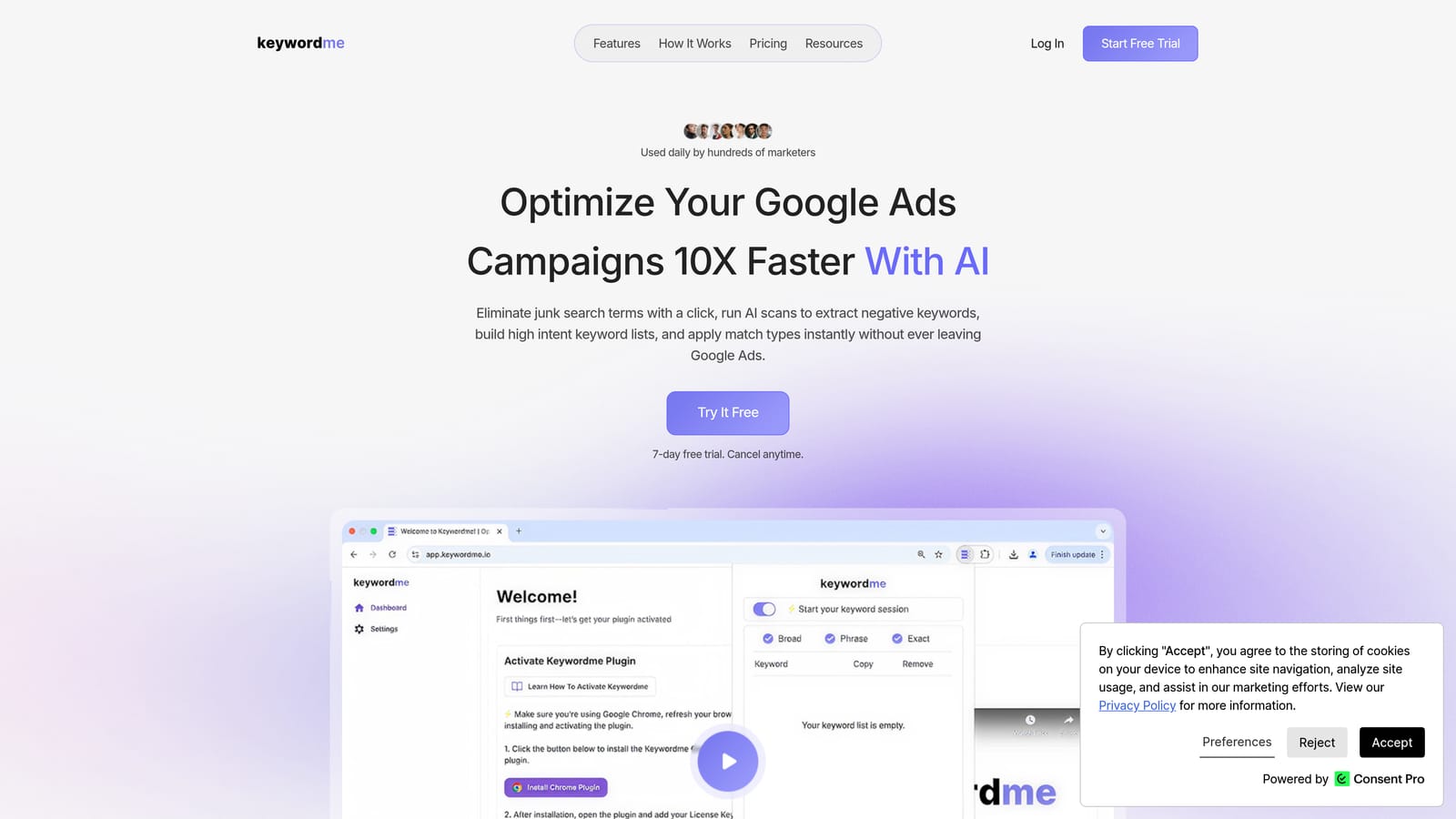
Keywordme is a Chrome extension that works inside Google Ads' Search Terms Report, letting you add negatives, promote search terms to positive keywords, apply match types, and cluster related terms without opening a spreadsheet or switching tabs.
Where This Tool Shines
The core problem Keywordme solves is friction. Reviewing search terms is something every Google Ads manager does regularly, but the native interface requires a lot of manual steps to act on what you find. Keywordme layers one-click actions directly onto that workflow, so you can move through a list of search terms and make decisions in a fraction of the time.
For agencies managing multiple accounts, the multi-account and team support features mean you're not repeating the same setup across every client. The keyword clustering feature is particularly useful when you're trying to build tightly themed ad groups from a messy list of converting search terms.
Key Features
One-click negative keyword addition: Add irrelevant search terms as negative keywords directly from the Search Terms Report without leaving Google Ads.
Search term promotion: Promote a search term to a positive keyword with your chosen match type in a single click.
Keyword clustering: Group related search terms into clusters to inform ad group structure or identify new keyword opportunities.
Bulk editing: Apply actions across multiple search terms simultaneously instead of handling them one by one.
Multi-account and team support: Manage workflow across multiple Google Ads accounts with team member access, useful for agency setups.
Best For
Freelancers and agency managers who spend significant time in the Search Terms Report and want to cut that time down without adding another external platform to their stack. It's especially practical if your current bottleneck is the gap between spotting a problem in search terms and actually doing something about it.
Pricing
$12/month per user. A 7-day free trial is available with no commitment required to start.
2. Google Ads Editor
Best for: Bulk offline edits to campaigns, ad groups, keywords, and ads before pushing changes live
Google Ads Editor is Google's free desktop application for making large-scale campaign changes offline, reviewing them, and pushing them live when you're ready.

Where This Tool Shines
When you need to restructure a campaign, rename a hundred ad groups, or swap out ad copy across multiple campaigns at once, the native Google Ads interface becomes slow and error-prone. Editor lets you make those changes in bulk, review a full diff of what's changing, and roll back if something looks wrong before anything goes live.
The find-and-replace functionality alone saves a significant amount of time on large accounts. It's also the right tool for importing structured keyword lists via CSV when you've done research outside of Google Ads and need to build out campaigns quickly.
Key Features
Offline bulk editing: Make changes to campaigns, ad groups, keywords, ads, and extensions without an active internet connection, then sync when ready.
Multi-account management: Work across multiple Google Ads accounts from a single interface without logging in and out.
Find and replace: Update text strings across hundreds of ads or keywords in seconds.
Draft and review: Preview all pending changes before pushing them live, reducing the risk of accidental edits.
CSV import/export: Build or modify campaign structures in a spreadsheet and import directly into Editor.
Best For
Anyone managing large accounts or doing significant campaign restructures. It's less useful for quick day-to-day tasks—for that, a tool like Keywordme that works live inside the interface is more practical. Editor is the right choice when the scope of changes is too large for the native UI to handle comfortably.
Pricing
Free. Officially supported and maintained by Google.
3. Optmyzr
Best for: Rule-based automation, account audits, and optimization recommendations across Google Ads, Microsoft Ads, and Amazon Ads
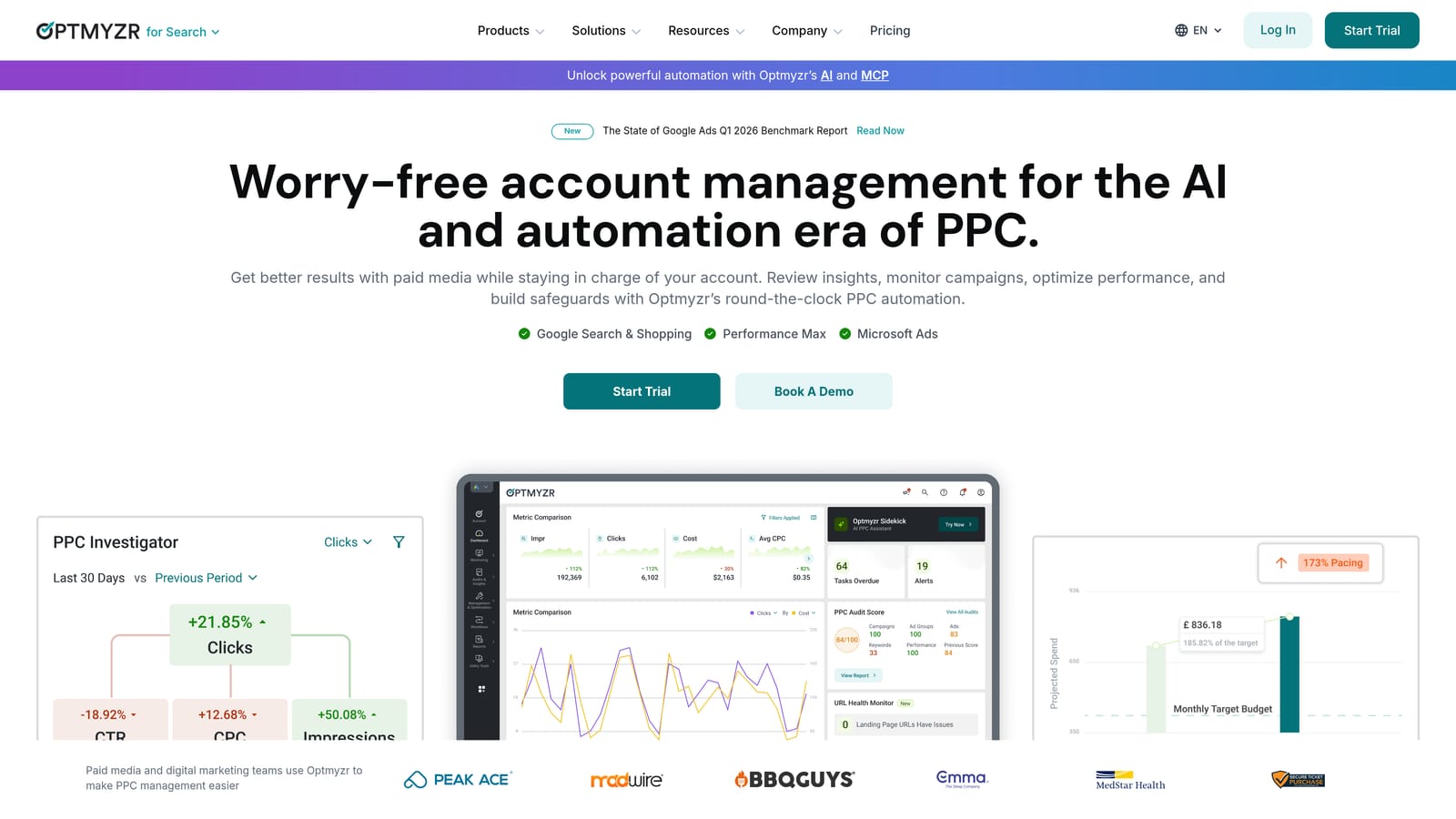
Optmyzr is a PPC optimization platform that surfaces account-specific recommendations and lets you apply rule-based automations, run structured audits, and generate client reports across multiple ad platforms.
Where This Tool Shines
Optmyzr's "One-Click Optimizations" feature is its most recognizable capability. It analyzes your account and surfaces prioritized recommendations—bid adjustments, budget changes, keyword additions—that you can review and apply with minimal manual work. This is different from fully automated bidding: you stay in control of what gets applied.
The custom automation rules are useful for teams that want to enforce consistent account hygiene without writing Google Ads scripts from scratch. The reporting layer also handles white-label client reports, which makes it a reasonable all-in-one platform for agencies that want optimization and reporting in one subscription.
Key Features
One-Click Optimizations: Account-specific recommendations for bids, budgets, keywords, and ads that you can apply in bulk after review.
Custom automation rules: Build rule-based automations without writing scripts, triggered by performance thresholds you define.
PPC account audits: Structured audits that flag issues and prioritize them by potential impact.
Automated client reporting: Scheduled reports with white-label options for agency use.
Multi-platform support: Works across Google Ads, Microsoft Ads, and Amazon Ads from a single interface.
Best For
Mid-size agencies and in-house teams managing accounts across multiple platforms who want a structured optimization workflow without building everything from scratch. It's more powerful than lighter tools, but that comes with a higher price point and a steeper learning curve.
Pricing
Tiered by ad spend managed. Verify current plan pricing at optmyzr.com before purchasing, as SaaS pricing changes frequently.
4. SEMrush PPC Toolkit
Best for: Competitor keyword research, ad copy analysis, and keyword discovery before launching or expanding campaigns
SEMrush includes a dedicated PPC research suite covering competitor keyword analysis, ad copy history, CPC data by region, and keyword list building for Google Ads campaign planning.

Where This Tool Shines
SEMrush's Advertising Research tool lets you enter a competitor's domain and see which keywords they're bidding on, what their ads look like, and how long specific ads have been running. This is genuinely useful when you're entering a new market or trying to understand why a competitor's CPCs look the way they do.
The Keyword Magic Tool is one of the more practical features for building large keyword lists with CPC and volume data alongside each term. It's a research tool rather than an in-account optimization tool, so findings need to be exported and applied manually, but the quality of the research data is solid.
Key Features
Advertising Research: See the keywords competitors are bidding on and the ad copy they're running, with historical data.
Keyword Magic Tool: Build large keyword lists filtered by CPC, volume, match type, and intent.
CPC Map: Visualize average cost-per-click by region to inform geo-targeting decisions.
PLA Research: Analyze competitors' Shopping campaigns and product listing ad strategies.
Ad history: See how long specific ads have been running, which is a useful signal for what's working for competitors.
Best For
Advertisers in competitive verticals who want to inform their keyword strategy with real competitor data before committing budget. It's a research and planning tool, not a campaign management tool, so it pairs well with something like Keywordme or Google Ads Editor for the execution side.
Pricing
Included in SEMrush subscription plans. Verify current plan pricing at semrush.com.
5. SpyFu
Best for: Deep competitor PPC history and keyword gap analysis at a lower price point than enterprise research tools
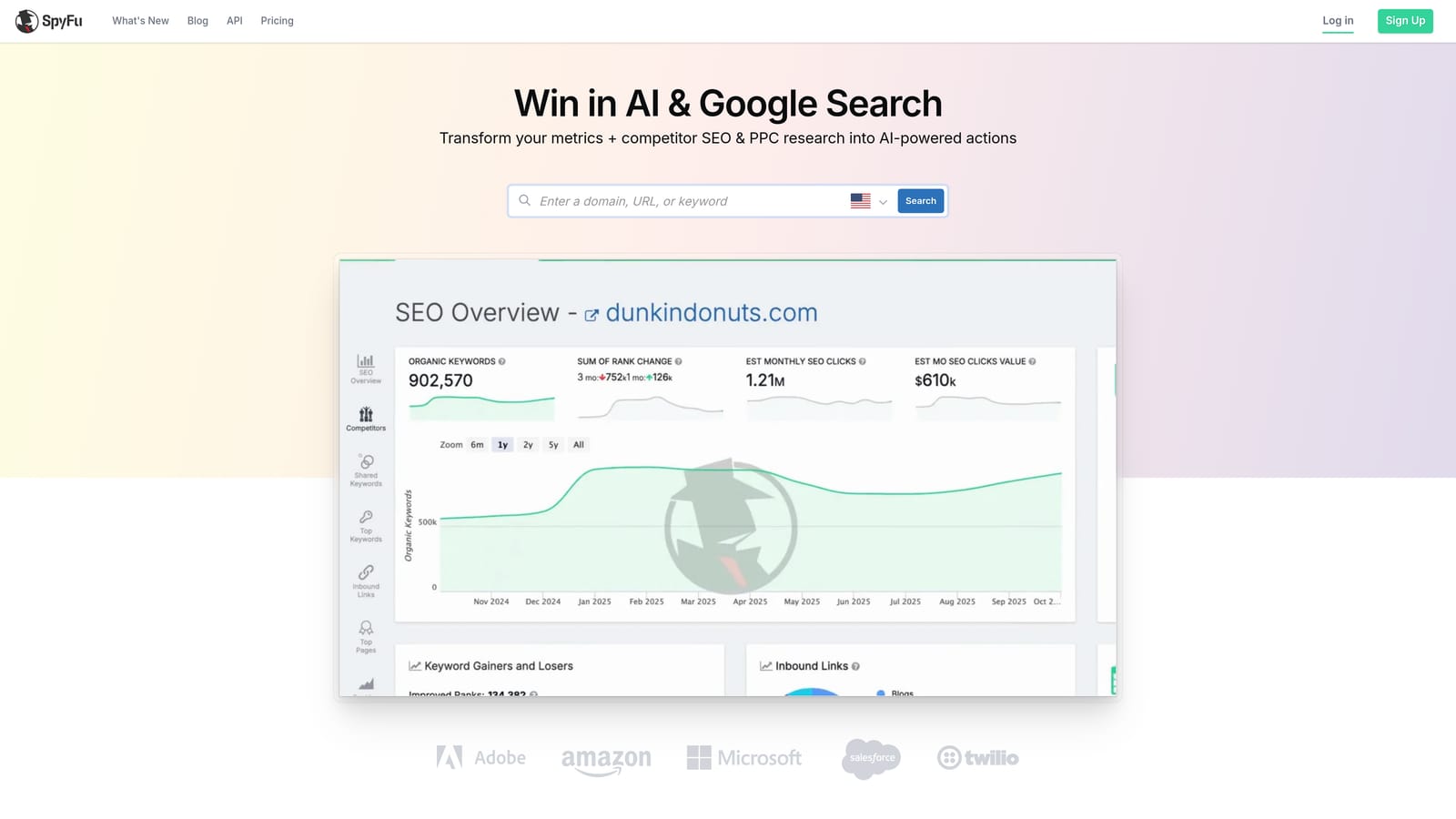
SpyFu is a competitive intelligence tool that surfaces years of competitor PPC history—keywords, ad copy, estimated spend—so you can identify gaps in your own strategy and avoid bidding on terms competitors have already tested and abandoned.
Where This Tool Shines
SpyFu's depth of historical data is its standout quality. Seeing that a competitor ran a keyword for three years and then dropped it is a useful signal—it suggests the term may not convert well enough to justify the cost, saving you from learning the same lesson with your own budget.
The Kombat feature, which does a three-way keyword gap analysis between you and two competitors, is a practical way to find keywords where competitors are active but you're not, or where you're spending and they've moved on. Keep in mind that spend estimates are approximations, not exact figures, so use them directionally rather than as hard data.
Key Features
Competitor keyword history: Years of historical data on which keywords competitors have bid on and when they stopped.
Kombat feature: Three-way keyword gap analysis comparing your domain against two competitors simultaneously.
Estimated ad spend: Approximate monthly spend data for competitor domains, useful for benchmarking.
Ad copy history: See the different ad variations a competitor has tested over time.
SERP analysis: View both paid and organic results in a single view for any keyword.
Best For
Advertisers and agencies who do regular competitive analysis and want historical depth without paying SEMrush-level prices. It's particularly useful during campaign planning phases when you're deciding which keywords to pursue and which to avoid.
Pricing
Tiered plans available. Verify current pricing at spyfu.com.
6. Adalysis
Best for: Systematic ad testing, Quality Score monitoring, and account health audits for Google Ads and Microsoft Ads
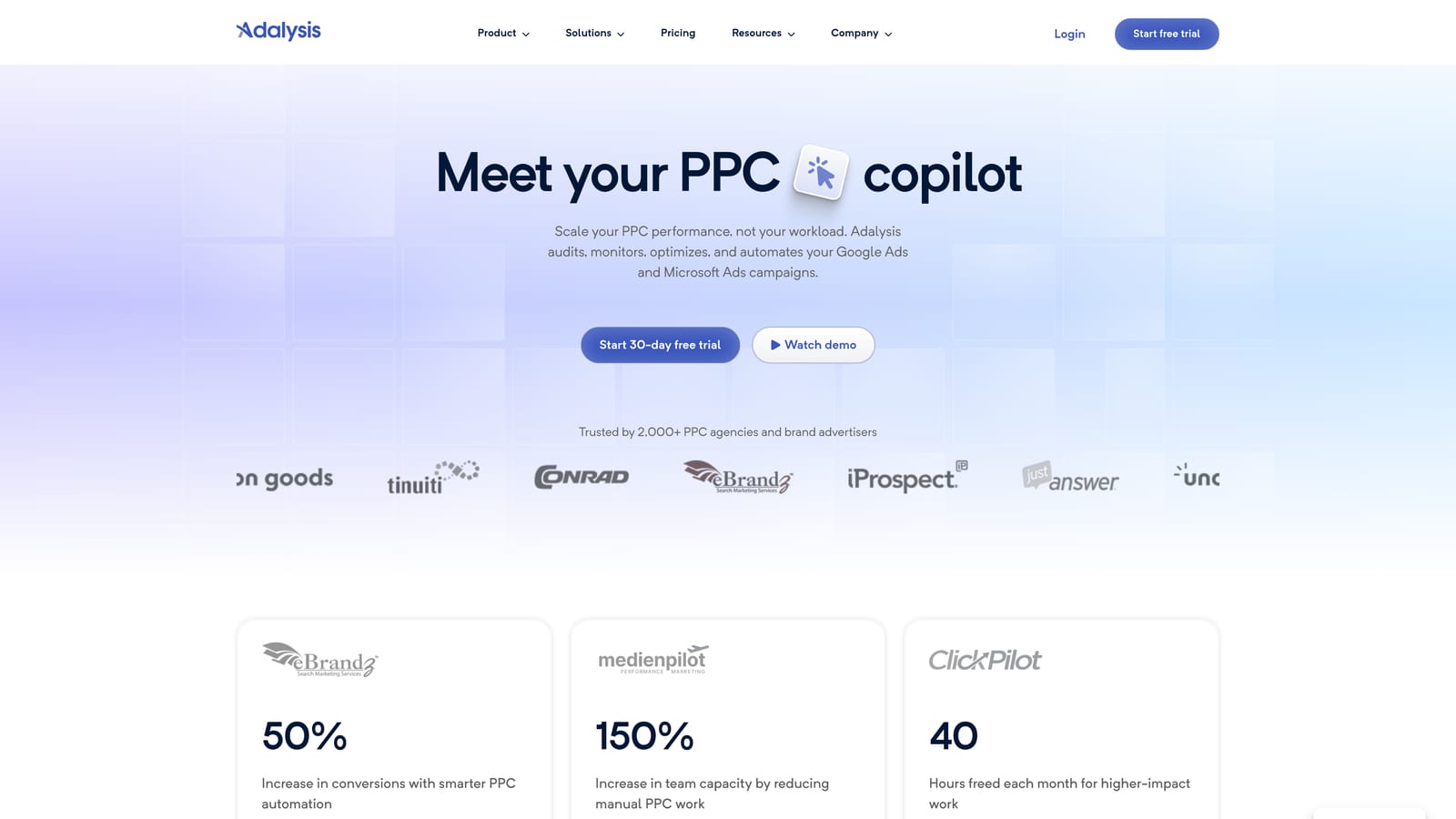
Adalysis is a PPC management tool built around structured ad testing, Quality Score tracking, and automated account audits that flag issues before they compound into larger performance problems.
Where This Tool Shines
Most PPC platforms treat ad testing as a secondary feature. Adalysis treats it as the core workflow. It tracks statistical significance automatically, so you're not manually calculating whether a test has run long enough to be meaningful. When a test reaches significance, it flags the winner and surfaces the next test to run, keeping the optimization cycle moving.
The negative keyword conflict detection is a less obvious but genuinely useful feature. Negative keyword conflicts—where a negative keyword inadvertently blocks a positive keyword you want to serve—are easy to create accidentally and hard to spot manually at scale. Adalysis surfaces these automatically.
Key Features
Automated A/B ad testing: Tracks ad performance with statistical significance tracking so you know when a test result is reliable.
Quality Score monitoring: Tracks Quality Score trends at scale across keywords, ad groups, and campaigns over time.
Account audit: Flags underperforming ads, keywords, and settings with prioritized recommendations.
Negative keyword conflict detection: Identifies where negative keywords are accidentally blocking positive keywords from serving.
Automated alerts: Notifies you of significant performance changes so issues don't go unnoticed between manual reviews.
Best For
Advertisers who run structured ad testing programs and want systematic Quality Score improvement. It's well-suited to accounts with enough ad volume to run meaningful tests and enough keyword depth that manual Quality Score tracking becomes impractical.
Pricing
Tiered by number of ads. Verify current pricing at adalysis.com.
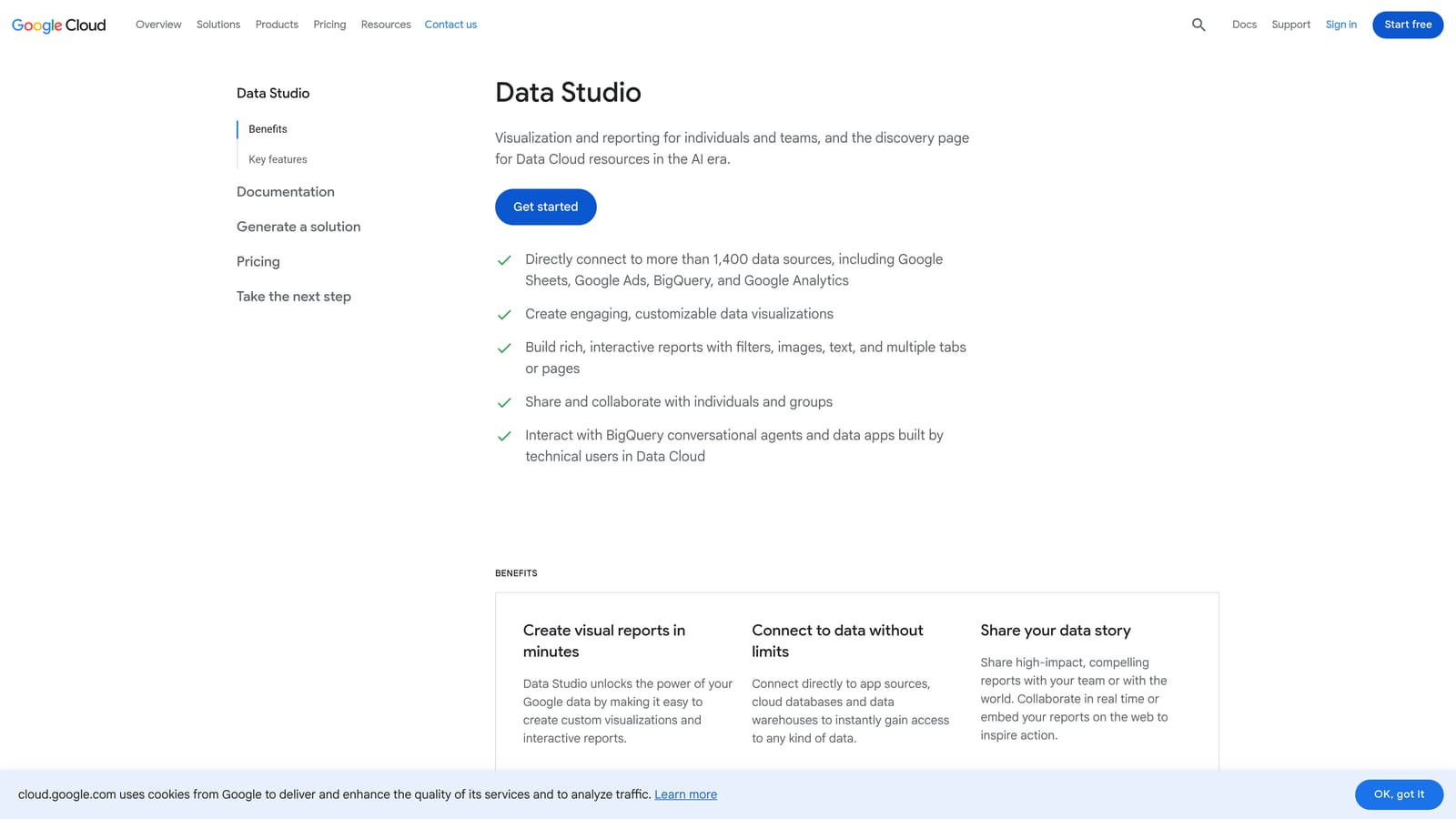
7. Looker Studio
Best for: Building live PPC dashboards and shareable client-facing performance reports at no cost
Looker Studio is Google's free data visualization tool with a native Google Ads connector, widely used to build live dashboards and client reports that update automatically without manual exports.
Where This Tool Shines
The native Google Ads connector is the key efficiency gain here. Once a report is set up, it pulls live data on whatever schedule you configure, which means you're not manually pulling data and rebuilding slides before every client call. Clients can access reports via a shared link without needing a Google Ads login, which removes a common friction point in agency reporting.
The drag-and-drop interface is accessible enough that you don't need a data engineering background to build a useful dashboard. That said, building a polished, well-structured report does take initial setup time. It's not instant, but the time investment pays off over weeks of saved manual reporting work.
Key Features
Native Google Ads connector: Live data connection to Google Ads with configurable refresh schedules.
Drag-and-drop builder: Build charts, tables, scorecards, and date range controls without writing code.
Shareable via link: Clients can view reports without a Google account or Google Ads access.
Custom filtering: Filter by campaign, date range, account, or any available dimension directly in the report.
Free to use: No subscription required; available to anyone with a Google account.
Best For
Agencies and freelancers who report to clients regularly and want to replace manual slide decks with live, always-current dashboards. It's a reporting tool only—it doesn't touch campaign management—so it pairs naturally with optimization tools rather than replacing them.
Pricing
Free with a Google account.
8. Supermetrics
Best for: Pulling PPC data from multiple ad platforms into a single reporting destination for cross-channel analysis
Supermetrics is a data pipeline tool that connects Google Ads, Meta Ads, Microsoft Ads, and other platforms to destinations like Google Sheets, Looker Studio, BigQuery, and Excel for consolidated reporting.
Where This Tool Shines
If you're running campaigns across multiple platforms and trying to report on them in one place, Supermetrics removes the manual data collection step. Instead of exporting CSVs from each platform and combining them in a spreadsheet, Supermetrics pulls the data on a schedule and keeps your reports current automatically.
The range of data destinations is a practical advantage. Teams that prefer working in Google Sheets can pull data there. Teams doing more advanced analysis can route data to BigQuery or Snowflake. The pre-built report templates reduce setup time for common reporting needs, though you'll likely customize them for specific clients or use cases.
Key Features
100+ platform connectors: Pull data from Google Ads, Meta Ads, Microsoft Ads, LinkedIn Ads, TikTok Ads, and many other sources.
Automated data refresh: Schedule data pulls so reports stay current without manual intervention.
Pre-built templates: Starting-point report templates for common PPC and cross-channel reporting scenarios.
Multiple destinations: Send data to Google Sheets, Looker Studio, BigQuery, Excel, or Snowflake depending on your workflow.
Team and white-label options: Share data pipelines across team members and produce client-ready reports.
Best For
Agencies and in-house teams managing spend across multiple ad platforms who need a reliable, automated way to consolidate performance data. It's a data pipeline and reporting tool, not a campaign management platform, so it doesn't replace optimization tools in your stack.
Pricing
Tiered by connectors and data destination. Verify current pricing at supermetrics.com.
9. Tenscores
Best for: Diagnosing Quality Score problems and identifying where poor keyword-to-ad-to-landing-page relevance is inflating CPCs
Tenscores is a focused Google Ads tool that analyzes Quality Score components—expected CTR, ad relevance, and landing page experience—to pinpoint where relevance gaps are costing you on cost-per-click.
Where This Tool Shines
Quality Score affects what you pay every time an ad serves. A low Quality Score on a keyword means you're paying more per click than a competitor with better relevance might pay for the same position. The problem is that Google Ads shows you Quality Score as a single number without always making it obvious which component is the weak link. Tenscores breaks that down.
The historical trend tracking is useful for measuring whether changes to ad copy or landing pages are actually moving the needle on Quality Score components over time. Rather than checking manually and trying to remember where things stood last month, Tenscores keeps a record you can reference when evaluating the impact of optimizations.
Key Features
Quality Score tracking: Monitor Quality Score trends at the keyword level over time, not just as a point-in-time snapshot.
Component-level analysis: See which of the three Quality Score components—expected CTR, ad relevance, or landing page experience—is pulling the score down.
Relevance scoring: Evaluate the alignment between keywords, ad copy, and landing pages to identify weak combinations.
Account-wide audit: Surface low-relevance keyword-to-ad-to-landing-page combinations across the entire account.
CPC impact prioritization: Recommendations ordered by potential CPC reduction, so you can focus on the changes with the most impact first.
Best For
Advertisers who suspect Quality Score issues are inflating their CPCs but can't pinpoint where the problem is. It's a narrow, specialized tool—it won't manage your campaigns or automate your bidding—but for accounts where relevance and Quality Score are a known problem, it's more focused than trying to diagnose the same issues manually.
Pricing
Tiered by account size. Verify current pricing at tenscores.com.
Which Tool Fits Your Situation
No single tool handles everything, and that's actually fine. The most practical setups tend to combine two or three tools targeting different bottlenecks rather than relying on one platform to do it all.
Here's a quick way to think about matching tools to your current pain points:
If your biggest bottleneck is search term review and keyword management: Keywordme is the most direct solution. It works inside Google Ads where you're already spending time, and the one-click workflow means you can move through a Search Terms Report much faster than the native interface allows.
If you need to restructure or make bulk changes across a large account: Google Ads Editor is the right tool, and it costs nothing.
If you want rule-based automation and cross-platform optimization in one place: Optmyzr or Adalysis are worth evaluating, depending on whether your priority is broader automation or structured ad testing.
If you're doing pre-campaign research or competitive analysis: SEMrush PPC Toolkit and SpyFu both serve this well; SpyFu tends to be the more affordable option for teams primarily focused on PPC competitive data.
If client reporting is eating your time: Looker Studio handles single-platform Google Ads reporting for free. If you're consolidating data from multiple ad platforms, Supermetrics paired with Looker Studio is a common and practical combination.
If CPCs feel high relative to your Quality Scores: Tenscores is built specifically for diagnosing that problem.
The recommendation is to start with whatever solves your most immediate pain point rather than adopting everything at once. If search term management is where you're losing the most time, that's where the efficiency gain is. If reporting is the bottleneck, that's where to start.
For advertisers whose main friction is inside the Search Terms Report, Keywordme is worth trying first. It's the lowest-friction entry point on this list: it installs as a Chrome extension, works inside the Google Ads interface you're already using, and costs $12/month after a free trial. Start your free 7-day trial and see how much faster your next search term review goes.
.svg)