
9 Best PPC Efficiency Software Tools for Google Ads Teams in 2026
This guide compares nine PPC efficiency software tools that reduce the repetitive work in Google Ads, such as search term cleanup, reporting, and account health checks. Each tool is evaluated by the task it speeds up, its fit with Google Ads workflows, pricing clarity, and who it suits, whether you are a freelancer, agency owner, or in-house marketer.


If you run Google Ads for yourself, clients, or an agency, the slow part is rarely strategy. It's the repetitive work: combing through search terms, building reports, checking account health, and chasing waste. This list covers PPC efficiency software that cuts that manual time, chosen by which task it speeds up, how well it fits a Google Ads workflow, how clear the pricing is, and who it actually suits. It works for freelancers, agency owners, and in-house marketers alike.
Quick Comparison of the PPC Efficiency Tools
- Keywordme: freelancers and agencies who spend hours on search term cleanup; $12/month per user; one-click actions inside the native Search Terms Report, no exports.
- Optmyzr: agencies managing many accounts; see website for pricing; a large library of prebuilt optimization checks.
- Adalysis: agencies that want systematic account health monitoring; see website for pricing; automated ad-test analysis and alerting.
- Google Ads Editor: advertisers making large structural edits; free; first-party bulk editing with offline drafting and review before posting.
- Google Ads Scripts: technical advertisers building custom automations; free; fully custom automation with no software fee.
- Looker Studio: freelancers replacing manual monthly reports; free; customizable dashboards with a Google Ads connector.
- Swydo: agencies sending recurring client reports; see website for pricing; branded white-label reports built from templates.
- Google Ads Smart Bidding: accounts with strong conversion tracking and volume; included in Google Ads; auction-time automated bid setting.
1. Keywordme
Keywordme is a Chrome extension that adds one-click actions to the Search Terms Report inside Google Ads. It's built for people who review search terms constantly, such as freelancers and agency teams, and want to stop exporting data into spreadsheets. The company says it can make optimization up to 10x faster; that figure comes from Keywordme's own materials, so treat it as a vendor claim rather than an independent benchmark.
What sets it apart on this list is where it works. You stay in the native Google Ads interface, look at the real search terms report, and act on rows right there. Nothing is exported, re-imported, or synced to a separate dashboard.
- Add a search term as a negative keyword in one click, so junk queries stop triggering your ads.
- Add search terms as positive keywords with the match type you choose, directly in the Google Ads UI.
- Keyword clustering groups related terms, which helps you build tighter keyword lists and ad groups.
- Bulk editing lets you apply changes to many terms at once instead of row by row.
- Multi-account and team support suits agencies running several clients with more than one person.
Setup is light: install the extension in Chrome, open Google Ads, and work from the Search Terms Report. Whoever already does search term reviews runs it day to day, and there's no separate platform to administer.
The limits are real. Its scope is narrow: search term and keyword management only. It works with Google Ads only, and it does no bidding, budget management, auditing, or reporting. It also requires Chrome. You still decide which terms to add or exclude, which is the point, but it means the tool speeds up your judgment rather than replacing it.
Pricing is $12/month per user with a 7-day free trial, as of October 2026. Cost scales with the number of users, not ad spend or account count, though you should confirm current terms on the site.
Best for: Freelancers and agencies who spend hours on search term cleanup.
2. Optmyzr
Optmyzr is a PPC optimization platform combining rule-based checks, bulk management tools, and client reporting. It's designed for agencies and larger teams that want one suite covering many tasks across many accounts.

Its distinguishing strength is breadth of prebuilt checks. Instead of writing your own logic, you start from a large library of optimizations and apply the ones that fit each account.
- One-click optimizations let you review suggested changes and apply them without building each edit by hand.
- A rule engine lets you set conditions for recurring checks, so routine monitoring doesn't depend on memory.
- Bulk management tools make changes across campaigns or accounts in one pass.
- Client reporting reduces the time spent assembling monthly updates.
It connects to Google Ads, Microsoft Advertising, and Meta Ads, which helps teams running multi-platform accounts. Expect a longer setup and learning curve than with a single-task tool. Someone on the team, usually an account manager or PPC lead, needs to own the configuration so rules and checks stay relevant.
That breadth is also the main limitation. It's broader and more complex than single-task tools, and if all you need is faster search term cleanup, you'll be paying for and learning a lot you won't use. Pricing is not listed in the research I've worked from; see the Optmyzr website, and note that cost scales with ad spend.
Best for: Agencies managing many accounts that want one optimization suite.
3. Adalysis
Adalysis is account auditing and alerting software for paid search. Its job is to tell you what's wrong, or what's changed, across accounts so you don't have to dig for it manually.
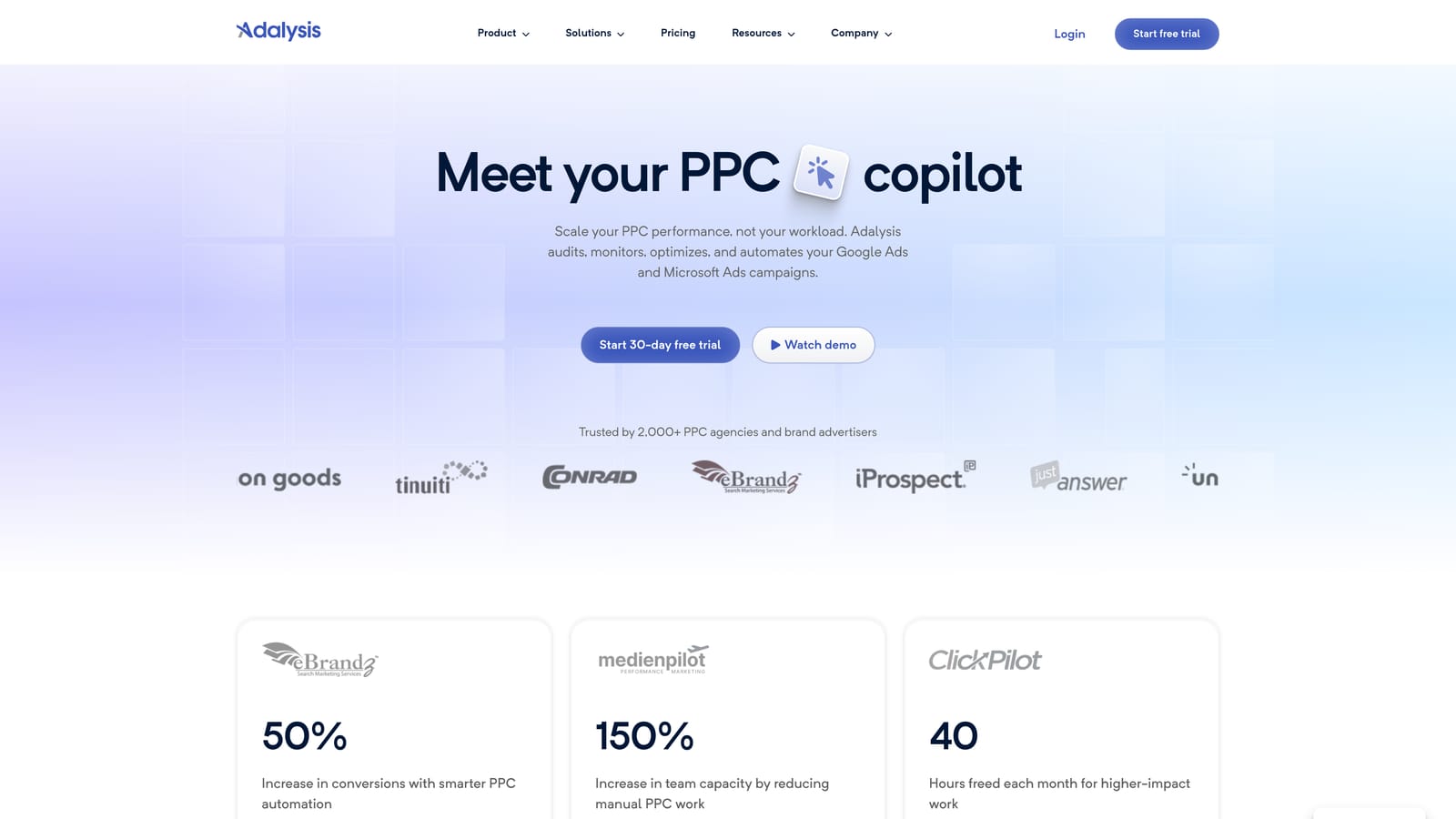
The limitation comes first because it shapes the buying decision: Adalysis diagnoses more than it fixes. It surfaces problems and opportunities, but many of the resulting changes are still manual. If you want a tool that carries out the fix, pair it with something else on this list.
Where it does well is monitoring. Automated ad-test analysis is its standout feature, because working out which ad variations are winning is tedious and easy to put off.
- Account audits scan for common issues so you can find problems without reviewing every campaign.
- Ad testing analysis evaluates ad performance and points to winners and losers.
- Alerts flag sudden changes, so you hear about trouble before the monthly review.
- Quality checks highlight structural and setup problems that quietly hurt performance.
It integrates with Google Ads and Microsoft Advertising. Setup means connecting accounts and tuning alerts, and a PPC manager or account lead typically reviews the output. It suits agencies that want a repeatable account health routine. Solo advertisers with one or two small accounts may find a manual checklist enough. Pricing is not covered in the research here; see the Adalysis website for current plans.
Best for: Agencies wanting systematic account health monitoring.
4. Google Ads Editor
Google Ads Editor is Google's free desktop application for editing campaigns in bulk. It's for advertisers who make large structural changes, like restructuring ad groups, rewriting ad copy at scale, or copying campaigns between accounts.

What it does better than most paid tools is price and trust: it's free, first-party, and handles bulk editing across multiple accounts. It's also a safe place to work, since you can draft changes offline and review them before posting.
- Bulk edits change many campaigns, ad groups, ads, or keywords at once, rather than one by one in the browser.
- Offline drafting lets you build out changes without being tied to the web interface.
- Copy across accounts speeds up launching similar structures for different clients or markets.
- Review changes before posting gives you a checkpoint to catch mistakes before they go live.
Setup is a desktop download and signing in with your Google Ads access. One person who understands the account structure usually runs it. The tradeoff is that it offers no search term insights and no automated recommendations. It's an editing tool, not a diagnosis tool, so you decide what to change and bring the data from elsewhere. It's also less suited to quick, in-the-moment search term pruning, where a browser-based tool is faster.
It's free, and nothing scales the price.
Best for: Advertisers doing large structural edits at no cost.
5. Google Ads Scripts
Google Ads Scripts lets you automate tasks in your account using JavaScript that runs inside Google Ads. It's meant for technical advertisers who'd rather build exactly what they need than buy a platform.

Its edge over everything else here is flexibility. You can automate nearly any workflow the scripting environment supports, with no software fee.
What you can build
- Custom automation handles repetitive account tasks the way you define them.
- Scheduled runs execute scripts hourly, daily, or on another cadence so checks happen without you.
- Anomaly alerts notify you when spend or performance moves outside expected ranges.
- Custom reports can push data to Google Sheets for dashboards or sharing.
What it costs you in time
The price is zero, but the effort isn't. Scripts require coding ability, and they need ongoing maintenance as accounts, naming conventions, and Google's platform change. A script that breaks silently can be worse than no script, so someone has to own testing and monitoring. Integrations are Google Ads and Google Sheets.
It's a poor fit for marketers who don't code and don't have a developer to lean on. And like any automation, it still needs human review. A script that pauses or changes things automatically will do exactly what you wrote, including your mistakes.
It's free.
Best for: Technical advertisers building custom automations.
6. Looker Studio
Looker Studio is Google's free dashboard tool, and it includes a Google Ads connector. It targets anyone tired of rebuilding the same performance report every month.

It stands out for combining zero cost with real customization. You design the dashboard once, point it at live data, and it updates itself.
- The Google Ads connector pulls campaign data straight into your dashboards without manual exports.
- Custom dashboards let you show the metrics your clients or stakeholders care about, not a fixed template.
- Scheduled email delivery sends reports on a set cadence so you don't have to remember.
- Shareable reports give clients a live link instead of a PDF that's out of date on arrival.
It also connects with Google Analytics and Google Sheets, so you can blend sources in one view. Setup effort depends on how polished you want things: a basic dashboard is quick, a branded multi-source one takes real design time. Whoever owns reporting, often the freelancer or account manager, builds and maintains it.
The limitation is plain: it's reporting only and doesn't change campaigns. Also, it's not purpose-built for agency white-labeling the way a dedicated reporting platform is, and you'll handle the layout work yourself. The tool is free, though paid connectors may apply if you pull in data sources beyond what Google offers natively.
Best for: Freelancers replacing manual monthly reports.
7. Swydo
Swydo is an automated, white-label PPC reporting platform. It's aimed at agencies that send the same kind of report to many clients and want it to look like their own.
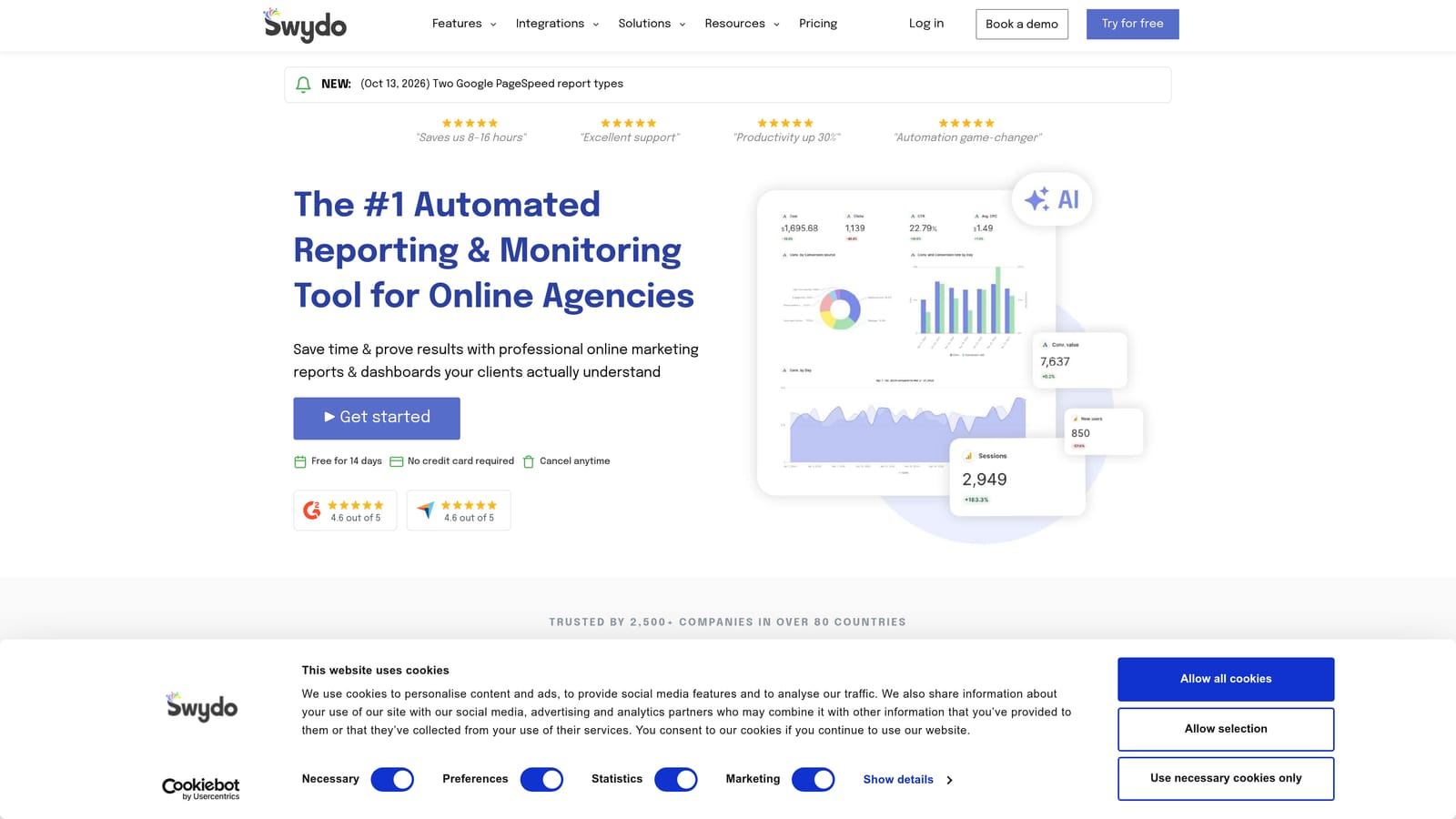
The distinctive piece is the combination of templates, branding, and scheduling. You set up a report format, apply your agency's branding, and have it delivered on a schedule without rebuilding it each period.
- Report templates let you reuse a proven layout across clients instead of starting from scratch.
- White-label branding puts your agency's identity on deliverables, not a third party's.
- Scheduled delivery sends reports automatically so client updates don't depend on someone's calendar.
- Multi-platform data brings several ad channels into one report, useful when clients run more than Google Ads.
It integrates with Google Ads, Microsoft Advertising, and Meta Ads. Setup involves connecting client accounts and building or adapting templates, and it's usually run by an account manager or reporting lead.
It does reporting and nothing else. There are no optimization actions, so it won't reduce wasted spend by itself; it just saves the hours spent assembling the story. A freelancer with a few clients might get by with a free dashboard instead. Pricing isn't covered in the research here; see the Swydo website, and check what drives cost, which for reporting tools typically relates to accounts or data sources.
Best for: Agencies sending recurring white-label client reports.
8. Google Ads Smart Bidding
Google Ads Smart Bidding is the set of automated bidding strategies built into Google Ads. It's for advertisers who want Google's system to set bids rather than managing them by hand.
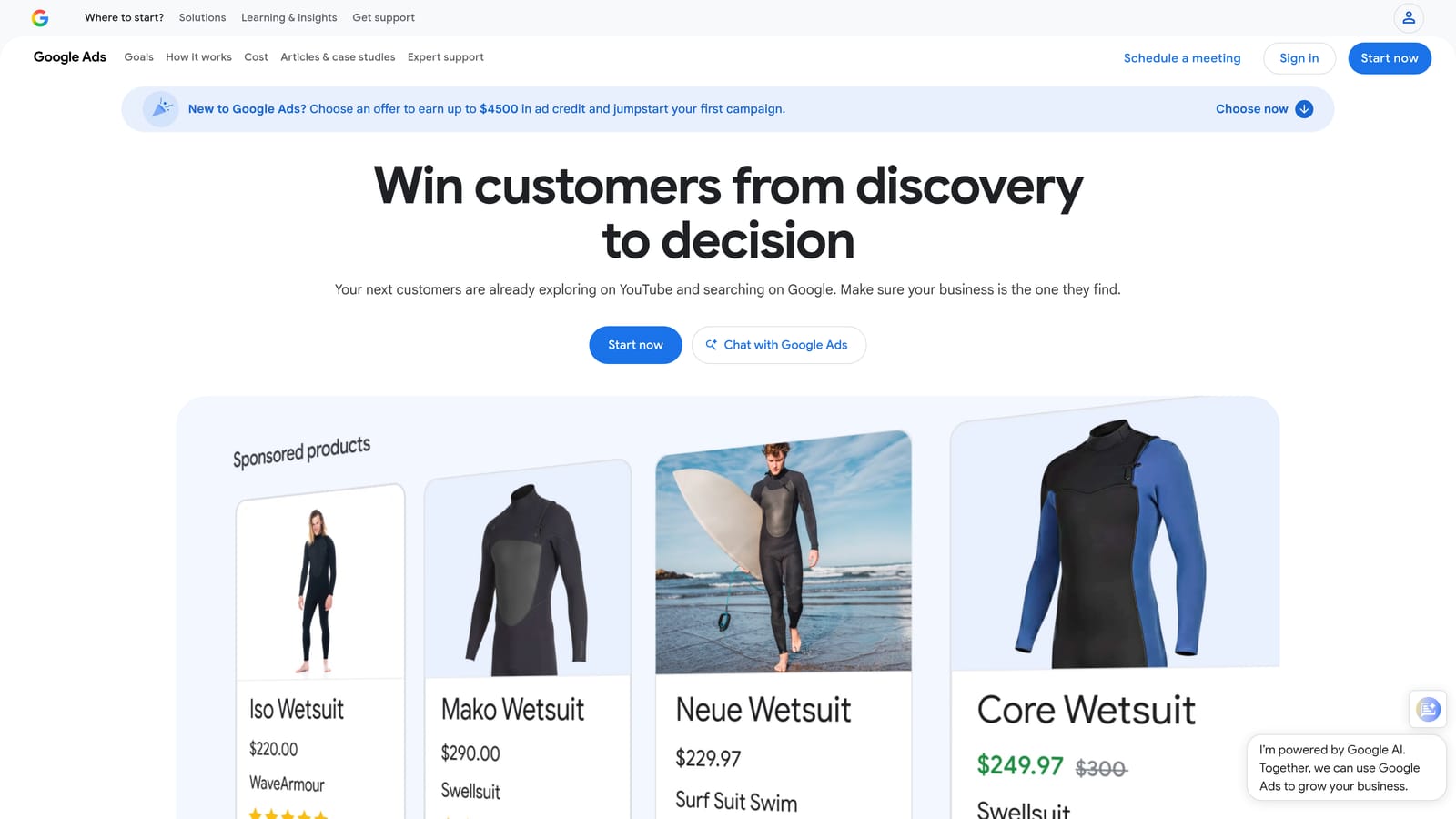
Its distinguishing trait is auction-time bidding: bids are set for each auction using signals you couldn't practically adjust manually.
- Target CPA aims to get conversions at a cost-per-acquisition you set.
- Target ROAS aims for a return on ad spend target, useful when conversion values vary.
- Maximize conversions pushes for as many conversions as possible within your budget.
- Auction-time bidding adjusts for each auction, saving the manual bid tweaking that used to eat hours.
It lives inside Google Ads, so there's nothing to install or integrate. Setup is selecting a strategy at the campaign level, and the person managing the campaign owns it.
The limits matter. It needs reliable conversion data, and if tracking is broken or volume is thin, the results suffer. You also give up manual control. Automation doesn't replace review: watch performance after changes and keep an eye on search terms, because bidding strategies don't clean up irrelevant queries for you. It suits accounts with strong conversion tracking and volume, and it's a poor match for brand-new campaigns with little data.
There's no fee; it's included in Google Ads, and you pay only ad costs.
Best for: Accounts with strong conversion tracking and volume.
Which Tool Fits Which Job in Your Google Ads Workflow
Most teams end up combining two or three of these, because each speeds up a different task. Here's how I'd match them:
- Search term cleanup: Keywordme, since you act on search terms right in the report.
- Agency audits and monitoring: Adalysis for health checks, or Optmyzr if you want checks and fixes in one suite.
- Reporting: Looker Studio if you're a freelancer on a budget, Swydo if you need white-label client reports.
- Bulk edits: Google Ads Editor, for free structural changes.
- Custom automation: Google Ads Scripts, if you can code and maintain it.
- Bidding: Smart Bidding, once conversion tracking is solid.
A sensible starter stack for a freelancer is Keywordme for search terms, Google Ads Editor for bulk work, and Looker Studio for reports. Whatever you pick, keep a human in the loop: automation saves time, but it doesn't replace reviewing what your campaigns are actually matching.
Optimize Google Ads Campaigns 10X Faster. Without Leaving Your Account. Keywordme lets you remove junk search terms, build high-intent keyword lists, and apply match types instantly, right inside Google Ads. No spreadsheets, no switching tabs, just quick, seamless optimization. Start your free 7-day trial (then just $12/month) and take your Google Ads game to the next level.
.svg)