
9 Best PPC Client Reporting Tools
This guide reviews the 9 best PPC client reporting tools available in 2026, covering full-stack agency dashboards, lightweight automation options, and companion tools that improve the campaign data behind your reports. It's built for agencies and freelancers managing real Google Ads campaigns who need to save time and keep clients confident in their results.


If you're managing Google Ads for clients, you already know the rhythm: campaigns need constant attention, and clients need regular proof that their budget is working. The right reporting tool saves you hours each week, keeps clients informed, and makes your agency look professional without adding friction to your workflow.
This list covers the best PPC client reporting tools available in 2026, from full-stack agency dashboards to lightweight automation tools. The focus is on tools that are genuinely useful for agencies and freelancers managing real campaigns, not just polished interfaces with thin functionality.
One note on scope: Keywordme isn't a reporting tool in the traditional sense. It's a Google Ads optimization Chrome extension. But because it directly affects the campaign data that shows up in your client reports—search term cleanup, negative keyword strategy, keyword structure—it earns a spot here as a companion tool many PPC managers use alongside their reporting stack.
1. Keywordme
Best for: Google Ads managers who want to optimize campaigns faster, directly inside the native interface.
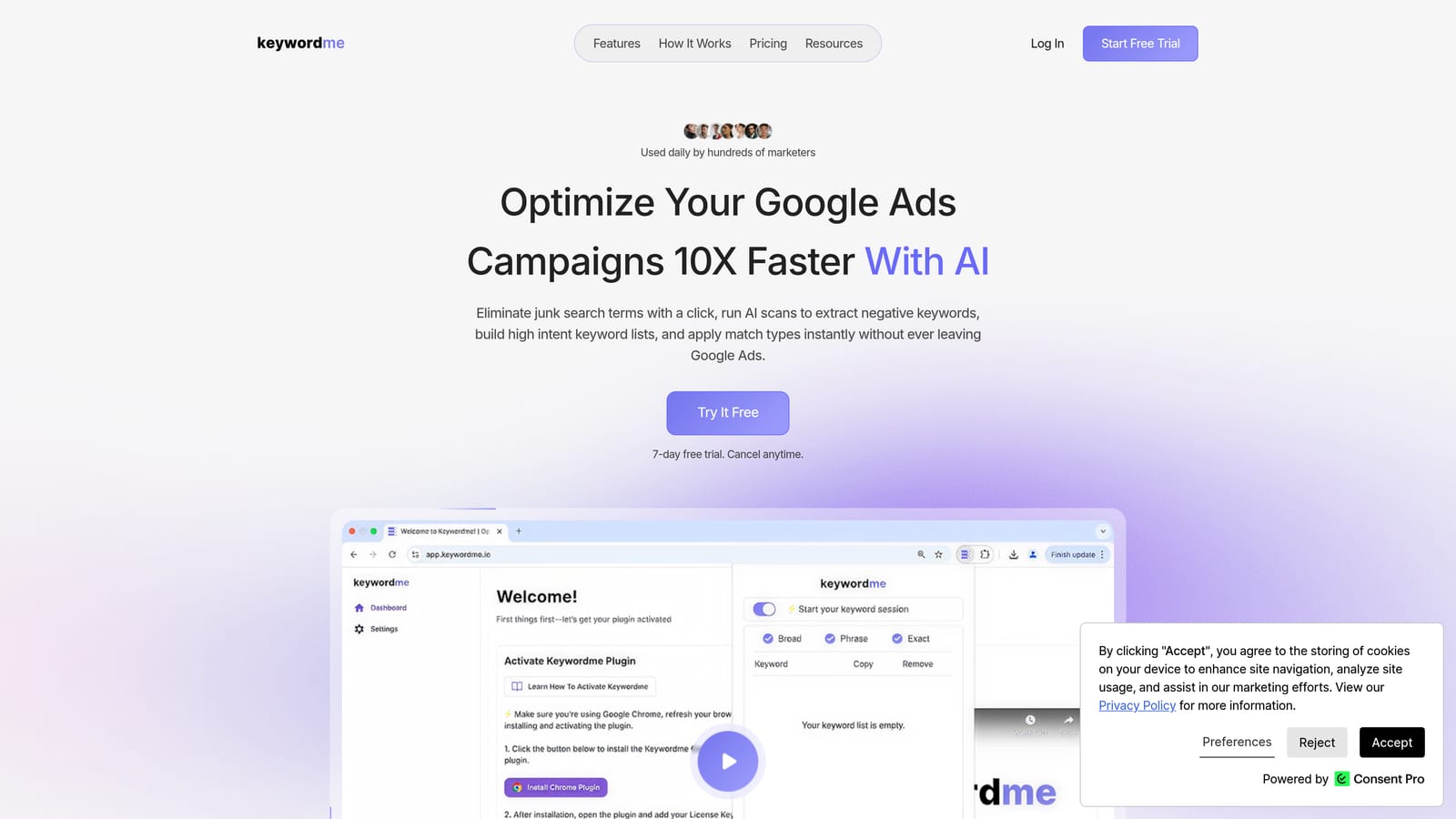
Keywordme is a Chrome extension that lets you work through your Search Terms Report without ever leaving Google Ads—no spreadsheets, no tab-switching, no clunky third-party dashboards required.
Where This Tool Shines
Most PPC managers spend a significant chunk of their week doing repetitive cleanup work: scanning search terms, flagging irrelevant queries, adding negatives, and updating match types. Keywordme compresses that work into quick clicks directly inside Google Ads, which means you're spending less time on admin and more time on strategy.
For agencies managing multiple client accounts, the multi-account and team support features make this especially practical. You can move through accounts quickly, keep keyword lists clean, and ensure that the data feeding into your client reports actually reflects well-managed campaigns—not bloated search term lists full of irrelevant traffic.
Key Features
One-Click Negative Keyword Addition: Add negative keywords directly from the Search Terms Report without exporting to a spreadsheet or navigating away from the native interface.
Keyword Clustering and Bulk Editing: Group and manage keywords in bulk, which is particularly useful when restructuring campaigns or building out new ad groups.
Match Type Application: Apply or change match types without leaving Google Ads, cutting out several manual steps from a common workflow.
Multi-Account and Team Support: Designed to work across multiple client accounts with team access, making it a practical fit for agency environments.
No Spreadsheet Dependency: The whole workflow runs inside Google Ads, which removes a common source of friction and error for PPC teams.
Best For
Keywordme is a strong fit for solo Google Ads managers and agency teams who want to move faster through campaign optimization without adding more tools to their stack. If your client reports keep showing wasted spend on irrelevant search terms, this is the kind of tool that addresses the root cause rather than just making the problem look better in a chart.
Pricing
$12/month per user. A 7-day free trial is available with no commitment required.
2. Google Looker Studio
Best for: Agencies and freelancers who need a free, customizable reporting solution with native Google integrations.
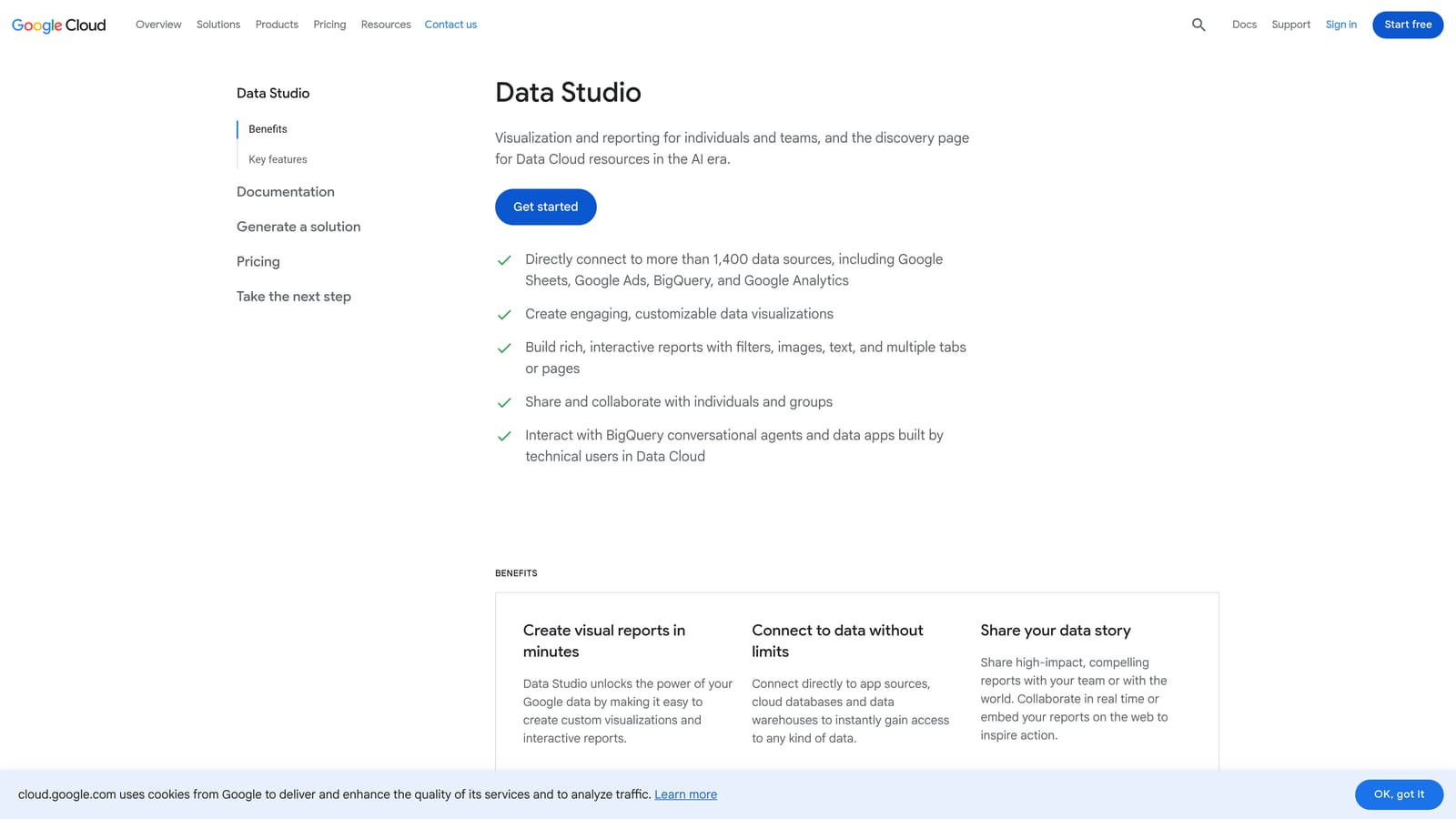
Google Looker Studio is Google's free data visualization platform, formerly known as Google Data Studio, with native connectors to Google Ads, Google Analytics, Search Console, and more.
Where This Tool Shines
The biggest draw is straightforward: it's free, and it connects directly to Google's own ecosystem without any middleware. For agencies that run primarily Google Ads and Analytics, Looker Studio covers a lot of ground without adding a line item to the budget.
The drag-and-drop dashboard builder is flexible enough to create polished, client-ready reports. You can share live report links with clients so they can check performance on their own schedule, which reduces the number of "how did we do this month?" emails you receive. The community template library also means you don't have to start from scratch every time.
Key Features
Free with a Google Account: No paid tier required—the core product is fully free to use.
Native Google Connectors: Direct connections to Google Ads, Google Analytics, Search Console, and other Google products with no additional cost.
Drag-and-Drop Dashboard Builder: Fully customizable report layouts that can be tailored to each client's priorities and branding preferences.
Shareable Live Report Links: Clients can access live, up-to-date reports through a shared link without needing a Looker Studio account.
Community Template Library: A large selection of pre-built templates from the Google community to speed up initial setup.
Best For
Looker Studio is the default starting point for most PPC practitioners because the price is right and the Google integrations are seamless. It does require more manual setup than purpose-built agency tools, and white-labeling isn't available out of the box—but for teams willing to invest time in configuration, it's hard to beat for zero cost.
Pricing
Free. Third-party data connectors (for non-Google platforms) may have separate costs depending on the connector provider.
3. AgencyAnalytics
Best for: Marketing agencies that need white-label client portals and automated multi-channel reporting in one place.
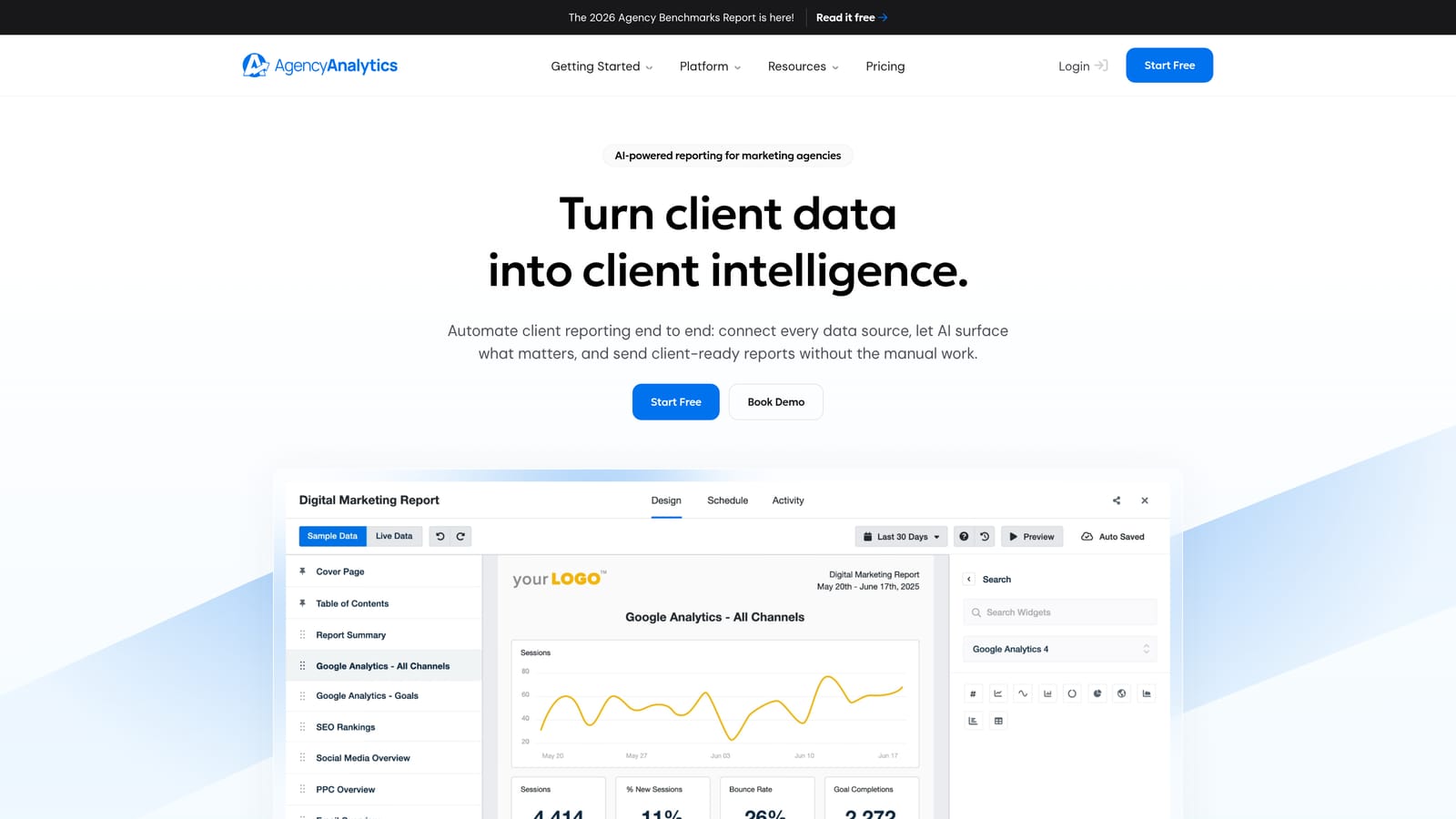
AgencyAnalytics is a reporting platform built specifically for marketing agencies, offering white-label dashboards, automated report scheduling, and a broad range of channel integrations.
Where This Tool Shines
AgencyAnalytics is designed with agency workflows in mind from the ground up. The white-label client portals let you present reports under your own branding, which matters when you're trying to position your agency as a professional operation rather than a reseller of generic dashboards.
The automated report scheduling is a genuine time-saver. Instead of manually generating and sending reports each month, you set up the schedule once and the tool handles delivery. With over 80 platform integrations—including Google Ads, Meta Ads, and various SEO tools—it covers most of the channels agencies are managing for clients.
Key Features
White-Label Client Portals: Fully branded client-facing dashboards with your agency's logo and color scheme.
Automated Report Scheduling: Set up recurring report delivery so clients receive updates without you manually generating each one.
80+ Platform Integrations: Connects to Google Ads, Meta Ads, and many other marketing channels, consolidating multi-channel data in one view.
SEO Rank Tracking: Built-in rank tracking is included, which is useful for agencies that manage both PPC and SEO for the same clients.
Drag-and-Drop Report Builder: Customizable report layouts that can be adjusted per client without starting from scratch each time.
Best For
AgencyAnalytics is a strong choice for agencies that manage multiple clients across several channels and need a professional, branded reporting experience. It's less suited to solo freelancers managing only one or two clients, where the pricing tier may be harder to justify.
Pricing
Tiered pricing based on the number of client campaigns. Check agencyanalytics.com for current rates, as pricing is updated regularly.
4. Databox
Best for: Teams that need real-time KPI dashboards with goal tracking and performance alerts.
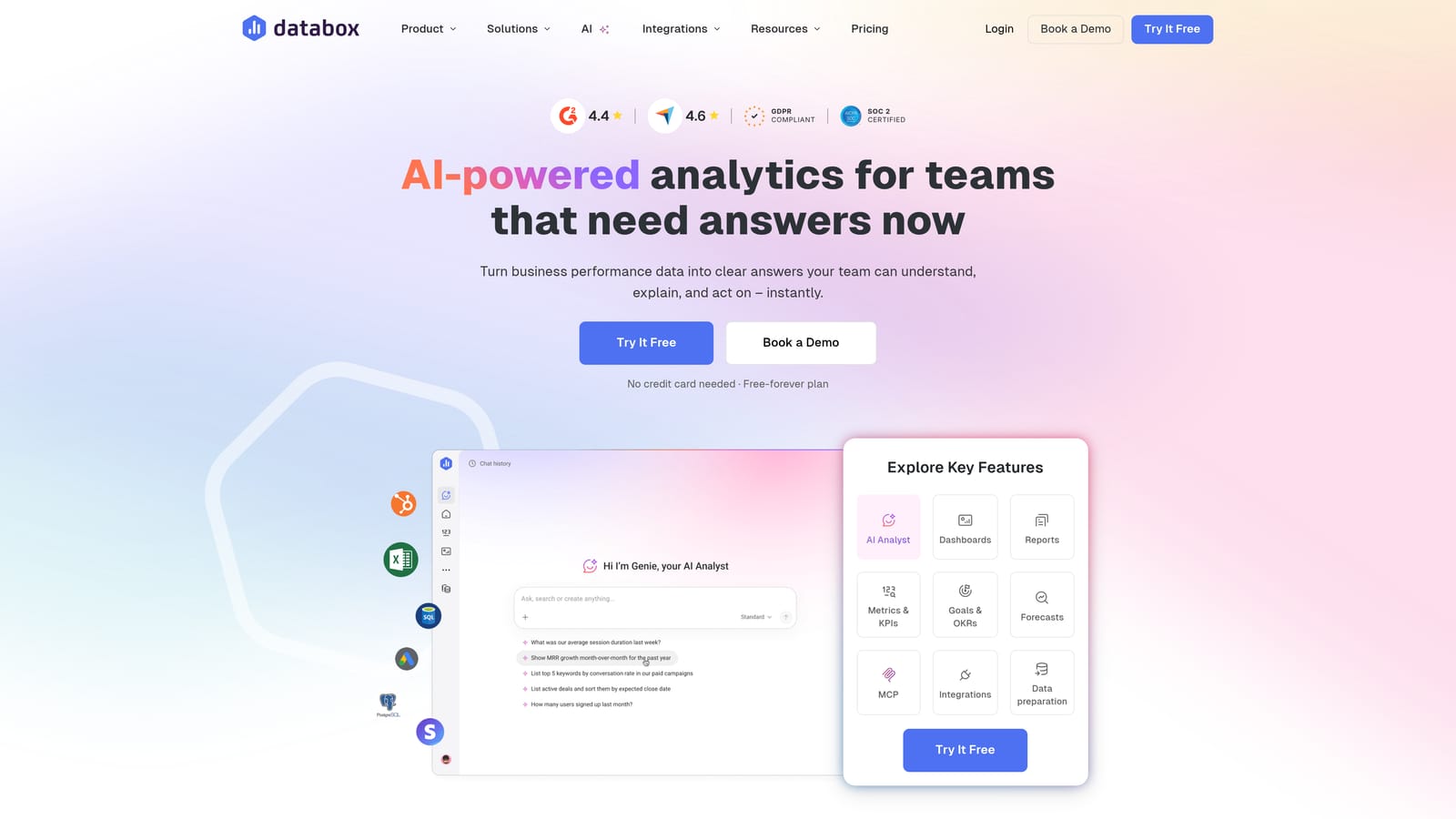
Databox is a KPI dashboard and business analytics platform with strong real-time reporting, goal tracking, and alert features that keep teams and clients informed without waiting for scheduled reports.
Where This Tool Shines
Databox stands out for its real-time data visibility. Rather than pulling a snapshot at the end of the month, dashboards update continuously—which is useful when clients want to monitor campaign pacing or when you need to catch a performance drop before it becomes a bigger problem.
The mobile app is genuinely well-built, which makes it practical for checking in on account performance when you're not at a desk. The goal tracking and alert features add another layer of proactive monitoring, notifying you or your client when metrics hit a defined threshold.
Key Features
Real-Time KPI Dashboards: Live data updates so performance is always current, not a static end-of-period snapshot.
Goal Tracking and Performance Alerts: Set targets and receive notifications when campaigns hit or miss key benchmarks.
Mobile App: A strong mobile experience for monitoring performance on the go, which is useful for client-facing check-ins.
Automated Client Scorecards: Summarized performance scorecards that can be delivered to clients on a schedule.
Free Tier Available: A limited free plan makes it accessible for testing before committing to a paid plan.
Best For
Databox works well for teams that prioritize real-time visibility and proactive performance monitoring. It's a good fit for agencies with clients who are actively engaged in their campaign performance and want frequent updates rather than monthly summaries.
Pricing
A free tier is available with limited features. Paid plans scale by the number of data source connections. Check databox.com for current pricing.
5. Supermetrics
Best for: Data-oriented teams that need a reliable pipeline to pull ad platform data into Google Sheets, Looker Studio, or BI tools.
Supermetrics is a data pipeline tool that pulls PPC and marketing data from ad platforms into destinations like Google Sheets, Looker Studio, BigQuery, and other analytics tools.
Where This Tool Shines
Supermetrics isn't a dashboard—it's the layer that connects your ad platforms to wherever you want to analyze the data. If you're building custom reporting models in Google Sheets or feeding data into a BI tool like Looker Studio or BigQuery, Supermetrics handles the data extraction and keeps it refreshed on a schedule.
The connector library is broad, covering Google Ads, Meta, LinkedIn, TikTok, and many more platforms. This makes it particularly useful for agencies managing clients across multiple ad channels who need all that data flowing into a single, unified reporting environment they've built themselves.
Key Features
Wide Connector Library: Pulls data from Google Ads, Meta Ads, LinkedIn, TikTok, and many other ad platforms.
Multiple Destination Options: Sends data to Google Sheets, Looker Studio, BigQuery, Excel, and other tools depending on your plan.
Automated Data Refresh: Schedules regular data pulls so your reports stay current without manual exports.
Custom Reporting Flexibility: Useful for teams that want to build their own reporting models rather than use a pre-built dashboard tool.
Not a Standalone Dashboard: Requires a destination tool—it moves data, it doesn't display it on its own.
Best For
Supermetrics is the right choice for data-oriented teams or analysts who want full control over how reporting data is structured and displayed. It's less suited to agencies looking for a ready-made client-facing dashboard with minimal setup time.
Pricing
Pricing varies by connector and destination. Check supermetrics.com for current plans.
6. Whatagraph
Best for: Agencies that prioritize visually polished, client-friendly reports delivered automatically via email.
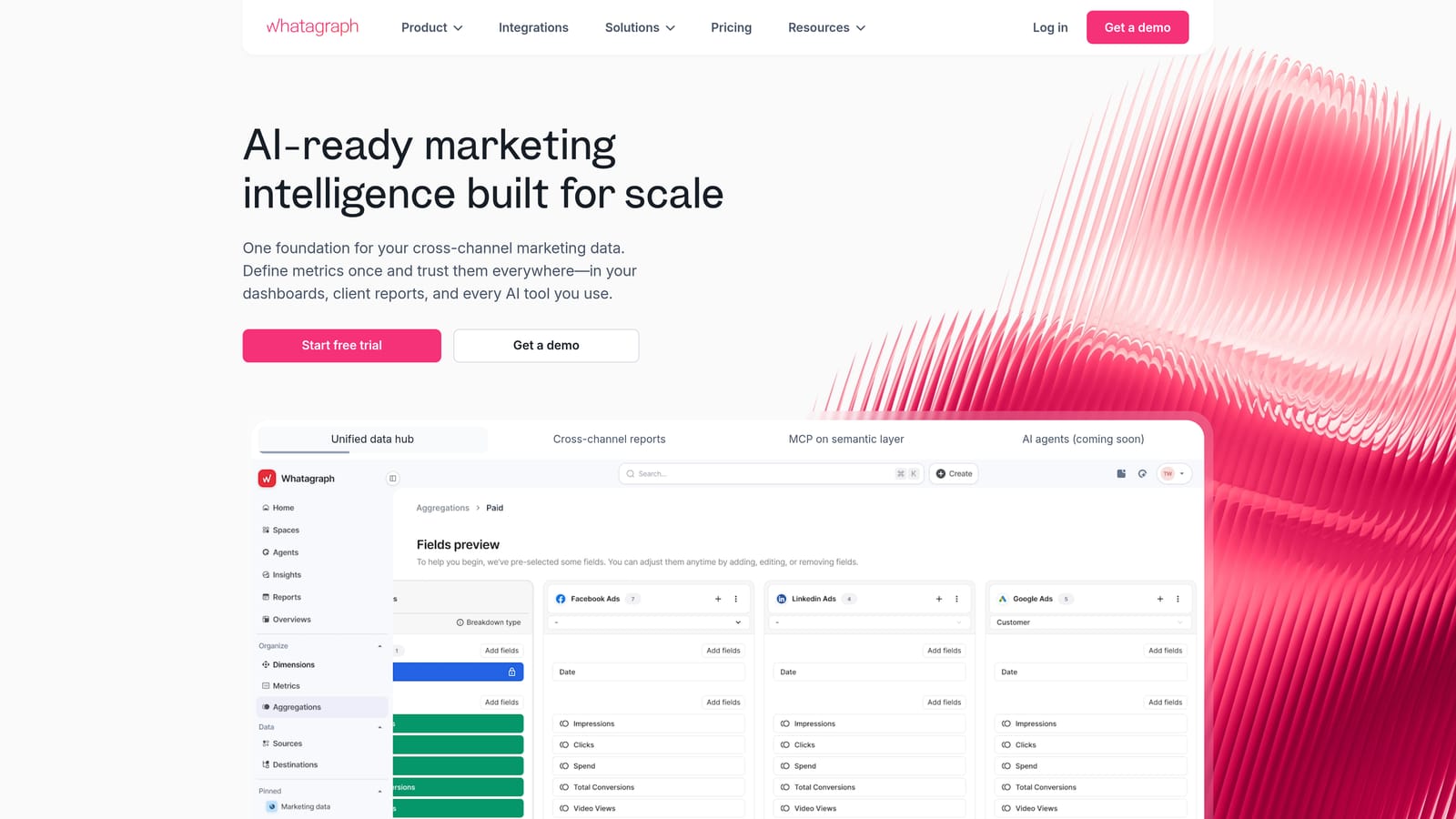
Whatagraph is an automated marketing reporting platform known for its clean, visually polished report templates and scheduled email delivery to clients.
Where This Tool Shines
Whatagraph's strength is presentation quality. The pre-built templates are designed to look good without requiring design work on your part, which is useful when you want reports that feel professional and easy for non-technical clients to read at a glance.
The automated email delivery removes the manual step of generating and sending reports. Once configured, clients receive their reports on schedule without you needing to remember to send them. White-label branding options mean those reports arrive under your agency's identity.
Key Features
Pre-Built Visual Templates: Professionally designed report layouts that require minimal customization to look polished.
Automated Email Delivery: Reports are sent to clients on a defined schedule without manual intervention.
White-Label Branding: Reports carry your agency's branding rather than Whatagraph's.
Multi-Channel Data in One Report: Combines data from multiple ad platforms and channels into a single client-facing report.
Client-Friendly Layouts: Report designs are built with non-technical readers in mind, reducing the need for explanation.
Best For
Whatagraph is a good fit for agencies where client communication and visual presentation are a priority. If your clients respond better to clean visual summaries than raw data tables, Whatagraph's templates do a lot of the design work for you.
Pricing
Tiered pricing by data sources and users. Check whatagraph.com for current plans.
7. Swydo
Best for: Smaller PPC agencies looking for straightforward reporting with per-client pricing that scales predictably.
Swydo is a reporting and monitoring platform aimed at PPC and digital marketing agencies, with a per-client pricing model that keeps costs manageable as you grow.
Where This Tool Shines
Swydo's per-client pricing structure is its most distinctive feature. Instead of paying for a fixed plan regardless of how many clients you have, you pay based on the number of clients you're reporting on. For smaller agencies or freelancers with a variable client roster, this model avoids the situation where you're paying for capacity you're not using.
The interface is intentionally straightforward. It doesn't try to be everything—it focuses on PPC and digital marketing reporting with a clean setup process, white-label options, and automated scheduling that covers the core needs without unnecessary complexity.
Key Features
Per-Client Pricing: Costs scale with your actual client count, making it a predictable fit for agencies with a defined or growing roster.
White-Label Reports: Client-facing reports can carry your agency's branding.
Automated Report Scheduling: Set up recurring delivery so reports go out without manual effort each cycle.
Google Ads and PPC Platform Integrations: Connects to Google Ads and other common PPC platforms for data pulling.
Simple Interface: A focused, no-frills interface that reduces setup time and learning curve.
Best For
Swydo is a practical budget pick for smaller agencies and freelancers who need solid white-label PPC reporting without paying for enterprise-level features they won't use. The per-client model works especially well if your client count fluctuates.
Pricing
Per-client pricing. Check swydo.com for current rates.
8. DashThis
Best for: Agencies with a stable client roster that want flat-rate, predictable pricing based on dashboard count.
DashThis is a marketing dashboard tool with flat-rate pricing based on the number of dashboards rather than clients, making monthly costs predictable for agencies with a defined client base.
Where This Tool Shines
The pricing model is what sets DashThis apart from most competitors. You pay for a set number of dashboards, not a per-client or per-user fee. If you manage a stable roster of clients, this structure is easy to budget for and doesn't penalize you for adding team members.
Setup is quick. Pre-built templates for PPC, SEO, and social reporting mean you can have a working dashboard in front of a client without spending hours on configuration. Shareable live links let clients check their own dashboards independently, which cuts down on routine update requests.
Key Features
Flat-Rate Dashboard Pricing: Pay for a number of dashboards rather than per client or per user, keeping costs predictable.
Pre-Built Templates: Ready-made layouts for PPC, SEO, and social reporting that speed up initial setup.
Quick Setup: Minimal configuration required to get a working dashboard connected and shared.
White-Label Options: Dashboards can be branded to match your agency's identity.
Shareable Live Dashboard Links: Clients access live data through a shared link without needing their own account.
Best For
DashThis works best for agencies with a consistent, predictable client count where flat-rate pricing makes financial sense. If your client roster is highly variable, a per-client model like Swydo may offer better cost control.
Pricing
Flat-rate plans by number of dashboards. Check dashthis.com for current pricing.
9. ReportGarden
Best for: Small-to-mid agencies that want PPC reporting and agency admin tools—proposals, invoicing, client management—consolidated in one platform.
ReportGarden combines PPC and marketing reporting with agency management features like proposals and invoicing, aimed at smaller agencies that want fewer separate tools to manage.
Where This Tool Shines
Most reporting tools focus exclusively on data and dashboards. ReportGarden takes a broader approach by bundling reporting with the operational side of running an agency: proposals, invoices, and client management. For a small agency owner juggling multiple responsibilities, having these features in one place reduces the number of subscriptions and context-switches in your day.
On the reporting side, it covers Google Ads integration with white-label templates and automated scheduling. The combination of operational and reporting features makes it particularly useful for agencies at an early stage of scaling, where keeping overhead low matters.
Key Features
PPC Reporting with Google Ads Integration: Pulls Google Ads data into white-label report templates for client delivery.
Built-In Proposals and Invoicing: Create and send proposals and invoices from within the same platform as your reports.
Client Management Tools: Basic CRM-style features for tracking client relationships alongside reporting.
White-Label Report Templates: Branded report layouts that can be customized per client.
Automated Report Scheduling: Recurring report delivery without manual generation each cycle.
Best For
ReportGarden suits small-to-mid agencies that want to consolidate reporting and agency admin into a single tool. If you're already using a dedicated CRM and invoicing tool and are happy with that setup, a more focused reporting platform may serve you better.
Pricing
Tiered pricing. Check reportgarden.com for current plans.
Which Tool Is Right for Your Agency?
The right PPC reporting tool depends on what your agency actually needs, not just which one has the most features. Here's a quick breakdown by use case to help you decide.
Best free option: Google Looker Studio. If budget is a constraint and you're primarily managing Google properties, start here. The setup takes time, but the cost-to-value ratio is hard to beat.
Best for agencies: AgencyAnalytics. Purpose-built for agency workflows, with white-label portals, automated scheduling, and broad integrations that cover most multi-channel client setups.
Best for data teams: Supermetrics. If you want to build custom reporting models in Sheets, Looker Studio, or BigQuery, Supermetrics handles the data pipeline reliably.
Best for visual reports: Whatagraph. When your clients respond better to clean visuals than data tables, Whatagraph's templates do the design work for you.
Best budget pick: Swydo. The per-client pricing model keeps costs proportional to your actual workload, which is practical for smaller or growing agencies.
Best flat-rate option: DashThis. If you have a stable client roster and want predictable monthly costs, DashThis's dashboard-based pricing is easy to budget around.
Best all-in-one admin: ReportGarden. For small agencies that want reporting and operational tools like proposals and invoicing in one place, ReportGarden reduces the number of subscriptions you're managing.
One thing worth keeping in mind: the quality of your client reports is only as good as the underlying campaign data. A polished dashboard showing inflated impressions from irrelevant search terms or wasted spend on unqualified clicks isn't doing your clients or your agency any favors. That's where Keywordme fits into the picture. By cleaning up search terms, managing negative keywords, and tightening keyword structure directly inside Google Ads, you make sure the numbers feeding into your reports actually reflect well-run campaigns.
If you're spending too much time on manual Google Ads cleanup before you can even get to reporting, Start your free 7-day trial of Keywordme and see how much faster campaign optimization gets when it happens right inside your Search Terms Report. After the trial, it's $12/month per user—a straightforward addition to any agency's workflow stack.
.svg)