
8 Best PPC Client Management Software Tools for Agencies and Freelancers in 2026
This guide compares eight PPC client management software tools for freelancers and small agencies running Google Ads for clients. Each entry is sorted by the job it does, such as account access, optimization, or reporting, and states which jobs it skips and how it charges.


If you run Google Ads for clients, you already know no single app handles account access, hands-on optimization, reporting, and client communication. This list is for freelancers and small agency owners who want to build a stack that fits how they work. The tools are sorted by the job each one does, and each entry says plainly which jobs it skips. We looked at fit for small teams and how each tool charges, per client, per seat, or by ad spend.
Quick Comparison of the Tools
- Keywordme: freelancers and account managers who clean search terms daily; $12/month per user; works inside the native Google Ads Search Terms Report.
- Google Ads Manager Account (MCC): anyone with more than one client account; free; native access and permission control over client accounts under one login.
- Optmyzr: mid-sized PPC agencies; see website for pricing; audits and rule-based automation across many accounts at once.
- AgencyAnalytics: agencies that need polished all-channel reports; see website for pricing; a white-label client portal that bundles PPC with SEO and social data.
- Swydo: small PPC-centric agencies; see website for pricing; reporting templates built around paid media metrics.
- Looker Studio: freelancers who can build their own templates; free; fully customizable dashboards you can copy per client.
- HubSpot CRM: freelancers and small agencies tracking pitches and renewals; free tier available; CRM records without paying for a full sales suite.
- monday.com: agency teams with several account managers; see website for pricing; customizable boards that turn recurring audits and onboarding into repeatable workflows.
1. Keywordme
Keywordme is a Chrome extension that adds optimization actions to the Search Terms Report inside Google Ads. It is built for the hands-on account work: reviewing the search terms that triggered your ads, then deciding what to exclude and what to promote. (A search term is what the person typed; a keyword is what you bid on. Keywordme works on the first to improve the second.)
Its main distinction on this list is that you never leave the native interface. There is no export to a spreadsheet and no separate dashboard to log into. You review terms where you already work and act on them there, with your own judgment deciding every change. Keywordme describes this as optimizing up to 10x faster; that is the company's own claim, so treat it as a vendor figure rather than a benchmark.
- One-click negative keywords from the Search Terms Report, so junk queries stop costing you money without a manual upload.
- Add keywords and apply match types without leaving Google Ads, which keeps promising search terms from sitting unused.
- Keyword clustering to group related terms when you are building tighter keyword lists.
- Bulk editing for handling many terms in one pass instead of one at a time.
- Multi-account and team support, so an agency can run the same workflow across client accounts.
Setup is light: it integrates with Google Ads through Chrome, and the person doing the account work is the person who runs it. There is no admin layer to configure.
Be clear about what it is not. It covers Google Ads only, and it has no client portal, reporting, invoicing, or CRM. If your pain is delivering client reports or tracking leads, look further down the list. Pricing is a flat $12/month per user with a 7-day free trial, so cost scales with team seats, not clients or ad spend. Confirm current terms on the Keywordme website.
Best for: Freelancers and agency account managers who spend their days cleaning search terms across client accounts.
2. Google Ads Manager Account (MCC)
The Google Ads manager account, often called an MCC (My Client Center), is Google's free account type for linking and managing multiple client Google Ads accounts under one login. It is the foundation most other tools on this list sit on top of, so it comes first in any stack.
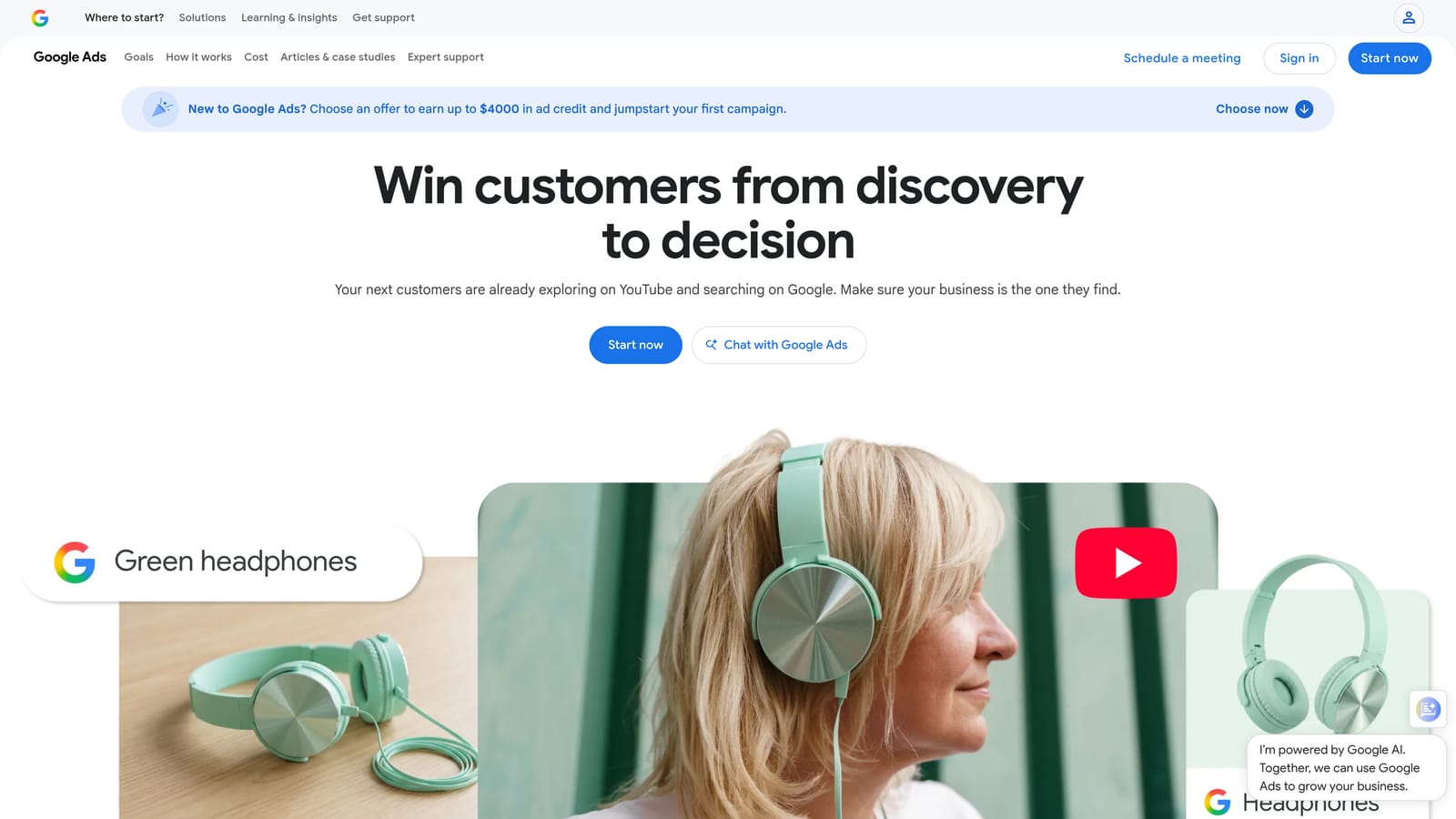
What it does better than anything else here is access control. Clients grant you access to their accounts, and you set access levels for your own team, instead of passing around client credentials. That matters for security and for clean offboarding when a client leaves.
What you get
- Linking of multiple client accounts, so you switch between them without separate logins.
- Access-level controls, so team members see only what they need.
- A cross-account overview for spotting accounts that need attention.
- Manager-level reporting across the linked accounts.
- Consolidated billing options in some setups; verify in Google Ads Help whether this applies to yours.
Limits and fit
It integrates with Google Ads, Looker Studio, and Google Analytics, and setup is a matter of creating the manager account and sending link requests to clients. For linking steps and current menu paths, follow Google Ads Help, since the interface changes.
It will not track tasks, store client contacts, or produce branded client reports, and it covers Google Ads only. If you run Microsoft Advertising or Meta campaigns for clients, you need other tools for those. It is free.
Best for: Anyone managing more than one client Google Ads account, as the starting layer of the stack.
3. Optmyzr
Where the first two tools handle access and daily clean-up, Optmyzr goes after optimization at portfolio scale. It is a PPC management platform built for agencies, with account audits, rule-based automation, and recommendations across many accounts.

Its distinction is depth of PPC-specific tooling applied to many client accounts at once. A rule you define (say, a condition that flags a pattern in campaign performance) can be run across a whole book of business rather than checked account by account. That is a different job from Keywordme's manual search term review, and some agencies use both.
- Cross-account optimization tools, so one fix or check applies to many clients.
- Account audits that surface issues you would otherwise hunt for manually.
- Rule-based automations for recurring checks and routine changes.
- Reporting features; check the current feature set on the website.
- Support for multiple ad platforms; verify which are covered before you buy.
It connects to Google Ads and Microsoft Advertising, with other platforms to be confirmed on the vendor's list. Expect more setup than a lightweight tool, because rules and audits need configuring and someone has to own them, typically a senior PPC manager.
The trade-off is cost and complexity. It is pricier than a simple extension and is best when you have enough spend and enough accounts to justify it. Paid plans are typically tied to the ad spend you manage; see the website for current pricing as of November 2026. A solo freelancer with a few small accounts will likely find it more than they need.
Best for: Mid-sized PPC agencies that want automation and audits at portfolio scale.
4. AgencyAnalytics
AgencyAnalytics is a reporting and dashboard platform for marketing agencies. White-label reporting means the dashboards and reports carry your agency's branding, not the vendor's, so clients see your name when they log in.
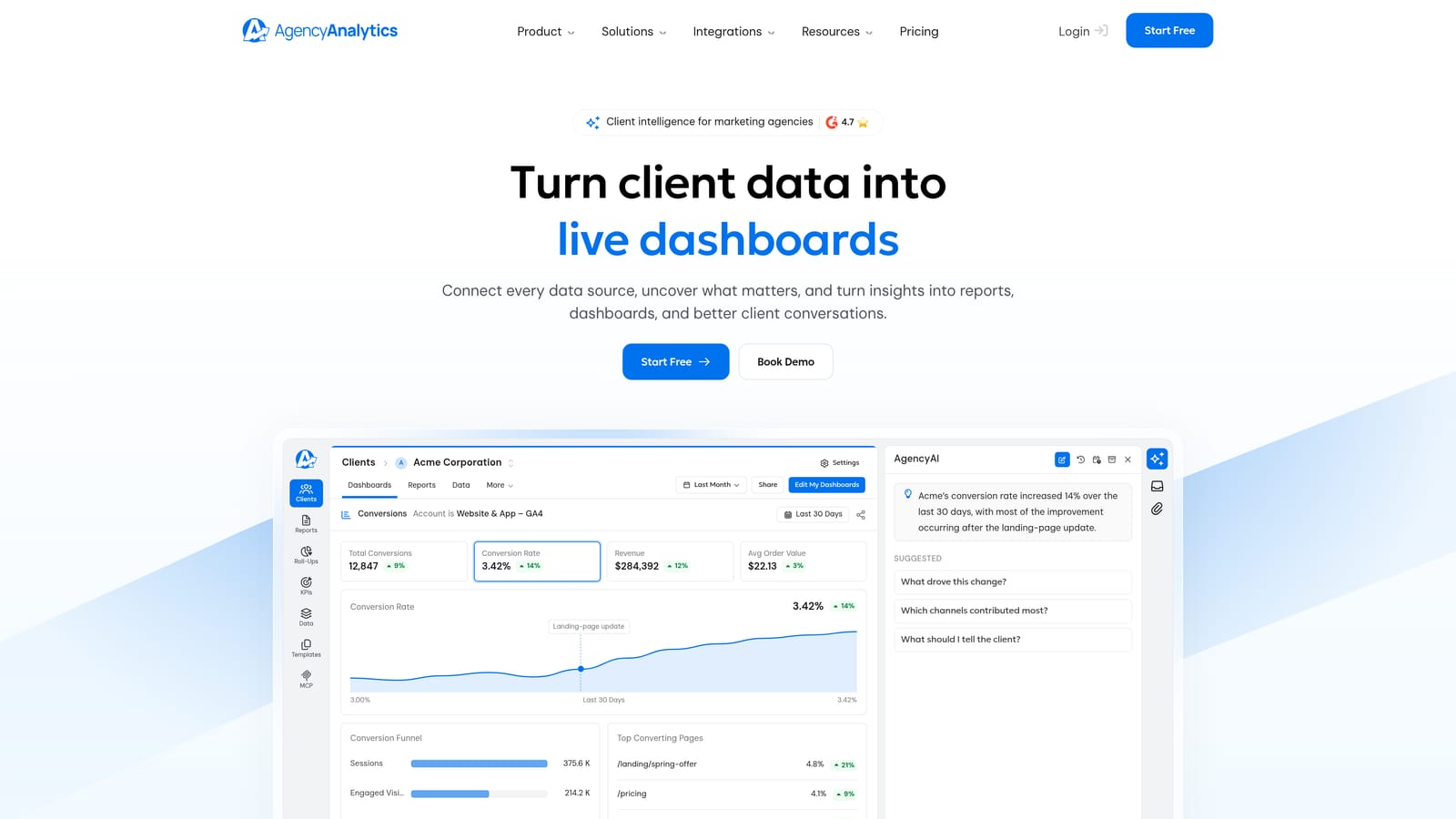
The standout here is the branded client portal covering more than PPC. If you also run SEO, social, or email for clients, their data sits in one login alongside Google Ads results. That makes it a better fit for full-service agencies than for pure PPC shops.
- White-label dashboards that present results under your own brand.
- A client login portal so clients check numbers on their own instead of emailing you.
- Scheduled reports that go out without you rebuilding them every month.
- Many marketing channel integrations, so one report spans channels.
- Report templates to speed up onboarding new clients.
It integrates with Google Ads, Google Analytics, Meta Ads, and Search Console, among others; confirm the full list for any channel you rely on. Setup means connecting each client's data sources and tailoring a template, usually handled by an account manager or ops person.
Know what it skips: it is reporting only. You cannot edit campaigns or clean search terms in it, and a dashboard is not client management on its own. Pricing is typically based on number of clients, so cost rises as you grow; see the website for current plans as of November 2026.
Best for: Agencies whose biggest headache is delivering polished all-channel client reports.
5. Swydo
Swydo is an automated reporting and monitoring tool geared toward PPC and SEO agencies. It covers similar ground to AgencyAnalytics but leans toward paid media.
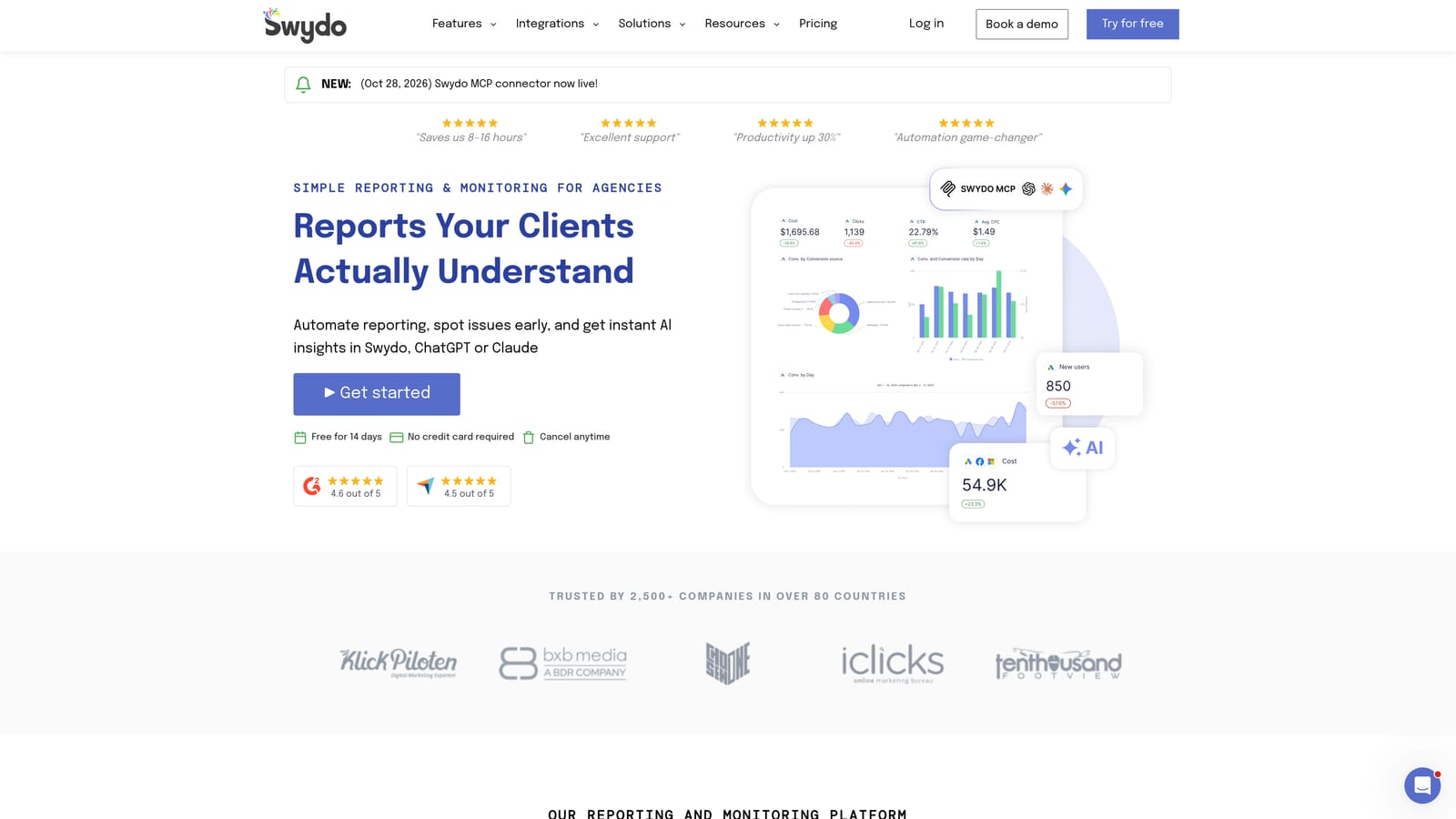
That lean is its distinction: the report templates and monitoring are built around paid media metrics, so a PPC-centric shop can get a sensible report without designing one from scratch. If most of your clients are on Google Ads and Microsoft Advertising, that focus can be an advantage over a broader platform.
- Automated report generation, so monthly reports do not eat your first week.
- Dashboards for checking client performance between reports.
- Report templates you can reuse across clients with similar goals.
- Performance monitoring; verify the exact alerting options on the website.
- White-label options; confirm which plans include them.
It connects to Google Ads, Microsoft Advertising, Meta Ads, and Google Analytics, though you should verify the current integration list for anything beyond those. Setup is connecting accounts and picking templates, and it is manageable for one person.
It is reporting-focused, with no campaign editing and no work management, so you still need something else to do the optimization and to track tasks. Plans are paid; see the website for pricing as of November 2026.
Best for: Small PPC-centric agencies that want fast, templated paid media reports.
6. Looker Studio
Looker Studio is Google's free dashboard and reporting tool. It has a Google Ads connector and produces live reports you can share with a link. It is the budget alternative to the two paid reporting platforms above.
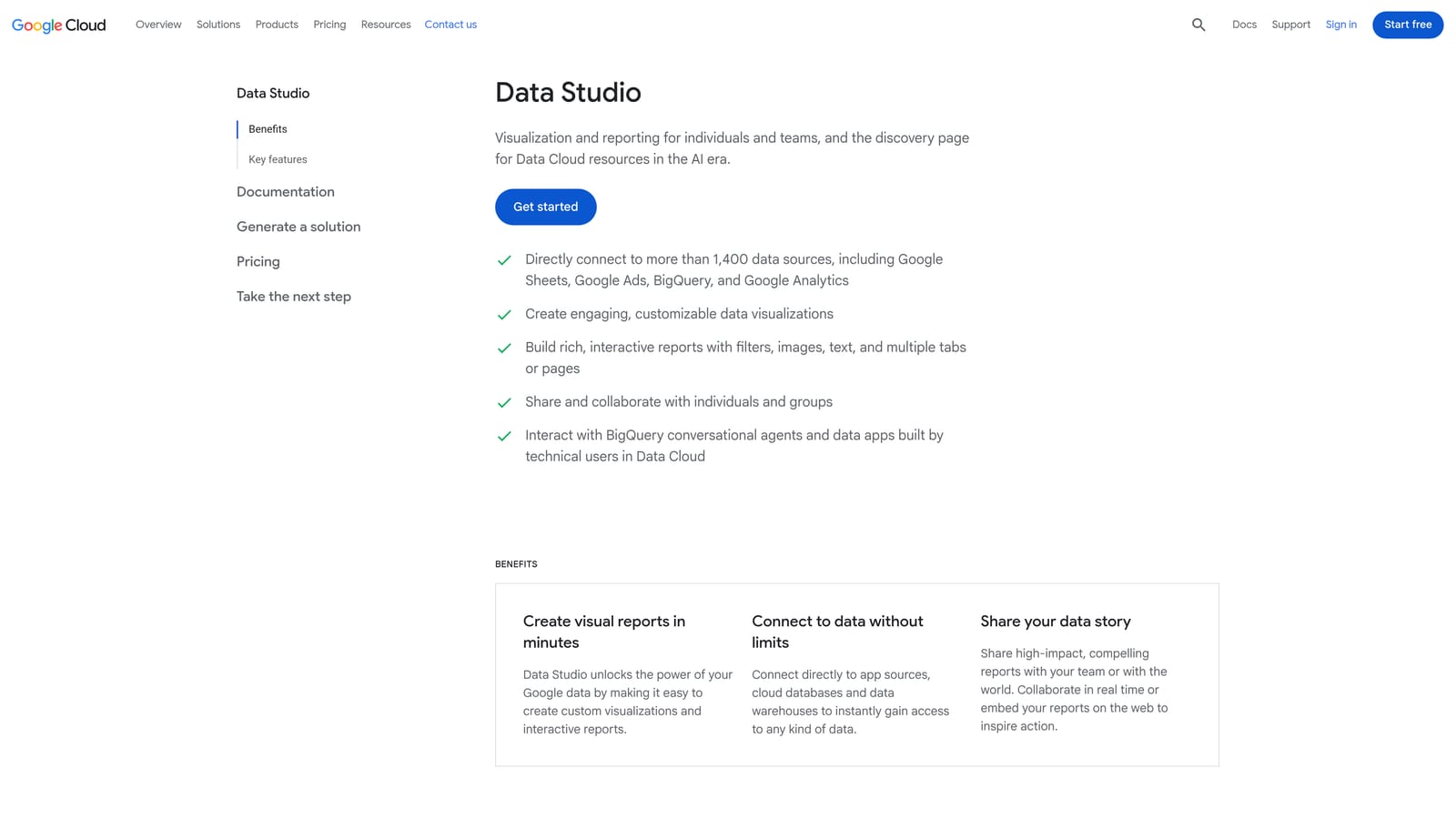
What sets it apart is that it is free and fully customizable. Build one good template, copy it for each client, and swap in their data source. You control every chart and layout, which paid tools may limit.
- A Google Ads connector that pulls account data into your dashboards.
- Custom dashboards, so you show the metrics each client cares about.
- Shareable live links, so clients see current numbers without a PDF.
- Report templates to copy across your client list.
- Data blending to combine sources, such as ads data with analytics, in one view.
It works with Google Ads, Google Analytics, Google Sheets, and BigQuery, plus third-party connectors for other platforms. The catch is time. You build, fix, and maintain every report yourself, and a broken connector is your problem. There are no client management features, no branded login portal, and no task tracking.
The core product is free. Paid Pro options exist, so verify current details with Google. Third-party connectors for non-Google platforms may carry their own fees.
Best for: Freelancers who want free, flexible client reporting and can invest time in building templates.
7. HubSpot CRM
Everything so far touches ad accounts. HubSpot CRM handles the business side: leads, deals, contacts, and the history of your conversations with clients. It is a general CRM, not a PPC tool.
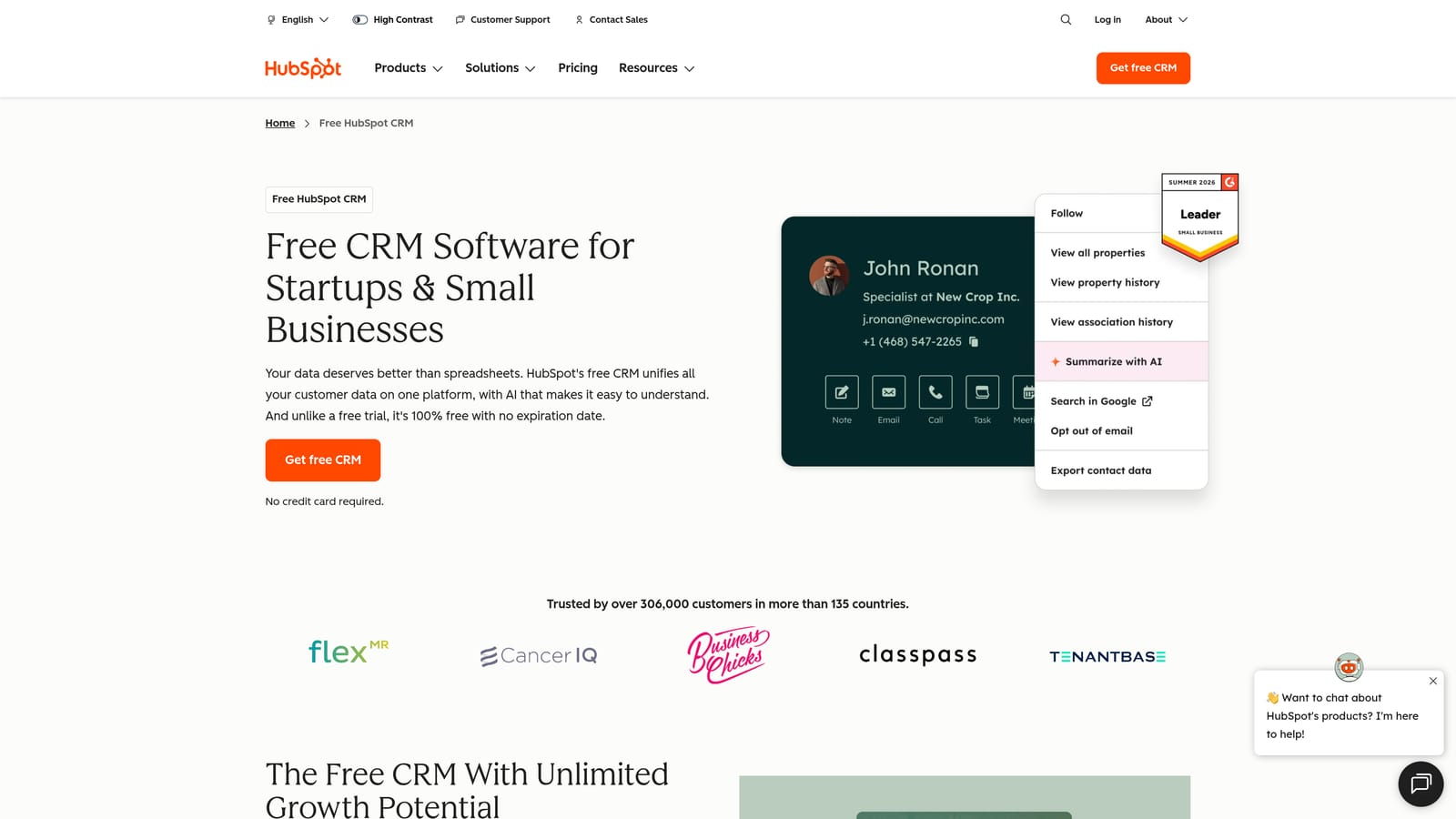
Its draw for solo operators is the free CRM tier, which covers lead tracking, renewals, and client history without a subscription. Check the current limits on the free plan before you commit, since feature caps change.
- Contact and deal records, so you know where every prospect and client stands.
- A sales pipeline to see which pitches are close to signing.
- Email logging, so conversations are attached to the right contact automatically.
- Task reminders for follow-ups and renewal dates.
- A free tier for starting out; verify its limits.
It connects with Gmail and Outlook, Slack, and many marketplace apps. Setup is easy for one person: import contacts, define pipeline stages, and connect your inbox. In an agency, whoever owns sales or client success usually runs it.
It has no ad account or PPC data functionality, so it will not tell you how a campaign is performing. Paid upgrades can get costly as you add features and users. The free tier costs nothing; see the website for paid tiers as of November 2026.
Best for: Freelancers and small agencies who need to track pitches, renewals, and client conversations.
8. monday.com
monday.com is a work-management platform. For a PPC practice, that means a place to organize recurring tasks like monthly audits, approvals, and client onboarding, so nothing depends on someone's memory.
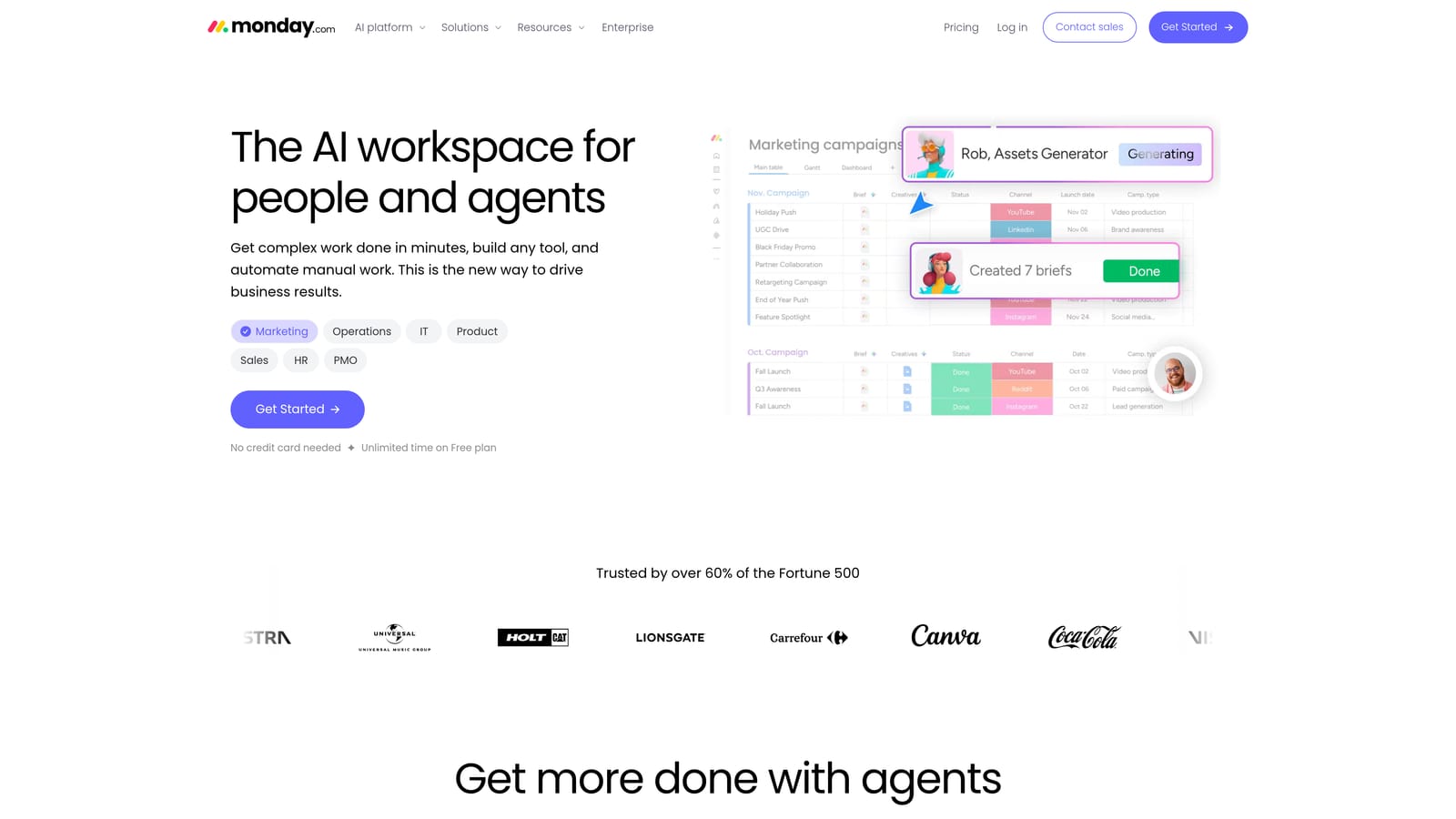
Its edge over the others here is flexibility. You design boards for your own process and add automations, so a recurring audit or a new-client checklist becomes a repeatable workflow with owners and deadlines. Nothing else on this list manages who does what, and by when.
- Customizable boards that mirror how your agency actually works.
- Workflow automations that trigger status changes or reminders.
- Templates to start from instead of a blank board.
- Task assignment and deadlines, so ownership is visible.
- Dashboards for seeing workload across the team.
It integrates with Slack, Gmail, Google Drive, and Zoom, among others; verify the list for the apps you rely on. Setup takes real design effort up front, and someone, often an operations lead or senior account manager, has to maintain the boards.
It is generic project software with no ad platform depth, so it will not pull campaign data or edit anything in Google Ads. Pricing is per seat, so costs grow with team size; see the website for current plans as of November 2026. Solo freelancers rarely need it.
Best for: Agency teams with several account managers who need shared ownership of recurring client tasks.
Which Stack Fits Your Situation
Most agencies end up combining three things: a manager account for access, one reporting tool, and an optimization tool. The rest depends on size and where your time leaks.
- Freelancer on a budget: Start with the free manager account and Looker Studio, then add Keywordme at $12/month for the daily search term work. Add HubSpot's free tier once you need to track renewals.
- Small agency: The manager account, Keywordme for account managers, and Swydo or AgencyAnalytics for reporting cover most needs. Pick Swydo if you are mostly paid media, AgencyAnalytics if you report across channels.
- Reporting-heavy agency: AgencyAnalytics gives you the branded portal, and Optmyzr becomes worth it once audits and automation across many accounts matter.
- Sales or workflow-focused teams: HubSpot CRM for pipeline and renewals, monday.com for recurring tasks and onboarding, layered on top of the ad tools.
If search term clean-up is where your hours go, that is the gap Keywordme fills, and it only does that job. Optimize Google Ads Campaigns 10X Faster. Without Leaving Your Account. Keywordme lets you remove junk search terms, build high-intent keyword lists, and apply match types instantly, right inside Google Ads. No spreadsheets, no switching tabs, just quick, seamless optimization. Start your free 7-day trial (then just $12/month) and take your Google Ads game to the next level.
