
9 Best PPC Chrome Extensions Ranked for Google Ads in 2026
This ranked guide covers the 9 best PPC Chrome extensions for Google Ads in 2026, evaluated by workflow impact, ease of use, and pricing—helping marketers, freelancers, and agency owners eliminate repetitive tasks, reduce wasted spend, and optimize campaigns faster without leaving their browser.


TL;DR: The best PPC Chrome extensions let you optimize Google Ads campaigns faster, reduce wasted spend, and manage keywords without ever leaving your browser. This list ranks 9 extensions by real utility for marketers, freelancers, and agency owners who live inside Google Ads.
If you've ever spent an afternoon copy-pasting search terms into a spreadsheet just to build a negative keyword list, you already know the pain. Google Ads' native interface is powerful but painfully slow for repetitive optimization tasks. Chrome extensions fix that by layering smart, one-click workflows directly on top of the UI you're already using.
This ranked list covers the best PPC Chrome extensions available in 2026, evaluated on workflow impact, ease of use, pricing fairness, and how well they fit the day-to-day reality of running Google Ads campaigns. Whether you're a solo freelancer managing a handful of accounts or an agency juggling dozens, there's something here worth installing.
1. Keywordme
Best for: In-interface Google Ads optimization directly inside the Search Terms Report
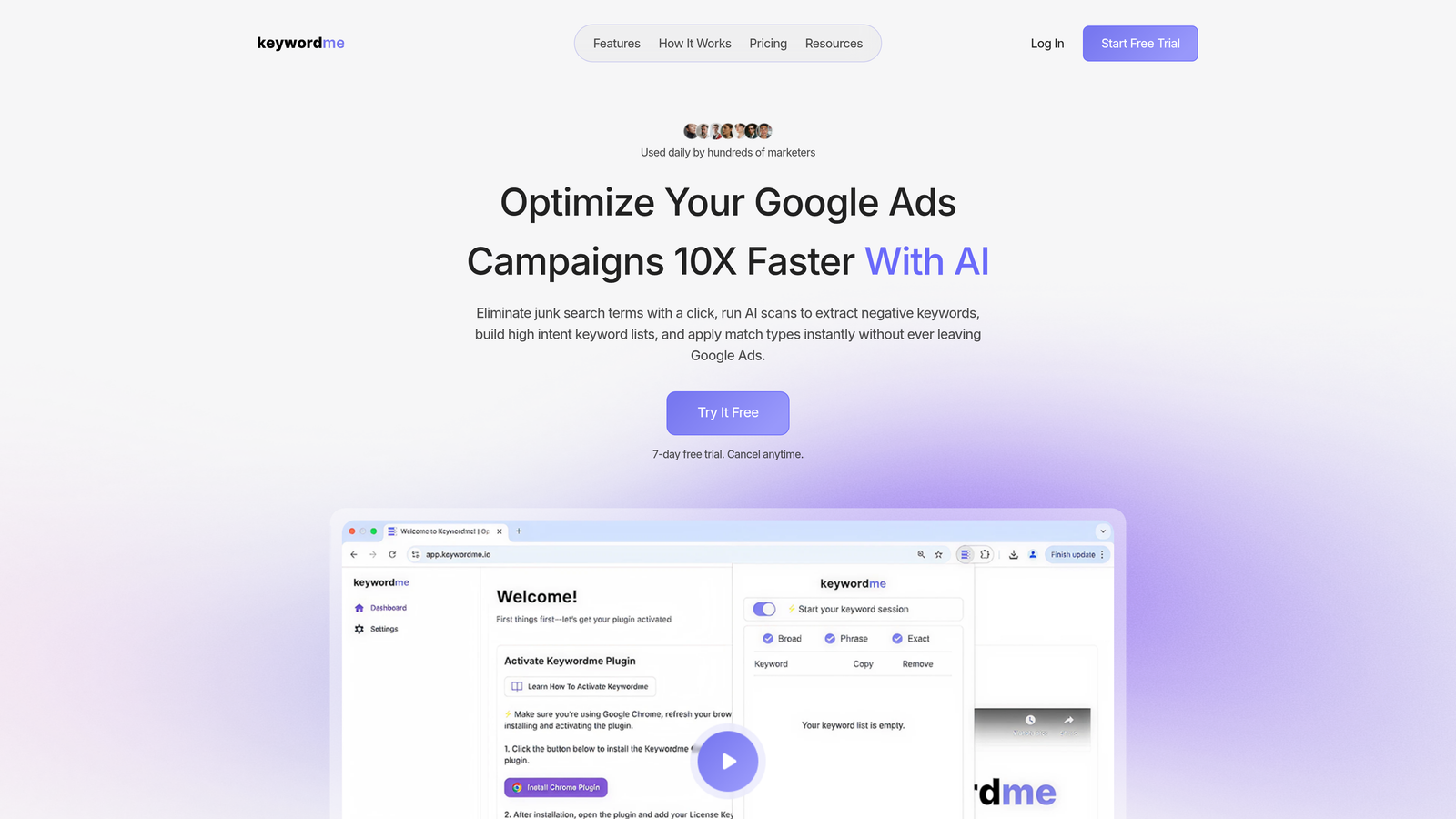
Keywordme is a Chrome extension built specifically for Google Ads users who want to stop wasting time on manual keyword tasks and start optimizing where it actually matters.
Where This Tool Shines
Most PPC tools pull you out of Google Ads and into a separate dashboard. Keywordme does the opposite. It lives inside the Search Terms Report, which is exactly where you need it. You can add negative keywords, apply match types, and cluster search terms into ad groups without switching a single tab.
In most accounts I audit, the Search Terms Report is where wasted spend hides. Keywordme turns what's usually a 45-minute manual process into a few minutes of focused clicks. For agencies managing multiple accounts, the multi-account and team support features make this genuinely scalable rather than just a solo-user convenience.
Key Features
One-Click Negative Keyword Adding: Flag and remove junk search terms directly inside the Search Terms Report without exporting to a spreadsheet.
Match Type Application: Apply exact, phrase, or broad match types instantly to any keyword without leaving the Google Ads interface.
Keyword Clustering: Group related search terms into ad groups with built-in clustering logic, saving significant manual sorting time.
Bulk Editing: Handle multiple keywords and negatives in a single action rather than one-by-one selections.
Multi-Account and Team Support: Share workflows and manage access across accounts, making it practical for agencies with multiple clients and team members.
Best For
Solo advertisers who want to cut optimization time significantly, and agency teams managing multiple Google Ads accounts. If your weekly workflow involves any time in the Search Terms Report, this extension directly addresses that bottleneck. It's especially useful for anyone who currently relies on spreadsheets for negative keyword management.
Pricing
$12/month per user, with a 7-day free trial. Flat-rate pricing makes it easy to budget, especially for agencies adding it across a team.
2. Keywords Everywhere
Best for: Surfacing keyword volume and CPC data across Google, YouTube, Amazon, and more
Keywords Everywhere is a keyword research extension that overlays search volume, CPC, and competition data directly on the platforms you're already browsing.
Where This Tool Shines
The biggest advantage here is context. Instead of jumping into the Google Keyword Planner every time you want to check a term, Keywords Everywhere surfaces that data inline on Google SERPs, YouTube, Amazon, and a dozen other platforms. It's a passive research layer that speeds up keyword discovery during normal browsing.
For PPC specifically, the CPC and competition data helps you quickly gut-check whether a keyword is worth pursuing before you invest time building out an ad group. It doesn't integrate with the Google Ads interface directly, but as a research companion it's hard to beat for the price.
Key Features
Inline Search Volume and CPC Data: See keyword metrics directly on Google SERPs without opening a separate tool.
Related Keywords Panel: Surfaces related terms and "People Also Search For" data alongside your primary query results.
Bulk Keyword Analysis: Upload a keyword list and get volume data back in bulk, useful for validating keyword lists before campaign build-out.
Historical Trend Data: View seasonality patterns for any keyword to inform campaign timing and bid strategy.
Cross-Platform Coverage: Works across 15+ platforms including YouTube, Amazon, and eBay, not just Google.
Best For
PPC managers and freelancers who do keyword research regularly and want to speed up the discovery phase. Also useful for SEO-adjacent PPC work where understanding organic competition matters.
Pricing
Credit-based model starting at $10 for 100,000 credits. No monthly subscription required, which makes it cost-effective for lighter users.
3. Tag Assistant (by Google)
Best for: Validating and debugging Google Ads conversion tracking and GA4 tags
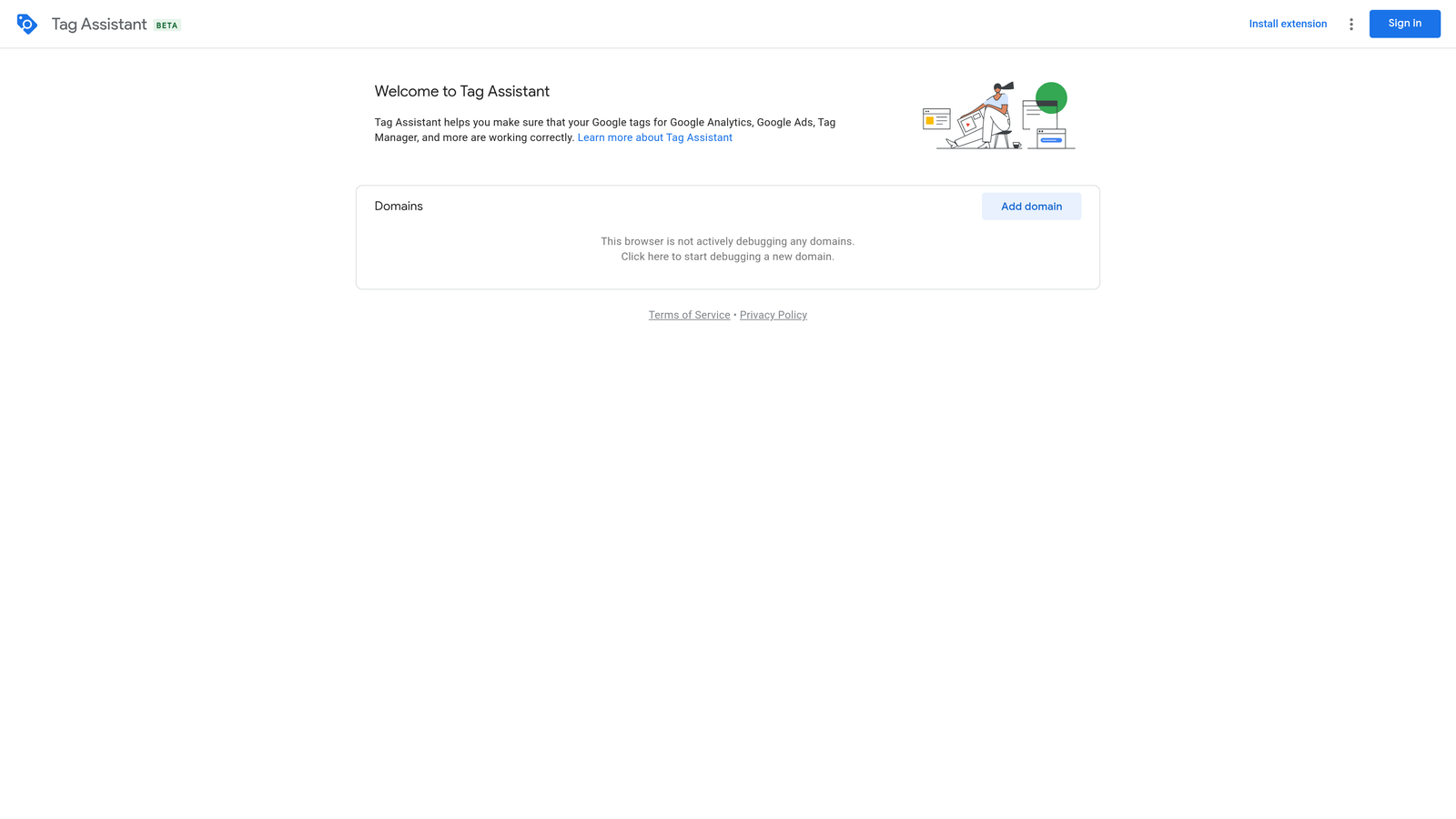
Tag Assistant is Google's official Chrome extension for verifying that your Google tags are firing correctly, including conversion tracking, GA4, and Google Tag Manager containers.
Where This Tool Shines
Conversion tracking issues are silent campaign killers. You can have a perfectly structured campaign running for weeks and never realize your conversion tag misfired during a site update. Tag Assistant gives you a real-time pass/fail view of every Google tag on a page, which turns a potentially hours-long debugging session into a quick visual check.
What usually happens in agency audits is that tracking issues get discovered months after they started. Tag Assistant, used as a routine QA step after any site change, prevents that entirely. It records tag firing sequences so you can trace exactly what fired, in what order, and catch the root cause of any discrepancy.
Key Features
Real-Time Tag Validation: Instantly see which Google tags are firing correctly on any page with visual pass/fail indicators.
Tag Firing Sequence Recording: Record a session and replay the exact order tags fired, useful for diagnosing conditional or event-based conversion tags.
GA4 and GTM Debugging: Debug Google Tag Manager containers and GA4 events in the same interface alongside Google Ads tags.
Visual Error Indicators: Color-coded status markers make it easy to spot broken or misconfigured tags at a glance.
Free with a Google Account: No paid subscription required for any feature.
Best For
Any PPC manager responsible for conversion tracking setup or QA. Non-negotiable for agencies onboarding new clients or verifying tracking after site migrations or CMS updates.
Pricing
Free. Requires a Google account to use the full recording and debugging features.
4. Ahrefs SEO Toolbar
Best for: On-SERP competitive analysis and keyword difficulty data for PPC keyword research
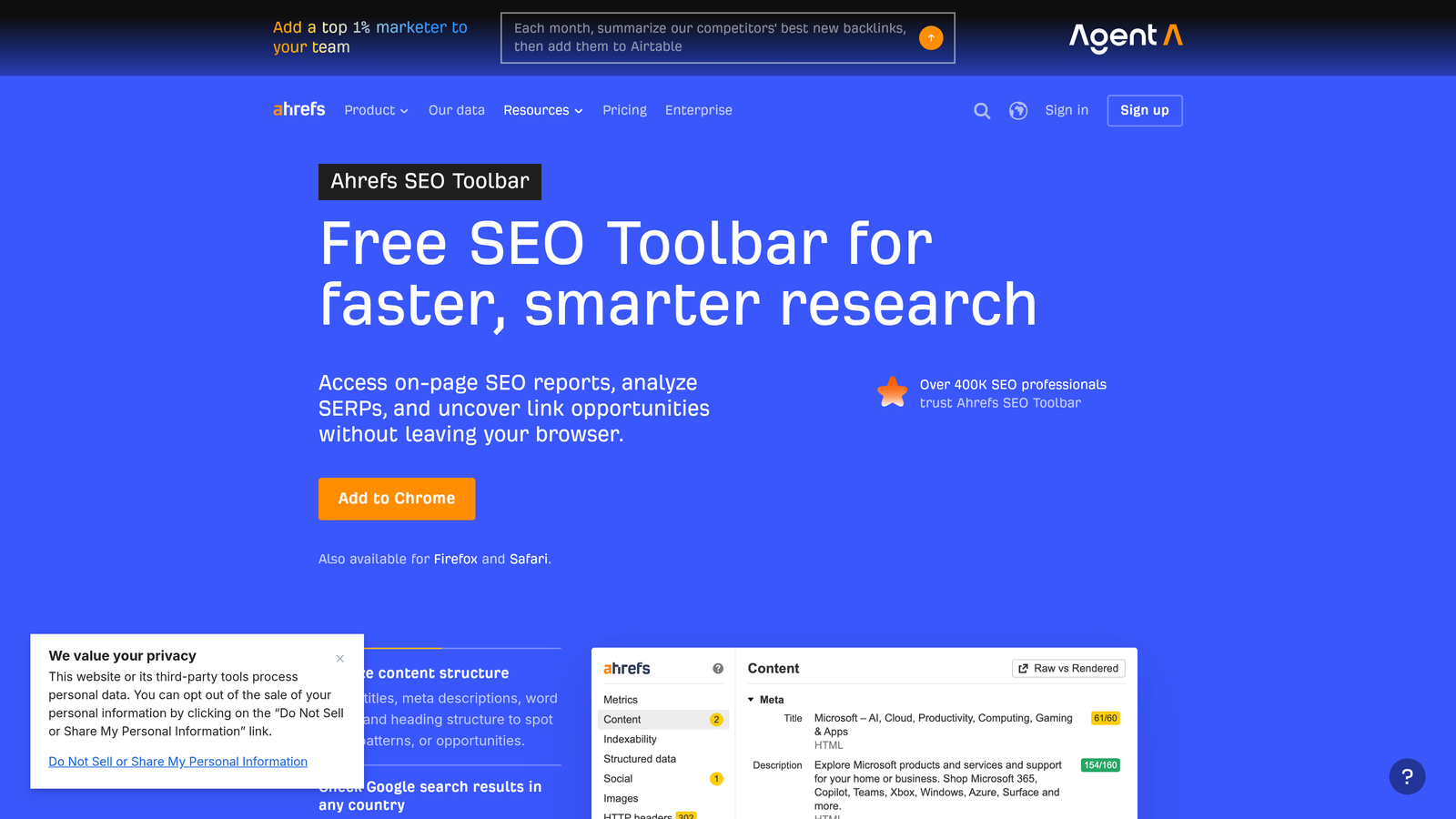
Ahrefs SEO Toolbar is a Chrome extension that surfaces domain authority, backlink data, and keyword metrics directly on Google SERPs and any webpage you visit.
Where This Tool Shines
For PPC managers who also think about landing page quality and organic competition, the Ahrefs toolbar provides useful context directly on the SERP. Seeing Domain Rating and URL Rating for competitors' landing pages helps you understand who you're bidding against and how strong their organic presence is alongside their paid ads.
The on-page SEO audit panel is a useful bonus for checking landing page fundamentals quickly. It's not a replacement for a full SEO audit, but for a quick gut-check before a campaign launch it saves time.
Key Features
Domain Rating and URL Rating: View authority scores for any domain or URL directly on SERPs and individual pages.
Inline Backlink Data: See backlink counts and referring domain numbers without opening the Ahrefs dashboard.
Keyword Difficulty and Volume: Get keyword metrics for the query you just searched, surfaced directly on the SERP.
On-Page SEO Audit Panel: Quickly review headings, meta tags, and page structure for any URL.
Broken Link Checker: Identify broken links on any page, useful for landing page QA before sending paid traffic.
Best For
PPC managers who do keyword research with an eye on organic competition, or anyone who wants to quickly evaluate competitor landing pages and domain strength during campaign planning.
Pricing
Free to install. Full data access requires an Ahrefs subscription starting at $129/month. Basic SERP overlay features work without a subscription.
5. MozBar
Best for: Quick competitive research using Domain Authority and Page Authority scores at no cost
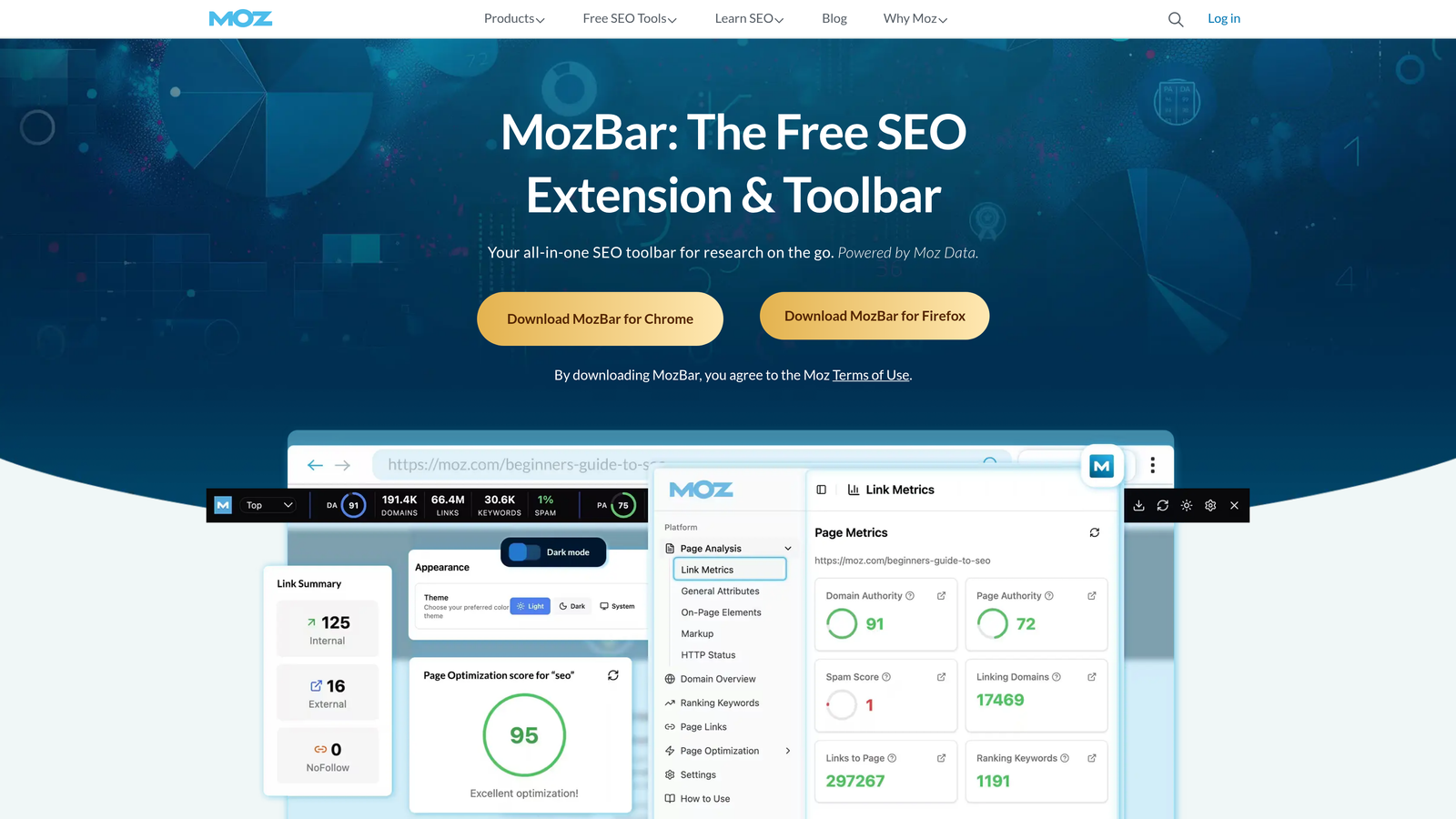
MozBar is Moz's free Chrome extension that displays Domain Authority and Page Authority scores on every SERP result and individual webpage.
Where This Tool Shines
MozBar is the accessible alternative to the Ahrefs toolbar for teams that don't have an Ahrefs subscription. The free tier gives you Domain Authority and Page Authority scores on every SERP result, which is enough for basic competitive benchmarking during keyword research.
It's not as data-rich as Ahrefs, but for quick competitive comparisons during a keyword planning session, it does the job without requiring a paid account. The SERP overlay makes it easy to scan an entire results page and get a rough sense of how competitive a keyword space is.
Key Features
Domain Authority and Page Authority Scores: Displayed directly on every SERP result for instant competitive context.
Spam Score Indicator: Flags domains with high spam scores, useful for evaluating competitor credibility.
On-Page Element Highlighting: Highlights headings, alt text, and meta tags on any page for quick structural review.
SERP Overlay: Shows link metrics across all results on a search page simultaneously.
Free Tier Access: Core metrics available without a Moz Pro subscription.
Best For
Freelancers and smaller agencies that want competitive research capability without committing to a premium SEO tool subscription. A solid starting point before upgrading to a more data-rich option.
Pricing
Free for basic metrics. Full feature access requires Moz Pro starting at $99/month.
6. Ghostery
Best for: Auditing competitor tracking stacks and identifying which ad pixels are running on any site
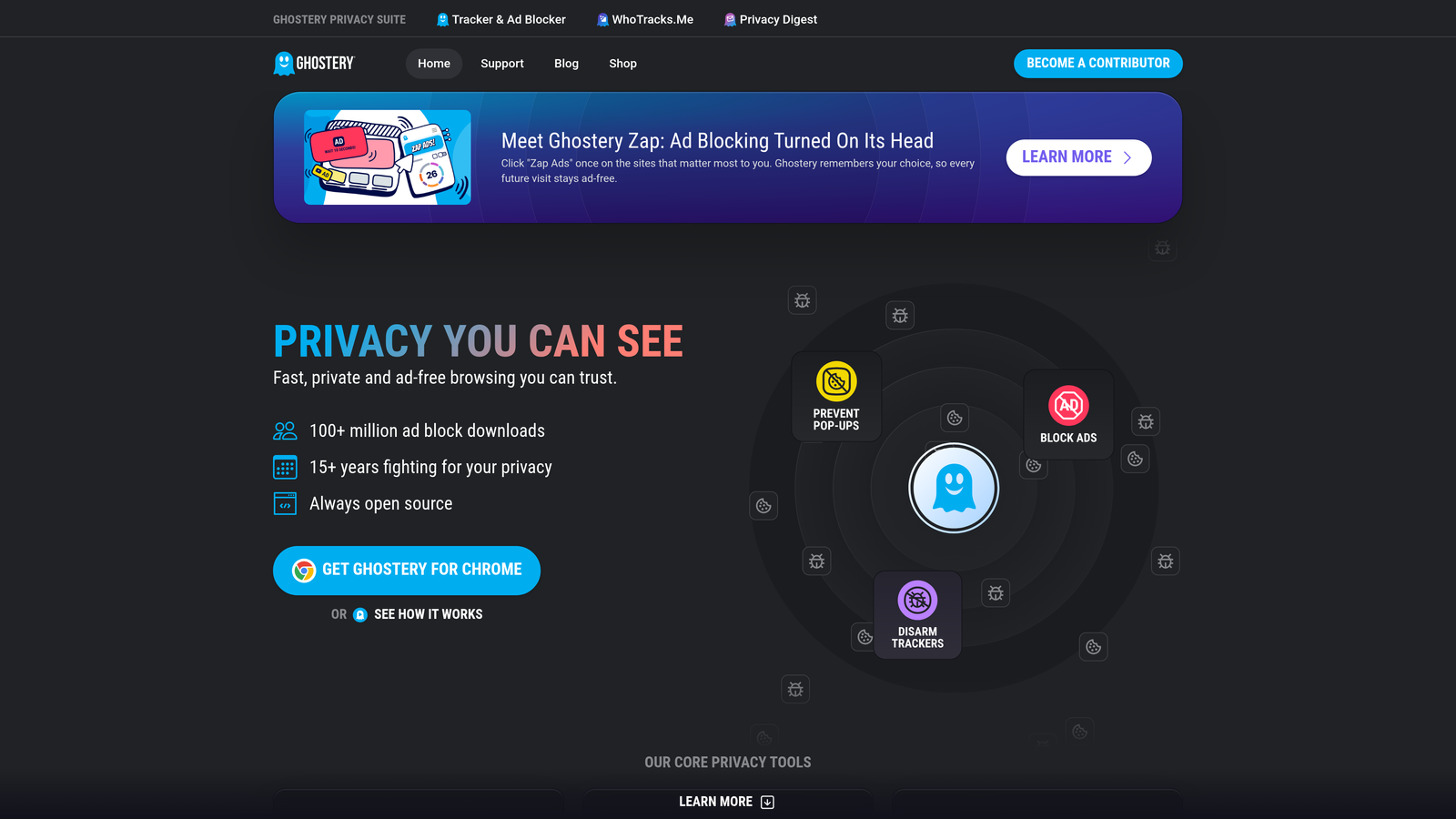
Ghostery is a privacy-focused extension that also functions as a tracker detection tool, revealing every ad pixel, analytics script, and tracking tag running on any webpage.
Where This Tool Shines
Here's a use case most people overlook: before launching a competitive campaign, visit your competitor's site with Ghostery open. You'll instantly see whether they're running Google Ads remarketing tags, Meta Pixel, LinkedIn Insight Tag, or any other tracking setup. That tells you a lot about where they're investing in paid media.
For PPC managers who also handle tracking implementation, Ghostery is a fast way to verify that your own tags are present on a site without needing to open Tag Assistant. It categorizes everything by type, so you can quickly distinguish advertising tags from analytics scripts.
Key Features
Tracker Detection: Identifies all ad pixels and tracking scripts running on any webpage, including Google Ads, Meta, and LinkedIn tags.
Tracker Categorization: Organizes trackers by type including advertising, analytics, and social, making it easy to read at a glance.
Competitor Stack Auditing: Useful for understanding which platforms competitors are actively tracking and retargeting on.
Ad and Tracker Blocking: Optionally block trackers for personal privacy while browsing.
Script Name and Source Detail: Shows the exact script names and source domains for granular identification.
Best For
PPC managers doing competitive research or verifying tracking implementations. Also useful for anyone who wants to understand the full ad tech stack a competitor is running before planning a campaign.
Pricing
Free. Ghostery Plus is available for additional privacy features at an optional cost.
7. SimilarWeb
Best for: Estimating competitor traffic sources and identifying paid keyword strategies before campaign launch
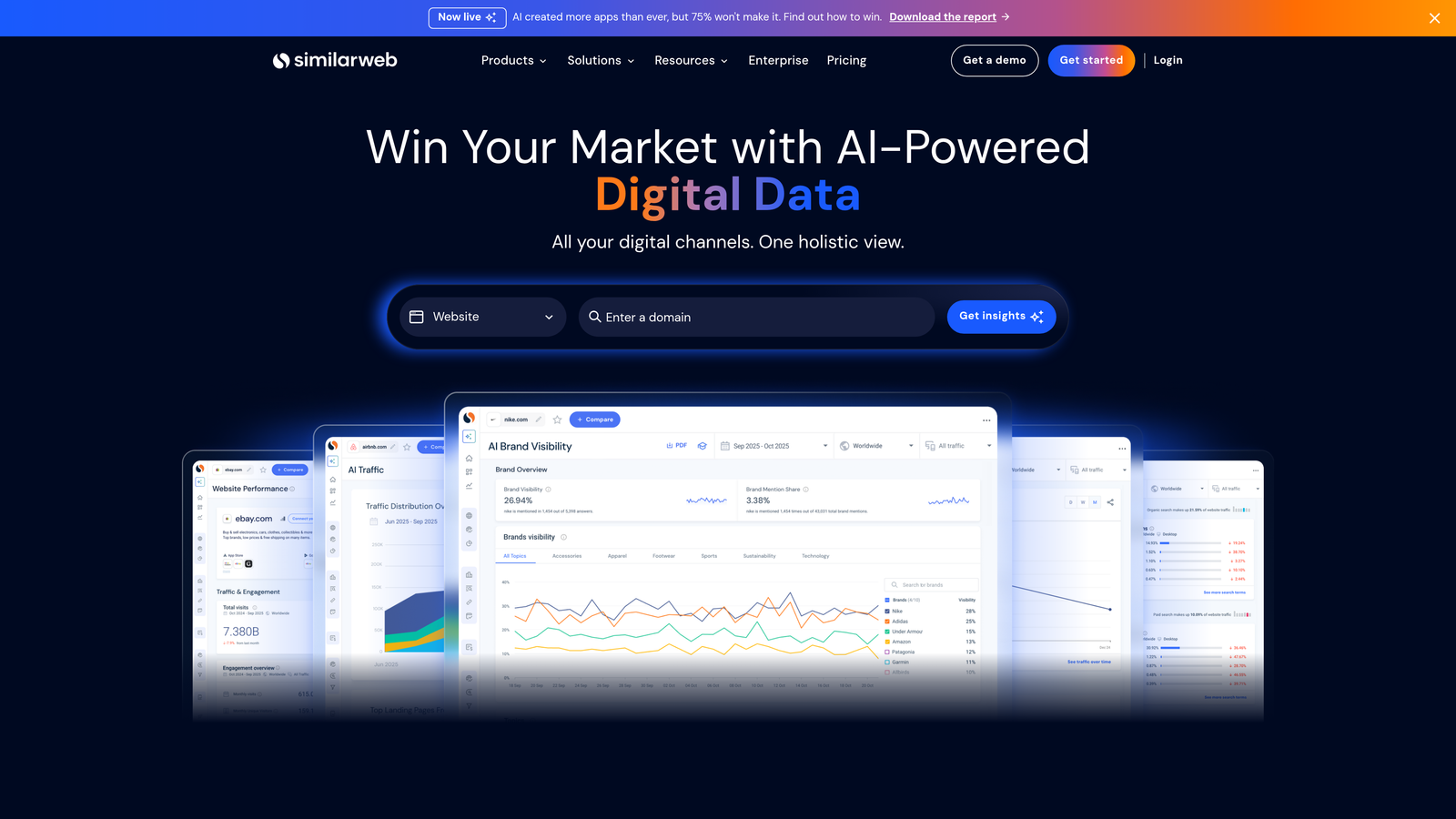
SimilarWeb is a traffic intelligence extension that shows estimated traffic data, channel mix, and top keywords for any domain directly in your browser.
Where This Tool Shines
Before building out a new campaign, it's worth knowing whether your competitors are leaning heavily on paid traffic or riding organic. SimilarWeb gives you that channel breakdown at a glance. You can see estimated monthly visits, what percentage comes from paid search versus organic, and which keywords are driving their paid traffic.
The data is estimated rather than exact, and it works best for domains with meaningful traffic volume. For niche or lower-traffic sites, the estimates can be rough. But for competitive research on established players in a market, it's a genuinely useful pre-campaign intelligence layer.
Key Features
Estimated Monthly Traffic: See traffic volume estimates for any domain without leaving your browser.
Traffic Source Breakdown: View the split between paid, organic, direct, referral, and social traffic for any competitor.
Top Paid and Organic Keywords: Identify which keywords are driving competitor traffic across channels.
Ad Network Usage Data: See which advertising networks and platforms a site is working with.
Engagement Metrics: View bounce rate and pages per visit estimates for competitive benchmarking.
Best For
PPC managers and agency strategists who want competitive context before launching campaigns. Most useful during the research and planning phase rather than active campaign management.
Pricing
Free extension with limited data depth. Full platform access is available at custom enterprise pricing. The free tier is sufficient for basic competitive research.
8. Loom
Best for: Recording Google Ads campaign walkthroughs and client reporting videos without a separate screen recording tool
Loom is a screen and webcam recording extension used widely by agencies and freelancers for creating quick video walkthroughs of campaigns, reporting updates, and internal documentation.
Where This Tool Shines
The mistake most agencies make with client reporting is sending static PDFs or scheduling calls for things that could be a three-minute video. Loom lets you record your screen inside Google Ads, narrate what you're showing, and send a shareable link in seconds. Clients can watch on their own time and leave timestamp comments if they have questions.
It's also genuinely useful for internal team documentation. If you've built a non-obvious campaign structure or a custom bidding setup, recording a quick Loom walkthrough saves you from explaining it repeatedly to new team members.
Key Features
One-Click Screen Recording: Start recording instantly and get a shareable link the moment you stop, with no upload wait time.
Webcam Overlay: Add a talking-head view for more personal client presentations without needing separate video software.
Viewer Engagement Analytics: See who watched your video, how long they watched, and what reactions they left.
In-Browser Trimming: Cut the beginning and end of recordings without downloading or opening a video editor.
Team Workspace: Organize videos by client or project for easy team access and sharing.
Best For
Freelancers and agency owners who want to improve client communication without scheduling more calls. Also useful for remote agency teams that need to document campaign logic and processes asynchronously.
Pricing
Free plan available with a 25-video limit. Starter plan from $12.50/month per user for unlimited recordings and additional features.
9. ColorZilla
Best for: Grabbing exact color codes from competitor landing pages and ad creative for design matching
ColorZilla is a color picker and eyedropper extension that lets you sample exact hex, RGB, or HSL color codes from any element on any webpage.
Where This Tool Shines
This one's niche, but PPC managers who also handle ad creative or landing page design will recognize the use case immediately. When a client asks you to match a competitor's button color or align a landing page to their brand palette, ColorZilla gives you the exact code in one click rather than guessing or asking a designer.
It's also useful for quickly auditing whether a landing page matches brand guidelines before sending paid traffic to it. Small visual inconsistencies on landing pages can affect quality score and user trust, and ColorZilla makes it easy to spot them fast.
Key Features
Eyedropper Color Sampling: Click any element on any webpage to instantly capture its exact color code.
Multi-Format Output: Get color values in hex, RGB, and HSL formats depending on what your design tool requires.
Color History Palette: Stores recently picked colors so you can reference them throughout a session without re-sampling.
CSS Gradient Generator: Build CSS gradients directly in the extension, useful for quick landing page design work.
Works on Any Webpage: Sample colors from competitor landing pages, display ads, or any web element.
Best For
PPC managers who handle ad creative, landing page design, or client brand implementation as part of their role. Less essential if you work purely on the campaign management side and hand design work off to a separate team.
Pricing
Free.
Which Extension Is Right for Your Setup
The honest reality is that most PPC professionals only need three or four extensions running at any time. More than that and you start hitting performance issues in Chrome, especially on complex Google Ads pages with lots of data loading.
Here's a quick pick guide by role to help you narrow it down:
Solo freelancer: Start with Keywordme and Keywords Everywhere. Between them, you've covered in-interface optimization and keyword research without needing a paid platform. Add Tag Assistant as a free third pick for conversion tracking sanity checks.
In-house PPC manager: Keywordme for daily Search Terms Report work, Tag Assistant for tracking QA, and Ghostery for competitive audits. That's a lean, high-utility stack that covers the core workflow without bloat.
Agency owner: Keywordme's multi-account support makes it the anchor extension for any agency setup. Layer in SimilarWeb for pre-campaign competitive intel and Loom for client reporting. If your team also handles landing page work, add ColorZilla.
If you're only going to install one extension from this list, make it Keywordme. It directly addresses the most time-consuming part of Google Ads management: cleaning up search terms and building keyword lists. The workflow impact is immediate, and the flat-rate pricing at $12/month makes the ROI easy to justify after the first optimization session.
Start your free 7-day trial and see how much time you're currently losing to manual Search Terms Report work. No spreadsheets, no tab switching, just faster Google Ads optimization right inside the interface you're already using.
For more on reducing wasted spend and building smarter keyword strategies, check out our guides on what negative keywords are in Google Ads, PPC workflow optimization, and the best ways to reduce wasted spend in Google Ads.
.svg)