
8 Best PPC Chrome Extensions with a Free Trial or Free Plan in 2026
A practical guide to ppc chrome extension trial.


You want to try a PPC Chrome extension before paying for one, ideally inside the Google Ads account you already work in. This list is for marketers, freelancers, and agency owners who feel that way. Every tool here runs in your browser, supports Google Ads or other ad-platform work, and has a trial, a free plan, or a free tier. Many well-known PPC platforms are web apps with no extension, so they were left out. Pricing and trial terms change, so treat anything below as accurate as of November 2026 and confirm on each tool's site before you sign up.
Quick Comparison of the PPC Chrome Extensions
- Keywordme: advertisers and agencies who clean search terms weekly; $12/month per user with a 7-day free trial; one-click actions directly inside the Google Ads Search Terms Report.
- Keywords Everywhere: marketers doing keyword research while browsing; paid, credit-based plans, check the site for current free options; shows keyword metrics on the search results page itself.
- Meta Pixel Helper: anyone running Facebook and Instagram ads; free; shows Meta pixel and event firing on any page.
- Tag Assistant: anyone launching Google Ads conversion tracking; free; first-party Google diagnostics for Google tags.
- SpyFu: marketers researching competitor PPC; check the site for current plans and free access; competitor paid keyword and ad history.
1. Keywordme
Keywordme is a Chrome extension that adds one-click actions to the Google Ads Search Terms Report. It is our own product, so here is the honest version: it does a narrow job and tries to do it fast.
A quick vocabulary check helps here. Search terms are what people actually typed before seeing your ad. Keywords are what you bid on. Negative keywords block search terms you don't want to pay for. Keywordme sits where those three meet: you read the report, decide what stays and what goes, and act without leaving the page.
- Add a negative keyword from a search term in one click, so junk traffic stops without a spreadsheet round trip.
- Add a search term as a keyword with the match type you choose, so good queries become bids you control.
- Cluster keywords so related terms can be grouped and built into new lists faster.
- Edit in bulk when you're working through a long report.
- Use multi-account and team support, so agencies can run it across client accounts and users.
What sets it apart on this list is that it acts inside the native report. There are no exports, no second dashboard, and no copying terms between tabs. You still make every call yourself. It does not make campaign changes on its own.
The limits are plain. It works with Google Ads only, and it focuses on search term and keyword workflows. It is not a reporting tool, a bidding tool, or an auditing platform. If you rarely open the Search Terms Report, you won't get much from it.
Setup means installing the extension and using it in your Google Ads account. The person who already does search term reviews runs it day to day. Pricing is a flat $12/month per user as of November 2026, with a 7-day free trial, so cost scales with the number of users, not ad spend.
Best for: Advertisers and agencies who clean search terms and build keyword lists every week.
2. Keywords Everywhere
Keywords Everywhere is a browser extension that overlays keyword data on search results and research pages. It's a research aid, not a campaign editor, and that's the line to keep in mind. Nothing in it changes your Google Ads account.
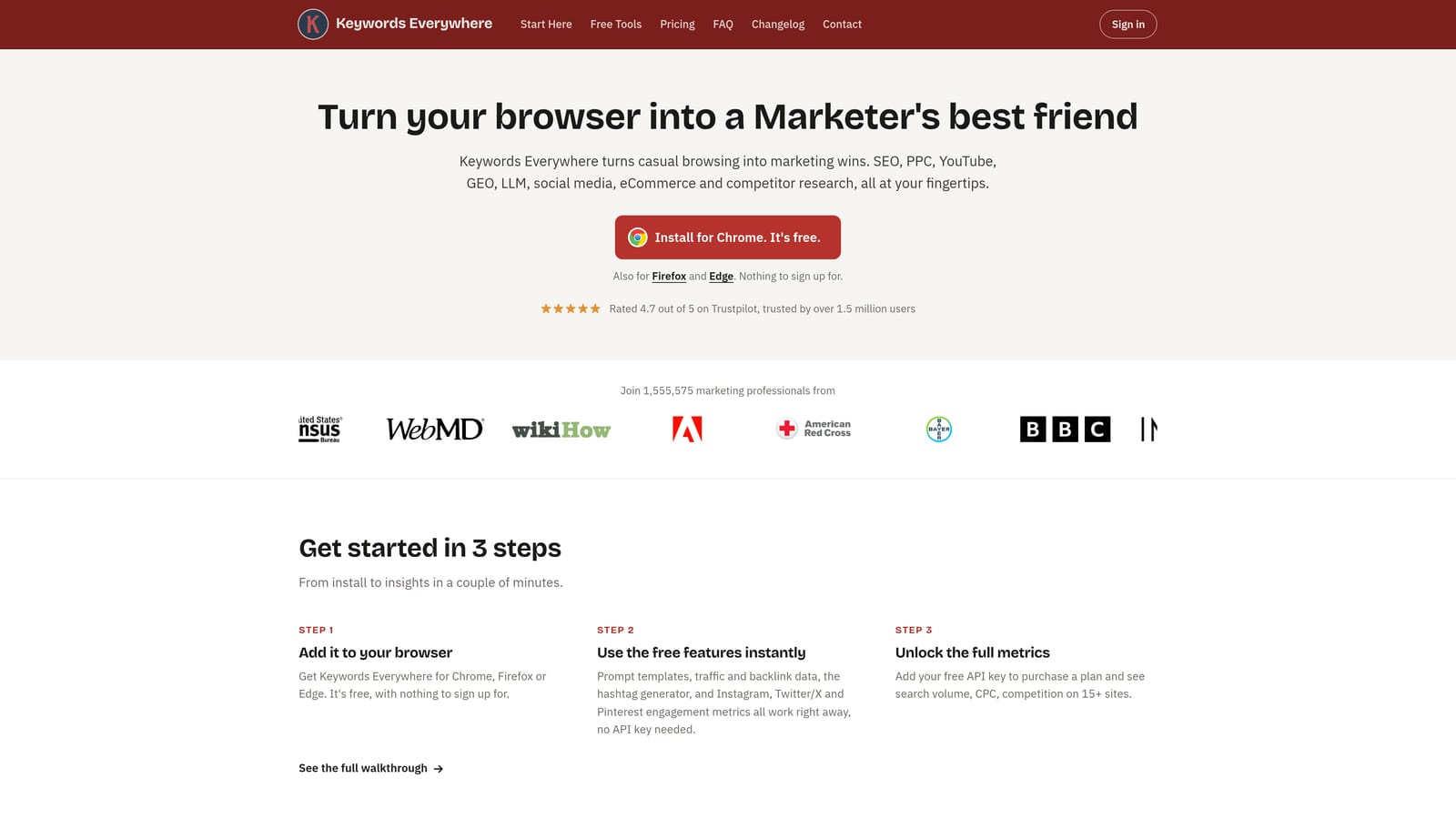
It earns a spot because early keyword research is where many PPC builds begin. Instead of switching to a separate research tool, you see data while you browse the same pages your prospects see.
- Search volume and cost-per-click (CPC) estimates appear next to what you're browsing, so you can gauge a keyword's value at a glance.
- Related keyword suggestions help you expand a seed idea into a longer list.
- Keyword list export lets you take the ideas into your own planning sheet or ad group build.
Its distinguishing trait among these tools is that metrics show up right on the search result page. Other tools on the list act on your account or your tracking. This one helps you decide what to target in the first place.
The limits matter for the "free trial" question. The extension has moved to paid, credit-based plans, so I haven't confirmed a permanent free tier. Check the site for what a new user gets today before you count on it. Its numbers are also estimates, and its coverage of Google Search, YouTube, and Amazon varies by feature, so confirm what you need is included.
Setup is a few minutes: install, sign in, and start searching. Whoever does keyword research uses it, which could be a freelancer, a content marketer, or the PPC lead. Pricing moves with the credits you buy. As of November 2026, see the website for current plans.
Best for: Quick keyword research while browsing, before you build or expand campaigns.
3. Meta Pixel Helper
Most extensions on this list touch Google Ads, but plenty of PPC work is Meta. Meta Pixel Helper is a free Chrome extension from Meta that checks whether the Meta pixel is firing properly on a page. It's a debugging tool. It won't optimize a campaign, and it isn't trying to.
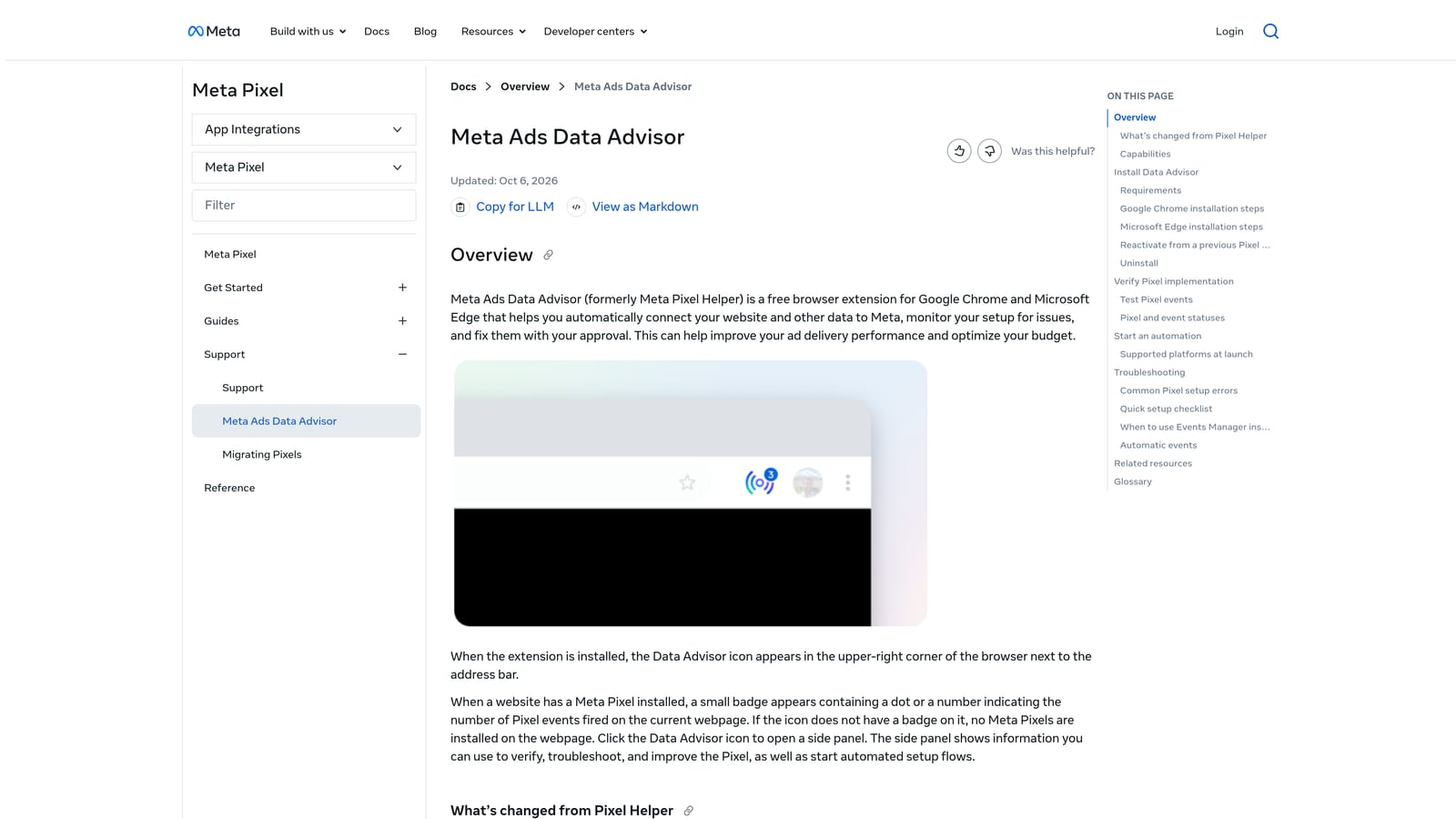
Broken tracking quietly wrecks Meta campaigns. If the pixel doesn't fire, or fires the wrong event, your reporting and optimization signals are off. This extension lets you check that without opening developer tools.
- It detects the Meta pixel on any page, so you can tell right away if it's installed.
- It flags pixel errors and warnings, pointing you to the problem instead of leaving you to guess why events are missing.
- It shows event details, so you can confirm that a purchase, lead, or add-to-cart event fired when it should.
Its advantage here is simple: it verifies Meta pixel and event firing on any page, including competitors' or clients' sites where you only have front-end access. That makes it handy for agency audits.
The limitations are clear. It shows what the browser sees on a page. It doesn't tell you whether your campaigns are well built, whether your audiences are right, or whether Meta's side of the data matches. It also has nothing for Google Ads.
Setup takes a minute from the Chrome Web Store. Whoever owns tracking, whether that's a media buyer, a developer, or a freelancer, runs it as needed. There's no trial to manage and no seat pricing: it's free as of November 2026.
Best for: Checking Facebook and Instagram ad tracking.
4. Tag Assistant
Tag Assistant is Google's own tool for verifying Google tags and conversion tracking. Its form has changed over the years. The older standalone extension was retired, and today Tag Assistant is a web tool that works alongside a companion Chrome extension. Check the Chrome Web Store listing for the current version before installing.
It belongs here because a PPC account with bad conversion tracking can't be optimized, whatever else you do. Search term cleanup and keyword building work best when conversion data is trustworthy.
- It verifies that Google tags are installed and firing, so you catch missing or duplicated tags before they cost you data.
- It helps debug conversion tracking, showing whether a conversion event actually triggers on the action you care about.
- It surfaces Google tag diagnostics, so problems come with explanations instead of silence.
The strength is that it's first-party. It covers Google Ads, Google Analytics, and Google Tag Manager from one place, so you're checking against Google's own expectations instead of a third-party interpretation.
It diagnoses only. It won't edit keywords, change campaigns, or tell you whether your ads are any good. It also helps most when you already understand how your tags are set up. Someone new to Tag Manager may need to read Google's documentation alongside it.
Setup is light: open the tool, connect it to the site you're testing, and walk through the page. Whoever handles measurement or launches campaigns uses it day to day. It's free as of November 2026, so there are no seats or spend tiers to weigh.
Best for: Confirming conversion tracking before launch.
5. SpyFu
SpyFu is a competitor research tool for keywords and ads. It shows what rivals bid on and how their ads have looked over time. I haven't confirmed the current state of its Chrome extension, so look for an up-to-date Chrome Web Store listing before you plan around one. The web tool itself is well established.
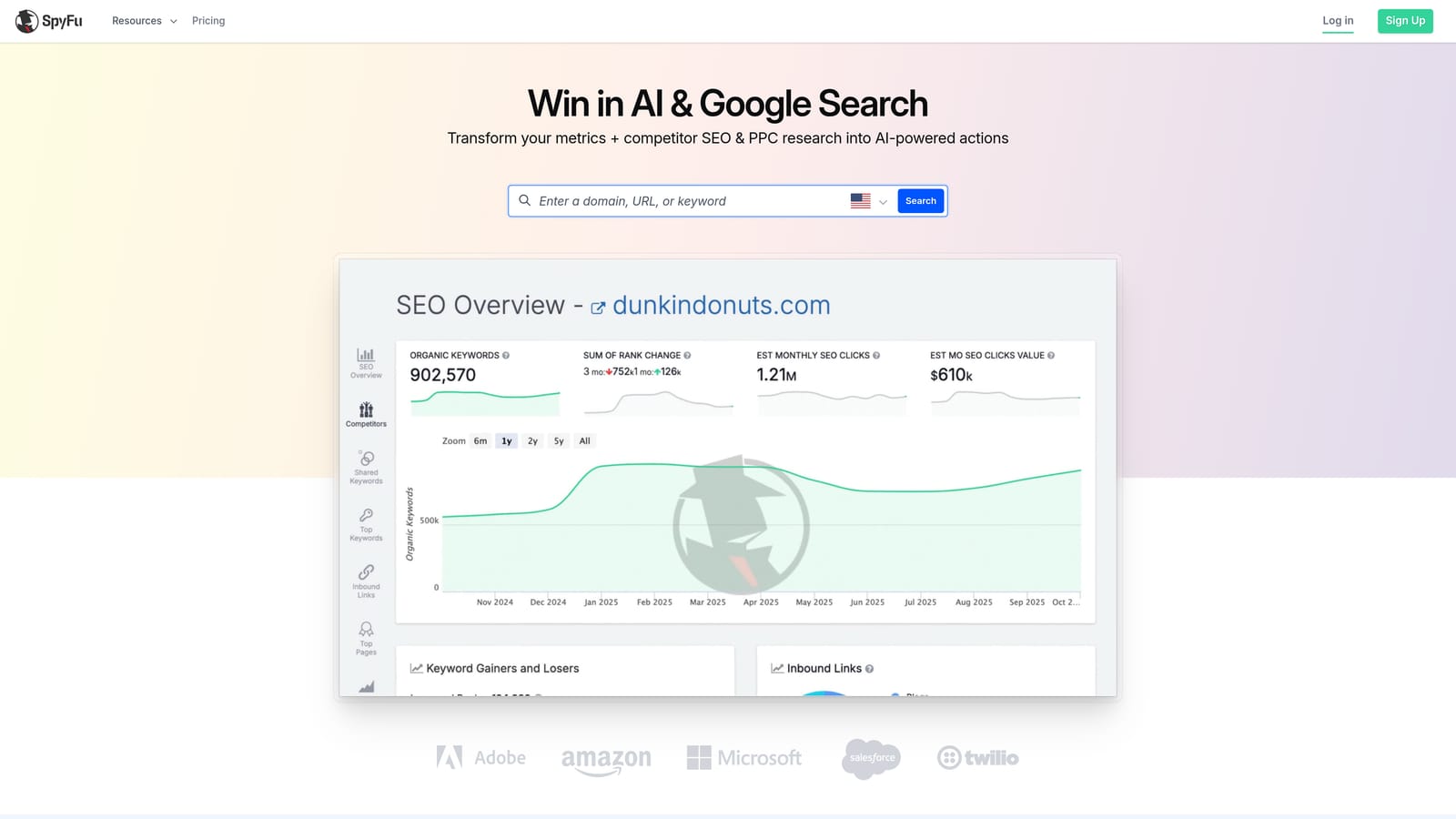
It answers a different question than everything else here. The other tools look at your account, your tracking, or general keyword data. SpyFu looks outward.
- Competitor keyword research shows terms a rival domain appears to target in paid search, which gives you ideas for gaps in your own lists.
- Ad history lets you see how competitors' messaging has changed, which helps when you're writing or testing copy.
- A domain overview gives a quick read on a competitor's paid presence before you dig deeper.
The distinguishing feature is competitor paid keyword and ad history, which neither Keywordme nor the tracking tools offer.
The key limitation: the data is estimated. It reflects a third party's view of the market, not your performance and not your competitor's real results. Treat it as a source of ideas, then validate in your own account. It also doesn't edit your campaigns.
Setup is a sign-up and, if available, the extension. A strategist or account manager usually runs it during planning or competitive reviews. Pricing depends on plan level. As of November 2026, see the website for current plans and what free access exists, since I couldn't confirm the details.
Best for: Researching competitor PPC keywords.
Which Extension to Trial for Which Job
Only some of these extensions change a Google Ads account. Keywordme is the one on this list that does, and it does it by letting you act on search terms and keywords from inside the report. The others research, check tracking, or look at competitors.
- Search term cleanup and keyword building: Keywordme. It's the only one here built around acting on search terms, with a 7-day trial.
- Keyword research: Keywords Everywhere, once you've checked what its current plans include.
- Tracking debugging: Tag Assistant for Google tags, Meta Pixel Helper for Meta. Both are free.
- Competitor research: SpyFu, with the caveat that its data is estimated.
- Account auditing at scale: none of the tools here covers it. Auditing platforms tend to be web apps, so confirm any extension claim on the Chrome Web Store before you rely on it.
One tip: run each trial on a real account for a full week. A demo account hides the friction. A week of actual search term reviews will show you whether the tool saves time or just feels tidy. Check the pricing yourself, since terms may have moved since November 2026.
Optimize Google Ads Campaigns 10X Faster. Without Leaving Your Account. Keywordme lets you remove junk search terms, build high-intent keyword lists, and apply match types instantly, right inside Google Ads. No spreadsheets, no switching tabs, just quick, seamless optimization. Start your free 7-day trial (then just $12/month) and take your Google Ads game to the next level.
