
8 Best PPC Chrome Extensions and What They Cost in 2026
A practical guide to ppc chrome extension cost.


If you run Google Ads for yourself or for clients, a browser extension can shave real time off daily work. Pricing is the hard part. Some tools are free, some bill per user, and some scale with the ad spend you manage. This list covers PPC-relevant tools that work in or alongside Chrome, favoring pricing transparency and fit for freelancers and agencies. Several entries are not strictly extensions, and each says so. Prices are flagged as of October 2026, and anything we could not pin down says to check the vendor's site.
Quick Comparison: What Each Tool Costs and Does
- Keywordme: freelancers and agencies cleaning search terms; $12/month per user; adds keyword and negative keyword actions inside the Google Ads Search Terms Report.
- Google Ads Editor: large structural edits; free; offline bulk editing across many campaigns.
- Optmyzr: agencies wanting automation and reporting; see website for pricing; rule-based optimization across accounts.
- Adalysis: agencies running regular audits; see website for pricing; automated audits and ad testing insights.
- Keywords Everywhere: quick keyword research; credit-based, see website; shows volume and CPC data on search pages.
- Google Tag Assistant: checking conversion tracking; free; confirms tags fire correctly.
- Wappalyzer: competitor and landing page research; free tier, see website for paid plans; reveals the tech stack behind any page.
1. Keywordme
Keywordme is our own product, so weigh this entry accordingly. It is a Chrome extension that adds one-click actions to the Search Terms Report in Google Ads. It's built for people who review search terms every week and are tired of exporting them to a spreadsheet.
A quick definition helps here. A search term is what someone actually typed before seeing your ad. A keyword is what you bid on. Search terms you want become positive keywords, with a match type (broad, phrase, or exact) that controls how closely future searches must match. Search terms you don't want become negative keywords, which stop your ads showing for them. Keywordme lets you do both from the report itself.
- Add a junk search term as a negative keyword with one click, so you skip copying and pasting into a negative list.
- Add a good search term as a keyword and choose the match type in the same step.
- Cluster related keywords so you can build tighter groups instead of dumping terms into one ad group.
- Bulk edit, so a pile of similar terms gets handled in one pass.
- Multi-account and team support, so an agency can run several client accounts without juggling logins and sheets.
The standout is where it works: inside the native Google Ads interface, so there is no second dashboard to learn. Setup is installing the extension and opening your account, and whoever already reviews search terms runs it.
The limits are real. It focuses on the search term and keyword workflow, and it supports Google Ads only. It does not do reporting, bidding, or audits, and it won't suit anyone who wants those from one tool. Chrome is required.
Pricing: $12/month per user with a 7-day free trial, as of October 2026 (confirm on the site). Cost scales by seat. A freelancer pays $12/month; a 5-person agency team pays $60/month if every person needs a seat.
Best for: Freelancers and agencies cleaning search terms quickly.
2. Google Ads Editor
Google Ads Editor is a free desktop app from Google, not a Chrome extension. It's here as the cost baseline, because plenty of people pay for tools to do work this app already handles for nothing.

You download your account data, make changes offline, review them, then post them back. That makes it strong for the big structural jobs: restructuring campaigns, rewriting ad copy at scale, or applying the same change across dozens of ad groups.
- Bulk edits across many campaigns and ad groups at once, instead of clicking through each one.
- Offline editing, so you can build out changes without touching the live account.
- Copy and paste between accounts, which speeds up launching similar campaigns for different clients.
- A change review step before posting, so you can catch mistakes before they go live.
The trade-off is workflow. It's a separate app, you have to sync and post changes, and it has no in-interface search term actions. Reviewing a week of search terms in Editor is slower than doing it in the Search Terms Report. Teams also need to keep an eye on account syncing so two people don't overwrite each other's work.
Pricing: Free as of October 2026. It costs nothing per user, so a 5-person agency pays nothing in software fees.
Best for: Large structural edits at no cost.
3. Optmyzr
Optmyzr is a PPC optimization platform, and we have not confirmed that it offers a Chrome extension. We include it because it's what many agencies price against when they weigh lightweight extensions. Treat it as a platform comparison, not a like-for-like extension.

The strength is automation across accounts. You can set rules that flag or act on patterns in your campaigns, run account audits, and build client reports, all from one place. It covers Google Ads and Microsoft Advertising, which matters if you manage both.
- Rule-based optimization that watches accounts for the conditions you define, so routine checks stop eating your week.
- Account audits that surface issues to work through.
- Reporting you can hand to clients without building decks by hand.
- Bulk management for changes across many campaigns or accounts.
The limitations follow from scope. It's a full platform, so expect more setup, more to learn, and a higher cost than a lightweight tool. A solo advertiser who only wants faster search term cleanup will likely pay for much more than they use. Someone also needs to own the rules, because automation set up badly can do damage at scale.
Pricing: See the vendor's website. We could not verify current figures, so we won't quote any. Platform pricing in this category usually moves with the number of accounts or the ad spend managed, so check which applies to you.
Best for: Agencies wanting automation and reporting.
4. Adalysis
Adalysis is a PPC auditing and testing platform. As with Optmyzr, we have not confirmed a Chrome extension, so read this as a platform option and not a direct extension competitor.
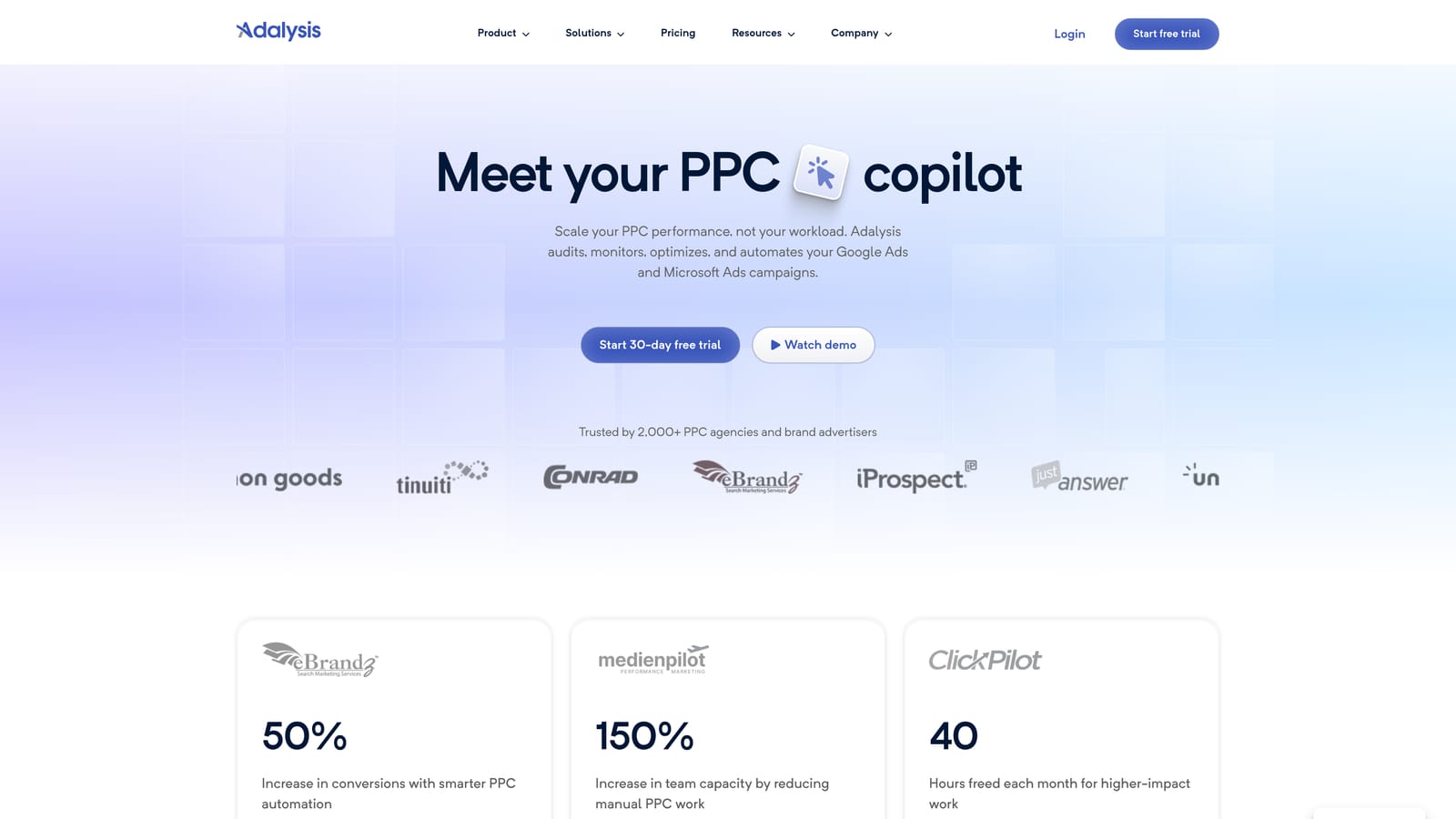
What it does well is the recurring review. It runs automated audits across accounts and flags issues, including ad testing results, so you don't have to dig through every ad group to find a loser. It works with Google Ads and Microsoft Advertising.
What you get
- Automated audits that scan accounts for problems and give you a prioritized list to work through.
- Ad testing alerts that tell you when a test has something worth acting on.
- Reporting to share findings with clients or teammates.
- Alerts so changes in performance don't wait for your next manual check.
Where it falls short
It tells you what to look at; it isn't built for fast one-click search term work. Platform pricing also makes it a poor match for a solo user hunting for a cheap extension. And an audit is only useful if someone has time to act on the findings, so agencies should decide who owns that review.
Pricing: See the vendor's website. We could not verify current figures as of October 2026. Check what drives the price, such as accounts or spend, before comparing it with per-seat tools.
Best for: Agencies running regular account audits.
5. Keywords Everywhere
Keywords Everywhere is a browser extension that overlays keyword data while you browse. It's a research tool, and it never touches your Google Ads account.
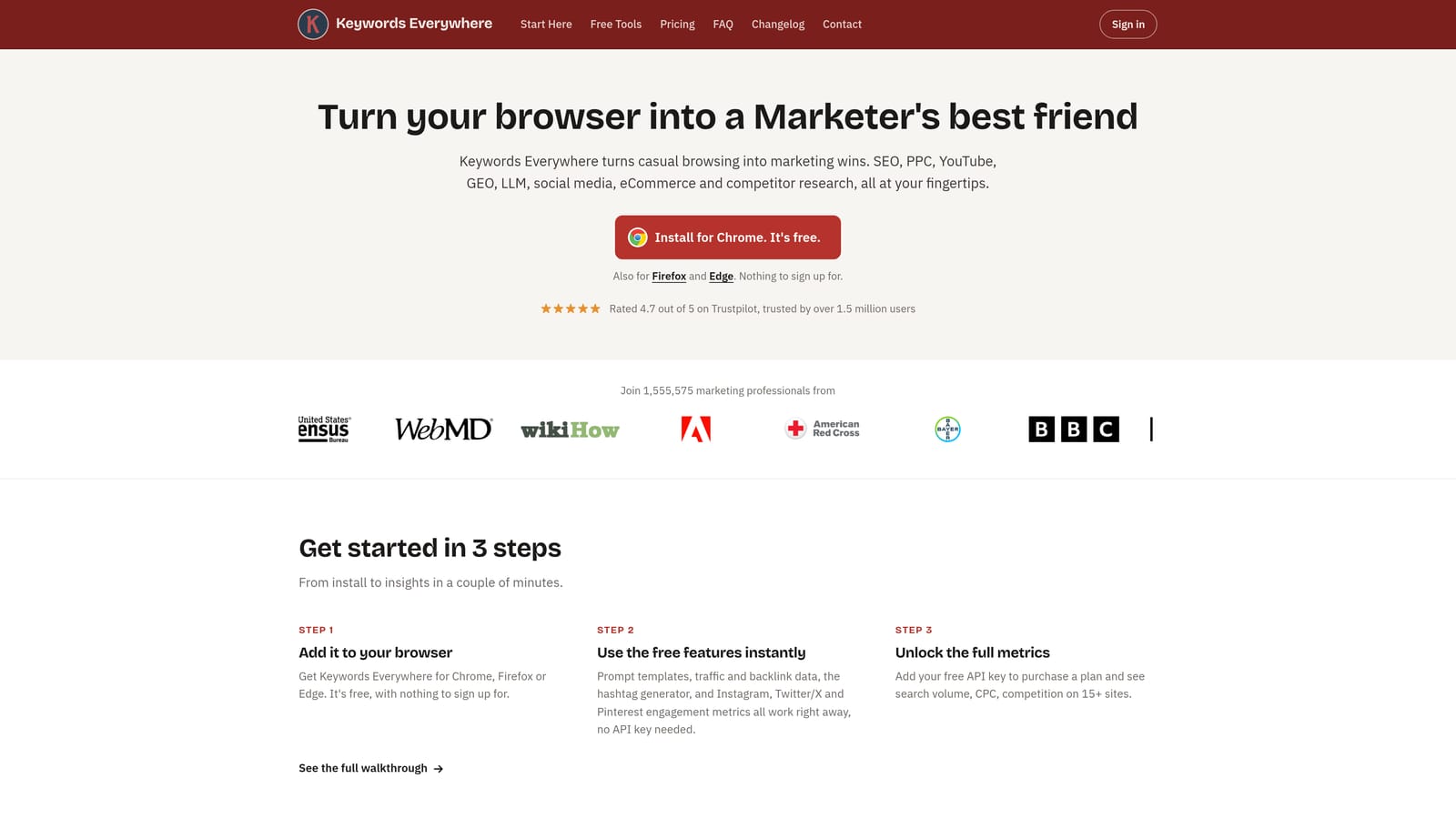
Its distinctive trait on this list is the overlay itself. Search a phrase on Google and you see volume and CPC figures, plus related keywords, right on the results page. That makes it quick for sizing up an idea before you build a campaign around it. Treat the numbers as estimates to guide research, not as a forecast of what your campaign will get.
- Search volume shown on the results page, so you can gauge demand without opening another tool.
- CPC data to give a rough sense of what clicks might cost.
- Related keywords to widen a seed list for a new campaign.
- Credit-based plans, so you pay for the lookups you use instead of a flat seat fee.
Credit-based billing is the thing to watch. Heavy researchers can burn through credits, while occasional users may barely touch them. The tool can't add keywords or negatives to your account, so you still carry your findings into Google Ads yourself. It also won't help with cleaning up search terms in running campaigns.
Pricing: Credit-based, as of October 2026; see the website for current plans, since we could not verify them. Estimate your monthly lookups first, because usage drives the cost more than the number of users.
Best for: Quick keyword research for new campaigns.
6. Google Tag Assistant
Google Tag Assistant is Google's free tool for debugging tags. Its current form is a web-based tool, and Google has also offered a companion browser extension. Check the Chrome Web Store listing for current status before you rely on it, as we could not confirm it.
This tool is about whether your tracking works, not your keywords. It lets you load a page and see whether your Google Ads conversion tag, Google Analytics 4, and Google Tag Manager tags fire as expected. That matters because smart bidding and any decision about which keywords are profitable rest on conversion data. Bad tracking quietly corrupts everything downstream.
- Tag debugging that shows what fired on a page and what didn't.
- Conversion tag verification, so you can confirm a form submit or purchase gets counted before you put budget behind it.
- GA4 checks to catch measurement gaps on the same pages.
It's diagnostic only. It won't tell you which search terms to add or block, and it doesn't edit your account. Whoever sets up tracking, often a developer or the account manager, uses it, and it's best run at launch and after any site change.
Pricing: Free as of October 2026, with no per-user fee for a team.
Best for: Checking conversion tracking before spending.
7. Wappalyzer
Wappalyzer is an extension that identifies the technologies a website uses. Its PPC value is indirect, and it does nothing to your ad accounts.
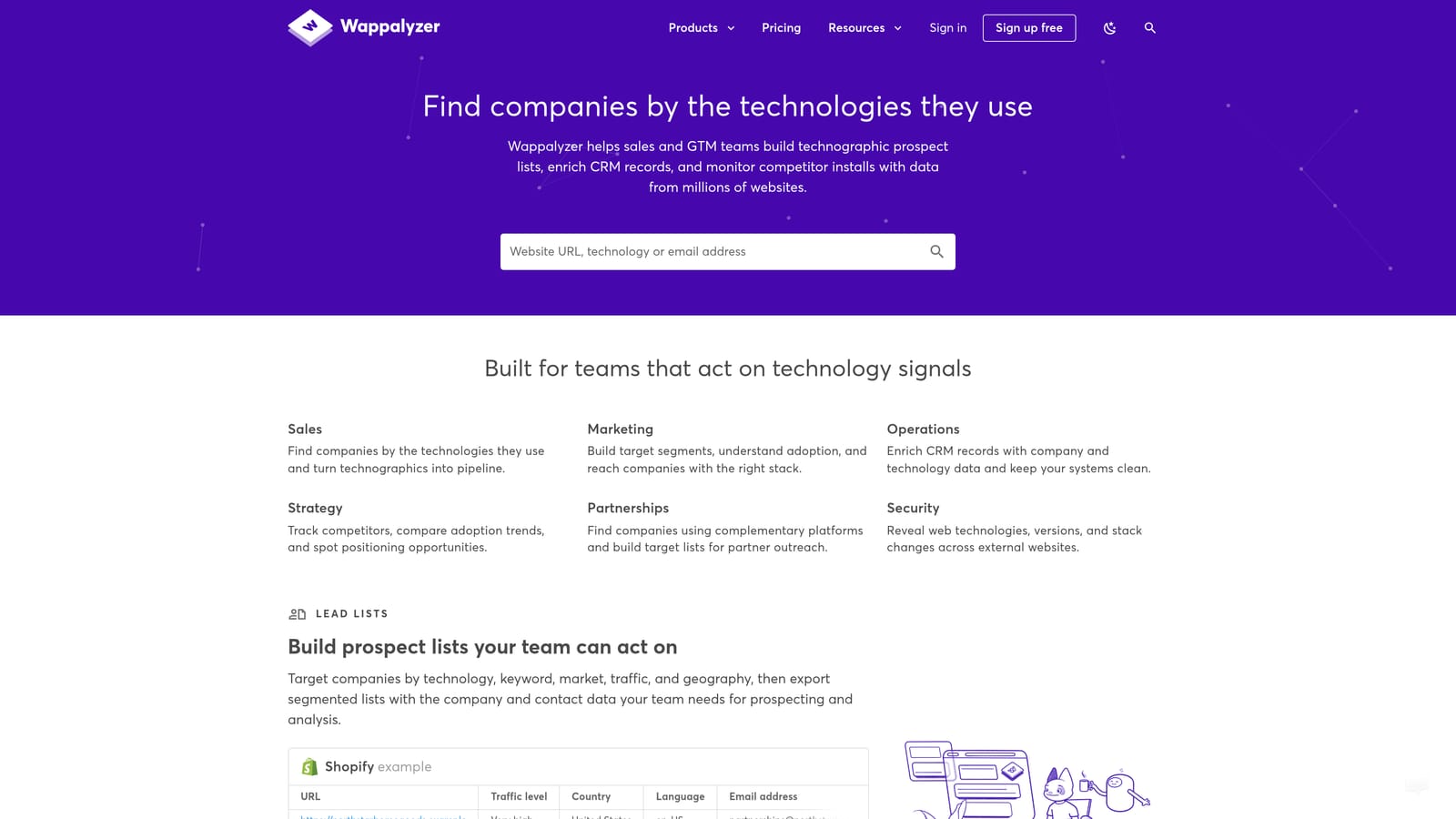
Open a competitor's landing page and it shows the tech stack: the CMS, the analytics and tag tools, the form and chat widgets, the e-commerce platform. For PPC, that tells you how competitors build their funnels, and it helps when you inherit a client's site and need to know what's on it before you debug tracking or recommend landing page changes.
- Tech stack detection that lists what a page runs on, in one click.
- Competitor research that shows which tools rivals use to capture and track leads.
- A free tier, so you can try it before deciding whether it earns a paid plan.
It tells you nothing about a competitor's keywords, bids, or ad performance, so don't expect it to drive account decisions. It's a research aid for the landing page side of the job. Anyone on the team can use it with almost no setup.
Pricing: A free tier exists; paid plans are on the vendor's website, and we could not verify current figures as of October 2026. Check what limits the free tier, such as lookups, before assuming it covers an agency's needs.
Best for: Competitor and landing page research.
Picking by Job and Budget
Match the tool to the job instead of comparing everything on price. For search term cleanup, Keywordme works inside the report you already use, and Google Ads Editor covers big structural edits for free. For audits and automation, Optmyzr and Adalysis are platforms, so budget for them as platforms. For keyword research, Keywords Everywhere is the lightweight option. For tracking checks, Tag Assistant costs nothing, and Wappalyzer covers competitor page research.
Cost at a glance, all as of October 2026:
- Keywordme: $12/month per user, so $12 for a freelancer and $60 for a 5-person team, with a 7-day free trial.
- Google Ads Editor: free.
- Google Tag Assistant: free.
- Wappalyzer: free tier; paid plans on the vendor site.
- Keywords Everywhere: credit-based; see the vendor site.
- Optmyzr and Adalysis: see each vendor's site.
Prices change, so confirm each one on the vendor's own site before you commit. A sensible starter stack for a freelancer is the free tools plus one paid tool for the task you repeat most. For most Google Ads users that's search term review, which is where Keywordme fits.
Optimize Google Ads Campaigns 10X Faster. Without Leaving Your Account. Keywordme lets you remove junk search terms, build high-intent keyword lists, and apply match types instantly, right inside Google Ads. No spreadsheets, no switching tabs, just quick, seamless optimization. Start your free 7-day trial (then just $12/month) and take your Google Ads game to the next level.
.svg)