
8 Best PPC Chrome Extensions for Google Ads Optimization in 2026: A Comparison
A practical guide to ppc chrome extension comparison.


You spend your day inside Google Ads and want fewer clicks, not another dashboard to babysit. This list is for marketers, freelancers, and agency owners who want to speed up search term review and keyword work. We compared each tool on what it does inside the Google Ads interface, how much manual work it removes, who it suits, what it costs, and where it falls short. Some entries are not true Chrome extensions, and we label those as baselines or platforms so you can compare like with like.
Quick Comparison of Each Tool
- Keywordme: freelancers and agencies who review search terms daily; $12/month per user; acts on search terms inside the native Google Ads interface without exports.
- Google Ads Editor: anyone doing large structural edits or account rebuilds; free; official offline bulk editing with draft review.
- Google Ads Scripts: technical advertisers who want custom automation; free; scheduled, code-driven automation.
- Google Tag Assistant: anyone verifying tracking before optimizing; free; checks conversion tags right in the browser.
- Optmyzr: agencies wanting an all-in-one platform; pricing on its website; broad account-wide optimization and reporting.
- Adalysis: teams focused on ad copy testing and audits; pricing on its website; ad test tracking with automated audits.
- Semrush browser extension: competitor and keyword researchers; pricing on its website; competitive data from a large keyword database.
- Keywords Everywhere: budget-minded keyword ideation; pricing on its website; low-cost keyword metrics overlaid on search results.
1. Keywordme
Keywordme is a Chrome extension that adds one-click actions to the Search Terms Report inside Google Ads. It is built for people who review search terms constantly: freelancers, in-house marketers, and agency teams. Quick vocabulary: a search term is what someone actually typed, while a keyword is what you bid on. Keywordme sits in the gap between them, so you can turn the former into the latter (or into a negative keyword) without leaving the page.
What sets it apart on this list is where it works. It acts on search terms in the native Google Ads UI with no exports, no spreadsheets, and no second dashboard. The company says it can make optimization up to 10x faster, which is Keywordme's own claim, so test it against your current routine during the trial.
- Add a search term as a keyword or as a negative keyword with one click, instead of copying it into a separate interface.
- Apply match types instantly, so you do not retype brackets and quotes by hand.
- Cluster keywords so related terms can be grouped and handled together.
- Bulk edit to work through long lists of terms quickly.
- Multi-account and team support, which helps agencies running many client accounts.
Setup is a Chrome extension install, and the person doing the daily search term review is usually the one who runs it. It integrates with Google Ads in the browser and nothing else.
The limits are clear. It focuses on search term and keyword workflows, so it is not a bidding, reporting, or audit platform. It only works in Chrome. You still make every decision yourself, which is the point, but it means the tool will not tell you what to cut.
Pricing is $12/month per user, with a 7-day free trial, as of October 2026. Cost scales with the number of users, so confirm current terms on the Keywordme site.
Best for: Freelancers and agencies who review search terms daily.
2. Google Ads Editor
Google Ads Editor is Google's free desktop application for managing campaigns in bulk. It is not a Chrome extension, so we include it as a baseline: it is what many advertisers already use before reaching for anything else. It suits anyone making large structural changes across campaigns or accounts.

Its edge is official, offline bulk editing with a draft review step. You download accounts, make changes at scale, check them, and only then post them to Google Ads. Nothing else here gives you that safety net for big edits.
- Bulk edit across campaigns and accounts, so a change to hundreds of items happens once.
- Draft changes before posting, so you can review everything before it goes live.
- Copy and paste between campaigns, which makes rebuilding or duplicating structures fast.
- Work offline, then sync when you are ready.
It connects to Google Ads only, and setup means installing the app and downloading your accounts. Whoever owns account structure typically runs it.
The trade-off is workflow. It is a separate desktop app, not an in-browser search term workflow, so reviewing search terms and adding negatives one by one is clunkier here than in an extension that works on the live report. It is also not the quickest way to handle small, daily tweaks.
It is free.
Best for: Large structural edits and account rebuilds.
3. Google Ads Scripts
Google Ads Scripts is Google's built-in JavaScript automation inside Google Ads. It is not an extension, and we list it as an adjacent option for advertisers who would rather write automation than click through it. It fits technical users, including agencies with a developer or script-savvy account manager.

Its distinctive strength is flexibility. You can build custom, scheduled automation to do almost anything the scripting interface supports, which no point-and-click extension can match.
- Scheduled automation runs routine checks or changes without you being there.
- Custom reports pull exactly the data you want, not what a standard report offers.
- Alerts flag problems such as spend anomalies as they happen.
- Account-level and MCC (manager account) scripts let one script cover many client accounts.
It works with Google Ads and Google Sheets. Setup effort is the real cost: someone has to write, test, and maintain the code, and a bug in a script that changes your account can cost money. Check Google's documentation for the current location of Scripts in the interface, since menus move.
It is a poor fit if you do not code or do not have time to test. It also does not give you the quick, visual, term-by-term judgment calls that search term review needs, since deciding whether a query is junk is a human call.
It is free.
Best for: Technical advertisers who want custom automation.
4. Google Tag Assistant
Google Tag Assistant is Google's tool for debugging Google tag and conversion tracking setups. It does not optimize anything. It makes the list because optimizing against broken conversion data wastes effort, and it belongs in the same browser-based workflow.
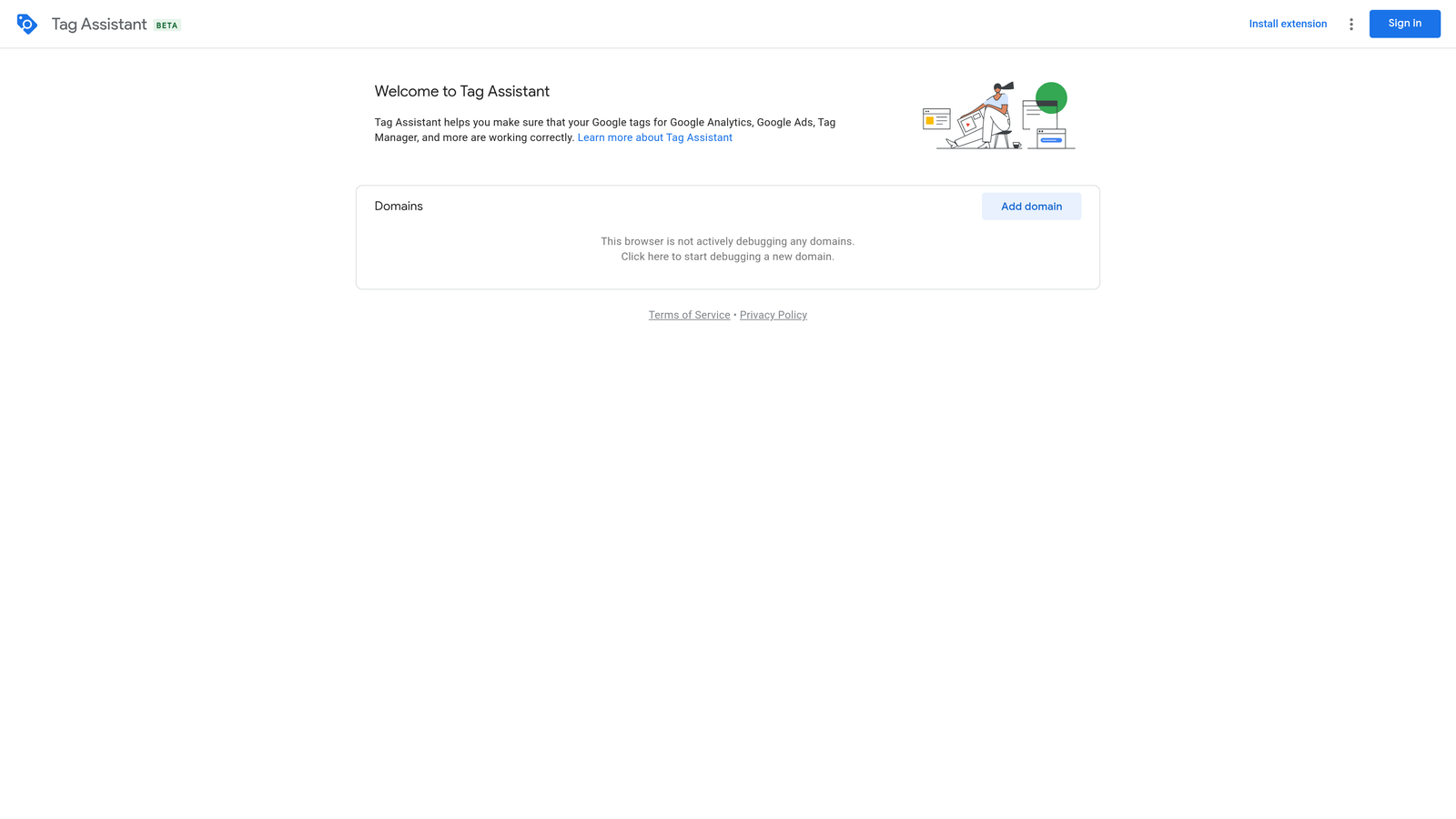
What it does better than anything else here is verify tracking in the browser. You can see whether a conversion tag fires when it should before you start judging keywords by their conversion numbers.
- Tag debugging shows which tags load on a page and whether they behave.
- Conversion tag verification confirms your Google Ads conversion actions are firing.
- Real-time diagnostics surface problems as you walk through the site.
It works with Google Tag Manager, Google Ads, and Google Analytics. Setup is light, and it is usually run by whoever owns tracking: a marketer, a developer, or an analyst.
The limit is simple: it is diagnostic only. It will not add a keyword, create a negative, or clean up a search terms report. If your tracking is sound, you will use it occasionally rather than daily.
It is free.
Best for: Checking tracking before optimizing.
5. Optmyzr
Optmyzr is a PPC management platform with audits, rule-based optimization, and reporting. It is a full platform rather than a lightweight extension. Its listing here is based on the platform itself; check the vendor for the current state of any browser extension component before you count on one.

The standout is breadth. Where Keywordme handles one job in the interface, Optmyzr covers account-wide optimization and reporting in one suite, which suits teams that want a single system across many accounts.
- Account audits point out issues across an account without manual digging.
- Rule-based optimization applies the logic you define at scale.
- Reporting helps you produce client-ready numbers.
- Optimization suggestions give you a starting list of things to review.
It connects to Google Ads and Microsoft Advertising. Expect more setup than an extension: connecting accounts, configuring rules, and learning the platform. An account manager or team lead usually owns it.
It is pricier and heavier than a single-purpose extension, so it is overkill if all you need is faster search term review. Treat any suggestions as input for your own judgment, not a replacement for it.
Pricing is listed on the Optmyzr website; confirm current plans there, as cost typically depends on the size of the accounts you manage.
Best for: Agencies wanting an all-in-one platform.
6. Adalysis
Adalysis is a PPC auditing and ad testing platform with automated checks and alerts. It is a subscription platform, not an in-interface extension, and it is aimed at teams that care about ad copy performance and account hygiene.
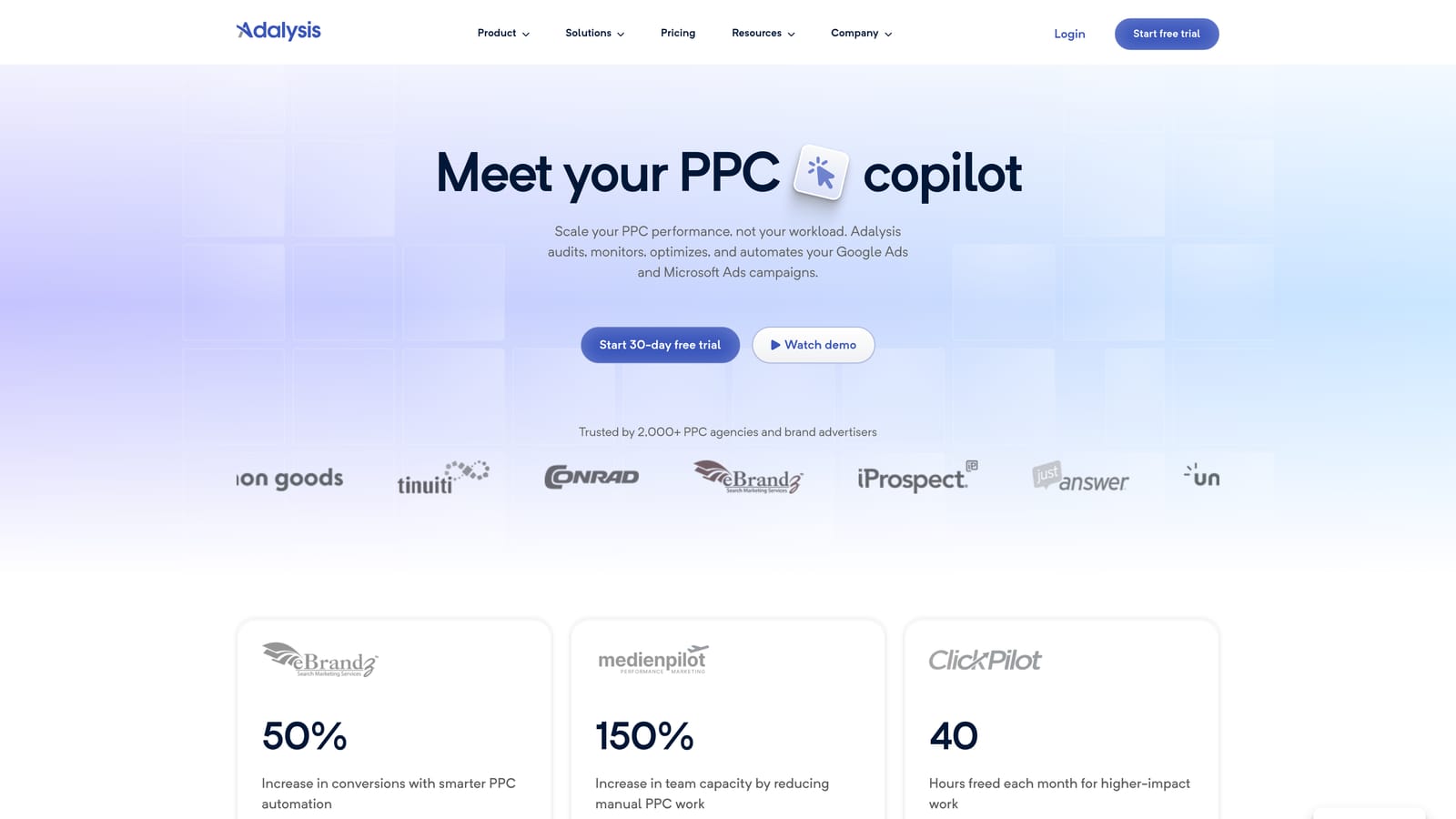
Its distinguishing strength is ad test tracking paired with automated audits. If you run many responsive search ads and need to know what is actually winning, this is its home turf, which is a different problem from search term cleanup.
- Ad testing tracks which copy variations perform, so you are not eyeballing results.
- Automated audits catch common account problems on a schedule.
- Alerts tell you when something changes or breaks.
- Multi-account views let agencies scan many clients in one place.
It integrates with Google Ads and Microsoft Advertising. Setup means connecting accounts and tuning what you want monitored, and it is typically run by a PPC lead or account manager.
It is not a lightweight tool. If you want one-click edits on the live Search Terms Report, a platform with its own dashboard will feel like a step away from the work. It also pays off most when you have enough ad volume to test.
Pricing is on the Adalysis website; check there for current plans and what scales the cost, such as account size or spend.
Best for: Teams focused on ad copy testing and audits.
7. Semrush Browser Extension
The Semrush browser extension brings keyword and competitor data into your browser. It is research-focused, which makes it a different category from the tools above. Check Semrush's site for what the extension currently offers, as features change.
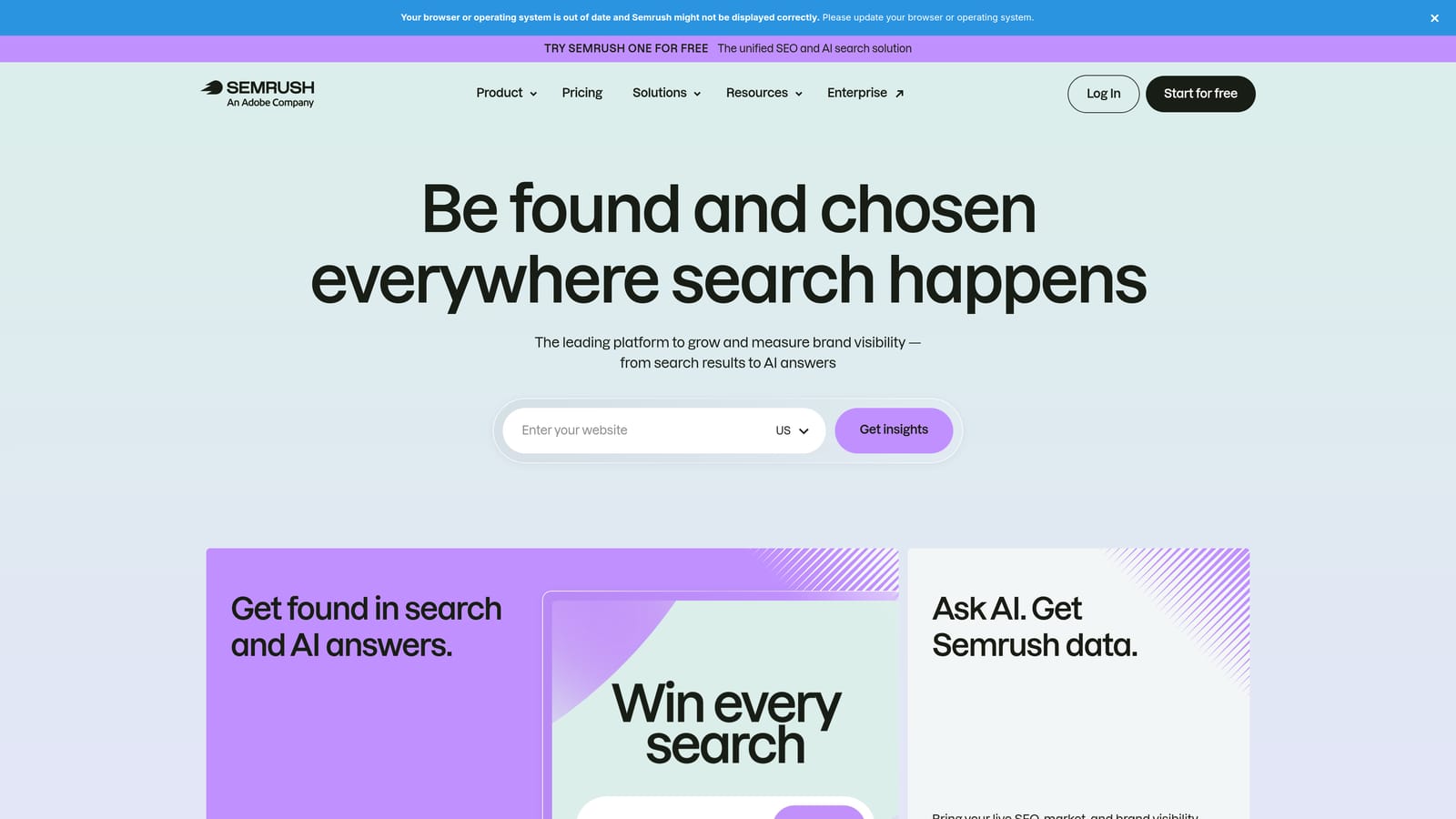
The advantage is the data behind it. You get competitive research drawn from a large keyword database, useful for finding terms you might add and seeing what rivals are doing.
- Keyword data in the browser saves a trip to a separate research tool.
- Competitor insights give context on who you are bidding against.
- Keyword ideas feed new positive keyword lists.
It ties into your Semrush account, so there is a subscription to manage. Setup is quick, and it is usually used by whoever does research and planning.
The key limit: it does not edit your Google Ads account. A common misconception is that keyword research extensions help clean up your search terms report. They do not. They tell you what you might target, not what real users typed into your campaigns, and they cannot add a negative keyword.
Pricing is on the Semrush website; plans are tiered, so confirm what the extension requires.
Best for: Competitor and keyword research.
8. Keywords Everywhere
Keywords Everywhere is a browser extension that shows search volume, CPC, and related keywords directly on search pages. It is the simplest and most budget-oriented research tool here.
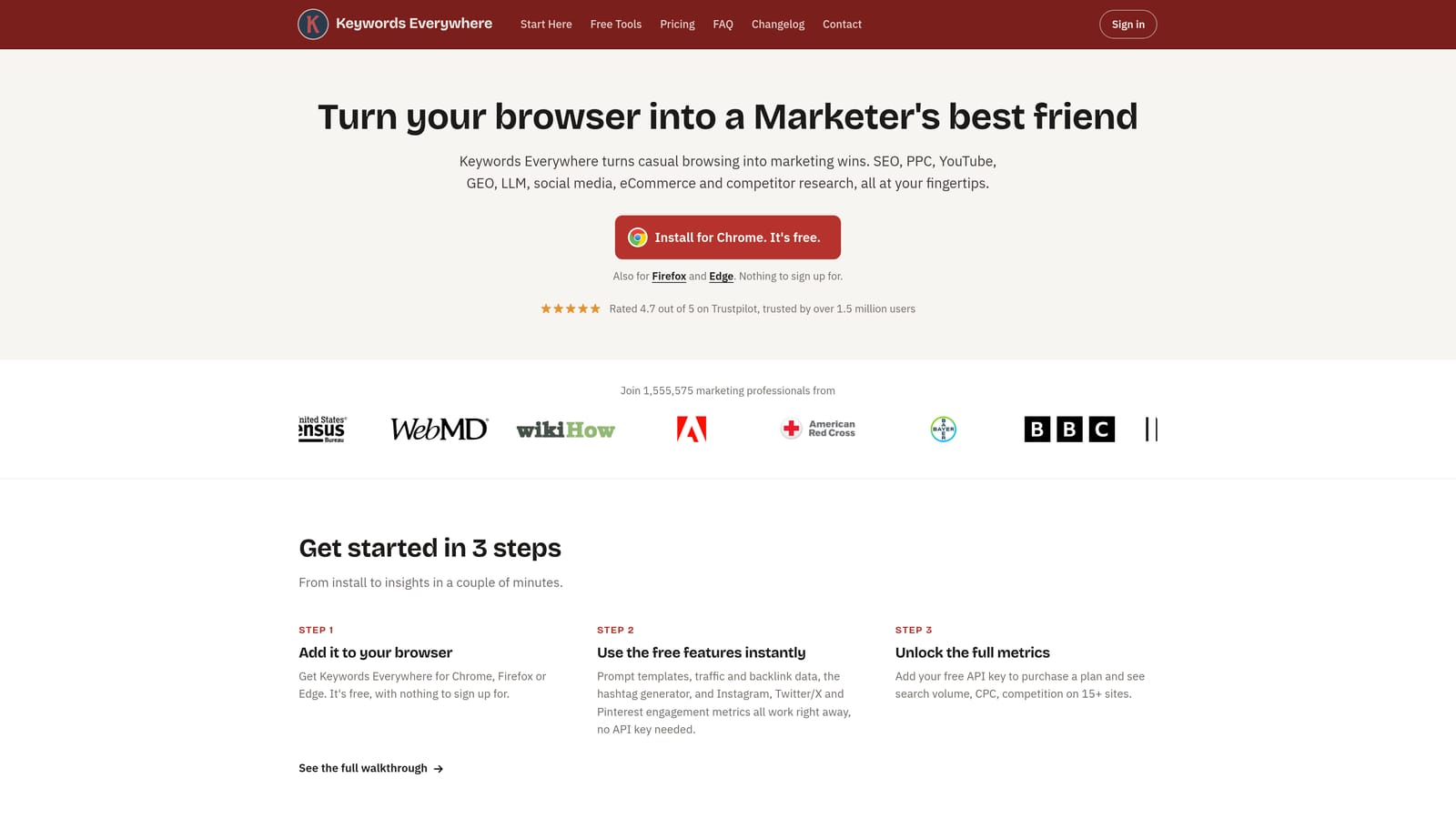
What it does well is overlay quick keyword metrics on results pages you are already looking at, which makes early-stage list building fast and cheap.
- Search volume shows rough demand for a phrase at a glance.
- CPC data gives a ballpark of what clicks might cost.
- Related keywords suggest variations to consider.
- Browser overlays put all of it on the page, so there is no extra tab.
It works with Google Search and YouTube. Setup is just an install, and anyone doing keyword ideation can use it.
Keep its limits in mind. The numbers are third-party estimates, not your own account data, and it takes no account actions. It will not touch your search terms report or add a single negative.
Pricing is on the Keywords Everywhere website; confirm the current model there.
Best for: Quick keyword list ideas on a budget.
Which Tool Fits Which Job
For daily search term review, Keywordme is the one built for it: you stay in the Google Ads interface and turn terms into keywords or negatives with a click. It will not audit your account or manage bids, so pair it with something else if you need that.
If you run a larger agency and want audits, rules, and reporting in one place, look at Optmyzr, or at Adalysis when ad testing is the priority. For big structural rebuilds, Google Ads Editor is the free, safe choice, and Scripts suits teams with someone who can code. Use Tag Assistant to confirm tracking works first, and Semrush or Keywords Everywhere when the job is finding new keywords rather than cleaning up the ones you have.
Features and prices change, so confirm details on each vendor's site before you commit. Prices here reflect what we know as of October 2026.
Ready to cut the busywork? Optimize Google Ads Campaigns 10X Faster. Without Leaving Your Account. Keywordme lets you remove junk search terms, build high-intent keyword lists, and apply match types instantly, right inside Google Ads. No spreadsheets, no switching tabs, just quick, seamless optimization. Start your free 7-day trial (then just $12/month) and take your Google Ads game to the next level.
.svg)