
9 Best PPC Campaign Scaling Tools
This guide reviews the 9 best PPC campaign scaling tools in 2026, evaluated on feature depth, workflow fit, and genuine scaling support—not just basic management. Whether you're a solo freelancer or a large agency, these tools help you cut wasted spend, accelerate keyword optimization, and grow accounts efficiently across multiple platforms.


Scaling a PPC campaign isn't just about raising your budget and hoping for the best. You need to know which search terms are burning through your spend, which keywords deserve more investment, and how to move fast—especially when you're juggling multiple accounts. The right tools let you do all of that without drowning in spreadsheets or bouncing between a dozen dashboards.
This list covers the best PPC campaign scaling tools in 2026, selected for their ability to speed up optimization, cut wasted spend, and support real growth. Whether you're a solo freelancer managing a handful of accounts or an agency running 50 clients, there's something here for every workflow. Tools are evaluated on feature depth, workflow fit, pricing transparency, and how well they actually support scaling—not just basic campaign management.
1. Keywordme
Best for: In-interface search term management and keyword optimization inside Google Ads
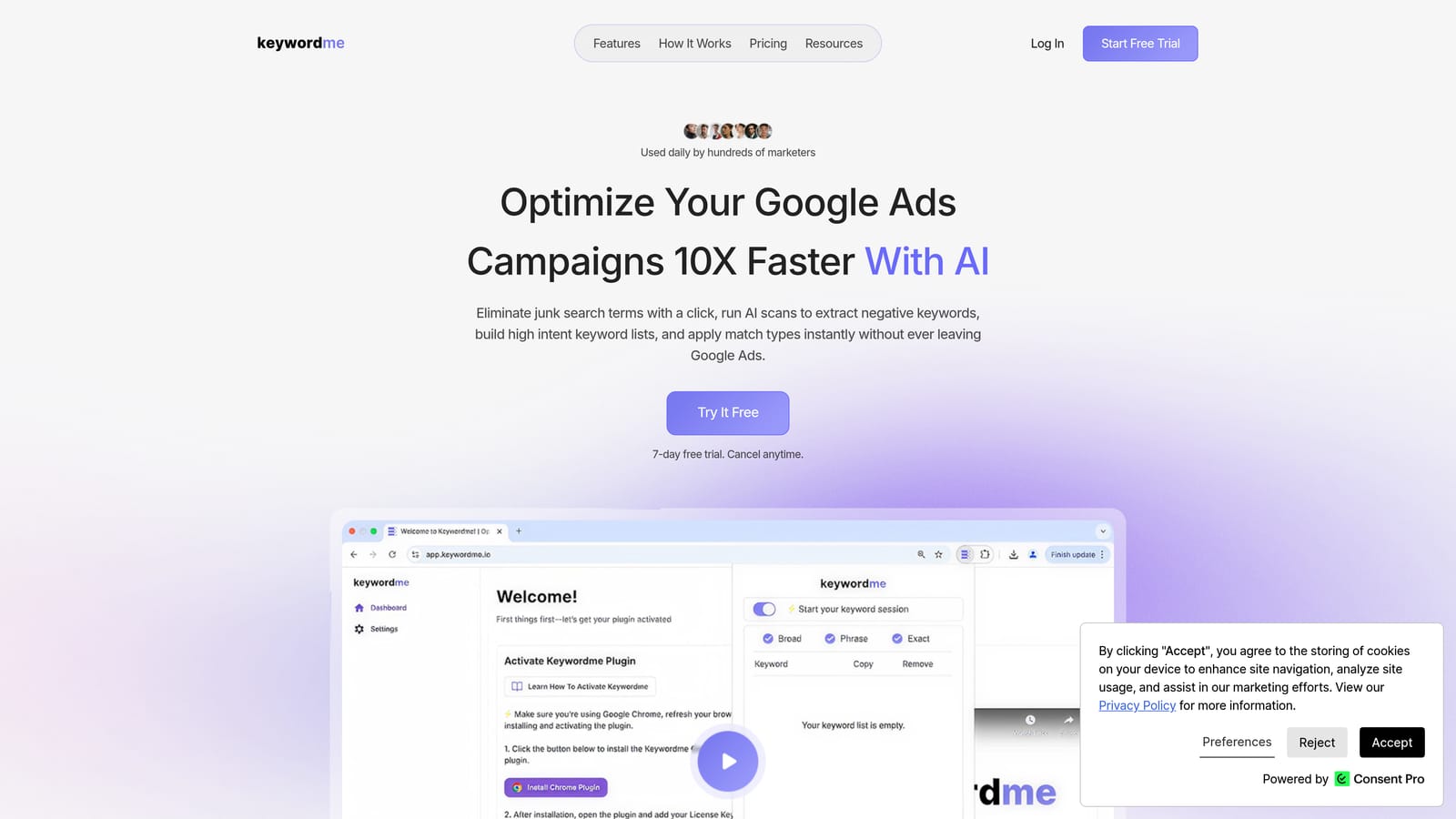
Keywordme is a Chrome extension that lets you manage search terms, add negative keywords, apply match types, and build keyword lists directly inside Google Ads—no spreadsheets or external dashboards required.
Where This Tool Shines
Most PPC tools pull you out of Google Ads and into a separate platform, which adds friction to an already time-consuming process. Keywordme works inside the Search Terms Report itself, so you're acting on data exactly where you see it. One-click actions replace what used to take multiple steps across tabs and spreadsheets.
For agencies managing multiple accounts, the multi-account and team support features make it practical to standardize search term triage across the whole team. The keyword clustering feature is particularly useful when you're scaling into new keyword territory and need to keep ad group structure tight as volume grows.
Key Features
One-click search term removal: Remove irrelevant search terms and add negative keywords instantly, without leaving the native Google Ads interface.
Instant match type application: Apply broad, phrase, or exact match types to search terms in a single click, directly within the Search Terms Report.
Keyword clustering: Group related search terms to build tighter ad groups and maintain a logical campaign structure as you scale.
Bulk editing: Act on multiple search terms simultaneously rather than processing them one at a time.
Multi-account and team support: Manage search term workflows across multiple client accounts with shared team access.
Best For
Keywordme is well suited for Google Ads practitioners who spend meaningful time in the Search Terms Report each week. That includes freelancers managing several accounts, agency account managers handling daily optimization tasks, and in-house performance marketers who want faster keyword list-building without switching tools.
Pricing
$12/month per user, with a 7-day free trial available. Pricing is flat-rate, so there are no tiered feature restrictions based on spend or account count.
2. Google Ads Editor
Best for: Bulk campaign changes and offline structural edits across large accounts
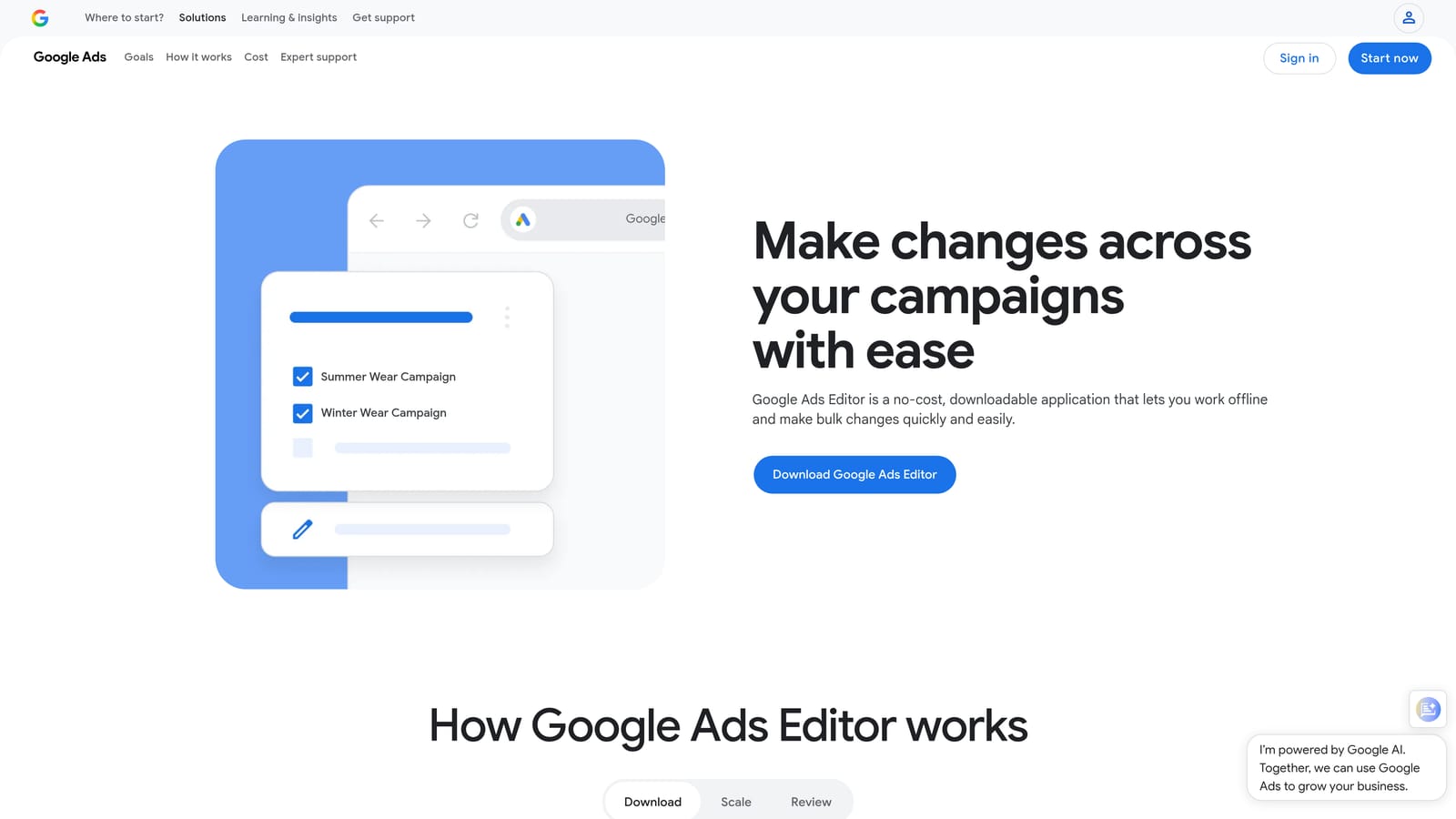
Google Ads Editor is Google's free desktop application for making bulk changes to campaigns offline, then uploading them in a single batch.
Where This Tool Shines
When you need to restructure campaigns at scale—copying ad groups, updating thousands of bids, or pushing new ad copy across dozens of campaigns—Google Ads Editor handles it without the lag of working in the browser-based interface. The offline editing capability is genuinely useful when you're preparing a large batch of changes and want to review everything before it goes live.
Find-and-replace functionality makes bulk text edits fast, whether you're updating URLs, swapping out seasonal messaging, or correcting a brand name across hundreds of ads. It's a foundational tool for any advertiser managing accounts at volume.
Key Features
Bulk editing: Edit keywords, bids, ad copy, and campaign settings across large accounts in a single session.
Campaign duplication: Copy and paste campaigns or ad groups to replicate proven structures quickly.
Offline editing: Make changes without an internet connection and upload when you're ready.
Multi-account management: Switch between multiple accounts from a single interface.
Find-and-replace: Update text across many ads or keywords at once without manual editing.
Best For
Google Ads Editor is essential for anyone making structural changes at scale. It's especially useful for agencies onboarding new clients, advertisers launching large campaigns with complex structures, and anyone who needs to push the same change across many campaigns simultaneously.
Pricing
Free. Available directly from Google with no account spend requirements.
3. Optmyzr
Best for: Rule-based automation and one-click optimization across Google Ads, Microsoft Ads, and Amazon Ads
Optmyzr is a PPC management platform with automation rules, optimization suggestions, shopping campaign tools, and custom reporting built for agencies and performance marketers.

Where This Tool Shines
Optmyzr's rule-based automation engine is where it earns its place in a scaling workflow. You can set conditions—based on CPA, ROAS, impression share, or other metrics—and have the platform automatically adjust bids, pause keywords, or flag budget pacing issues. This reduces the manual monitoring burden when you're scaling spend across multiple accounts.
The one-click optimization suggestions surface account-level recommendations based on performance data, so you're not starting from a blank slate during each optimization session. Shopping campaign support and feed-level tools make it relevant for e-commerce advertisers as well.
Key Features
Rule-based automation: Set custom conditions to trigger bid adjustments, budget changes, or keyword management actions automatically.
One-click optimizations: Review and apply account-level recommendations generated from performance data.
Shopping campaign tools: Manage and optimize product listing campaigns and feed-level settings.
Custom reporting: Build client-facing dashboards and automated reports for agency workflows.
Multi-platform support: Works across Google Ads, Microsoft Ads, and Amazon Ads from a single interface.
Best For
Optmyzr suits agencies and advanced in-house teams that want to automate repetitive optimization tasks without writing custom scripts. It's particularly strong for accounts where bid management and budget pacing need consistent attention across many campaigns.
Pricing
Paid plans with tiered pricing; visit optmyzr.com for current rates, as pricing is subject to change.
4. Google Keyword Planner
Best for: Keyword expansion research and bid range forecasting before scaling into new terms
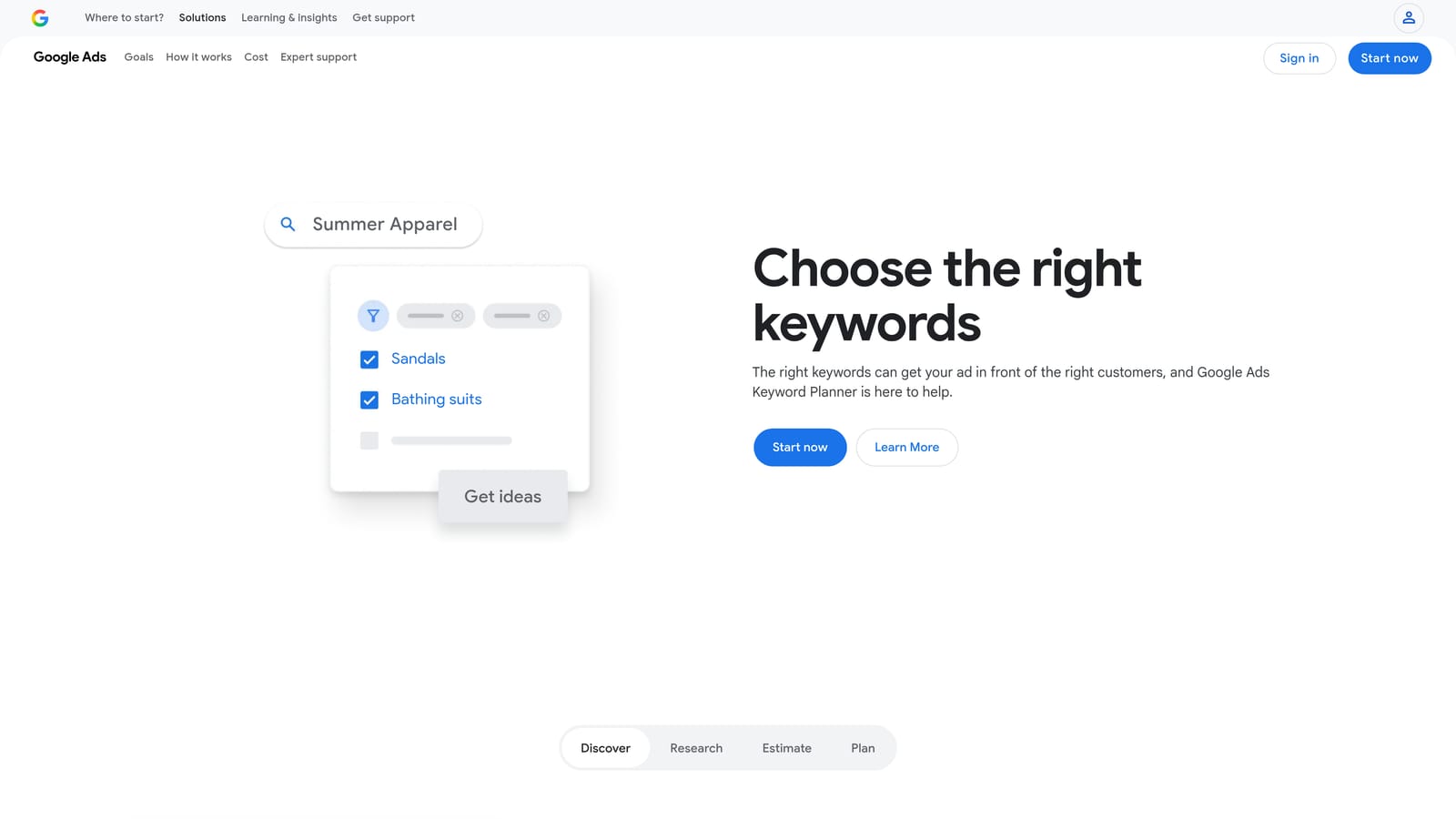
Google Keyword Planner is Google's free keyword research tool, built directly into Google Ads, for discovering new keywords and estimating search volume and bid ranges.
Where This Tool Shines
When you're scaling a campaign into new keyword territory, you need a reliable way to estimate demand before committing budget. Keyword Planner provides search volume ranges and seasonal trend data directly from Google's own index, which makes it a credible starting point for expansion research. The bid estimate ranges help you model costs before adding new terms to your account.
Because it's integrated directly into Google Ads, there's no separate login or data export needed. You can move from research to implementation in the same session, which keeps the workflow efficient.
Key Features
Search volume ranges: See estimated monthly search volumes and seasonal patterns for any keyword.
Bid estimates: Get low and high bid range estimates to forecast costs before adding keywords.
Keyword ideas: Generate keyword suggestions from seed terms or a website URL.
Competition indicators: View low, medium, or high competition labels to prioritize keyword opportunities.
Native integration: Access it directly inside Google Ads without a separate tool or login.
Best For
Keyword Planner is most useful during the expansion phase of scaling, when you're identifying new keyword groups to test. It's a strong first step for any advertiser, though more advanced competitive research typically requires a third-party tool like SEMrush.
Pricing
Free. Requires a Google Ads account to access.
5. SEMrush (Advertising Toolkit)
Best for: Competitive intelligence and identifying keyword gaps in your PPC strategy
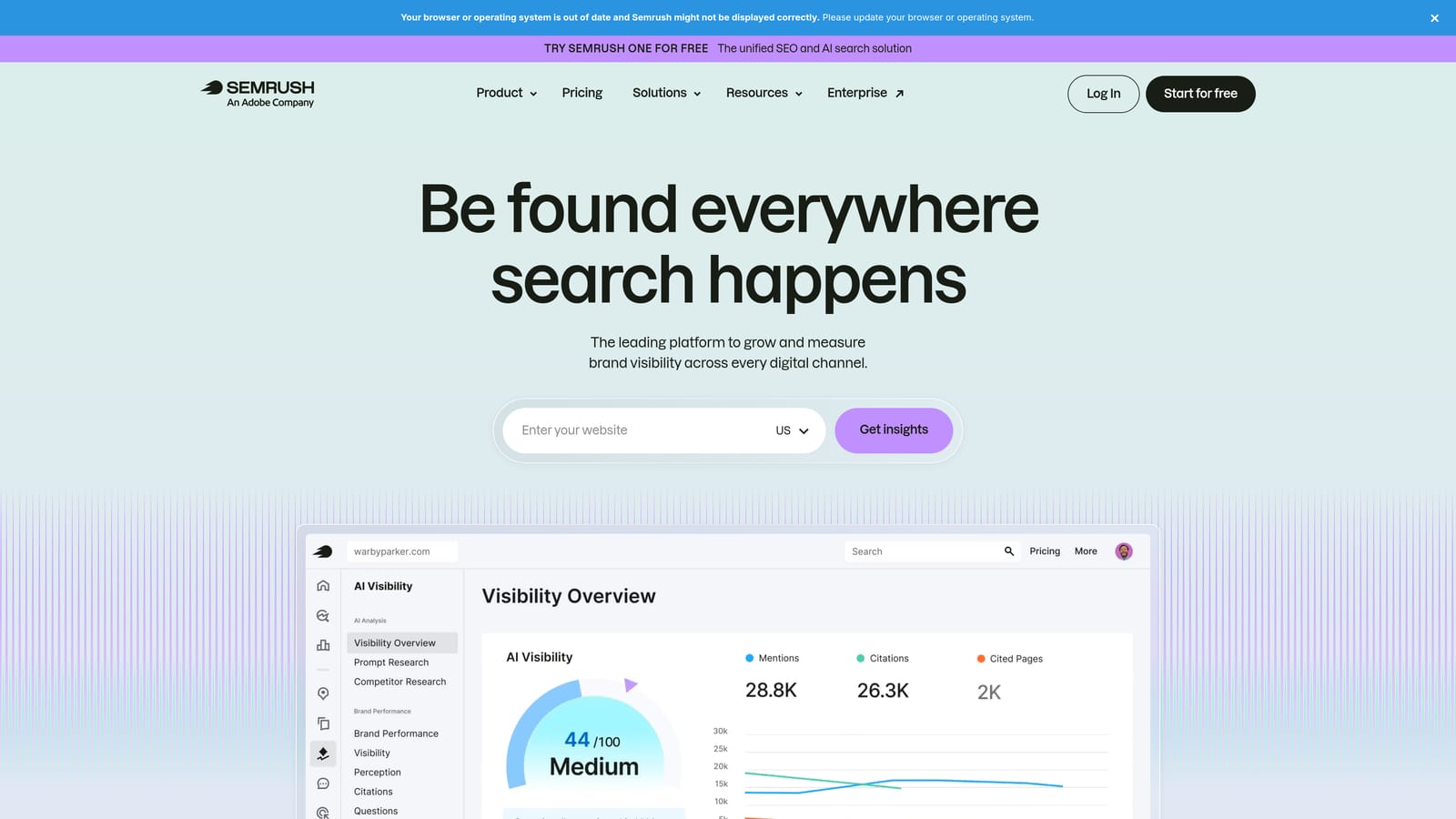
SEMrush is a competitive intelligence and keyword research platform with a dedicated advertising toolkit for uncovering what competitors bid on and where scaling opportunities exist.
Where This Tool Shines
SEMrush's Advertising Research tool shows you which keywords competitors are actively bidding on, along with estimated traffic and spend data. This kind of competitive visibility is hard to replicate with free tools alone, and it's particularly valuable when you're trying to identify scaling opportunities you haven't considered yet.
The Keyword Gap analysis is a practical feature for scaling: it surfaces terms your competitors are bidding on that you're not, giving you a prioritized list of potential expansion targets. Ad copy history lets you see which creatives competitors have run over time, which informs both keyword strategy and messaging decisions.
Key Features
Advertising Research: See competitor keywords, estimated ad spend, and traffic data for any domain.
Keyword Gap analysis: Identify terms competitors bid on that are absent from your own campaigns.
PLA research: Analyze competitor Product Listing Ads for Shopping campaign intelligence.
Ad copy history: Review competitor ad creatives over time to inform your own messaging strategy.
Keyword clustering: Group keywords by theme to plan tighter campaign and ad group structures.
Best For
SEMrush's advertising toolkit is most valuable for advertisers who want to scale by finding what's already working in their competitive landscape. It's a strong fit for agencies conducting competitive audits and for in-house teams entering new markets or product categories.
Pricing
Paid plans at varying price points; visit semrush.com for current pricing, as plans and rates change regularly.
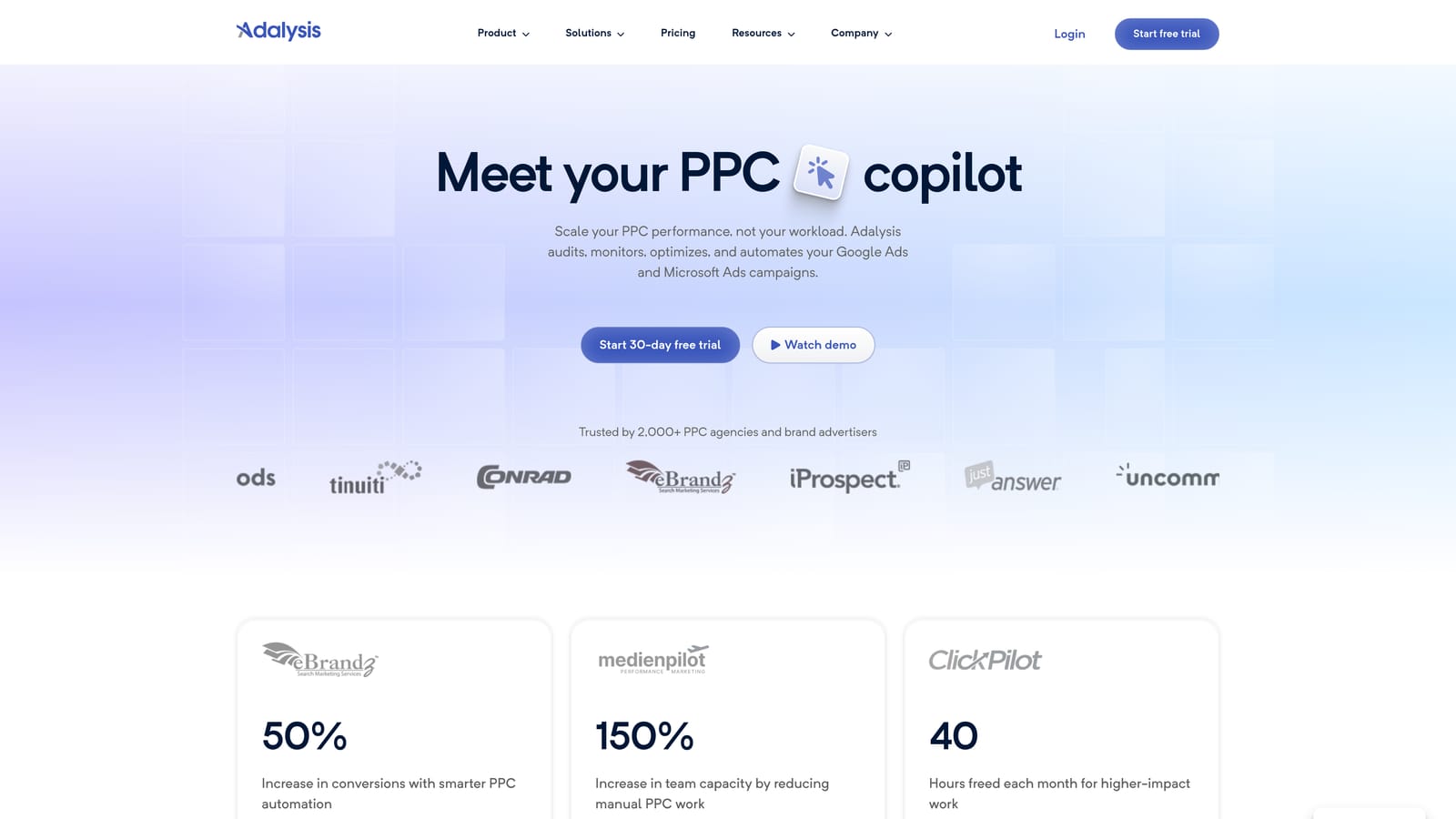
6. Adalysis
Best for: Ad copy testing, Quality Score monitoring, and account health management
Adalysis is a PPC testing and account health platform focused on ad copy testing, Quality Score tracking, and automated alerts for Google Ads and Microsoft Ads.
Where This Tool Shines
Scaling spend without maintaining ad quality is a common way to watch performance deteriorate. Adalysis addresses this by automating the testing workflow: it tracks statistical significance across ad variations so you're not making decisions based on insufficient data. Quality Score monitoring at the keyword level helps you spot where landing page relevance or expected CTR is dragging down performance before it affects your scaling efforts.
The account health alerts are a practical safety net when you're managing accounts at volume. Disapproved ads, low impression share, and other issues get flagged automatically, so problems don't go unnoticed between manual review sessions.
Key Features
Automated ad testing: Run structured ad copy experiments with statistical significance tracking built in.
Quality Score monitoring: Track Quality Score history at the keyword level to identify and fix performance drags.
Account health alerts: Receive automated notifications for disapproved ads, low impression share, and other issues.
Bulk ad creation: Build and manage ads at scale without editing each one individually.
Multi-platform support: Works with both Google Ads and Microsoft Ads accounts.
Best For
Adalysis is a good fit for advertisers who are actively testing ad copy and want a structured framework rather than manual tracking. It's particularly useful for agencies that need to maintain account health across many clients simultaneously.
Pricing
Paid plans available; visit adalysis.com for current pricing details.
7. DataFeedWatch
Best for: E-commerce advertisers scaling Google Shopping and Performance Max campaigns
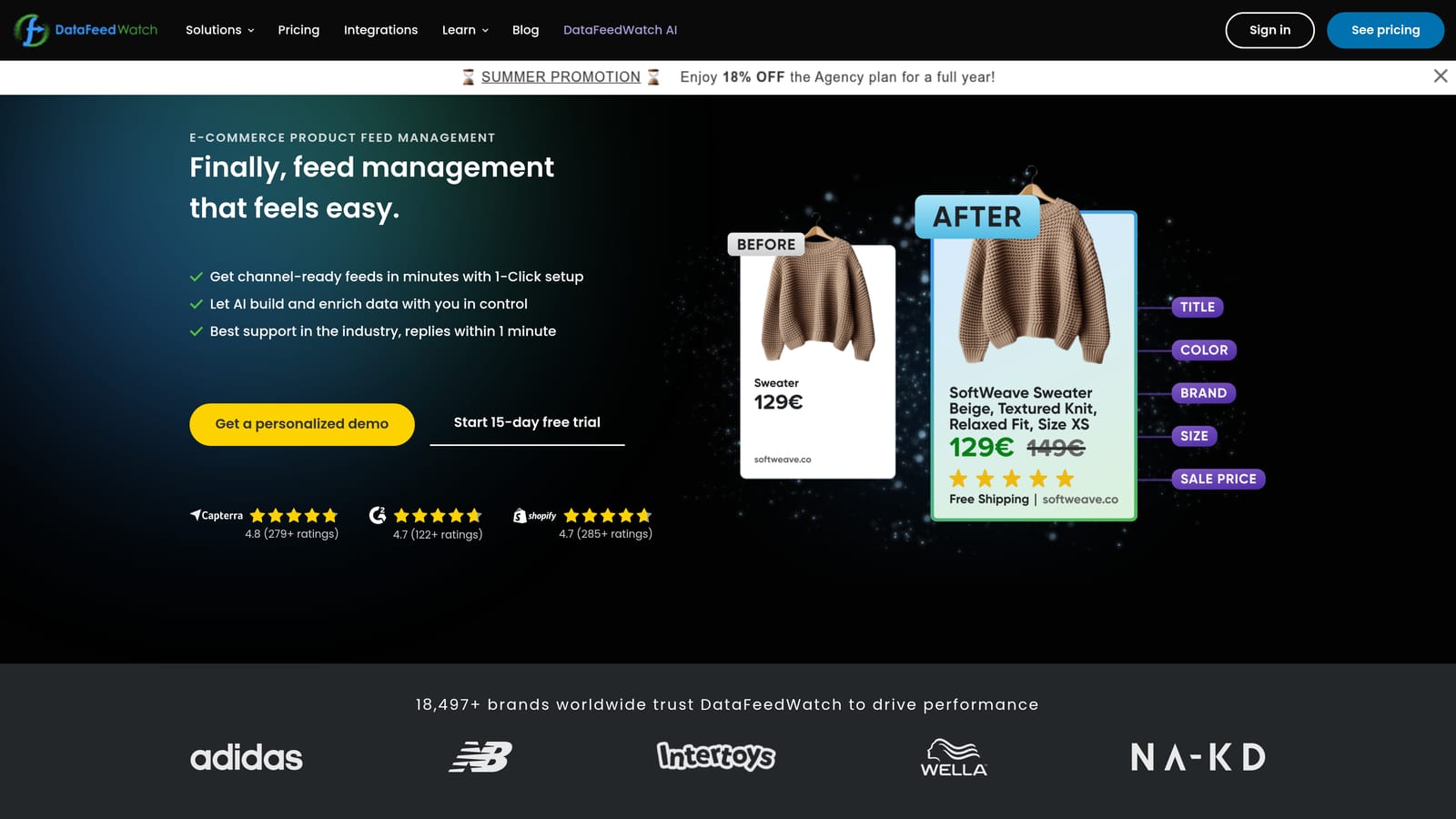
DataFeedWatch is a product feed management and optimization tool designed for e-commerce advertisers scaling product-based campaigns across Google Shopping, Performance Max, and other channels.
Where This Tool Shines
For e-commerce advertisers, the quality of your product feed directly affects which searches trigger your ads and how competitive your listings are. DataFeedWatch lets you optimize product titles, descriptions, and custom labels using a rules engine that doesn't require developer involvement. This means marketing teams can improve feed quality on their own timeline without waiting on technical resources.
Feed health diagnostics catch disapproved products before they silently drop out of your campaigns—a common issue that's easy to miss when you're scaling across hundreds or thousands of SKUs. Performance Max feed support keeps it relevant as Google continues shifting advertisers toward that campaign type.
Key Features
Feed optimization: Improve product titles, descriptions, and attributes using a visual rules engine.
Rules engine: Transform and enrich product data without writing code or involving developers.
Multi-channel support: Manage feeds for Google Shopping, Meta, Amazon, and other platforms from one place.
Feed health diagnostics: Identify and fix disapproved products before they affect campaign delivery.
Performance Max support: Optimize feed attributes specifically for Performance Max campaign requirements.
Best For
DataFeedWatch is built for e-commerce advertisers and agencies managing product-based campaigns. It's most valuable when you're scaling across a large product catalog where manual feed management isn't realistic.
Pricing
Paid plans based on number of products; visit datafeedwatch.com for current pricing tiers.
8. Supermetrics
Best for: Automated cross-account reporting and pulling Google Ads data into Google Sheets or Looker Studio
Supermetrics is a data connector that pulls Google Ads performance data into Google Sheets, Looker Studio, BigQuery, and other reporting destinations on a scheduled basis.
Where This Tool Shines
Reporting at scale is one of the most time-consuming parts of agency work. Supermetrics automates the data pull so you're not manually exporting CSVs from each account every week. Scheduled refreshes mean your dashboards stay current without manual intervention, and cross-account reporting lets you aggregate performance data from multiple clients into a single view.
The BigQuery connector is particularly useful for teams that want to do more advanced analysis—segmenting performance by custom dimensions, building attribution models, or combining Google Ads data with CRM or revenue data. For agencies that have outgrown manual reporting, it's a practical infrastructure piece.
Key Features
Automated data pulls: Schedule regular data refreshes from Google Ads into Sheets, Looker Studio, or BigQuery.
Cross-channel reporting: Combine Google Ads data with Meta, Microsoft Ads, and other sources in one report.
Custom metrics: Define calculated metrics and custom dimensions for tailored performance views.
BigQuery connector: Send data to a warehouse for advanced analysis and long-term storage.
Wide connector library: Access data from Google Ads, Meta, Microsoft Ads, and many other platforms.
Best For
Supermetrics is well suited for agencies that need to automate client reporting across multiple accounts and channels. In-house teams that want to build custom performance dashboards without manual data exports will also find it useful.
Pricing
Paid plans priced by connector; visit supermetrics.com for current pricing, as plans vary depending on the data sources you need.
9. Google Ads Scripts
Best for: Custom automation, alerts, and scheduled reporting without paying for a third-party platform
Google Ads Scripts is Google's free JavaScript-based automation layer built directly into Google Ads, allowing custom bid rules, performance alerts, and reporting automation.
Where This Tool Shines
Scripts give you automation capabilities that go beyond what Google's native rules allow, without the cost of a paid platform. You can set up automated alerts for CPA spikes, budget exhaustion, or impression share drops, and have results sent directly to your inbox or logged in a Google Sheet. For teams with some technical capability, this is a powerful and cost-effective way to add automation to a scaling workflow.
The community library of pre-built scripts lowers the barrier considerably. Many common use cases—budget monitoring, bid adjustments based on weather or day-of-week, keyword performance reports—already have free scripts available that you can deploy with minimal modification. MCC-level scripts let you run the same automation across all client accounts simultaneously.
Key Features
Custom automation: Write rules for bid adjustments, keyword pausing, and budget management beyond native Google Ads capabilities.
Performance alerts: Send automated email notifications when CPA, ROAS, or spend crosses defined thresholds.
Scheduled reporting: Pull performance data into Google Sheets automatically on a set schedule.
Community scripts: Access a large library of free, pre-built scripts for common PPC automation tasks.
MCC-level execution: Run scripts across multiple accounts simultaneously from a manager account.
Best For
Google Ads Scripts are best for technically comfortable advertisers and agencies who want custom automation without paying for a third-party platform. They're also useful as a complement to paid tools, handling specific tasks that those platforms don't cover natively.
Pricing
Free. Requires basic JavaScript knowledge, though many pre-built community scripts require little to no modification.
Which Tool Is Right for Your Scaling Workflow
No single tool handles everything a scaling PPC workflow demands, and the best setups usually combine two or three tools with complementary strengths rather than relying on one platform to do it all.
Here's a quick use-case guide to help you prioritize:
For in-interface keyword and search term optimization: Start with Keywordme. It removes the friction from daily search term triage and speeds up the kind of keyword work that happens in every optimization session.
For bulk structural changes: Google Ads Editor is the right tool. It's free, reliable, and purpose-built for the kind of large-scale edits that come with scaling campaigns.
For competitive research and keyword expansion: SEMrush's advertising toolkit gives you visibility into what competitors are bidding on and where gaps exist in your own keyword coverage.
For cross-account reporting at scale: Supermetrics automates the data pipeline so your reporting stays current without manual CSV exports.
A practical agency stack might combine Keywordme for daily search term management, Optmyzr for automated bid and budget rules, and Supermetrics for client reporting. Solo advertisers can get a lot done with just Keywordme and Google Ads Editor, adding Google Ads Scripts when they're ready to automate specific tasks without paying for another platform.
If you're e-commerce-focused, DataFeedWatch belongs in your stack alongside whatever search campaign tools you use. And if ad copy testing is a gap in your current workflow, Adalysis fills it in a structured way.
The goal is to spend less time on repetitive manual tasks and more time on decisions that actually move performance. Start with the tool that addresses your biggest bottleneck, get comfortable with it, and build from there.
If search term management is eating up your optimization time, Start your free 7-day trial of Keywordme and see how much faster your workflow gets—right inside Google Ads, no spreadsheets required. After the trial, it's just $12/month per user.
.svg)