
9 Best PPC Campaign Optimization Tools for Google Ads and Beyond in 2026
A practical guide to ppc campaign optimization tools.


If you run Google Ads for a living, you already know the routine: a search terms report full of irrelevant queries, budget leaking into clicks that never convert, and more accounts than you can audit by hand. No single product fixes all of that, so the useful question is which job each tool does. These tools were chosen by the part of optimization they handle (search term cleanup, auditing, bulk edits, research, reporting), how well they fit Google Ads workflows, how transparent their pricing is, and who they actually suit.
Quick Comparison of the Tools
- Keywordme: freelancers and agencies cleaning search terms; $12/month per user; works inside the native Search Terms Report with no exports.
- Optmyzr: agencies and in-house teams running many accounts; see website for pricing; rule-based automation, audits, and bulk tools across several ad platforms in one place.
- Adalysis: agencies watching ad tests and account health; see website for pricing; automated ad-testing analysis and alerts.
- Google Ads Editor: advertisers making large structural edits; free; offline editing with change review before posting.
- Google Ads Recommendations and Scripts: technically comfortable advertisers; free; custom automation through scripts.
- WordStream: small business owners who want guidance; see website for pricing; guided, beginner-friendly workflow.
- Semrush: marketers researching competitors before building campaigns; see website for pricing; competitor ad and keyword gap data.
- Looker Studio: agencies and marketers building custom dashboards; free; blends ad and analytics data in custom reports.
- Swydo: agencies buried in monthly reporting; see website for pricing; automated, white-label client reports.
1. Keywordme
Keywordme is our own product, so weigh this section with that in mind. It's a Chrome extension that adds one-click actions to the Search Terms Report inside Google Ads. It's built for people who spend a big chunk of their week reading through search terms (the actual queries people typed) and deciding what to block or promote.

What sets it apart on this list is where it works. Every action happens in the native Google Ads interface, so there's no export, no spreadsheet, and no second dashboard to keep in sync. Everything stays a human decision: you review each term and click.
- Add negative keywords straight from the Search Terms Report, so junk queries stop costing you with a click instead of a copy-paste routine.
- Add search terms as keywords with the match type applied instantly, which speeds up building high-intent keyword lists.
- Keyword clustering groups related terms so you can act on themes rather than one query at a time.
- Bulk editing lets you apply changes to many items at once.
- Multi-account and team support suits agencies where several people work across client accounts.
Setup is light: install the extension and use it in Google Ads. The person running it day to day is usually the PPC manager or freelancer doing the search term review, so there's little to administer.
The limits are real. Keywordme is focused on search term and keyword workflows in Google Ads. It isn't a bid automation tool, a reporting platform, or a cross-channel suite, and if you want any of those you'll pair it with something else. It also lives in Chrome, so it won't suit anyone who works elsewhere.
Pricing is a flat $12/month per user with a 7-day free trial, as of writing (confirm on the site). Cost scales with the number of seats, not ad spend or account count.
Best for: Freelancers and agencies who spend their time cleaning search terms in Google Ads.
2. Optmyzr
Optmyzr is a PPC management platform built around optimization tools, rules, and audits. It's designed for agencies and in-house teams who run many accounts and want one place to apply consistent checks across them.

Its distinctive strength is breadth. Few tools here put rule-based automation, bulk editing, audits, and reporting into one platform that also covers more than one channel.
- Rule-based automation lets you encode your own optimization logic so repetitive checks run the same way every time.
- Bulk editing tools help you push changes across many campaigns or accounts without clicking through each one.
- Account audits and optimization suggestions point to where to look first in an unfamiliar account.
- Reporting gives you client-facing or internal summaries without a separate tool.
- Multi-platform support covers Google Ads, Microsoft Advertising, and Meta Ads.
Setup means connecting your ad accounts and then deciding which rules and audits to turn on. That's where the effort sits: the learning curve is steeper than a single-purpose tool, and someone on the team needs to own configuration and review the suggestions rather than accept them blindly.
The honest limitation is size. If you manage one or two small accounts, you'll likely pay for and navigate far more than you need. Pricing is a tiered subscription; see the website for current plans, and expect the tier to depend on the scale of what you manage.
Best for: Agencies and in-house teams running many accounts who want deep optimization toolkits.
3. Adalysis
Adalysis is an auditing and testing platform. It watches your accounts, flags what needs attention, and recommends next steps. It's aimed at agencies and teams who can't manually check dozens of accounts every week.

Where it stands out is ad testing. Its automated analysis of ad copy tests and its alerts are the core draw compared with the other tools here.
- Automated account alerts tell you when something changes or breaks, so you don't find out at month-end.
- Ad copy testing analysis helps you see which variations are winning and which to retire.
- Quality Score and keyword analysis surface weak spots in keyword and ad relevance.
- Audit reports give you a structured view of account health you can share or act on.
- Multi-account monitoring keeps a larger portfolio visible in one place.
It connects to Google Ads and Microsoft Advertising. Setup is mostly account linking, and day to day it's used by whoever is responsible for account health, typically a PPC manager reviewing alerts.
The key limitation: it mainly surfaces findings. You still make the changes yourself, in Google Ads or another tool, so it works best alongside something that speeds up execution. It also doesn't cover Meta. Pricing isn't covered here; see the website for current plans.
Best for: Agencies monitoring ad tests and account health across many accounts.
4. Google Ads Editor
Google Ads Editor is Google's free desktop app for making bulk changes. You download your account data, edit it offline, review what you've changed, and then post it back.

The standout is that combination: it's official, free, and gives you a review step before anything goes live. For big structural work, that safety net matters.
- Bulk editing lets you change many campaigns, ad groups, ads, or keywords in one pass.
- Offline work with change review means you can inspect every edit before posting it.
- Copy and paste across campaigns and accounts makes restructuring and cloning much faster.
- Multi-account management lets you handle several accounts from one app.
- Import and export supports spreadsheet-based workflows when you want them.
Setup is a desktop install and a sign-in. It's used day to day by whoever builds or restructures campaigns, and the interface will feel familiar to anyone who knows Google Ads.
It has no analysis or recommendations of its own. It will help you execute a decision, not tell you which decision to make, and it only works with Google Ads. It also isn't built for quick, in-the-moment search term triage; it's a heavier workflow for larger edits. It's free.
Best for: Advertisers making large structural edits across campaigns.
5. Google Ads Recommendations and Scripts
Google Ads includes two built-in optimization features: the Recommendations tab (with its optimization score) and Scripts, which let you write JavaScript to automate tasks. Both are free and sit inside the account you already use.
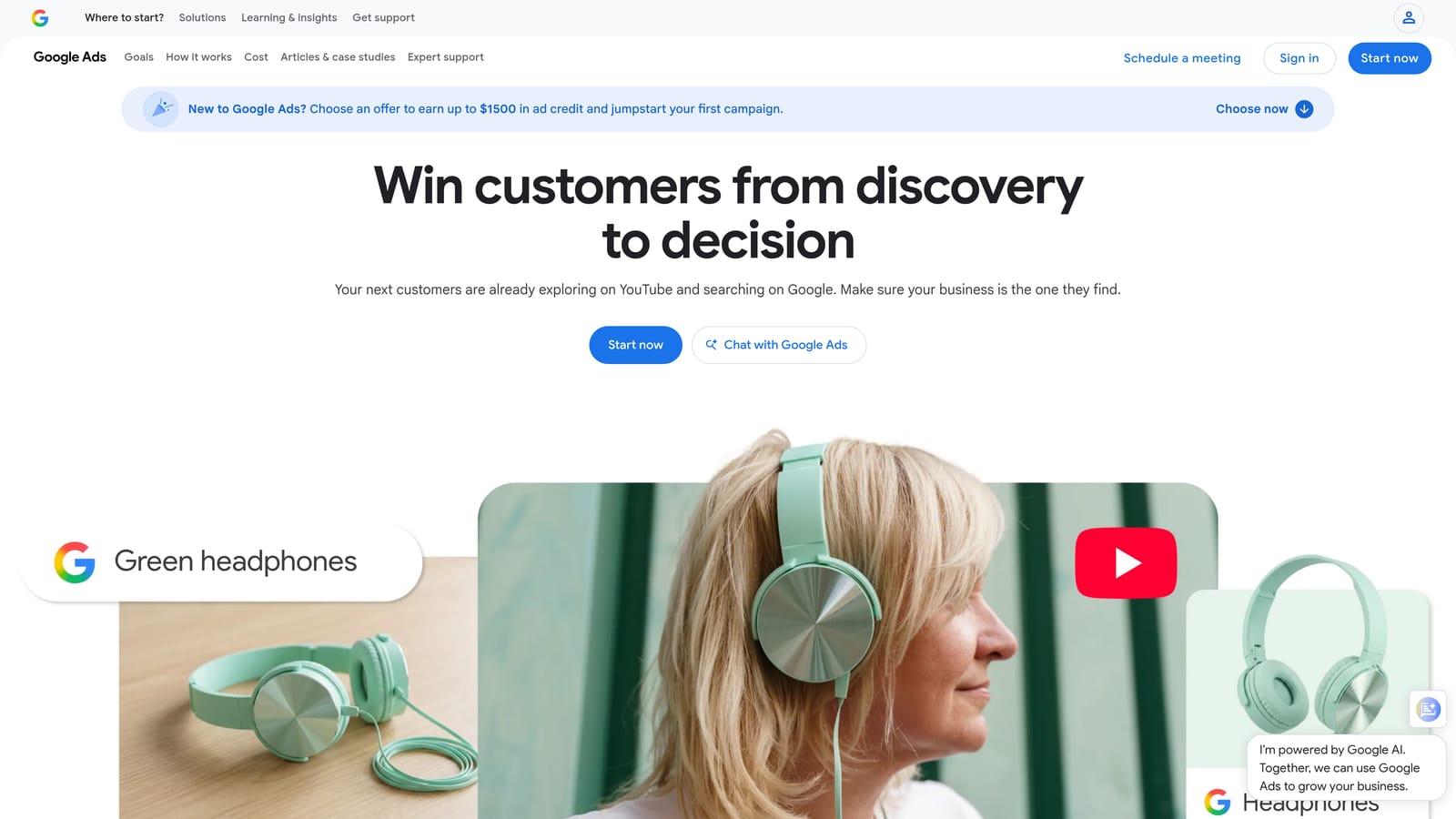
The distinctive piece is Scripts. They give you free, custom automation for checks that no off-the-shelf tool does exactly your way.
- The Recommendations tab and optimization score highlight suggested changes Google thinks could improve the account.
- Scripts let you automate custom tasks and reports on a schedule.
- Automated rules apply simple changes when conditions you set are met.
- Alerts and anomaly checks, built through scripts, can flag sudden spend or performance shifts.
Setup is where the cost hides. Scripts require coding knowledge, and somebody has to write, test, and maintain them. If that person leaves, the automation can become a mystery.
Treat recommendations as suggestions, not instructions. Optimization score is Google's own metric, not a guarantee of better performance, and some suggestions may not fit your goals, so review each one before applying it. Neither feature is a substitute for reading your search terms. Both are free.
Best for: Technically comfortable advertisers who want free custom automation.
6. WordStream
WordStream offers advertising software and services aimed at small businesses. Its pitch is guidance: it tells you what to look at and what to do, rather than handing you a toolbox.
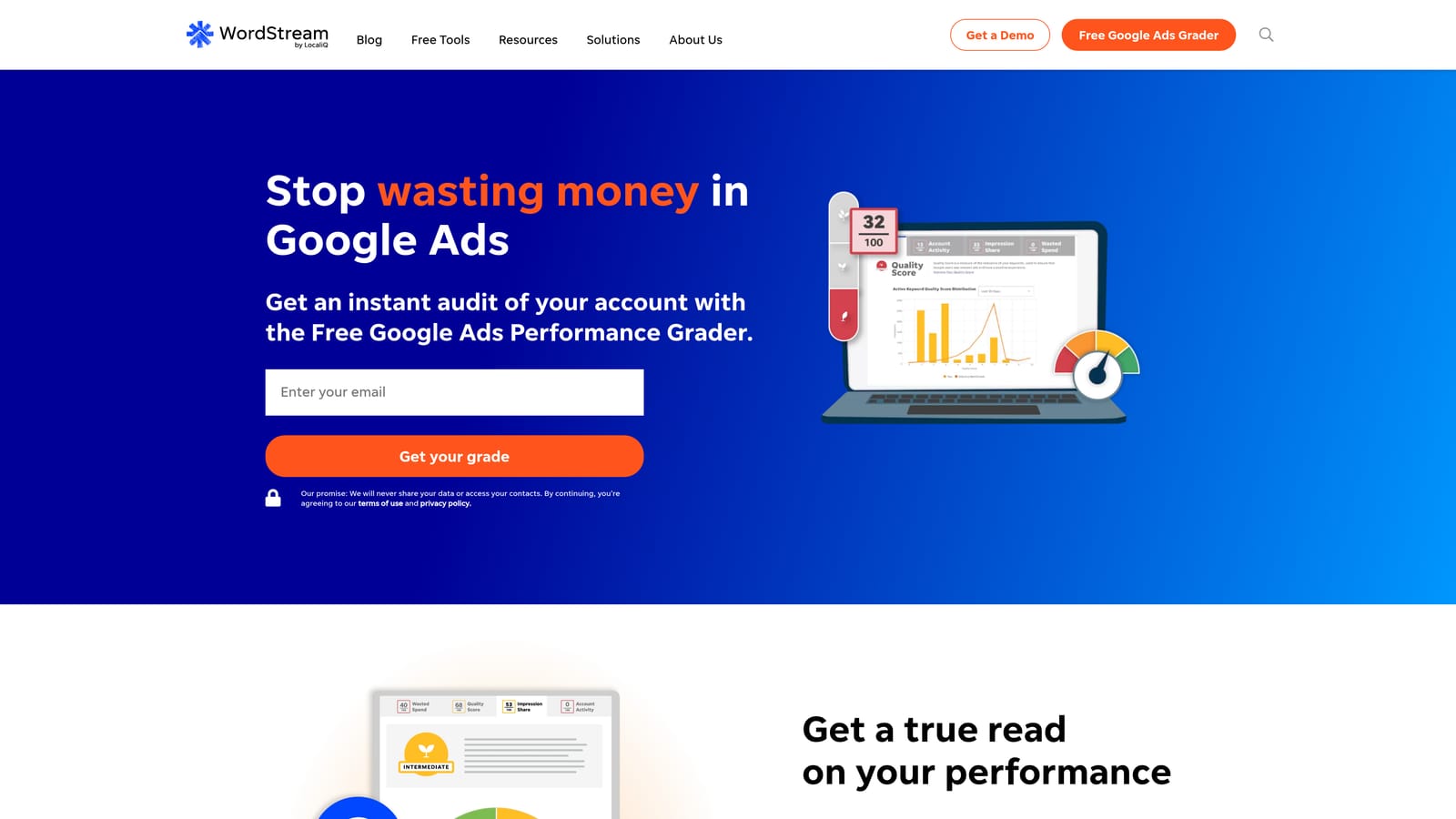
That guided, beginner-friendly feel is what separates it from the more technical platforms above. A business owner without a PPC background can follow it.
- Guided recommendations walk you through suggested improvements in plain terms.
- A performance grader gives you a quick read on how an account is doing.
- Campaign management support helps when you'd rather not do everything yourself.
- Multi-channel advertising covers Google Ads, Microsoft Advertising, and Meta Ads.
Setup is straightforward, and the day-to-day user is often the business owner or a generalist marketer.
The caveat is that its offerings and pricing have shifted over time, and it may fit buyers who want a managed service more than hands-on specialists. Verify what's currently included before you commit. If you're a specialist who wants granular control over search terms and bulk edits, it will probably feel light. Pricing: see the website.
Best for: Small business owners who want guidance rather than a deep toolkit.
7. Semrush
Semrush is a broad marketing suite, and its advertising and keyword research tools are what matter here. It's a research tool first: you use it to learn what competitors are doing and where the keyword opportunities are.
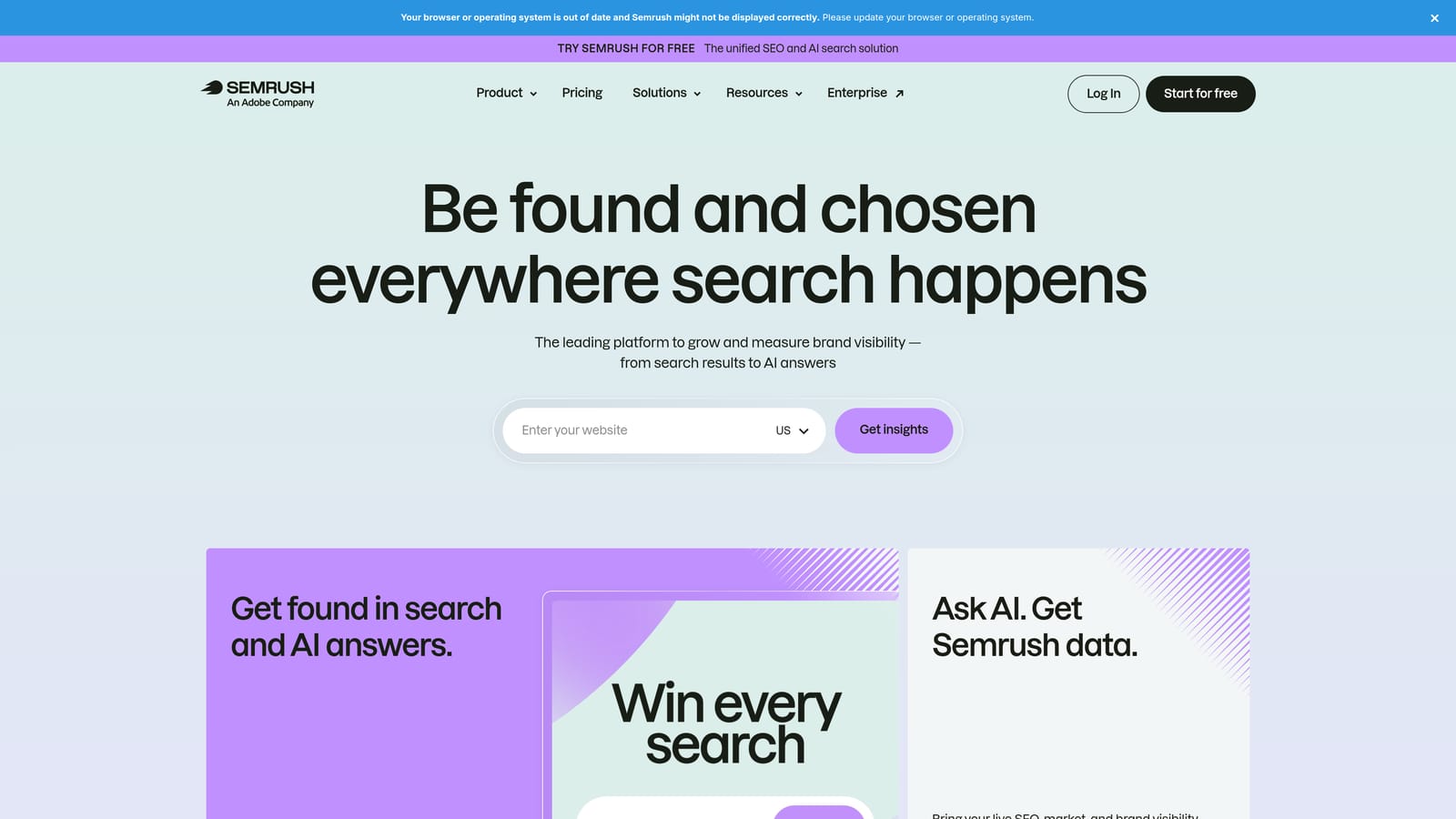
Its distinctive value is competitor advertising and keyword data, which the other tools on this list mostly don't provide.
- Keyword research helps you find terms worth targeting before you spend on them.
- Competitor ad research shows how others in your space are advertising.
- PPC keyword gap analysis highlights terms competitors target that you don't.
- Reporting packages findings for clients or stakeholders.
It integrates with Google Ads, Google Analytics, and Looker Studio. Setup is light, and it's usually run by a strategist or marketer planning campaigns rather than the person cleaning search terms daily.
The limitation is important: it doesn't manage or edit your campaigns directly. It informs decisions; you carry them out elsewhere. Because it's a wide suite, you may pay for features you never touch if PPC research is all you need. Pricing is by subscription plan; see the website.
Best for: Marketers researching competitors and keyword opportunities before building campaigns.
8. Looker Studio
Looker Studio is Google's free dashboard and reporting tool. It won't change a single bid, but it can make performance visible in a way the Google Ads interface alone often can't.
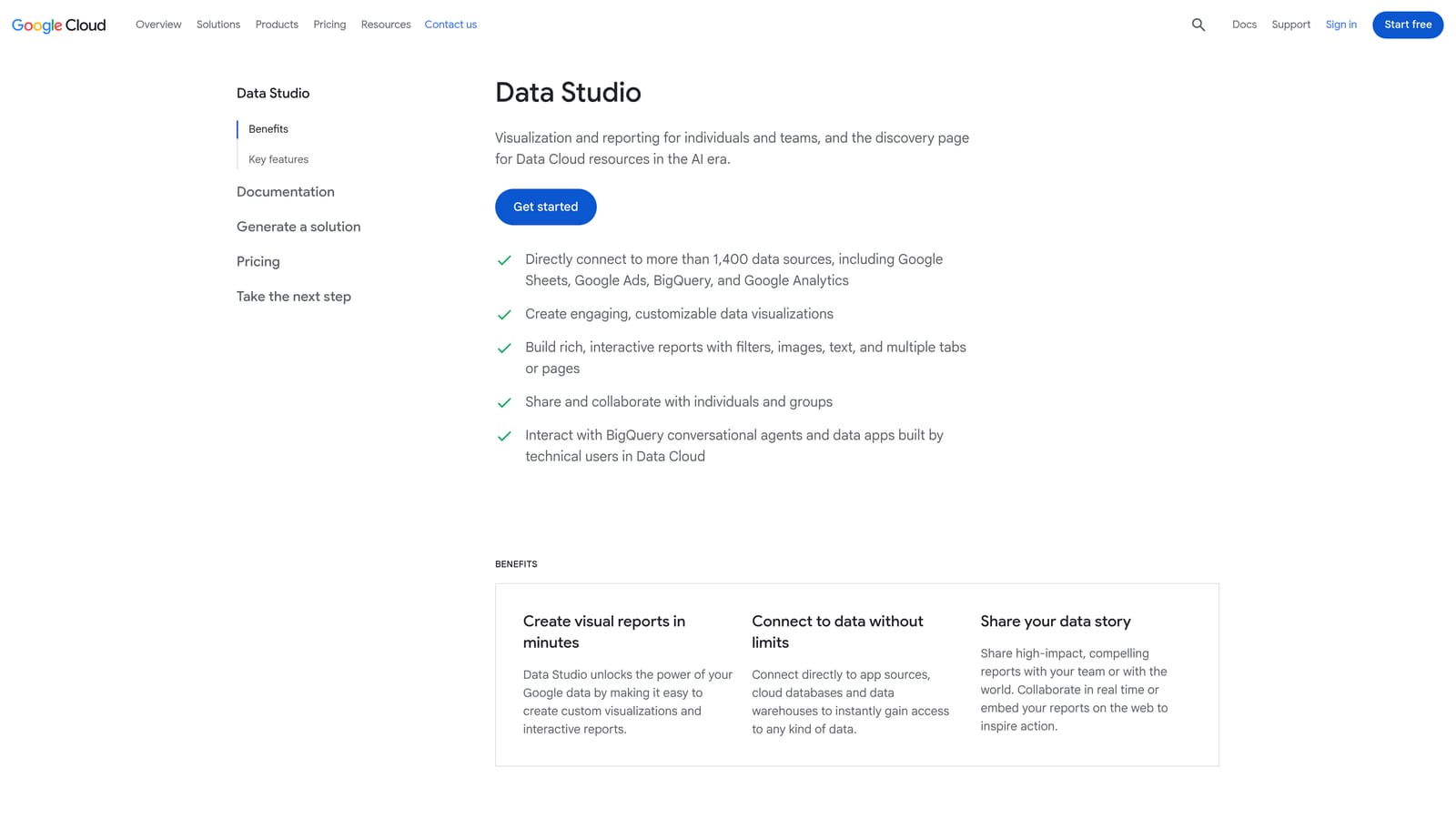
Its edge is flexibility at no cost. You can blend ad data with analytics data and build dashboards shaped around what a client or team actually cares about.
- A Google Ads connector pulls your campaign data straight into reports.
- Custom dashboards let you show only the metrics that matter to your audience.
- Data blending combines sources, such as ad spend with analytics outcomes.
- Shareable reports give clients live access instead of static PDFs.
- Templates shorten the build for common report types.
It connects to Google Ads, Google Analytics 4, BigQuery, and Google Sheets. The cost is setup time: building a good dashboard takes effort, and someone has to maintain it as metrics or accounts change.
It's reporting only, with no optimization actions. It's free, with a paid Pro tier available; see the website for details.
Best for: Agencies and marketers building custom client dashboards.
9. Swydo
Swydo is a reporting tool built for agencies. It automates the monthly client report so it stops eating hours of your week.

Its difference from Looker Studio is that it's agency-focused out of the box, with automated delivery and white-label options so reports carry your branding.
- Automated client reports are generated and sent on a schedule instead of being rebuilt by hand.
- Report templates give you a consistent starting point across clients.
- White-label options let you present reports under your own agency brand.
- Multi-platform data sources bring Google Ads, Meta Ads, and Google Analytics into one report.
Setup involves connecting each client's data sources and choosing a template. It's run by account managers or whoever owns client communication.
It's reporting-focused rather than an optimization tool, so it won't help you clean search terms or edit campaigns. Confirm current features on the site before you buy. If you're comfortable building your own dashboards, Looker Studio may cover the same ground for free. Pricing: see the website.
Best for: Agencies that spend too much time building monthly client reports.
Matching Tools to Your Situation
No tool here covers every job, so build a small stack: one hands-on tool for making changes and one for monitoring or reporting.
- Solo advertiser: Keywordme for search term cleanup, plus Google Ads Editor for larger edits and Looker Studio for free reporting.
- Agency managing many accounts: Optmyzr or Adalysis for monitoring at scale, paired with Keywordme to speed up the search term work your team does daily.
- Small business owner: WordStream if you want guidance, or the free Google tools if you're willing to learn.
- Reporting-heavy teams: Swydo or Looker Studio, with Semrush when you need competitor research.
Whatever you choose, review recommendations before you apply them, and keep reading your search term report. It's the cheapest source of wasted spend you'll find.
Optimize Google Ads Campaigns 10X Faster. Without Leaving Your Account. Keywordme lets you remove junk search terms, build high-intent keyword lists, and apply match types instantly, right inside Google Ads. No spreadsheets, no switching tabs, just quick, seamless optimization. Start your free 7-day trial (then just $12/month) and take your Google Ads game to the next level.
