
9 Best PPC Campaign Optimization Tools for Google Ads Advertisers in 2026
A practical guide to ppc campaign optimization tool.


Paid search accounts rarely break all at once. They leak: a few junk queries here, a stale ad there, a reporting deck that eats a Friday afternoon. This list is for marketers, freelancers, and agency owners running Google Ads who want to know which tool fixes which leak. The tools are grouped by the job they do, and each is judged on workflow fit, pricing transparency, how much control you keep, and who it actually suits.
Quick Comparison of the Tools
- Keywordme: freelancers and agencies who review search terms often; $12/month per user; works inside the native Search Terms Report, so no exports or spreadsheets.
- Optmyzr: agencies managing many accounts; pricing on its website; a large library of prebuilt optimization checks and rules.
- Google Ads Editor: advertisers making large structural edits; free; first-party bulk editing with cross-account copy and paste.
- Google Ads Scripts and Recommendations: technical advertisers who want free custom automation; free; JavaScript scripts with direct account data access.
- Adalysis: teams focused on ad copy testing and monitoring; pricing on its website; automated ad testing with ongoing alerts.
- Swydo: agencies that need polished client reporting; pricing on its website; templated white-label reports.
- Google Looker Studio: marketers building custom dashboards on a budget; free; flexible dashboards that blend multiple data sources.
- Semrush: marketers researching keywords and competitors before launch; pricing on its website; competitive intelligence on rivals' paid keywords and ads.
- Google Smart Bidding and Performance Max: accounts with solid conversion tracking and volume; no tool fee, ad spend applies; auction-time signals that third-party tools cannot access.
1. Keywordme
Keywordme is our own product, so weigh this section accordingly. It's a Chrome extension that adds one-click actions to the Search Terms Report inside Google Ads. A search term is what a user actually typed; a keyword is what you bid on. Keywordme sits in the gap between them, where most wasted spend gets found and fixed.
What it does better than the rest of this list is remove the export step. You see a junk search term, click, and it's added as a negative keyword. You see a good one, click, and it becomes a keyword with the match type you pick. Nothing leaves the Google Ads interface, and you stay in charge of every decision because you're the one clicking.
- One-click removal of junk search terms and negative keyword adds, so a cleanup pass takes minutes instead of a spreadsheet session.
- Add high-intent search terms as keywords and apply match types right in the Google Ads UI.
- Keyword clustering, which helps you group related terms when building new keyword lists.
- Bulk editing for applying the same action across many terms at once.
- Multi-account and team support, so agencies can use it across client accounts.
Setup and day-to-day use
Setup is installing the extension and opening the Search Terms Report. There's no separate dashboard to learn or connect. Whoever already does search term reviews, usually the account manager or freelancer, runs it.
Limitations
Keywordme is narrow on purpose. It covers search term and keyword work in Google Ads, and nothing else: no bid management, budgets, ad testing, or reporting. It also requires Chrome. If you want an all-in-one suite, look at the next entry.
Pricing: $12/month per user as of October 2026, flat rate, with a 7-day free trial. Cost scales with the number of users, not ad spend.
Best for: Freelancers and agencies who review search terms often and want it faster.
2. Optmyzr
Optmyzr is a PPC management suite built around rule-based optimizations, audits, and reporting across ad platforms. It's designed for agencies and in-house teams that manage many accounts and want repeatable checks rather than ad hoc digging.

Its distinguishing strength is the sheer size of its library of prebuilt optimization checks and rules. Instead of building every automation from scratch, you start from templates and adjust them. That's a real time saver across a large portfolio.
- One-click optimizations that turn a flagged issue into an applied change after you review it.
- A rule engine and automation, so recurring checks run without you remembering to do them.
- Account audits that surface structural and performance issues across accounts.
- Reporting, so analysis and client communication live in one place.
- Multi-platform support, so you can manage more than Google Ads from one tool.
It connects to Google Ads, Microsoft Advertising, and Meta Ads. Expect a proper onboarding period: you'll connect accounts, choose which rules to enable, and tune thresholds. A dedicated PPC manager or team lead usually owns it.
The trade-off is breadth. The feature set and cost may be overkill for a small account or a solo advertiser who mainly needs search term cleanup. Rules also need sensible thresholds, or you'll spend time dismissing noise.
Pricing: tiered plans; check the Optmyzr website for current prices, which vary by plan and account scale.
Best for: Agencies managing many accounts that want rule-based automation.
3. Google Ads Editor
Google Ads Editor is Google's free desktop app for editing campaigns in bulk, including offline. It's for advertisers who need to change a lot of things at once: restructuring ad groups, updating hundreds of ads, or rolling a campaign setup out to another account.
What sets it apart is that it's free, first-party, and strong at cross-account copying. You can build a structure once and paste it into another account, which is a big deal for agencies with similar clients.
- Bulk edits across campaigns, so a change that would take hours in the browser takes minutes.
- Multi-account management, so you can work across accounts in one place.
- Offline editing, so you can prepare changes and post them later.
- Change review before posting, so you can check everything before it goes live.
- Copy and paste between accounts for reusing structures and assets.
You download it, sign in with your Google Ads access, and download the accounts you want to work on. Day to day, it's run by whoever handles builds and structural changes.
The limitation is that it doesn't tell you what to change. There's no analysis or recommendation layer, so you need to know what you want to do before you open it. It's an editor, not an advisor.
Pricing: free, with no tiers or usage fees.
Best for: Advertisers making large structural edits.
4. Google Ads Scripts and Recommendations
Google's own Google Ads Scripts and Recommendations features cover two different things inside the platform. Recommendations are suggestions Google surfaces for your account. Scripts are JavaScript snippets you write or paste in to automate tasks and pull data.
The standout is scripts. Because they run with direct access to your account data, you can build custom automation no off-the-shelf tool anticipated, such as alerts when spend spikes or a scheduled check for broken items.
- A Recommendations tab that lists suggestions to review and apply or dismiss.
- Optimization score, a Google-calculated indicator of how many available recommendations you've acted on.
- JavaScript scripts for custom logic against your own account data.
- Scheduled automation, so scripts run on a timetable without you.
- Custom alerts, so you hear about problems before the monthly review.
Two misconceptions are worth clearing up. Optimization score is not a performance metric; a high score doesn't mean good results. And Recommendations are suggestions, not instructions, so each one needs critical review against your goals.
Setup is free, but scripts need coding skill or a trusted source for code you can verify. Someone technical usually owns them. If nobody on your team writes JavaScript, this will be a slow path.
Pricing: free, built into Google Ads.
Best for: Technical advertisers who want free custom automation.
5. Adalysis
Adalysis is a PPC audit and testing platform. Its center of gravity is ad testing and ongoing account monitoring, which suits teams that treat ad copy as a continuous experiment.
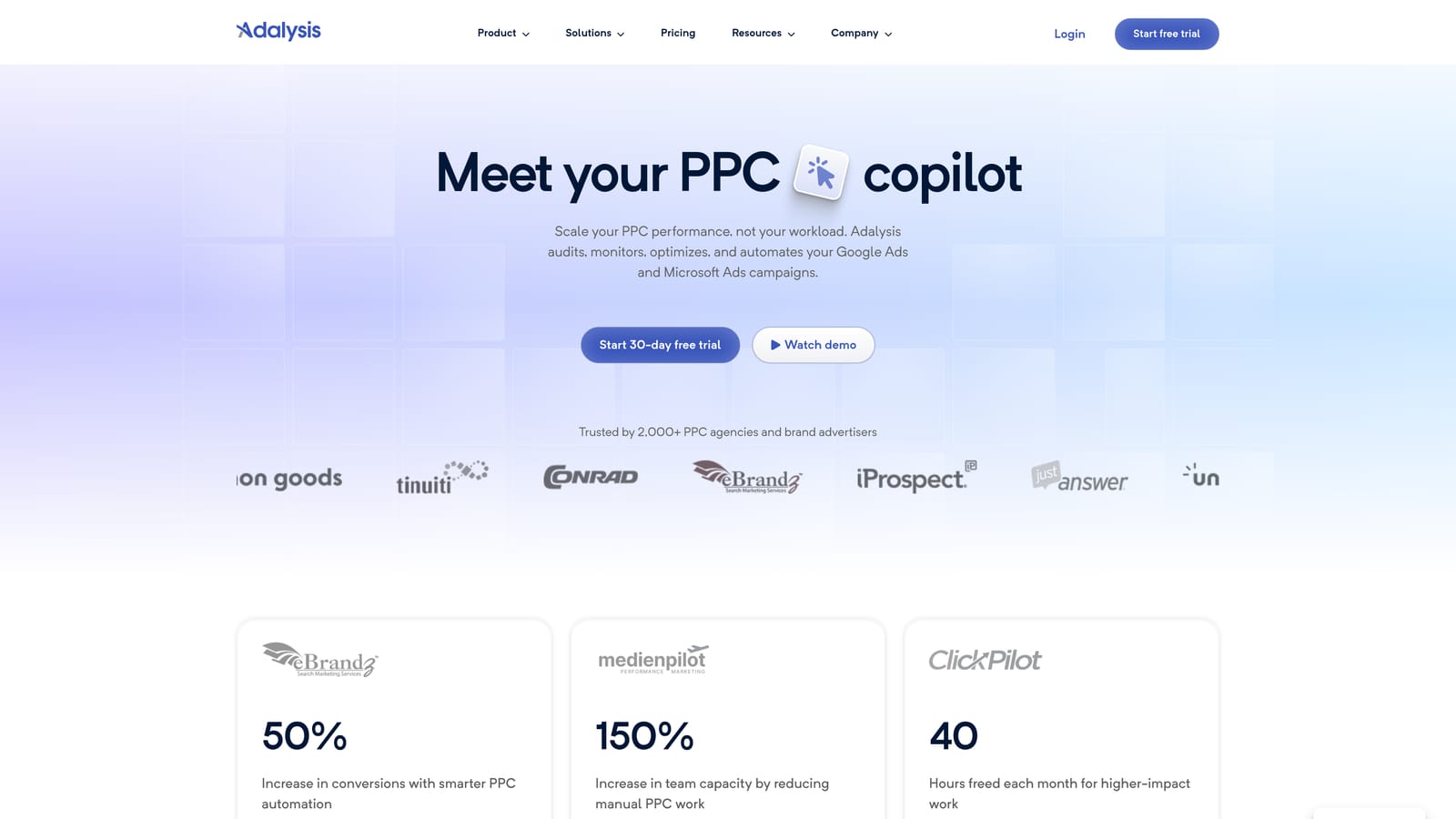
The thing it does that others here don't is automate ad copy testing and pair it with alerts. Rather than manually comparing responsive search ad performance, you get structured test tracking and notifications when something needs attention.
- Automated ad testing, so you can see which copy is winning without building comparisons by hand.
- Account audits that flag issues across your campaigns.
- Alerts that tell you when performance or settings change.
- Reporting for sharing results with clients or stakeholders.
- Bid and budget insights that point to where spend may need adjusting.
It integrates with Google Ads and Microsoft Advertising. You connect accounts and let it analyze, so setup is lighter than building a rule library. A PPC specialist or account lead typically works from its alerts.
It's less suited to quick search term and keyword actions. If your main pain is junk queries, you'd still need something like Keywordme or the native report alongside it.
Pricing: tiered plans; see the Adalysis website for current prices, which depend on the plan you choose.
Best for: Teams that prioritize ad copy testing and monitoring.
6. Swydo
Unlike most of this list, Swydo doesn't touch your campaigns at all. It's a PPC reporting tool built for agencies, producing white-label reports clients can read without logging into anything.
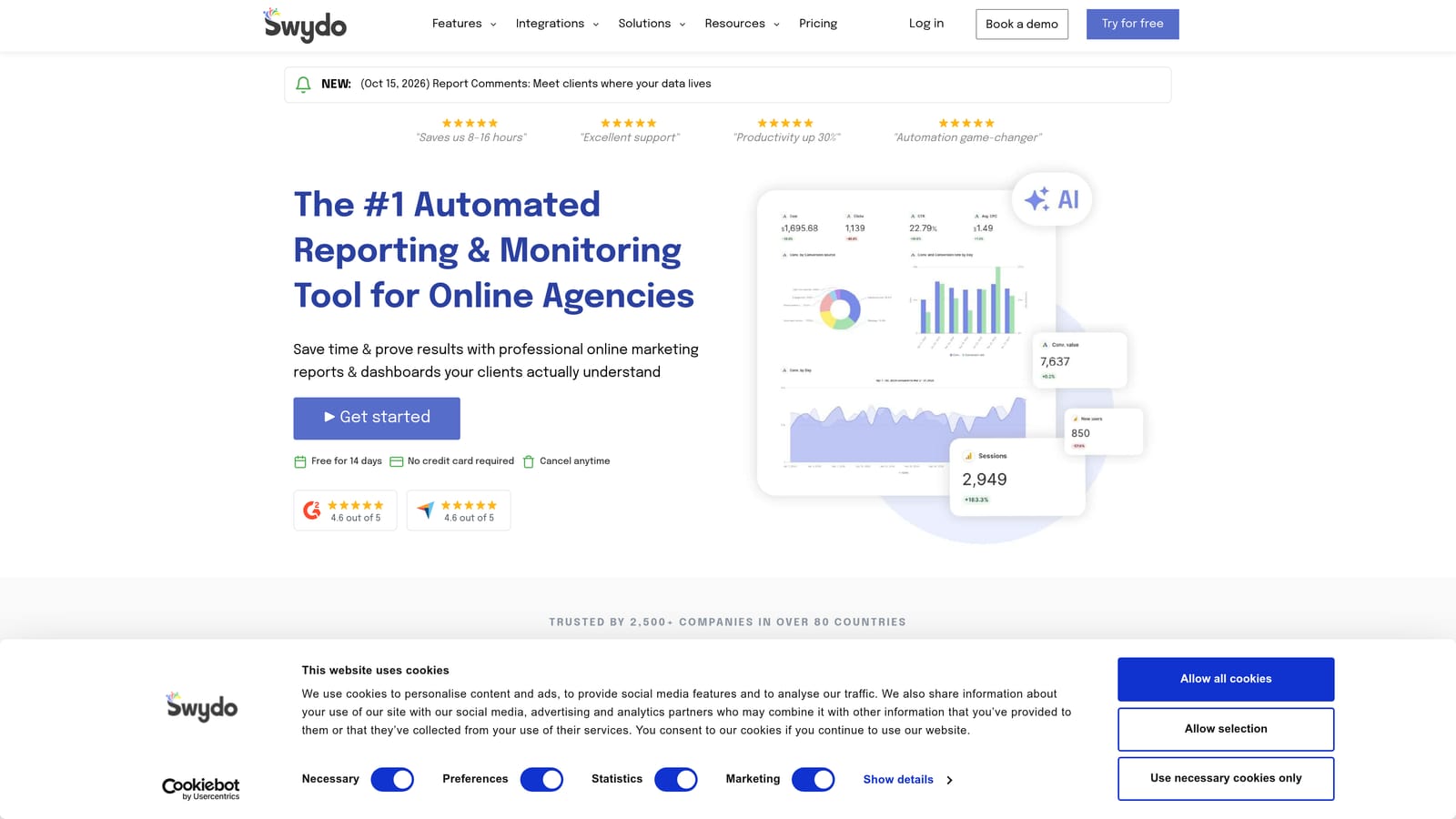
Its edge is templated, branded client reporting. You set up a report template once, and each client's report fills in from their data on a schedule.
- White-label reports carrying your agency's branding rather than the tool's.
- Dashboards for a live view of performance.
- Report templates, so new clients don't start from a blank page.
- Multi-platform data, so one report can span channels.
- Scheduled delivery, so reports land in inboxes without manual sends.
It connects to Google Ads, Microsoft Advertising, Meta Ads, and GA4. Setup is mostly connecting data sources and building or adapting a template. Account managers or an ops person usually run it.
The limitation is plain: it reports only. It won't find wasted spend or change a bid. It pays off when reporting time, not optimization, is your bottleneck.
Pricing: see the Swydo website for current plans; agency reporting tools commonly price by the number of data sources or clients, so confirm before budgeting.
Best for: Agencies that need polished client reporting.
7. Google Looker Studio
Google Looker Studio is a free data visualization tool with a Google Ads connector. It's the do-it-yourself counterpart to a paid reporting tool: more flexible, less polished out of the box.

What it does best is blend sources. You can put Google Ads data next to GA4 and Google Sheets data in one dashboard, which helps when you want to tie ad spend to something Google Ads alone can't show.
- A Google Ads connector that pulls account data into your reports.
- Custom dashboards that show exactly the metrics you care about.
- Data blending to combine multiple sources in one view.
- Shareable reports so clients or teammates can view them.
- Templates to speed up the first build.
It also connects to GA4, Google Sheets, and third-party connectors. Be honest about setup: building a good dashboard takes time, and someone has to maintain it when metrics or accounts change. Whoever has the patience for data work usually ends up owning it.
It visualizes data but doesn't optimize anything. And while the tool is free, some partner connectors for other platforms are paid.
Pricing: free, with paid third-party connectors where you need them.
Best for: Marketers building custom performance dashboards on a budget.
8. Semrush
Semrush is a broad marketing platform, and for PPC its value is research: keyword discovery and competitor analysis before you spend or when you're hunting for gaps.
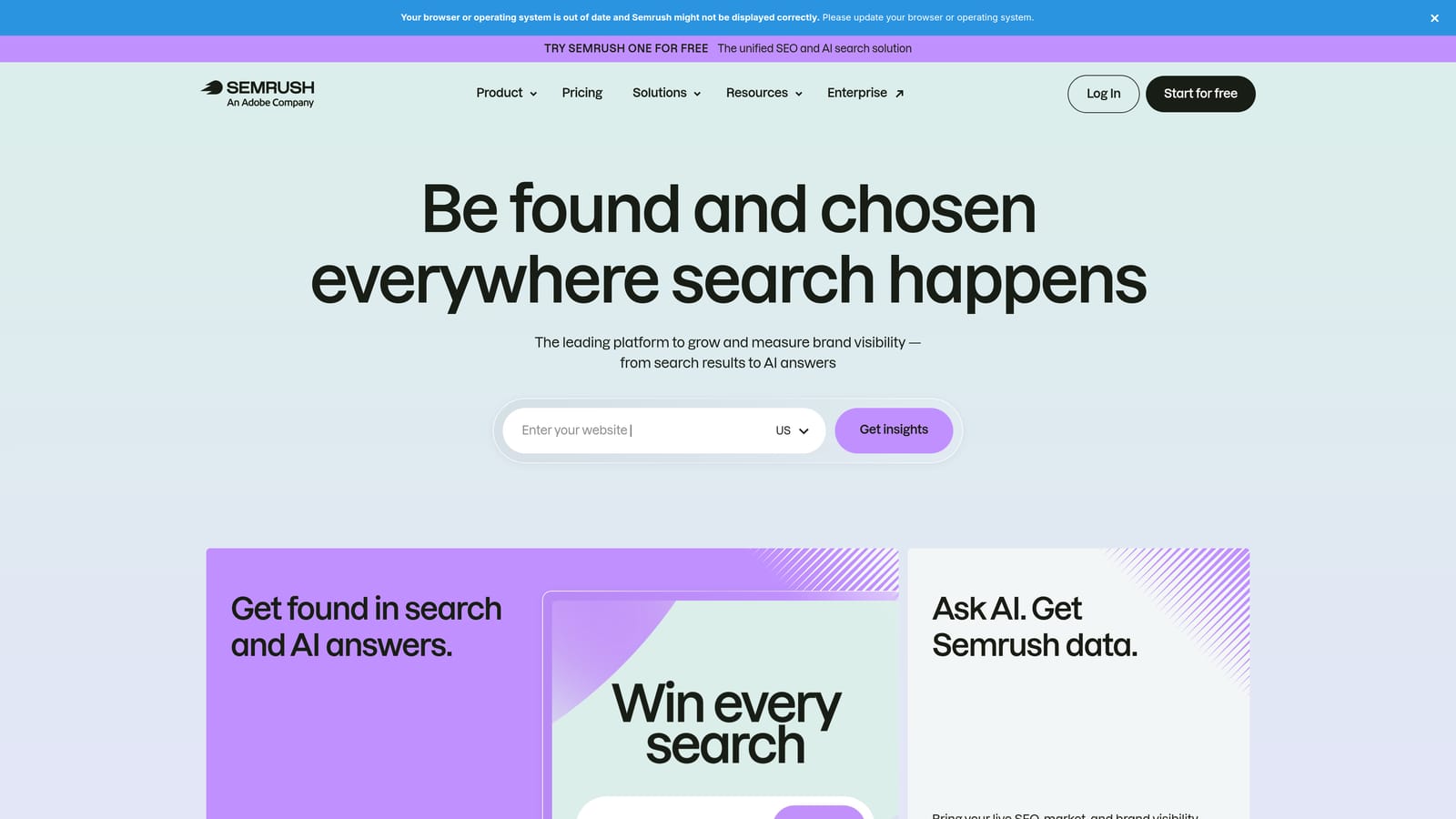
The distinctive part is competitive intelligence. You can look at the paid keywords and ads of rival domains, which no native Google Ads feature gives you in the same way.
- PPC keyword research to find terms worth bidding on.
- Competitor ad analysis to see how rivals pitch and what they target.
- Keyword grouping to organize research into campaign-ready sets.
- Position tracking to monitor where you show up over time.
- Domain comparison to size up your footprint against others.
It connects with Google Ads, Google Analytics, and Google Search Console. Setup is light because you can start researching without deep account integration, and it's typically used by strategists or SEO and PPC generalists.
It doesn't edit your ad account. It's for strategy and research, so you'll still carry findings into Google Ads yourself. Because it's a broad platform, you may pay for capabilities you don't use if PPC is your only need.
Pricing: subscription plans; see the Semrush website for current prices, which vary by plan and included limits.
Best for: Marketers researching keywords and competitors before building campaigns.
9. Google Smart Bidding and Performance Max
Google Smart Bidding and Performance Max are Google's automated bidding strategies and its goal-based campaign type. They overlap with item 4 only in being native; the job here is bidding and delivery, not scripting or suggestions.
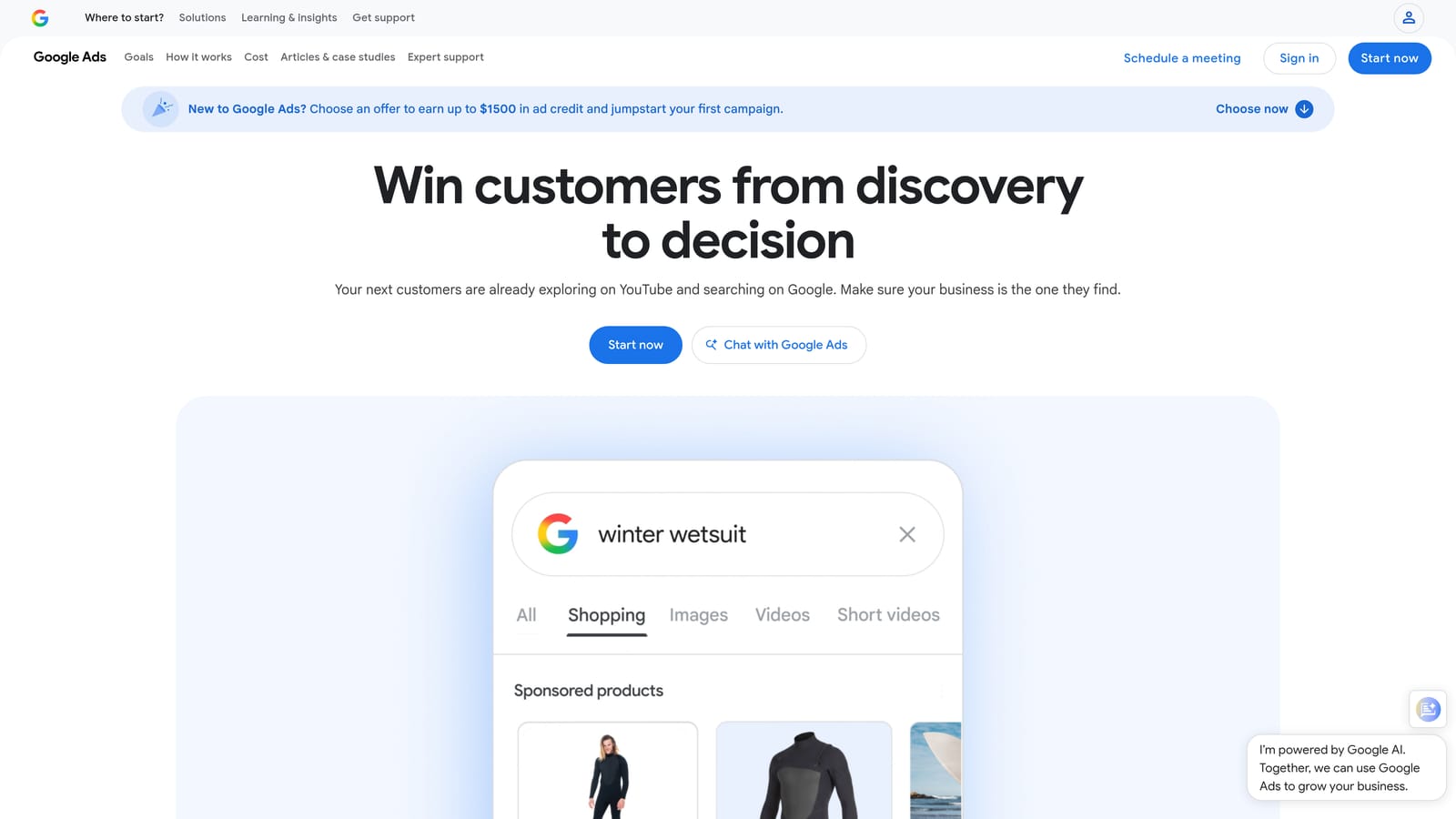
The standout is auction-time signals. Google adjusts bids using signals available at the moment of each auction, and third-party tools can't see or use that data the same way.
- Target CPA and Target ROAS bidding, which aim bids at your cost or return goals.
- Maximize conversions, for getting the most conversions from a budget.
- Auction-time signals that inform each individual bid.
- Performance Max campaigns, which serve across Google's inventory from one campaign.
- Conversion-based optimization that learns from the actions you track.
It all lives inside Google Ads, and it connects to Google Analytics and Merchant Center for conversion and product data. Setup is fast, but doing it well depends on conversion tracking you trust. Whoever owns tracking and strategy should own this.
Transparency is limited, and the system is only as good as the conversion data you feed it. Automation also doesn't replace search term review: junk queries still need negatives, which is where a tool like Keywordme complements it.
Pricing: no tool fee; you pay for ad spend.
Best for: Accounts with solid conversion tracking and enough volume.
Matching the Tool to the Job
There isn't one winner here, because "optimization" covers different jobs. Pick by the job you're failing at today:
- Search term cleanup: Keywordme, for fast negatives and keyword adds without leaving the report.
- Bulk editing: Google Ads Editor, free and strong at cross-account copying.
- Rules and auditing: Optmyzr for large portfolios, Adalysis if ad testing is the priority.
- Client reporting: Swydo for polished white-label reports, Looker Studio for a free, flexible build.
- Competitor research: Semrush.
- Automation: Scripts if you can code, Smart Bidding if your conversion data is solid.
Most accounts combine two or three of these rather than choosing one. A common pairing is a search term tool, a reporting tool, and Google's native bidding.
If search term review is where your hours go, Start your free 7-day trial (then just $12/month) and see how much faster it gets. Optimize Google Ads Campaigns 10X Faster. Without Leaving Your Account. Keywordme lets you remove junk search terms, build high-intent keyword lists, and apply match types instantly, right inside Google Ads. No spreadsheets, no switching tabs, just quick, seamless optimization. Take your Google Ads game to the next level.
.svg)