
9 Best PPC Campaign Manager Tools Compared for 2026
A comprehensive ppc campaign manager tool comparison covering nine platforms across bulk editing, live optimization, and competitive research categories, helping solo advertisers, freelancers, and agencies identify the right combination of tools for their workflow and budget in 2026.


TL;DR: The best PPC campaign manager tools in 2026 range from in-interface Chrome extensions to full-blown agency dashboards. The right pick depends on whether you're a solo advertiser, freelancer, or agency managing dozens of accounts. This list covers nine tools across the spectrum: what each one actually does well, who it's built for, and what you'll pay. If you're spending too much time in spreadsheets or jumping between tabs to manage Google Ads, at least one of these will fix that. Tools are ordered by how useful they are for hands-on campaign optimization, not by feature count or marketing claims.
Most experienced PPC managers don't rely on a single platform. They use two or three tools together: one for bulk structural edits, one for live optimization, and one for competitive research. This list covers all three categories so you can build a stack that actually fits how you work.
1. Keywordme
Best for: Google Ads managers who want to optimize search terms without leaving the native UI.
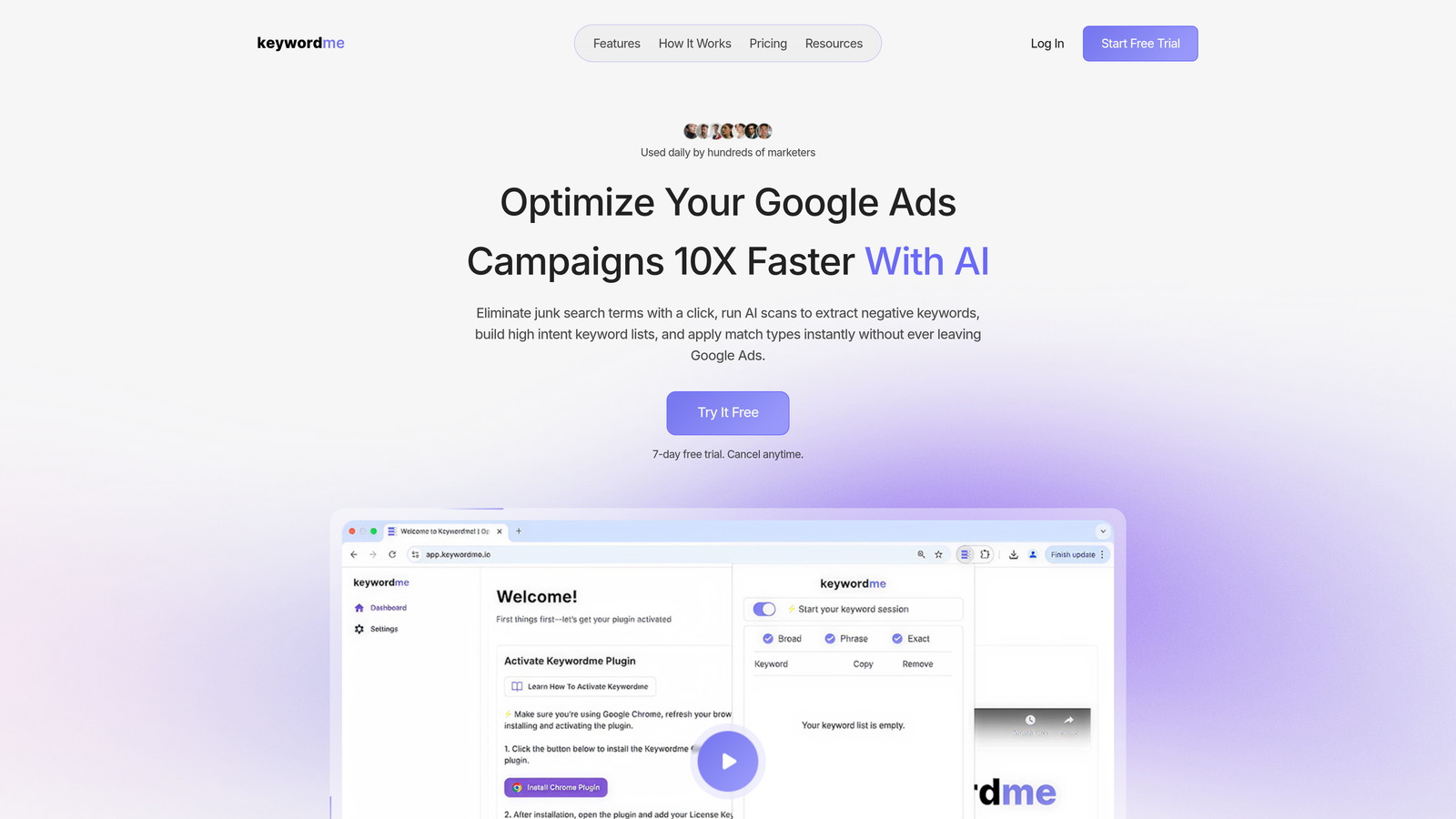
Keywordme is a Chrome extension that plugs directly into Google Ads' Search Terms Report, letting you add negatives, apply match types, and build keyword lists without opening a spreadsheet or switching tabs.
Where This Tool Shines
In most accounts I audit, the search terms review process looks like this: export a CSV, paste it into a spreadsheet, manually flag junk terms, copy them into a negative keyword list, then upload. That's a 20-minute task that should take three. Keywordme collapses all of that into one-click actions directly inside Google Ads.
The zero context-switching angle is the real differentiator here. You're already in your account reviewing search terms. Keywordme just makes every action you'd normally do in a separate tool happen right there, in real time. For agencies doing weekly search term reviews across multiple client accounts, the time savings compound fast.
Key Features
One-Click Negative Addition: Flag and add negative keywords directly from the Search Terms Report without exporting anything.
Instant Match Type Application: Apply broad, phrase, or exact match to new keywords on the spot, no spreadsheet formulas required.
Keyword Clustering and Bulk Editing: Group related terms and build structured keyword lists faster than manual sorting.
Multi-Account and Team Support: Designed for agencies managing multiple clients, with team-level workflows built in.
Fully In-Interface: Works entirely inside Google Ads. No separate dashboard, no CSV exports, no tab-switching.
Best For
Solo advertisers and agency managers who do frequent, hands-on search term reviews. Particularly valuable if you're managing five or more accounts and your current workflow involves spreadsheets. Not the right fit if you need cross-channel (Microsoft, Amazon) support or enterprise reporting.
Pricing
$12/month per user. 7-day free trial available. One of the more straightforward pricing models in the space: flat rate, no spend-based tiers.
2. Google Ads Editor
Best for: Bulk structural changes to campaigns when you're offline or working with large account overhauls.
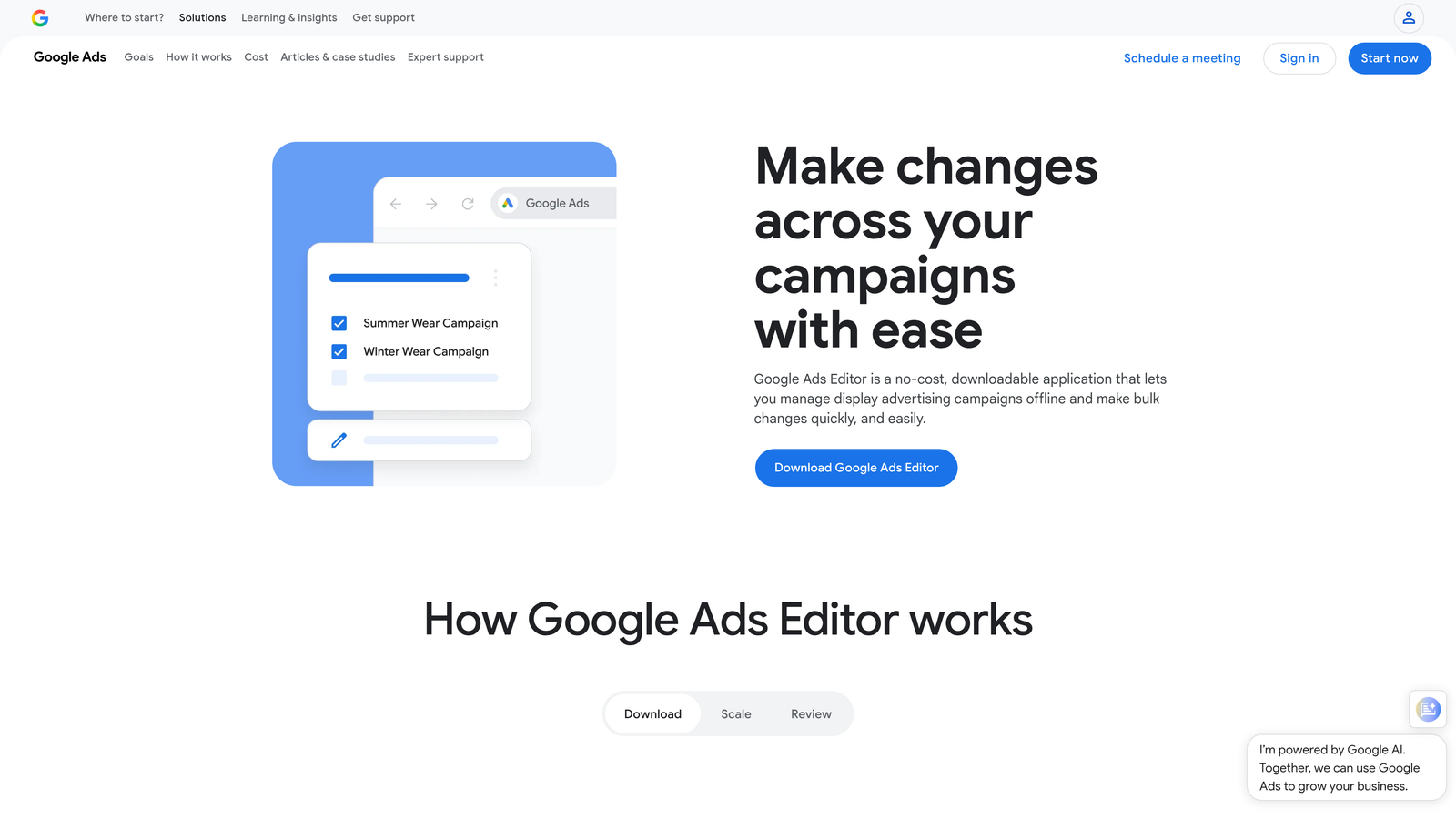
Google Ads Editor is Google's free desktop application for offline bulk editing across campaigns, ad groups, keywords, and ads.
Where This Tool Shines
If you need to restructure a large account, copy campaign structures between accounts, or run mass find-and-replace operations, nothing beats the Editor. It's free, it's fast for bulk operations, and it lets you stage changes locally before pushing them live, which is a useful safety net when you're making sweeping edits.
What usually happens here is that PPC managers use Editor for the heavy structural work (campaign builds, ad group reorganization, bulk bid changes) and then rely on a live tool for ongoing optimization. Treating Editor as your primary optimization tool is a mistake because it has no real-time analysis, no automated recommendations, and no search term review workflow.
Key Features
Offline Bulk Editing: Make changes locally and upload in bulk, useful for large-scale restructures.
Find-and-Replace: Update ad copy, URLs, or keywords across campaigns with a single operation.
Copy/Paste Campaign Structures: Duplicate entire campaign setups between accounts or ad groups.
Mass Bid and Budget Adjustments: Apply percentage or fixed changes across multiple campaigns at once.
Free: Available to any Google Ads account holder at no cost.
Best For
Any Google Ads user doing large-scale structural edits, account migrations, or bulk ad copy updates. Essential for agencies onboarding new clients with complex account builds. Less useful for routine weekly optimization tasks.
Pricing
Free with any Google Ads account. No paid tiers or add-ons.
3. Optmyzr
Best for: Mid-market agencies that want rule-based automation and one-click optimizations across Google, Microsoft, and Amazon Ads.
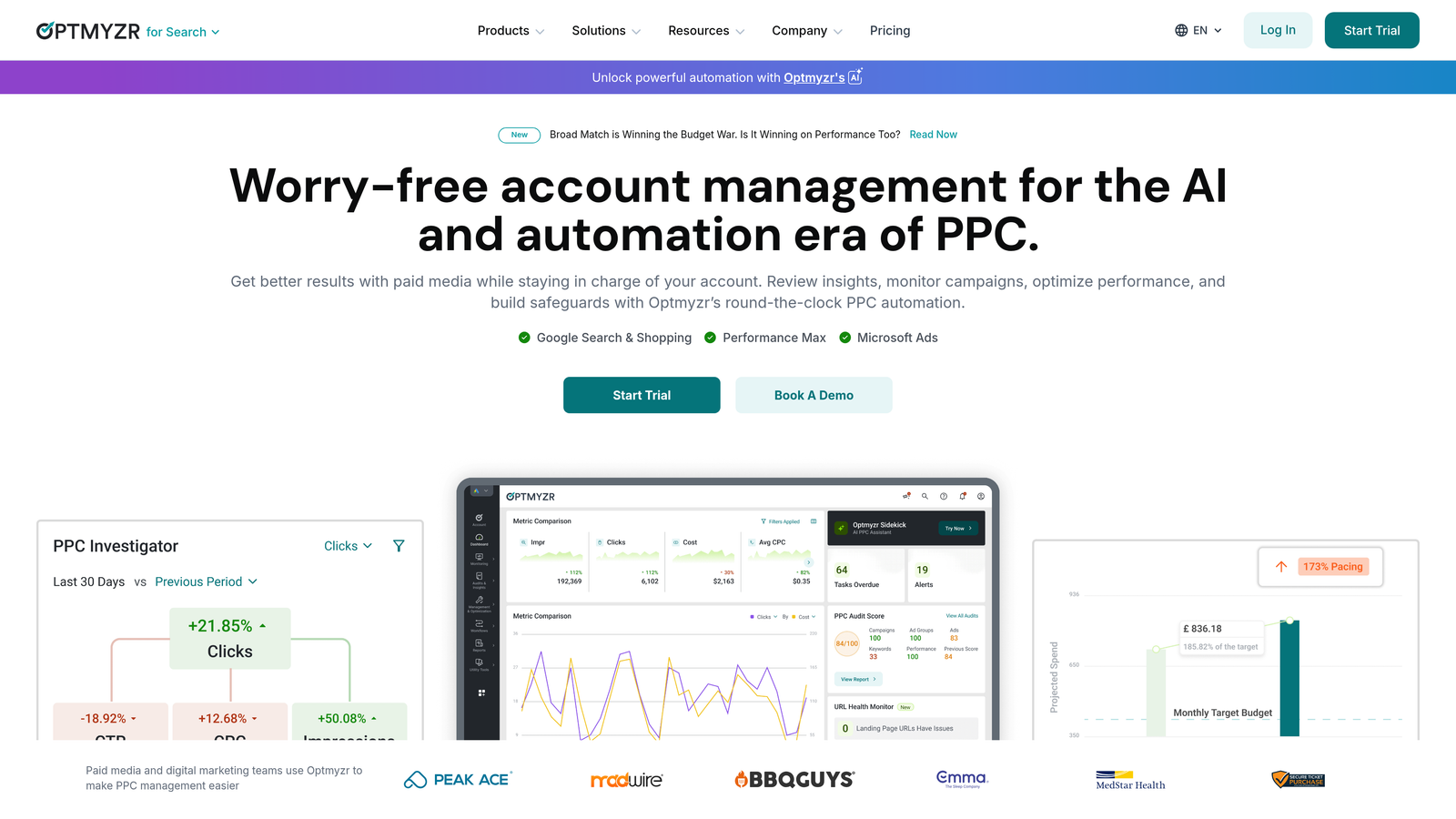
Optmyzr is a third-party PPC optimization platform with automated recommendations, rule-based workflows, and multi-channel support built for agencies managing significant ad spend.
Where This Tool Shines
Optmyzr is genuinely strong at surfacing what needs attention across a portfolio of accounts. Its one-click optimization recommendations reduce the time spent manually auditing account health, and the rule-based automation handles repetitive tasks like bid adjustments and budget pacing without requiring custom scripts.
The mistake most agencies make is trying to use Optmyzr as a replacement for hands-on search term review. It's better positioned as an automation and monitoring layer: it catches issues, applies rules, and generates client reports. For the granular keyword-level work, you'll still want a tool built specifically for that.
Key Features
One-Click Optimization Recommendations: Automatically surfaced suggestions for bids, keywords, and budgets that you can apply with a single click.
Rule-Based Automation: Build custom rules for bid adjustments, budget management, and keyword actions without coding.
Multi-Channel Support: Covers Google, Microsoft, and Amazon Ads from a single dashboard.
PPC Audit Tools: Account health monitoring with structured audit reports for new client onboarding.
Automated Client Reporting: Scheduled reports and dashboards built for agency client communication.
Best For
Agencies managing multiple clients across Google and Microsoft Ads who want to automate routine optimization tasks and generate professional client reports. Less suited for solo advertisers or those who primarily need search term review workflows.
Pricing
Tiered pricing based on managed ad spend. Starts around $208/month. Free trial available. Check optmyzr.com for current pricing tiers.
4. WordStream Advisor
Best for: SMBs and non-specialist advertisers who need guided, prioritized weekly optimization tasks.
WordStream Advisor is a guided PPC management platform best known for its 20-Minute Work Week feature, which surfaces a prioritized task list to help less experienced advertisers take action quickly.

Where This Tool Shines
WordStream is built around reducing decision fatigue for advertisers who aren't full-time PPC specialists. The 20-Minute Work Week concept works well for business owners or generalist marketers who need to maintain their Google Ads account without deep expertise. It tells you what to do and in what order, which removes a lot of the guesswork.
That said, experienced practitioners often find it limiting. If you want granular control over match types, negative keyword strategy, or bid logic, WordStream's guided approach can feel like it's abstracting away the parts you actually want to control. It's a solid tool for the right audience, but that audience is fairly specific.
Key Features
20-Minute Work Week: A prioritized weekly task list that guides you through the most impactful optimizations first.
Keyword Research and Negative Suggestions: Built-in recommendations for expanding and refining keyword lists.
Performance Grader: A quick account health score with actionable improvement areas.
Landing Page Builder Integration: Connects ad campaigns to landing page creation tools.
Simplified Reporting: Non-technical reporting views designed for business owners, not PPC specialists.
Best For
Small business owners, generalist marketers, and SMB-focused agencies whose clients aren't running high-volume, complex accounts. Not the right fit for performance-focused agencies or advertisers who want hands-on control.
Pricing
Pricing available on request. Historically positioned as a mid-tier SMB solution. Contact WordStream directly for current rates.
5. SEMrush Advertising Toolkit
Best for: Competitive PPC research, keyword gap analysis, and ad intelligence before and during campaign builds.
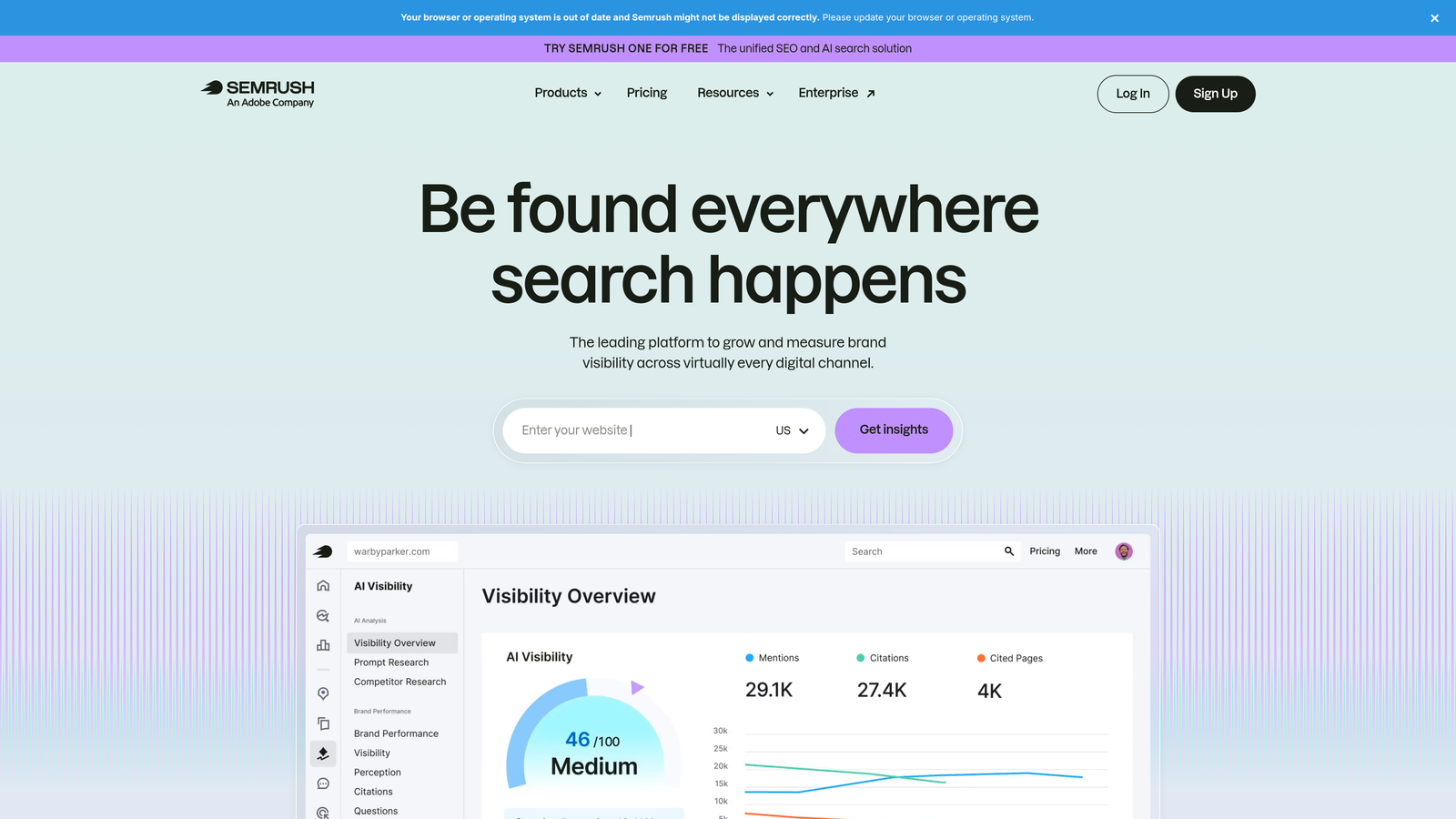
SEMrush is an all-in-one marketing platform, and its advertising toolkit is one of the most comprehensive options for understanding what competitors are bidding on, what ad copy they're running, and where keyword opportunities exist.
Where This Tool Shines
SEMrush isn't a campaign management tool in the traditional sense: you can't push changes to Google Ads from it. What it does exceptionally well is competitive intelligence. You can pull years of competitor ad copy history, identify keywords your competitors rank for that you're missing, and get CPC estimates by keyword to inform budget planning.
For agencies pitching new clients or building campaigns from scratch, SEMrush is often the starting point. You build your initial keyword universe here, benchmark against competitors, then move into Google Ads or Editor to actually implement. It fits naturally into the research phase of any new account build.
Key Features
Competitor Ad Copy and Keyword History: See what ads competitors have run and which keywords triggered them over time.
Keyword Gap Analysis: Identify keywords your competitors are targeting that you're missing.
CPC Data and Traffic Estimates: Get estimated cost and volume data for keyword planning.
Ad Builder: Create and test ad copy variations within the platform.
Cross-Channel Integration: SEO, content, social, and PPC data all in one platform for unified reporting.
Best For
Agencies and freelancers who need strong competitive research before launching campaigns, or in-house teams that want a single platform covering both SEO and PPC intelligence. Not a replacement for live campaign management tools.
Pricing
Plans start at approximately $139.95/month for the Pro plan. Check semrush.com for current pricing, as tiers change periodically.
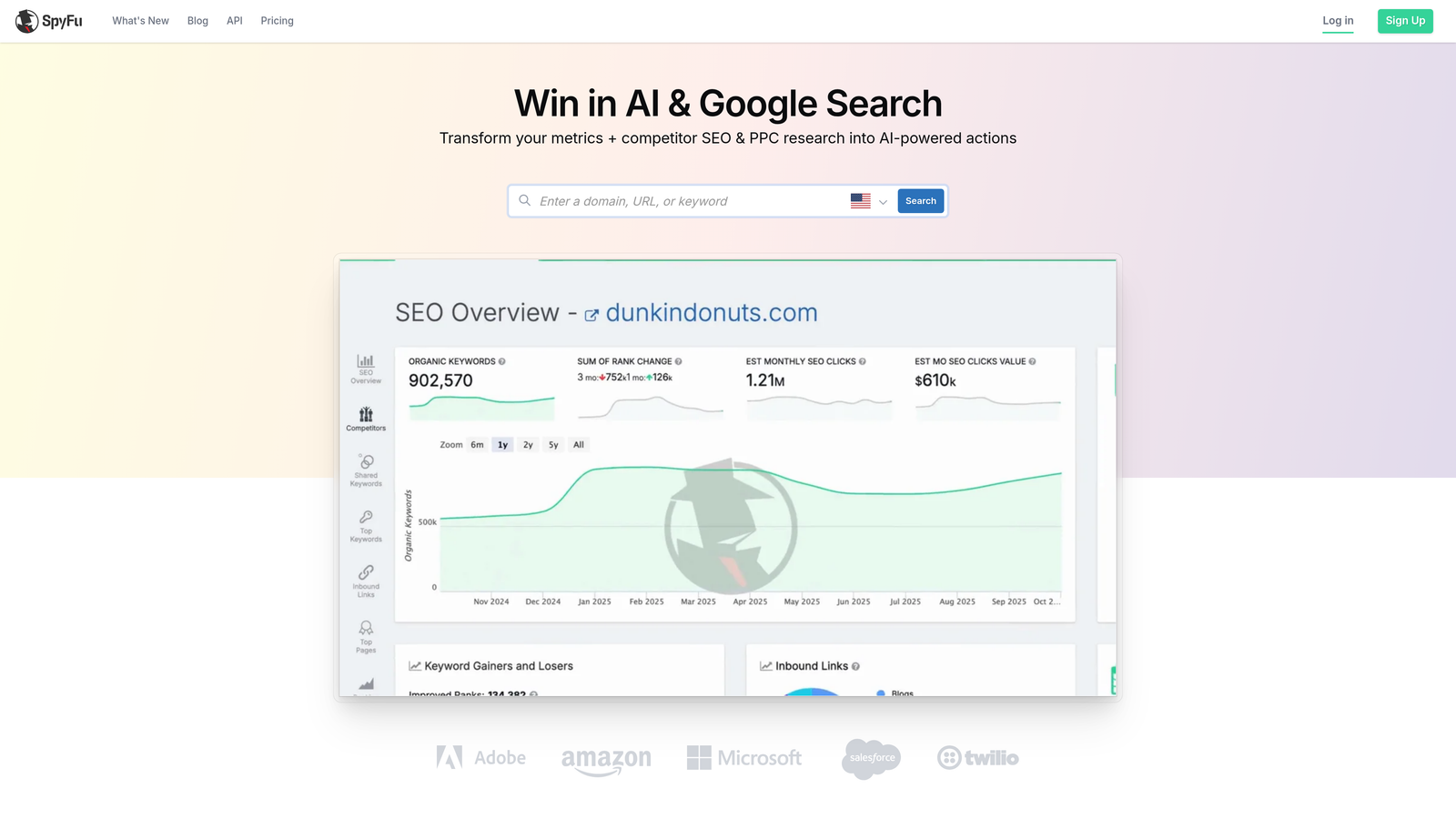
6. SpyFu
Best for: Budget-conscious freelancers and agencies who need deep competitor PPC intelligence without SEMrush's price tag.
SpyFu is a competitor intelligence tool that surfaces historical PPC keyword data, estimated ad spend, and ad copy variations for any domain you search.
Where This Tool Shines
SpyFu's depth of historical data is genuinely impressive. You can look up any domain and see years of keyword history, estimated monthly spend, and every ad variation they've run. For competitive research, this level of historical context helps you understand what's actually working in a market, not just what's running right now.
The pricing makes it accessible for freelancers and smaller agencies who can't justify SEMrush's monthly cost. It's more narrowly focused on competitive intelligence, which means less noise if research is your primary use case. It won't replace a campaign management tool, but it's a strong research layer at a reasonable price point.
Key Features
Historical Competitor Data: Years of keyword and ad copy history for any domain, not just current snapshots.
Ad Spend Estimates: Estimated monthly spend and keyword rankings for competitor domains.
PPC Keyword Research: Keyword suggestions with competition scoring and CPC estimates.
Domain Comparison: Head-to-head competitive analysis between two domains side by side.
Affordable Pricing: Significantly cheaper than enterprise research tools while covering core competitive intelligence needs.
Best For
Freelancers, solo advertisers, and small agencies doing competitive research on a budget. Also useful for in-house teams benchmarking against a specific set of competitors. Not a campaign management tool.
Pricing
Plans start at approximately $39/month. Check spyfu.com for current pricing and available tiers.
7. Adalysis
Best for: Performance-focused advertisers who run systematic ad copy tests and need clear win/loss analysis.
Adalysis is a Google Ads management tool built specifically around ad testing, Quality Score monitoring, and account health alerts for advertisers who treat ad copy testing as a core part of their optimization process.

Where This Tool Shines
Most PPC tools treat ad testing as an afterthought. Adalysis makes it the centerpiece. The automated A/B testing with statistical significance tracking removes the guesswork from declaring a winner, which is a bigger deal than it sounds. In most accounts I audit, ad tests are either running indefinitely with no clear endpoint or being called too early based on gut feel rather than data.
The Quality Score monitoring and account health alerts are genuinely useful for staying ahead of issues before they affect performance. If you run a large account with hundreds of ad groups, Adalysis surfaces the problems you'd otherwise miss in a manual review.
Key Features
Automated A/B Ad Testing: Structured ad tests with statistical significance tracking so you know when a winner is actually a winner.
Quality Score Monitoring: Historical Quality Score tracking at the keyword level with trend data over time.
Account Health Alerts: Automated alerts for anomalies, disapprovals, and performance drops.
Ad Rotation Management: Pause underperformers and promote winners automatically based on your defined rules.
Bulk Ad Creation: Create and manage large volumes of ads across campaigns without manual entry.
Best For
Performance-focused agencies and in-house teams that run systematic ad copy testing programs. Also strong for accounts with quality score issues that need ongoing monitoring. Less relevant if ad testing isn't a regular part of your workflow.
Pricing
Tiered pricing based on number of ads managed. Starts around $99/month. Free trial available. Check adalysis.com for current tiers.
8. Skai (formerly Kenshoo)
Best for: Large brands and holding company agencies managing omnichannel campaigns at enterprise scale.
Skai is an enterprise omnichannel bid management platform covering Google, Microsoft, Amazon, Meta, and retail media networks with AI-driven budget allocation and optimization.
Where This Tool Shines
Skai operates at a level of scale that most tools on this list simply aren't designed for. If you're managing millions in monthly ad spend across search, social, and retail media simultaneously, you need a platform that can handle cross-channel budget allocation, advanced audience signal integration, and executive-level reporting in one place. That's Skai's territory.
The AI-driven optimization is built for portfolios where manual management isn't feasible. It's not the kind of tool you evaluate based on a feature list: the value is in the infrastructure, the dedicated account management, and the integrations with data sources that enterprise advertisers already use. For anyone outside that context, it's overkill.
Key Features
AI-Driven Bid and Budget Optimization: Automated allocation across channels based on performance signals and business goals.
Omnichannel Coverage: Google, Microsoft, Amazon, Meta, and retail media networks managed from one platform.
Advanced Audience Integration: First-party data and audience signal integration for targeting precision.
Custom Reporting and Executive Dashboards: Enterprise-grade reporting built for C-suite visibility across channels.
Dedicated Onboarding and Account Management: White-glove support included as part of the enterprise contract.
Best For
Large brands, retail advertisers, and holding company agencies managing substantial cross-channel budgets. Not relevant for solo advertisers, freelancers, or small agencies. The pricing and onboarding process alone make it inaccessible outside enterprise contexts.
Pricing
Enterprise pricing. Not publicly listed. Requires a direct sales conversation to get a quote.
9. Microsoft Advertising Editor
Best for: Advertisers running parallel campaigns on both Google and Microsoft Ads who need free offline bulk editing.
Microsoft Advertising Editor is Microsoft's free offline editor for Bing/Microsoft Ads campaigns, functionally similar to Google Ads Editor with the added ability to import directly from Google.
Where This Tool Shines
If you're already running Google Ads campaigns and want to extend them to Microsoft Advertising, this editor makes that transition nearly frictionless. The import-from-Google feature lets you pull your existing campaign structure directly into Microsoft Ads without rebuilding from scratch, which is a significant time saver.
Like Google Ads Editor, it's a bulk editing tool rather than an optimization platform. You use it for structural changes, mass updates, and offline editing. The fact that it's free and purpose-built for Microsoft Ads makes it a no-brainer addition to any advertiser's toolkit who's running on both platforms.
Key Features
Offline Bulk Editing: Make and stage changes locally before pushing to Microsoft Ads, same workflow as Google Ads Editor.
Import from Google Ads: Pull existing Google Ads campaign structures directly into Microsoft Advertising with minimal rework.
Find-and-Replace and Mass Bid Adjustments: Apply changes across campaigns at scale without manual entry.
Full Campaign Type Support: Covers all standard Microsoft Ads campaign types including search, shopping, and audience campaigns.
Free: Available to any Microsoft Advertising account holder at no cost.
Best For
Any advertiser running Microsoft Ads alongside Google Ads. Essential for agencies managing clients on both platforms. Also useful for anyone migrating Google campaigns to Microsoft for the first time.
Pricing
Free with any Microsoft Advertising account. No paid tiers or add-ons.
Choosing the Right Tool for How You Actually Work
Here's the honest reality: most experienced PPC managers aren't looking for one tool to rule them all. They're building a small stack where each tool does one thing well. A common agency workflow looks like this: Google Ads Editor for bulk structural builds, Keywordme for live search term review and keyword management inside Google Ads, and SEMrush or SpyFu for competitive research before a campaign launch.
If you're a solo advertiser managing your own Google Ads account, start with the free tools (Google Ads Editor, Microsoft Advertising Editor) and add Keywordme if search term review is eating your time. That combination covers the majority of routine optimization tasks at minimal cost.
If you're a freelancer managing a handful of client accounts, SpyFu gives you solid competitive research at a price point that makes sense, and Keywordme handles the repetitive search term work that otherwise eats up your billable hours. Adalysis is worth adding if ad testing is a service you offer clients.
If you're an agency managing ten or more accounts, Optmyzr's automation and reporting layer becomes worth the investment. Pair it with Keywordme for hands-on search term review and SEMrush for new client onboarding research. That stack covers automation, live optimization, and competitive intelligence without overlapping.
For anyone still doing search term reviews manually in spreadsheets: that's the highest-leverage place to start. It's the most time-consuming routine task in Google Ads management, and it's the one most easily fixed with the right tool.
Start your free 7-day trial of Keywordme and see how much faster your search terms review gets when you're doing it directly inside Google Ads, without a single spreadsheet involved. After the trial, it's $12/month per user: a straightforward cost for a workflow that most Google Ads managers use every single week.
.svg)