
9 Best PPC Campaign Management Software Tools for Agencies and Freelancers in 2026
This guide compares nine PPC campaign management software tools for agencies and freelancers, sorted by what each actually does, from Google Ads search term cleanup to cross-channel automation and reporting. Each pick is assessed on workflow fit, scalability across client accounts, pricing transparency, and limitations.


If you run Google Ads for yourself, a handful of clients, or a whole agency roster, you already know the grind: search term checks, bid tweaks, anomaly hunting, and monthly reports that eat a day. "PPC campaign management software" covers very different jobs, so we sorted these tools by what they actually do. We looked at workflow fit (in-platform optimization, cross-channel management, automation, reporting, bid management), how well each scales across client accounts, how transparent the pricing is, and where each one falls short. Pricing below is as of November 2026, and several vendors don't publish it, so confirm on their sites.
Quick Comparison of the Tools
- Keywordme: freelancers and agencies cleaning up Google Ads search terms; $12/month per user; works inside the native Google Ads Search Terms Report.
- Optmyzr: agencies automating optimizations across many accounts; tiered pricing, check the site; the largest library of pre-built optimizations and customizable rules.
- WordStream: small businesses and newer advertisers; see website; step-by-step guided recommendations.
- Adalysis: PPC specialists wanting constant audits; see website; deep ad-copy test analysis.
- Google Ads Editor: advertisers making big structural changes for free; free; full campaign structure access offline.
- Google Ads automated rules and scripts: technical advertisers wanting custom automation; free; code-level customization inside Google Ads.
- Semrush: marketers planning campaigns and benchmarking competitors; subscription, see website; competitor ad and keyword intelligence next to SEO data.
- Marin Software: large in-house teams; quote-based; enterprise cross-channel governance.
- Supermetrics: agencies building consolidated client reports; tiered, see website; the widest connector library for reporting.
1. Keywordme
Keywordme is a Chrome extension that adds one-click actions directly to the Search Terms Report in Google Ads. To be clear up front: it is a search term and keyword workflow tool, not a full management suite. It's built for freelancers and agency teams whose biggest leak is junk search terms (the actual queries people typed) matching their keywords (the terms you bid on).
What sets it apart on this list is where it works. Everything happens inside the native Google Ads interface, so cleanup doesn't mean exporting to a spreadsheet or logging into another dashboard. You see a search term, decide, and click.
- One-click negative keywords from the Search Terms Report, so irrelevant queries stop triggering your ads without manual copy and paste.
- Add search terms as keywords with the match type applied instantly, which speeds up building high-intent keyword lists.
- Keyword clustering, to group related terms and make larger lists easier to organize.
- Bulk editing for applying changes across many terms at once.
- Multi-account and team support, so agencies can work across client accounts with several users.
Setup is light: install the extension and work in Google Ads as usual. Whoever reviews search terms day to day (a freelancer, account manager, or junior analyst) is the person who uses it, and you still make each call yourself. Nothing changes on its own.
The limits are real. It only covers Google Ads search term and keyword workflows. It doesn't manage bids, run cross-channel campaigns, or produce client reports, so most agencies will pair it with a reporting tool or a broader optimizer. It also needs Chrome.
Pricing is $12/month per user with a 7-day free trial, as of November 2026. Cost scales with the number of users, not ad spend.
Best for: Freelancers and agencies who want faster search term cleanup in Google Ads.
2. Optmyzr
Optmyzr is a PPC optimization platform aimed squarely at agencies. It combines rule-based automation (if a condition is met, take an action), account audits, and reporting across multiple client accounts and platforms.

Its edge is the size of its library. Rather than building every check from scratch, you start with pre-built optimizations and tweak rules to your own standards, which matters when you apply the same logic across dozens of accounts.
- One-click optimizations that surface suggested changes you can review and apply, saving the hunt through reports.
- A rule engine for building your own conditions and alerts, so account-specific logic runs consistently.
- Account audits that flag issues across campaigns without a manual walkthrough.
- Reporting templates to cut down client report prep.
- Multi-platform support for Google Ads, Microsoft Advertising, and Meta Ads.
Expect a real onboarding period. Someone on the team should own configuration and keep rules sensible, because automation still needs human review. The learning curve and spend-based pricing can feel heavy for a solo advertiser managing a couple of small accounts.
Plans are tiered, and cost typically rises with the ad spend you manage. Pricing wasn't verified for this article, so check the current tiers on the website before shortlisting.
Best for: Agencies automating optimizations across many client accounts.
3. WordStream
WordStream, from LocaliQ, is an advertising management platform designed around small-business PPC. Its pitch is guidance: instead of handing you a dense dashboard, it tells you what to fix next.
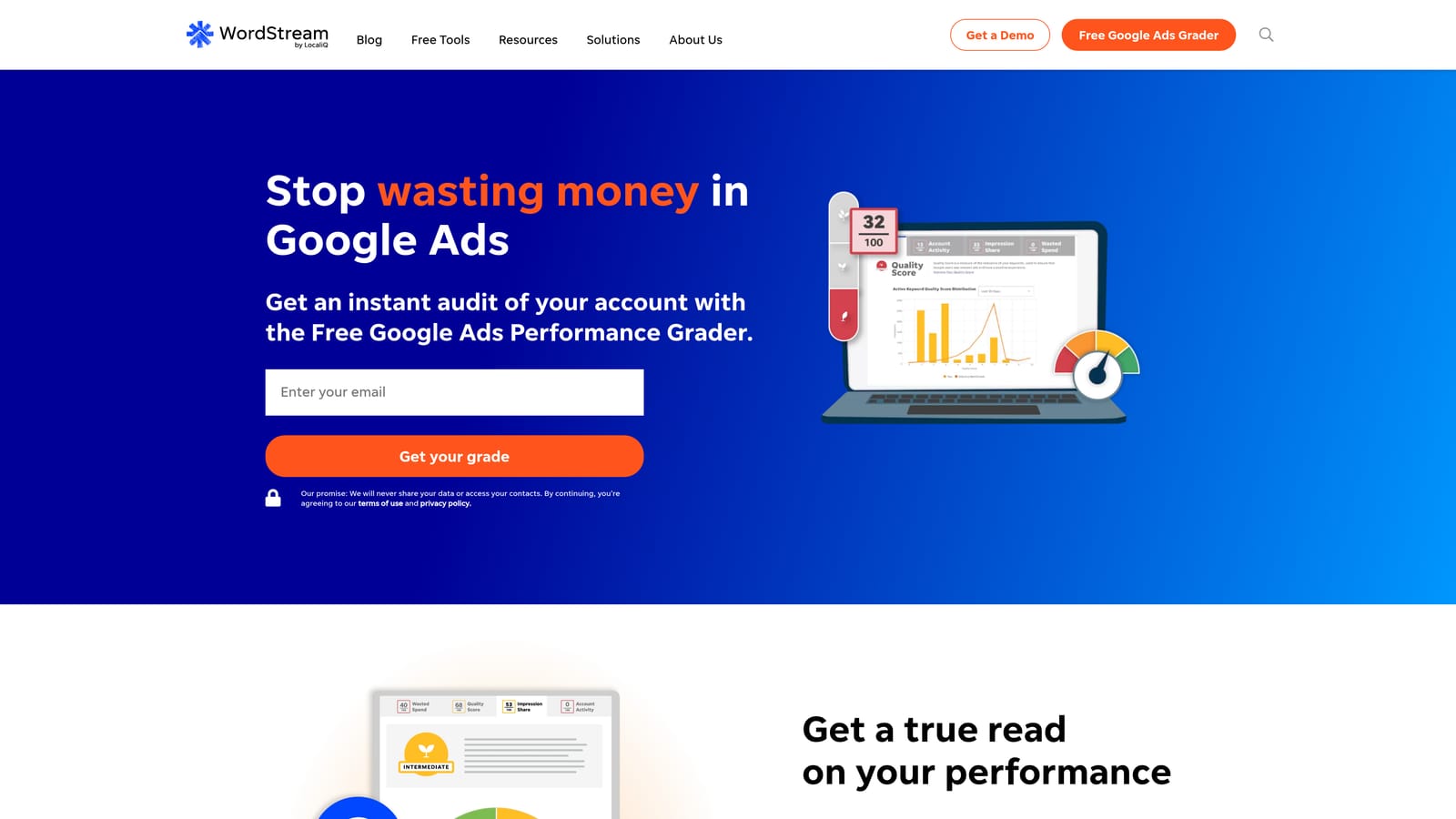
That makes it different from nearly everything else here. Where Optmyzr and Adalysis assume you know what you're doing and want leverage, WordStream assumes you'd like a prompt and a reason.
- Prescriptive optimization suggestions that tell a less experienced advertiser what to change.
- Performance grading, giving a quick read on account health.
- Cross-platform campaign management across Google Ads, Microsoft Advertising, and Meta Ads.
- Reporting to share results with stakeholders or clients.
Setup is generally straightforward, and the business owner or a generalist marketer can run it. The trade-off is flexibility. Experienced practitioners who want granular control, custom rules, or deep scripts will likely find it constraining. Packaging and plans have also changed over time under LocaliQ, so don't rely on older reviews or screenshots.
Pricing wasn't verified for this article. Check the website for current plans, and ask what's included versus bundled with managed services.
Best for: Small businesses and newer advertisers wanting guidance over control.
4. Adalysis
Adalysis is an automated auditing and ad testing platform for Google and Microsoft Ads. Think of it as a second pair of eyes that never stops checking your accounts.
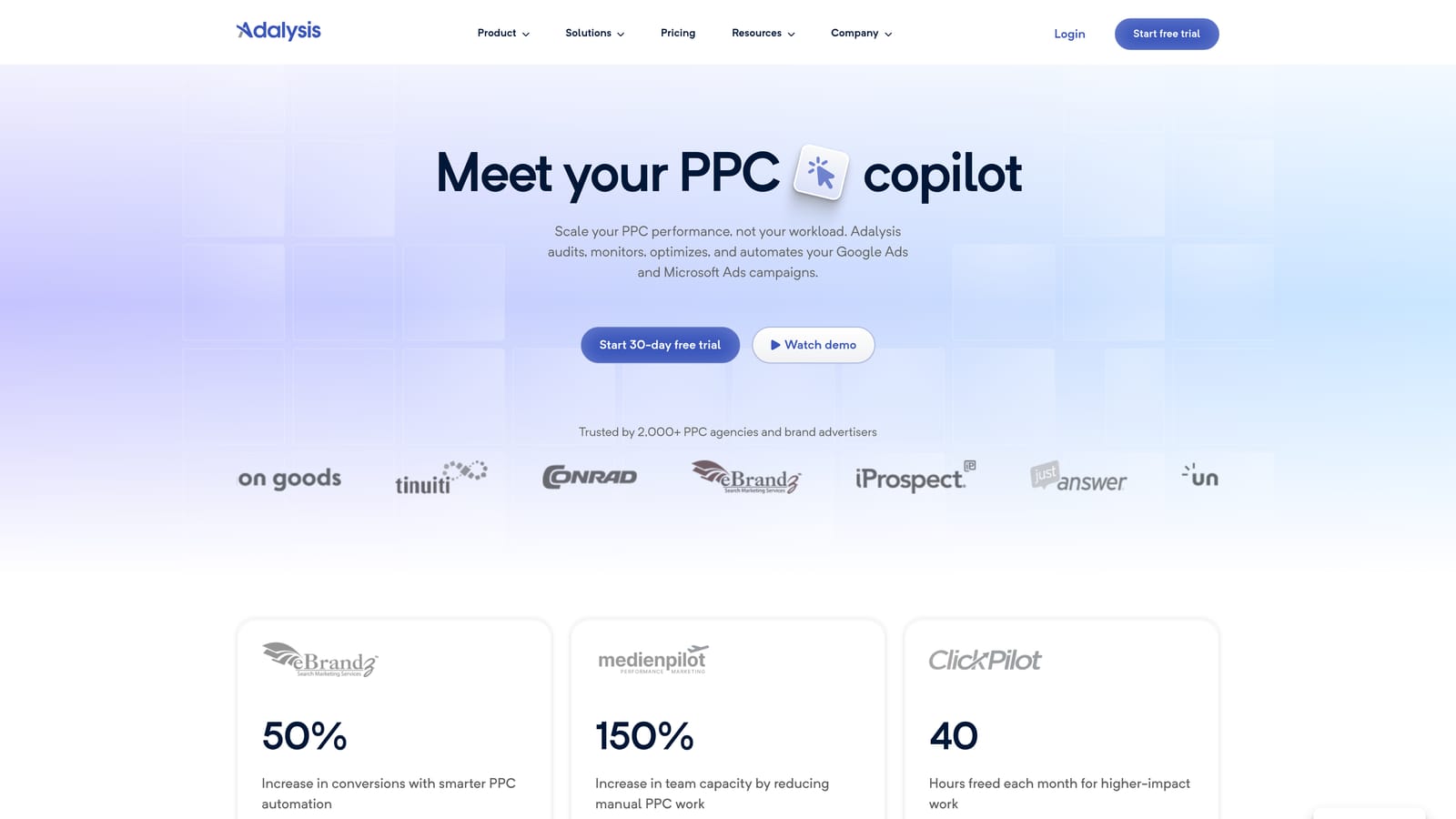
Its distinguishing strength is ad-copy testing analysis. It evaluates which ad variations are actually winning and prioritizes account issues so you know what to look at first, which is useful when you can't review every account daily.
- Automated account audits that catch problems you'd otherwise find weeks later.
- Ad test analysis to show which creative variations are performing better.
- Alerts that notify you when something changes or breaks.
- Quality and issue flagging, ranked so the important items rise to the top.
- Reporting for sharing findings with clients or teams.
It connects to Google Ads and Microsoft Advertising only, so Meta and other channels aren't covered. It's oriented toward auditing and alerts rather than building campaigns or managing everything in one place, so you'll still do the actual changes elsewhere. A PPC specialist or account lead usually owns it, since interpreting findings takes experience.
Pricing wasn't verified for this article; see the website for current plans and what drives cost.
Best for: PPC specialists who want constant audit coverage and ad test insight.
5. Google Ads Editor
Google Ads Editor is Google's free desktop application for managing campaigns in bulk. You download account data, make changes offline, review them, and then post them back.

Its standout trait is full campaign structure access at no cost. For restructuring campaigns, rewriting ads at scale, or building out new accounts, it's hard to beat on price.
- Bulk edits across campaigns, ad groups, keywords, and ads, so large changes take minutes rather than hours.
- Offline drafting, letting you build and revise without being tied to the web interface.
- Copy and paste across campaigns and accounts, handy for replicating structures.
- Change review before posting, so you can check edits before they go live.
It works with Google Ads only. There's no automation, no insight into what to change, and no client reporting, so it's an execution tool, not a decision tool. Setup is a quick install, and whoever builds or restructures campaigns uses it. It also pairs well with search term cleanup, since you decide what to change elsewhere and apply it here when the job is big.
It's free from Google, as of November 2026.
Best for: Advertisers making large structural changes on a zero software budget.
6. Google Ads Automated Rules and Scripts
Google Ads automated rules and scripts are built-in automation options, included here as the no-cost baseline you should compare paid tools against. Rules apply scheduled or conditional changes through the interface. Scripts are JavaScript snippets that can run custom tasks in your account.
What's distinctive is flexibility without a license fee. If you can code it, you can automate it, inside Google Ads itself.
- Automated rules that change statuses, budgets, or bids on a schedule or condition, handling repetitive tweaks.
- Scripts for custom logic beyond what rules allow, such as bespoke checks and reports.
- Scheduled changes so routine tasks run without you.
- Custom alerts that tell you when something looks wrong.
The catch is skill and upkeep. Scripts need someone who can write and debug JavaScript, and they can break when things change. Rules are comparatively limited. And like any automation, they need monitoring: a badly written rule can pause the wrong campaigns quietly. They cover Google Ads only, with no cross-channel view.
Both are free, as of November 2026.
Best for: Technical advertisers who want custom automation without paying for software.
7. Semrush
Semrush is a broad marketing suite, and its advertising tools are useful for the planning stage of PPC. It's a research product, not a campaign manager.
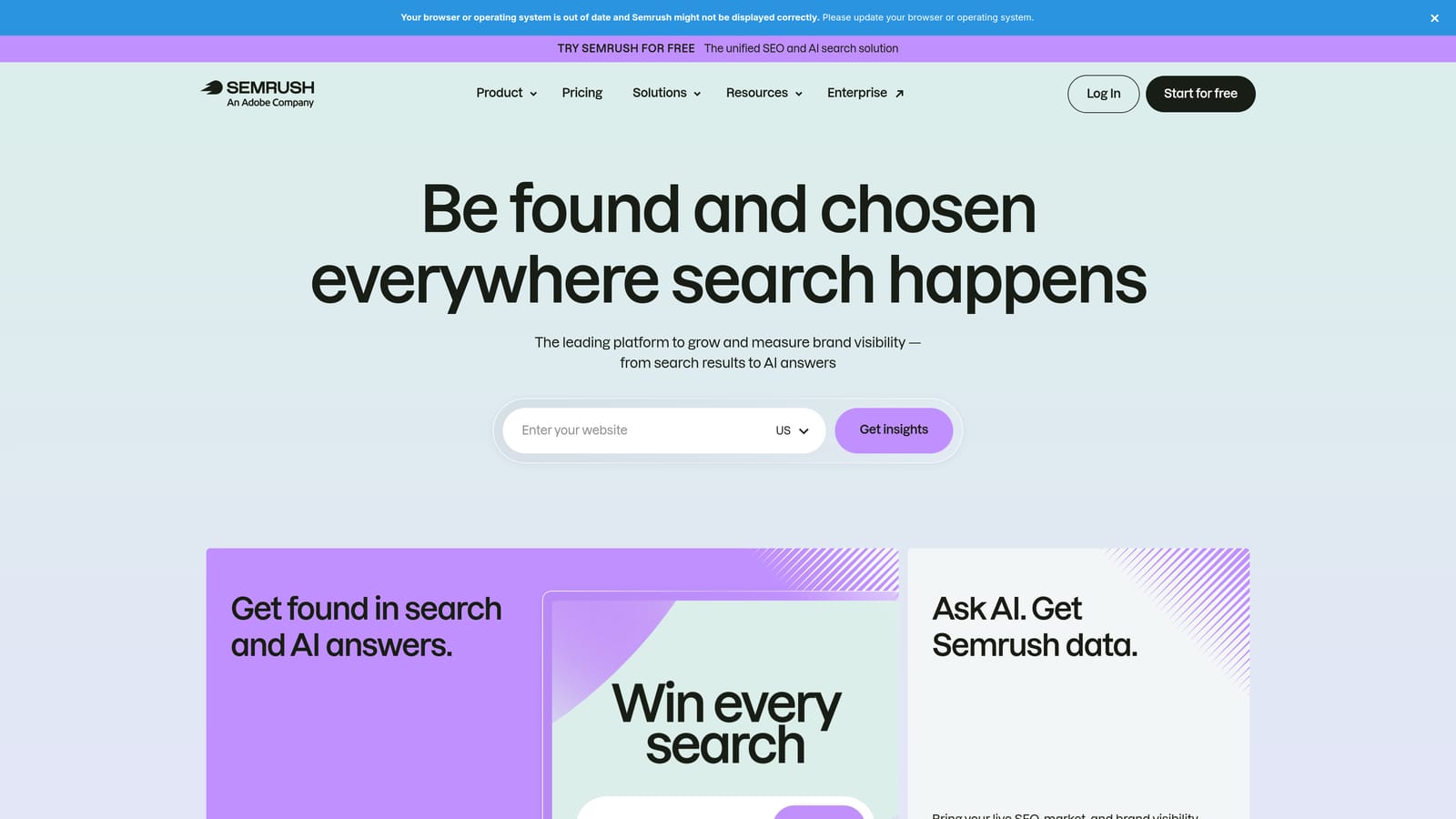
Its distinctive angle is competitor intelligence sitting next to SEO data, so you can see what rivals bid on and how their ads read, then compare that against organic visibility.
- PPC keyword research to find terms worth bidding on before you spend.
- Competitor ad research that shows how others position their offers.
- Ad copy ideas to seed your own tests.
- Domain comparisons for benchmarking against competitors.
It integrates with Google Ads, Google Analytics, and Looker Studio. Setup is mostly account creation and connecting sources, and it's typically used by strategists or marketers at the planning stage. What it won't do is manage or optimize your live campaigns, so don't expect it to replace an optimizer or an editing tool. Because it's a wide suite, you may pay for sections you never touch.
Pricing is by subscription; plans and limits change, so check the website.
Best for: Marketers planning campaigns and benchmarking competitors.
8. Marin Software
Marin Software is an enterprise paid media management platform covering search, social, and commerce. It's designed for large organizations running substantial budgets across many channels.
Its advantage is scale and control: cross-channel management with governance, meaning approvals and workflows that keep big teams consistent.
- Cross-channel campaign management in one place, reducing swivel-chair work between platforms.
- Bid and budget management (automated adjustments to bids and spend allocation) at scale.
- Reporting across channels for stakeholders.
- Workflow governance so large teams follow consistent processes.
It works with Google Ads, Microsoft Advertising, and social ad platforms. Implementation is a bigger project than anything else here and usually involves dedicated staff. It's a poor fit for freelancers and small agencies, both on cost and on complexity. Verify the company's current product status and offerings directly before you commit, since this segment shifts.
Pricing is quote-based and tends to reflect spend and scope.
Best for: Large in-house teams and enterprise advertisers.
9. Supermetrics
Supermetrics is a data connector platform. It pulls ad data from many platforms and sends it to spreadsheets, Looker Studio, and data warehouses, which makes it a reporting engine rather than a management tool.
Its standout is connector breadth. If a client runs Google Ads, Meta, LinkedIn, and more, you can combine everything in one report without manual exports.
- Connectors for many ad platforms, so cross-channel data lands in one place.
- Google Sheets and Excel destinations for teams that live in spreadsheets.
- Looker Studio integration for client-facing dashboards.
- Scheduled data refresh, so reports stay current without weekly exports.
Setup means authorizing each account and building the report templates, and an analyst or account manager typically owns it. It doesn't optimize or edit campaigns, so it answers "what happened," not "what should I change." Costs can rise as you add connectors and destinations.
Plans are tiered by connectors and destinations; see the website for current pricing.
Best for: Agencies building consolidated client reports.
Matching the Tool to Your Bottleneck
Start with where your time or budget actually leaks. If it's junk search terms, Keywordme is the cheapest, fastest fix, and it's the one to try first for Google Ads search-term cleanup. If you run many client accounts across channels and want automation, Optmyzr is the strongest fit here. If you're newer and want direction, WordStream; if you want constant audit coverage, Adalysis.
For the rest: Google Ads Editor handles free bulk editing, Semrush covers research, Marin suits enterprise scale, and Supermetrics handles reporting. Remember that reporting tools don't optimize, and automation still needs review.
A practical setup is one optimizer plus one reporting tool, and run trials before paying for a year of anything. Try each against a real account for a couple of weeks.
Ready to cut the junk? Optimize Google Ads campaigns 10X faster without leaving your account. Keywordme lets you remove junk search terms, build high-intent keyword lists, and apply match types instantly, right inside Google Ads. No spreadsheets, no switching tabs, just quick, seamless optimization. Start your free 7-day trial (then just $12/month) and take your Google Ads game to the next level.
