
9 Best PPC Campaign Management Extensions for Google Ads in 2026
Managing Google Ads efficiently requires the right tools to cut through repetitive tasks like bid adjustments, keyword research, and search term analysis. This guide reviews the 9 best PPC campaign management extensions for 2026, helping advertisers and agencies streamline workflows, optimize campaigns faster, and eliminate hours of manual work—whether you're managing one account or dozens.


Managing Google Ads campaigns means toggling between tabs, exporting spreadsheets, copying keywords into negative lists, and manually adjusting bids across dozens of campaigns. It's tedious, repetitive, and eats up hours every week. Browser extensions have changed that—letting you optimize campaigns, analyze search terms, and research competitors without leaving your workflow. The right extension can turn a 30-minute task into a 3-minute one.
Here are the top PPC campaign management extensions that actually save time. These aren't theoretical tools—they're battle-tested in real campaign environments, ranked by how much friction they remove from daily PPC work. Whether you're a solo freelancer managing a handful of accounts or an agency juggling dozens of clients, there's something here that fits.
1. Keywordme
Best for: In-interface search term optimization and negative keyword management directly within Google Ads
Keywordme is a Chrome extension that integrates directly into Google Ads' search terms report, eliminating the need to export data or switch between tools.

Where This Tool Shines
The biggest time-suck in PPC management is reviewing search terms and cleaning up junk keywords. Keywordme solves this by letting you remove irrelevant search terms, add negatives, and apply match types with a single click—right inside the Google Ads interface. No spreadsheets, no copy-pasting, no context-switching.
What usually happens in most accounts is advertisers either skip search term reviews (bleeding budget on junk traffic) or spend hours exporting CSVs and manually building negative lists. Keywordme turns that workflow into quick, intuitive clicks. It's especially powerful for agencies managing multiple clients, since you can work faster without sacrificing thoroughness.
Key Features
One-Click Junk Removal: Mark irrelevant search terms and remove them instantly without leaving the report.
In-Interface Negative Lists: Build and apply negative keyword lists directly in Google Ads—no exporting required.
Bulk Match Type Application: Apply exact, phrase, or broad match modifiers to multiple keywords at once.
Keyword Clustering: Automatically group related search terms to identify patterns and build smarter campaigns.
Multi-Account & Team Support: Manage multiple Google Ads accounts with team collaboration features for agencies.
Best For
Solo advertisers and agencies who spend significant time on search term optimization and want to stay inside Google Ads instead of juggling spreadsheets. If you're managing campaigns with broad or phrase match keywords that generate high search term volume, this extension dramatically speeds up cleanup.
Pricing
$12/month per user with a 7-day free trial. Flat-rate pricing makes it cost-effective for agencies scaling across multiple client accounts.
2. Google Ads Editor
Best for: Bulk editing campaigns offline and restructuring account architecture across multiple accounts
Google Ads Editor is a free desktop application that lets you download entire accounts, make bulk changes offline, and push updates when ready.

Where This Tool Shines
When you need to restructure campaigns, duplicate ad groups across accounts, or make sweeping changes to hundreds of keywords, the web interface becomes painfully slow. Google Ads Editor lets you work offline with full account access, making bulk edits lightning-fast.
The mistake most agencies make is trying to duplicate campaigns manually in the web UI. Editor's copy-paste functionality lets you clone entire campaign structures across accounts in minutes. It's also the only way to safely test major changes before pushing them live—you can review everything in draft mode first.
Key Features
Offline Bulk Editing: Download accounts, make changes offline, and upload when you're ready.
Copy/Paste Across Accounts: Duplicate campaigns, ad groups, and keywords between different Google Ads accounts seamlessly.
Find and Replace: Update URLs, ad copy, or keyword match types across thousands of items instantly.
Draft and Review: Preview all changes before posting to avoid costly mistakes.
Full Campaign Structure Access: Edit every element of your account architecture in one interface.
Best For
Agencies managing multiple client accounts, advertisers launching new campaigns based on existing templates, and anyone who needs to make structural changes to large accounts without the web interface's lag.
Pricing
Free. It's Google's official tool, so there's no cost and it's fully supported.
3. Keyword Surfer
Best for: Quick keyword research and search volume data while browsing Google search results
Keyword Surfer is a free Chrome extension that displays search volume, CPC estimates, and related keywords directly in Google's search results.

Where This Tool Shines
When you're researching new campaign ideas or validating keyword opportunities, Keyword Surfer gives you instant data without opening a separate tool. Search volume, keyword suggestions, and traffic estimates appear right in the SERPs as you browse.
In most accounts I audit, advertisers miss obvious keyword variations because they only check a few terms in Google's Keyword Planner. Keyword Surfer surfaces related keywords and long-tail variations as you search, helping you discover high-intent terms competitors might be overlooking.
Key Features
Search Volume in SERPs: See monthly search volume for any query directly in Google search results.
Related Keyword Suggestions: Get a sidebar of similar keywords with volume data as you browse.
Content Editor Integration: Connect with Surfer SEO's content tools for deeper analysis.
Correlation Data: View how search volume correlates with seasonal trends.
Domain Traffic Estimates: See estimated organic traffic for any website in the SERPs.
Best For
PPC managers who do frequent keyword research, agencies building new campaigns for clients, and advertisers who want quick validation of keyword ideas without switching to Keyword Planner.
Pricing
Free. No account required—just install the extension and start using it.
4. SEMrush PPC Toolkit
Best for: Competitive intelligence and discovering what keywords and ad copy competitors are using
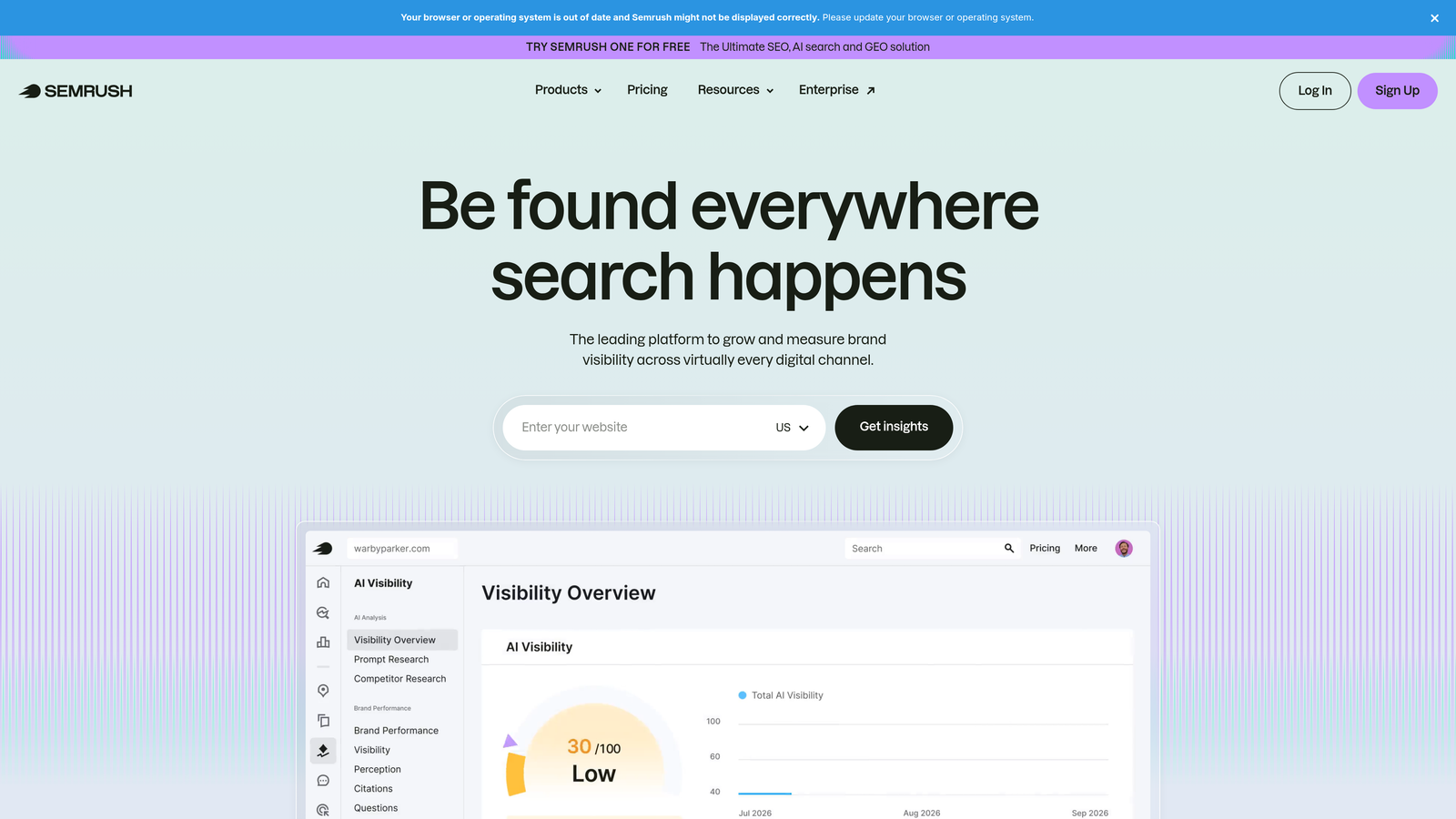
SEMrush PPC Toolkit is a comprehensive competitive research platform with dedicated tools for analyzing competitor ads, keywords, and bidding strategies.
Where This Tool Shines
When you're entering a new market or trying to understand why competitors are outbidding you, SEMrush shows you exactly what they're doing. You can see their ad copy, landing pages, keyword targets, and estimated budgets—giving you a blueprint to improve your own campaigns.
The keyword gap analysis is especially useful for identifying terms your competitors rank for that you're missing. Instead of guessing which keywords to add, you get a data-driven list of opportunities based on what's already working for similar advertisers.
Key Features
Competitor Ad Copy Analysis: View active and historical ad copy from any domain, including headlines and descriptions.
PPC Keyword Research: Discover keywords competitors are bidding on with CPC and competition metrics.
Ad History Tracking: See how competitors have changed their messaging over time.
CPC and Competition Data: Get estimated cost-per-click and competition levels for any keyword.
Keyword Gap Analysis: Identify keywords your competitors target that you don't.
Best For
Agencies managing competitive industries, advertisers launching campaigns in new markets, and PPC managers who need to justify keyword and budget decisions with competitive data.
Pricing
Starts at $139.95/month for the Pro plan. Higher tiers unlock more competitive data and additional features.
5. SpyFu
Best for: Historical PPC data and long-term competitor ad tracking across multiple years
SpyFu specializes in historical advertising data, letting you see how competitors have evolved their PPC strategies over the past 17+ years.

Where This Tool Shines
Unlike tools that only show current ad data, SpyFu archives every ad variation a competitor has run—sometimes going back over a decade. This is incredibly useful for understanding seasonal strategies, testing patterns, and identifying which messaging has staying power.
The PPC negative match recommendations are a hidden gem. SpyFu analyzes competitor keywords and suggests negative keywords based on terms they've stopped bidding on—helping you avoid wasting budget on keywords that experienced advertisers have already tested and rejected.
Key Features
Historical Ad Data: Access 17+ years of competitor ad copy and keyword history.
Competitor Keyword Downloads: Export full lists of keywords competitors are bidding on.
Ad Variation History: See every version of an ad a competitor has tested over time.
PPC Negative Match Recommendations: Get suggested negative keywords based on competitor behavior.
Domain Comparison: Compare your PPC strategy against multiple competitors side-by-side.
Best For
Advertisers in mature, competitive industries who need deep historical insights, agencies building long-term PPC strategies, and anyone who wants to learn from competitors' testing history rather than starting from scratch.
Pricing
Starts at $39/month for the Basic plan. Professional and team plans unlock more competitor tracking and data exports.
6. Optmyzr
Best for: Rule-based automation and one-click optimizations for agencies managing high-volume accounts
Optmyzr is a PPC management platform that automates repetitive tasks through customizable rules and provides actionable optimization suggestions.

Where This Tool Shines
When you're managing dozens of accounts, manual optimizations don't scale. Optmyzr lets you create automation rules that adjust bids, pause underperforming ads, or flag budget issues across all accounts simultaneously. The one-click optimizations surface opportunities you might miss in manual reviews.
The Shopping campaign tools are particularly strong—Optmyzr makes it easier to manage product feeds, adjust bids by product category, and optimize Shopping ads without wrestling with the Merchant Center interface.
Key Features
Rule-Based Automation: Create custom rules to automate bid adjustments, budget alerts, and campaign pausing.
One-Click Optimizations: Get pre-built optimization suggestions you can apply with a single click.
Custom Reporting: Build automated reports that pull data from Google Ads, Microsoft Ads, and other platforms.
Budget Management: Track pacing and get alerts when accounts are overspending or underspending.
Shopping Campaign Tools: Specialized features for managing Google Shopping feeds and product-level bidding.
Best For
Agencies managing multiple client accounts, in-house PPC teams with large budgets, and advertisers running complex Shopping campaigns who need more control than the native interface provides.
Pricing
Starts at $249/month. Pricing scales based on ad spend and number of accounts managed.
7. WordStream Advisor
Best for: Guided PPC optimization with simplified workflows for advertisers who want actionable recommendations
WordStream Advisor is a PPC management platform that provides weekly optimization alerts and step-by-step guidance for improving campaign performance.

Where This Tool Shines
The "20-Minute Work Week" approach is designed for busy advertisers who don't have hours to spend on optimization. WordStream analyzes your accounts and surfaces the highest-impact changes you can make—ranked by priority. You can knock out key optimizations in a focused session without digging through reports.
The performance grader is useful for auditing new accounts or diagnosing why campaigns aren't performing. It scores your account across multiple dimensions and highlights specific issues with clear recommendations.
Key Features
20-Minute Work Week Alerts: Get prioritized optimization tasks delivered weekly so you can focus on high-impact changes.
Performance Grader: Audit your account with a detailed score and actionable improvement suggestions.
Guided Optimization Suggestions: Step-by-step instructions for implementing recommended changes.
Cross-Platform Management: Manage Google Ads, Microsoft Ads, and Facebook Ads from one dashboard.
Reporting Dashboards: Pre-built reports that show performance trends and goal progress.
Best For
Small businesses managing their own PPC campaigns, freelancers juggling multiple clients without dedicated PPC staff, and advertisers who want guided optimization rather than full automation.
Pricing
Custom pricing based on monthly ad spend. Contact WordStream for a quote tailored to your account size.
8. Adalysis
Best for: Automated ad testing and quality score monitoring for data-driven campaign optimization
Adalysis is a platform focused on ad testing, quality score tracking, and automated optimization workflows for PPC campaigns.
Where This Tool Shines
Ad testing is one of those things everyone knows they should do but rarely does consistently. Adalysis automates the entire process—creating tests, tracking statistical significance, and pausing underperforming ads when results are conclusive. You get continuous testing without manual monitoring.
The quality score tracking is granular. Instead of just seeing the overall score, Adalysis breaks down expected CTR, ad relevance, and landing page experience at the keyword level—helping you diagnose exactly why scores are low and what to fix.
Key Features
Automated Ad Testing: Set up A/B tests and let Adalysis automatically pause losing ads when results are statistically significant.
Quality Score Tracking: Monitor quality score changes over time with detailed breakdowns by component.
Ad Copy Recommendations: Get suggestions for improving ad copy based on performance data and best practices.
Statistical Significance Calculations: Know when test results are reliable enough to act on.
Audit and Alert System: Get notifications about account issues, policy violations, and optimization opportunities.
Best For
Performance-focused advertisers who want to continuously test and improve ad copy, agencies managing accounts where quality score directly impacts profitability, and PPC managers who prefer data-driven decisions over gut instinct.
Pricing
Starts at $149/month. Pricing scales with ad spend and number of accounts managed.
9. PPC Protect
Best for: Click fraud detection and real-time blocking of invalid traffic to protect ad budgets
PPC Protect monitors your campaigns for fraudulent clicks and automatically blocks suspicious IPs to prevent wasted ad spend.
Where This Tool Shines
Click fraud is a silent budget killer—especially in competitive industries where competitors or bots repeatedly click your ads. PPC Protect identifies patterns of invalid traffic and blocks offending IPs in real-time, so you stop paying for clicks that will never convert.
The forensic reports are detailed. You can see exactly which IPs were blocked, why they were flagged, and how much budget you saved. This is useful for justifying the tool's cost to clients or stakeholders who question whether click fraud is actually impacting their accounts.
Key Features
Real-Time Click Fraud Detection: Monitor traffic patterns and identify fraudulent clicks as they happen.
Automatic IP Blocking: Block suspicious IPs across Google Ads, Microsoft Ads, and Facebook Ads automatically.
Forensic Reports: View detailed logs of blocked traffic with explanations of why clicks were flagged.
Custom Blocking Rules: Set your own criteria for what constitutes invalid traffic based on your campaign data.
Multi-Platform Support: Protect campaigns across Google, Microsoft, and social platforms from one dashboard.
Best For
Advertisers in highly competitive industries where click fraud is common, campaigns with high CPCs where every click matters, and agencies managing client budgets who need to demonstrate fraud prevention efforts.
Pricing
Starts at $50/month. Pricing scales based on monthly ad spend and number of platforms protected.
Making the Right Choice
The best PPC extension depends on where you're losing the most time. If search term optimization is eating up your week, Keywordme's in-interface approach eliminates the spreadsheet shuffle and keeps you working directly in Google Ads. For bulk edits and account restructuring, Google Ads Editor remains essential—it's free and nothing handles large-scale changes faster.
Agencies juggling competitive research should look at SEMrush or SpyFu. SEMrush gives you current competitor insights and keyword gaps, while SpyFu's historical data shows how strategies have evolved over time. If automation is your priority, Optmyzr offers powerful rule-based workflows that scale across multiple accounts.
Most PPC pros don't rely on just one tool. The typical stack combines an in-interface optimizer (like Keywordme), a bulk editor (Google Ads Editor), and a competitive research platform (SEMrush or SpyFu). Start with your biggest pain point—usually search term cleanup or bulk editing—and add tools as your workflow demands.
Optimize Google Ads Campaigns 10X Faster. Without Leaving Your Account. Keywordme lets you remove junk search terms, build high-intent keyword lists, and apply match types instantly—right inside Google Ads. No spreadsheets, no switching tabs, just quick, seamless optimization. Start your free 7-day trial (then just $12/month) and take your Google Ads game to the next level.
.svg)