
9 Best PPC Campaign Efficiency Software Tools for Google Ads Teams in 2026
This guide ranks nine PPC campaign efficiency software tools for Google Ads freelancers, agencies, and in-house teams. Each tool is evaluated by the time sink it removes, setup effort, whether it works inside or outside the ad platform, and how its pricing scales from solo users to teams.


If you manage Google Ads for a living, you already know where the hours go: combing through search terms, patching negative keyword lists, rebuilding the same report every month, and checking budgets that never seem to stay put. This list is for marketers, freelancers, and agency owners who want those hours back for strategy. The tools were chosen by which kind of time sink they remove, how much setup they need, whether they work inside or outside the ad platform, and how their pricing scales for a solo user versus a team.
Quick Comparison of the Tools
- Keywordme: freelancers and agencies who live in the Search Terms Report; $12/month per user; adds one-click search term actions inside the native Google Ads interface.
- Optmyzr: agencies and in-house teams with larger multi-account spend; pricing on the website; pairs a library of pre-built optimizations with a customizable rule engine.
- Adalysis: teams that want a watchdog on account health; pricing on the website; continuous ad-test analysis and issue alerts.
- Google Ads Editor: anyone doing big structural changes or account builds; free; official offline drafting with review before posting.
- Google Ads Scripts and Automated Rules: technical advertisers; free; unlimited custom automation built into the platform.
- Swydo: agencies tired of manual reports; pricing on the website; white-label automated client reporting.
- Looker Studio: budget-conscious teams wanting custom dashboards; free core product; blends several data sources in one report.
- WordStream Advisor: small business owners running their own PPC; pricing on the website; beginner-friendly prioritized recommendations.
- Google Smart Bidding and Performance Max: accounts with solid conversion tracking; no separate fee (ad spend applies); native machine-learning bidding with no added tooling.
1. Keywordme
Keywordme is our own product, so here is the honest version. It's a Chrome extension that adds one-click actions to the Search Terms Report inside Google Ads. It's built for the person who reviews search terms (the queries people actually typed) and has to turn them into keywords (what you bid on) or negative keywords (what you block).
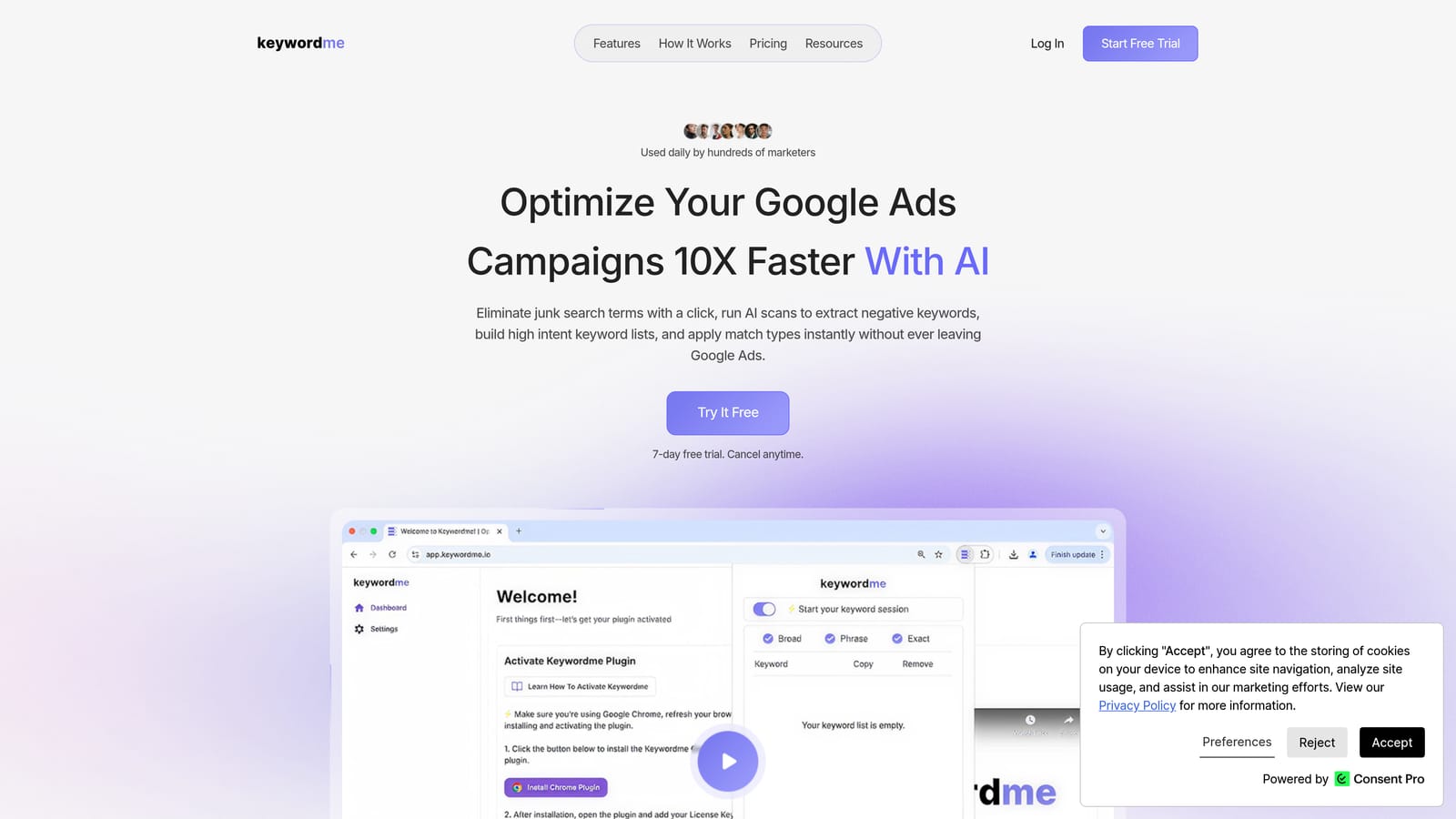
What it does best compared with everything else here is stay out of your way. There's no spreadsheet export, no separate dashboard, and no second login to learn. You work in the interface you already use, and the extension turns repetitive review into clicks.
- One-click negative keywords straight from the Search Terms Report, so junk queries get blocked as you spot them.
- Add keywords and apply match types in the interface, which saves the copy, paste, and format cycle.
- Keyword clustering to group related terms into new keyword lists faster.
- Bulk editing for applying the same action across many terms at once.
- Multi-account and team support, so agencies can use it across client accounts.
Setup is light: install the extension and open Google Ads. It connects to Google Ads only, and whoever does the search term reviews runs it day to day. There's no admin layer to maintain.
The limits are real. Keywordme is focused on the search term and keyword workflow. It doesn't automate bids, monitor ad tests, or produce cross-channel reports, so it's narrower than full suites like Optmyzr. It also runs only in Chrome. You still decide what to add or block; it just makes acting on those decisions fast.
Pricing is a flat $12/month per user, with a 7-day free trial (confirm current terms on the site). Cost scales with headcount, not ad spend, which is friendly to freelancers and to agencies with big client budgets.
Best for: Freelancers and agencies who spend hours on search term reviews and negative keyword lists.
2. Optmyzr
Optmyzr is a PPC optimization platform covering Google Ads and Microsoft Advertising, with Meta Ads also listed among its integrations. It's aimed at agencies and in-house teams that manage many accounts and want a repeatable way to find and fix issues across all of them.
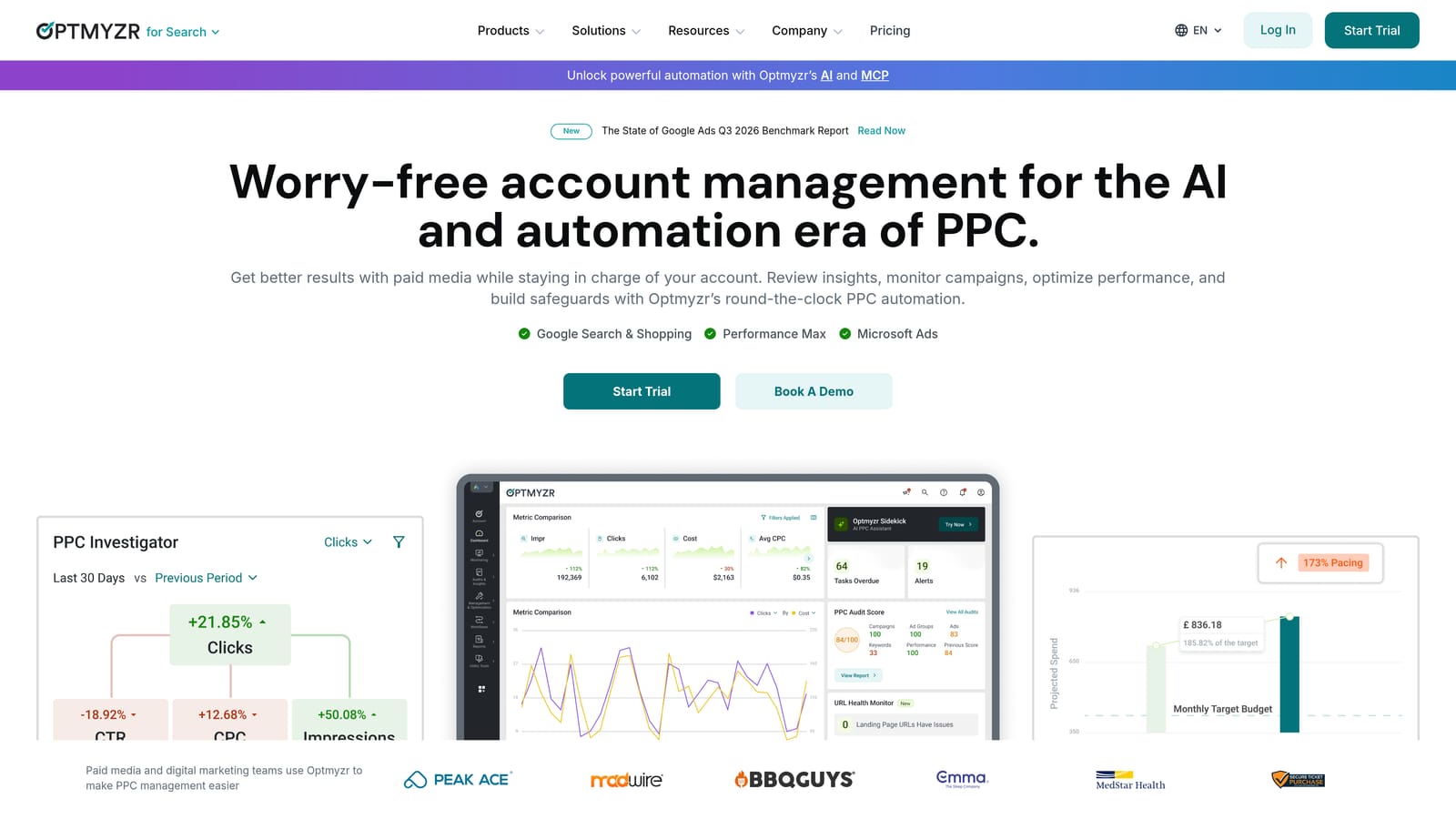
Its standout is breadth. You get a large library of pre-built optimization tools plus a rule engine you can customize, so you can start with its checks and then encode your own standards.
- Pre-built optimization tools that surface common fixes without you designing the check first.
- A rule engine for turning your own account logic into repeatable checks across accounts.
- Account audits that give a fast read on a new or inherited account.
- Bulk editing for applying changes at scale.
- Reporting so you can show the work to clients or stakeholders.
Expect a real onboarding period. There's a lot of surface area, and getting value means deciding which tools and rules matter for your accounts. Usually one or two account managers own it and share results with the wider team.
That depth is also the main limitation. The learning curve and cost can be heavy for a small account where you only need a few of those features. Pricing is tiered and typically tied to ad spend, so check the website for current plans, as they change.
Best for: Agencies and in-house teams managing larger multi-account spend.
3. Adalysis
Adalysis is automated monitoring and testing software for Google Ads and Microsoft Advertising. Think of it as a second pair of eyes that keeps checking your account while you work on other things. It's designed for teams who'd rather be alerted to problems than discover them at month end.
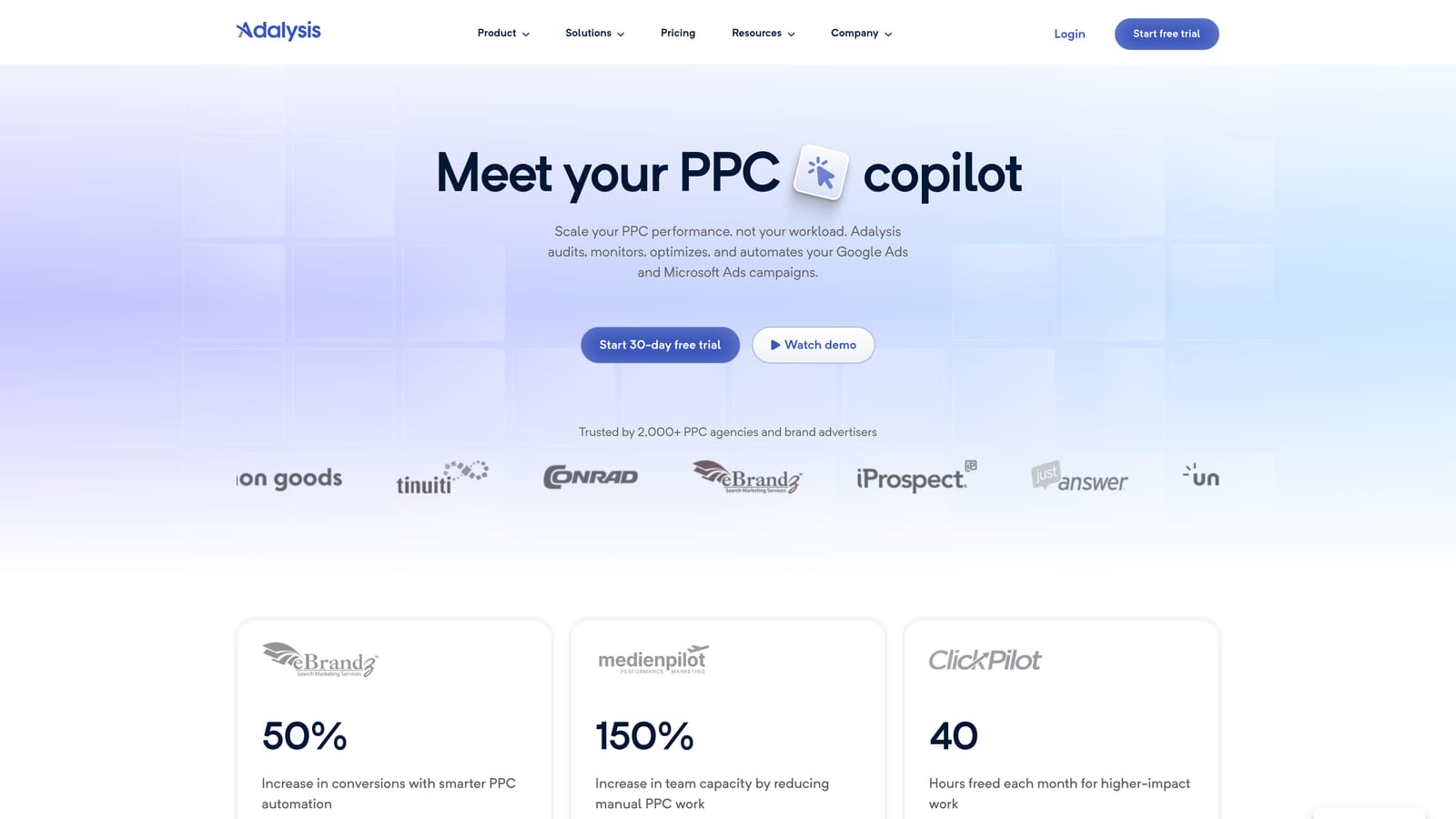
What it does distinctively well here is ad testing. It analyzes ad copy test results continuously and flags issues, which is tedious to do by hand across many ad groups.
- Automated alerts that point you to account problems as they appear.
- Ad copy test analysis that shows which variations are winning or losing.
- Quality checks that catch hygiene issues you'd otherwise miss.
- Account audits for a structured health review.
- Reporting to share findings with clients or colleagues.
Setup means connecting your ad accounts and tuning which alerts matter, so you don't drown in notifications. Someone on the team needs to own triage, because the tool tells you what to look at but doesn't take the work off your plate.
That's the key limitation: it recommends and alerts, and you still make and prioritize the changes. If you want one-click execution of fixes, pair it with something hands-on. Pricing is tiered by account and spend; see the website for current plans.
Best for: Teams that want a watchdog on ad tests and account health.
4. Google Ads Editor
Google Ads Editor is Google's free desktop app for editing campaigns in bulk. You download your accounts, make changes offline, review them, and post them back. It's meant for anyone who's tired of clicking through the web interface to make the same edit forty times.
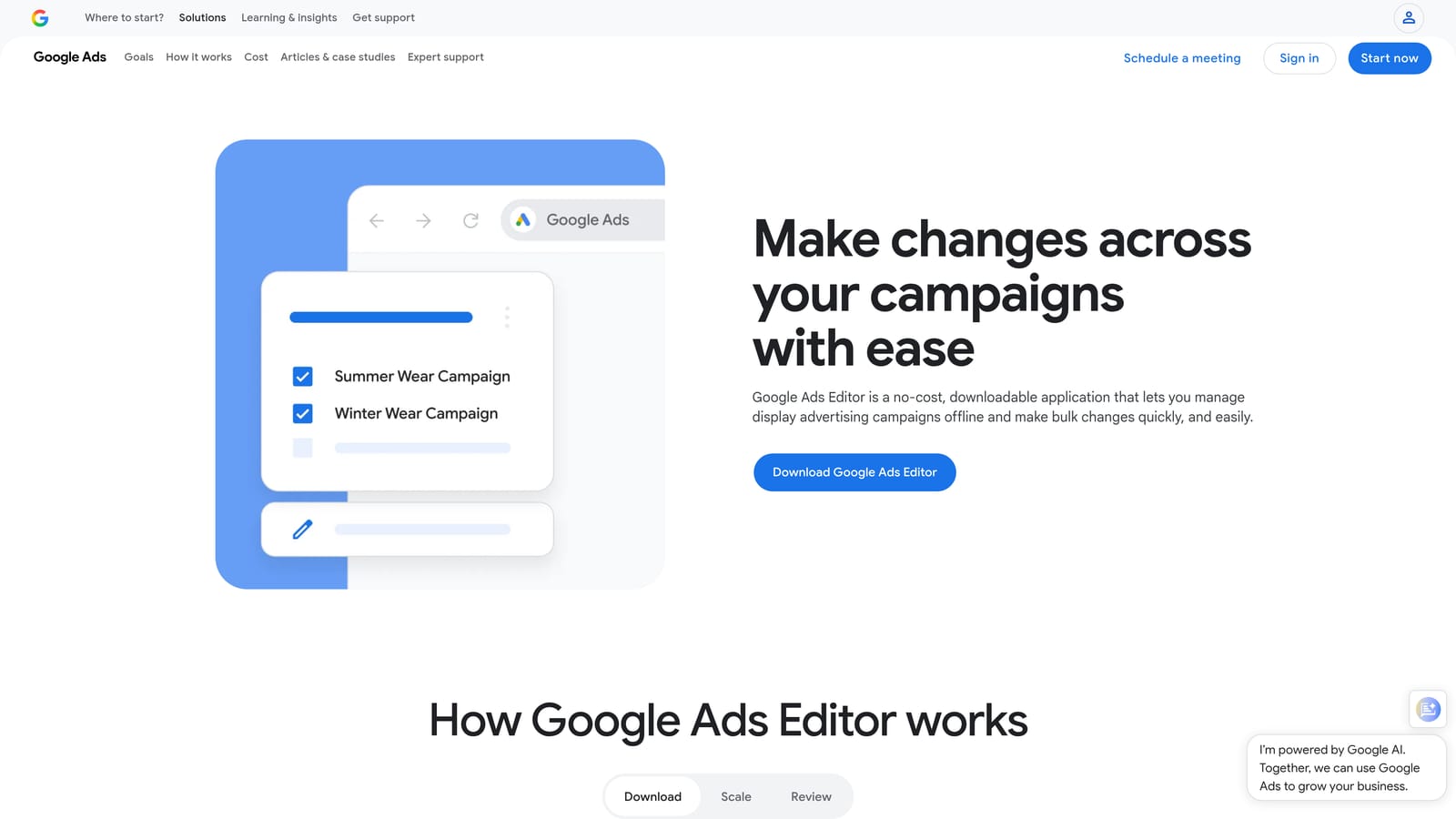
Its edge over the rest of the list is that it's first-party and free, and it's the best fit for big structural work: building a new account, restructuring ad groups, or copying a campaign setup across clients.
- Bulk edits across campaigns, ad groups, keywords, and ads in one pass.
- Offline drafting, so you can build and tweak without being live in the account.
- Copy and paste across campaigns and accounts to reuse structures.
- Multi-account management from one app.
- A change review step before you post, so you catch mistakes before they go live.
Setup is a download and a sync. The person doing the build or restructure runs it, and the learning curve is modest if you're comfortable with spreadsheets.
The limitation is that it only executes. It gives no insights, no recommendations, and no alerts, so you need to know what you want to change before you open it. It's also not built for the quick, in-the-moment judgment calls of search term review. Cost is zero.
Best for: Anyone doing large structural changes or account builds.
5. Google Ads Scripts and Automated Rules
Google Ads Scripts and Automated Rules are the platform's own automation options. Automated rules run simple scheduled actions, such as pausing or adjusting something when a condition is met. Scripts are JavaScript snippets that can do far more. The difference matters: rules are point-and-click, scripts are code.
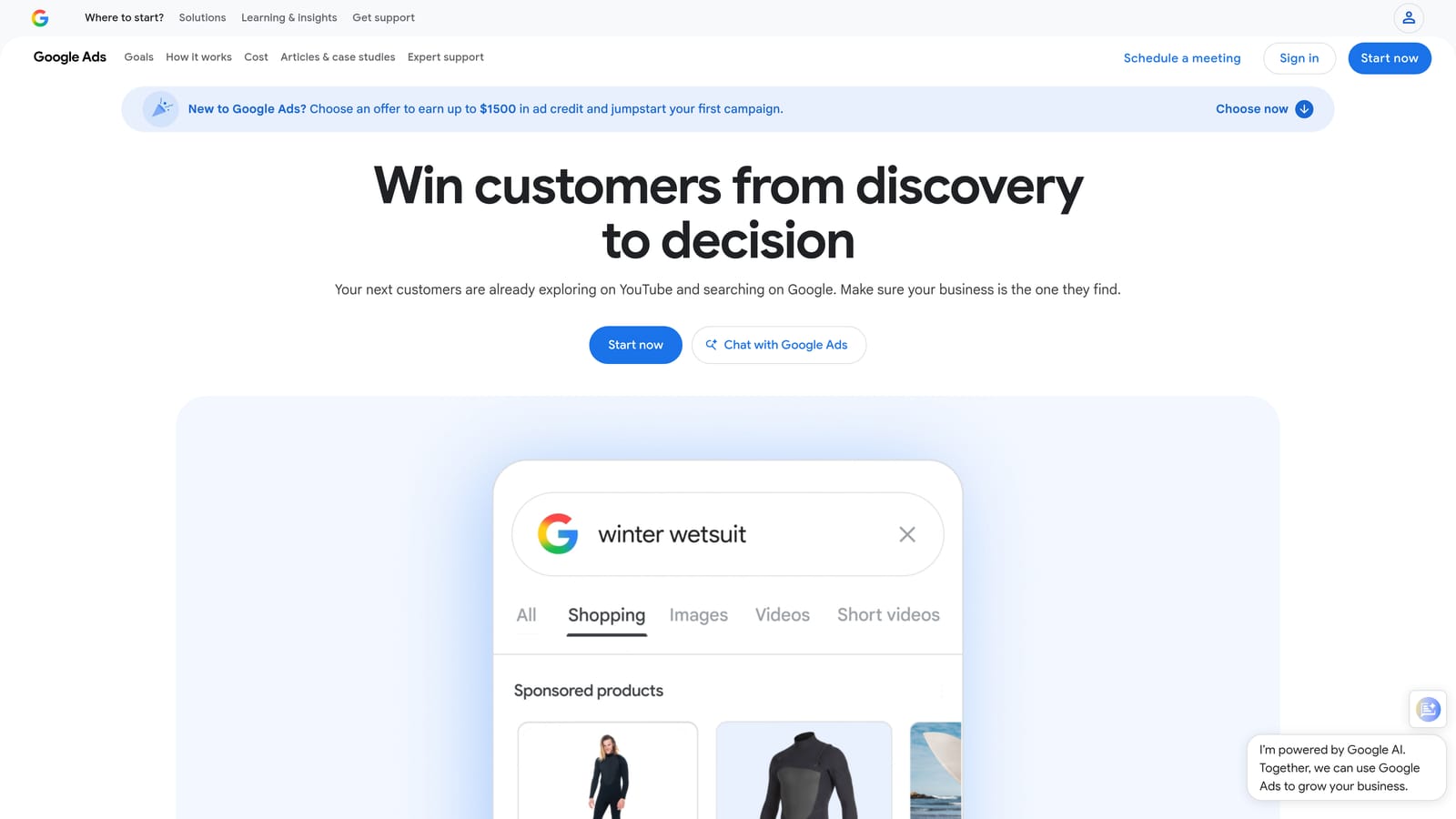
The standout is flexibility at no cost. If you can describe a check, you can probably script it, and nothing here adds a subscription.
- Automated rules for simple scheduled changes without writing code.
- Custom scripts for checks and actions that off-the-shelf tools don't cover.
- Scheduled reports delivered on your timetable.
- Alerts that notify you when something drifts out of range.
- Spreadsheet connections, so results can land in Google Sheets.
Setup depends on ambition. Rules take minutes. Scripts need someone who can write and debug JavaScript, and that person has to keep them working when things change. Without that owner, scripts quietly break.
That upkeep is the main limitation, and it makes this a poor fit for non-technical advertisers or teams with no one to maintain code. It's also Google Ads only. Both options are free.
Best for: Technical advertisers who want custom checks without paying for software.
6. Swydo
Swydo is an automated reporting platform built for agencies. Its job is narrow: pull performance data from your ad platforms and turn it into client-ready reports, so you stop rebuilding the same deck every month.
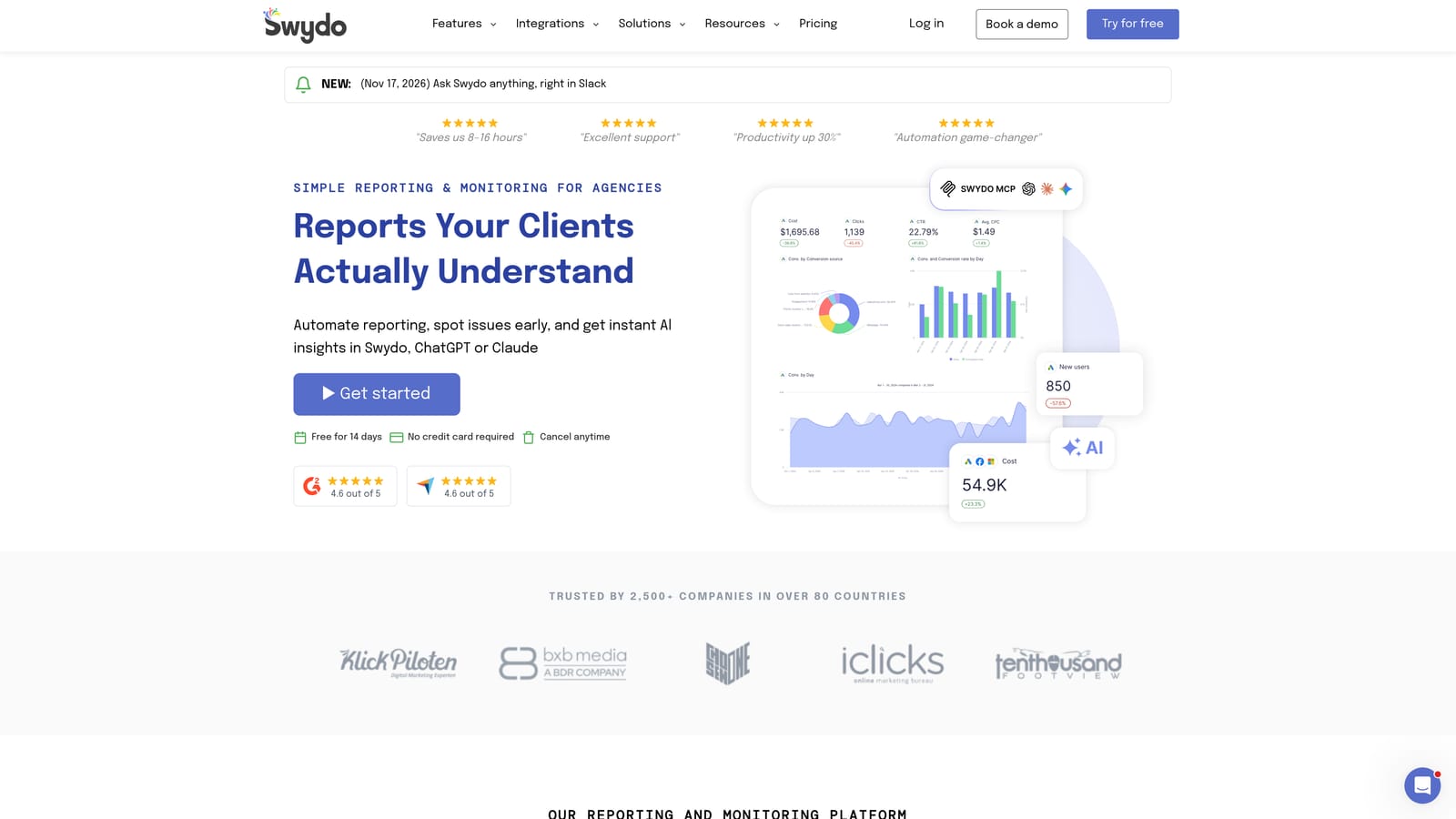
What it does that the others here don't is white-label delivery. Reports carry your agency's branding and go out on a schedule, which makes the client-facing side feel polished with little manual effort.
- Automated reports that refresh from live data instead of being assembled by hand.
- White-label branding so clients see your agency, not a vendor.
- Multi-platform data across Google Ads, Meta Ads, Google Analytics, and Microsoft Advertising.
- Dashboards for ongoing visibility between report cycles.
- Scheduled delivery so reports arrive without a reminder on your calendar.
Setup involves connecting each client's accounts and building or adapting a report template. After that, it mostly runs itself. Account managers or an ops person typically own it.
It reports only. It doesn't change campaigns or suggest what to do, so it won't reduce wasted spend by itself; it just saves reporting time. A solo advertiser with two clients may not need it. Plans are tiered; check the website for current pricing.
Best for: Agencies tired of building monthly reports by hand.
7. Looker Studio
Looker Studio is Google's free dashboard and reporting tool, with a native Google Ads connector. If you want reporting you control completely and don't want another subscription, this is the usual starting point.
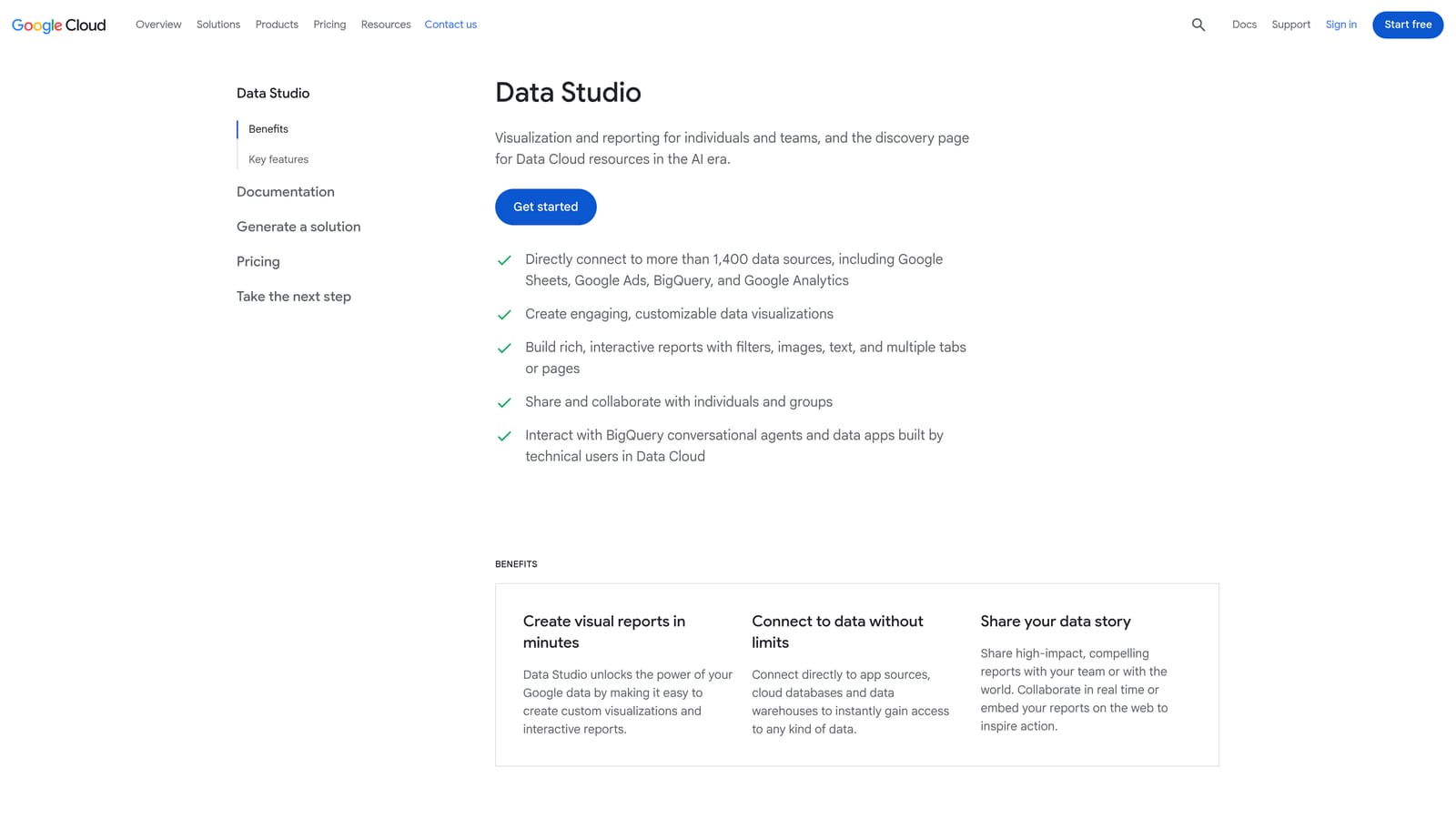
Its strength against paid reporting tools is flexibility. You can blend Google Ads data with Analytics, Sheets, or BigQuery and build a dashboard that matches exactly how you or your client think about performance.
- A native Google Ads connector, so data flows in without exports.
- Custom dashboards you design around the metrics you care about.
- Data blending to combine ads data with other sources in one view.
- Shareable reports for clients or teammates.
- A template gallery to avoid starting from a blank page.
The trade-off is effort. You build and maintain every dashboard, and a broken field or changed account means fixing it yourself. It also does no optimization. It shows you the numbers and leaves the decisions to you.
The core product is free. Third-party connectors for non-Google platforms may cost extra, so budget for those if you need Meta or other channels.
Best for: Budget-conscious teams that want custom reporting.
8. WordStream Advisor
WordStream Advisor is a guided PPC management tool from LocaliQ, aimed at small businesses. Product naming under LocaliQ has shifted over time, so confirm what's currently offered on the site before you buy.
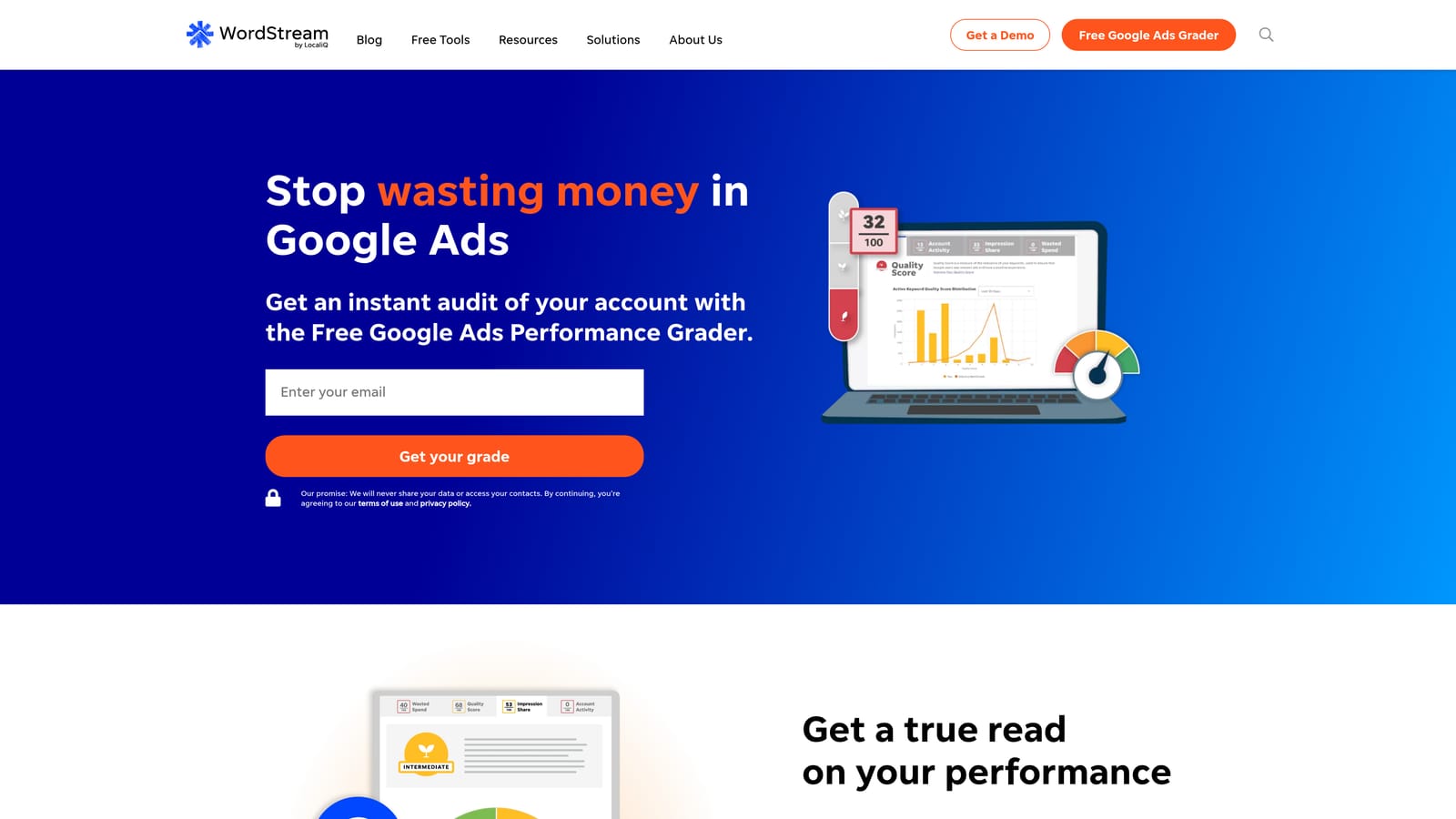
Its distinctive quality is hand-holding. Instead of handing you raw controls, it prioritizes recommendations, which helps when you don't have a specialist telling you what matters first.
- Prioritized recommendations that tell you what to fix first.
- Performance grading for a quick sense of how the account is doing.
- Campaign management tools for acting on suggestions.
- Reporting to keep track of results over time.
It connects to Google Ads, Microsoft Advertising, and Meta Ads, and setup is intentionally simple. The business owner or a generalist marketer usually runs it.
That simplicity is also the limit. Experienced PPC pros will likely find it short on granular control, and agencies with complex account structures will outgrow it. Pricing isn't published in the research here, so check the website or ask for a quote.
Best for: Small business owners running their own PPC without a specialist.
9. Google Smart Bidding and Performance Max
Google Smart Bidding and Performance Max aren't third-party software, but they belong on a list about efficiency because they remove manual bid management. Smart Bidding is a set of automated bid strategies; Performance Max is a campaign type that runs across Google's inventory.
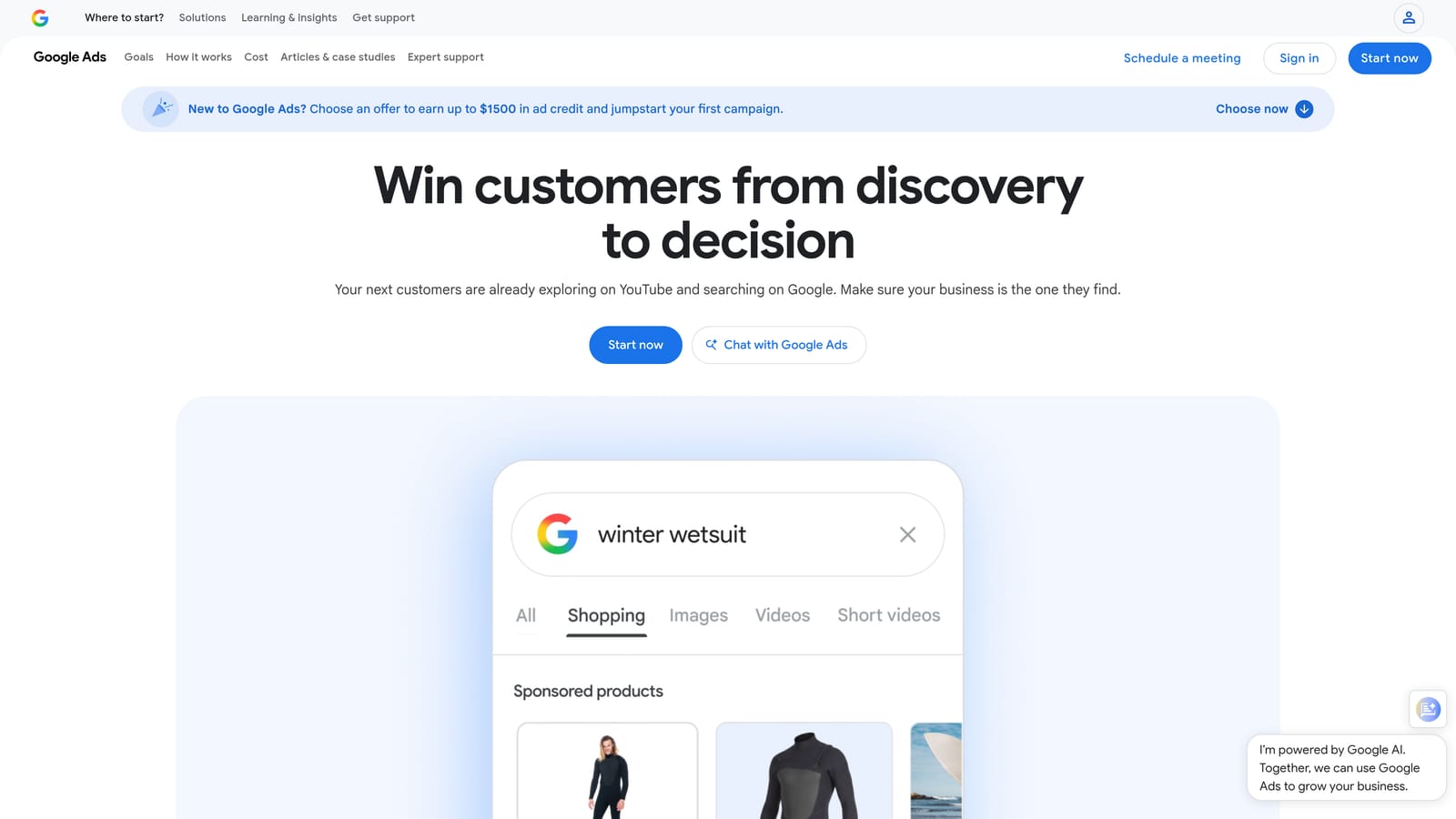
The advantage is zero added tooling. Machine learning adjusts bids using conversion signals, which would be impractical to replicate by hand.
- Automated bid strategies that set bids per auction instead of you adjusting them manually.
- Machine-learning optimization that uses your conversion data to steer spend.
- Cross-inventory reach through Performance Max, from one campaign.
- Conversion-based bidding, so optimization follows the outcomes you define.
Setup is mostly about inputs: conversion tracking has to be accurate, and Google Analytics and Merchant Center connections matter for some setups. Whoever owns tracking owns the results.
The limitations are transparency and control. You see less of why things happen, and poor or sparse conversion data produces poor results. Automation also doesn't replace account hygiene: you still need to review search terms and keep negatives current. There's no separate fee; you pay ad spend.
Best for: Accounts with solid conversion tracking and enough data volume.
Which Combination Fits Your Account
Few accounts need everything here, and no single tool covers every kind of waste. The practical setup for most is one hands-on optimizer plus one reporting tool.
Solo advertisers and freelancers: start with Keywordme for search term cleanup and Google Ads Editor for builds and bulk changes. Add Looker Studio if clients want dashboards.
Agencies: pair a team workflow tool (Keywordme for search terms, or Optmyzr for broader multi-account optimization) with Adalysis for monitoring and Swydo for white-label reporting.
Small businesses wanting guidance: WordStream Advisor gives prioritized next steps without needing a specialist.
Technical teams: Scripts, Automated Rules, and Looker Studio cover a lot at no cost, if someone will maintain them. Smart Bidding suits any of these when conversion tracking is solid.
If the search term report is where your hours disappear, that's the quickest win. Optimize Google Ads Campaigns 10X Faster. Without Leaving Your Account. Keywordme lets you remove junk search terms, build high-intent keyword lists, and apply match types instantly, right inside Google Ads. No spreadsheets, no switching tabs, just quick, seamless optimization. Start your free 7-day trial (then just $12/month) and take your Google Ads game to the next level.
