
9 Best PPC Campaign Cleanup Tools to Cut Waste and Scale Smarter
Discover the 9 best PPC campaign cleanup tools of 2026 that help advertisers eliminate wasted ad spend, build smarter negative keyword lists, and optimize campaign performance—whether you're managing a single account or an entire agency portfolio.


TL;DR: PPC campaign cleanup tools help you eliminate wasted spend, remove irrelevant search terms, tighten keyword match types, and build negative keyword lists without spending hours in spreadsheets. This list covers the best tools for doing exactly that, whether you're a solo advertiser or an agency managing dozens of accounts.
If your Google Ads campaigns are burning budget on junk traffic, you're not alone. Bloated keyword lists, mismatched search terms, and ignored negative keywords are among the most common reasons campaigns underperform. In most accounts I audit, negative keyword lists are either empty or haven't been touched in months. The good news: there are tools built specifically to fix this, fast.
We've rounded up the best PPC campaign cleanup tools available in 2026, evaluated on ease of use, depth of cleanup features, workflow speed, and value for money. Let's get into it.
1. Keywordme
Best for: In-interface search term cleanup without leaving Google Ads
Keywordme is a Chrome extension that works directly inside the Google Ads Search Terms Report, letting you add negatives, apply match types, cluster keywords, and build keyword lists with a single click.

Where This Tool Shines
The biggest differentiator here is the workflow. Every other tool on this list requires you to export data, switch to a dashboard, or work in a separate interface. Keywordme keeps you inside Google Ads the entire time. You're reviewing search terms, clicking to add negatives, applying exact or phrase match, and clustering related queries into ad groups — all without opening a spreadsheet or switching tabs.
For agencies managing multiple accounts, that time savings compounds quickly. Bulk editing and multi-account support mean you're not repeating the same manual steps across every client. Team collaboration features also let shared accounts stay in sync without version-control headaches.
Key Features
One-Click Negative Keyword Addition: Add irrelevant search terms as negatives directly from the Search Terms Report without exporting anything.
Instant Match Type Application: Switch between broad, phrase, and exact match on any term without leaving the native UI.
Keyword Clustering: Group related search terms into ad groups to build tighter, more relevant campaign structure.
Bulk Editing and Multi-Account Support: Apply cleanup actions across multiple campaigns or client accounts in one session.
Team Collaboration: Shared account management features for agency teams working on the same accounts.
Best For
Solo advertisers and agency teams who do regular search term reviews and want to cut the time spent on cleanup in half. Especially valuable if you're already doing this work in Google Ads and just want a faster, less painful workflow.
Pricing
$12/month per user, flat rate. A 7-day free trial is available with no credit card required upfront.
2. Google Ads Search Terms Report (Native)
Best for: Free, no-setup access to raw search query data
Google Ads includes a built-in Search Terms Report that remains the original source of truth for what queries are actually triggering your ads.

Where This Tool Shines
It's free, it's always up to date, and it requires zero third-party access. For advertisers just starting out or managing a single small account, the native report covers the basics: see what triggered your ads, add negatives, add keywords. No learning curve, no monthly cost.
The limitation is scale. Adding negatives one at a time gets tedious fast. There's no clustering, no bulk match type application, and Google withholds some query data below privacy thresholds. It's a starting point, not a scalable workflow.
Key Features
Free Access to Actual Query Data: See the exact search terms that triggered your ads across any date range.
Direct Negative and Keyword Addition: Add terms as negatives or keywords without leaving the report.
Filterable Views: Filter by campaign, ad group, match type, and date range to narrow your focus.
No Third-Party Access Required: Everything stays within Google's native environment.
Best For
New advertisers, very small accounts, or anyone who wants to do a quick one-off cleanup without installing additional tools. Not suited for weekly cleanup routines at any meaningful scale.
Pricing
Free. Included with any active Google Ads account.
3. WordStream Advisor
Best for: SMBs that want guided, structured weekly optimization recommendations
WordStream Advisor is a guided PPC optimization platform with a "20-Minute Work Week" workflow, designed to surface weekly action items including negative keyword recommendations and ad performance grading.

Where This Tool Shines
WordStream's value is in the guidance layer. Rather than leaving you to figure out what to fix, it tells you what to do each week: add these negatives, test this ad copy, check this Quality Score. For SMB advertisers who don't have a dedicated PPC manager, that structure can prevent accounts from going stale.
Worth noting: WordStream was acquired by LOCALiQ (Gannett), and some users report the platform has received less active development since the acquisition. It's worth requesting a demo to verify the current feature set before committing.
Key Features
Weekly Guided Optimization Workflow: Surfaces prioritized action items so you know exactly what to work on each session.
Negative Keyword Suggestions: Recommends negatives based on your account's actual search term data.
Quality Score Monitoring: Tracks Quality Score changes and flags accounts that need attention.
Google Ads Performance Grading: Benchmarks your account against industry standards.
Ad Copy Suggestions: Prompts for A/B testing and ad variation improvements.
Best For
Small business owners or in-house marketers who manage their own ads without deep PPC expertise and want a structured workflow to follow. Less suited for agencies managing multiple client accounts.
Pricing
Not publicly listed as of 2026. Requires a demo or quote through LOCALiQ. Factor this into your evaluation process.
4. Optmyzr
Best for: Agencies needing rule-based automation and bulk negative keyword management across multiple accounts
Optmyzr is a powerful PPC management platform built for agencies, with rule-based automation, one-click optimizations, and robust tools for managing negative keyword lists at scale.

Where This Tool Shines
Where Optmyzr earns its price tag is in automation depth. You can build rules that automatically flag or act on recurring cleanup issues, which is a big deal when you're managing 20+ accounts. The PPC Investigator feature is genuinely useful for diagnosing why performance dropped — it walks you through a structured audit rather than leaving you to guess.
The mistake most agencies make is buying Optmyzr and only using 20% of it. The bulk negative keyword management and custom scripts are where the real leverage is. If you're not using those, you're probably overpaying relative to simpler tools.
Key Features
One-Click Optimization Suggestions: Surfaces actionable recommendations across all managed accounts from a single dashboard.
Rule-Based Automation: Build recurring cleanup rules that run on a schedule without manual intervention.
PPC Investigator: Diagnostic tool for understanding the root cause of performance drops.
Bulk Negative Keyword List Management: Create, apply, and manage shared negative lists across multiple accounts efficiently.
Custom Scripts and Reporting: Build tailored automation and client-facing reports.
Best For
Mid-to-large agencies managing significant ad spend across multiple accounts who need automation, not just cleanup assistance. The price point makes it harder to justify for solo advertisers or small teams.
Pricing
Starts around $208/month billed annually for smaller accounts. Scales with ad spend volume.
5. SEMrush PPC Toolkit
Best for: Combining keyword research and competitive intelligence with cleanup planning
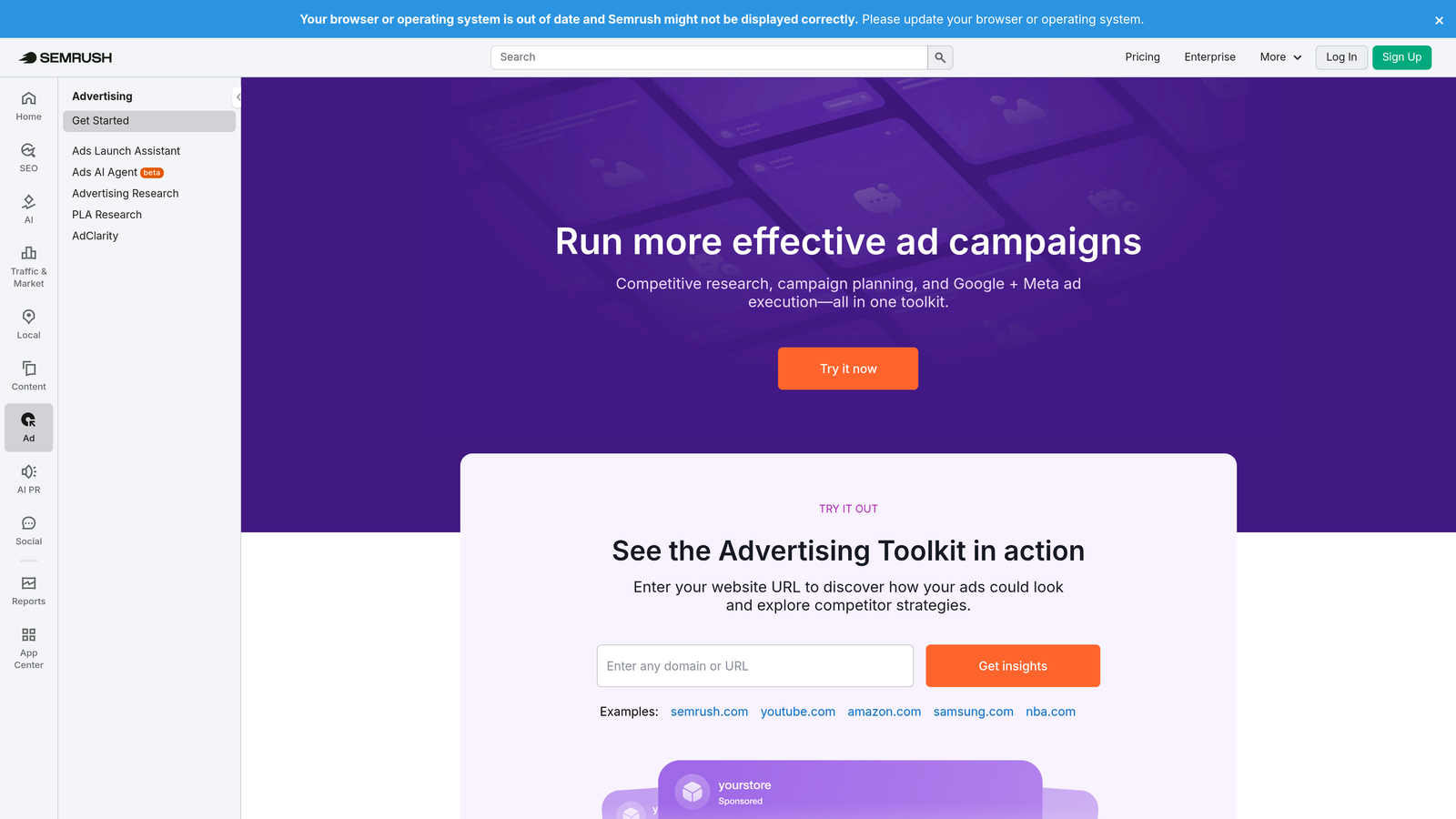
SEMrush's PPC Toolkit combines keyword research, competitive ad intelligence, and keyword grouping tools to inform smarter campaign cleanup decisions alongside broader research workflows.
Where This Tool Shines
SEMrush is primarily a research platform, and that's where its cleanup value comes from. The PPC Keyword Tool lets you build keyword groups, assign match types, and flag negatives before you even launch a campaign. The Advertising Research view shows you what competitors are bidding on, which can inform what you should stop bidding on.
It's less useful for real-time, in-account cleanup and more useful for strategic decisions: which keywords belong in your account, which should be excluded, and what your competitors are doing differently.
Key Features
PPC Keyword Tool: Group keywords, assign match types, and manage negatives within a structured planning interface.
Advertising Research: See competitor keywords, ad copy, and estimated spend to inform your own pruning decisions.
Keyword Overlap Analysis: Identify redundant or conflicting keywords across your campaigns.
CPC Estimates: Understand cost context before adding or removing keywords.
Export to Google Ads Format: Download keyword lists ready for direct upload.
Best For
Advertisers who want competitive context alongside cleanup, or teams that plan campaigns in SEMrush before building them in Google Ads. If you already subscribe to SEMrush for SEO, the PPC Toolkit is a natural addition.
Pricing
Included with SEMrush Pro at $139.95/month. Higher tiers unlock additional data volume and features.
6. SpyFu
Best for: Using competitor data to identify keywords worth cutting from your own campaigns
SpyFu is a competitive intelligence tool that shows years of historical PPC data for any domain, making it useful for identifying which keywords competitors have abandoned and why.

Where This Tool Shines
Here's a cleanup use case most people overlook: if a competitor has been running a keyword for years and suddenly stops, that's a signal the keyword may not be converting well for anyone in the space. SpyFu's historical data makes those patterns visible in a way that no in-account tool can.
It's not a direct cleanup tool in the traditional sense. You won't be adding negatives from SpyFu. But it's a strong research layer for making smarter decisions about what to keep, cut, or test in your own campaigns.
Key Features
Years of Historical Competitor Data: See which keywords any domain has bid on and when they stopped.
MOAB Keyword List: A massive keyword discovery resource useful for both expansion and negative identification.
Competitor Ad History: Review actual ad copy and spend estimates over time.
Keyword Gap Analysis: Identify where competitors are active that you're not, and vice versa.
Downloadable Keyword Lists: Export data for use in your own cleanup and planning workflows.
Best For
Advertisers in competitive niches who want to use competitive signals to inform keyword pruning. Works well alongside a direct cleanup tool rather than as a standalone solution.
Pricing
Basic plan from $39/month. Professional plan from $79/month.
7. Adalysis
Best for: Proactive account monitoring that catches cleanup issues before they become expensive
Adalysis is an automated account auditing and monitoring platform for Google Ads and Microsoft Ads, built to surface cleanup issues proactively rather than after the damage is done.

Where This Tool Shines
Most cleanup tools are reactive: you review what happened and fix it. Adalysis flips that model. It monitors your accounts continuously and alerts you when something goes wrong, like a new wave of irrelevant search terms appearing at scale, or a Quality Score drop that signals a structural problem. For agencies managing accounts across multiple clients, that kind of early warning system is genuinely valuable.
The ad variation testing and bid adjustment recommendations add depth beyond pure cleanup, making it a monitoring and optimization platform rather than a single-purpose tool.
Key Features
Continuous Automated Account Health Checks: Runs ongoing audits across quality score, search terms, and ad performance without manual triggers.
Proactive Alerts: Notifies you when new irrelevant search terms appear at scale or performance anomalies arise.
Quality Score Tracking: Monitors changes over time and flags accounts that need structural attention.
Bid Adjustment and Match Type Recommendations: Surfaces tactical suggestions based on performance patterns.
Multi-Account Dashboard: Centralized view for agencies monitoring multiple client accounts simultaneously.
Best For
Agencies and in-house teams that want to shift from reactive cleanup to proactive account maintenance. Particularly useful when managing accounts where issues can go unnoticed for weeks.
Pricing
Starts around $99/month for smaller accounts. Pricing scales with account size and spend volume.
8. Google Ads Editor
Best for: Large-scale structural cleanup and shared negative keyword list management
Google Ads Editor is Google's free desktop application for bulk offline editing, and it's the go-to for large-scale structural cleanup tasks that would take forever in the browser interface.
Where This Tool Shines
Ads Editor is the right tool when you need to do structural work at scale: building shared negative keyword lists, applying them across dozens of campaigns, copying and restructuring ad groups, or doing a find-and-replace across your entire account. What usually happens here is that advertisers use the browser interface for everything and then wonder why account-wide changes take hours.
The offline workflow is also useful when you want to review and stage changes before pushing them live. You can make bulk edits, review everything in context, and upload when you're confident it's right.
Key Features
Bulk Offline Editing: Make changes across campaigns and ad groups without an internet connection, then upload in batch.
Shared Negative Keyword List Management: Create and apply negative keyword lists across multiple campaigns efficiently.
Find and Replace: Update text, URLs, or settings across your entire account in seconds.
Copy and Paste Campaigns: Duplicate and restructure campaigns and ad groups without rebuilding from scratch.
Best For
Any advertiser doing large-scale structural cleanup or managing shared negative keyword lists across many campaigns. Less suited for ongoing search term review, where in-interface tools are faster.
Pricing
Free. Available to any Google Ads advertiser with a desktop operating system.
9. Karooya Negative Keyword Tool
Best for: Free, focused negative keyword discovery for advertisers who haven't built out their lists yet
Karooya's Negative Keyword Tool is a single-purpose free tool that connects to your Google Ads account and generates negative keyword recommendations based on your actual search term data.
Where This Tool Shines
Karooya does one thing: finds negative keywords you should be adding. It connects to your account, analyzes your search term history, and surfaces irrelevant queries you may have missed. For advertisers who have never built a proper negative keyword list, this is one of the lowest-friction ways to start. No dashboard to learn, no complex setup.
The scope is intentionally narrow. Don't expect match type management, clustering, or account auditing. But for what it does, it's hard to argue with free.
Key Features
Automated Negative Keyword Suggestions: Analyzes your search term data and recommends irrelevant queries to block.
Direct Save to Google Ads: Push recommended negatives directly to your account or download as a list.
Identifies Missed Irrelevant Terms: Surfaces queries that may have flown under the radar in manual reviews.
Simple Single-Purpose Interface: No learning curve — connect your account and get recommendations.
Best For
Advertisers who are just starting to build negative keyword lists, or anyone who wants a free second opinion on what they might be missing. Not a replacement for a full cleanup workflow.
Pricing
Free for accounts with limited monthly spend. Paid plans available for larger accounts.
Which PPC Cleanup Tool Is Right for You
Here's the honest breakdown by use case, because the right tool depends entirely on where you are and what you're trying to solve.
Need the fastest in-interface cleanup without switching tools? Keywordme is the clear answer. Nothing else keeps you inside Google Ads while letting you add negatives, apply match types, and cluster terms in a single session.
Managing multiple client accounts at an agency? Start with Keywordme for search term cleanup speed, and consider Optmyzr if you need deeper automation and rule-based management across high-spend accounts.
Want free tools to get started? Google Ads Editor and Karooya together cover the basics: structural bulk editing and negative keyword discovery, both at zero cost.
Need competitive context alongside cleanup decisions? SEMrush PPC Toolkit or SpyFu give you the research layer to make smarter pruning decisions, especially in competitive verticals.
Want proactive monitoring rather than reactive cleanup? Adalysis is built for exactly this. It catches issues before they compound into real budget waste.
New to PPC and need structured guidance? WordStream Advisor's guided workflow can help you build good habits early, though verify the current feature set before committing given the post-acquisition development pace.
The best PPC campaign cleanup tool is the one you'll actually use consistently. For most advertisers and agencies, the biggest wins come from reviewing search terms regularly, building out negative keyword lists, and tightening match types. These are recurring tasks, not one-time fixes, and the tools that make them faster are the ones that actually get used.
Keywordme makes all of that dramatically faster right inside Google Ads. No spreadsheets, no switching tabs, no clunky dashboards. Start your free 7-day trial and see how much time you reclaim on your next cleanup session.
.svg)