
8 Best PPC Browser Extensions for Google Ads
This guide reviews the 8 best PPC browser extensions for Google Ads in 2026, evaluating each tool on practical features, ideal user, and cost. It helps marketers, freelancers, and agency owners cut wasted time and make faster, smarter campaign decisions without leaving the platforms they already use.


If you manage Google Ads, you already know how much time disappears into spreadsheets, copy-pasting search terms, and toggling between tabs. PPC browser extensions cut through that friction by letting you work faster—right inside the platforms you're already using. No extra dashboards. No exporting CSVs. Just quicker decisions and cleaner campaigns.
This list covers the best PPC browser extensions available in 2026, chosen for their practical value to marketers, freelancers, and agency owners who need to move fast without making costly mistakes. Each tool is evaluated on what it actually does well, who it's built for, and what it costs—so you can pick the right one for your PPC workflow.
1. Keywordme
Best for: In-campaign Google Ads optimization directly inside the Search Terms Report
Keywordme is a Chrome extension that plugs directly into Google Ads' Search Terms Report, letting you manage keywords without ever leaving the native interface.

Where This Tool Shines
Most PPC optimization happens in a frustrating loop: export search terms, paste into a spreadsheet, sort, flag negatives, go back to Google Ads, add them manually. Keywordme collapses that entire process into single clicks. You can add a negative keyword, promote a search term to a positive keyword with a match type already applied, or cluster related terms—all from inside the Search Terms Report where you're already working.
For agencies managing multiple accounts, the multi-account and team support is particularly useful. Bulk editing across search terms means you're not clicking one by one through a long list of irrelevant queries. The extension is focused tightly on the tasks that eat the most time in a typical optimization session, which keeps it fast and uncluttered.
Key Features
One-Click Negative Keywords: Add irrelevant search terms as negative keywords directly from the Search Terms Report without opening a separate workflow.
Promote Search Terms to Keywords: Push a search term to a positive keyword with your chosen match type applied instantly—no copy-pasting required.
Keyword Clustering: Group related search terms together quickly to inform ad group structure or identify patterns in query data.
Bulk Editing: Select and act on multiple search terms at once instead of processing them individually.
Multi-Account and Team Support: Designed for agency workflows where multiple users or accounts need consistent, fast optimization.
Best For
Google Ads managers, freelancers, and agency teams who spend significant time in the Search Terms Report and want to reduce wasted spend without adding more tools to their stack. It's especially valuable for agencies handling multiple client accounts where speed and consistency matter.
Pricing
$12/month per user. A 7-day free trial is available, so you can test it against your actual workflow before committing.
2. Keywords Everywhere
Best for: Inline keyword research data while browsing Google, YouTube, and Amazon
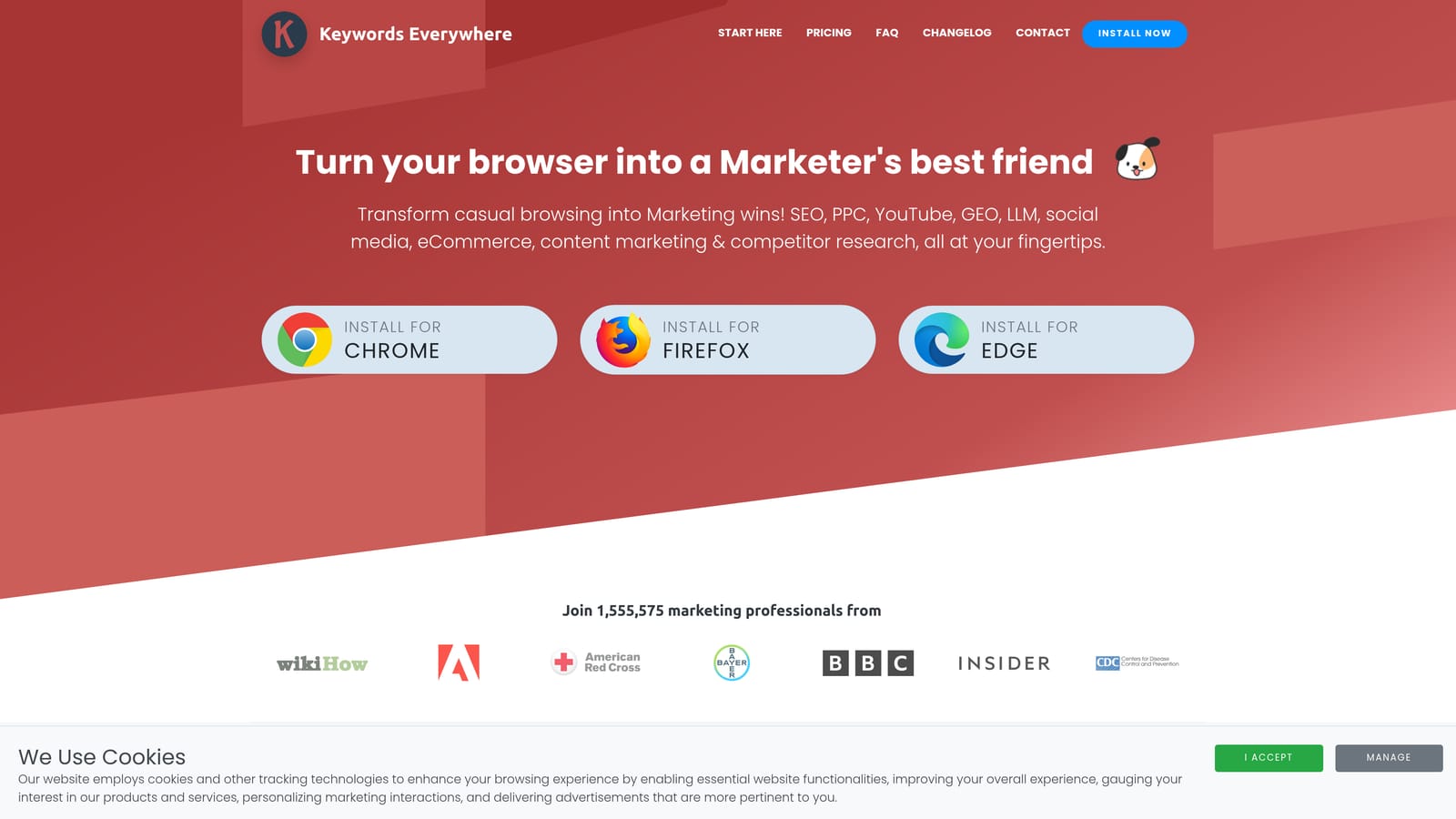
Keywords Everywhere is a Chrome and Firefox extension that overlays keyword volume, CPC, and competition data directly on search results pages as you browse.
Where This Tool Shines
The appeal here is context. Instead of switching to a separate keyword research tool, you see search volume and CPC estimates right on the Google SERP while you're already searching. That makes it useful for quick gut-checks during campaign planning or when you're evaluating whether a term is worth bidding on.
Beyond Google, the extension also surfaces keyword data on YouTube, Amazon, and several other platforms. The "People Also Search For" and related keyword panels on search pages can surface adjacent terms you might not have considered for your ad groups.
Key Features
Inline Keyword Metrics: Volume, CPC, and competition data appear directly on Google SERPs without opening a separate tool.
Related Keywords Panel: Surfaces related terms and "People Also Search For" data on search results pages.
Multi-Platform Support: Works on YouTube, Amazon, and other platforms beyond Google Search.
Credit-Based Model: A free tier is available with limited data; paid credits are purchased in bundles for heavier use.
Best For
PPC managers and freelancers who want fast keyword intel during browsing without leaving their current tab. Particularly useful during the research phase before building out new campaigns or ad groups.
Pricing
Credit-based. A free tier is available; paid credits are purchased in bundles. Verify current pricing and credit amounts at keywordseverywhere.com as the model updates periodically.
3. Similarweb
Best for: Competitive traffic research before and during campaign planning
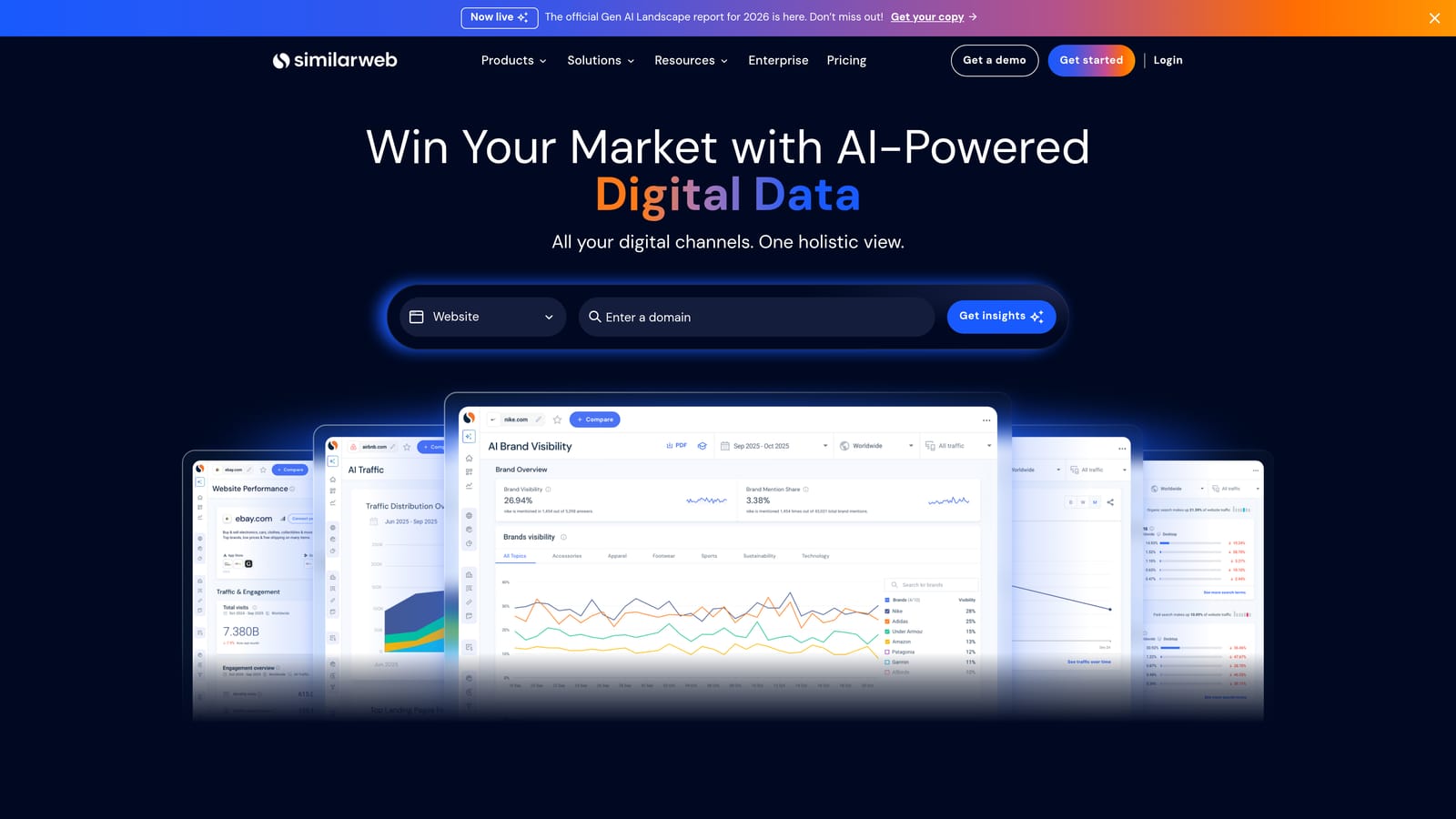
Similarweb is a browser extension that shows estimated traffic data, engagement metrics, and traffic source breakdowns for any website you visit.
Where This Tool Shines
Before you bid on a set of keywords, it helps to understand where your competitors are actually getting their traffic. Similarweb's extension surfaces that information the moment you land on a competitor's domain: estimated monthly visits, traffic source breakdown (organic, paid, referral, social, direct), and engagement signals like bounce rate and session duration.
For PPC specifically, seeing how much of a competitor's traffic comes from paid search gives you a rough read on how aggressively they're bidding. It won't tell you their exact keywords or bids, but it adds useful context when you're deciding where to allocate budget.
Key Features
Traffic Estimates: Estimated monthly visits and traffic trend data for any domain, visible directly in the extension panel.
Traffic Source Breakdown: See the split between organic, paid, referral, social, and direct traffic at a glance.
Engagement Metrics: Bounce rate and average session duration data for competitive benchmarking.
Competitor Discovery: The extension surfaces similar sites, which can help identify competitors you haven't accounted for in your campaigns.
Best For
PPC managers and agency strategists who want competitive context during campaign planning. Also useful for prospecting: agencies can quickly assess a potential client's traffic profile before a discovery call.
Pricing
Free extension with limited data. Paid plans unlock deeper insights and longer data windows. Verify current plan details at similarweb.com.
4. Tag Assistant (by Google)
Best for: Verifying Google Ads conversion tags and GA4 implementation on any page
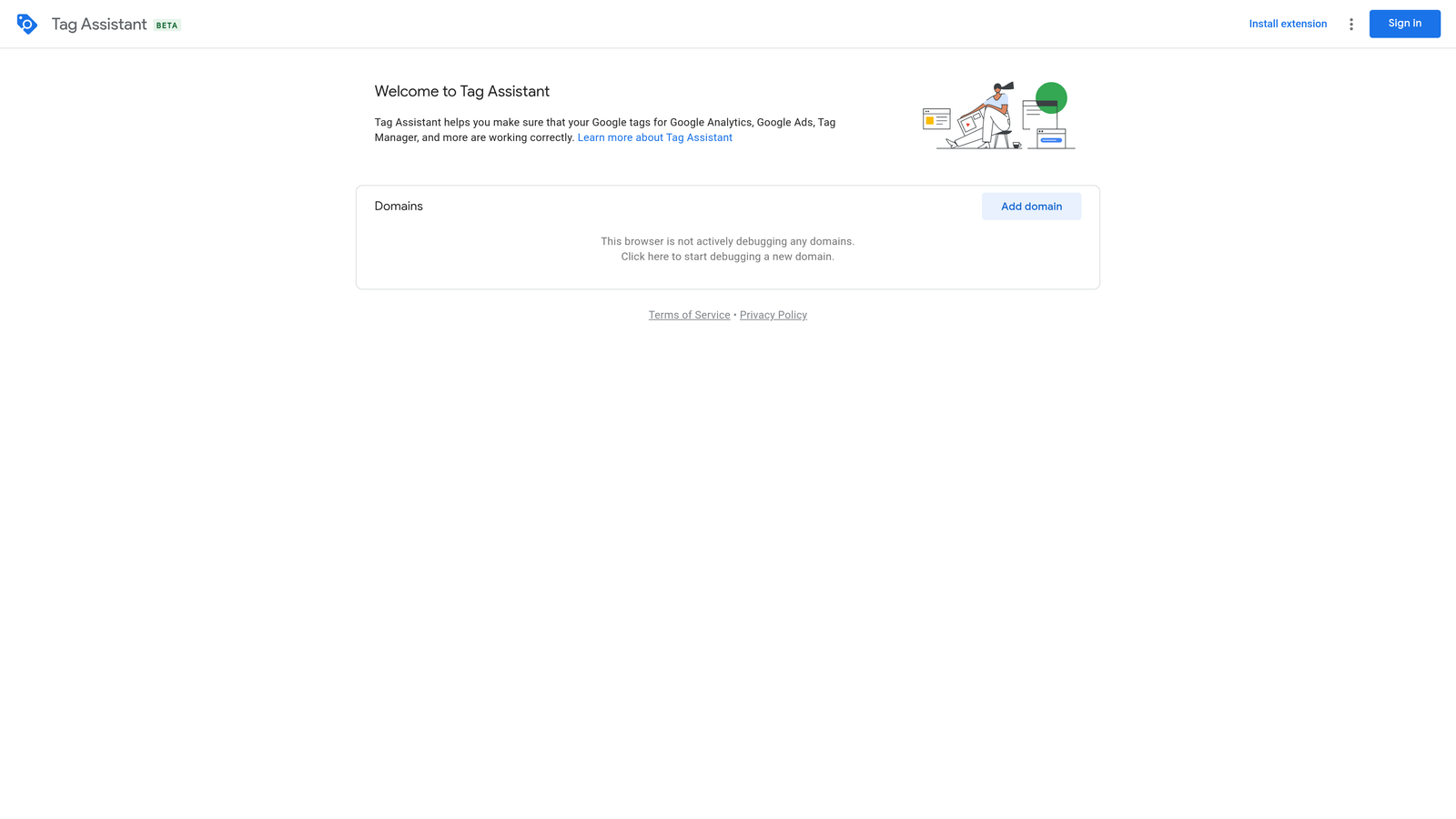
Tag Assistant is Google's official tool for confirming that your Google Ads conversion tags, GA4 properties, and other Google tags are firing correctly.
Where This Tool Shines
Conversion tracking errors are one of the most expensive mistakes in Google Ads. If your tags aren't firing correctly, you're either missing conversion data or double-counting it—and both lead to bad optimization decisions. Tag Assistant lets you verify tag behavior in real time, flagging errors and misconfigurations before they corrupt your data.
Note that Google has migrated Tag Assistant to a web-based version at tagassistant.google.com, which works alongside the legacy Chrome extension. Verify the current extension status and recommended workflow at Google's official documentation before setting this up.
Key Features
Real-Time Tag Verification: Confirms which Google tags are firing on a page and shows their status as you browse.
Error Diagnosis: Flags implementation errors and misconfigurations so you can fix them before they affect campaign data.
Multi-Tag Support: Works with Google Ads conversion tracking, GA4, Floodlight, and other Google tags in a single interface.
Free from Google: No subscription or credits required.
Best For
Any Google Ads manager who sets up or audits conversion tracking. Essential for agencies onboarding new clients where tag implementation history is unknown or inconsistent.
Pricing
Free.
5. Ahrefs SEO Toolbar
Best for: Understanding organic competition for keywords you're considering bidding on
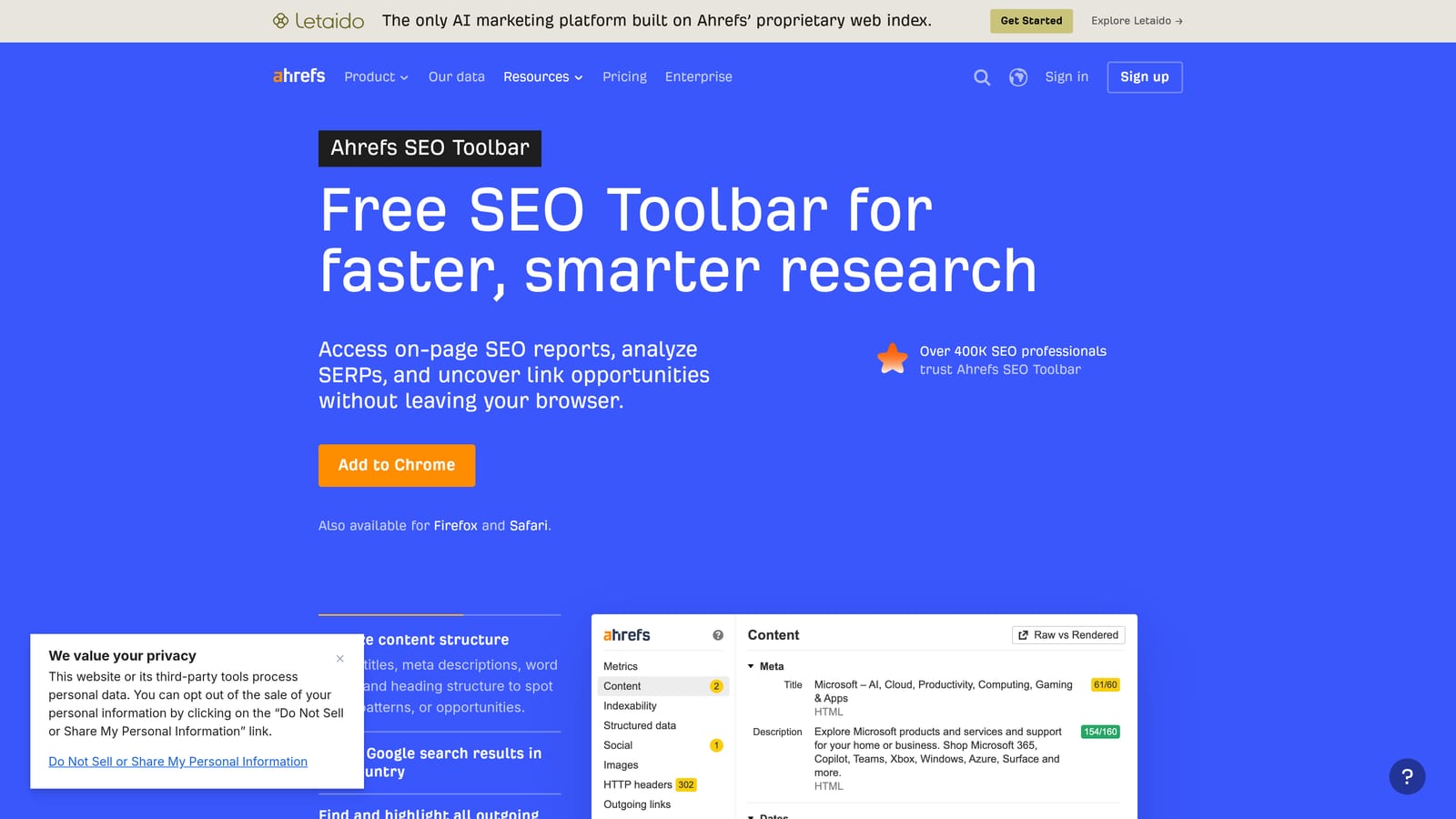
Ahrefs SEO Toolbar is a Chrome and Firefox extension that surfaces Domain Rating, URL Rating, backlink counts, and keyword data directly on search results pages and individual URLs.
Where This Tool Shines
PPC and SEO aren't as separate as people treat them. When you're deciding whether to bid on a keyword, understanding the organic competition gives you useful context: if the top results are high-authority domains with strong backlink profiles, you might be paying a premium to compete on a term where organic visibility is also hard to win. The Ahrefs toolbar makes that assessment fast.
For managers who run both paid and organic channels, or for agencies that do both, the toolbar reduces the need to open a full Ahrefs project just to get a quick competitive read on a SERP.
Key Features
DR and UR Overlays: Domain Rating and URL Rating appear on SERPs and individual pages without opening the full Ahrefs platform.
Backlink Counts: See referring domain counts per URL directly in search results.
On-SERP Keyword Data: Keyword metrics visible on search results pages for quick competitive assessment.
Broken Link Highlighting: Identifies broken links on any page, useful during site audits.
Best For
PPC managers who also handle SEO, or those who want organic competition context when evaluating keywords for paid campaigns. Full feature access requires an Ahrefs subscription.
Pricing
Basic SERP data is free. Full features require an active Ahrefs subscription. Verify current pricing at ahrefs.com.
6. MozBar
Best for: Quick Domain Authority and Page Authority benchmarking during keyword research
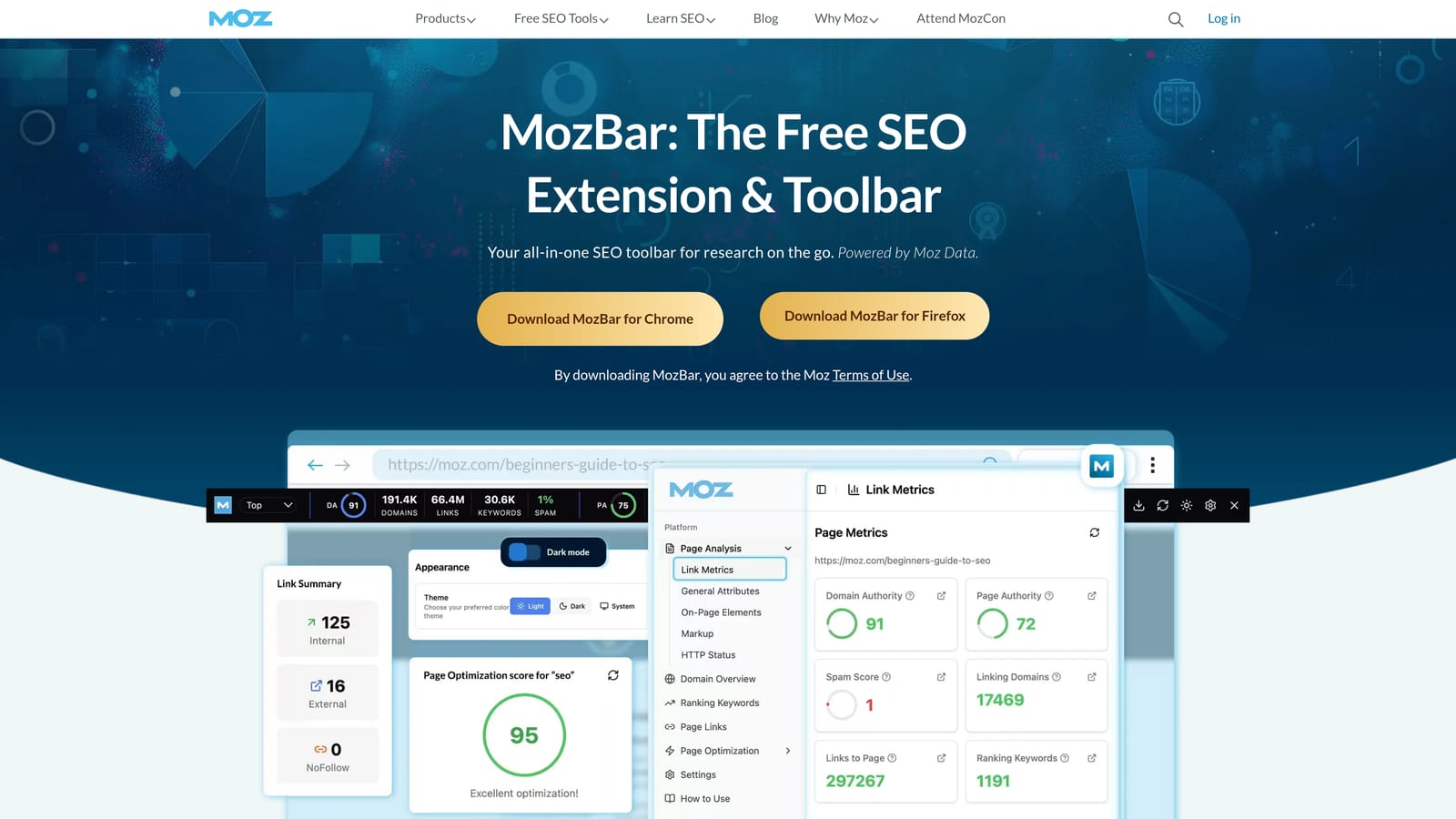
MozBar is Moz's Chrome extension that displays Domain Authority and Page Authority scores inline on search results and individual pages.
Where This Tool Shines
MozBar occupies similar territory to the Ahrefs toolbar but uses Moz's own authority metrics. For PPC managers, the main value is speed: you can scan a SERP and quickly gauge the competitive strength of the pages ranking for a keyword you're evaluating for a paid campaign, without running a full audit.
The free tier is genuinely useful for basic competitive benchmarking, making it accessible for freelancers or smaller agencies that don't need the depth of a full Moz Pro subscription for this specific use case.
Key Features
DA and PA Overlays: Domain Authority and Page Authority scores appear on SERPs and individual pages as you browse.
Link Metrics: Access to link data and on-page element highlighting for quick audits.
SERP Analysis: Authority scores displayed per result for side-by-side competitive comparison.
Free Tier Available: Core functionality accessible without a paid subscription.
Best For
Marketers who want a free, lightweight way to benchmark competitive authority during keyword research. A solid option if you don't already have an Ahrefs subscription and need basic SERP intelligence.
Pricing
Free tier available. Additional features unlock with a MozPro subscription. Verify current pricing at moz.com.
7. Wappalyzer
Best for: Identifying ad pixels, tag managers, and tech stack details on any website
Wappalyzer is a technology detection extension that identifies the CMS, analytics tools, ad pixels, tag managers, and other technologies running on any website you visit.

Where This Tool Shines
For agencies, Wappalyzer is a useful prospecting and audit tool. Before a client call, you can quickly check whether a prospect is running Google Ads tags, a Meta Pixel, a tag manager, and what analytics platform they're on. That context shapes the conversation and helps you scope the work accurately.
It's also handy during competitive research: knowing that a competitor is running a specific set of ad technologies can inform your own tracking and attribution setup.
Key Features
Ad Pixel Detection: Identifies Google Ads tags, Meta Pixel, and other ad pixels running on any site.
Tag Manager Identification: Shows which tag management system (if any) a site is using.
Full Tech Stack Overview: Surfaces CMS, ecommerce platform, analytics tools, and CRM in one panel.
Free Tier with Limited Lookups: Useful for occasional use without a paid plan.
Best For
Agency owners and freelancers who want to quickly audit a prospect's or competitor's ad infrastructure. Also useful for PPC managers verifying that their own tracking pixels are present on client sites.
Pricing
Free tier available with limited lookups. Paid plans support higher volumes. Verify current pricing at wappalyzer.com.
8. BuiltWith Technology Profiler
Best for: Detailed technology profiling including ad networks, tracking pixels, and infrastructure
BuiltWith Technology Profiler is a Chrome extension that provides detailed technology categorization for any website, including ad networks, analytics tools, tracking pixels, and hosting infrastructure.
Where This Tool Shines
BuiltWith covers similar ground to Wappalyzer but tends to go deeper on ad network and analytics categorization. For PPC managers doing competitive research or agency teams scoping a new client, the level of detail in how BuiltWith categorizes technologies can surface things that a lighter tool might group together or miss.
The free extension gives you a solid snapshot of any site's technology profile. BuiltWith Pro adds historical data, which is useful if you want to understand how a competitor's tech stack has evolved over time—for example, whether they recently added a new attribution tool or switched analytics platforms.
Key Features
Ad Network Detection: Identifies which ad networks and programmatic platforms a site is connected to.
Analytics and Tracking Detail: Granular categorization of analytics tools, tag managers, and conversion pixels.
Historical Technology Data: BuiltWith Pro shows how a site's tech stack has changed over time.
Free Core Extension: Basic technology profiling available without a paid plan.
Best For
Agency owners and PPC managers who want more granular technology data than a lighter tool provides. Particularly useful for competitive intelligence and client onboarding audits.
Pricing
Free Chrome extension. BuiltWith Pro plans available for advanced data and historical lookups. Verify current pricing at builtwith.com.
Which Tool Fits Your Workflow
These extensions cover different stages of the PPC workflow, so the right combination depends on where you spend most of your time.
In-campaign optimization: Keywordme is the only tool on this list built specifically for working inside Google Ads. If you're spending hours in the Search Terms Report adding negatives, promoting keywords, and managing match types, it's the most direct fix for that problem.
Keyword research: Keywords Everywhere is the go-to for inline search volume and CPC data while you browse. It layers useful context onto Google Search without requiring a separate tool open in another tab.
Competitive intelligence: Similarweb gives you a traffic-level view of any competitor domain. Ahrefs SEO Toolbar and MozBar add organic authority context to SERPs, which is useful when evaluating keyword difficulty before committing budget.
Tracking verification: Tag Assistant is non-negotiable if you set up or audit Google Ads conversion tracking. Broken tags are silent and expensive—this tool catches them before they cost you.
Tech stack discovery: Wappalyzer and BuiltWith both identify ad pixels and analytics tools on any site. Wappalyzer is faster for a quick overview; BuiltWith goes deeper when you need more granular detail.
Most practitioners end up running two or three of these together rather than picking just one. A solid starting stack for a Google Ads manager might be Keywordme for in-campaign work, Keywords Everywhere for research, and Tag Assistant for tracking hygiene.
If you're ready to cut the time you spend in the Search Terms Report, start your free 7-day trial of Keywordme and see how much faster campaign optimization feels when everything happens in one place. You can also read more about why automating keyword management makes sense for anyone running Google Ads at scale.
Frequently Asked Questions About PPC Browser Extensions
What is the best PPC browser extension for Google Ads?
It depends on what you need to do. For in-campaign optimization—managing search terms, adding negative keywords, and promoting terms to positive keywords—Keywordme is the only extension built specifically for working inside Google Ads. For keyword research while browsing, Keywords Everywhere adds inline search volume and CPC data to SERPs. For verifying conversion tracking tags, Tag Assistant is the standard tool.
Are PPC browser extensions safe to use?
Extensions from established vendors with clear privacy policies are generally safe for professional use. Always review what permissions an extension requests. For extensions that interact with your Google Ads account—like Keywordme—check that the extension operates read/write only on the pages you authorize it for and does not store your account data externally without disclosure. Read the privacy policy and check the extension's ratings and update history in the Chrome Web Store.
Can browser extensions replace dedicated PPC management platforms?
No—they solve different problems. Browser extensions reduce friction in the tasks you're already doing in your browser: reviewing SERPs, auditing pages, cleaning up search terms inside Google Ads. Full PPC platforms handle bulk changes, automated rules, cross-account reporting, and bid management at scale. Think of extensions as workflow accelerators, not replacements for platform-level tools.
Do PPC browser extensions work with Google Ads Editor?
Most PPC browser extensions work in Google Ads' web interface, not in Google Ads Editor (which is a standalone desktop app). Keywordme, for example, runs inside the Google Ads web UI and is specifically designed to work within the Search Terms Report there. For bulk offline edits, Google Ads Editor remains the standard tool.
Is there a free PPC browser extension worth using?
Yes. Google's Tag Assistant is completely free and essential for anyone setting up or auditing conversion tracking. Keywords Everywhere has a free tier with limited data. MozBar offers a useful free tier for competitive benchmarking on SERPs. Similarweb's extension is free with limited data windows. Keywordme offers a 7-day free trial so you can test it against your actual workflow before committing to the $12/month subscription.
What should I look for when choosing a PPC browser extension?
Start with the specific task that costs you the most time or causes the most errors. If it's search term management and negative keyword work, choose an extension that works inside Google Ads directly. If it's keyword research during campaign planning, choose one that surfaces data inline on SERPs. Avoid installing extensions you won't use regularly—every active extension adds a small overhead to page load times and increases the browser's attack surface.
.svg)