
8 Best PPC Automation Software Options Compared by Pricing in 2026
A practical guide to ppc automation software pricing.


If you're budgeting for PPC automation, the hard part is rarely picking features. It's figuring out what each vendor charges and what that fee actually covers. This comparison is for freelancers, agency owners, and in-house marketers running Google Ads. Each tool here automates real work, from search term cleanup and bid rules to audits and client reporting, and each is judged on its pricing model, what the fee buys, and who gets value at that price.
Pricing and Fit at a Glance
- Keywordme: freelancers and agency teams who want faster search term cleanup; $12/month per user; works inside the native Google Ads Search Terms Report.
- Optmyzr: agencies managing many accounts; see the vendor's site for current pricing; the deepest configurable rule and optimization library on this list.
- Adalysis: teams that want ongoing monitoring; see the vendor's site for current pricing; ad-copy testing paired with automated issue alerts.
- Google Ads Scripts and Automated Rules: technical advertisers or near-zero budgets; $0; full native data access with no license fee.
- Swydo: agencies buried in monthly reports; see the vendor's site for current pricing; white-label client reporting automation.
- WordStream (LocaliQ): small business owners new to paid search; quote-based or see the vendor's site; beginner-friendly guided optimization.
- Opteo: advertisers wanting steady account hygiene guidance; see the vendor's site (confirm availability); a prioritized, review-and-apply improvement feed.
- Madgicx: e-commerce brands with Meta-heavy ad mixes; see the vendor's site for current pricing; e-commerce-focused cross-platform automation.
1. Keywordme
Keywordme is a Chrome extension that adds one-click actions to the Search Terms Report inside Google Ads. It's our own product, so weigh this section with that in mind. It's built for people who spend a lot of time sorting search terms (what people actually typed) into keywords worth adding and junk worth blocking as negative keywords.
What it does well is stay out of your way. There's no separate dashboard and no spreadsheet export. You work in the interface you already use, and the fee is flat per user instead of tied to ad spend. That makes the cost predictable whether you manage a $2,000 account or a much larger one.
- One-click negative keywords straight from the Search Terms Report, so junk queries get blocked without copy-pasting.
- Add search terms as keywords with the match type applied, which speeds up building high-intent lists.
- Keyword clustering to group related terms instead of sorting them by hand.
- Bulk editing for handling many terms at once.
- Multi-account and team support, so agencies can use it across client accounts.
Setup is installing the extension and opening Google Ads in Chrome. The person doing the search term review is the person who runs it day to day.
The limits are clear. It works with Google Ads only, and it's user-driven: you make each decision, and it makes the action fast. It is not an autonomous bid or budget manager, and it doesn't do reporting or ad testing. If you want software that changes bids on its own, look elsewhere on this list.
Pricing is $12/month per user with a 7-day free trial. Seats are what move the price. Confirm current terms on the Keywordme site before you buy.
Best for: Freelancers and agency teams who want faster search term cleanup on a flat fee.
2. Optmyzr
Optmyzr is a rule-based optimization and reporting platform aimed at agencies and in-house teams running many accounts. Its edge over the rest of this list is breadth: a large, customizable library of optimizations and rules that you can apply across accounts instead of rebuilding per client.

What the fee buys
You're paying for a full workbench rather than one task. Pricing is not stated here because tiers change; check the vendor's site for current plans. Expect cost to rise with the amount of ad spend you manage, so a growing agency should model its bill at next year's spend, not today's.
Features and fit
- One-click optimizations that surface suggested changes you can apply after review.
- A rule engine for building your own automation logic instead of living with preset behavior.
- Reporting and dashboards, so audits and client updates live in one place.
- Multi-platform support covering Google Ads, Microsoft Ads, and Meta Ads.
Setup means connecting each ad account, and the real effort is configuring rules well. There's a steeper learning curve than with single-purpose tools, and someone on the team should own it. It's overkill for a solo advertiser with one or two accounts, especially if the cost scales with spend.
Best for: Agencies managing many accounts that need configurable automation.
3. Adalysis
Adalysis is an auditing, alerting, and ad-testing tool for paid search. It's less about doing the work for you and more about telling you where the problems are, which is useful when an account has too many moving parts to eyeball.
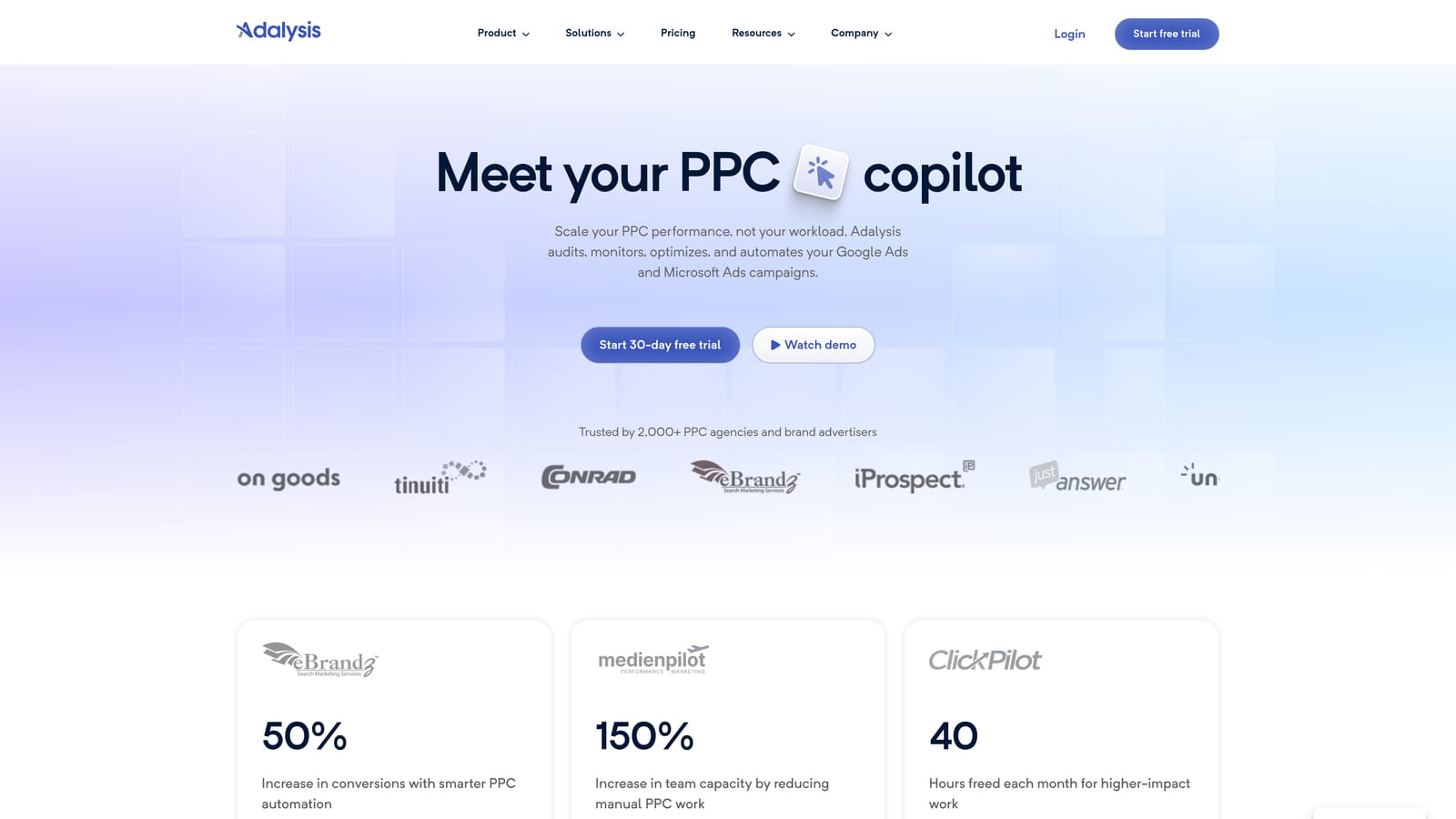
Its distinctive strength is ad-copy testing paired with automated alerts. It watches for issues and test results so you don't have to check every campaign on a schedule.
- Automated audits that flag account problems without a manual review pass.
- Ad testing that shows which copy variants are winning.
- Alerts that notify you when something changes or breaks.
- Scheduled reports that deliver status updates on a cadence.
It connects to Google Ads and Microsoft Ads. Setup is account connection plus tuning which alerts matter, and a PPC manager or analyst typically owns the output.
The limitation: it is better at flagging problems than making bulk edits. You'll still fix things yourself or with another tool. Teams that want hands-on execution speed should pair it with something else. Pricing details are on the vendor's site, so confirm current plans and what drives them before you commit.
Best for: Teams that want ongoing monitoring and ad testing insights.
4. Google Ads Scripts and Automated Rules
Google's own automation costs nothing. Documentation lives in Google Ads Help. It covers automated rules (conditions that trigger actions on a schedule), scripts (JavaScript that runs inside your account), and Smart Bidding strategies that adjust bids using Google's machine learning.
Its advantage is simple: no license fee and direct access to your native account data. There's no sync delay or third-party connection to maintain.
- Automated rules that pause, enable, or adjust items when conditions you set are met.
- Scripts that handle custom checks, reports, and bulk changes that the UI can't.
- Smart Bidding strategies for automating bids toward conversion goals.
- Native account access, so everything works on live data.
The catch is labor. Scripts need coding skills and ongoing maintenance, and a script that breaks quietly can cost more than a paid tool. Automated rules are limited compared with dedicated platforms. Also, automation here is not hands-off: Smart Bidding still needs good conversion tracking and someone checking results. It's Google Ads only.
The price is $0. The real cost is the time of whoever builds and maintains it.
Best for: Technical advertisers or those with a near-zero tool budget.
5. Swydo
Swydo automates PPC reporting for agencies. It pulls data from your ad platforms into white-label reports and dashboards, which suits agencies that lose hours every month assembling client decks.
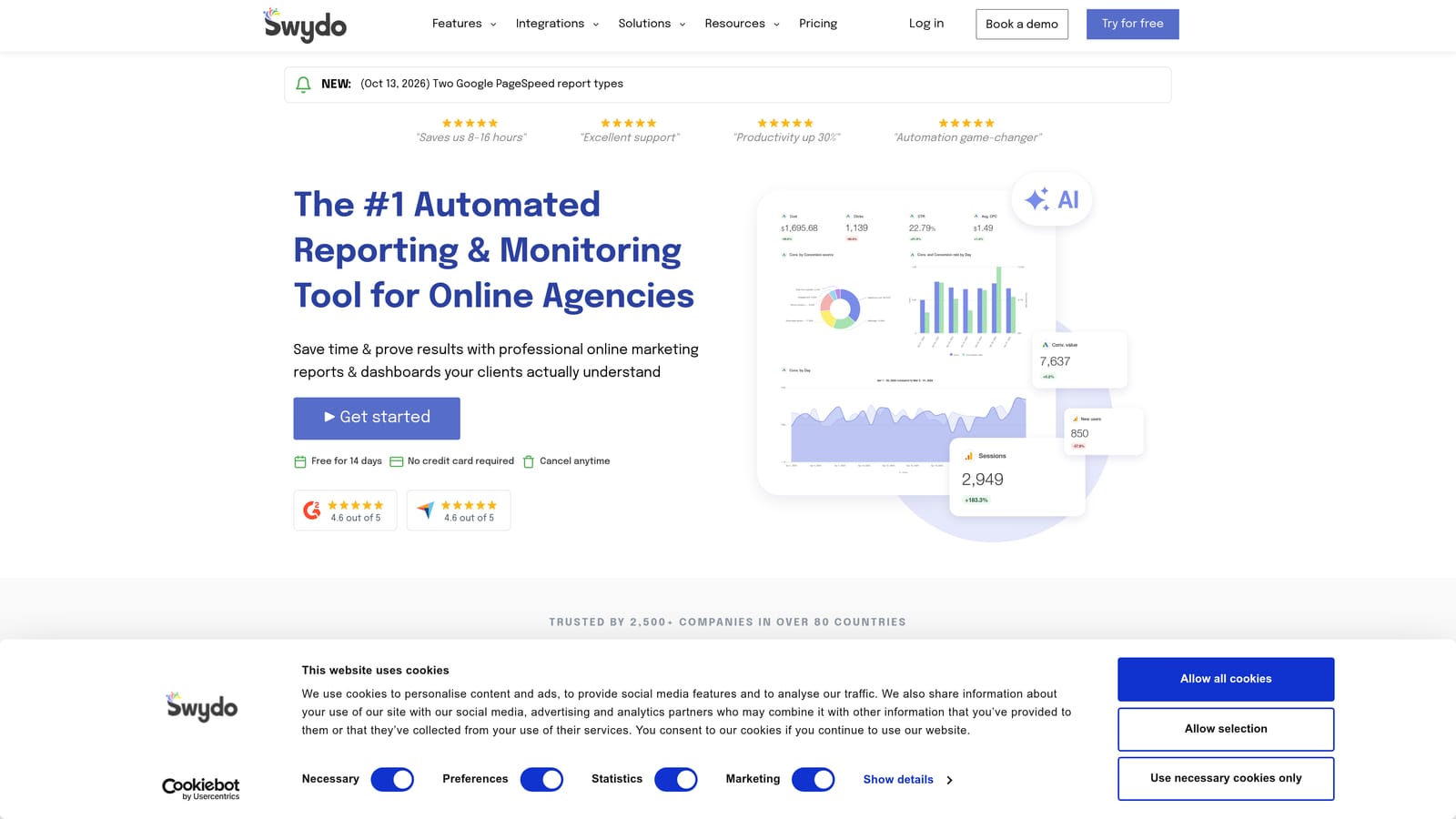
What it does that others here don't is focus entirely on client-facing reporting. It won't touch your campaigns, which is the point: it replaces the manual report-building step.
- White-label reports carrying your agency's branding instead of the vendor's.
- Dashboards so clients or account managers can check performance anytime.
- Multi-channel data sources, including Google Ads, Meta Ads, and Google Analytics.
- Scheduled delivery that sends reports automatically.
Setup is connecting client accounts and building or adapting a report template, usually handled by an account manager or ops lead. After that it largely runs itself.
The limitation is plain: reports only. It does not change campaigns, so it won't reduce wasted spend by itself. A solo advertiser with no client reporting duties gets little from it. Pricing is on the vendor's site; ask what scales the fee (such as number of accounts or data sources) and confirm current plans.
Best for: Agencies spending too many hours on monthly client reports.
6. WordStream (LocaliQ)
WordStream is a small-business advertising platform with guided recommendations, now part of LocaliQ. Packaging has shifted over time, so verify what's currently on offer before you plan around it.
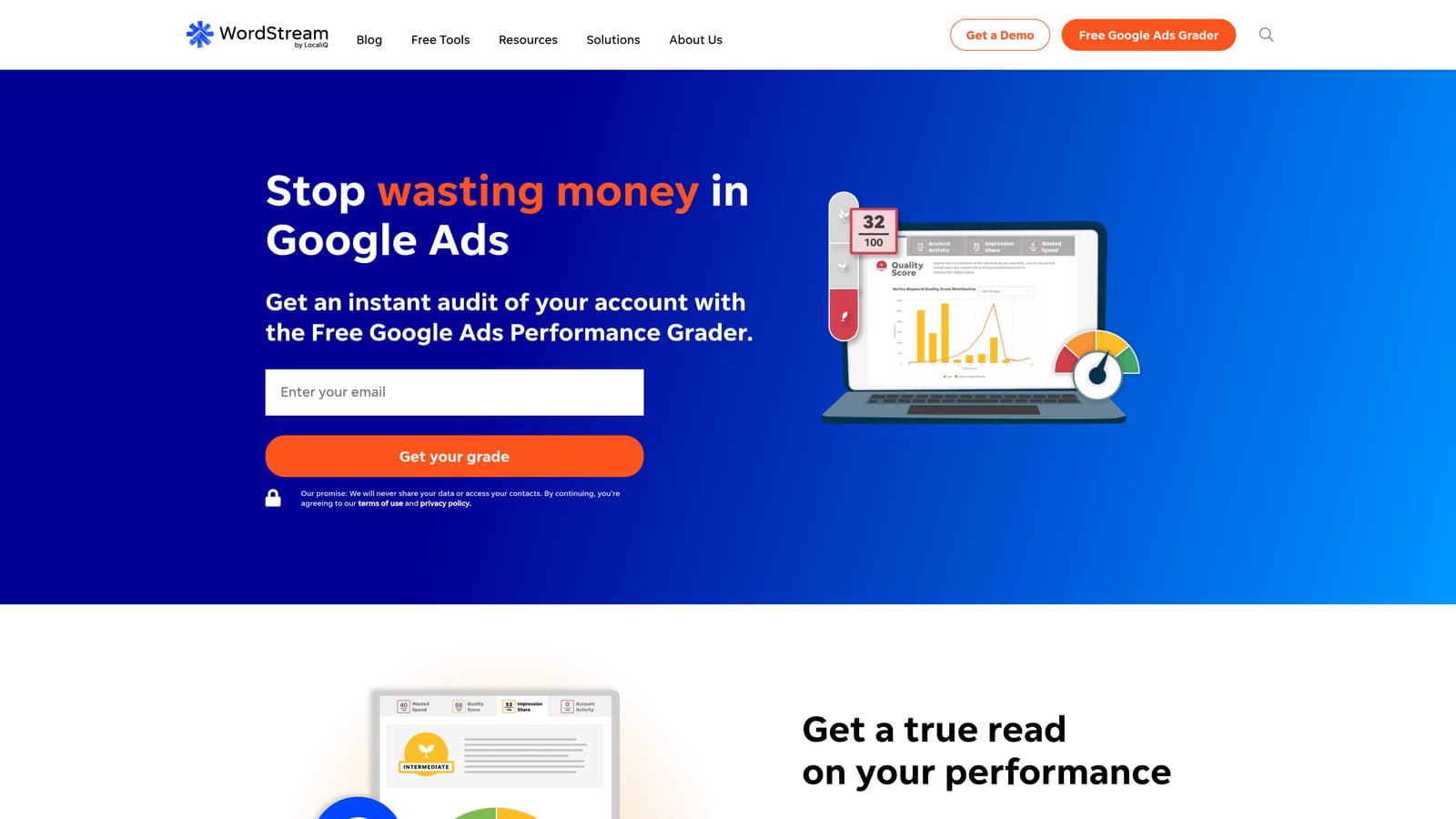
Its standout trait is a beginner-friendly approach. It walks newer advertisers through what to change instead of expecting them to know.
- Guided recommendations that tell you what to fix next in plain terms.
- Performance grading so you can see how an account stacks up at a glance.
- Campaign management support, which may involve a service component depending on the package.
It connects to Google Ads and Microsoft Ads. Setup is light, and the owner of the business can often run it directly.
The tradeoff is control. Agencies and experienced practitioners usually want more configurable rules and multi-account workflows than a guided product gives. Packaging may be bundled with services, which makes a software-only comparison harder. Pricing is quote-based or listed on the site, so ask exactly what is included, and whether the fee depends on ad spend, before you compare it with flat-fee tools.
Best for: Small business owners new to paid search.
7. Opteo
Opteo surfaces improvement recommendations for Google Ads accounts. Confirm that it is currently sold and what the plans look like, since availability has been a question for this product.
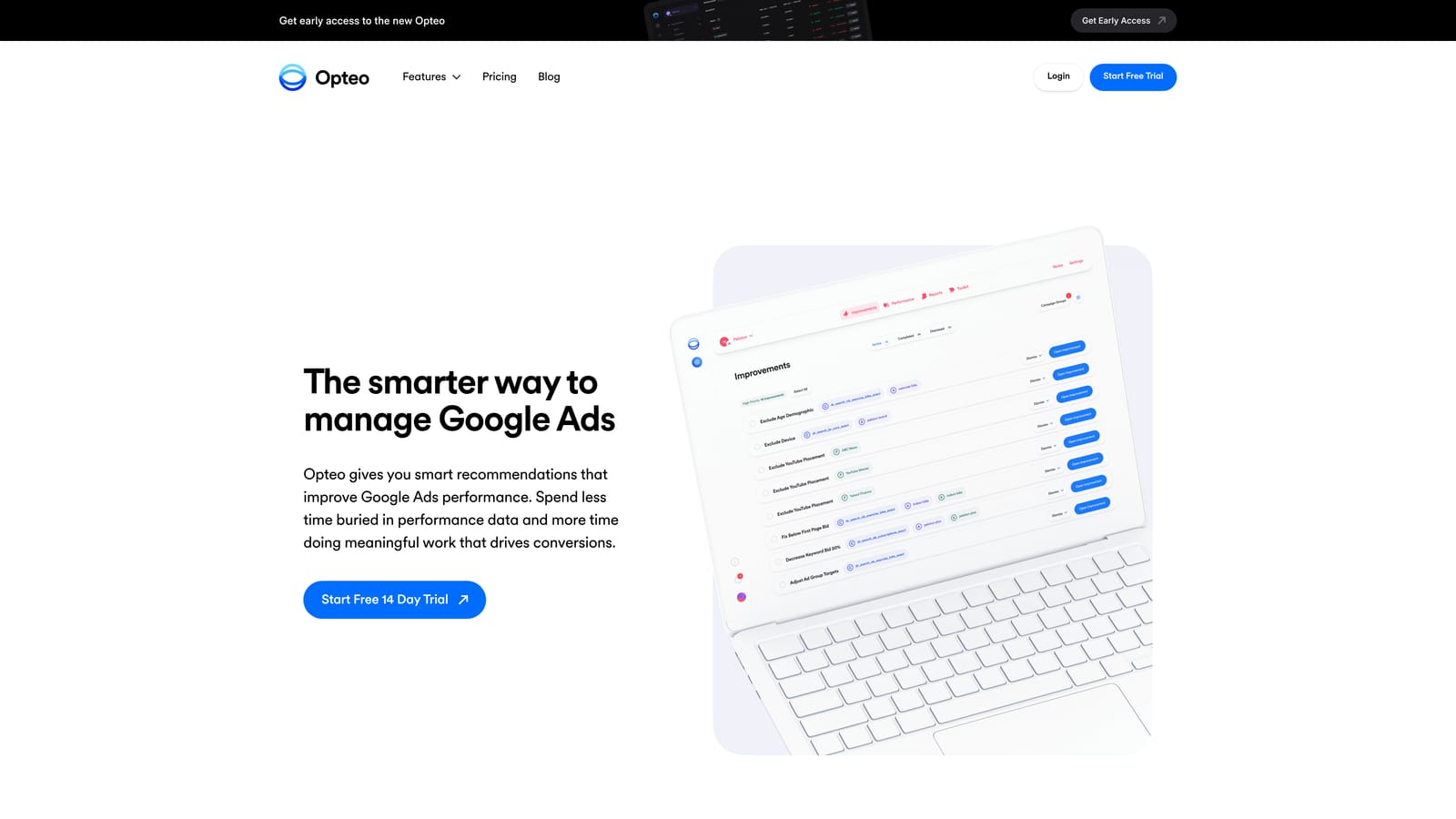
Its distinctive angle is a prioritized, review-and-apply feed. Instead of a giant audit report, you get a ranked list of changes you can accept or skip, which keeps ongoing account hygiene manageable.
- A prioritized improvement feed so you tackle the highest-value fixes first.
- Review-and-apply suggestions that keep you in control of each change.
- Account health checks that catch drift between your regular reviews.
It works with Google Ads only. Setup is connecting the account, and a single account manager can run it as part of a weekly routine.
The limitation is that recommendations still need human judgment. A suggestion isn't automatically right for your goals, and treating the feed as a to-do list to clear can do harm. It's also Google Ads only, so multi-platform teams need another tool. Pricing is on the vendor's site; check current plans and what scales the fee.
Best for: Advertisers wanting steady account hygiene guidance.
8. Madgicx
Madgicx is an AI-driven ad optimization platform that focuses on Meta, with some Google support. It's the outlier here: if your spend is mostly search, most of what you'd pay for goes unused.
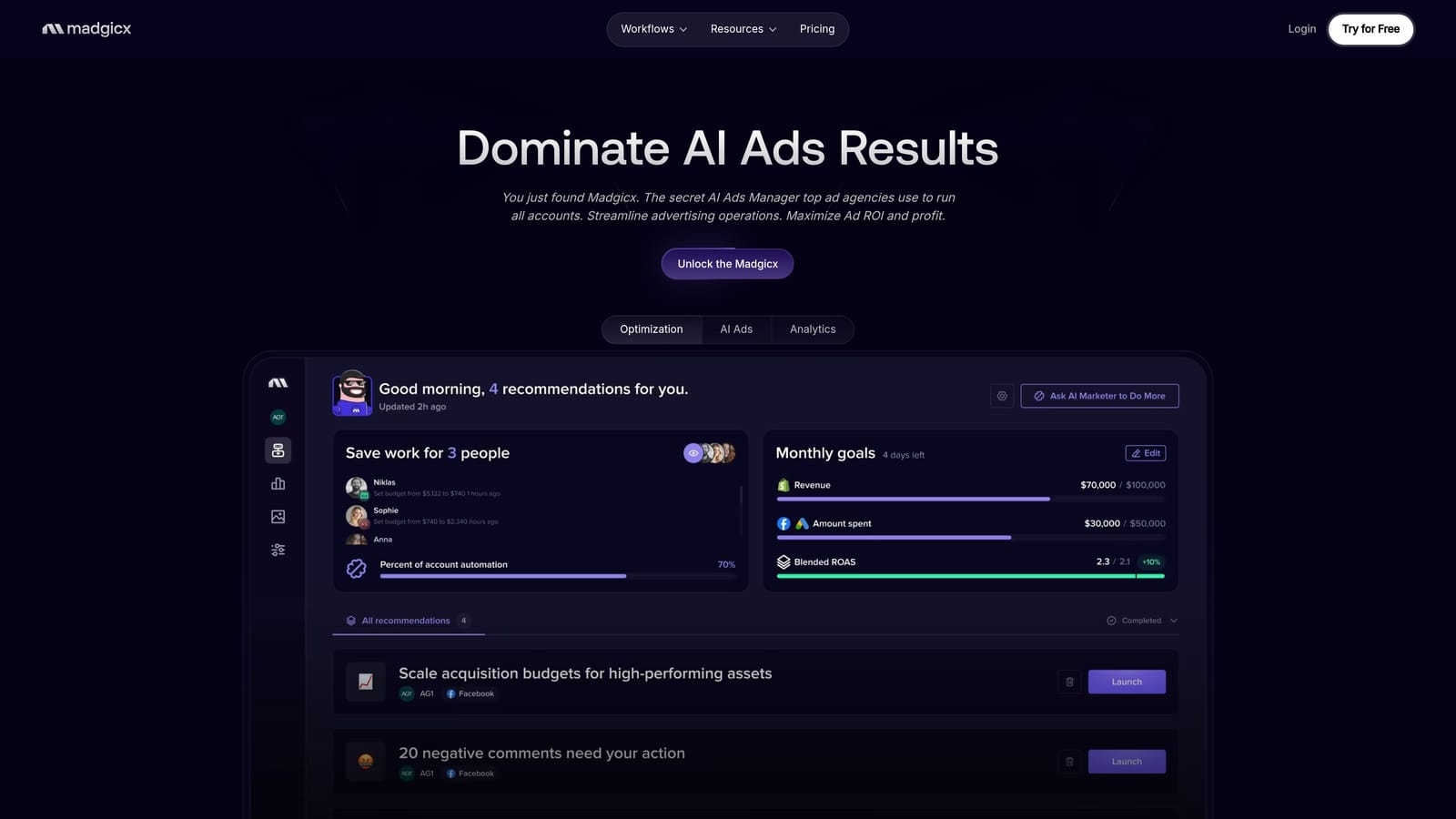
Its niche is e-commerce, with a Shopify connection and cross-platform automation for brands whose budgets lean on social ads.
- Automation rules that adjust ads based on performance conditions you define.
- Creative analytics showing which images and videos drive results.
- Cross-platform reporting that combines Meta and Google data for a single view.
It integrates with Meta Ads, Google Ads, and Shopify. Setup involves connecting the ad accounts and store, and typically a marketer or e-commerce manager runs it.
It's a poor fit for search-only advertisers, and Google Ads depth is lighter than the Google-focused tools above. Pricing is on the vendor's site; check which plan fits your spend level, since fees commonly scale with ad spend on tools like this.
Best for: E-commerce brands running Meta-heavy ad mixes.
Matching a Pricing Model to Your Situation
Three picks cover most buyers. For a solo advertiser or freelancer on a budget, start with Google's free native automation for rules and Smart Bidding, then add Keywordme at $12/month per user if search term cleanup eats your week. For an agency managing many accounts, Optmyzr is the deeper platform, and Keywordme is a cheap complement for the search term work.
Reporting-heavy teams should look at Swydo, since the bottleneck there is documents, not campaign edits. E-commerce brands splitting budget across channels should look at Madgicx. Small businesses new to paid search can start with WordStream's guided approach.
One caution: pricing moves. Every figure and plan here, including competitor tiers, should be confirmed on each vendor's site as of October 2026, along with whether the product is still sold. Also remember that no tool here makes PPC hands-off. Even the most automated option needs someone reviewing results.
Optimize Google Ads Campaigns 10X Faster. Without Leaving Your Account. Keywordme lets you remove junk search terms, build high-intent keyword lists, and apply match types instantly, right inside Google Ads. No spreadsheets, no switching tabs, just quick, seamless optimization. Start your free 7-day trial (then just $12/month) and take your Google Ads game to the next level.
.svg)