
9 Best Paid Search Optimization Platforms for Google Ads and Microsoft Ads in 2026
A practical guide to paid search optimization platform.


If you run paid search for yourself, for clients, or for an in-house team, you probably have a long list of tasks that eat hours and a nagging feeling that some of your budget is leaking out through irrelevant clicks. The software that promises to fix this falls into very different camps. We chose these tools by what they actually optimize (search terms, bids, budgets, reporting, or cross-channel management), how openly they price, how well they fit freelancers versus agencies, and where their limits sit. The list is grouped by job, so read for the problem you have, not for a winner.
Quick Comparison of the Paid Search Tools
- Keywordme: freelancers and agencies cleaning up search terms; $12/month per user; works directly inside the Google Ads Search Terms Report.
- Optmyzr: agencies managing many accounts; see website for pricing; the broadest library of PPC-specific rules and optimization tools in one suite.
- Adalysis: teams wanting continuous monitoring; see website for pricing; deep ad-testing analysis with automated alerts.
- WordStream: small businesses running their own paid search; see website for pricing; guided recommendations written for non-specialists.
- Google Ads Editor: advertisers making big structural changes; free; offline bulk editing with a change review before you post.
- Google Ads native automation: advertisers who want automation without extra software; free with Google Ads; built-in Smart Bidding, rules, and scripts.
- Skai: enterprise teams with large multi-channel budgets; quote-based; cross-engine management at enterprise scale.
- Marin Software: larger advertisers wanting unified paid media management; quote-based; paid search and social managed together.
- Looker Studio: agencies building client dashboards; free; customizable, shareable reporting at no cost.
1. Keywordme
Keywordme is our own product, so weigh this section with that in mind. It is a Chrome extension that adds one-click actions to the Search Terms Report inside Google Ads. It is built for the person who spends a chunk of every week reading search terms, deciding which ones are junk, and which deserve to become keywords.
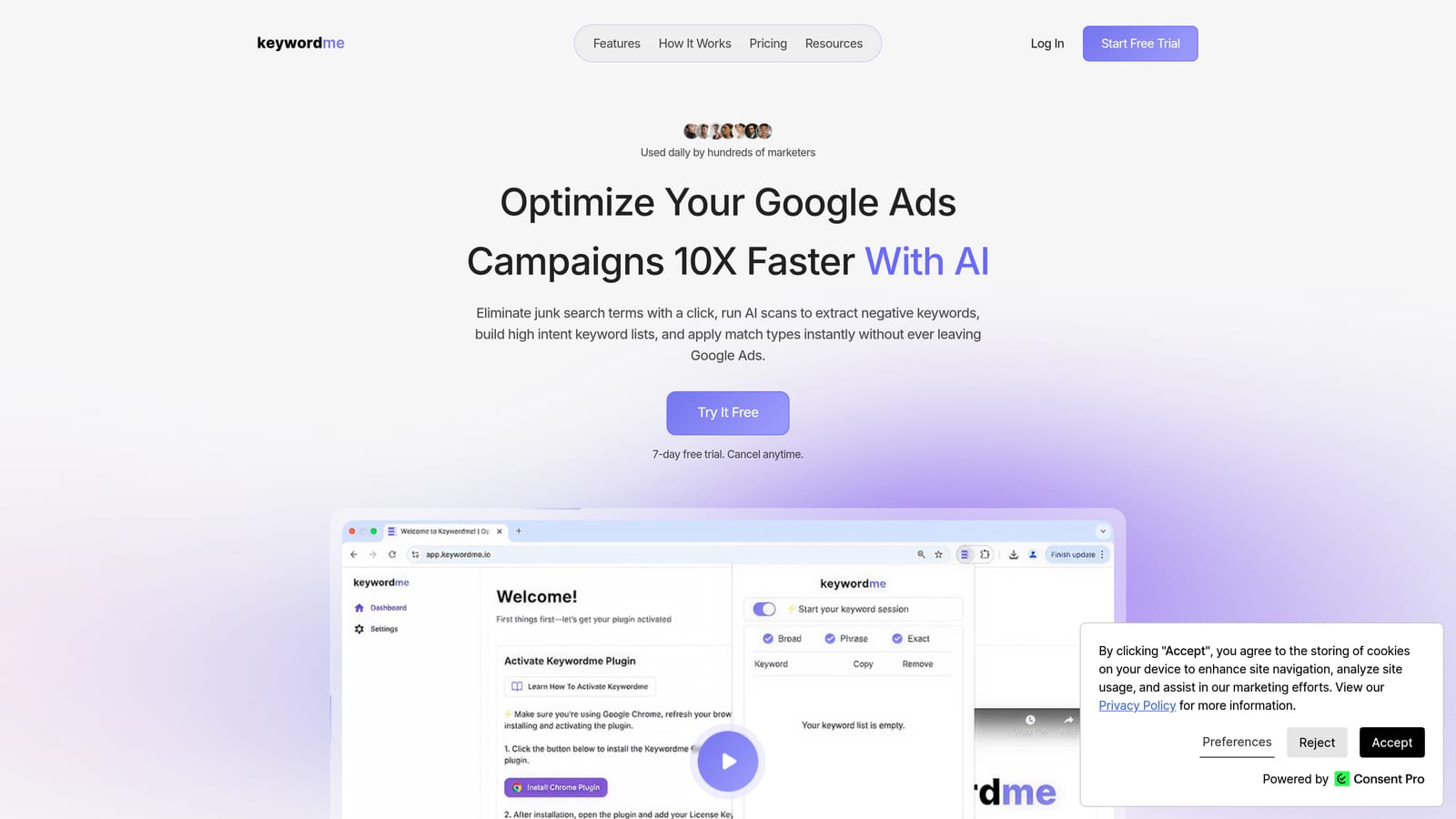
Its distinguishing trait is where it lives. You stay in the native Google Ads interface, so there are no exports, no spreadsheets, and no separate dashboard to log into. A search term is the actual query someone typed; a keyword is what you bid on. Keywordme sits at the point where you convert one into the other, or block it as a negative keyword.
- One-click negative keywords straight from the Search Terms Report, so junk queries stop costing you without a copy-paste round trip.
- Add keywords with match types applied instantly, which speeds up turning good search terms into positive keywords.
- Keyword clustering, which helps you group related terms when building lists.
- Bulk editing for handling many terms at once.
- Multi-account and team support, useful when several people manage several clients.
Setup is installing the extension in Chrome and working in Google Ads as usual. The person doing the daily search term review is the person who runs it, so there is no admin layer to configure. It works with Google Ads only.
The limits are real. Keywordme is focused on search term and keyword workflows. It does not do bid automation, cross-channel management, or reporting, and it does not cover Microsoft Ads. If you need those jobs handled, pair it with something else on this list. You also still make every decision yourself, which is the point for some people and a drawback for others.
Pricing is $12 per month per user, with a 7-day free trial (as of November 2026; check keywordme.io for current terms). The price scales with the number of users, not ad spend or account count.
Best for: Freelancers and agencies cleaning up search terms and building keyword lists fast.
2. Optmyzr
Optmyzr is a PPC optimization suite aimed at people who manage a lot of accounts and want a systematic way to keep them in shape. Think of it as a toolbox: audits, rules, bulk fixes, and client reporting, all tied to paid search workflows.

What sets it apart on this list is breadth. Most tools here do one job. Optmyzr gives you a large library of PPC-specific optimization tools and rules in one place, which is why agencies tend to standardize on it.
- Rule-based automations that run the checks and adjustments you define, so routine maintenance does not depend on someone remembering.
- Account audits and optimization suggestions that point to where an account needs attention.
- Bulk editing tools for applying changes across many campaigns or accounts.
- Client reporting so you can produce updates without building them from scratch.
It connects to Google Ads, Microsoft Advertising, and Meta Ads. Expect a real setup period: you need to decide which rules and audits matter and tune them. Usually a PPC lead or account manager owns that configuration.
The trade-offs are the learning curve and the pricing model. Pricing is spend-based, which can feel heavy for a solo advertiser with a handful of small accounts. If you only need to clean search terms, a suite this large is more than you need.
Optmyzr lists its pricing on its website; check there for current tiers, since the price depends on managed ad spend.
Best for: Agencies managing many accounts that want rule-driven optimization.
3. Adalysis
Adalysis is an automated auditing and ad-testing platform. It watches your accounts continuously and tells you what looks wrong, what is wasting money, and which ad variations are actually winning.
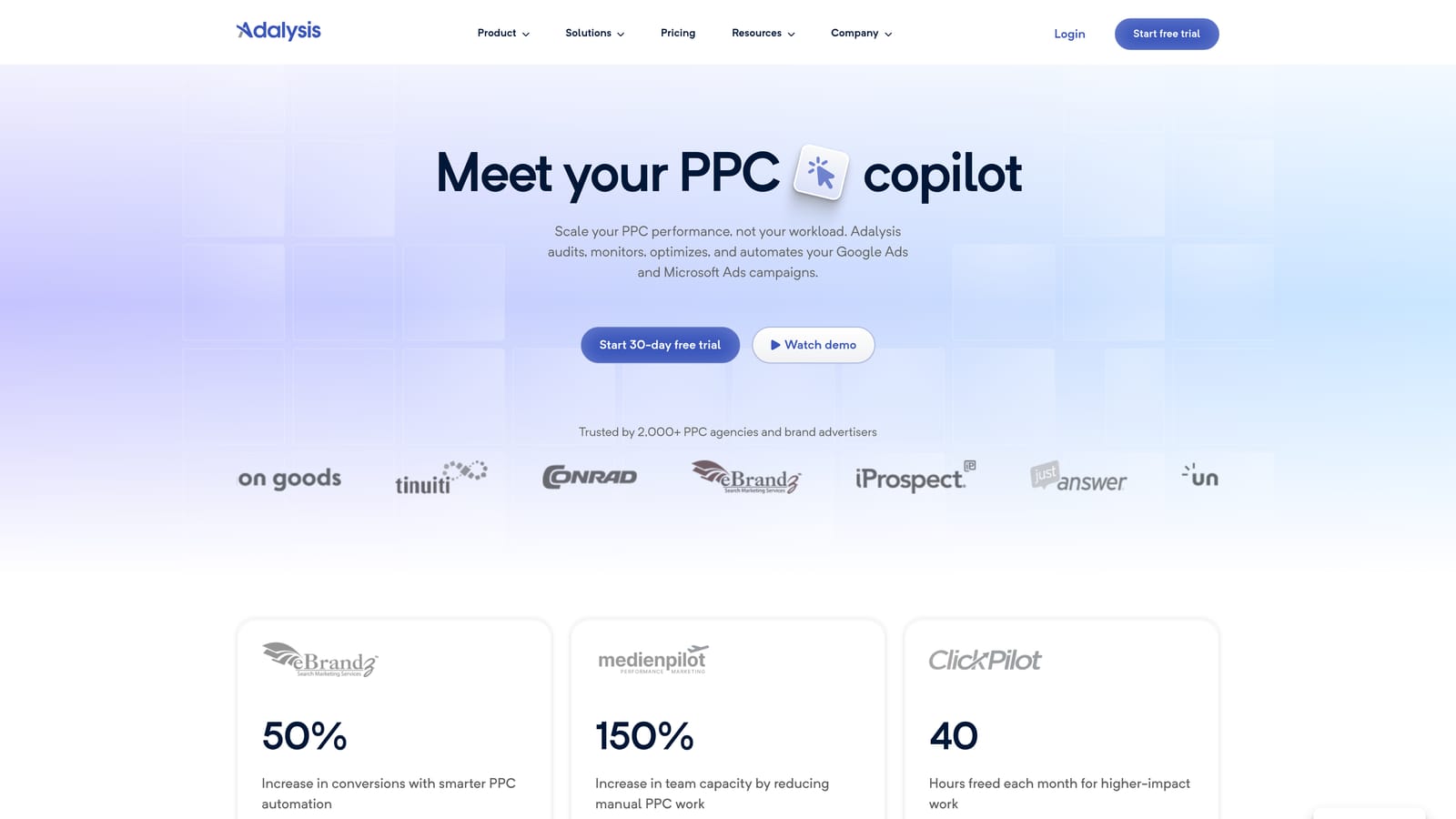
Its strongest area is ad testing. Comparing responsive search ad variations by hand is tedious and easy to get wrong, and Adalysis does that analysis for you with alerts when something deserves a look.
- Automated account audits and alerts, so problems surface without a manual review pass.
- Ad copy test analysis that shows which messaging is performing and which is dragging.
- Quality and wasted spend checks to flag low-quality traffic and inefficient areas.
- Reporting for sharing results with clients or stakeholders.
It integrates with Google Ads and Microsoft Advertising. Setup is connecting your accounts and letting it analyze them; the person who benefits most is whoever triages account health each week.
The main limitation is that Adalysis primarily surfaces issues instead of fixing them inside the ad interface. You get the diagnosis, then you go act on it elsewhere, whether in Google Ads, Google Ads Editor, or another tool. That is fine if you have the hands to do the fixing, and frustrating if you hoped for automatic correction.
Pricing is listed on its website; check there for current plans, as it is not something we can quote reliably.
Best for: Teams that want continuous monitoring and ad-test insights.
4. WordStream
WordStream, from LocaliQ, is guided PPC management software for small businesses. It assumes the person running the ads is not a full-time specialist and walks them through what to change.
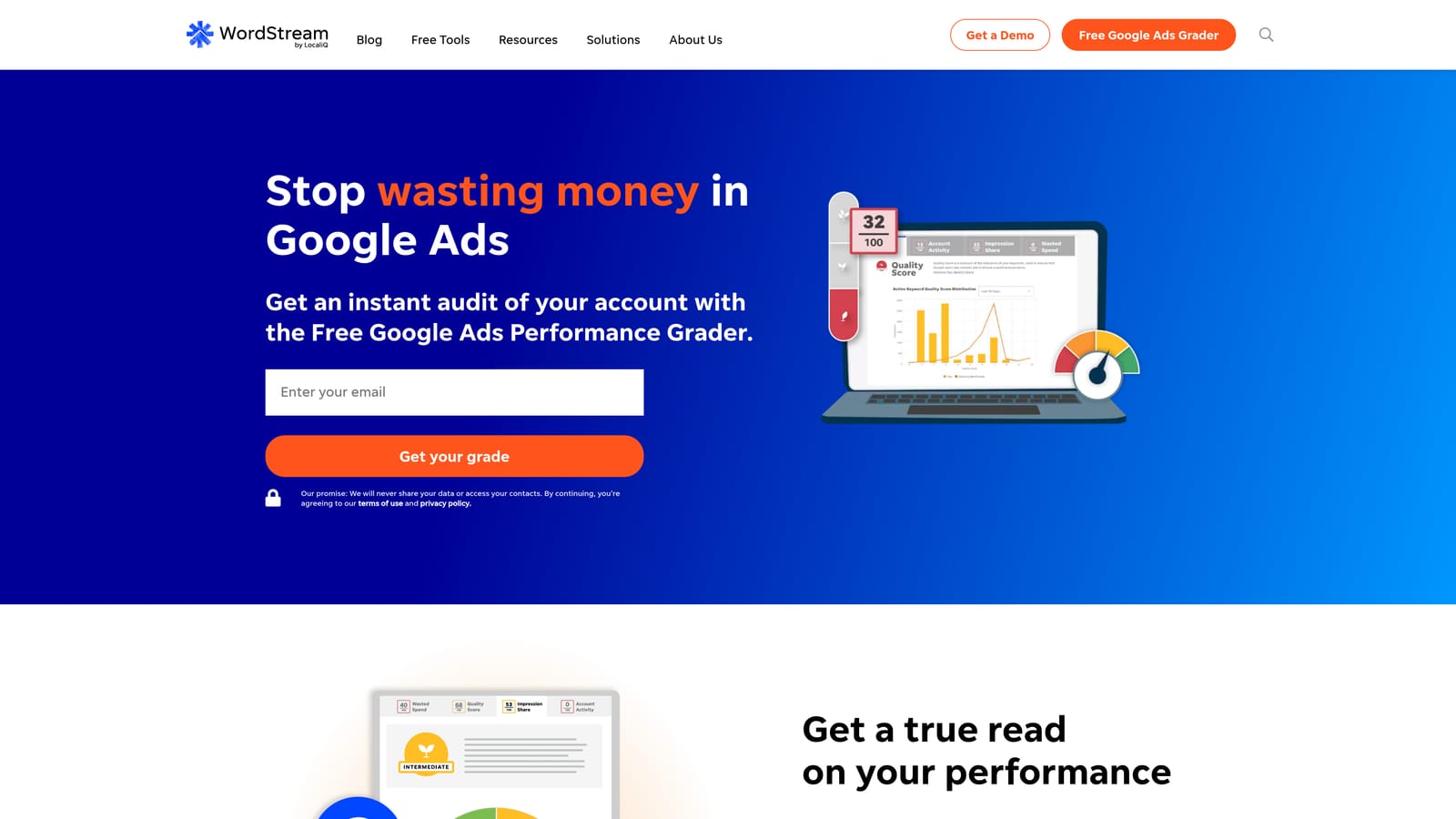
That guidance is its edge. Where other tools assume you know what a rule or an audit finding means, WordStream frames recommendations for people who wear several hats.
- Optimization recommendations that tell you what to adjust and why, in beginner-friendly terms.
- A performance grader that gives a quick read on how an account is doing.
- Multi-platform campaign management across search and social from one place.
- Reporting so owners can see results without digging through the ad platforms.
It works with Google Ads, Microsoft Advertising, and Facebook Ads. Setup is light, and the person using it is typically the business owner or a marketing generalist.
It is less suited to complex or large agency accounts. If you manage dozens of client accounts with custom structures, you will likely want finer control than a guided tool offers. Treat its recommendations as suggestions to review, not instructions to follow blindly.
Pricing is on the WordStream website; check there for current plans and what they include.
Best for: Small businesses running their own paid search.
5. Google Ads Editor
Google Ads Editor is the free official desktop app for editing Google Ads accounts in bulk. You download your account data, make changes, review them, and then post them back.

It is the only first-party, free tool on this list built for large structural edits with a change review step. Restructuring ad groups, rewriting headlines across campaigns, or copying a structure from one account to another is far faster here than in the browser.
- Bulk edits across campaigns, ad groups, keywords, and ads, which saves hours on repetitive changes.
- Offline editing and review before posting, so you can check everything before it goes live.
- Copy and paste across accounts, handy for replicating a proven setup.
- Multi-account management without logging in and out of each one.
It covers Google Ads only. Setup means installing the app and downloading account data, and a PPC manager or specialist usually runs it.
The limitation is that it offers no automated insights and no cross-channel view. It does exactly what you tell it and nothing more. It will not flag a wasteful search term or tell you which ad is winning, so it works best alongside something that does.
It is free.
Best for: Advertisers making large structural changes in bulk.
6. Google Ads Native Automation (Smart Bidding, Rules, Scripts)
This entry is a set of built-in features, not a separate product, and the home for all of it is Google Ads itself. We include it because for many advertisers it is the first and sometimes only automation they use.
The distinctive part is native bid automation at no extra software cost. Smart Bidding uses Google's machine learning to set bids toward your goal, and it sits inside the platform where your conversion data already lives.
- Smart Bidding strategies that adjust bids automatically toward goals like conversions or conversion value.
- Automated rules that apply changes or send alerts when conditions you define are met.
- Scripts for custom automation when you have someone who can write or adapt code.
- A Recommendations tab that suggests changes to your account.
It works with Google Ads only. Setup is within the interface, though scripts need technical skill. A campaign manager typically owns it.
The key limit is that recommendations serve Google's goals as well as yours, so they need human review. Some suggestions raise spend or broaden targeting, and not every one fits your account. Smart Bidding also depends on good conversion tracking; weak data produces weak results.
It is included with Google Ads at no added cost beyond your ad spend.
Best for: Advertisers wanting automation without added tools.
7. Skai
Skai (formerly Kenshoo) is an enterprise cross-channel paid media platform. It is built for large brands running search, social, and retail media together and needing one place to manage and measure it.

Its differentiator is scale across engines and channels. Few tools here are designed to coordinate bids and budgets across that many surfaces at once.
- Cross-channel search and social management so teams work from one system.
- Bid and budget automation that handles allocation across large portfolios.
- Reporting and analytics for stakeholders who need unified views.
It connects to Google Ads, Microsoft Advertising, social platforms, and retail media. Implementation is a real project, and it is typically run by a dedicated paid media or analytics team, not a single marketer.
It is a poor fit for freelancers, small agencies, or modest budgets. It is quote-based and oriented to large brands, so you will go through a sales process to learn the price.
Pricing is quote-based, and it typically depends on the scale of your media management.
Best for: Enterprise teams with large multi-channel budgets.
8. Marin Software
Marin Software is a cross-channel paid media management platform. It covers paid search and social in a single system for larger advertisers.
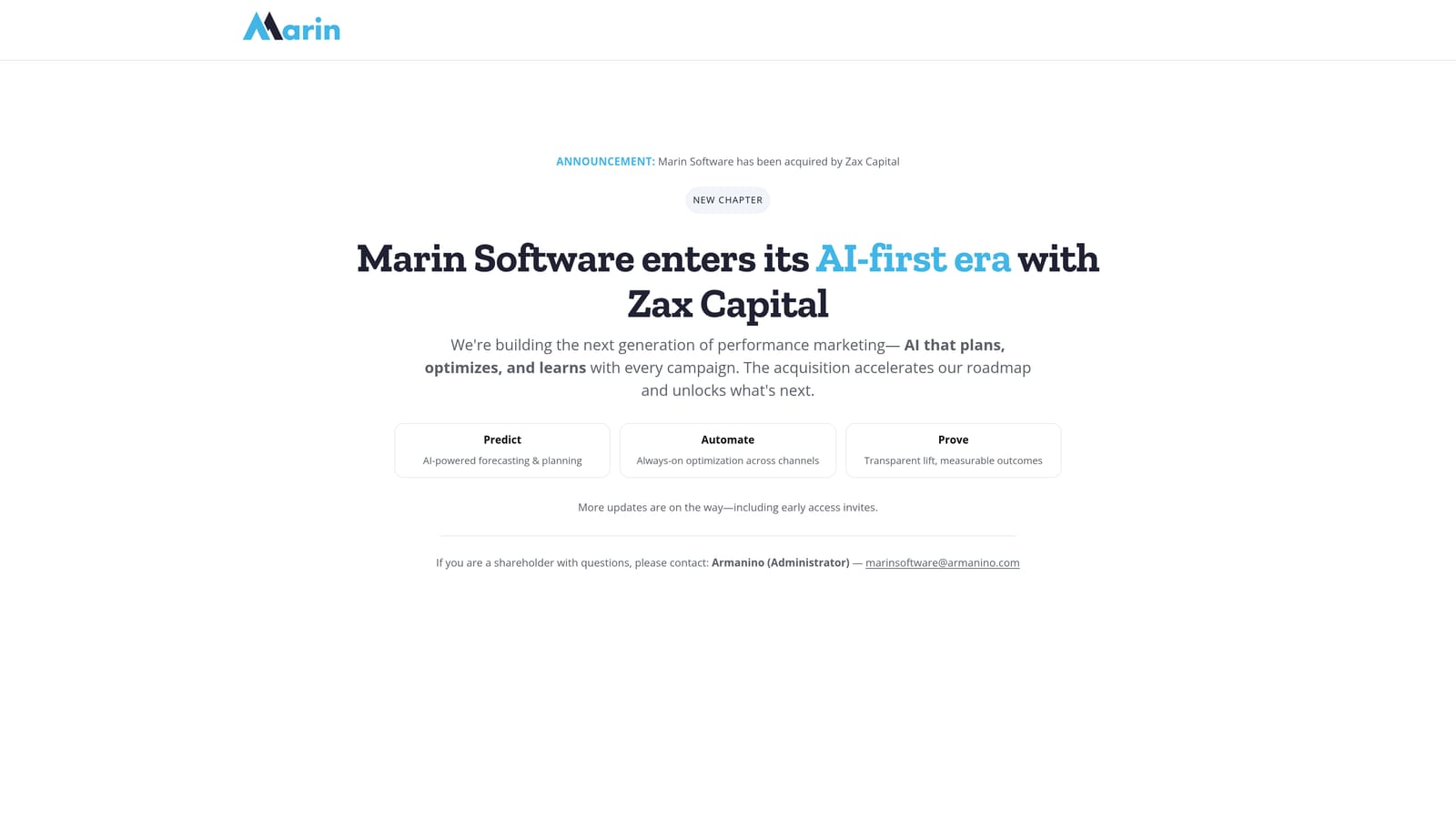
What it offers, in contrast to single-channel tools on this list, is unified paid search and social management. If your team juggles multiple channels and wants consistent workflows, that is the draw.
- Cross-channel campaign management so you can run search and social together.
- Reporting that pulls performance into one view.
- Automation for repetitive campaign tasks.
It integrates with Google Ads, Microsoft Advertising, and social platforms. As with other enterprise platforms, expect onboarding effort and a team to run it.
It has an enterprise focus, so it is not aimed at solo advertisers or small shops. Verify the current company status and product offering directly with Marin before committing, since vendor details in this category change, and we have not confirmed them as of November 2026.
Pricing is quote-based.
Best for: Larger advertisers wanting unified paid media management.
9. Looker Studio
Looker Studio is Google's free dashboarding tool. It does not optimize anything, but a lot of PPC work depends on showing results clearly, and this is how many agencies do it.
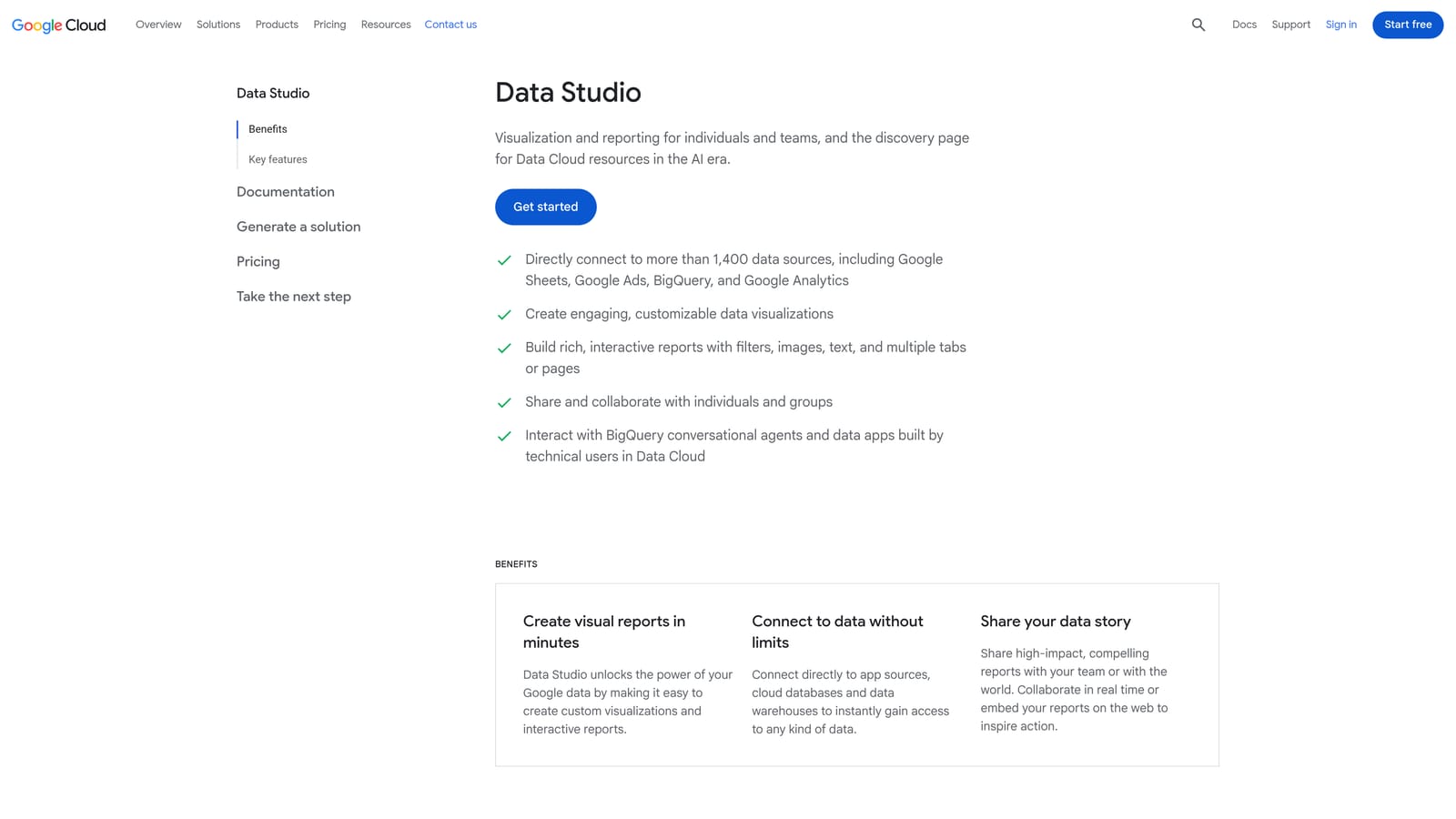
Its standout quality is free, customizable, client-facing reporting. You build the dashboard around the metrics each client cares about, instead of accepting a fixed template.
- Custom dashboards so you can show exactly the metrics that matter to each client.
- A Google Ads connector that pulls campaign data in directly.
- Shareable client reports you can send as a link instead of a static file.
It connects to Google Ads, Google Analytics, and third-party connectors. Setup takes some time to build the first template, after which you can reuse it. An account manager or analyst usually builds and maintains the dashboards.
The limitation is plain: it reports data but does not optimize campaigns. It will show you wasted spend without helping you remove it. Some third-party connectors, such as those for non-Google ad platforms, are paid.
The tool is free, with paid costs only for certain connectors.
Best for: Agencies building client dashboards.
Matching the Tool to the Job You Actually Have
Start with the job. If your biggest time sink is reading search terms, blocking junk queries, and turning good ones into keywords, Keywordme is built for that, at $12 per month per user. For agency-scale audits and rules, look at Optmyzr and Adalysis: Optmyzr leans toward rule-driven fixes, while Adalysis leans toward monitoring and ad-test insight.
Small businesses that want hand-holding should look at WordStream. If you need to make large structural edits for free, use Google Ads Editor. Enterprise teams with big cross-channel budgets belong with Skai or Marin, and anyone who needs client dashboards should use Looker Studio.
Most teams end up combining two tools. A common pairing is a search term workflow tool alongside a reporting or auditing tool, since each covers what the other does not. Whatever you choose, keep a human reviewing what changes in your account.
Optimize Google Ads Campaigns 10X Faster. Without Leaving Your Account. Keywordme lets you remove junk search terms, build high-intent keyword lists, and apply match types instantly, right inside Google Ads. No spreadsheets, no switching tabs, just quick, seamless optimization. Start your free 7-day trial (then just $12/month) and take your Google Ads game to the next level.
