
9 Best Paid Search Efficiency Tools for Google Ads
The best paid search efficiency tools in 2026 help Google Ads managers cut wasted spend, streamline campaign workflows, and make faster data-driven decisions—whether you're a solo freelancer or running a multi-account agency. This roundup covers nine tools across keyword research, bid management, reporting, and in-interface optimization to help you work smarter and maximize ROI.


TL;DR: The best paid search efficiency tools in 2026 help you cut wasted spend, build smarter keyword lists, and manage campaigns faster without drowning in spreadsheets. This list covers tools across in-interface optimization, keyword research, bid management, reporting, and more. Whether you're a solo freelancer or an agency juggling 30+ accounts, there's something here for your workflow.
Paid search efficiency isn't just about having the right keywords. It's about how fast you can act on data, how cleanly your account is structured, and how little time you waste on manual tasks. The tools below were selected based on workflow impact, ease of use, and real-world value for marketers, freelancers, and agency owners managing Google Ads day-to-day.
1. Keywordme
Best for: In-interface Google Ads optimization without leaving the native UI
Keywordme is a Chrome extension that plugs directly into Google Ads' Search Terms Report, letting you take action on keywords without opening a single spreadsheet.

Where This Tool Shines
In most accounts I audit, the Search Terms Report is where efficiency goes to die. You're exporting CSVs, pasting into sheets, cross-referencing negative keyword lists, then re-uploading. It's a 45-minute job that should take 5. Keywordme collapses that entire workflow into one-click actions inside the native Google Ads interface.
What usually happens here is that advertisers know what they need to do, they just can't do it fast enough. Keywordme removes that friction. You can add negatives, apply match types, cluster high-intent terms into ad groups, and bulk edit across campaigns without ever leaving the tab you're already in.
Key Features
One-Click Negative Keyword Addition: Flag and remove junk search terms directly inside the Search Terms Report with a single click.
Instant Match Type Application: Apply broad, phrase, or exact match to keywords on the fly without exporting or re-uploading.
Keyword Clustering: Organize high-intent search terms into ad groups automatically, saving serious time during campaign build-outs.
Bulk Editing: Make changes across multiple campaigns simultaneously without switching between views.
Multi-Account and Team Support: Built for agencies managing multiple clients, with team-level access controls that actually work.
Best For
Freelancers and agency PPC managers who spend meaningful time each week inside the Search Terms Report. If you're managing more than two or three active accounts, the time savings compound fast. Also a strong fit for in-house teams who want to move faster without adding headcount.
Pricing
Flat rate of $12/month per user. A 7-day free trial is available with no credit card required. Straightforward pricing with no per-account or per-spend tiers.
2. Google Ads Editor
Best for: Bulk offline changes to large or complex Google Ads accounts
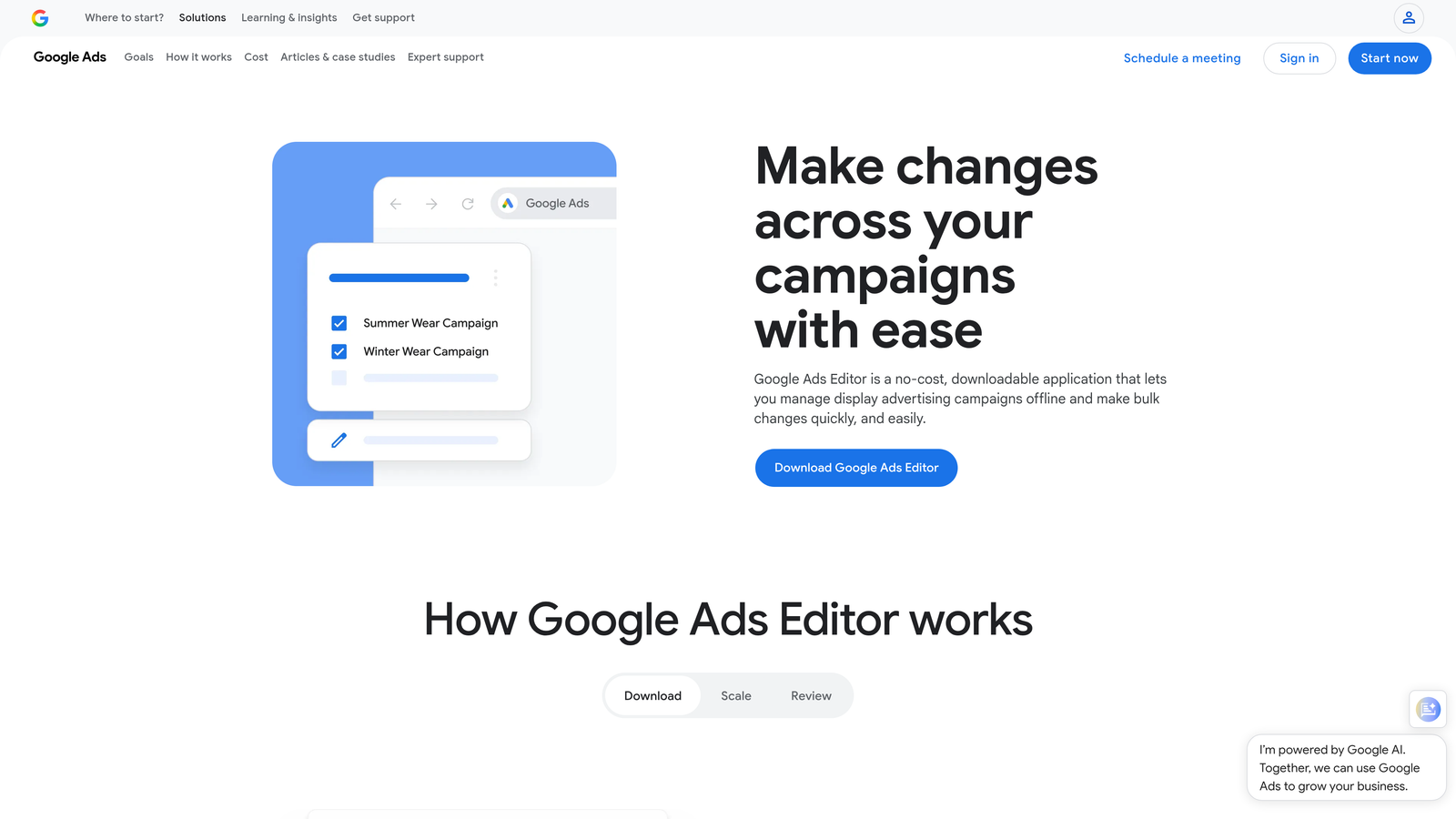
Google Ads Editor is Google's free desktop application for making large-scale campaign changes offline before uploading them back to the platform.
Where This Tool Shines
If you're restructuring campaigns, doing a mass keyword upload, or copying ad groups across accounts, Editor is the right tool. The find-and-replace functionality alone saves hours when you're renaming campaigns or swapping out URLs at scale.
The mistake most agencies make is using Editor for everything, including tasks that need real-time data. Editor is excellent for structural work, but it's not a live optimization tool. Use it for the heavy lifting, then switch back to the native interface for day-to-day decisions.
Key Features
Bulk Find-and-Replace: Edit text across campaigns, ad groups, and keywords simultaneously without opening each element individually.
Copy and Paste Across Accounts: Duplicate campaigns or ad groups between client accounts in seconds.
Offline Editing with Batch Upload: Stage all your changes locally, review them, and push everything live at once.
All Major Campaign Type Support: Works with Search, Display, Performance Max, and more.
Free Access: Available to anyone with a Google Ads account.
Best For
Agencies handling large account restructures, migration projects, or any situation where you're making hundreds of changes at once. Less useful for ongoing daily optimization where speed inside the live interface matters more.
Pricing
Free. Available to any Google Ads advertiser.
3. SEMrush (PPC Toolkit)
Best for: Competitive keyword research and pre-campaign intelligence gathering
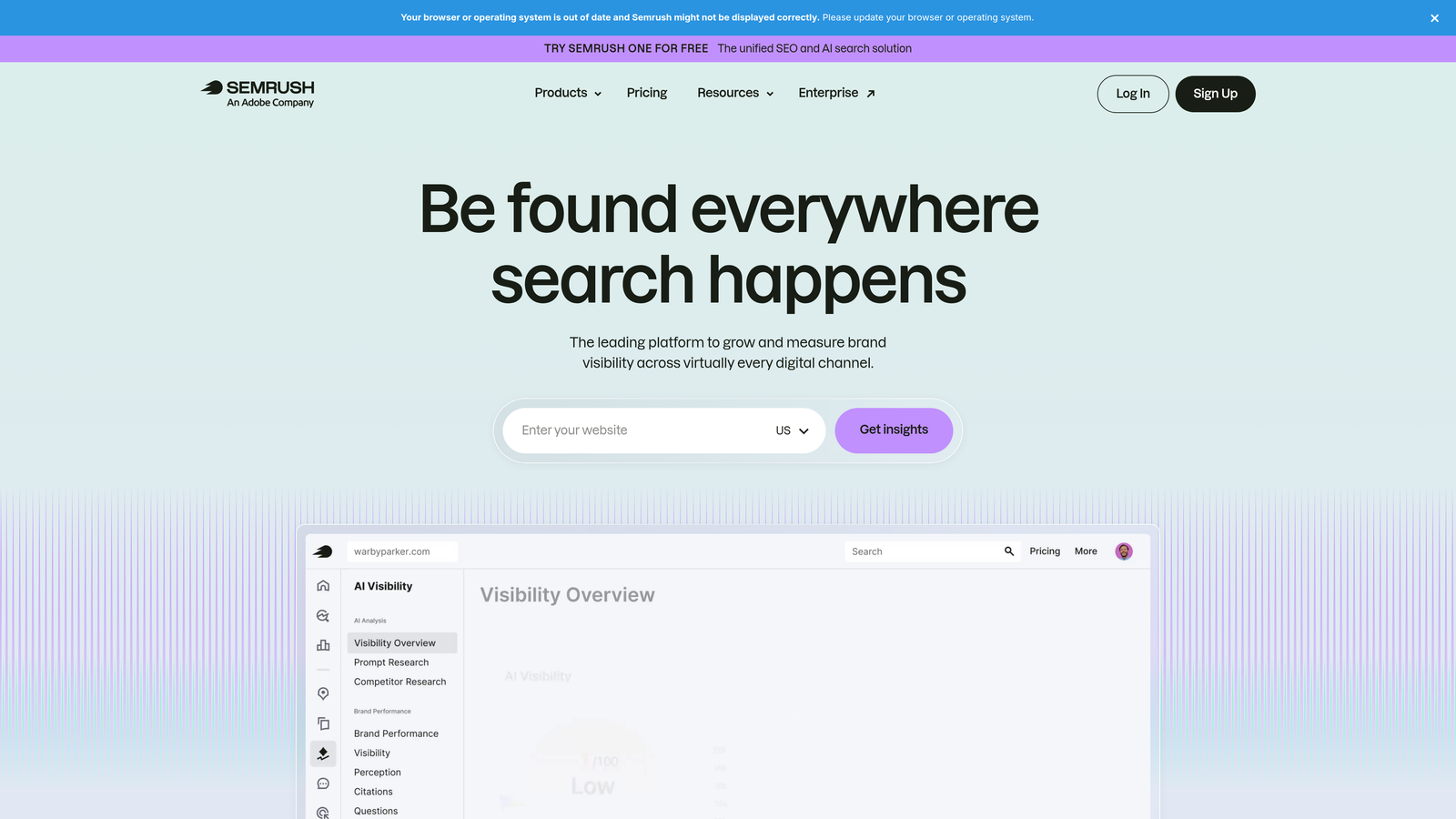
SEMrush is an all-in-one digital marketing platform with a dedicated PPC toolkit covering competitor ad analysis, keyword research, and CPC benchmarking.
Where This Tool Shines
Before you build a campaign, you want to know what your competitors are bidding on, what their ad copy looks like, and where the CPC gaps are. SEMrush's Advertising Research tool gives you a clear picture of competitor keyword strategies, including live ad copy and estimated traffic.
The Keyword Magic Tool is genuinely useful for building out initial keyword lists quickly. You can filter by intent, CPC range, and competition level, which cuts the time spent on keyword ideation significantly. The Keyword Gap feature is particularly sharp for finding terms your competitors are buying that you haven't considered yet.
Key Features
Advertising Research Tool: Surfaces competitor keywords and live ad copy across paid search.
Keyword Magic Tool: Generates large keyword lists with intent and competition filters built in.
CPC Map: Geographic CPC benchmarking to understand cost variation by location.
PLA Research: Competitive analysis for Google Shopping campaigns.
Keyword Gap Analysis: Identifies terms competitors bid on that aren't in your account yet.
Best For
PPC managers in the research and planning phase, competitive niches where understanding competitor strategy matters, and agencies onboarding new clients who need rapid market intelligence before building campaigns.
Pricing
Starts at approximately $139.95/month (Pro plan). Verify current pricing at semrush.com.
4. Optmyzr
Best for: Rule-based automation and structured PPC optimization workflows
Optmyzr is a PPC automation and management platform offering one-click recommendations, rule-based automations, and workflow tools for Google Ads and Microsoft Ads.

Where This Tool Shines
Optmyzr is built for teams that want to systematize their optimization process. The pre-built optimization recipes handle common tasks like bid adjustments, budget pacing, and keyword management through a structured, repeatable workflow. It reduces the cognitive load of knowing what to do next in a large account.
The Quality Score tracker with historical trend data is something you don't see in many tools at this level. Being able to see how Quality Score has moved over time, tied to specific changes, is genuinely useful for diagnosing account health issues.
Key Features
Optimization Recipes: Pre-built workflows for common PPC tasks that can be applied with minimal setup.
Rule-Based Automation: Conditional logic for bids, budgets, and keyword management without writing scripts.
Quality Score Tracker: Historical Quality Score trends at the keyword level.
Campaign Automator: Scripted, conditional campaign changes for more complex automation needs.
Multi-Platform Support: Covers Google Ads, Microsoft Ads, and Amazon Ads in one interface.
Best For
Mid-to-large agencies that want structured automation without heavy engineering resources. Also a strong fit for in-house teams managing accounts with significant budget where bid and budget automation has real financial impact.
Pricing
Starts at approximately $208/month. Verify current pricing at optmyzr.com.
5. SpyFu
Best for: Historical competitor paid search intelligence and keyword gap analysis
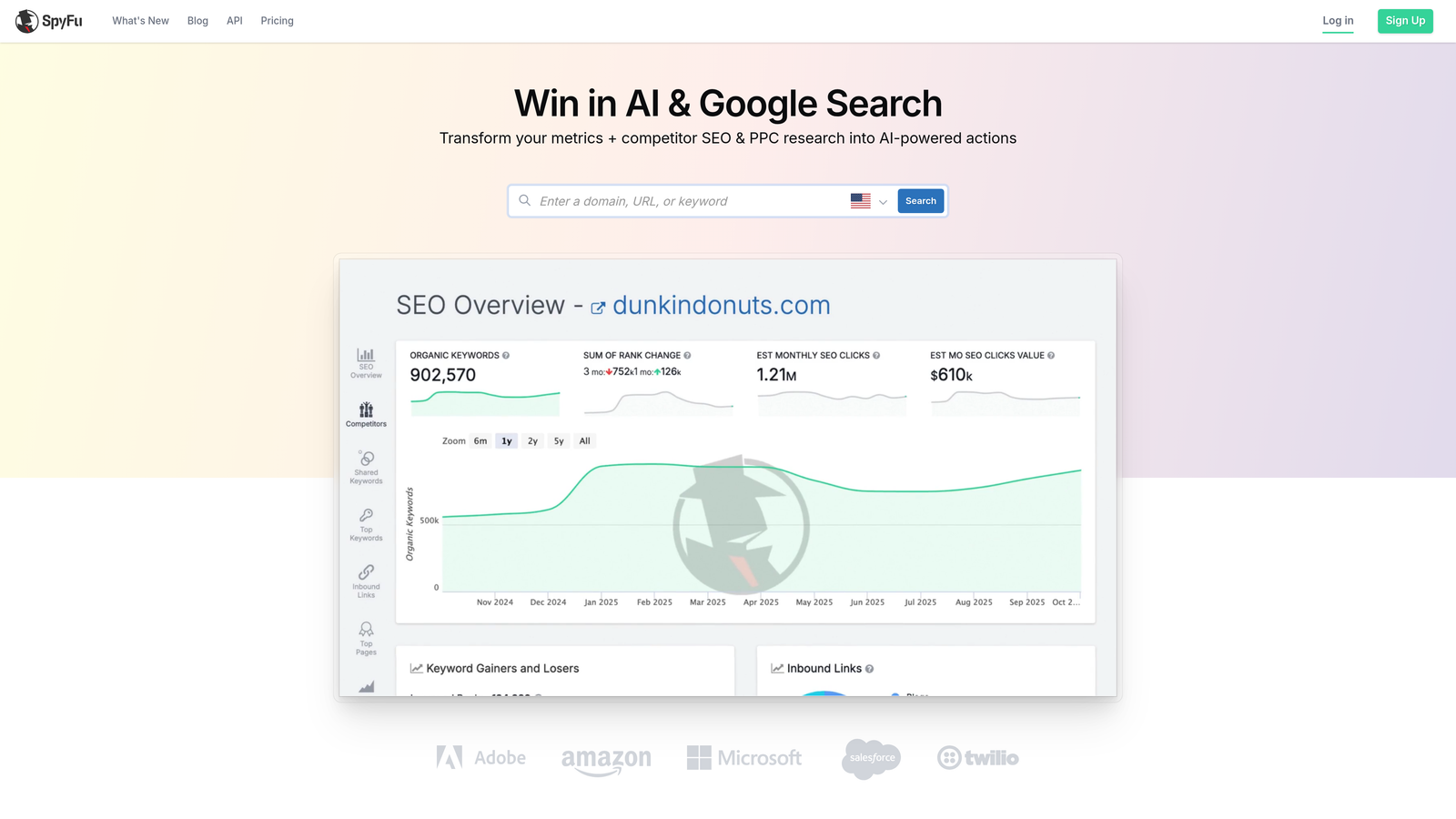
SpyFu is a competitive intelligence tool that surfaces historical data on competitor paid search strategies, including keyword history, estimated spend, and ad copy variations over time.
Where This Tool Shines
SpyFu's biggest differentiator is the depth of historical data. You can see what keywords a competitor was bidding on years ago, which tells you a lot about what's worked and what they've abandoned. That kind of signal is hard to get anywhere else at this price point.
The Kombat feature, which maps keyword overlap and gaps between multiple competitors, is a solid starting point for finding untapped opportunities before you commit budget. Keep in mind that spend estimates are approximations based on SpyFu's modeling, not live Google data.
Key Features
Competitor Keyword History: View years of historical paid keyword data for any domain.
Estimated Spend and Click Volume: Modeled estimates of competitor ad investment and traffic.
Ad History Tool: See every ad copy variation a competitor has run over time.
MOAB Keyword Tool: Bulk keyword export for large-scale list building.
Kombat Feature: Visual keyword overlap and gap analysis across multiple competitor domains.
Best For
Advertisers entering competitive markets who want to learn from competitor history before spending their own budget. Strong for agency new business pitches where you need rapid competitive context on a prospect's industry.
Pricing
Starts at approximately $39/month. Verify current pricing at spyfu.com.
6. Adalysis
Best for: Systematic ad testing and account health monitoring
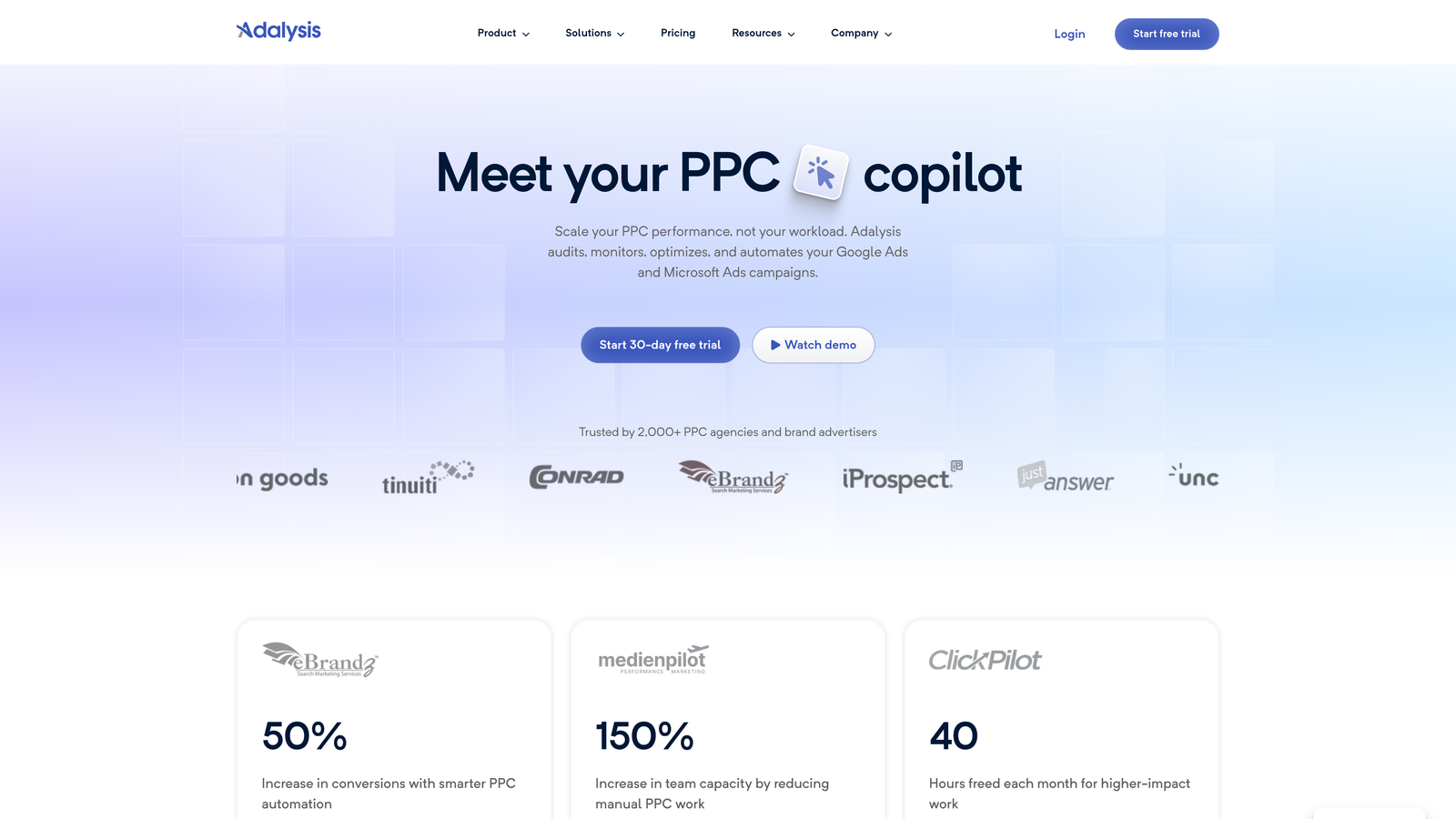
Adalysis is a PPC audit and ad testing platform that automates A/B test monitoring, tracks Quality Score trends, and flags account health issues across your Google Ads accounts.
Where This Tool Shines
Most advertisers know they should be testing ads. Very few have a systematic process for knowing when a test has reached statistical significance and what to do next. Adalysis handles that automatically, alerting you when a winner is clear and recommending the next step.
The account health dashboard is genuinely useful for agencies doing regular audits. It surfaces underperforming elements in a prioritized list rather than making you dig through the interface to find problems. For RSA optimization specifically, the asset-level performance breakdown is more granular than what Google's native UI shows you.
Key Features
Automated A/B Testing: Statistical significance monitoring with alerts when tests reach a clear result.
Quality Score Monitoring: Historical Quality Score tracking at the keyword level with trend visualization.
Account Health Dashboard: Prioritized view of underperforming campaigns, ad groups, and keywords.
RSA Asset Performance Analysis: Granular breakdown of Responsive Search Ad asset combinations and performance.
Automated Ad Recommendations: Suggestions for pausing underperforming variations or promoting winners.
Best For
PPC managers who run ongoing ad copy tests across multiple accounts and need a systematic way to track results. Also strong for agencies that want to demonstrate account health improvements to clients with clear, data-backed reporting.
Pricing
Starts at approximately $99/month. Verify current pricing at adalysis.com.
7. WordStream Advisor (LocaliQ)
Best for: SMBs and less-technical marketers who need guided PPC recommendations
WordStream Advisor, now under the LocaliQ brand, is a guided PPC management platform offering weekly optimization recommendations and a simplified interface for businesses that don't have dedicated PPC specialists.

Where This Tool Shines
The weekly "Work Week" optimization task list is the core value proposition here. It tells you exactly what to do each week in plain language, which removes the guesswork for business owners or marketers who are managing Google Ads alongside a dozen other responsibilities.
For advanced PPC practitioners, it may feel limiting. The interface prioritizes simplicity over control, which is exactly right for its target audience but can feel restrictive if you're used to working deep inside Google Ads. The free Grader tool is worth using even if you don't subscribe, as a quick account health check.
Key Features
Weekly Work Week Task List: Guided optimization recommendations delivered on a consistent weekly cadence.
Simplified Keyword Management: Streamlined interface for adding keywords and negatives without navigating complex menus.
Plain-Language Performance Dashboard: Metrics explained in accessible terms rather than raw data.
Google and Microsoft Ads Support: Manage both platforms from a single interface.
Google Ads Grader: Free account health scoring tool available without a paid subscription.
Best For
Small business owners, marketing generalists, and SMB-focused agencies where clients need a simplified management experience. Less suited for high-spend accounts or advanced practitioners who need granular control.
Pricing
Pricing varies by plan and services. Verify current pricing at localiq.com.
8. Google Keyword Planner
Best for: Free keyword research and CPC forecasting sourced directly from Google
Google Keyword Planner is Google's built-in tool for keyword discovery, search volume estimates, and bid forecasting, using data pulled directly from Google's own search data.
Where This Tool Shines
The biggest advantage here is the source. Volume estimates and CPC ranges come straight from Google, which makes them more reliable for bid planning than third-party estimates. For forecasting projected clicks and spend at different bid levels before launching a campaign, nothing beats it at the price point of free.
The limitation most experienced PPC managers know well: accounts with lower spend levels see volume data as ranges rather than exact numbers. If your account has significant historical spend, you'll get more precise data. Either way, it's a foundational research tool that belongs in every workflow.
Key Features
Search Volume and Trends: Volume ranges and trend data sourced directly from Google's search data.
CPC Bid Estimates: Keyword-level cost estimates by location and match type.
Keyword Ideas Generator: Keyword suggestions based on seed terms, phrases, or URLs.
Forecasting Tool: Projected clicks, impressions, and spend at different bid levels.
Free Access: Available to any Google Ads account holder.
Best For
Anyone in the keyword research or campaign planning phase. Particularly useful for validating search demand before investing budget, and for building initial keyword lists before layering in more sophisticated research tools.
Pricing
Free. Available to any Google Ads account holder.
9. Looker Studio
Best for: Custom, shareable PPC reporting dashboards for agencies and in-house teams
Looker Studio is Google's free data visualization and reporting platform that connects natively to Google Ads, GA4, Search Console, and dozens of other data sources.
Where This Tool Shines
For agencies, the ability to build a custom client-facing dashboard that pulls live Google Ads data is genuinely valuable. You can create a view-only report link for clients that updates automatically, which cuts the time spent on manual reporting significantly. The blended data feature, combining Google Ads with GA4 and Search Console in a single view, gives you a more complete picture of campaign performance than any single platform shows alone.
The setup time is real. Building a polished, useful dashboard from scratch takes time, especially if you're new to Looker Studio's interface. The template gallery helps, and there are solid pre-built PPC report templates available that you can connect to your own data sources quickly.
Key Features
Native Google Ads Connector: Real-time data sync directly from your Google Ads account without manual exports.
Customizable Dashboard Layouts: Full control over chart types, metrics, dimensions, and visual design.
Shareable View-Only Reports: Client-facing links that update automatically without requiring platform access.
Blended Data Sources: Combine Google Ads, GA4, and Search Console data in a single dashboard view.
Template Gallery: Pre-built PPC report templates that can be connected to your own data in minutes.
Best For
Agencies building recurring client reports and in-house teams that need cross-channel visibility in one place. Not a campaign management tool, but an essential layer for any team that needs to communicate performance clearly to stakeholders.
Pricing
Free. Available to anyone with a Google account.
Which Tool Stack Actually Fits Your Workflow
No single tool does everything well, and the best paid search efficiency setup is usually a combination of two or three tools that cover different parts of your workflow. Here's how to think about it.
For freelancers managing a handful of accounts: Start with Keywordme for in-interface optimization and Google Keyword Planner for research. Both are low-cost or free, and together they cover the two highest-friction parts of most solo PPC workflows: search term management and keyword discovery. Add Looker Studio if you're reporting to clients.
For agencies managing multiple clients: Keywordme handles the daily search term work across accounts without switching tools. Pair it with Looker Studio for automated client reporting and either SEMrush or SpyFu for competitive research during onboarding. If you're running enough accounts to justify it, Optmyzr or Adalysis adds a systematic layer of automation and testing.
For SMBs running their own campaigns: Google Keyword Planner and Google Ads Editor cover the fundamentals for free. WordStream Advisor is worth considering if you want guided weekly recommendations without needing to deeply understand the Google Ads interface.
The honest truth about paid search efficiency: the tools that make the biggest difference are the ones that reduce friction in tasks you're already doing every day. Adding more platforms doesn't automatically mean better results. Doing fewer manual steps, faster, in the tools you're already using does.
If search term review and negative keyword management are eating your time every week, that's the most direct place to start. Start your free 7-day trial of Keywordme and see how much faster that workflow gets when it's built directly into the interface you're already working in. After that, build your stack outward based on where the next biggest time sink is.
.svg)