
9 Best Optmyzr Alternatives and Other PPC Tools for Google Ads in 2026
Choosing between Optmyzr vs other PPC tools comes down to the job you need done, whether that is trimming junk search terms, auditing many accounts, or reporting. This guide compares nine Google Ads tools on optimization depth, workflow fit, pricing model, and who each one suits least, so you can match a platform to your role.


If you're comparing Optmyzr with other PPC tools, the real question is what job you need done. A freelancer trimming junk search terms, an agency auditing dozens of accounts, and an in-house marketer who needs reporting have very different needs. Tools here were picked for Google Ads work and judged on depth of optimization, workflow fit, pricing model, and who each one suits least. Prices change often, so treat any figure as "as of" the time of writing and confirm on the vendor's site.
Quick Comparison of the Tools
- Keywordme: freelancers and agencies who spend hours on search term review; $12/month per user (as of writing); works inside the Google Ads Search Terms Report with no spreadsheet or separate dashboard.
- Optmyzr: agencies wanting an all-in-one optimization and automation suite; pricing on the vendor's site, tiered by managed ad spend; the broadest set of customizable rules across many accounts.
- Adalysis: teams running lots of ad tests; pricing on the vendor's site; automated ad-copy test analysis with account-wide alerts.
- WordStream: small businesses and the agencies serving them; pricing on the vendor's site; guided, prioritized recommendations for non-specialists.
- Google Ads Editor: anyone doing large structural edits; free; first-party bulk editing across accounts.
- Google Ads Scripts and Automated Rules: technical advertisers; free; fully customizable automation at no cost.
- SEMrush: marketers planning PPC strategy; subscription tiers, see the vendor's site; competitor ad and keyword intelligence inside a wider marketing suite.
- SpyFu: freelancers and small teams wanting affordable competitor insight; tiered plans, see the vendor's site; long-term competitor PPC keyword and ad history.
- Skai: large brands and enterprise teams; quote-based; enterprise-scale cross-channel management.
1. Keywordme
Keywordme is our own product, so weigh this section with that in mind. It's a Chrome extension that adds one-click actions to the Search Terms Report inside Google Ads. It's built for people who open that report constantly: freelancers, in-house marketers, and agency teams.
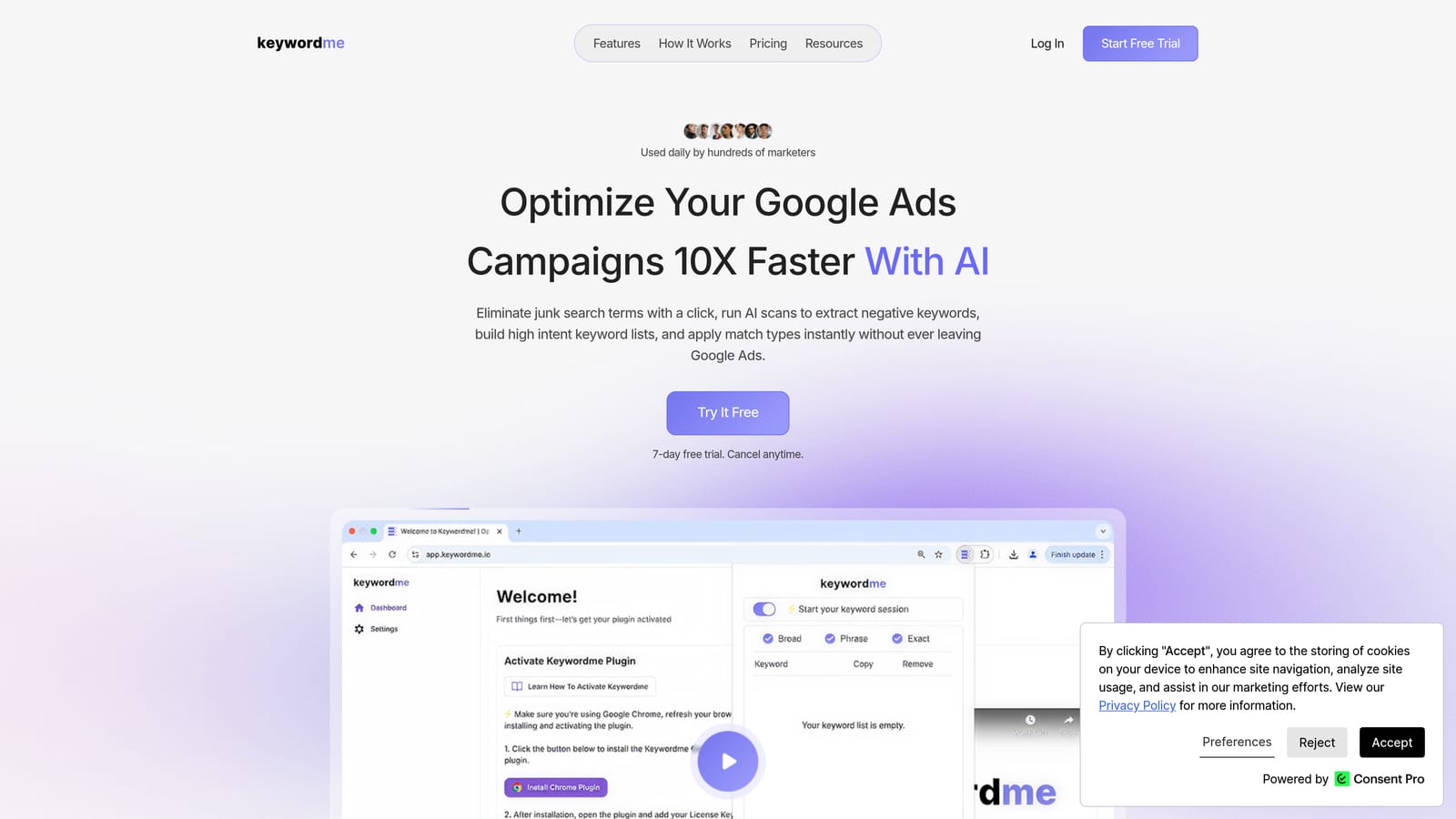
A quick definition, since the distinction matters here. A search term is what someone actually typed; a keyword is what you bid on. Keywordme helps you move between the two: add a good search term as a keyword, or block a bad one as a negative keyword, without exporting anything.
What sets it apart on this list is where it lives. There's no separate dashboard, no spreadsheet round trip, and no new interface to learn. You work in the native Google Ads UI, and the extension adds the buttons.
- One-click negative keywords from the Search Terms Report, so junk queries get blocked as you review them.
- Add keywords and apply match types in the Google Ads interface, so a promising search term becomes a keyword in seconds.
- Keyword clustering, which groups related terms so you can handle them together instead of one by one.
- Bulk editing, for applying changes across many terms at once.
- Multi-account and team support, useful when several people manage several clients.
Setup is installing the extension in Chrome and using Google Ads as usual. The person doing the search term review runs it day to day, so there's little to administer. Its only integration is Google Ads via Chrome.
The limits are plain. Keywordme is focused on search term and keyword workflows. It has no rules engine, no reporting, and no management of other channels. You make each change yourself, which is the point for people who want control, but it's not automation. If you want scheduled rules or client reports, pair it with something else or look at Optmyzr below.
Pricing: $12/month per user, flat rate, with a 7-day free trial (as of writing; check keywordme.io for current terms). The price moves only with the number of users.
Best for: Freelancers and agencies who spend hours on search term review.
2. Optmyzr
Optmyzr is a PPC management suite combining rule-based automation, optimization tools, scripts, and reporting. It's aimed at agencies and in-house teams that manage many accounts and want one place to run optimizations, audits, and client reporting.

Its distinctive strength is breadth. Few tools here let you build as many customized rules, then apply them across many accounts. If you think in terms of "when X happens, do Y, on every account," this is the closest thing on the list to a full operating system.
- Rule Engine automation, so recurring checks and adjustments run on your conditions instead of by hand.
- One-click optimization suggestions, which surface changes worth reviewing and let you apply them quickly.
- Reporting, so client or stakeholder updates come from the same tool you optimize in.
- Scripts, for teams that want extra customization beyond the built-in tools.
- Multi-account management, for keeping a large portfolio in one view.
It lists Google Ads, Microsoft Advertising, and Meta Ads support, though verify current platform coverage on its site. Expect real setup time: connecting accounts, learning the rule logic, and deciding which automations you trust. Someone on the team usually becomes the owner of that configuration.
The trade-off is learning curve and cost. If all you need is search term cleanup, a suite this broad is more than you need, and more automation doesn't automatically mean better results; rules still need a human to design and check them.
Pricing: starting price is listed on the vendor's site. Plans are tiered by managed ad spend, so cost rises as the budgets you manage grow. Verify current plans and trial terms.
Best for: Agencies wanting an all-in-one optimization and automation suite.
3. Adalysis
Adalysis is an auditing and testing platform for Google Ads, with alerts that watch your accounts for problems. It's built for teams that run many ad tests and want issues flagged rather than hunted down.
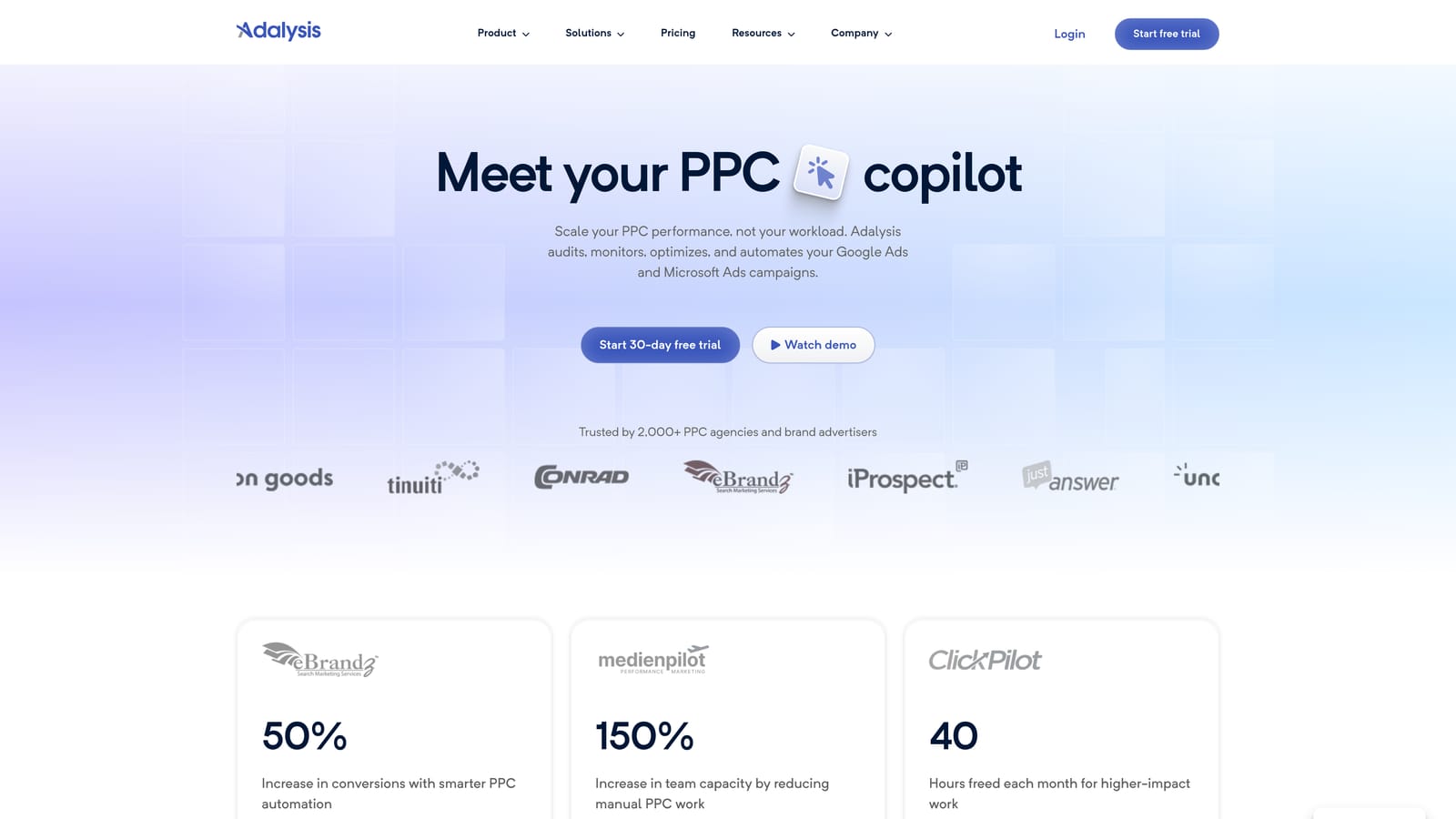
Its standout is automated ad-copy test analysis. Instead of manually comparing ad variations across ad groups, you get analysis of which ads are winning, plus account-wide alerts when something looks off.
- Ad test analysis, which tells you which ad variations are performing so you can pause losers with evidence.
- Account audits, for a structured look at what needs attention.
- Alerts, so problems surface without you checking every account daily.
- Quality checks, to catch issues in setup and ad quality.
- Reporting, for sharing findings with clients or colleagues.
It lists Google Ads and Microsoft Advertising support (verify current). Setup means connecting accounts and tuning which alerts matter, otherwise the notifications can pile up. It's typically run by the PPC specialist or account lead.
The limitation is its focus. Adalysis leans toward analysis and flagging, not quick execution of changes. It tells you what to look at; you then make the edits, either in Google Ads or with another tool. It's a poor fit if your daily pain is processing search terms fast.
Pricing: see the vendor's site for current plans and what drives the price.
Best for: Teams that run lots of ad tests and want issues flagged automatically.
4. WordStream
WordStream is a PPC platform geared toward small businesses, with guided workflows that tell you what to do next. It's designed for people who run ads alongside a dozen other jobs and need direction more than raw control.
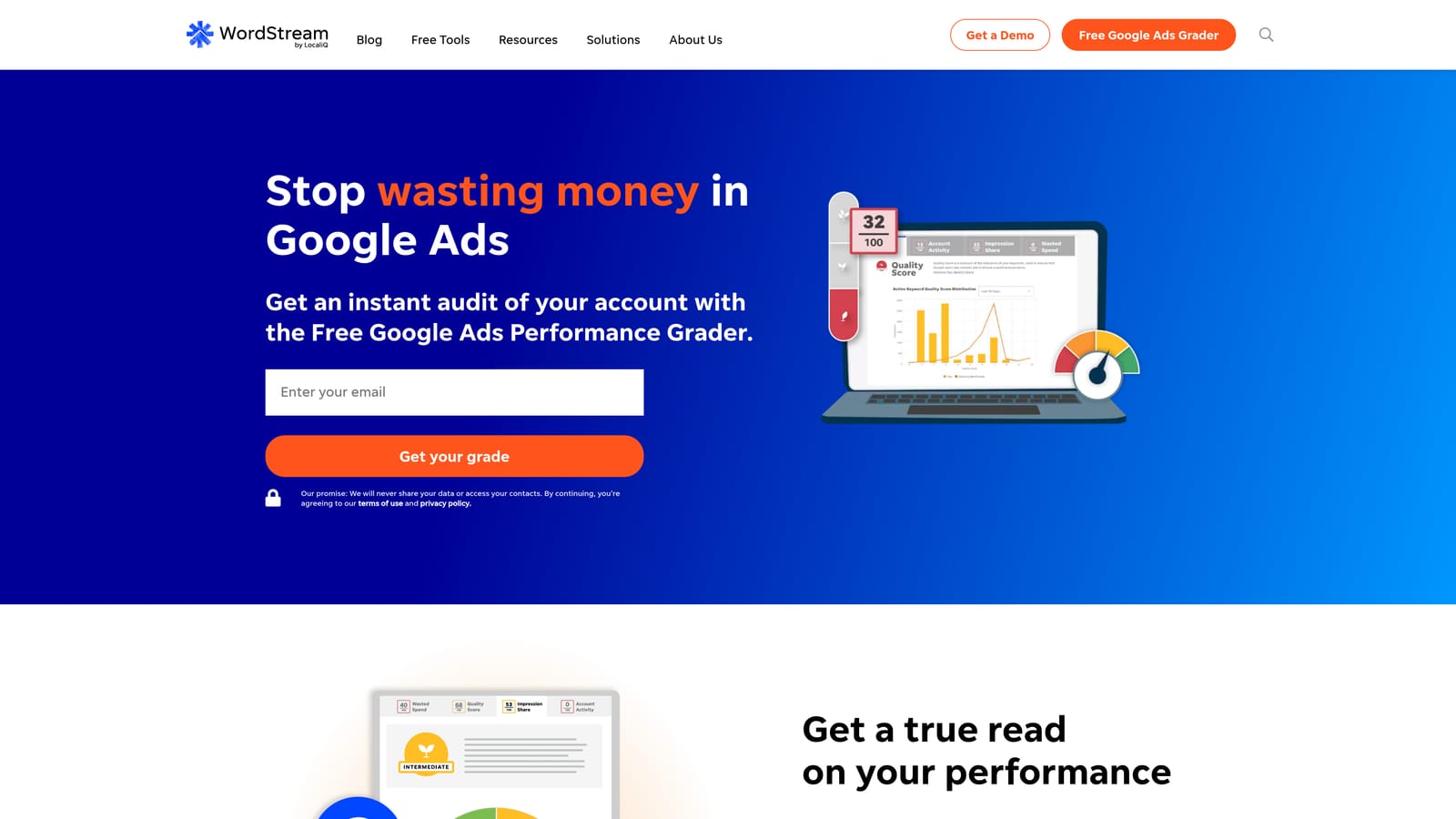
What it does distinctively well on this list is guidance. Where most tools hand you data and options, WordStream prioritizes recommendations so a non-specialist can act without deciding where to start.
- The 20-Minute Work Week workflow, a structured routine for regular account upkeep.
- Prioritized recommendations, so you tackle the highest-impact items first.
- Campaign management, to make changes from the platform.
- A performance grader, for a quick read on how an account is doing.
It lists Google Ads, Microsoft Advertising, and Meta Ads support; check current coverage. Setup is light, and a business owner or generalist marketer can run it. Because its packaging has changed over time, confirm what's currently included before you commit.
The downside is control. Advanced practitioners often want granular settings and custom logic, and a guided approach can feel limiting. If you already know what you want to change, the guidance is overhead rather than help.
Pricing: see the vendor's site. Verify current packaging, since plans may have changed.
Best for: Small businesses and agencies serving them who want guidance.
5. Google Ads Editor
Google Ads Editor is Google's free desktop app for editing campaigns in bulk. You download account data, make changes locally, review them, then post them back.

Its edge is that it's free and first-party, so it handles large structural work, like restructuring ad groups or copying campaigns, without a subscription.
- Bulk edits, so you change hundreds of items at once instead of clicking through the web UI.
- Offline editing, which lets you prepare changes without being connected.
- Multi-account management, for working across several accounts in one app.
- Copy and paste across campaigns, which speeds up building similar structures.
- Change review before posting, so you can check edits before they go live.
It works with Google Ads only. Setup is a download and a sign-in, and it's run by whoever does the building and restructuring.
What it won't do: it's manual. It offers no optimization recommendations and no search term workflow, so it doesn't tell you what to change. It's a power tool for execution, not a decision-maker. And since it's not built around search term review, it's a different job from Keywordme's.
Pricing: free.
Best for: Anyone doing large structural edits without paying for a tool.
6. Google Ads Scripts and Automated Rules
Google Ads Scripts and automated rules are Google's built-in automation options. Rules cover simple scheduled actions in the interface; scripts are JavaScript programs that run inside your account.
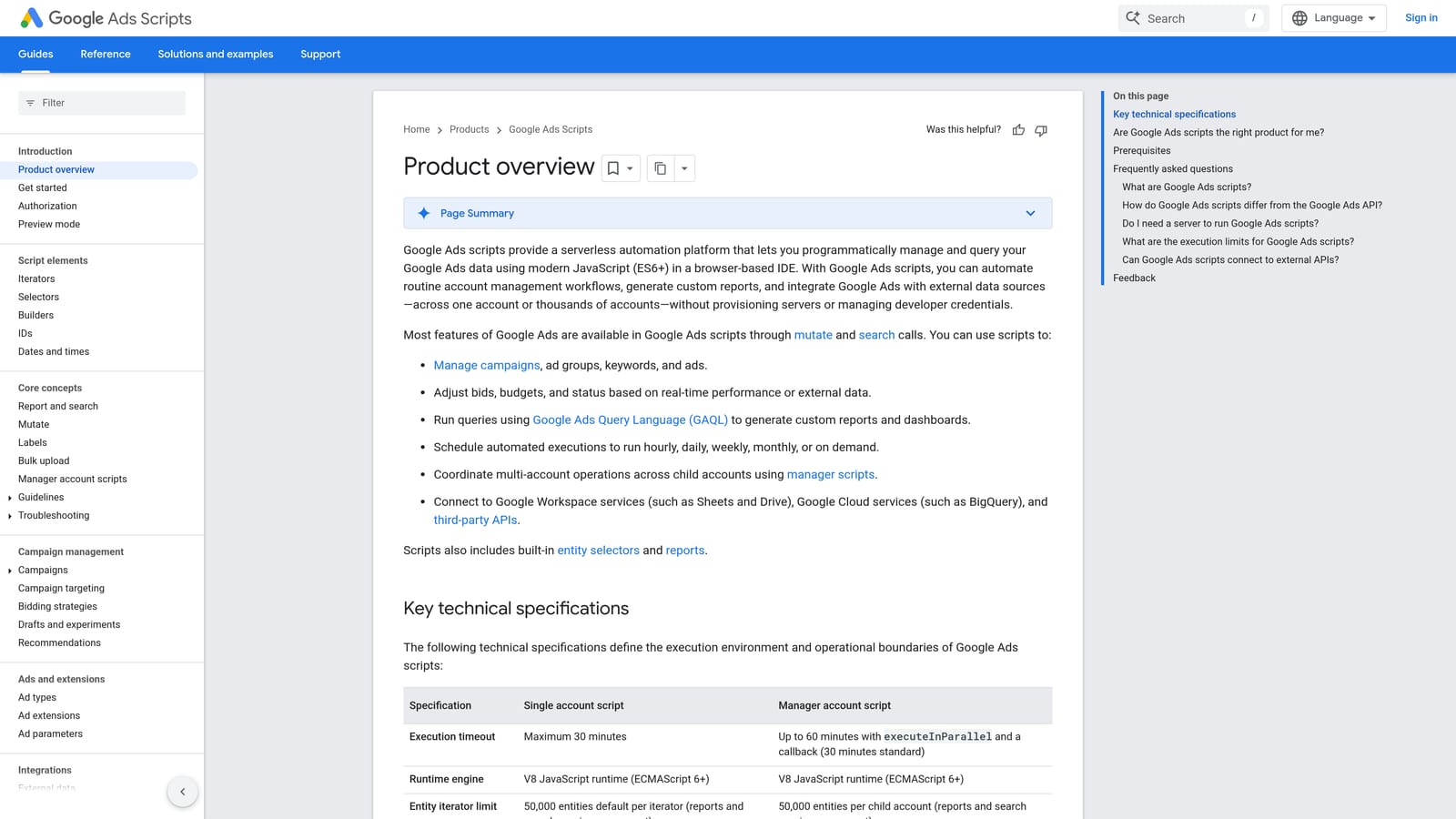
The strength is flexibility at no cost. If you can describe a check or report, a script can probably do it, on a schedule, in your own logic. That's the same idea as Optmyzr's rule-based automation, but you build and own it yourself.
- JavaScript-based scripts, so you can build custom checks, adjustments, and alerts.
- Scheduled runs, which keep tasks happening without manual effort.
- Automated rules, for simpler no-code actions in the interface.
- Custom reports, which can be sent or written out for review.
It works with Google Ads and Google Sheets. Setup effort is the catch: someone needs to write, test, and maintain scripts, and fix them when something breaks or Google changes things.
That makes it a poor fit for non-technical marketers or agencies without a developer-minded person on staff. A broken script can run quietly wrong, so monitoring matters. The time you save on subscription fees can be spent on upkeep.
Pricing: free.
Best for: Technical advertisers who want custom automation without a subscription.
7. SEMrush
SEMrush is an SEO and marketing suite that includes paid search research. It's not an account management tool, and that's the key thing to understand: it helps you plan and study the market, not edit your campaigns.
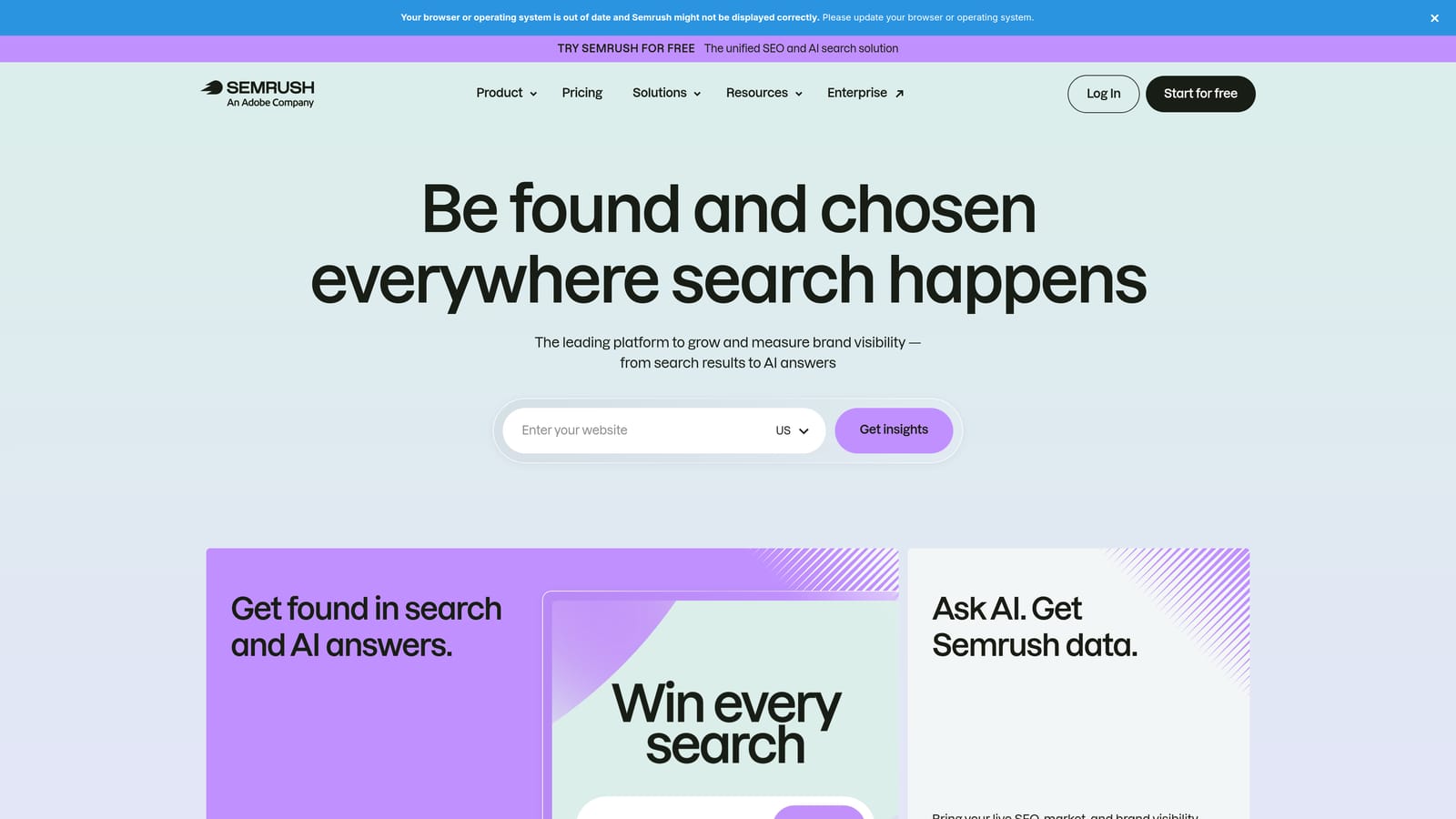
Its distinctive value here is competitor intelligence inside a wider suite. If your team also does SEO or content, one subscription covers both.
- PPC keyword research, to find terms worth bidding on before you build.
- Competitor ad research, so you can see how rivals position their ads.
- Ad history, which shows how competitor messaging has changed.
- Keyword gap analysis, to spot terms competitors target that you don't.
It lists Google Ads and Google Analytics integrations; verify current details. Setup is mostly adding your domain and competitors, and it's usually run by a strategist or SEO and PPC planner.
It won't clean up search terms, apply negatives, or optimize anything in your account. Treat it as research input that feeds decisions you then carry out elsewhere. If you only run Google Ads and don't need the wider suite, you may be paying for features you won't use.
Pricing: subscription tiers; see the vendor's site for current plans.
Best for: Marketers planning PPC strategy and studying competitors.
8. SpyFu
SpyFu is a competitor research tool focused on keyword and ad history. Like SEMrush, it's research, not account management.
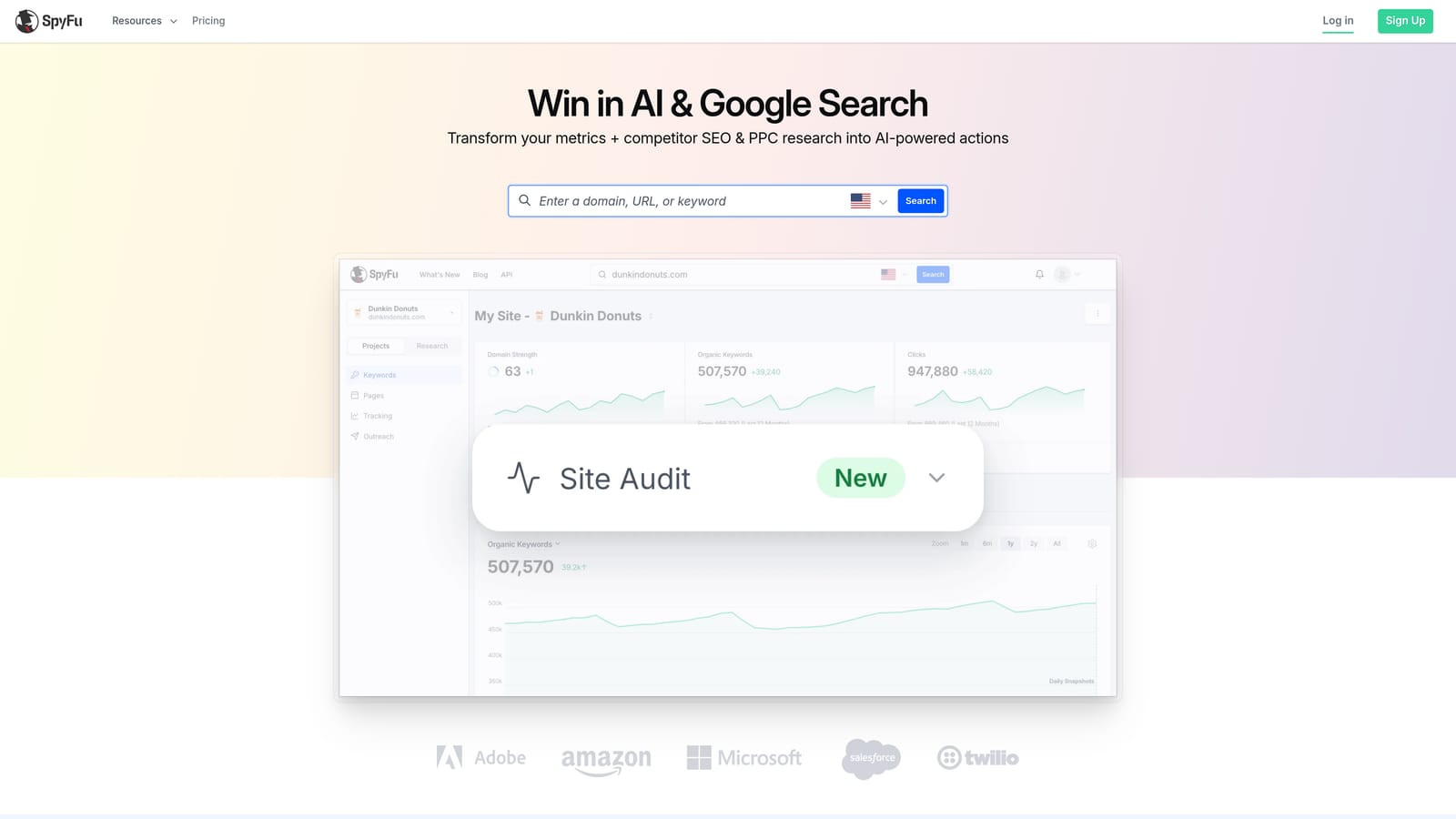
Its distinguishing feature is history. You can look back at the PPC keywords and ads a competitor has used over time, which helps separate long-running winners from short experiments.
- Competitor PPC keyword history, so you can see which terms rivals have kept bidding on.
- Ad history, to review how their copy has evolved.
- Keyword exports, for pulling lists into your own planning.
- Domain comparison, to see where you and a competitor overlap or differ.
Check the vendor's site for integrations. Setup is simple: enter domains and explore. One person, often the freelancer or strategist, can run it.
It's research only. It won't manage your campaigns or touch your search terms, and competitor data is an estimate of what others are doing, not a view into your own account. It suits people who want a cheaper way to learn from competitors, not a tool to replace Optmyzr.
Pricing: tiered plans; see the vendor's site for current prices and what changes them.
Best for: Freelancers and small teams who want affordable competitor insight.
9. Skai
Skai, formerly Kenshoo, is an enterprise cross-channel paid media platform. It's built for large brands running search, social, and other paid channels together at scale.
Where it stands apart is scope. Nothing else on this list is designed to manage this volume of spend across this many channels from one platform.
- Cross-channel campaign management, so teams can run multiple ad platforms from one place.
- Bid and budget automation, to adjust spend at a scale that's hard to do manually.
- Reporting and analytics, for consolidating results across channels.
It integrates with major search and social ad platforms; verify current coverage. Expect an onboarding process and dedicated staff, since enterprise platforms usually need people who own them.
For freelancers and small agencies, it's too heavy and too costly. You'd pay for scale you don't have, and it won't give you the quick search term workflow that smaller operators need.
Pricing: quote-based.
Best for: Large brands and enterprise teams.
Matching the Tool to the Job
No single tool replaces everything, so pick by job. For fast search term cleanup, Keywordme is the focused choice: it keeps you in Google Ads and handles the review-and-act loop. For multi-account agency automation and audits, look at Optmyzr or Adalysis; Optmyzr is broader on rules, Adalysis stronger on ad testing and alerts.
For small-business guidance, WordStream gives structure. Free Google tools, Ads Editor and Scripts, are a sensible baseline before you pay for anything. For competitor research, SEMrush or SpyFu will inform strategy, but they won't change your account. For enterprise cross-channel work, Skai is the one built for it.
Tools also combine well. A common pairing is a rules or audit suite for monitoring, plus a lightweight tool for the daily search term grind.
Optimize Google Ads Campaigns 10X Faster. Without Leaving Your Account. Keywordme lets you remove junk search terms, build high-intent keyword lists, and apply match types instantly, right inside Google Ads. No spreadsheets, no switching tabs, just quick, seamless optimization. Start your free 7-day trial (then just $12/month) and take your Google Ads game to the next level.
