
9 Best Negative Keyword Tools for Google Ads in 2026: A Review
This negative keyword tools review compares nine options for Google Ads, from free native lists and Scripts to paid platforms like Keywordme, Optmyzr, and Adalysis. Each tool is judged on workflow speed, multi-account handling, how much human review you keep, and cost, so advertisers, freelancers, and agencies can clean their Search Terms Report faster and cut wasted spend.


If you spend real money on Google Ads, the Search Terms Report is where you find out what people actually typed before clicking, and where most of the waste shows up. This review is for advertisers, freelancers, and agency owners who want to clean that report faster and build negative keyword lists without losing control. Each tool is judged on workflow speed, multi-account handling, how much human review you keep, and cost.
Quick Comparison of the Negative Keyword Tools
- Keywordme: solo advertisers and agencies who clean search terms often; $12/month per user; lets you act on search terms inside the native Google Ads interface.
- Google Ads Editor and Native Negative Keyword Lists: anyone who needs a free baseline; free; official shared lists plus offline bulk editing.
- Google Ads Scripts: technical advertisers; free; rule logic you write yourself.
- Optmyzr: agencies wanting one optimization platform; see website for pricing; covers many PPC tasks beyond negatives.
- Adalysis: teams that want ongoing monitoring; see website for pricing; continuous automated audits and alerts.
- WordStream Advisor: small business owners who want guidance; see website for pricing; beginner-friendly guided recommendations.
- Negator.io: advertisers who want a dedicated negatives workflow; see website for pricing; single-purpose negative keyword discovery.
- Google Ads Search Terms Insights and Recommendations: beginners; free; zero setup because it is built into the platform.
- Google Sheets Workflow: occasional cleanups on small accounts; free; total flexibility with any account setup.
1. Keywordme
Keywordme is a Chrome extension that adds one-click actions to the Search Terms Report inside Google Ads. It is built for people who review search terms constantly and are tired of exporting, filtering, and re-uploading. Full disclosure: it is our product, so here is the honest version.
What sets it apart on this list is that you act on search terms without leaving the native Google Ads interface. You see a search term, decide it is junk, and add it as a negative right there. No second dashboard, no spreadsheet round trip.
- Works inside the Search Terms Report, so your review happens where the data already lives.
- One-click negative keyword and positive keyword actions, which covers both removing junk and adding the search terms that deserve to become keywords.
- Match type application, so you choose broad, phrase, or exact as you add rather than fixing it later.
- Keyword clustering and bulk editing, which helps when you are grouping related terms or handling many at once.
- Multi-account and team support, useful for agencies sharing a workflow across clients.
Setup is a Chrome extension install, and the person who does the search term review runs it day to day. It works with Google Ads only.
The limits are real. It is Chrome-only, and it is a manual review tool, not an automated or rules-based system. Nothing gets added unless you click it. If you want software to monitor accounts and decide for you, look at the platforms further down. The "up to 10x faster" figure is Keywordme's own claim, not an independent benchmark.
Pricing is $12/month per user, with a 7-day free trial. Cost scales with the number of users, not ad spend or accounts. Confirm current terms on the website, as pricing can change.
Best for: Solo advertisers and agencies who clean search terms frequently and want to skip spreadsheets.
2. Google Ads Editor and Native Negative Keyword Lists
Google Ads Editor is Google's free desktop application for bulk changes, and it pairs with the native negative keyword lists in the Google Ads interface. This is the baseline every other tool on the list is measured against, and plenty of accounts never need more.

Its strength is that it is official and fully supported. Shared negative keyword lists let you build a set of negatives once and apply it to multiple campaigns, which is handy for universal exclusions like job-seeker or free-download terms. Ads Editor lets you download accounts, make edits offline, review them, and post changes when you are ready.
- Shared negative keyword lists let you maintain one list and apply it across campaigns.
- Campaign-level and ad group-level negatives give you control over how narrowly a block applies.
- Bulk editing in Ads Editor saves you from changing items one by one in the browser.
- Offline editing with review before posting gives you a checkpoint before anything goes live.
The catch is discovery. Neither tool tells you which search terms are junk. You find them yourself in the Search Terms Report, then enter them into a list or the editor. At scale that is slow. There are also limits on list sizes and negatives per account, so check current numbers in Google Ads Help before planning a huge list. Remember too that negative keyword match types do not behave exactly like positive ones, so confirm current behavior in the documentation.
It is free. No seats or spend tiers apply.
Best for: Anyone who needs a free, no-install baseline.
3. Google Ads Scripts
Google Ads Scripts let you write JavaScript that runs inside your Google Ads account. For negatives, that means you can define your own rules: flag search terms that spent past a threshold with no conversions, then log them or email yourself a list.

The distinctive thing is full control over the logic. Other tools give you their idea of a wasteful search term. Scripts give you yours, down to the cost cutoff, the campaign filter, and the output format.
- Custom rules in JavaScript mean you encode exactly what "junk" means for your account.
- Scheduled runs let the check happen daily or weekly without you remembering.
- Reporting and alerts can surface candidates to your inbox or a sheet.
- Direct access to account data means no exports.
It connects to Google Ads and Google Sheets, so a common pattern is writing flagged terms to a sheet for human review. That review step matters: a script that adds negatives automatically can block good traffic if the rule is slightly off.
This is not for anyone who does not code. Someone has to write, test, and maintain the scripts, and a buggy one can quietly cause damage. Google's documentation and sample scripts help, but it is still a project, not a product.
It is free to use.
Best for: Technical advertisers who want custom automated rules.
4. Optmyzr
Optmyzr is a PPC management platform aimed at agencies and in-house teams, with rule-based optimization and search term tooling as part of a much larger toolkit. Negative keywords are one task among many.

That breadth is the differentiator. If you also want help with bids, budgets, reporting, and other account hygiene in one place, Optmyzr covers more ground than any single-purpose negatives tool here.
- Rule-based optimizations let you set conditions and get recommended actions at scale.
- Search term analysis tools help you find wasteful queries and candidates for new keywords.
- Account management dashboards give you a view across clients instead of logging into each.
- Reporting helps agencies produce client-facing updates without separate tooling.
It integrates with Google Ads, Microsoft Advertising, and Google Sheets. Expect a real onboarding period: connecting accounts, learning the tools, and deciding which rules to trust. Usually a PPC manager or a small team owns it.
The trade-off is scope and cost. If all you want is faster search term cleanup, a platform this broad is more than you need and likely costs more than a focused tool. Pricing is tiered; check the website for current plans, since what you pay generally depends on the plan and the size of what you manage.
Best for: Agencies wanting an all-in-one optimization platform.
5. Adalysis
Adalysis is an account auditing and monitoring platform. It watches your accounts, surfaces wasted spend and other issues, and alerts you, rather than giving you a click-to-add interface for negatives.
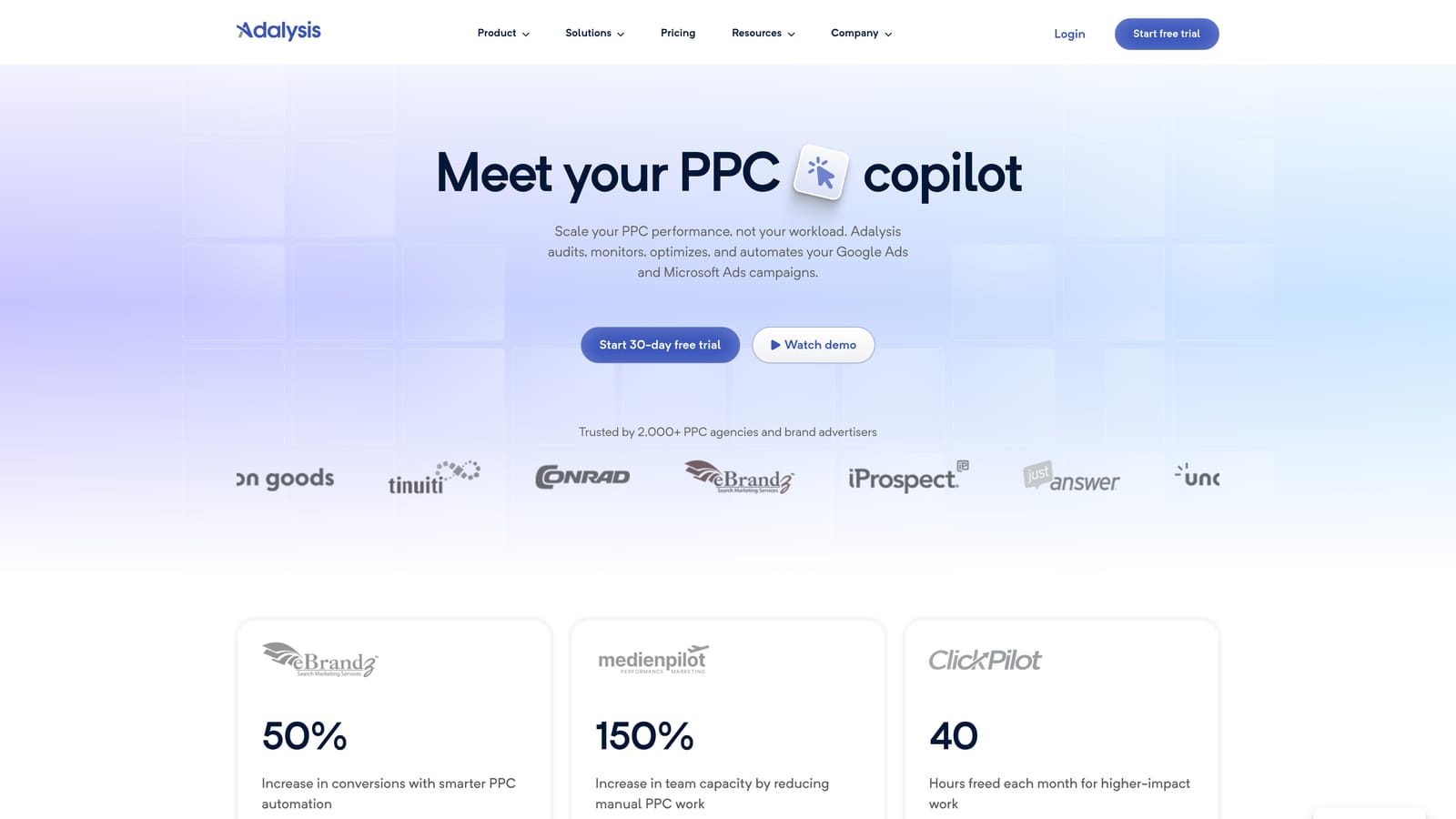
Its standout is continuous, automated auditing across many accounts. For an agency with a long client roster, having something flag problems on its own schedule beats remembering to check each account.
- Automated account audits catch issues, including wasted spend, without a manual hunt.
- Alerts and monitoring tell you when something changes so you can respond quickly.
- Search term analysis helps you spot irrelevant queries worth excluding.
- Multi-account management keeps the whole portfolio in one view.
It supports Google Ads and Microsoft Advertising. Setup means connecting accounts and tuning what you want monitored, and someone needs to own the alerts or they become noise.
It is a weaker fit for solo advertisers with one or two accounts, where the cost and learning curve are hard to justify. Pricing is on the website; as of October 2026, confirm current plans there, since cost typically moves with the number or size of accounts managed.
Best for: Teams wanting ongoing account monitoring.
6. WordStream Advisor
WordStream Advisor is ad management software aimed at small businesses, with guided recommendations that include negative keyword suggestions. Its pitch is that you do not need to be a PPC specialist to act on them. Confirm the current product name and packaging on the website, as WordStream's offering has changed over time.
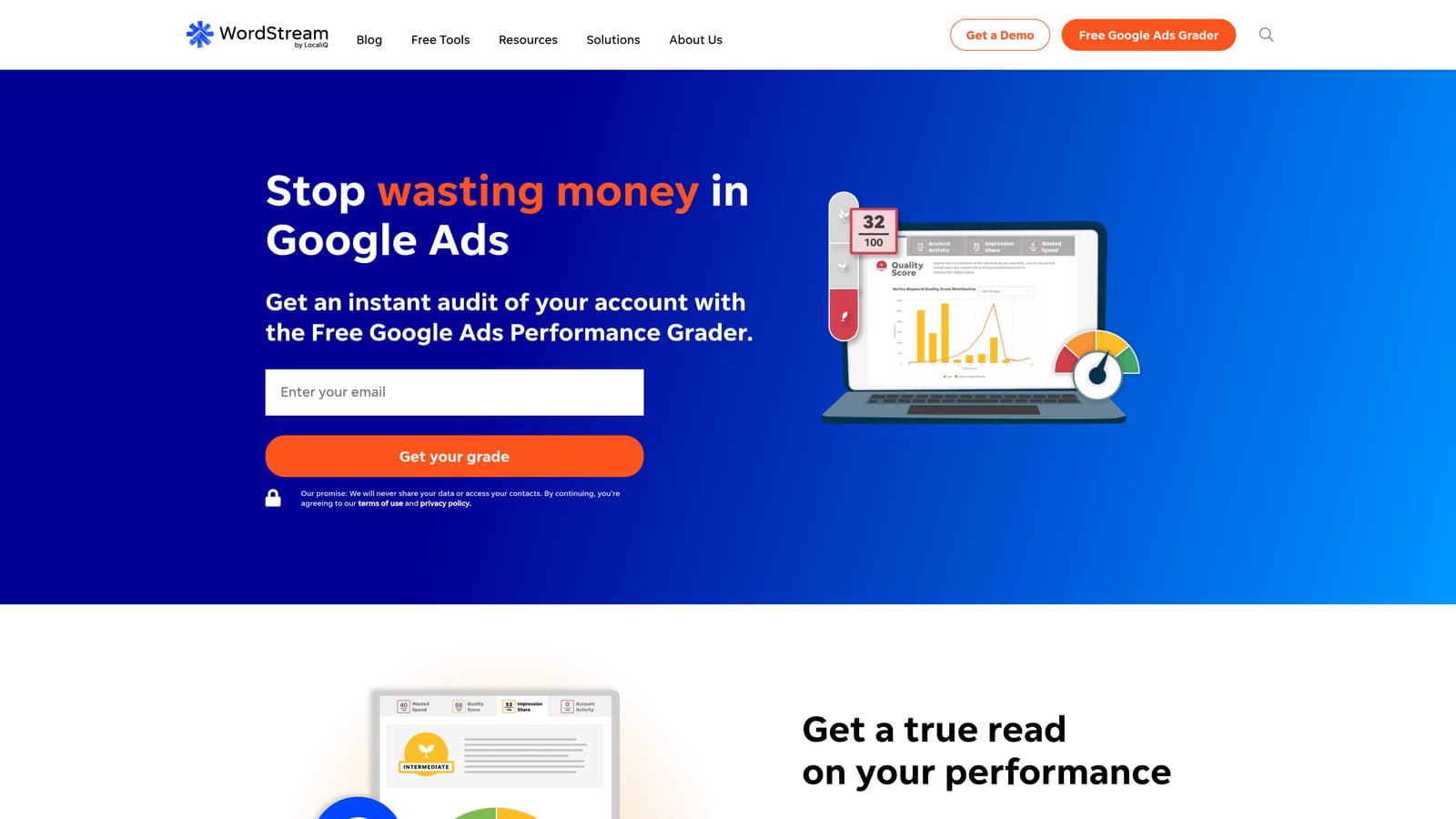
The beginner-friendly guidance is what separates it from this list. Rather than handing you raw reports, it tells you what to look at and what to do next.
- Guided optimization recommendations walk less experienced users through what to fix first.
- Negative keyword suggestions point to search terms you may want to exclude.
- Performance grading and reporting give a simple read on how the account is doing.
- Google and Microsoft Ads support covers both major search platforms.
It integrates with Google Ads and Microsoft Advertising. Setup is meant to be light, and the business owner or a generalist marketer usually runs it.
The cost of that simplicity is granularity. Experienced advertisers may find the controls too coarse, and suggestions still need your judgment before you apply them. Pricing and packaging vary, so check the website for what applies to your spend.
Best for: Small business owners who want guidance.
7. Negator.io
Negator.io is a single-purpose tool focused on finding irrelevant search terms and suggesting negative keywords. As of October 2026, verify its current features and availability on the website before committing, because smaller tools change quickly.
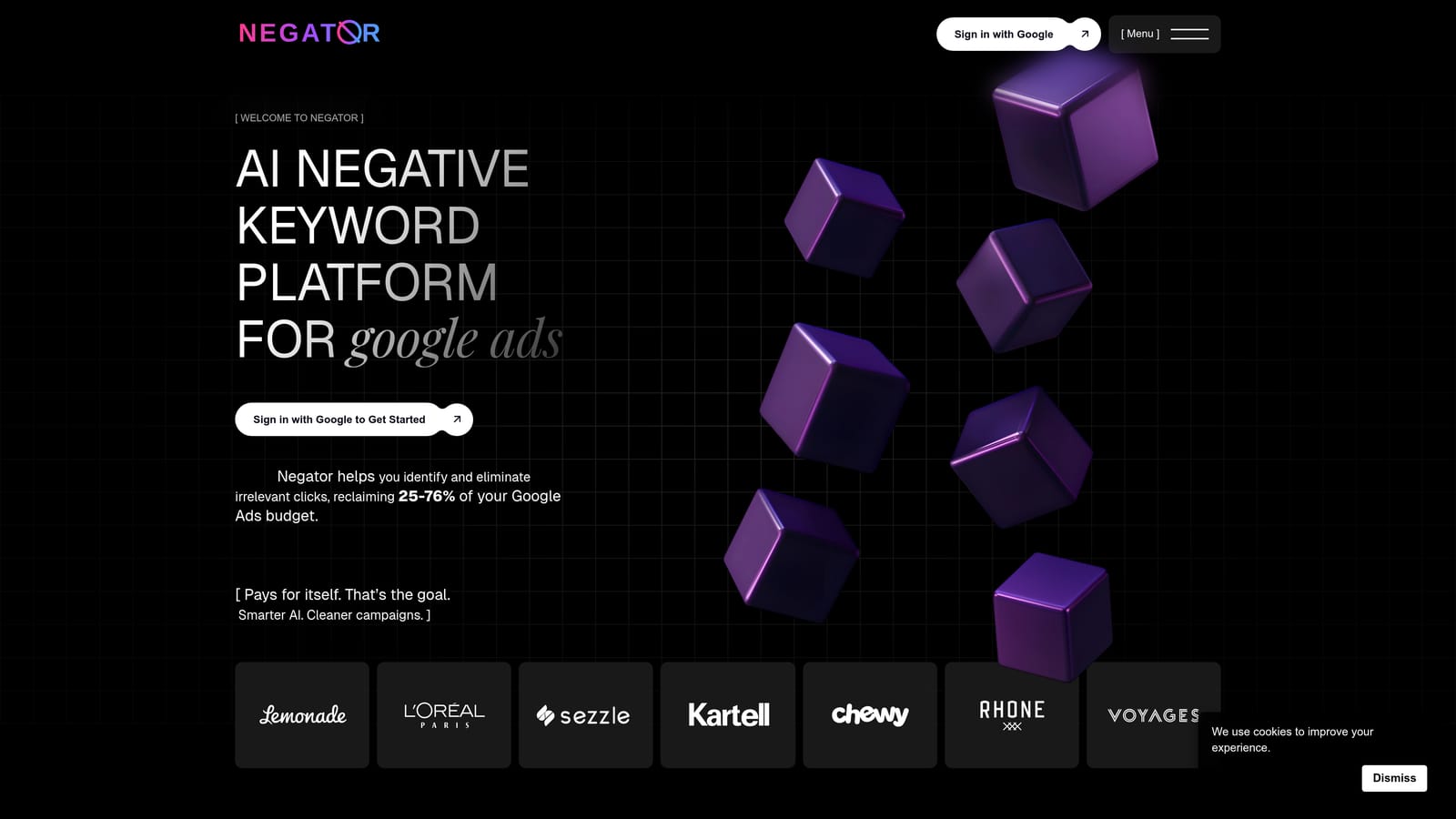
Its angle is dedicated negative keyword discovery. It reviews search terms with some awareness of your business context, rather than only applying spend thresholds, to propose what to exclude.
- Irrelevant search term detection narrows a long report down to likely junk.
- Negative keyword suggestions give you a starting list instead of a blank page.
- Business-context-based review aims to judge relevance, not just cost.
It connects to Google Ads. Setup should be quick compared with a full suite, and the advertiser doing the cleanup runs it.
The scope is narrower than platforms like Optmyzr or Adalysis, so it will not help with the rest of account management. And any tool that suggests negatives can suggest wrong ones: a term that looks irrelevant may convert for you. Treat suggestions as candidates and review each one. Pricing is on the website.
Best for: Advertisers wanting a dedicated negatives workflow.
8. Google Ads Search Terms Insights and Recommendations
The Google Ads help center documents the in-platform search terms insights and recommendation cards that Google builds into the interface. They are the zero-effort way to get hints about which search terms deserve attention.
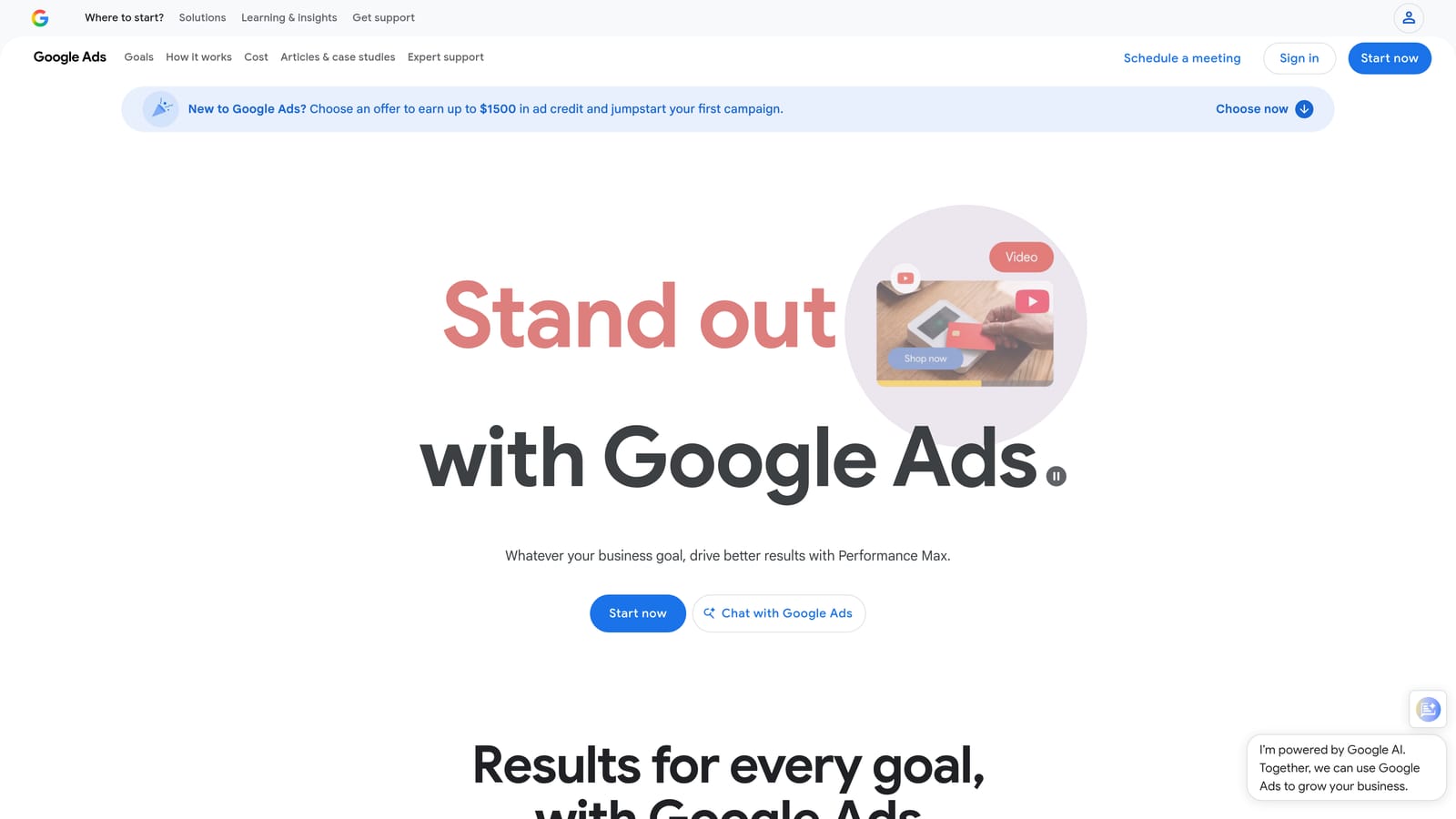
Nothing else here is easier to start with. There is no install, no account connection, and no cost, because it is already in the account you use.
- Search terms insights group queries into themes so you can spot patterns faster than reading raw rows.
- Recommendation cards surface suggested actions inside the account.
- Native reporting keeps everything in the interface you already know.
- No setup means you can look today.
Availability of specific insights and recommendations depends on your account and can change, so check what you see in your own account. Recommendations are Google's suggestions, and they may serve Google's goals as much as yours, so evaluate each one against your own conversion data before applying it.
It is not a dedicated negatives tool. Bulk handling is limited, and it offers little help across many accounts. It is free.
Best for: Beginners wanting a free starting point.
9. Google Sheets Workflow
The Google Sheets workflow is the do-it-yourself method: export the Search Terms Report, sort and filter it, tag the junk, and upload negatives back. It is not software built for this job, but it is how many advertisers have always done it.
Its strength is flexibility. A spreadsheet works with any account structure, any filter logic, and any review process you can think up, including adding columns for notes or client approval.
- Export the Search Terms Report to get the data out of the interface.
- Sort and filter by cost and conversions to push the likeliest waste to the top.
- Tag junk terms so a second person can review the list before anything changes.
- Upload negatives back to Google Ads, ideally into a shared list or Ads Editor for a final check.
It uses only Google Ads export and upload, and anyone can run it. The downsides are speed and accuracy. It is slow, copy-paste errors creep in (especially with match types and keyword formatting), and sharing a messy sheet across a team gets awkward fast. It also remembers nothing, so you repeat the process each time.
It is free.
Best for: Occasional cleanups on small accounts.
Which Negative Keyword Tool Fits Your Situation
Match the tool to how you actually work:
- Solo advertiser doing frequent in-interface cleanup: Keywordme keeps the whole job inside the Search Terms Report.
- Agency managing many accounts: Keywordme for fast hands-on cleanup, or Optmyzr or Adalysis if you also want platform-level optimization and monitoring.
- Technical user wanting automation: Google Ads Scripts, with a human review step before anything is added.
- Small business wanting guidance: WordStream Advisor.
- Budget-only starter: Google Ads Editor with native lists, plus the built-in insights.
Whatever you pick, review every negative before you add it. A term that looks like junk can still convert, and the wrong match type can block far more than you meant. Negatives also only prevent future spend; they do not recover what you already wasted.
Optimize Google Ads Campaigns 10X Faster. Without Leaving Your Account. Keywordme lets you remove junk search terms, build high-intent keyword lists, and apply match types instantly, right inside Google Ads. No spreadsheets, no switching tabs, just quick, seamless optimization. Start your free 7-day trial (then just $12/month) and take your Google Ads game to the next level.
.svg)