
9 Best Negative Keyword Tools Compared for Google Ads in 2026
This negative keyword tools comparison reviews nine options for finding, adding, and managing negative keywords in Google Ads, from free native features to paid extensions and platforms. Each tool is judged on workflow speed, control, multi-account support, pricing clarity, and fit for solo marketers versus agencies, so you can cut wasted spend from your Search Terms Report faster.


If you run Google Ads, the Search Terms Report is where wasted spend tends to hide, and cleaning it by hand gets old fast. This comparison is for marketers, freelancers, and agency owners who want to find, add, and manage negative keywords more efficiently. The tools are judged on workflow speed, how much control you keep, multi-account support, pricing clarity, and fit for solo work versus agency work.
Quick Comparison of the Negative Keyword Tools
- Keywordme: freelancers and agencies who triage search terms often; $12/month per user (as of October 2026); works directly inside the Google Ads interface as a Chrome extension.
- Google Ads Editor: advertisers doing large structured uploads; free; bulk edits across accounts with review before posting.
- Google Ads native negative lists and Search Terms Report: small accounts with light needs; free; shared negative keyword lists applied across campaigns with no extra tools.
- Optmyzr: agencies and larger accounts; pricing on the vendor's site; customizable rule-based optimization well beyond negatives.
- Adalysis: agencies wanting ongoing monitoring; pricing on the vendor's site; automated audits and alerts that surface problems you were not looking for.
- Google Ads Scripts: technical advertisers; free; fully custom logic and scheduling.
- Spreadsheet workflow: budget-conscious advertisers who want full control; free with Google Sheets; unlimited flexibility for custom analysis.
- WordStream Advisor (LOCALiQ): small business owners who want guidance; pricing on the vendor's site; a prioritized task list for non-specialists.
- Negator.io: advertisers wanting a dedicated negatives tool; pricing on the vendor's site; negatives-only focus rather than a broad suite.
1. Keywordme
Keywordme is a Chrome extension that adds one-click actions to the Google Ads Search Terms Report. It is built for people who review search terms regularly and would rather not export data, juggle spreadsheets, or log into a separate dashboard. (We make it, so weigh this entry accordingly. The limits below are real.)
Its distinguishing trait on this list is that it works inside the native Google Ads interface. You read your search terms where they already live and act on them there. Worth keeping straight: search terms are what people actually typed, while keywords are what you bid on. Keywordme helps you move terms between those two worlds, either as negatives or as new keywords.
- Add negative keywords straight from the Search Terms Report, so junk queries are blocked without a trip through menus.
- Add high-intent search terms as keywords and apply match types in the same pass.
- Keyword clustering, which groups related terms so you can spot themes instead of reading line by line.
- Bulk editing, for handling many terms at once.
- Multi-account and team support, which matters if several people touch several client accounts.
Setup is installing the extension in Chrome and using Google Ads as usual. The person doing the daily triage is the one who runs it, so there is no admin layer to maintain.
The limits are plain. It is Chrome-only and focused on Google Ads, so it will not help with Microsoft Advertising. It also speeds up your manual review rather than deciding which terms are junk. You still make each call, which is a strength if you want control and a drawback if you want hands-off automation. Remember too that a negative can block good traffic, and negative match types do not use close variants, so misspellings and plurals need adding separately.
Pricing is $12/month per user with a 7-day free trial, as of October 2026. Cost scales with the number of users, not spend or accounts. Confirm current terms on the site.
Best for: Freelancers and agencies who triage search terms regularly and want to stay inside Google Ads.
2. Google Ads Editor
Google Ads Editor is Google's free desktop application for bulk campaign editing, including negative keywords and negative keyword lists. It suits advertisers who need to push structured changes across lots of campaigns.

Its strongest point against this list is cost versus scale: free bulk management of negatives across many campaigns and accounts, with changes reviewed before anything goes live. That review step is a real safeguard when you are uploading hundreds of negatives.
- Bulk edit and import negative keywords, so a prepared list goes in at once.
- Manage multiple accounts from one application instead of switching logins.
- Work offline, then review pending changes before posting them.
- Copy and paste across campaigns to reuse a negative set without rebuilding it.
You download and sign in with your Google Ads accounts. Whoever handles account structure usually owns it, since it rewards people comfortable with campaign hierarchy.
It is not built for fast search-term triage. You still have to decide what to add, usually by looking at the Search Terms Report elsewhere, and then bring that decision into Editor. There is also a learning curve if you have only used the web interface. Many people pair it with a spreadsheet or another tool that does the spotting.
Pricing: free.
Best for: Advertisers doing large-scale structured negative uploads at no cost.
3. Google Ads Native Negative Keyword Lists and Search Terms Report
The built-in features in Google Ads itself cover more than people give them credit for. You can add a search term as a negative from the Search Terms Report, set negatives at campaign or ad group level, and create shared lists.

The standout is the shared negative keyword list. Build one list of, say, job-seeker or free-stuff terms, and apply it across several campaigns without installing anything. For a single account with a handful of campaigns, that may be all you need.
- Shared negative lists, so one update reaches every campaign using the list.
- Campaign and ad group level negatives, for blocking a term in one place but not another.
- Add negatives directly from the Search Terms Report, tying review to action.
- Negative match types, so you choose how tightly a term is blocked.
There is no setup and no extra cost. Anyone with account access can use it.
The problem is speed. Each action takes several clicks, and at volume the time adds up quickly. That is the gap the other tools on this list try to close. It also gives you no clustering or theme-spotting, so you read terms one at a time. Check Google Ads Help for current list limits and exact menu paths, since the interface changes.
Pricing: free.
Best for: Small accounts with light negative keyword needs.
4. Optmyzr
Optmyzr is a PPC management platform where negative keyword work is one part of a much larger optimization toolkit. It is aimed at agencies and larger accounts that want one place to run many routines.
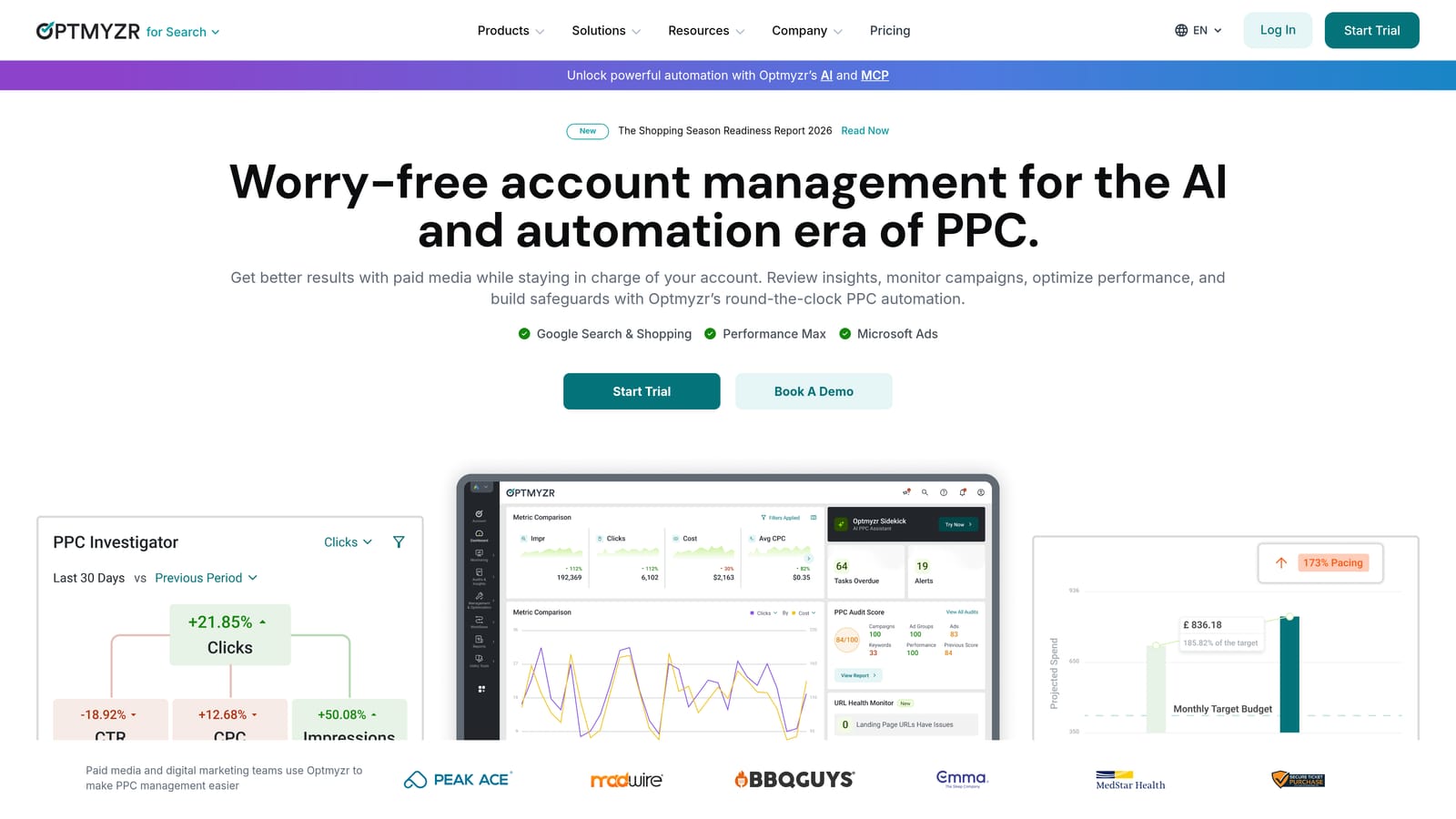
What sets it apart here is breadth with customization. You can build rules that go well beyond negatives, so search term review sits alongside bid, budget, and reporting work.
- Search term and negative keyword tools that surface candidates for review.
- Rule-based automation, so recurring checks run on your criteria instead of your memory.
- Optimization suggestions across the account, not just search terms.
- Reporting, useful when you must show clients what changed.
It connects to Google Ads and Microsoft Advertising. Expect real onboarding time: you connect accounts, then decide which rules and workflows to adopt. Someone on the team usually becomes the platform owner.
The trade-off is weight and cost. If negatives are your only problem, this is more platform than you need, and it costs more than a negatives-only tool. Automation also deserves care: rules that add negatives without human review can block good traffic, so keep a review step for anything that changes spend.
Pricing is tiered and not listed here; check the website for current plans, as the price depends on the plan and typically on the scale of ad spend or accounts managed.
Best for: Agencies and larger accounts wanting one platform for many optimizations.
5. Adalysis
Adalysis is a PPC audit and automation platform. Its angle is monitoring: it checks your accounts and flags issues, including wasted spend, so you find problems you were not hunting for.
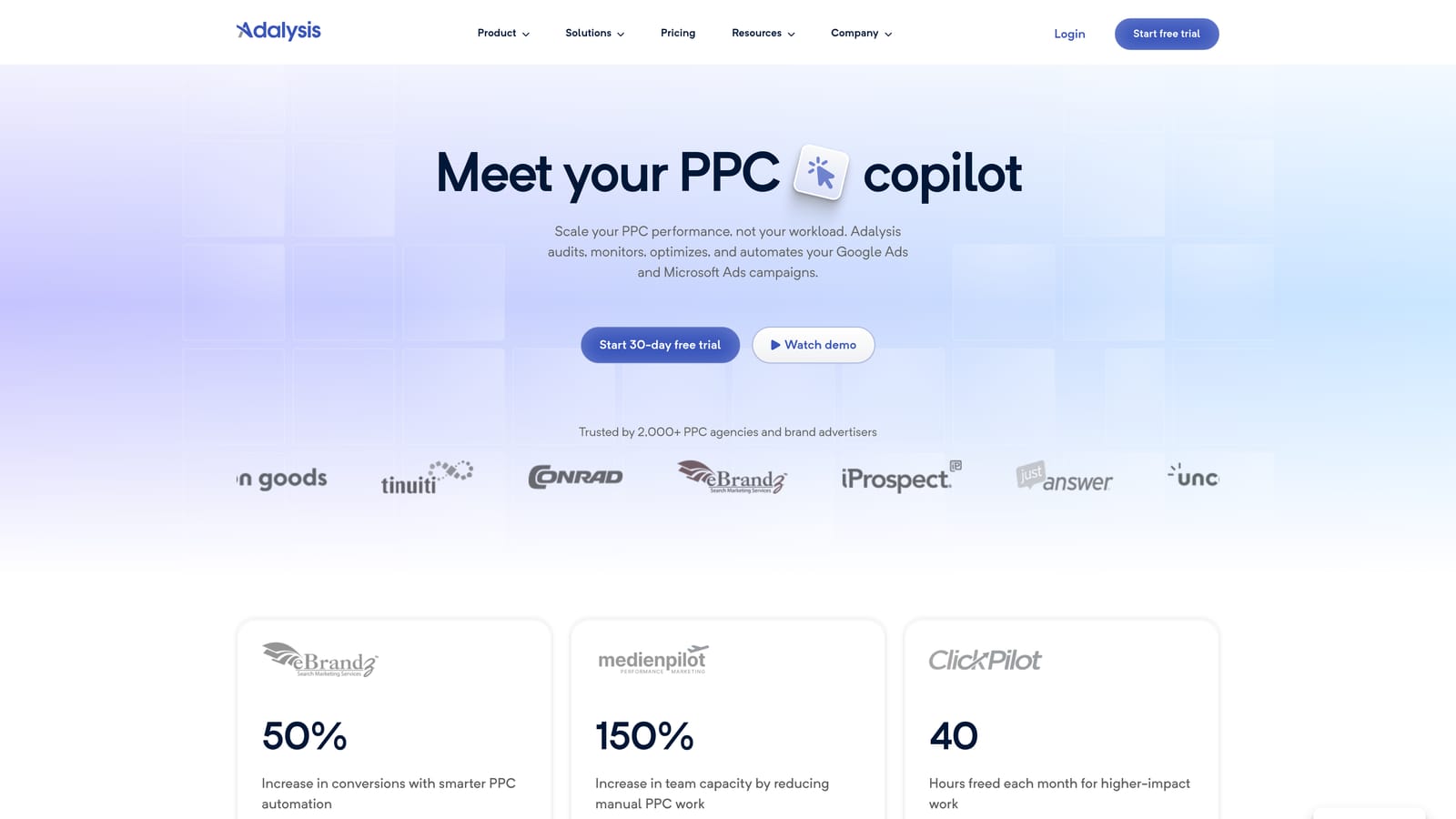
That is its distinguishing strength against this list. Most tools here wait for you to open the search terms and look. Adalysis runs automated audits and alerts that bring issues to you, which suits teams stretched across many accounts.
- Automated audits that check accounts against a set of common problems.
- Alerts on wasted spend, so you hear about it before the monthly review.
- Search term analysis to find negative candidates.
- Multi-account management for agencies with a long client roster.
It integrates with Google Ads and Microsoft Advertising. Setup means connecting accounts and tuning alerts so they are useful rather than noisy. In an agency, an account lead or analyst typically owns that tuning.
It is more setup and cost than you need for negatives alone. A freelancer with a few accounts who only wants faster term review would be paying for audit capabilities they may not use. Alerts also tell you where to look; you still decide what to block.
Pricing: see the website for current plans, as of October 2026. Cost generally moves with the number of accounts and spend managed.
Best for: Agencies that want ongoing account monitoring and audits.
6. Google Ads Scripts
Google Ads Scripts let you run JavaScript inside your account to analyze search terms and report on or apply negative keywords. You can write your own or adapt community scripts.
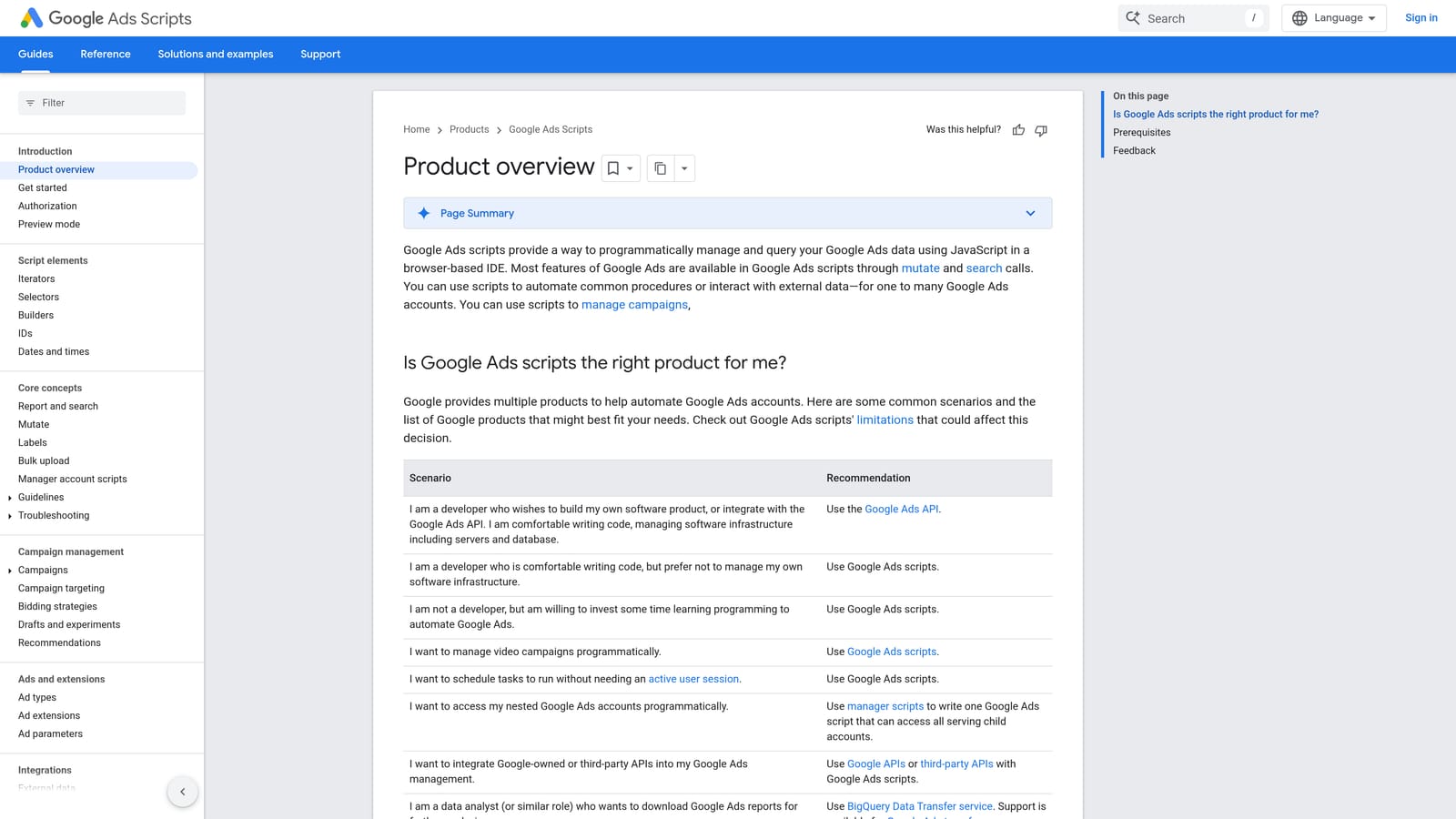
The appeal is control. Nothing else here gives you fully customizable logic and scheduling at no software cost. You decide the thresholds, such as clicks with no conversions over a window, and when it runs.
- Rule-based search term scanning, so the script finds candidates the same way every time.
- Custom thresholds that reflect your own economics, not a vendor's defaults.
- Scheduled runs, so checks happen without you remembering.
- Output to reports or to automated changes, depending on how you write it.
It works with Google Ads and can write to Google Sheets, which is a handy way to review flagged terms before acting. Someone with JavaScript skills has to build and maintain it, and scripts can break when Google changes things.
That is the main limitation, along with a risk worth stating: a script that adds negatives unreviewed can block good traffic. A safer pattern is to have it write candidates to a sheet for a human to approve. It is a poor fit for anyone without technical help.
Pricing: free.
Best for: Technical advertisers who want custom, scheduled rules.
7. Spreadsheet Workflow (Google Sheets or Excel)
The spreadsheet route is the classic manual method: export the Search Terms Report, filter and tag the junk, then upload the negatives. It needs nothing but a spreadsheet app.
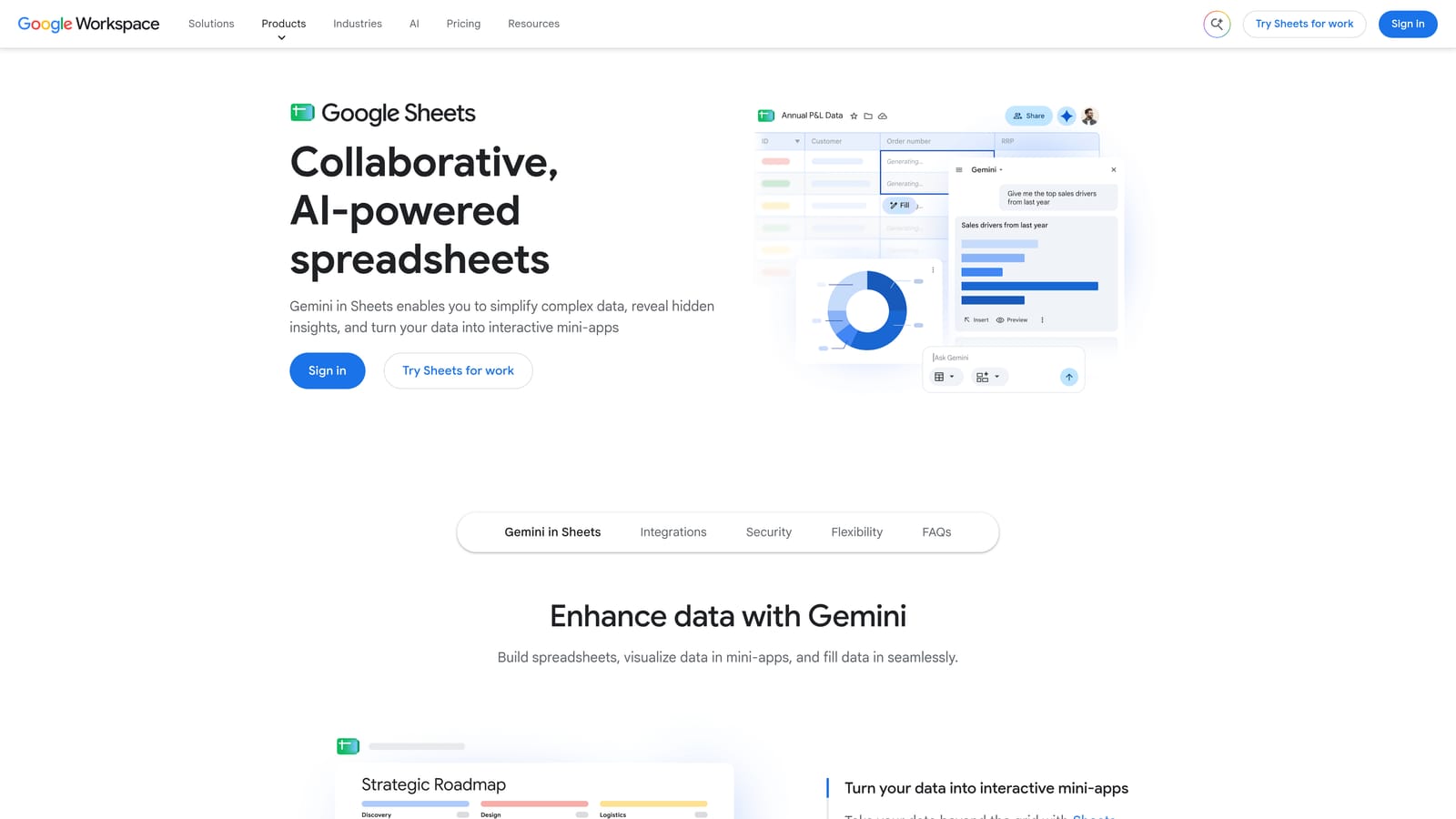
Its advantage is total flexibility. You can slice the data any way you like, which beats any fixed interface when you want unusual analysis.
- Filter by cost and conversions to isolate terms that spent without return.
- Pivot tables to spot recurring words across many search terms, so you can block a theme once.
- Formulas to tag rows automatically against your own rules.
- Upload the finished list through Google Ads Editor to bring it back in.
Setup is trivial, and you run it yourself. The cost is time: it is multi-step and easy to get wrong. A mistaken match type or a stray row can block traffic you wanted, and because negative match types do not cover close variants, plurals and misspellings need their own rows.
For a one-off cleanup of a large account, a pivot table can be excellent. As a weekly routine across many accounts, it becomes a drag.
Pricing: free with Google Sheets; Excel depends on your Microsoft license.
Best for: Budget-conscious advertisers who want full control and analysis.
8. WordStream Advisor (LOCALiQ)
WordStream Advisor, now associated with LOCALiQ, is an ad management platform with guided recommendations, including search query and negative keyword suggestions. Its packaging has changed over the years, so confirm what is currently offered and how it is sold before you plan around it.

Its difference here is guidance. It gives non-specialists a prioritized task list instead of a blank report, which helps if you do not live in Google Ads every day.
- Prioritized optimization tasks that tell you what to do first.
- Search query recommendations, including negative candidates.
- Performance grading, a quick read on how an account is doing.
It supports Google Ads, Microsoft Advertising, and Facebook Ads. Setup is lighter than the agency-oriented platforms, and the business owner or a generalist marketer can run it.
The limitation is control. You get less granularity than with a tool built for hands-on triage, and experienced PPC people may find the recommendations too general. Treat suggestions as prompts to check, not as instructions.
Pricing: see the website for current details, as of October 2026, and confirm availability.
Best for: Small business owners who want guided recommendations.
9. Negator.io
Negator.io is a single-purpose tool focused on analyzing search terms and managing negative keywords. Details on this one change, so verify everything on the official site before committing.
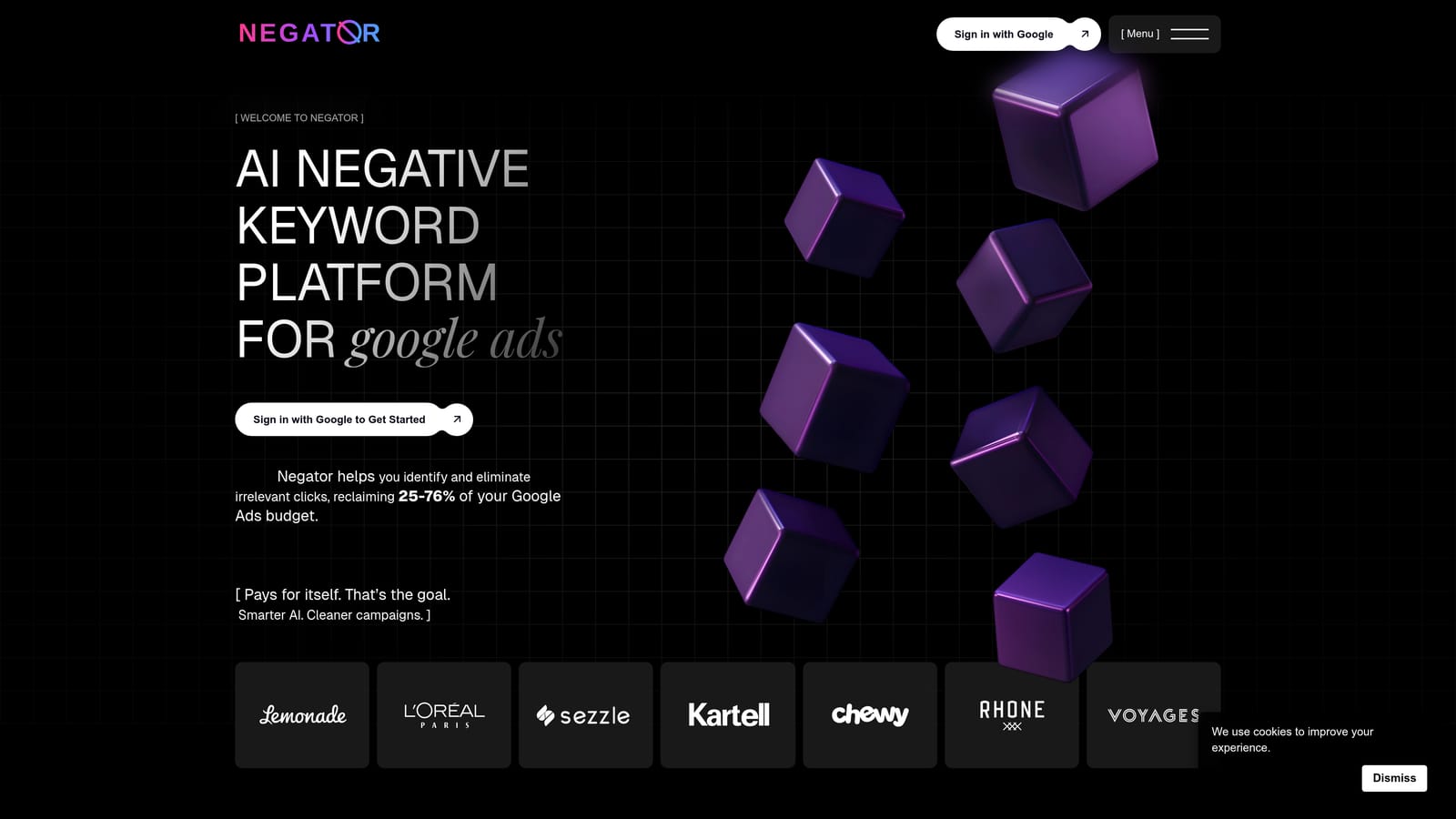
Its distinguishing feature is narrowness. It does negatives and not much else, which can be appealing if you do not want a broad suite or the cost that comes with one.
- Negative keyword analysis that reviews your search terms for candidates.
- AI-assisted suggestions, which propose terms to block so you start from a shortlist.
- A Google Ads connection to pull in your search term data.
It integrates with Google Ads. Because it is focused, setup should be modest, but check who approves changes and how they reach your account.
That is the key open question. Before adopting it, confirm how changes are applied and reviewed, and keep a human check on anything AI-suggested, since a wrongly added negative can block good traffic. Its scope is also narrower than a platform, so it will not cover audits or broader optimization.
Pricing: see the website for current plans, as of October 2026.
Best for: Advertisers wanting a dedicated negatives-focused tool.
Matching the Tool to Your Workflow
Free options work fine at small scale. A single account with light needs can live on the native lists and Search Terms Report for a long time. The case for paying starts when the volume of search terms makes the clicks add up.
- Solo advertisers who need fast triage in the interface: Keywordme. You stay in Google Ads, make each decision yourself, and the cost is a flat $12/month per user.
- Agencies managing many accounts: Keywordme for daily search-term review across accounts and team members, with Google Ads Editor for large structured uploads. Add Adalysis if you want ongoing monitoring.
- Large accounts needing audits and automation: Optmyzr or Adalysis, with review steps kept on anything that adds negatives automatically.
- Zero budget or technical users: Google Ads Editor, scripts, and spreadsheets cost nothing but your time.
Optimize Google Ads Campaigns 10X Faster. Without Leaving Your Account. Keywordme lets you remove junk search terms, build high-intent keyword lists, and apply match types instantly, right inside Google Ads. No spreadsheets, no switching tabs, just quick, seamless optimization. Start your free 7-day trial (then just $12/month) and take your Google Ads game to the next level.
.svg)