
9 Best Negative Keyword Tools for Google Ads in 2026
A practical guide to negative keyword tool for google ads.


If you manage Google Ads for yourself or for clients, you already know the Search Terms Report is where wasted spend shows up. This list is for freelancers, in-house marketers, and agency owners who want to get from a junk search term to a live negative keyword with less friction. The tools are judged on how fast they make that jump, how they handle multiple accounts, what they cost, and who they actually suit. Some are built for negatives, some are broader suites, and a few are free workflows you can start today.
Quick Comparison of the Negative Keyword Tools
- Keywordme: freelancers and agency teams who review search terms by hand; $12/month per user (as of October 2026); adds negatives and keywords with match types directly inside the Google Ads Search Terms Report.
- Google Ads Editor: advertisers applying an existing negative list across many campaigns; free; offline bulk editing with review before you post changes.
- Google Ads shared negative keyword lists: advertisers setting up a baseline negative structure; free; one reusable list applied to multiple campaigns with nothing to install.
- Optmyzr: agencies wanting an all-in-one optimization platform; see website for pricing; rule-based automation across many accounts.
- Adalysis: agencies wanting recurring audits and alerts; see website for pricing; scheduled automated audits that flag issues across accounts.
- Negator.io: advertisers who want suggested negatives to speed up review; see website for pricing; built specifically around suggesting negatives.
- WordStream Advisor: small business owners who want guidance; see website for pricing; guided recommendations aimed at small-business advertisers.
- Google Ads Scripts: technical advertisers wanting custom rules; free; fully customizable rule logic with no software cost.
- Google Sheets with search terms export: very small accounts or one-off cleanups; free; total control over analysis with no extra tool.
1. Keywordme
Keywordme is a Chrome extension that adds one-click actions to the Google Ads Search Terms Report. It is our own product, so weigh this section with that in mind. It is designed for freelancers and agency teams who go through search terms by hand and are tired of exporting, filtering, and re-uploading.
The main difference from everything else on this list is where it works. You stay in the native Google Ads interface, so there is no export and no separate dashboard. You see a search term (the actual query someone typed), decide it is junk, and add it as a negative keyword with the match type you want. The same view lets you add a high-intent search term as a positive keyword.
- One-click negative keywords straight from the Search Terms Report, so a bad query becomes a negative in seconds.
- Add high-intent search terms as keywords and pick the match type as you add them.
- Build negative keyword lists as you review, instead of compiling them in a spreadsheet afterward.
- Keyword clustering and bulk editing to group related terms and handle many at once.
- Multi-account and team support, which helps when several people work across client accounts.
Setup is light: install the extension in Chrome and work in Google Ads as usual. The person doing the search term review is the person running it day to day.
The limits are real. It is browser-based and built around manual review, so it does not decide anything or apply changes on its own. It is also not an audit or automation suite, so if you want scheduled checks, alerts, or rules running while you sleep, look at the platforms further down.
Pricing is $12 per month per user, with a 7-day free trial (as of October 2026; verify on the site). Cost scales with the number of users, not with ad spend or accounts.
Best for: Freelancers and agency teams who review search terms by hand and want to act faster.
2. Google Ads Editor
Google Ads Editor is Google's free desktop application for bulk and offline account changes. For negatives, its value is volume: you can import a long list of negative keywords and apply them across many campaigns and ad groups in one pass.

It suits advertisers who already know which negatives they want. If you have a vetted list, such as job-seeker terms or competitor names you never want to match, Editor gets it into many places quickly.
- Bulk import of negative keywords, so a prepared list goes in without typing each one.
- Multi-account management, handy when the same negatives apply across clients or brands.
- Offline editing with review before posting, so you can check every change before it goes live.
- Copy and paste across campaigns and ad groups to reuse negatives without rebuilding them.
It integrates with Google Ads only. Setup means downloading the app, signing in, and syncing accounts, and it works best for whoever owns account structure rather than the person skimming search terms.
The big limitation: it does not help you identify junk search terms. You still need to find them elsewhere, then bring them in. The workflow is also more manual than an in-interface tool, which is slower for a quick daily cleanup.
It is free.
Best for: Advertisers applying an existing negative list across many campaigns.
3. Google Ads Shared Negative Keyword Lists
Shared negative keyword lists live inside Google Ads itself. You build a list once and apply it to multiple campaigns, which keeps your baseline exclusions consistent without third-party software.

Think of this as foundation rather than a discovery tool. Typical uses are blocking terms like "free," "jobs," or "login" across every campaign, or keeping brand and non-brand traffic apart.
- Shared negative keyword lists you edit in one place and apply to many campaigns.
- Account-level negative keywords, which apply across the account (verify current limits and campaign type support in Google Ads Help).
- Negatives at campaign and ad group level for finer control where a blanket rule is too blunt.
- No install required, so anyone with account access can use it today.
Negatives can be set as broad, phrase, or exact match, and they do not behave like positive match types. In particular, negatives do not match close variants, so a negative for "shoe" will not automatically block "shoes." Check Google Ads Help for the current rules before you rely on them, and add the variants you need.
The limitations: it gives you no discovery or suggestion help, so you must already know what to add. Negative keyword support also varies by campaign type, so confirm what applies to the campaigns you run, including Performance Max, before assuming coverage.
It is free.
Best for: Advertisers setting up a baseline negative structure.
4. Optmyzr
Optmyzr is a PPC management platform built around rule-based optimization, reporting, and automation across accounts. Negative keyword work is one part of a much larger toolkit, aimed at agencies and in-house teams that manage a lot of spend or a lot of accounts.

What sets it apart on this list is rule-based automation at scale. Instead of reviewing every account by hand, you can set up logic and let the platform surface what needs attention across your whole book of business.
- Rule-based optimization so repeated checks run on your criteria rather than your memory.
- Search term analysis tools to help spot wasteful queries (confirm the exact negative keyword features on the site).
- Cross-account reporting that gives agencies one view across clients.
- Automation options that cut repetitive work across many accounts.
It connects to Google Ads and Microsoft Advertising. Expect more setup than a browser extension, since rules and reports need configuring, and it is usually owned by a PPC lead or account manager rather than whoever happens to be in the Search Terms Report.
The trade-off is breadth. If all you need is faster negatives, a broad suite may be more than you want to learn or pay for. Automation also still needs sensible thresholds and human review.
Pricing is listed on the website; check there for current plans and what drives cost.
Best for: Agencies wanting an all-in-one optimization platform.
5. Adalysis
Adalysis is a PPC audit and optimization platform. It scans accounts on a schedule, flags problems and wasted spend, and sends alerts, so issues come to you rather than waiting for your next manual review.
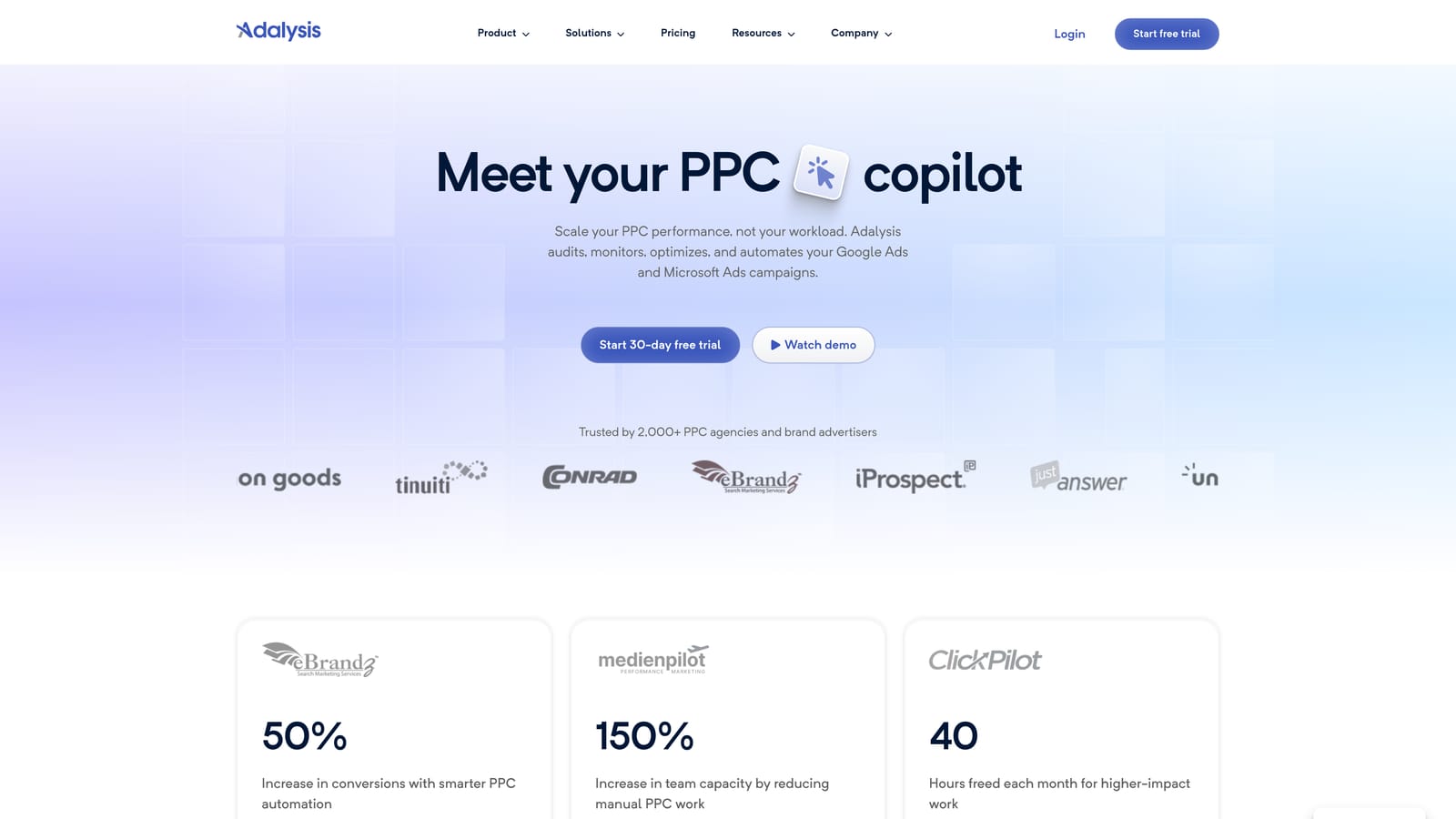
Its distinctive strength here is recurring, automated auditing across accounts. For an agency with many clients, that works as a safety net: even when nobody has opened a given account's Search Terms Report lately, something is watching.
- Automated account audits that check many settings and performance patterns without manual effort.
- Alerts that notify you when something looks off, so waste gets caught sooner.
- Search term insights to help find irrelevant queries (verify the exact negative keyword workflow on the site).
- Multi-account dashboards for seeing the state of every client in one place.
It works with Google Ads and Microsoft Advertising. Onboarding means connecting accounts and tuning what you want monitored. It is typically run by an account lead or a team that reviews findings on a regular cadence.
The limitation is focus. It is audit-oriented, so it is less direct if your goal is to see a bad search term and add a negative in a couple of clicks. Many teams pair an audit platform with a faster in-interface tool.
Pricing is on the website; confirm current plans and what scales the cost.
Best for: Agencies wanting recurring audits and alerts.
6. Negator.io
Negator.io is built around one job: finding irrelevant search terms and suggesting negative keywords. That narrow focus is its selling point, since most other platforms here treat negatives as one feature among many.
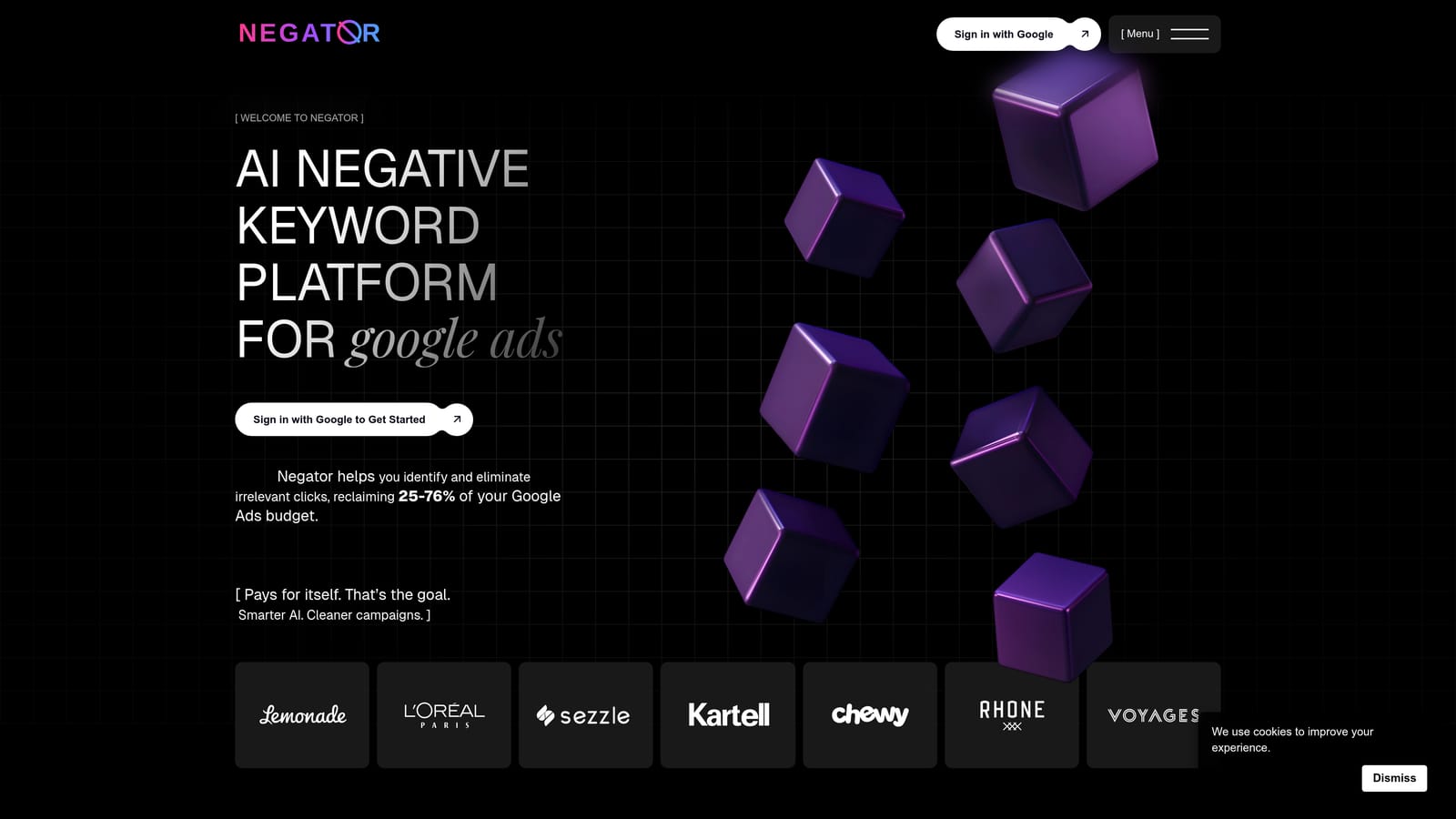
The idea is to shorten the review. Rather than scanning every row of a long search term report, you start from a list of suggested negatives and decide which to keep.
- Negative keyword suggestions that give you a starting list rather than a blank page.
- Search term classification to sort relevant from irrelevant queries (verify how it works on the site).
- A focus on wasted spend, so the output points at queries costing you money.
It connects to Google Ads. Setup should be a matter of linking your account, and the person who normally reviews search terms is the one who would use it.
The key caution applies to any suggestion engine: suggestions need human review before you apply them. A negative that looks irrelevant out of context can block traffic that converts, and no tool knows your offer as well as you do. Check current features, since tools in this category change quickly.
Pricing is on the website; check for current plans.
Best for: Advertisers who want suggested negatives to speed up review.
7. WordStream Advisor
WordStream Advisor is Google Ads management software that offers guided recommendations, including negative keyword suggestions. It is aimed at small-business advertisers who want direction on what to fix rather than a blank dashboard.
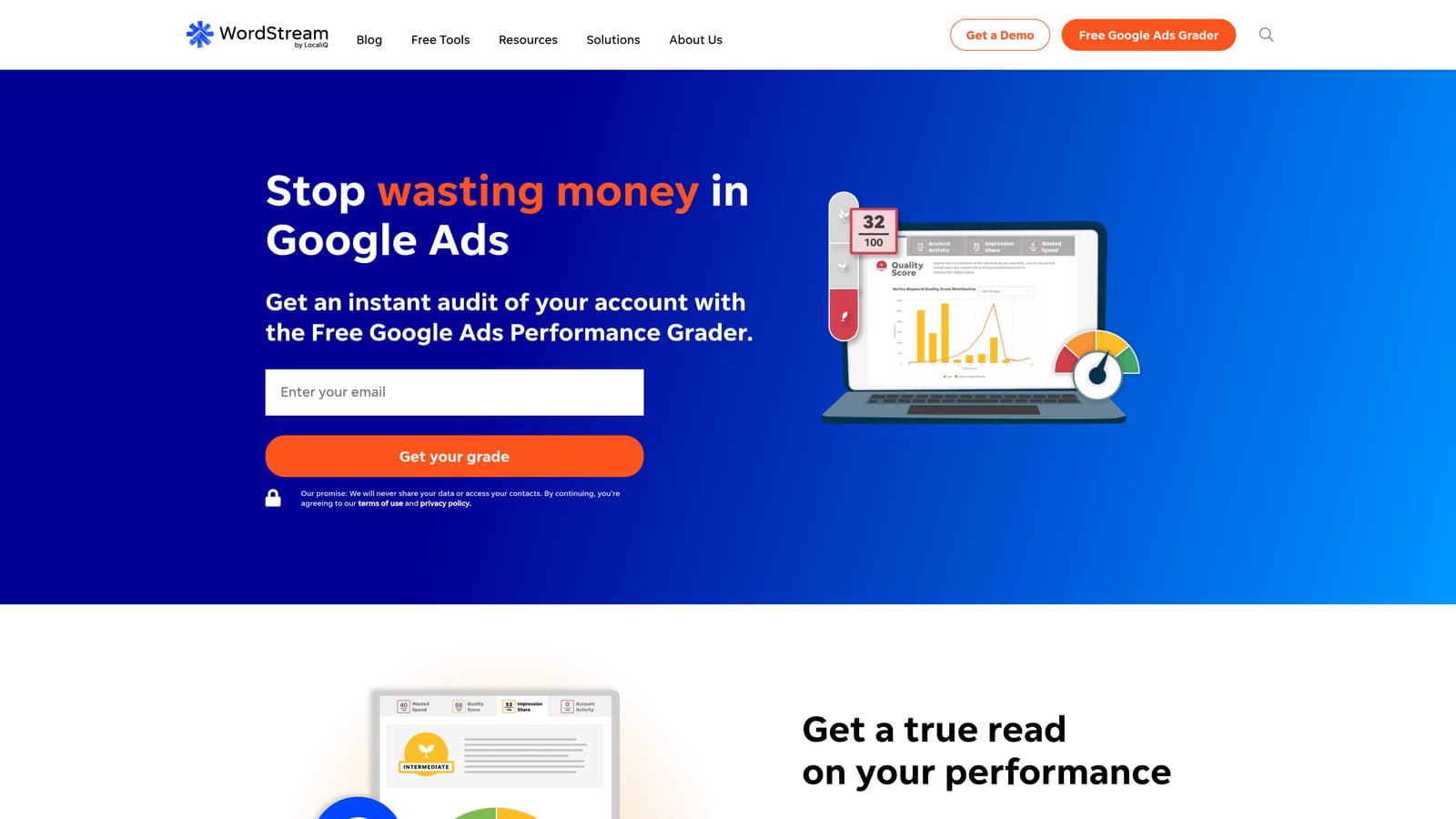
Its edge on this list is the guidance. If you are not a full-time PPC specialist, a prioritized set of suggestions can be more useful than a flexible but empty toolbox.
- Guided optimization recommendations that tell you where to look first.
- Negative keyword suggestions to help trim irrelevant queries (verify what is currently included).
- Performance grading and reporting that give a quick read on account health.
It connects to Google Ads and is generally run by the business owner or a small marketing team. Setup is account linking, then working through recommendations.
It is not a dedicated negative keyword tool, so do not expect depth on negatives alone. Product availability, packaging, and naming have changed over time, so confirm on the site what is currently offered before you plan around it. As with any recommendation engine, review each suggestion rather than applying it blindly.
Pricing is on the website; confirm current plans.
Best for: Small business owners who want guidance.
8. Google Ads Scripts
Google Ads Scripts lets you write JavaScript that runs inside your account to flag or add negatives based on rules you define. If you can describe the rule, a script can usually check for it.

The standout is flexibility at no software cost. You decide the logic: for example, flag search terms above a spend level with no conversions, then email yourself a list.
- Custom rules for search terms, so thresholds match your account rather than a generic default.
- Scheduled runs that check for waste automatically.
- Email alerts that surface flagged terms for you to review.
- Flexible logic that can combine metrics, campaign types, or naming conventions.
It works with Google Ads and can write to Google Sheets, which is a handy way to review flagged terms before acting. Someone comfortable with code has to build and maintain it, and scripts can break when things change.
The risks are plain. It needs coding skill, and thresholds must be set carefully, since a script that adds negatives automatically on thin data can block good traffic. Safer setups flag terms for review rather than adding them outright.
It is free.
Best for: Technical advertisers wanting custom rules.
9. Google Sheets with Search Terms Export
Google Sheets is the do-it-yourself route. You export the Search Terms Report, filter and sort by spend and conversions, pick the negatives, then upload them through Google Ads Editor.
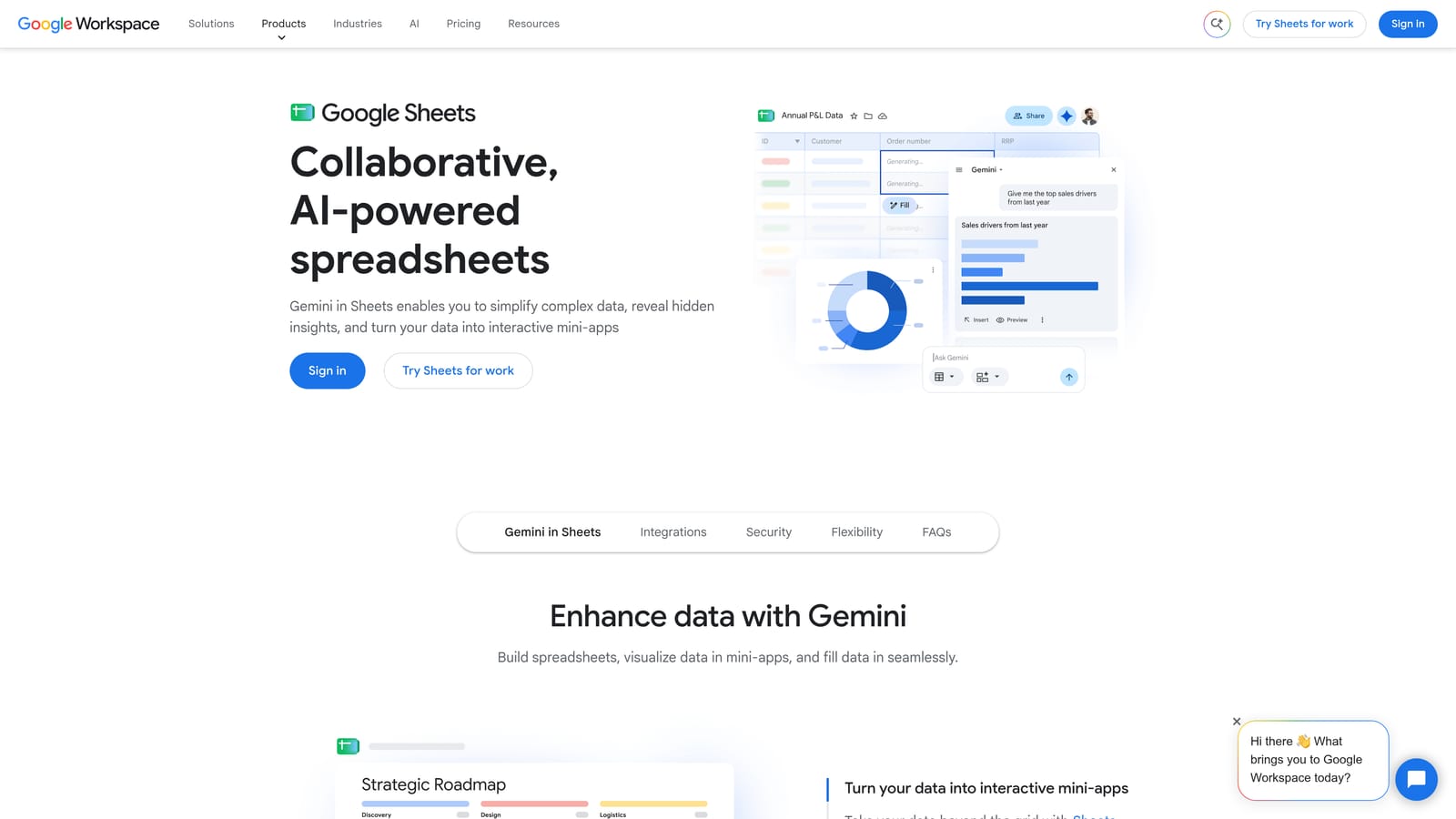
Its appeal is control. Every filter, pivot table, and judgment call is yours, and you need no additional software.
- Search Terms Report export so you can work with the full data set outside the interface.
- Filters and pivot tables to group wasteful queries by theme, campaign, or cost.
- Upload through Google Ads Editor to push your finished list into the account.
It integrates with Google Ads and Google Ads Editor, and anyone who knows spreadsheets can run it. There is nothing to install and nothing to learn beyond your own process.
The cost is time and accuracy. The export, filter, and upload loop is slow, and copy-paste mistakes creep in as accounts grow. It does not suit agencies reviewing many accounts every week, because the manual steps multiply.
It is free.
Best for: Very small accounts or one-off cleanups.
Which Negative Keyword Tool Fits Your Workflow
Three picks cover most situations. For hands-on search term review, Keywordme keeps the work inside the Search Terms Report, which suits freelancers and agency teams. For applying a vetted list in bulk, Google Ads Editor and shared negative lists cost nothing and do the job. For agencies that need automation and audits across many accounts, Optmyzr and Adalysis are the broader options.
Small businesses that want direction can look at WordStream Advisor, and technical users who like custom logic can build with Google Ads Scripts. Negator.io fits if suggested negatives would speed up your review, and a Google Sheets workflow is fine for a small account or a one-time cleanup.
Whatever you choose, review every negative before you add it. A negative keyword can block good traffic, and negative match types do not work like positive ones, so check the match type you are applying. Suggestions from any tool, automated or not, are a starting point for your judgment.
Optimize Google Ads Campaigns 10X Faster. Without Leaving Your Account. Keywordme lets you remove junk search terms, build high-intent keyword lists, and apply match types instantly, right inside Google Ads. No spreadsheets, no switching tabs, just quick, seamless optimization. Start your free 7-day trial (then just $12/month) and take your Google Ads game to the next level.
.svg)