
9 Best Negative Keyword Tool Alternatives for Google Ads in 2026
Nine negative keyword tool alternatives for Google Ads are compared to help advertisers stop wasting budget on irrelevant clicks, covering options ranging from lightweight Chrome extensions to full-scale PPC platforms. The guide helps you find the right fit based on workflow, budget, and account size for faster identification and application of negative keywords.


TL;DR: Most advertisers waste budget on irrelevant clicks because managing negative keywords manually is slow and error-prone. Whether you're moving away from a tool that's too expensive, too clunky, or just not built for how you actually work in Google Ads, there are solid alternatives worth knowing about. This list covers nine negative keyword tools, ranging from lightweight Chrome extensions to full-scale PPC platforms, so you can find the right fit for your workflow, budget, and account size. We've focused on tools that genuinely help you identify junk search terms, build negative keyword lists, and apply them fast, without making you jump between five different tabs to do it.
If you've ever spent an afternoon downloading search term reports, pasting them into a spreadsheet, manually flagging irrelevant queries, and then re-uploading a negative keyword list, you already know how painful this process gets at scale. Here are the top tools that actually solve this problem.
1. Keywordme
Best for: Freelancers and agencies who want fast, in-interface PPC optimization without leaving Google Ads.
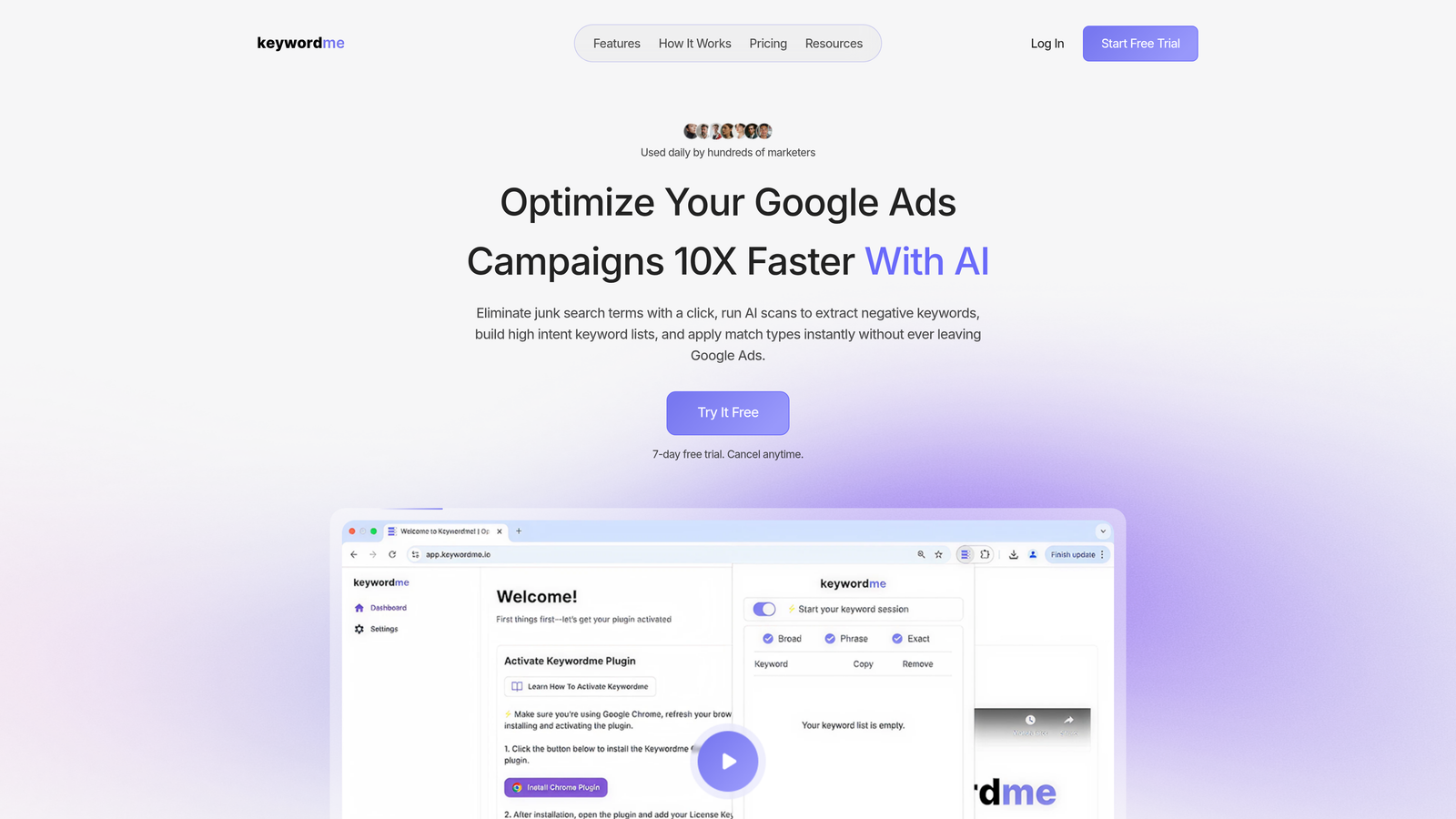
Keywordme is a Chrome extension that works directly inside Google Ads' Search Terms Report, letting you add negative keywords, apply match types, and build keyword lists with one-click actions, no spreadsheets or external dashboards needed.
Where This Tool Shines
In most accounts I audit, the biggest time sink isn't knowing what to do, it's the mechanical work of doing it. Keywordme eliminates that friction entirely. You're already inside the Search Terms Report in Google Ads, and instead of exporting, filtering, and re-uploading, you just click. Junk term? One click to add it as a negative. High-intent query you want to capture? Add it as a keyword right there, with the match type applied instantly.
For agencies managing multiple clients, the multi-account and team support features make this particularly useful. Everyone works from the same workflow inside the native Google Ads interface, which means less training, less context-switching, and faster review cycles.
Key Features
One-Click Negative Keyword Additions: Add junk search terms as negatives directly from the Search Terms Report without exporting or switching tools.
Keyword Clustering and Bulk Editing: Group and organize keywords at scale without leaving the Google Ads interface.
Match Type Application: Apply broad, phrase, or exact match types instantly as part of the same workflow.
High-Intent Keyword List Building: Build positive keyword lists alongside negative lists in one seamless process.
Multi-Account and Team Support: Designed for agency workflows where multiple users manage multiple accounts.
Best For
Keywordme is the right pick for solo advertisers and agency teams who want to cut down the time spent on search term review without adopting a full PPC management platform. If your main frustration is the manual, repetitive nature of negative keyword management, this is built specifically for that problem.
Pricing
$12/month per user. A 7-day free trial is available, so you can test it against your actual accounts before committing.
2. Search Atlas
Best for: Teams running both SEO and PPC who want unified keyword intelligence in one platform.
Search Atlas is an all-in-one SEO and PPC platform that includes keyword research and PPC keyword filtering tools useful for identifying terms to exclude from campaigns.

Where This Tool Shines
Search Atlas works well when your team needs to align organic and paid keyword strategy. Instead of managing separate tools for SEO research and PPC keyword filtering, you get a unified data layer. The intent filtering features help surface low-relevance terms that are good candidates for exclusion.
What usually happens here is that teams use Search Atlas during the planning and auditing phase, then apply their negative keyword decisions inside Google Ads directly. It's less of a real-time workflow tool and more of a strategic research layer.
Key Features
Unified Keyword Research: Research keywords for both SEO and PPC campaigns from a single interface.
PPC Keyword Grouping and Intent Filtering: Segment keywords by intent to identify terms that don't fit your campaign goals.
Negative Keyword Identification: Relevance scoring helps surface terms worth excluding.
Site Audit and Content Tools: Broader platform features for teams managing full digital marketing workflows.
Best For
Marketing teams or agencies that need both organic and paid keyword data in one place, and who want to use keyword intent analysis to inform their negative keyword strategy rather than just reviewing raw search terms.
Pricing
Multiple tiers available. Check searchatlas.com for current pricing, as plans are updated regularly.
3. Optmyzr
Best for: Agencies managing 10+ accounts who want automated, rule-based negative keyword workflows at scale.
Optmyzr is a comprehensive PPC management platform with strong automation features, including rule-based negative keyword recommendations and search term sculpting tools.

Where This Tool Shines
Optmyzr's Search Term Sculpting tool is one of the more systematic approaches to negative keyword management you'll find. You can set rules that automatically flag search terms meeting certain criteria, such as low conversion rate, high cost per click with no conversions, or irrelevant intent signals, and then review or apply them in bulk.
The mistake most agencies make is treating negative keyword management as a one-time task. Optmyzr is built around the idea that it should be an ongoing, automated process. That mindset fits well for high-volume accounts where manual review just isn't scalable.
Key Features
Automated Search Term Analysis: Surfaces negative keyword suggestions based on performance data without manual digging.
Rule-Based Automation: Set custom criteria for what qualifies as a negative keyword candidate.
Search Term Sculpting Tool: Systematic exclusion management across campaigns and ad groups.
Multi-Account Dashboard: Manage and review negative keyword workflows across all client accounts in one place.
One-Click Optimization Workflows: Apply recommendations at scale without processing each term individually.
Best For
Agencies with large client rosters and high monthly ad spend who need automation to keep negative keyword management consistent and systematic across accounts.
Pricing
Agency and enterprise pricing tiers. Check optmyzr.com for current rates, as pricing scales with account volume.
4. SEMrush PPC Keyword Tool
Best for: Teams already using SEMrush for SEO who want to extend their workflow into PPC keyword management.
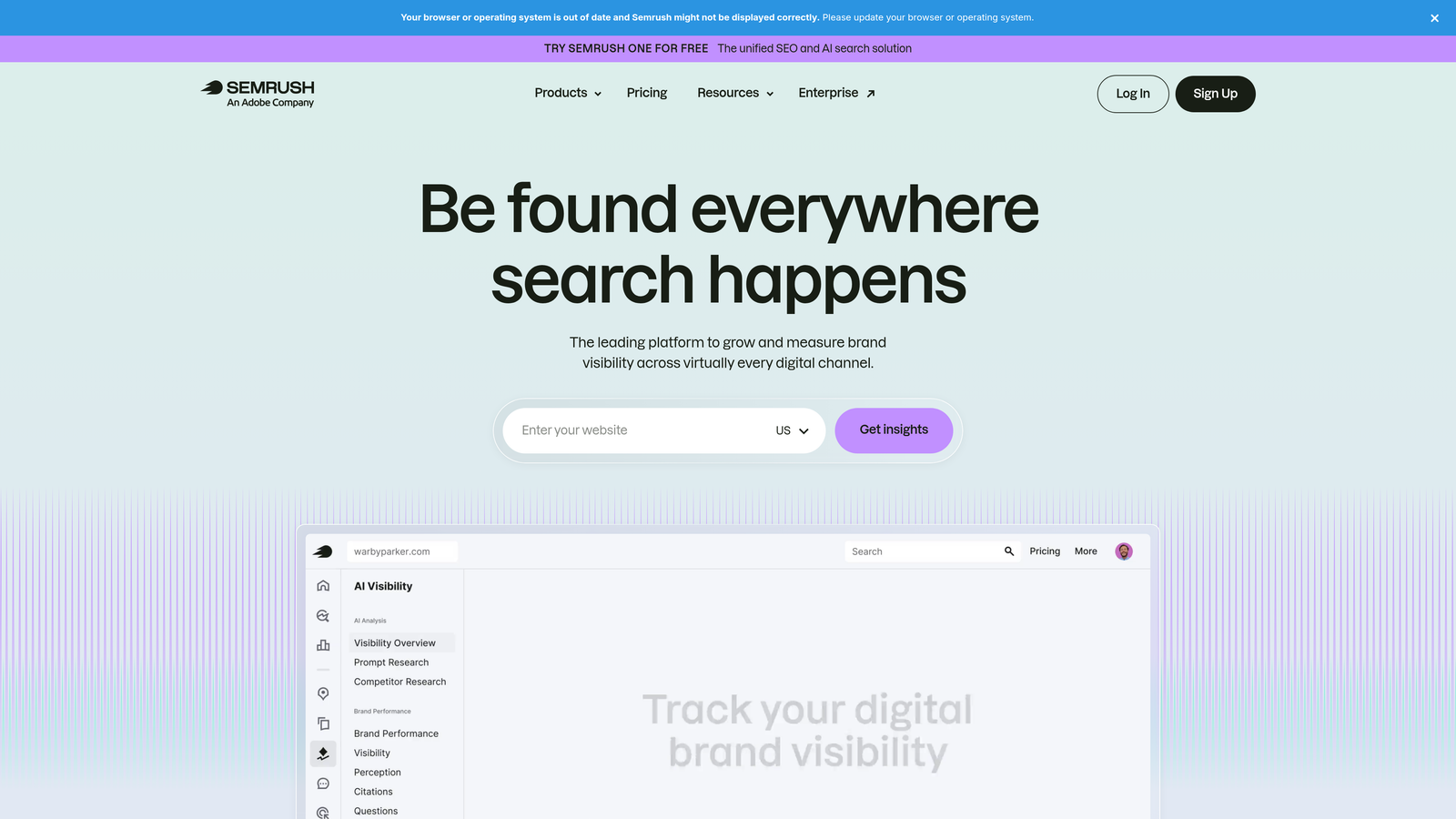
SEMrush's PPC Keyword Tool helps build and clean keyword lists, including grouping negatives and identifying irrelevant terms based on search intent.
Where This Tool Shines
If your team is already paying for SEMrush, the PPC Keyword Tool is worth exploring as part of your negative keyword workflow. The cross-group negative management feature is particularly useful, helping you avoid situations where the same term is targeted in one ad group and excluded in another, which is a surprisingly common issue in larger accounts.
The competitive keyword data also adds a useful layer. Seeing which terms competitors are targeting can help you decide whether certain queries are worth pursuing or worth excluding based on intent mismatch.
Key Features
Negative Keyword Grouping: Organize negatives at the campaign and ad group level with cross-group conflict visibility.
Intent-Based Keyword Filtering: Surface terms that don't align with your campaign intent for review and exclusion.
Competitive Keyword Data: Use competitor activity to inform exclusion strategy.
SEMrush Suite Integration: Connects with SEO, content, and site audit tools for a unified workflow.
Best For
Teams already invested in the SEMrush ecosystem who want to use their existing subscription to improve PPC keyword hygiene without adding another tool to their stack.
Pricing
Part of SEMrush subscriptions. PPC tools are available on Pro and higher plans. Check semrush.com for current pricing.
5. SpyFu
Best for: Advertisers who want competitor intelligence to inform their keyword exclusion strategy.
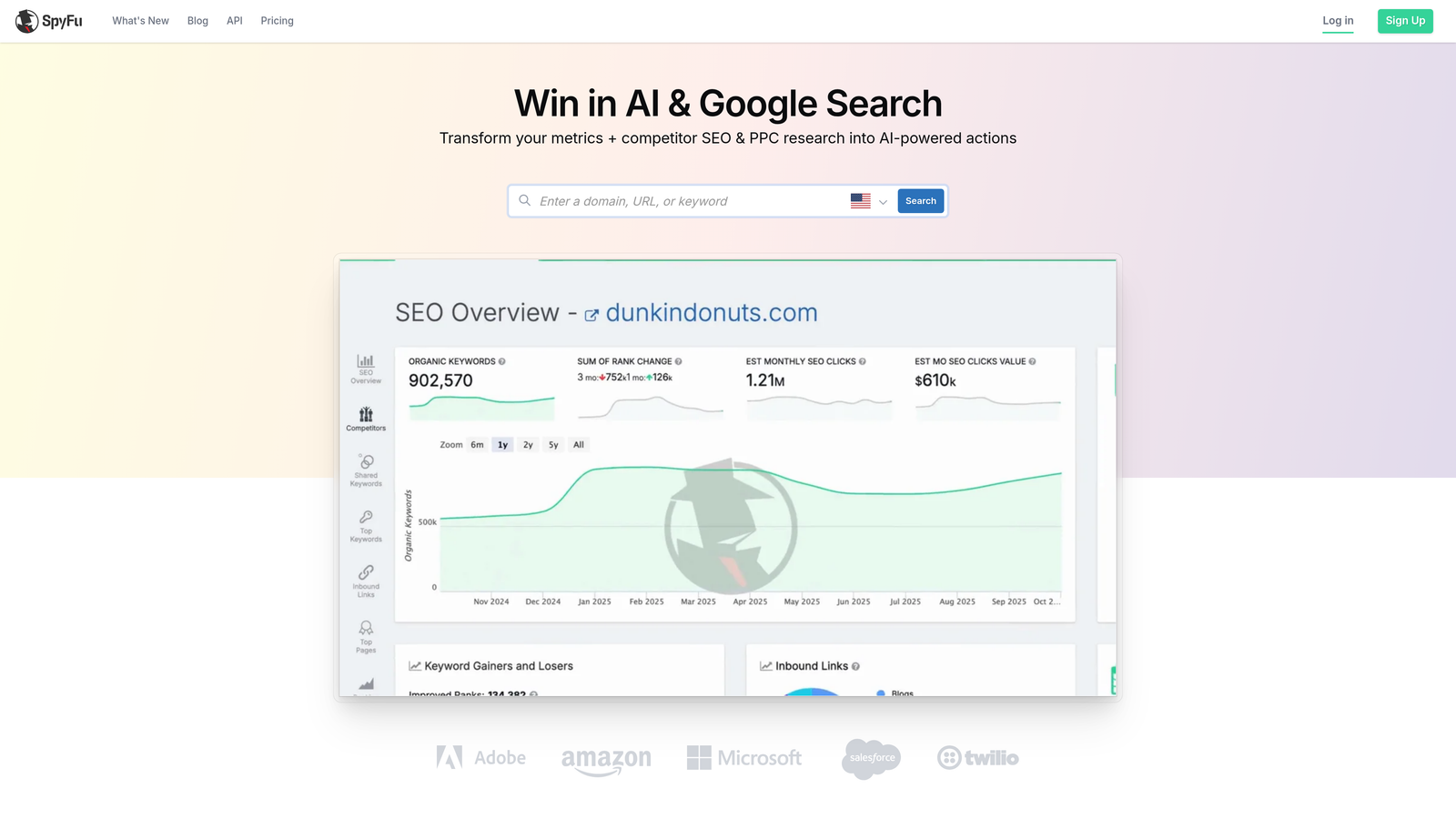
SpyFu is a competitive intelligence platform that surfaces historical Google Ads data, including competitor keyword strategies, helping advertisers identify low-performing or irrelevant terms to exclude.
Where This Tool Shines
SpyFu takes a different angle than most tools on this list. Rather than analyzing your own search term data, it helps you learn from what competitors have historically tested and dropped. If a competitor ran a keyword for a while and then stopped, that's a signal worth paying attention to when deciding whether a term belongs in your exclusion list.
It's more of a research tool than a management tool, but for advertisers building out a new campaign or auditing an existing one, the competitive layer adds real value to the negative keyword planning process.
Key Features
Historical Google Ads Data: See which keywords competitors have run, paused, or dropped over time.
Keyword Performance Trends: Identify consistently underperforming terms across your industry.
Competitor Ad Copy and Keyword Overlap Analysis: Understand where your keyword strategy intersects with competitors.
Affordable Pricing: Generally more accessible than enterprise PPC platforms for smaller teams.
Best For
Advertisers who want to use competitive intelligence as an input to their negative keyword strategy, particularly during campaign setup or quarterly audits.
Pricing
Check spyfu.com for current plan pricing. SpyFu has historically been one of the more affordable options in the competitive intelligence space.
6. Adalysis
Best for: Performance-focused agencies who need automated negative keyword auditing and conflict detection.
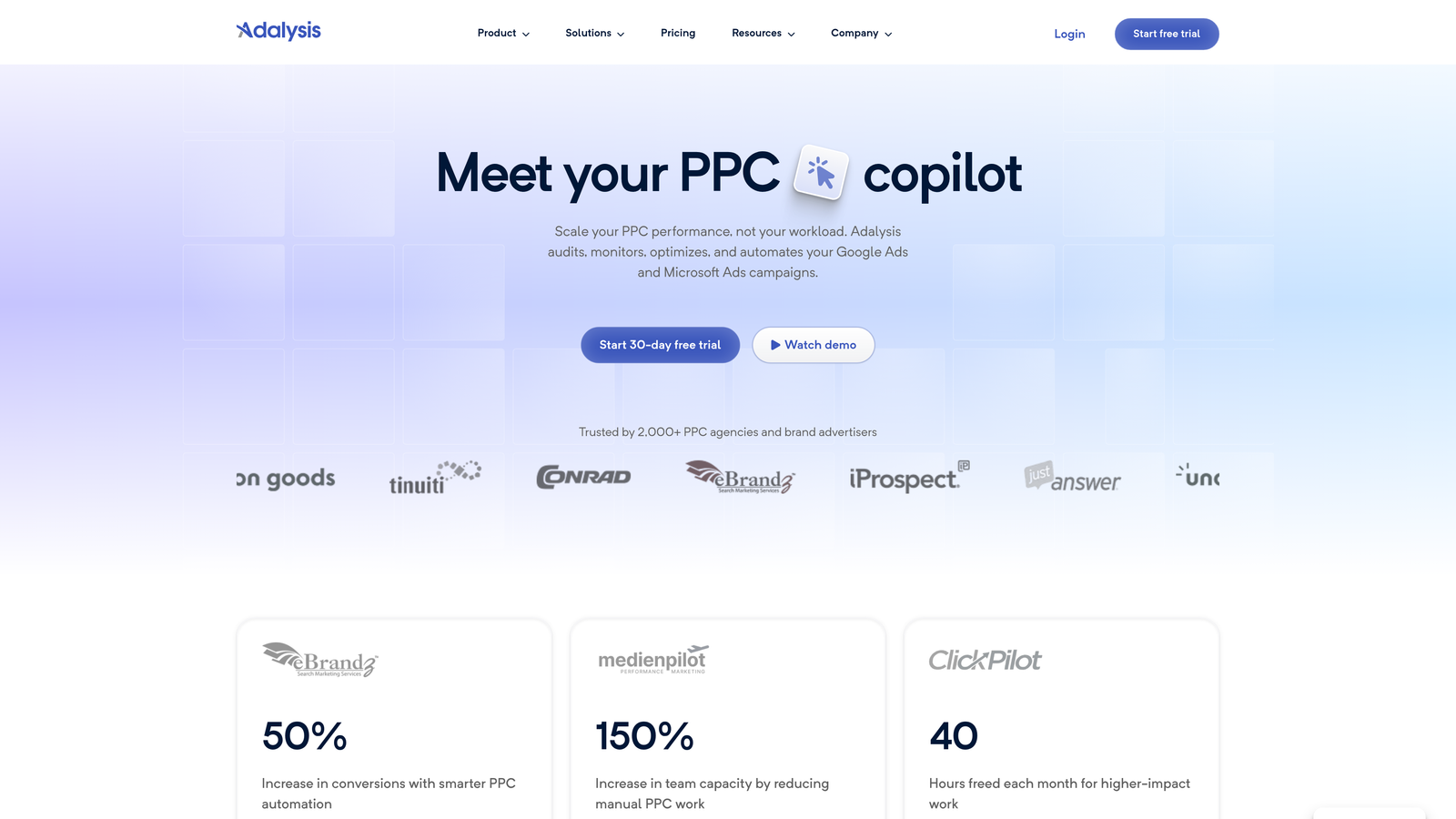
Adalysis is a PPC auditing and management platform that automatically surfaces negative keyword opportunities and flags conflicts where negatives accidentally block converting keywords.
Where This Tool Shines
The conflict detection feature is what sets Adalysis apart. In most accounts I audit, there's at least one case where a negative keyword is accidentally blocking a high-performing search term. It's easy to do when you're managing large negative keyword lists across multiple campaigns, and it can silently kill performance without an obvious alert. Adalysis catches these conflicts automatically.
Beyond conflict detection, the search term pattern analysis helps you see which categories of irrelevant traffic are hitting your campaigns most frequently, which makes building out comprehensive negative keyword lists much faster.
Key Features
Automated Negative Keyword Recommendations: Surfaces exclusion candidates based on search term analysis without manual review.
Negative Keyword Conflict Detection: Flags cases where a negative is accidentally blocking a converting keyword.
Search Term Pattern Analysis: Identifies recurring categories of irrelevant traffic across campaigns.
Ad Testing and Performance Auditing: Broader PPC auditing tools available alongside keyword management features.
Best For
Agencies and in-house teams managing complex account structures where negative keyword conflicts are a real risk, and where automated auditing saves significant time.
Pricing
Tiered by monthly ad spend. Check adalysis.com for current rates.
7. Google Ads Editor
Best for: Advertisers who need bulk negative keyword management at no cost.
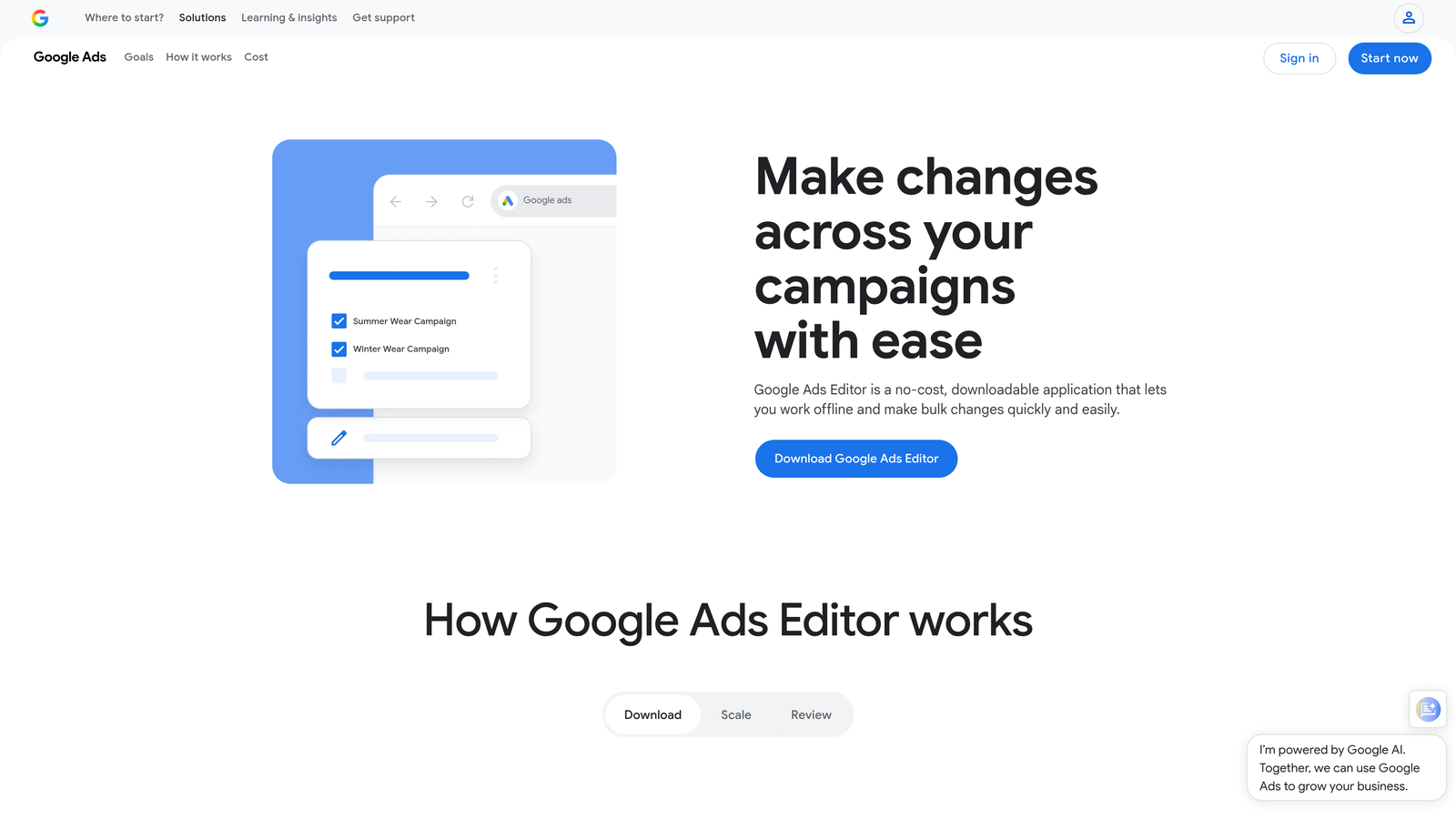
Google Ads Editor is Google's free official desktop application for bulk Google Ads management, including uploading and organizing negative keyword lists across campaigns and ad groups.
Where This Tool Shines
For what it costs, which is nothing, Google Ads Editor is genuinely powerful. If you have a well-organized negative keyword list and you need to apply it across dozens of campaigns or ad groups, the bulk upload and management capabilities here are hard to beat. It works offline, so you can prep your changes on a flight and sync when you land.
The limitation is that it doesn't help you identify what to exclude. You still need to do that analysis yourself, either manually or with another tool. Google Ads Editor is purely an execution tool, not a discovery tool.
Key Features
Bulk Negative Keyword Upload and Management: Apply negative keyword lists across campaigns and ad groups at scale.
Offline Editing with Sync: Make changes without an internet connection and sync when ready.
Shared Negative Keyword Lists: Manage and apply shared lists across multiple campaigns.
Completely Free: No subscription, no usage limits, no additional cost beyond your ad spend.
Best For
Advertisers who are comfortable with manual search term analysis and need a reliable, free tool for bulk applying and organizing negative keyword lists. Works well as a complement to research-focused tools.
Pricing
Free. No subscription required.
8. PPC Samurai
Best for: Agencies managing high-volume accounts who need automated search term grouping and bulk negative keyword generation.
PPC Samurai is an agency-focused PPC automation platform that uses automation to analyze search terms, group them by intent, and generate negative keyword list candidates at scale.
Where This Tool Shines
PPC Samurai is built for volume. The search term grouping by intent is particularly useful when you're managing accounts with thousands of search term impressions per week. Instead of reviewing every term individually, the platform clusters them so you can make decisions at the group level, which is much faster for high-volume workflows.
The bulk negative keyword list generation from search term analysis is the core time-saver here. What might take a few hours manually can be compressed into a review-and-approve workflow.
Key Features
Automated Search Term Grouping by Intent: Cluster search terms automatically to speed up review and decision-making.
Bulk Negative Keyword List Generation: Generate negative keyword candidates from search term analysis at scale.
Multi-Account Management: Designed for agencies handling many client accounts simultaneously.
Search Term Sculpting Tools: Systematic campaign optimization workflows built around intent-based segmentation.
Best For
Agencies managing many accounts with high search term volume who need to systematize and accelerate the negative keyword review process beyond what manual workflows allow.
Pricing
Agency-tier pricing. Check ppcsamurai.com for current rates.
9. NegativeKeyword.io
Best for: Freelancers and small advertisers who want a quick, no-frills way to generate a starting negative keyword list.
NegativeKeyword.io is a lightweight, purpose-built tool for generating negative keyword lists from seed terms, simple, focused, and no-frills.
Where This Tool Shines
Sometimes you don't need a platform. You need to quickly generate a negative keyword list for a new campaign before you have real search term data to work from. That's exactly what NegativeKeyword.io does. Enter your seed terms, get a list of potential negatives to review, export, and upload. Done.
It's not trying to be Optmyzr. The focused, single-purpose design is actually a feature for advertisers who are overwhelmed by bloated platforms and just need to get something done fast.
Key Features
Negative Keyword List Generation from Seed Terms: Enter a topic or keyword and get a list of potential negatives to review.
Simple, Focused Interface: No unnecessary features or learning curve.
Export for Google Ads Upload: Lists are formatted for direct upload into Google Ads.
Low Barrier to Entry: Accessible for advertisers who don't need or want a full PPC platform.
Best For
Freelancers, small business owners, or anyone launching a new campaign who wants a fast starting point for their negative keyword list without committing to a paid platform.
Pricing
Check negativekeyword.io for current pricing options.
Which Negative Keyword Tool Is Right for You
The best negative keyword tool is the one that fits how you already work, not the one with the longest feature list. Here's a quick breakdown to help you choose.
If you want the fastest in-interface workflow: Keywordme is the clear pick. It lives inside Google Ads, requires no context-switching, and turns what used to take an hour into a few minutes of clicking. At $12/month with a 7-day free trial, it's also the easiest to justify testing.
If you run both SEO and PPC and want unified data: Search Atlas or SEMrush are worth exploring, especially if you're already paying for one of them. The negative keyword features aren't the headline act, but they're solid additions to a broader workflow.
If you're an agency that needs automation and scale: Optmyzr, Adalysis, or PPC Samurai are all strong options depending on whether your priority is rule-based automation, conflict detection, or volume-based search term grouping.
If you want competitor intelligence as a research layer: SpyFu adds a useful angle that most tools don't cover, particularly during campaign planning and quarterly audits.
If you need bulk management for free: Google Ads Editor gets the job done with zero cost, as long as you're comfortable doing your own analysis first.
If you just need a quick list to get started: NegativeKeyword.io is the simplest path from zero to a usable negative keyword list.
For most freelancers and agency teams, the combination of a fast in-interface tool for daily optimization and a broader research platform for strategic planning covers everything you need. If you haven't tried working directly inside the Search Terms Report without exporting anything, it's worth experiencing before you decide.
Start your free 7-day trial of Keywordme and see how much faster your search term review gets when the tool lives right where you're already working.
.svg)